Studio Ghibli Filter
Studio Ghibli Filter: Source identity
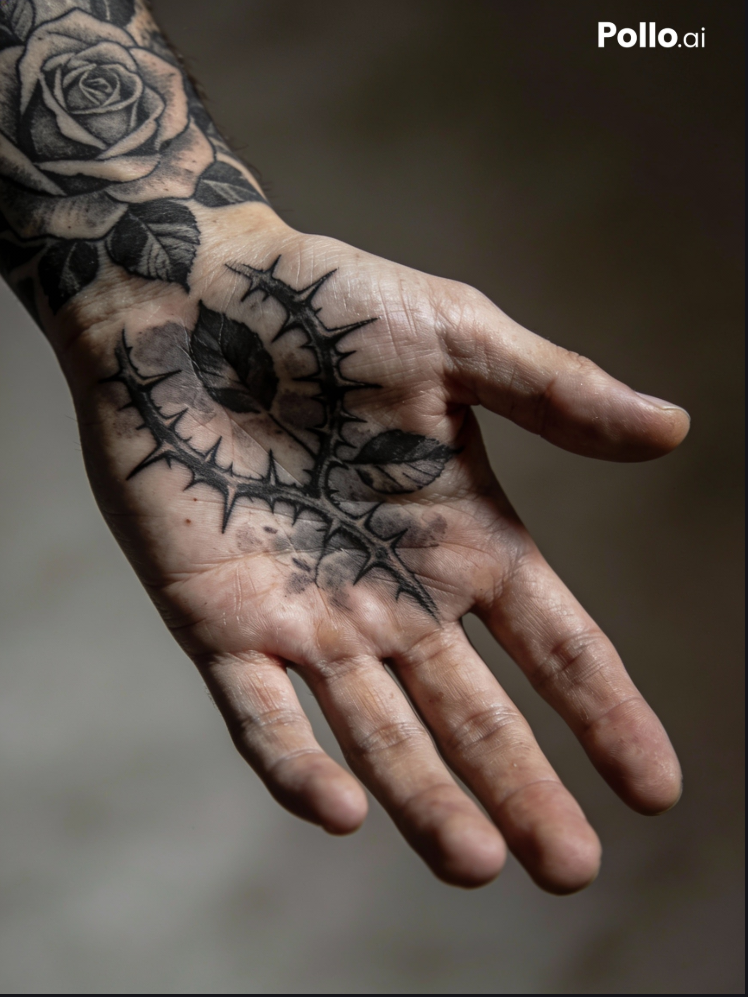
Keep people, objects, and scene structure tied to the uploaded image.
What Can You Do with Studio Ghibli Filter?
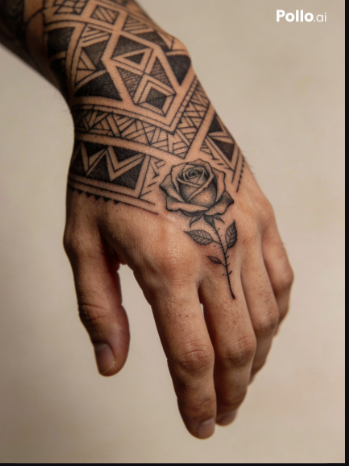
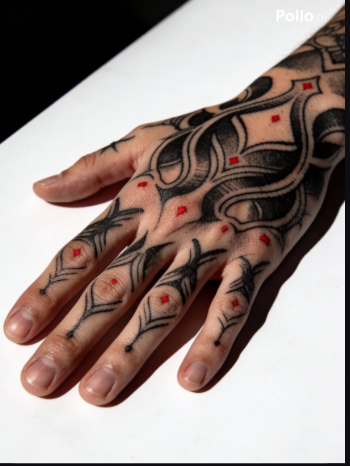
Atmosphere direction
Describe palette, lighting, and environmental mood instead of relying on a label alone.
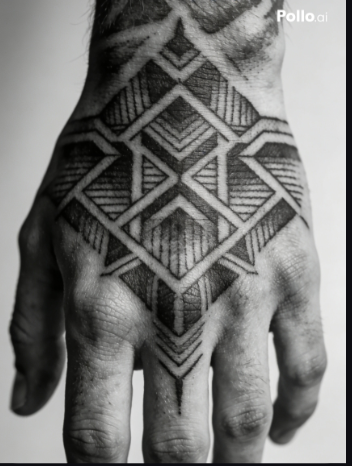
Style review
Inspect line quality and surface treatment at image scale before using the result.
A clear path through studio ghibli filter
Add the source image
Choose the image that should anchor the result before changing any direction.
Add precise direction
Describe what should change and what should remain stable.
Review the reserved result stage
The result stage remains ready for the matching Fal operation without simulating a generated output.
Ways to Use Studio Ghibli Filter
Portrait restyles
Develop a soft animation-inspired portrait while keeping the person recognizable.
Travel scenes
Reframe a travel image with atmospheric color, light, and environmental detail.
Environment concepts
Explore an animation-inspired treatment for a landscape or illustrated setting.
How Does Studio Ghibli Filter Compare?
| Feature / Model | Studio Ghibli Filter | Image Tools |
|---|---|---|
| Source identity | Keep people, objects, and scene structure tied to the uploaded image. | Choose the image that should anchor the result before changing any direction. |
| Atmosphere direction | Describe palette, lighting, and environmental mood instead of relying on a label alone. | Describe what should change and what should remain stable. |
| Style review | Inspect line quality and surface treatment at image scale before using the result. | The result stage remains ready for the matching Fal operation without simulating a generated output. |
FAQs about Studio Ghibli Filter
What is Nuzza's Studio Ghibli Filter?
Upload one image and describe the atmosphere, palette, line quality, and source details that should remain recognizable. Prepare an image for a hand-painted animation-inspired restyle while keeping the original subject readable in a focused preview workspace.
What is the best Studio Ghibli filter?
The best Studio Ghibli filter depends on the source, intended result, budget, and controls you need. Nuzza's Studio Ghibli Filter is a strong choice for users who want to guide the atmosphere without losing the source subject.
Is Nuzza's Studio Ghibli Filter free to use?
The page is free to browse. Running a task requires Credits, and the current cost is shown before you submit.
What can I use Nuzza's Studio Ghibli Filter for?
Develop a soft animation-inspired portrait while keeping the person recognizable. Reframe a travel image with atmospheric color, light, and environmental detail. Explore an animation-inspired treatment for a landscape or illustrated setting.
What inputs does Nuzza's Studio Ghibli Filter support?
Use one of the supported JPG, PNG, or WebP images up to 10 MB together with a clear instruction describing what should change and what should remain stable.
Do I need to sign in to use Nuzza's Studio Ghibli Filter?
You can browse and prepare the preview without signing in. A connected generation flow will require a Nuzza account for persistent uploads, task creation, status checks, and saved results.
What should I check in the image result?
Compare the result with the source or prompt at full size, checking faces, text, product geometry, repeated patterns, edges, and reconstructed details before publishing.
Does this preview call a provider?
No. This route fixes the landing-page and workspace structure first; it does not claim that a live provider result has been created.
Where will the finished result appear?
The large stage to the right of the operation panel is the fixed result area on desktop, and it stacks below the operation panel on narrow screens.