AI Background Changer
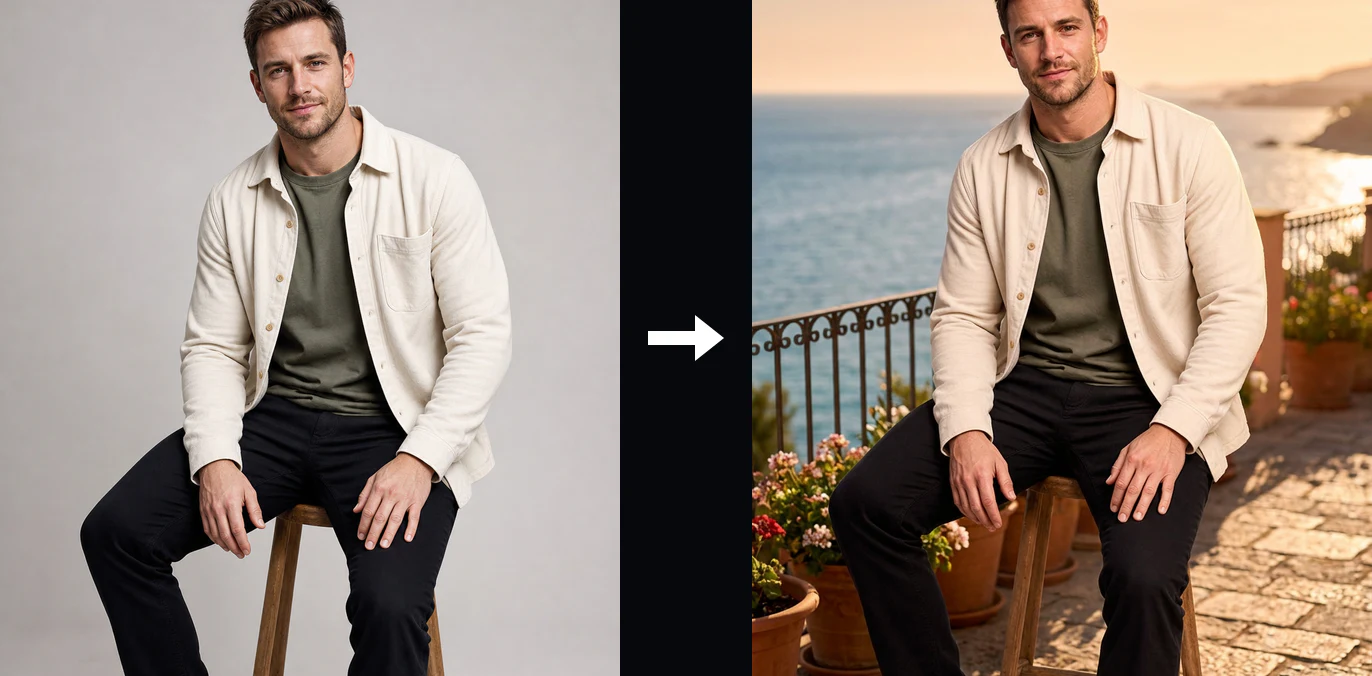
AI Background Changer: Place Products in Cleaner Scenes
A useful product can be surrounded by packing materials, household clutter, or a surface that does not fit the next layout.
What Can You Create with the AI Background Changer?
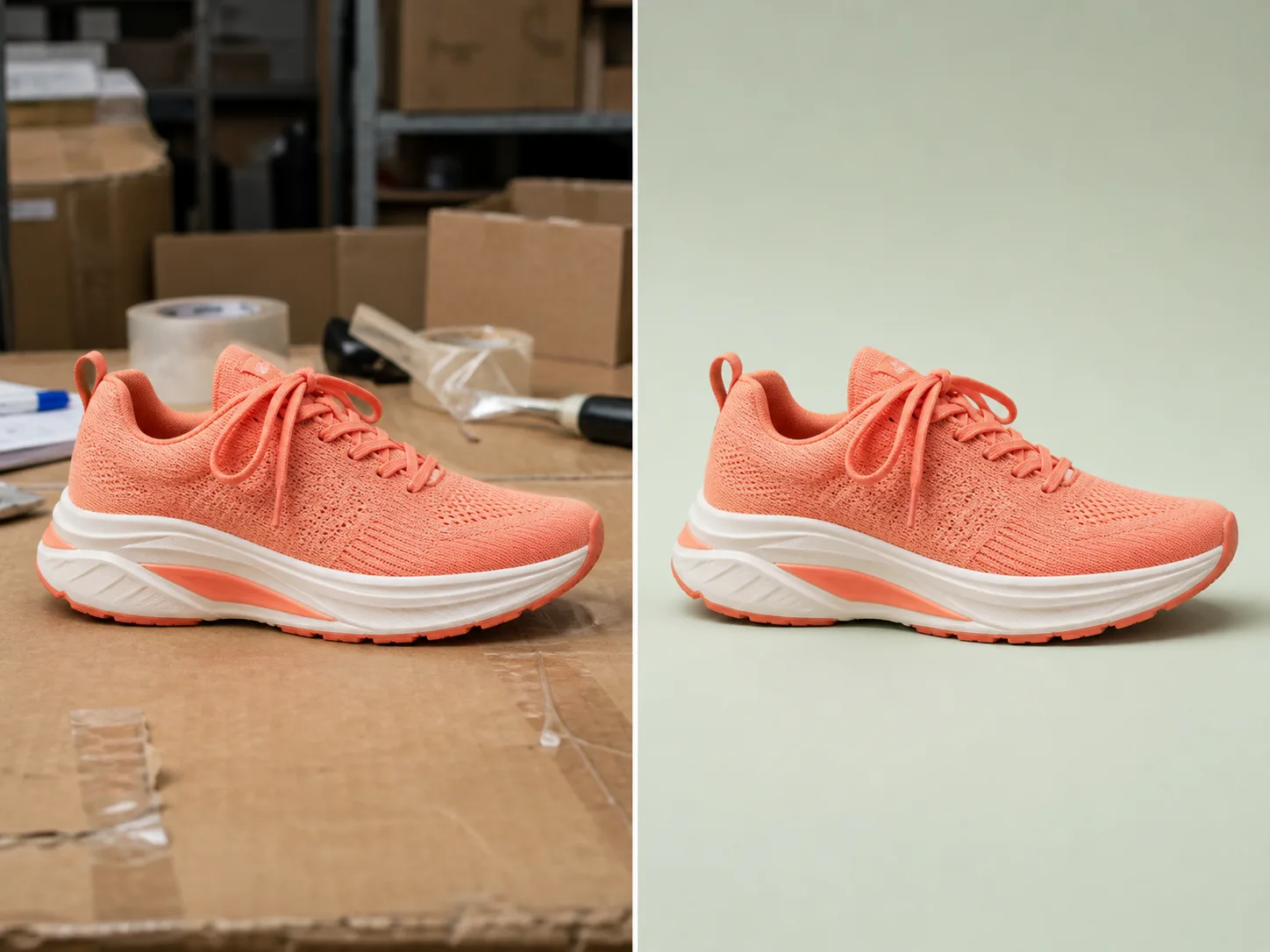
Place Products in Cleaner Scenes
A useful product can be surrounded by packing materials, household clutter, or a surface that does not fit the next layout. Upload the source and describe a restrained studio, lifestyle, or campaign setting around it. Compare the result with the original shoe, bag, bottle, or package to confirm that shape, color, hardware, labels, and proportions still represent the real item.
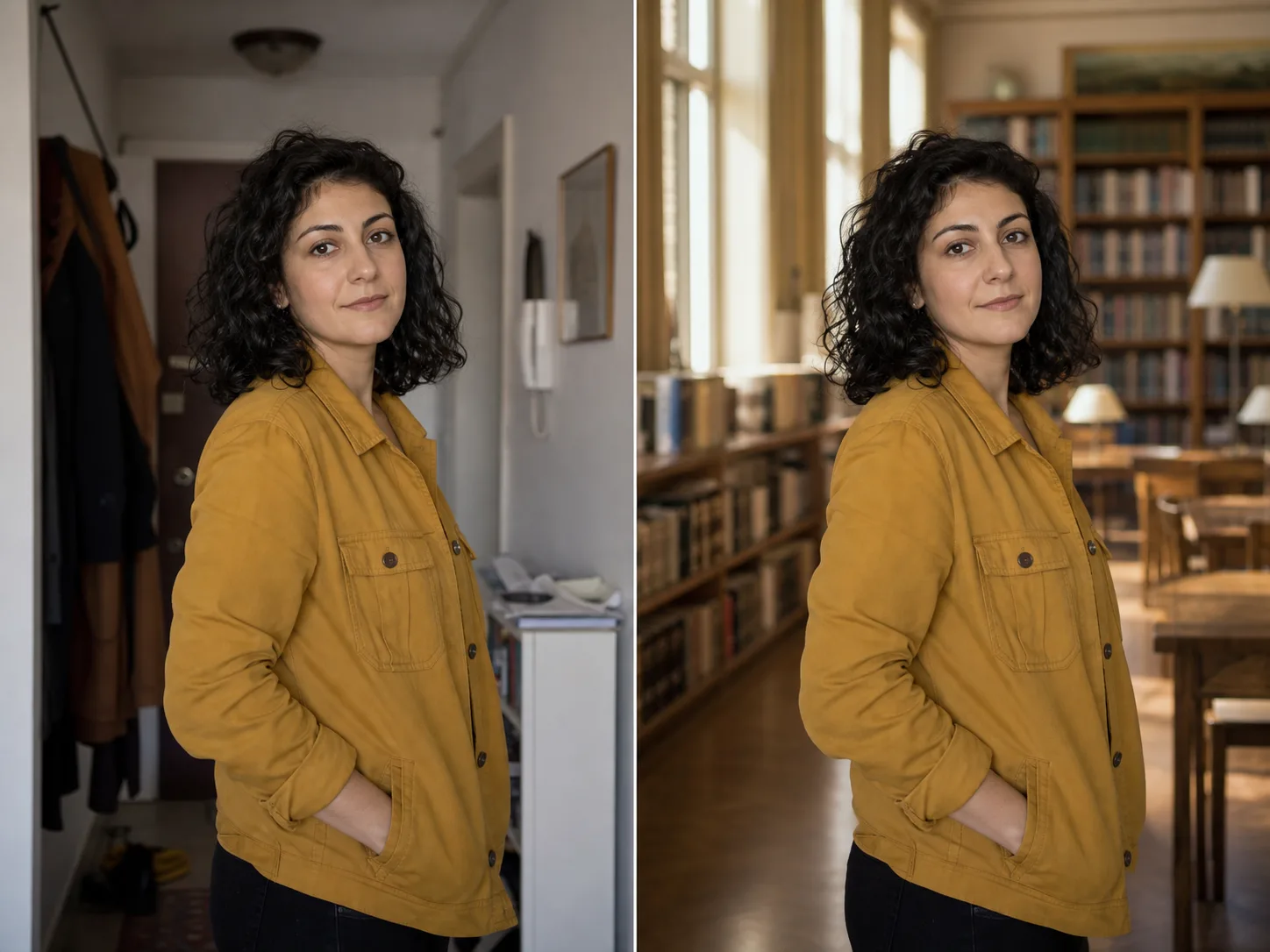
Move Portraits into New Environments
A portrait may have the right expression and pose but an unsuitable hallway, room, or event setting. Describe an office, library, studio, or outdoor environment while keeping the person as the visual anchor. Inspect the face, hair, hands, clothing, body shape, and light direction closely, because a plausible new background does not prove that every personal detail stayed unchanged.
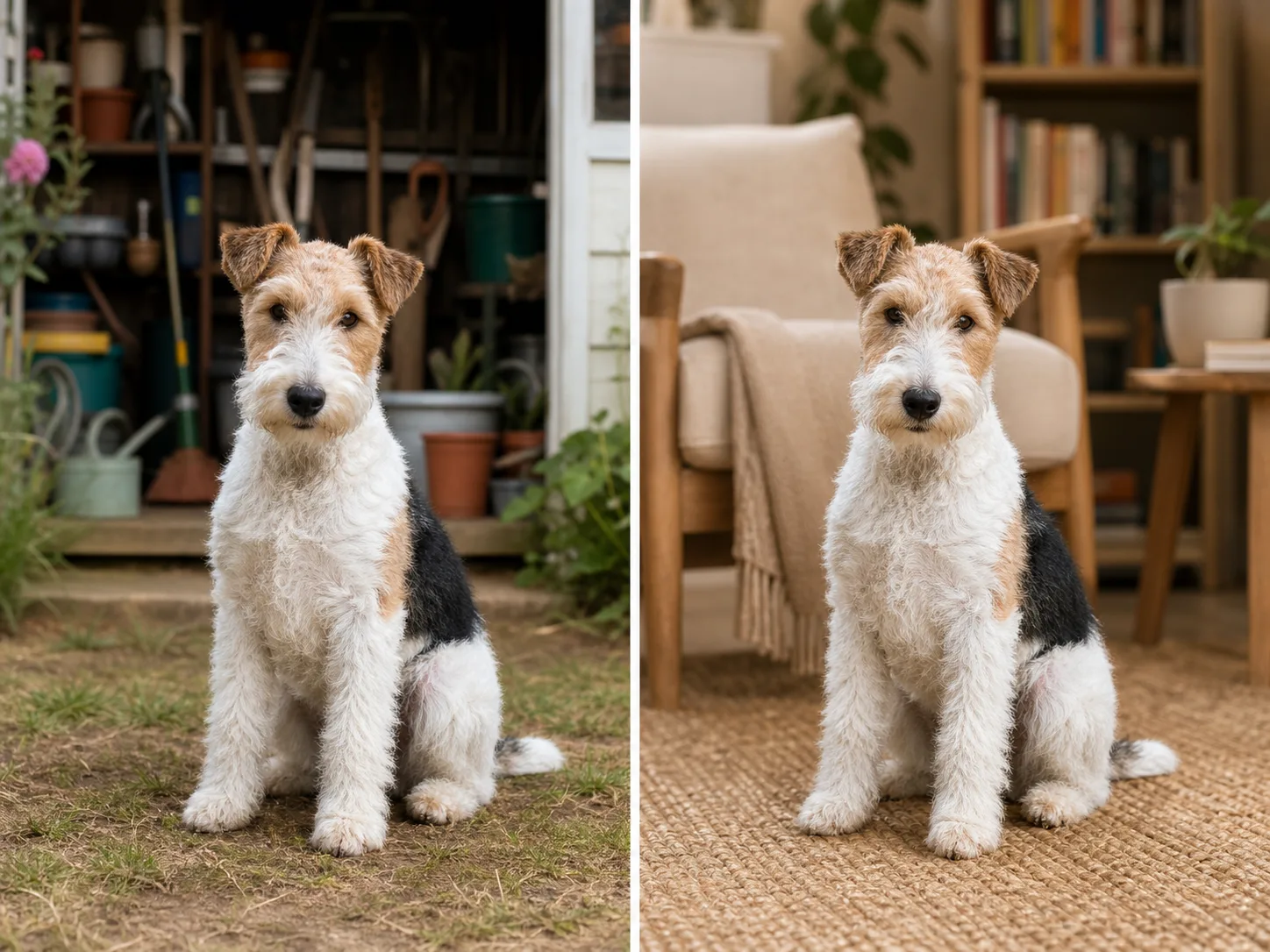
Build Settings Around Pets and Fine Fur
Replace a garden, shelter, floor, or household background when the pet should remain the focus of a card, profile, or social image. Fur, whiskers, ears, paws, and tails make useful preservation checks because their boundaries can blend into the old or new scene. Review those details at full size and confirm that floor contact and shadows make the animal feel grounded rather than pasted in.
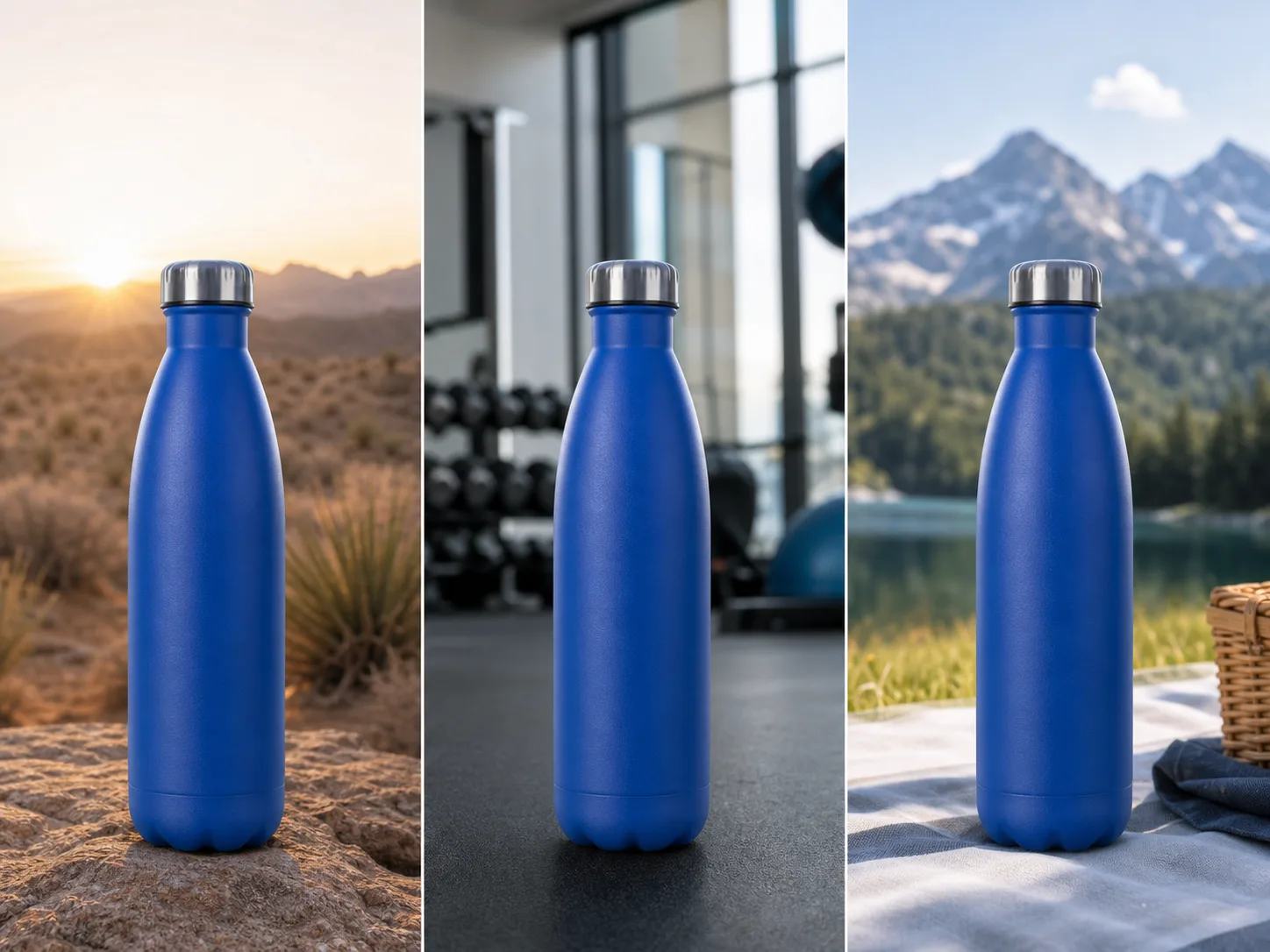
Explore Campaign Background Variations
Keep one approved foreground concept while testing several environments for a campaign, seasonal idea, or creative direction. A consistent bottle, package, prop, or subject makes the backgrounds easier to compare than unrelated mockups. Treat each image as a generated proposal and verify the foreground again before choosing a version for production.
How to Use the AI Background Changer
Choose a Clear Source
Upload one JPG, PNG, or WebP image up to 10 MB. Keep the complete subject in frame, use the best-focused source available, and prefer visible separation around important edges such as hair, straps, fur, glass, or product contours.
Describe the Replacement Background
Name one coherent setting and include useful direction such as location, surface, perspective, lighting, and mood. Nuzza Background allows the field to be empty, while Nano Banana 2 Edit and Nano Banana Pro Edit require at least three characters. Avoid conflicting scenes or instructions that redesign the foreground subject.
Submit, Compare, and Download
Sign in if the workspace asks you to, confirm the selected model's 50, 100, or 185-Credit quote, and start the queued task. Compare the finalized image with the source for subject continuity, edge detail, scale, perspective, light direction, contact shadows, and any text or branding before downloading it.
Where Can You Use AI Background Replacement?
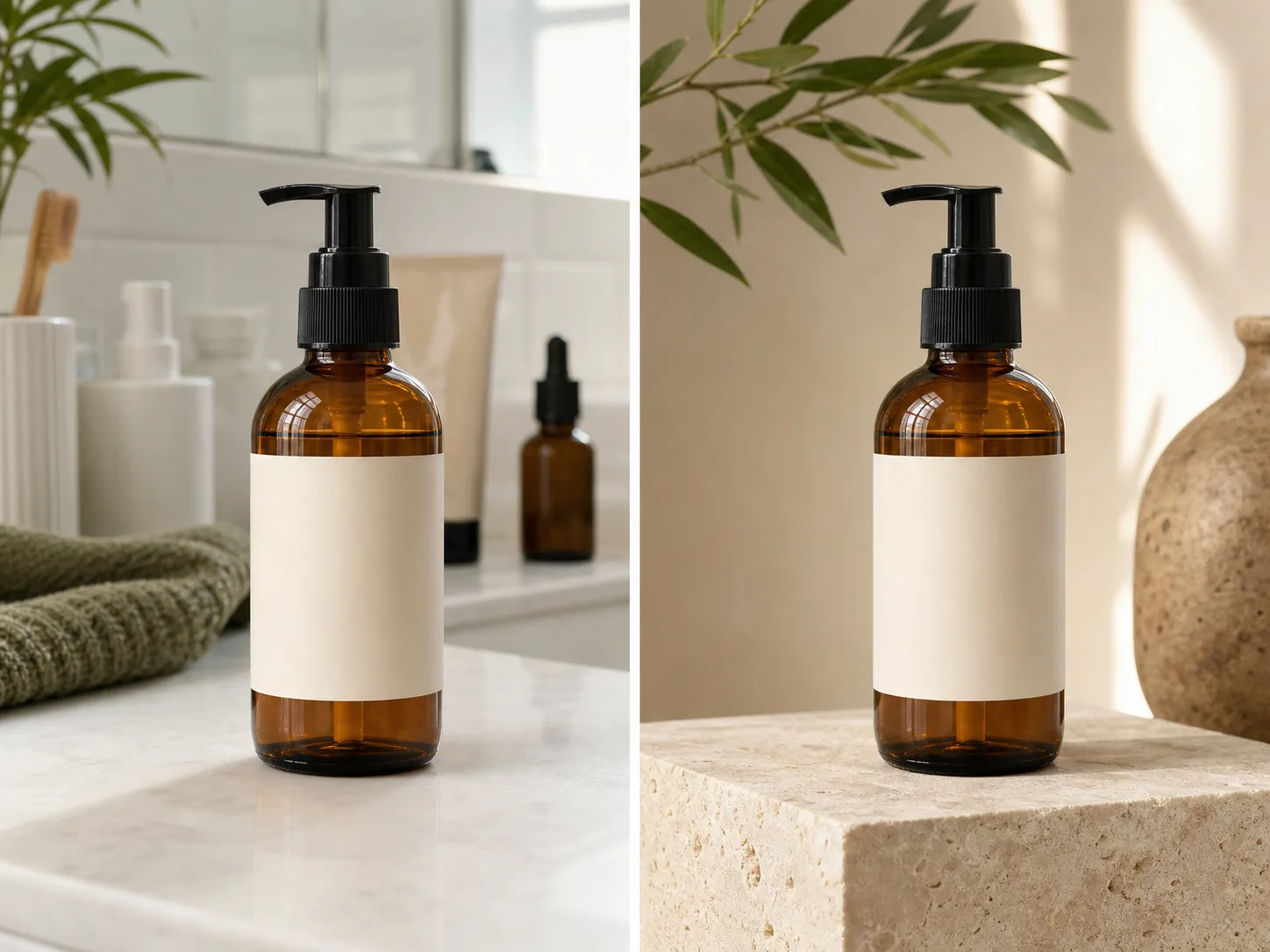
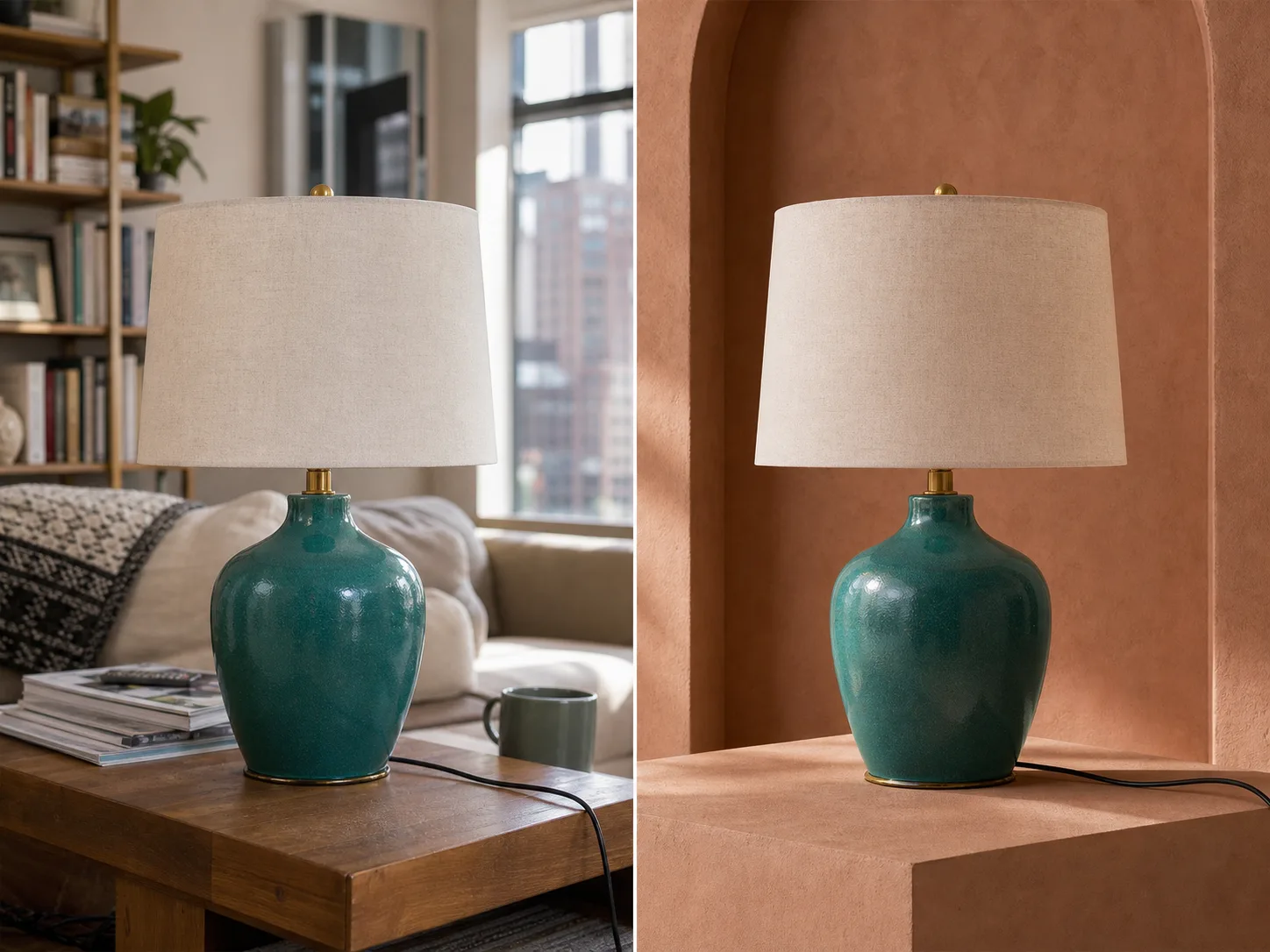
Test a product against a more useful catalog setting.
Replace a bathroom, workshop, shelf, or tabletop with a restrained product scene when an approved item needs a different presentation. Keep the source beside the result and check pump parts, packaging geometry, blank areas, glass reflections, color, and scale. The generated setting can support a layout decision, but it does not verify that the final image meets a marketplace or advertising policy.
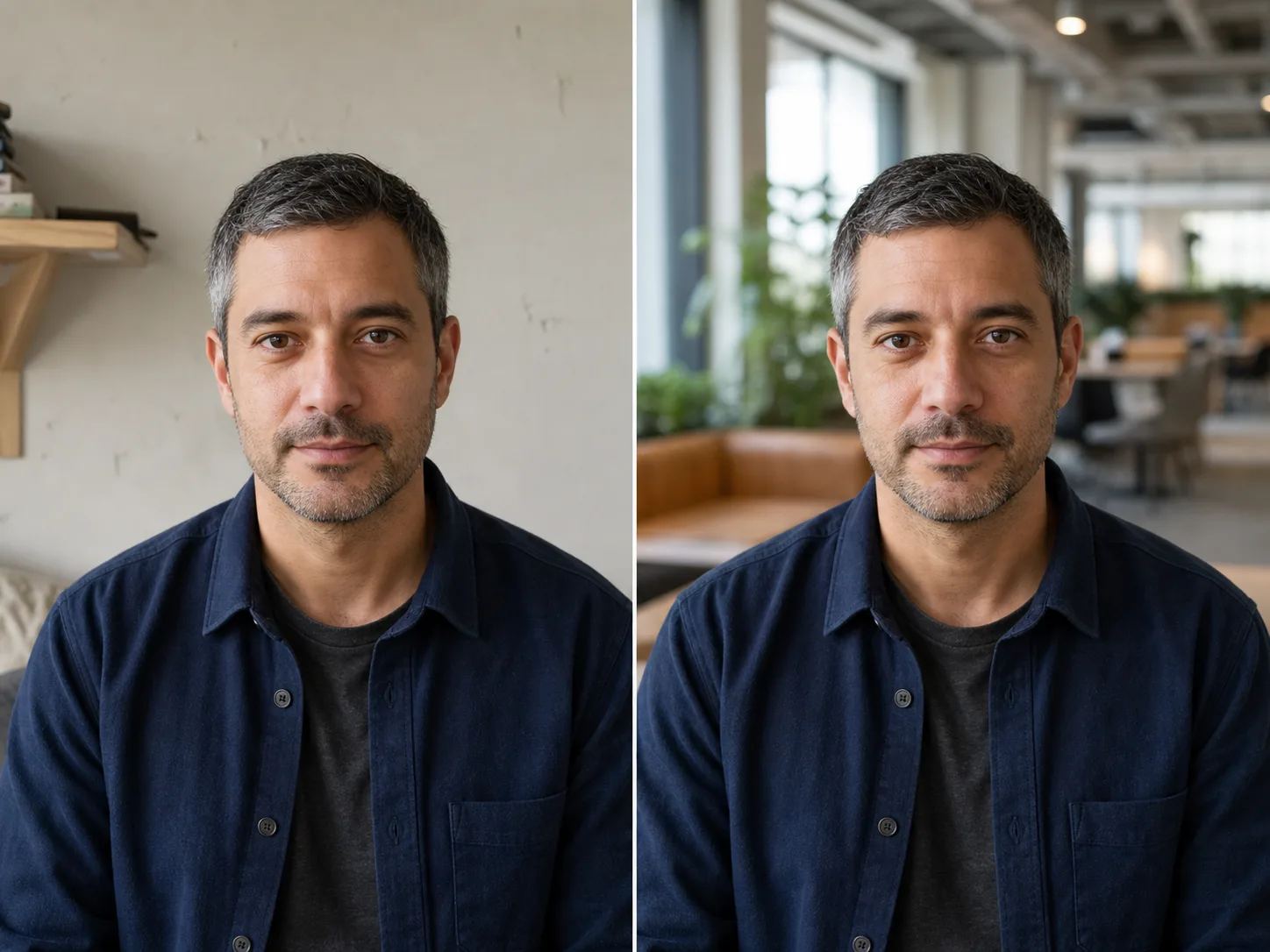
Replace a distracting room behind a professional portrait.
Move a fictional or authorized portrait from a home wall into a quieter office, studio, or editorial environment without planning a second shoot. Review facial identity, hair, skin texture, expression, clothing, and shoulders before using the image. A realistic coworking background can improve context, but it should not disguise changes to the person.
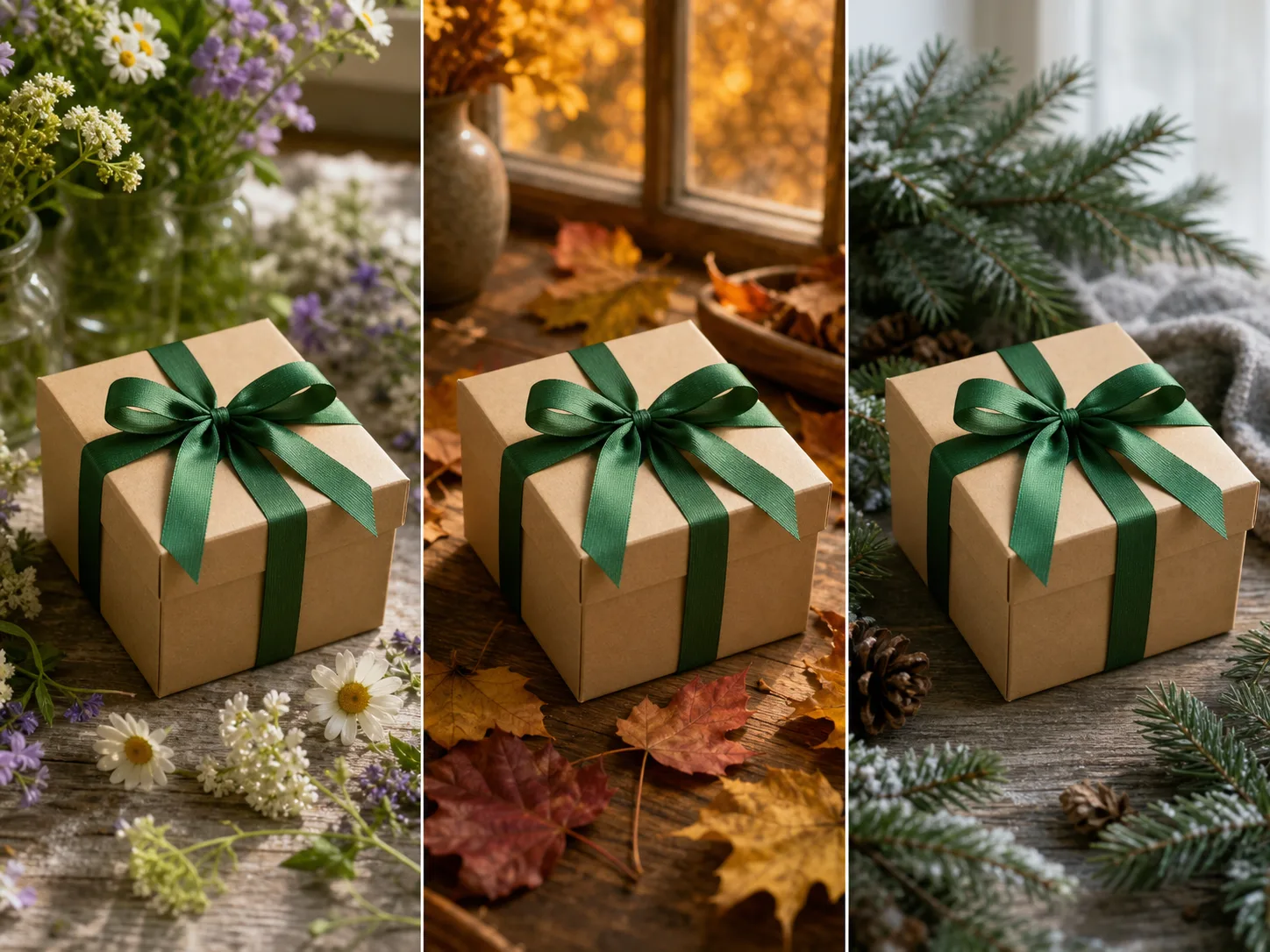
Compare seasonal settings around one approved foreground.
Place the same gift, prop, or campaign object into spring, autumn, or winter scenes to compare mood without starting from unrelated designs. Hold the object, angle, scale, and framing steady so the setting remains the variable. Verify colors, materials, ribbon or packaging details, and lighting before selecting a direction for later design work.
Nuzza vs. Top AI Background Changers
| Feature / Model | Nuzza | Photoroom AI Backgrounds | Pixelcut Background Changer | Fotor Background Changer |
|---|---|---|---|---|
| Background Options | 3 selectable AI editing models | Prompts, themes, colors, images, and model choice | Color, uploaded image, or AI-generated scene | Preset, color, uploaded image, or AI prompt |
| Cost | Free with included credits | Free plan or paid plan | Free plan or Pro | Free; Pro for more features |
| Best For | Comparing generated scenes across models | E-commerce backgrounds and batches | Quick product and social edits | Ready-made background variety |
FAQs about AI Background Changer
What is Nuzza's AI Background Changer?
An AI background changer uses an existing image as the source and generates a replacement environment around its main subject. It returns a complete edited image, so review the foreground and background together rather than assuming only background pixels changed.
What is the best AI background changer?
The best AI background changer depends on the input, intended result, budget, and controls you need. Nuzza's AI Background Changer is a strong choice when you want prompt-guided background generation around one uploaded subject.
Is Nuzza's AI Background Changer free to use?
The page is free to browse. Running a task requires Credits, and the current cost is shown before you submit.
What can I use Nuzza's AI Background Changer for?
Nuzza's AI Background Changer is useful for product catalogs, profile photos, and seasonal campaigns. Replace a bathroom, workshop, shelf, or tabletop with a restrained product scene when an approved item needs a different presentation. Keep the source beside the result and check pump parts, packaging geometry, blank areas, glass reflections, color, and scale. The generated setting can support a layout decision, but it does not verify that the final image meets a marketplace or advertising policy.
What inputs does Nuzza's AI Background Changer support?
You can upload one JPG, PNG, or WebP image up to 10 MB. The route processes one image per task and does not provide a batch uploader.
Do I need to sign in to use Nuzza's AI Background Changer?
You can choose a source and draft the prompt before signing in, but upload and submission require a Nuzza generation session.
What should I check in the image result?
Treat preservation as a goal, not a guarantee. Generated edits can change faces, hair, fur, hands, product geometry, labels, glass, reflections, colors, or fine edges. Compare the result with the source at full size before using it.
How is an AI background changer different from a background remover?
A background changer creates a new setting behind and around the subject. A background remover aims to isolate the subject on transparency so you can place it elsewhere. Use the changer for a finished scene and the remover for a reusable cutout.
Is the background change processed on my device?
No on-device processing is claimed. The signed-in workflow first stores the source at a stable Nuzza CDN URL, then sends the necessary media to the selected processing provider. Turning off Public Visibility keeps the result out of Explore and public Inspiration, but anyone with an exact input or output CDN URL can still open it. This page does not state a specific Provider-retention or training-use policy.