AI Video Templates
AI Video Templates for Viral Video Trends
Pick a trending AI video template and follow its photo requirements. The scene, action and timing are prepared for you, with no prompt to write.
All Templates
28 effects
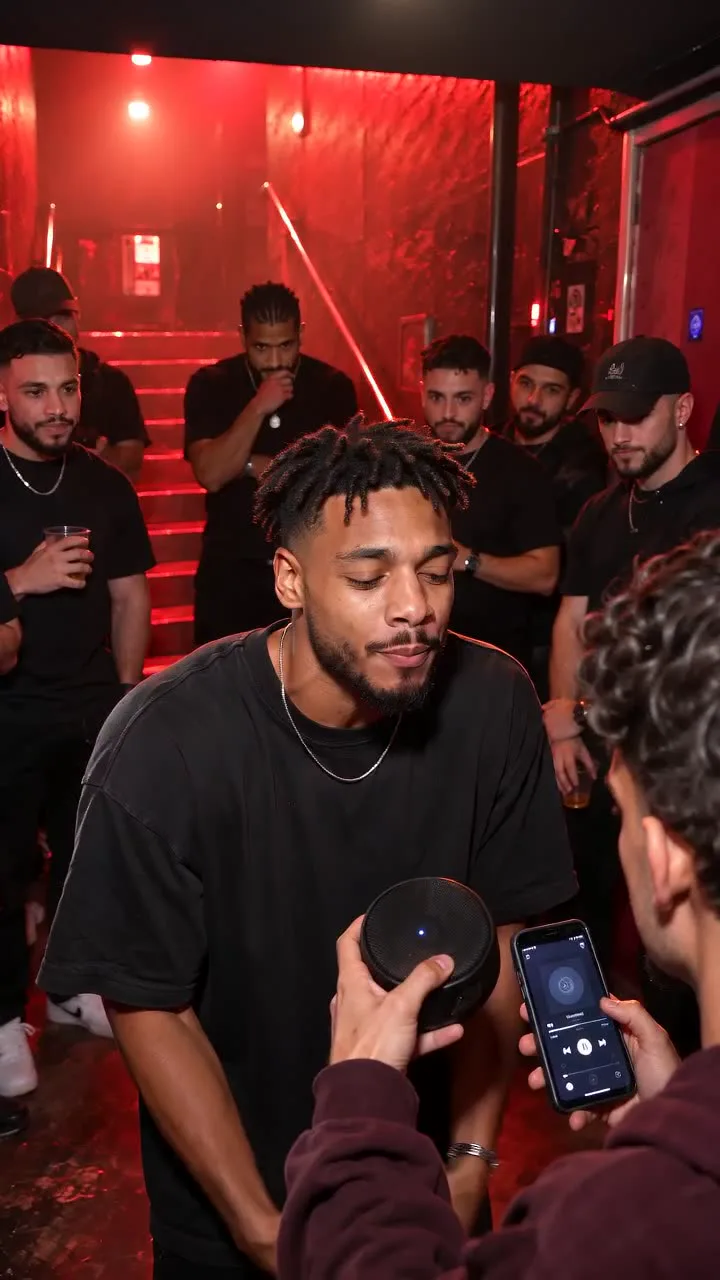
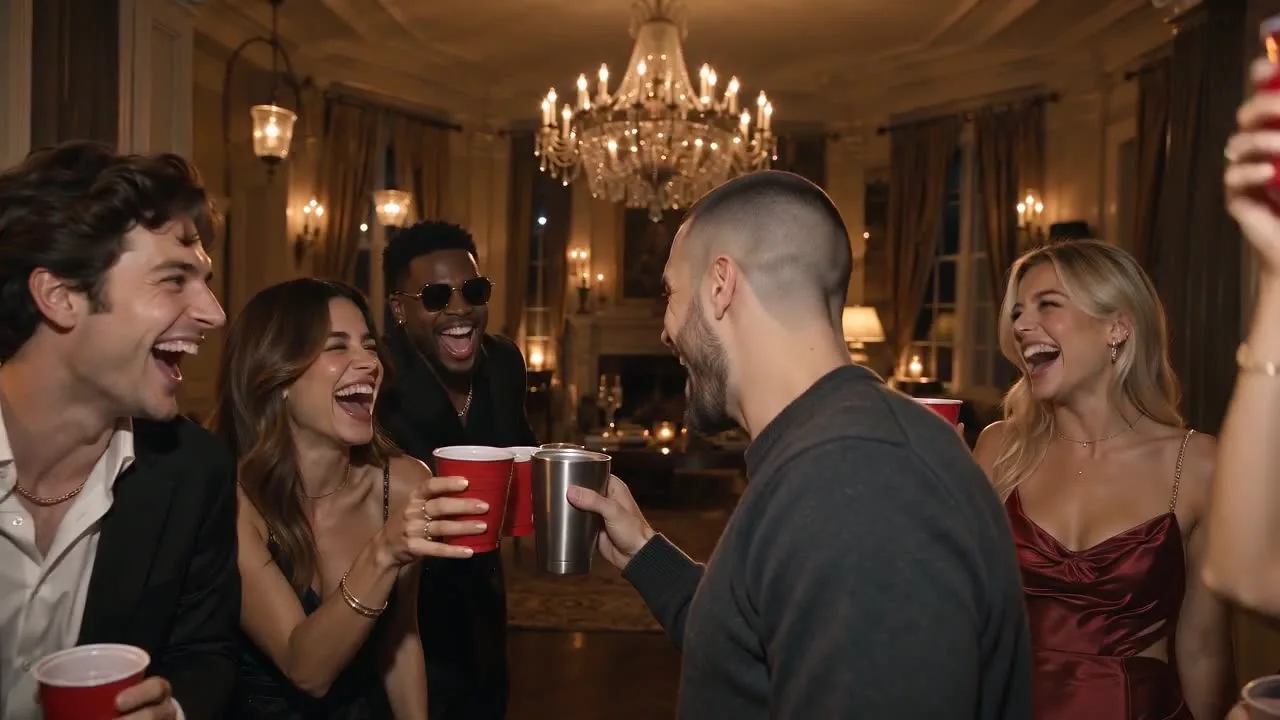
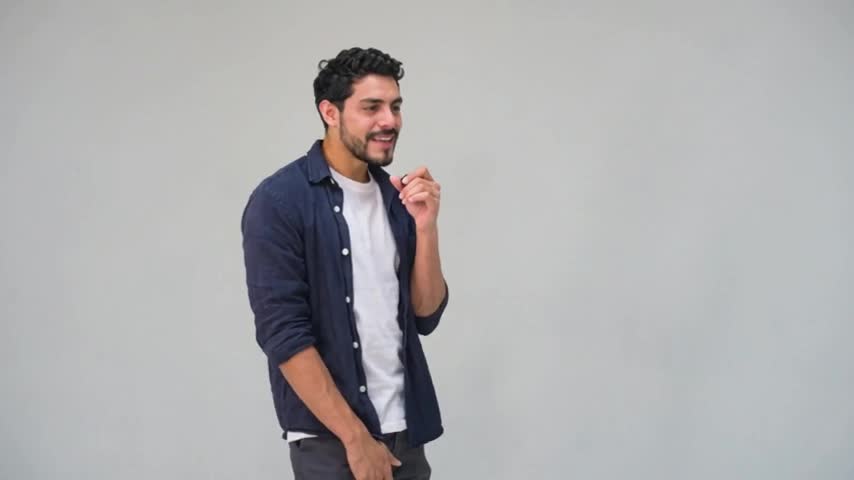
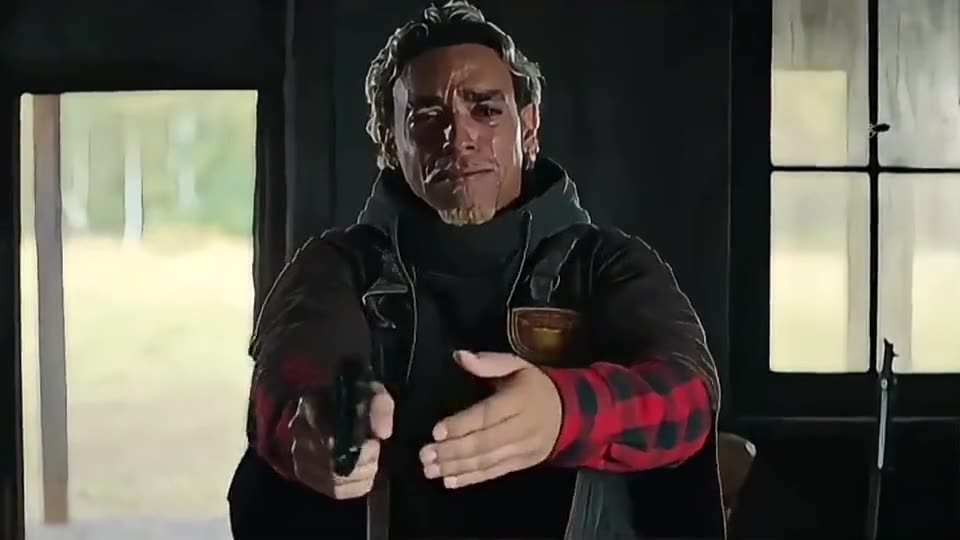
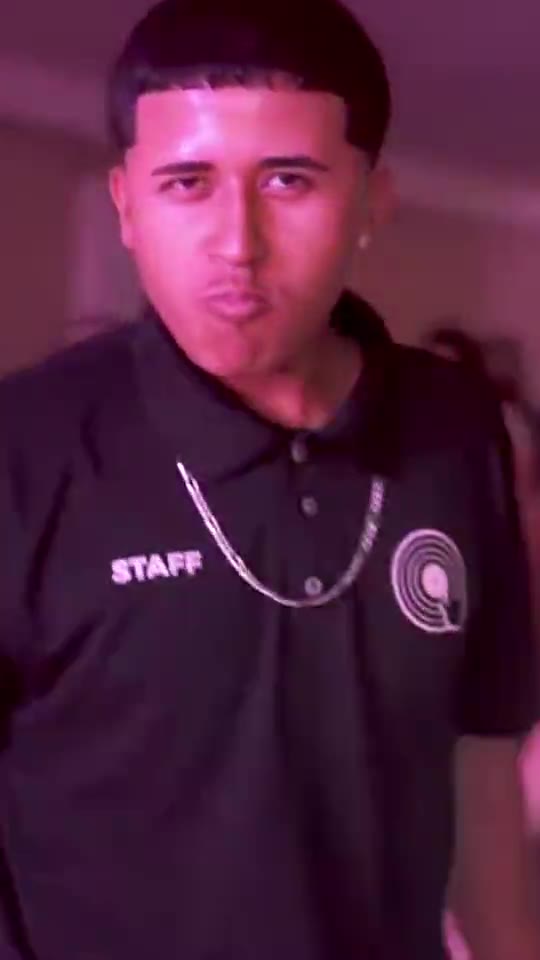
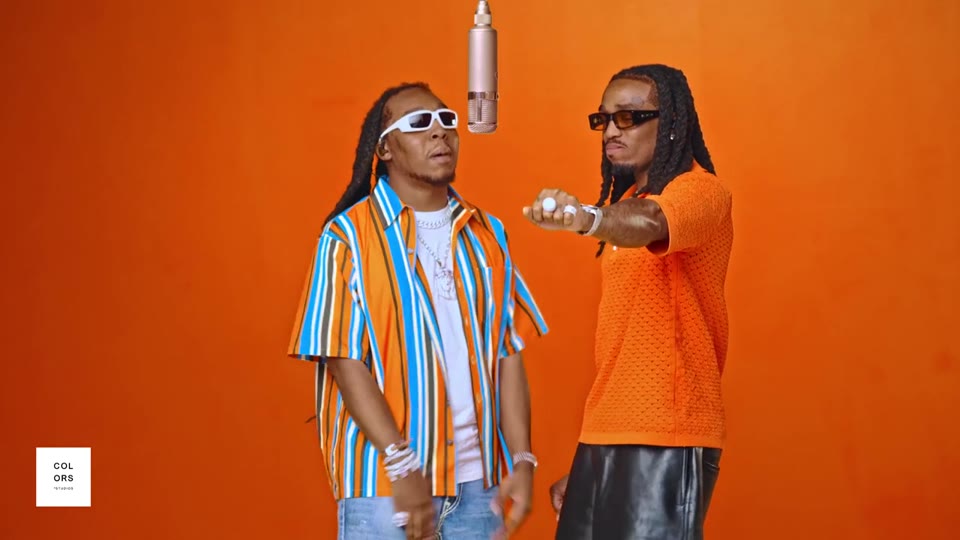
No effects match these filters. Try another platform or category.
How AI Video Templates Work
- 1
Pick a trend
Each template recreates one viral video, with its scene, moves and timing already set.
- 2
Upload your photos
Follow the template’s photo guide: a clear portrait for a person, or a whole-car photo for FlyingCar. Use photos you own or have permission to animate.
- 3
Generate and post
Check the Credit cost, generate the clip and download an MP4 ready for TikTok, Reels or Shorts.
Viral Trends, Ready the Day They Take Off
Each template follows one prepared scene, from dance and performance clips to the FlyingCar ramp stunt. Start from the example and use your photos to change the main subject.
Browse our generated examples and choose the video you want to make. AI can change faces, vehicle details and motion, so review the finished clip before you post.
Want to give your photo its own motion?
Open Photo to Video on Nuzza AI, upload a photo, describe the motion, and choose your model and settings.