
Happy Horse
Happy Horse is Nuzza's public entry for Alibaba's HappyHorse video family. Its connected generation paths cover text, one opening image, and multiple references, while a separate HappyHorse 1.0 operation supports instruction-led video editing; the page keeps those version boundaries explicit.
Why Creators Choose Happy Horse?

Generate Video and Sound as One Scene
HappyHorse generation is designed for audiovisual output rather than a silent picture-only pass. Describe dialogue, ambience, music, or Foley beside the visible action, then review speech, sound balance, timing, and lip movement across the full clip.
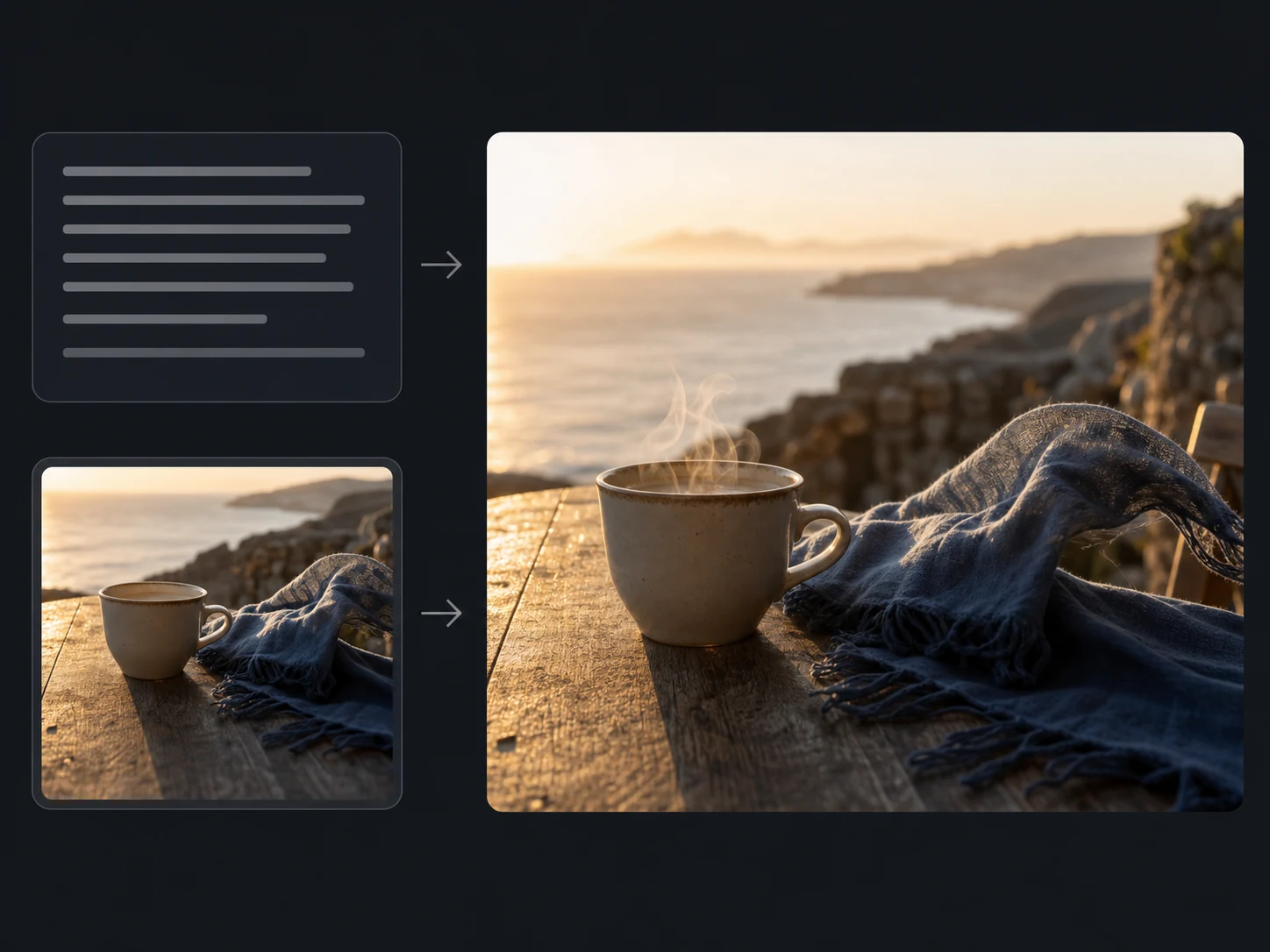
Create a Complete Scene from Text
Start from a prompt when the subject, environment, camera, action, and sound exist only as an idea. Keep the scene hierarchy readable so the model can coordinate motion and audio without averaging unrelated instructions together.
Animate One Approved Opening Image
Use one start frame when the character, product, setting, or first composition already matters. Describe the motion that should develop and the visible details that should remain recognizable, then compare the result with the source.
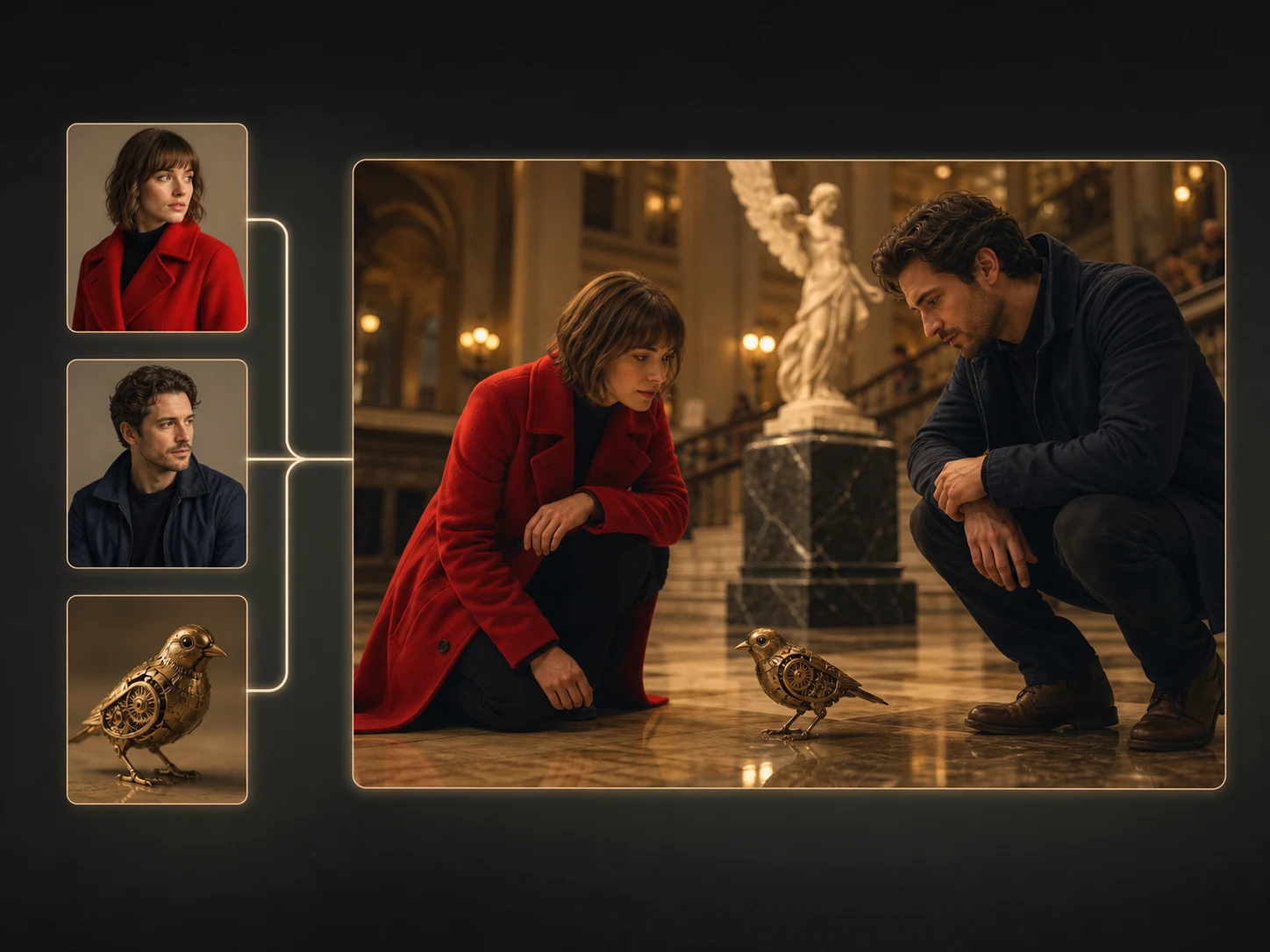
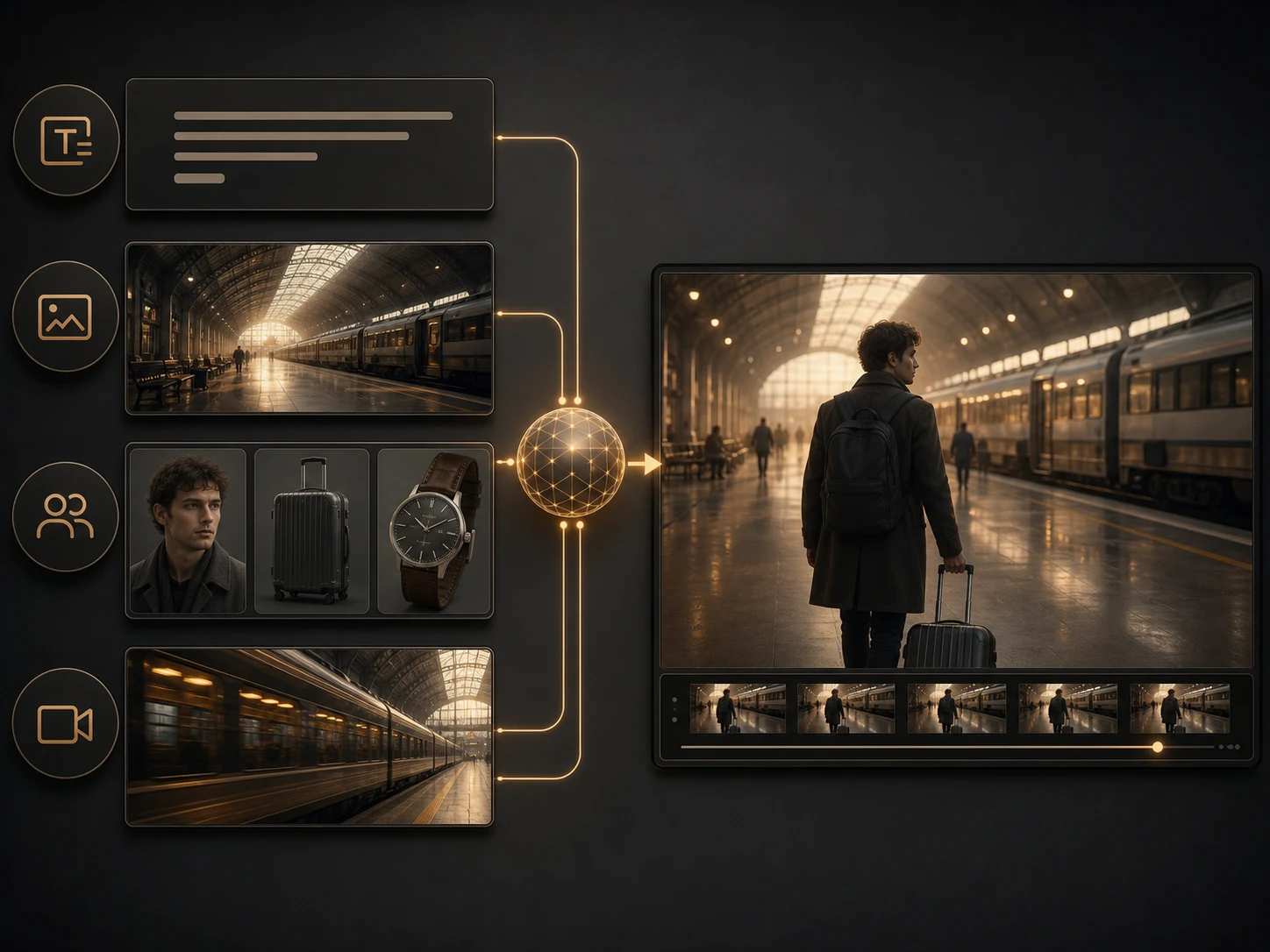
Direct New Video with Multiple References
Nuzza's reference-to-video workflow accepts multiple images for people, objects, wardrobe, products, or visual direction. Assign every input a distinct role and avoid asking one reference to control several conflicting properties at once.
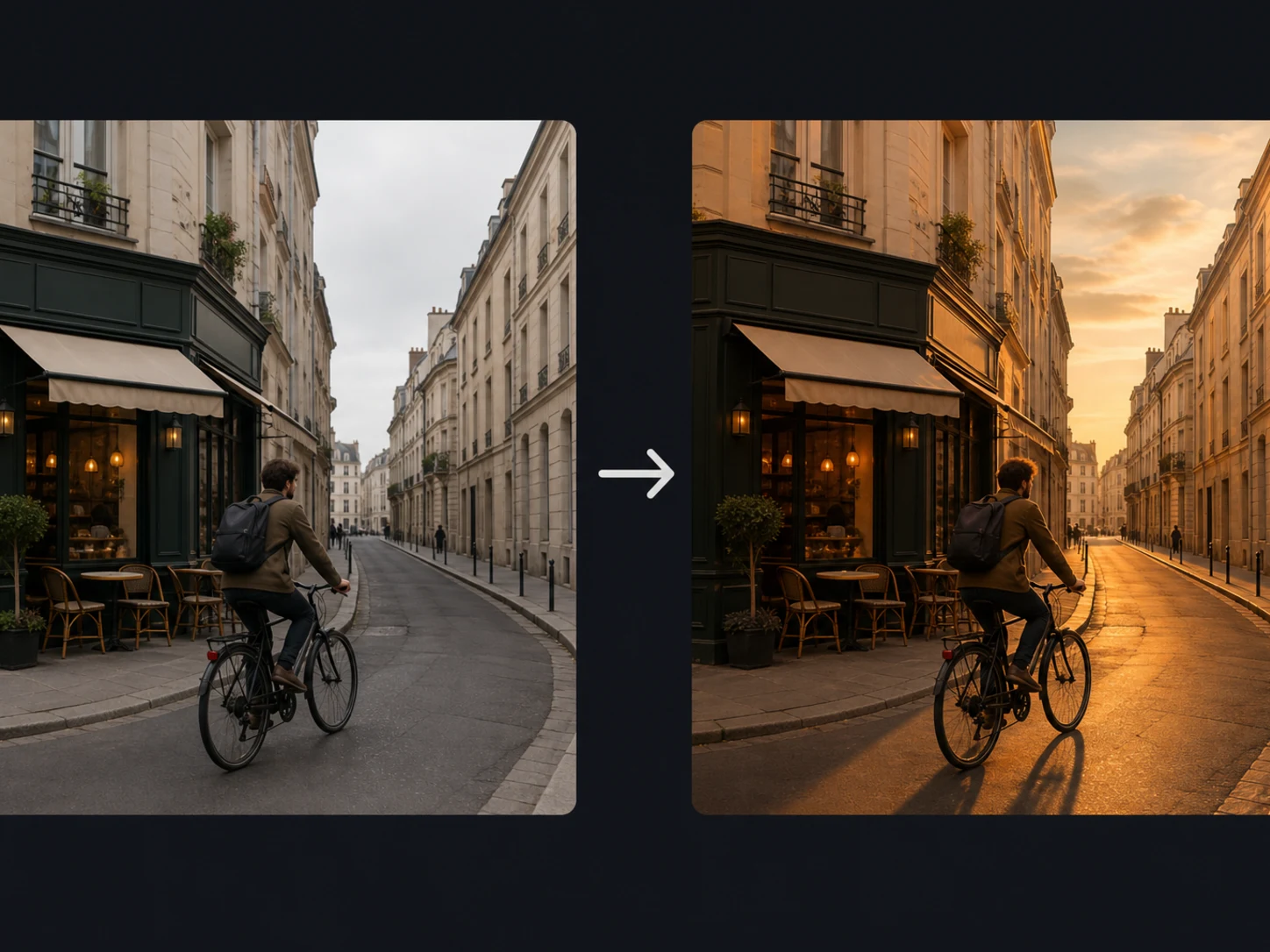
Revise an Existing Video with Instructions
The connected HappyHorse 1.0 editor can transform a source clip with a written instruction and optional reference images. It can preserve original audio or let the model handle audio automatically, but untouched regions, motion, and sound still need comparison with the source.
Choose 3–15 Seconds at 720p or 1080p
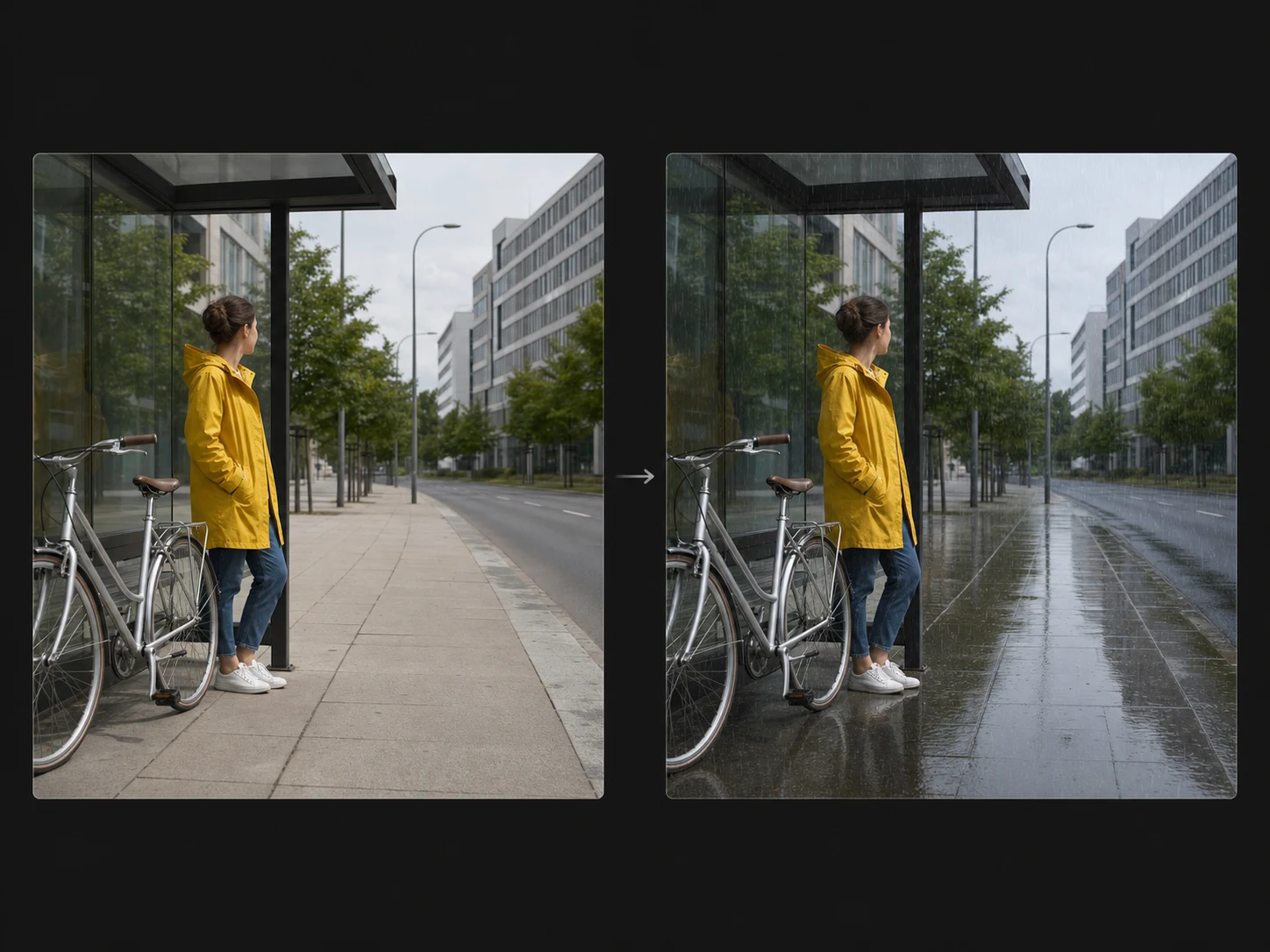
Current generation operations expose 720p or 1080p output and whole-second durations from 3 through 15. Match length, framing, and reference count to the actual deliverable rather than treating the maximum settings as a quality guarantee.
What Is Happy Horse Built For?
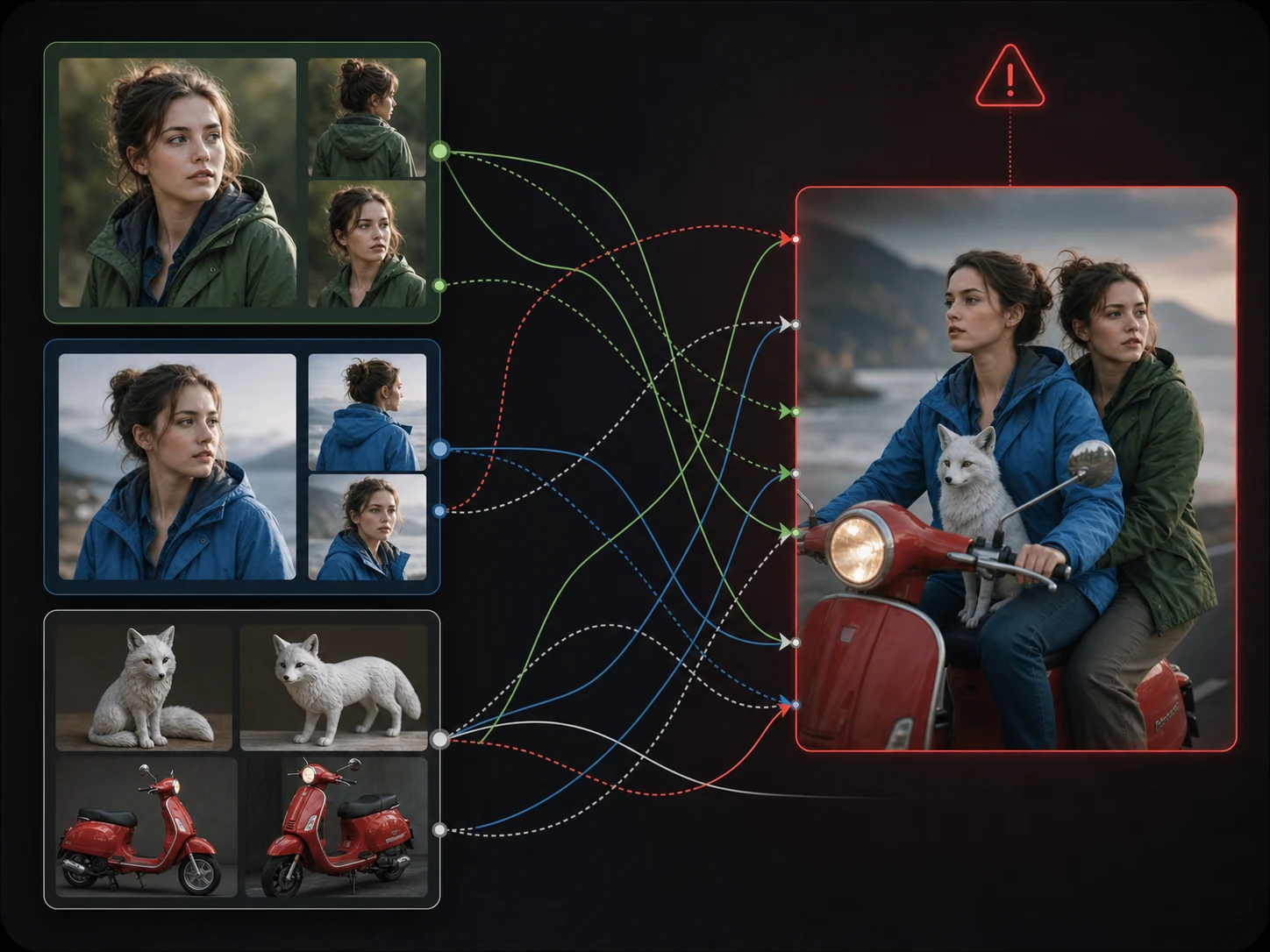
Audiovisual character stories. Create compact scenes where performance, dialogue, environmental sound, and camera movement need to arrive as one coordinated result.
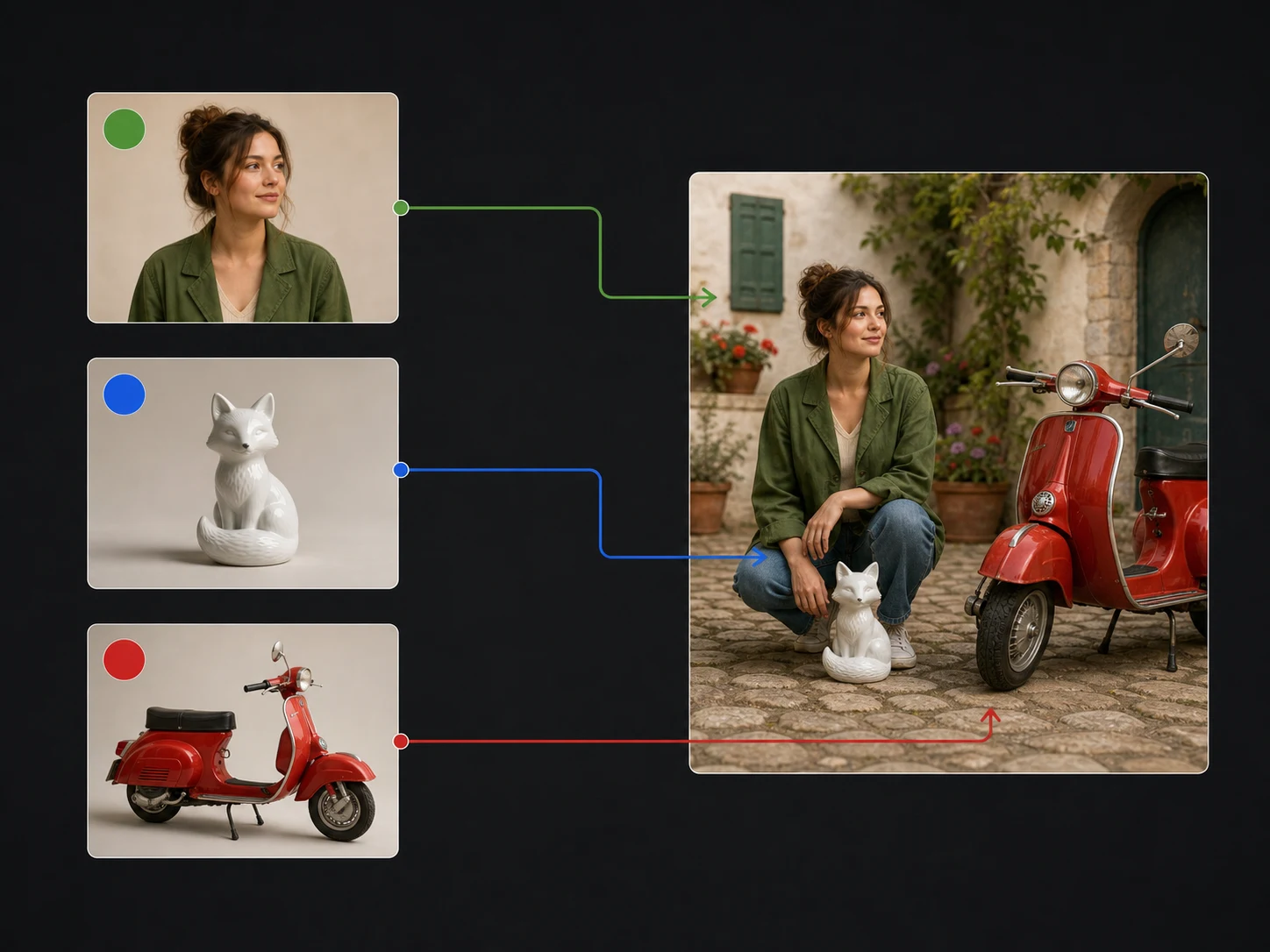
Reference-led brand scenes. Use separate people, product, wardrobe, and setting references to build a new campaign scene while checking each important identity detail.
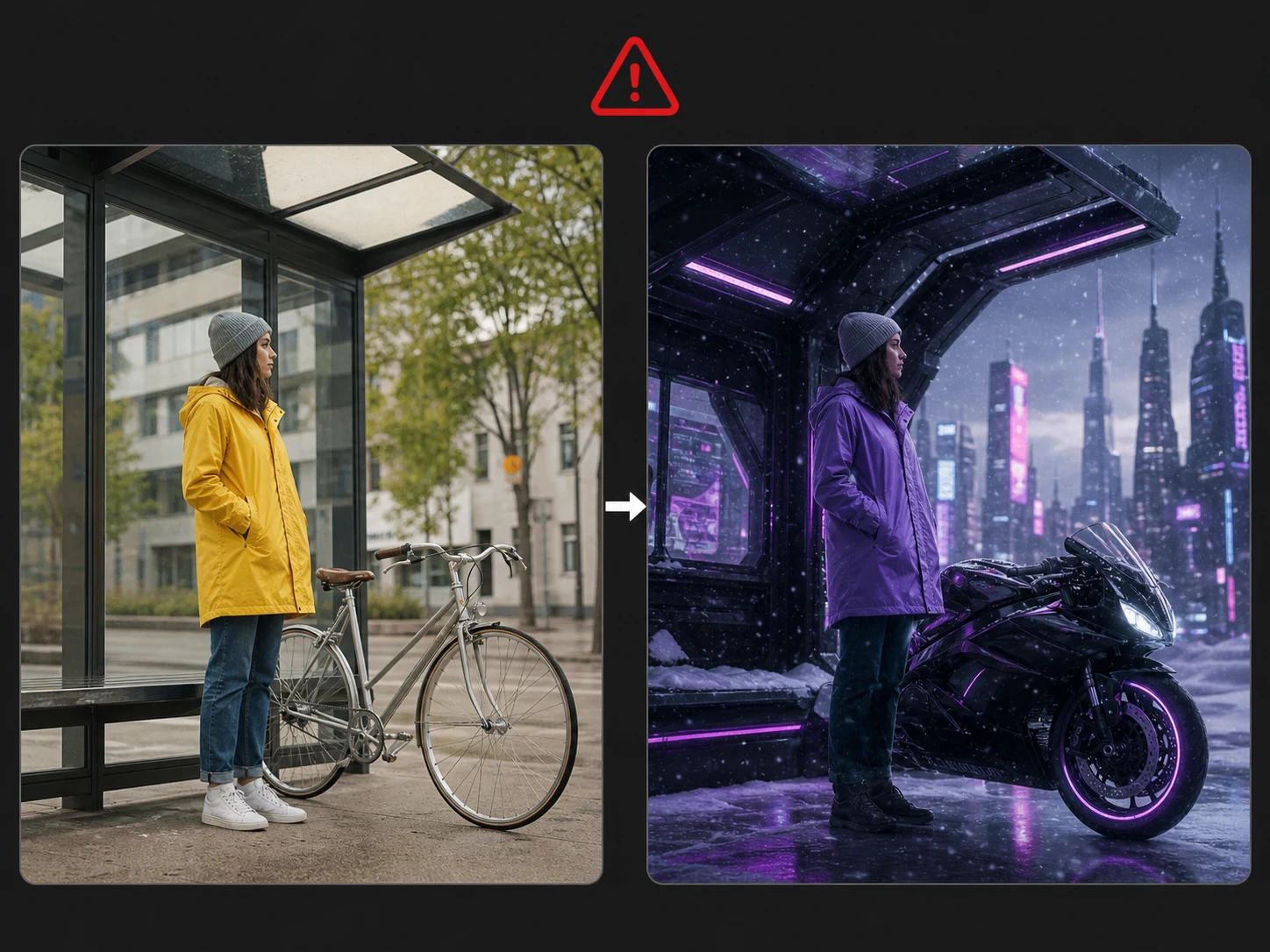
Focused video revisions. Restyle, relight, or replace selected elements in existing footage while preserving useful composition, motion, and source audio where required.
How to Use Happy Horse on Nuzza AI For Free
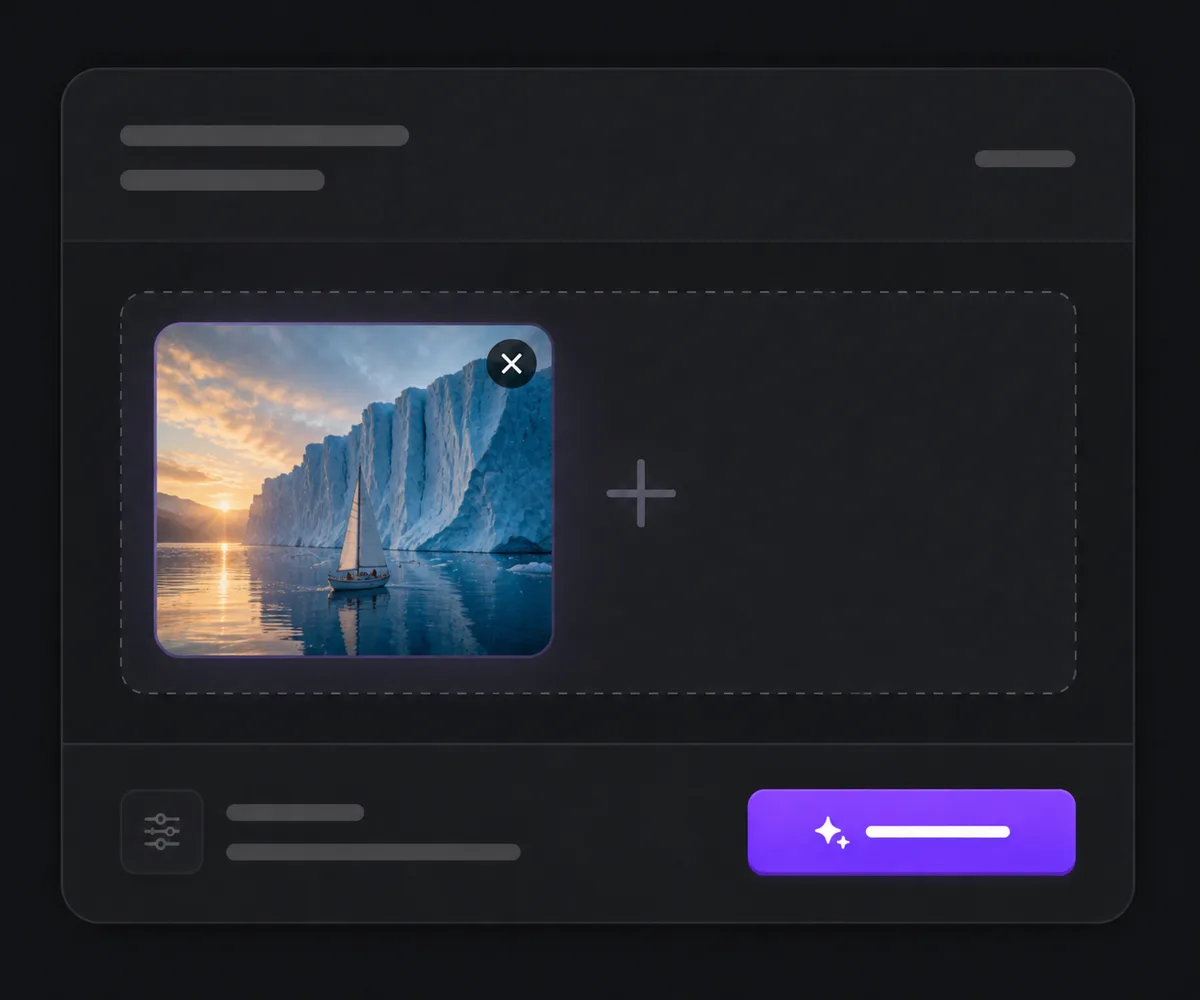
Choose Generation, References, or Video Edit
Start from text, one opening image, several reference images, or an existing source clip based on the task you actually need.
Describe Roles, Action, Camera, and Sound
Assign every input a clear role, write the scene or edit in viewing order, and set the operation-specific duration, resolution, ratio, audio, and seed controls.
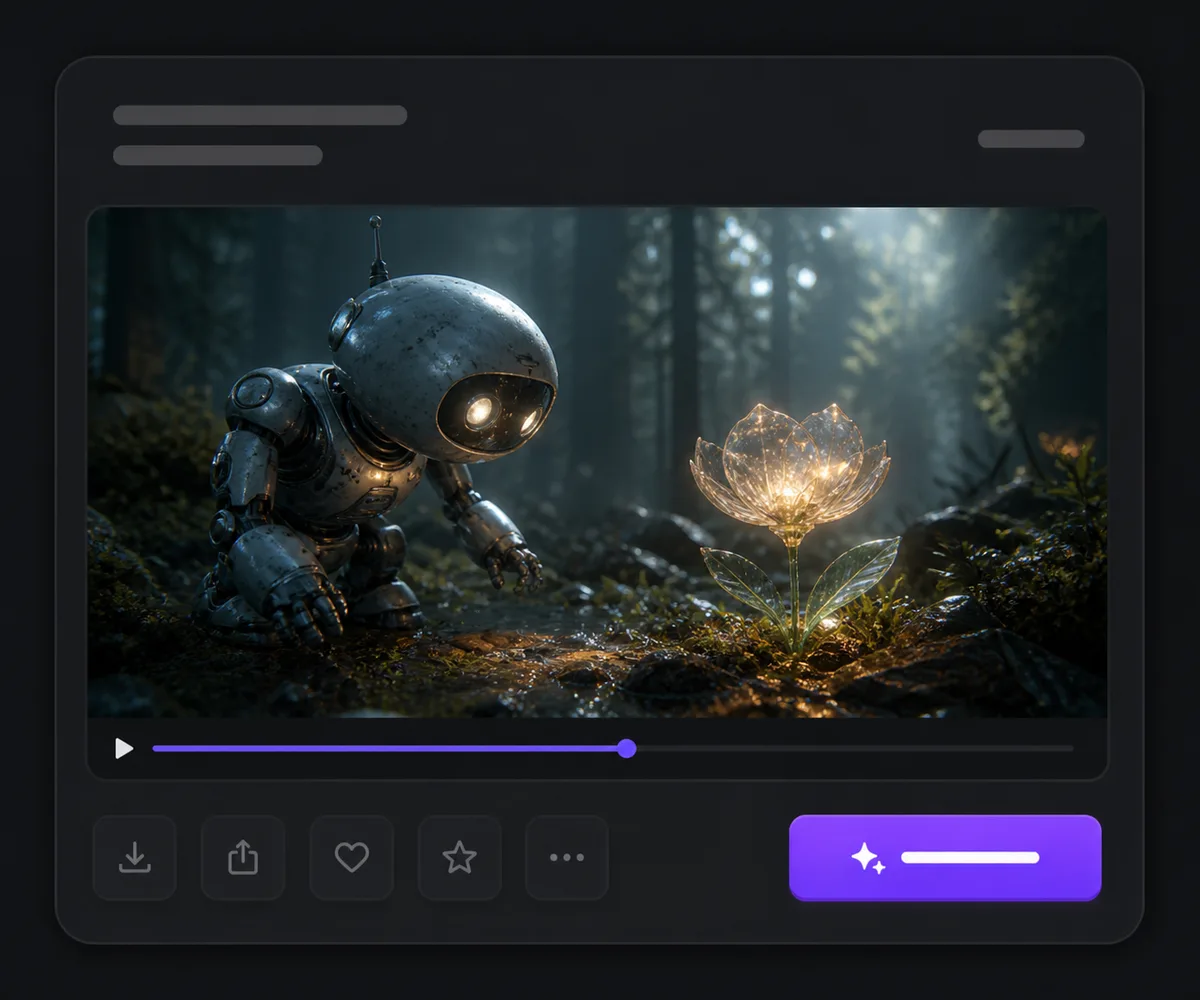
Generate and Review the Full Result
Check identity, physical motion, edits, framing, dialogue, ambience, Foley, lip movement, and audiovisual synchronization before publishing.
Happy Horse vs Wan 2.7 vs Kling 3.0
| Feature / Model | Happy Horse | Wan 2.7 | Kling 3.0 |
|---|---|---|---|
| Best Fit | Character-led audiovisual scenes and reference-guided brand work. | Projects moving between frames, references, continuation, and revision. | Multi-shot audiovisual stories and designed endpoint transitions. |
| Starting Inputs | Text, one opening image, multiple references, or source video. | Text, frames, references, audio, continuation clip, or source video. | Text, one opening image, or first and last frames. |
| Workflow Range | Generation, reference-to-video, and a separate HappyHorse 1.0 editor. | Generation, continuation, reference-to-video, and editing. | Generation with multi-prompt, shot-type, endpoint, and guidance controls. |
| Duration | 3–15 seconds for connected generation workflows. | Up to 15 seconds for text and image generation; other limits vary. | 3–15 seconds. |
| Audio | Audiovisual generation plus original/automatic audio handling in video edit. | Automatic, supplied, or source-audio handling depending on operation. | Generated-audio control is exposed. |
FAQs about Happy Horse
What is Happy Horse?
Happy Horse is Nuzza's public page for connected Alibaba HappyHorse workflows. Generation covers text, one opening image, and multiple references; the dedicated source-video editor is tied to HappyHorse 1.0.
Is Happy Horse free to use?
Yes. Nuzza offers free Credits for new users to try Happy Horse. Once your free Credits are used up, you will need to subscribe to a paid plan to continue.
Can Happy Horse generate audio?
Yes. HappyHorse generation is audiovisual and can create dialogue, ambience, music, or effects with the picture. Every output still needs a full sound and synchronization review.
What inputs does Happy Horse support?
Depending on the operation, you can start from text, one opening image, multiple reference images, or a source video with optional edit references.
How many references can I use?
The current Nuzza reference-to-video mapping accepts up to 16 images. Use only relevant sources and assign each one a clear role in the prompt.
Can Happy Horse edit an existing video?
Yes. The connected HappyHorse 1.0 editor accepts a source clip, an instruction, and optional reference images, with original or automatic audio handling.
What duration and resolution are available?
Current generation workflows expose 3–15 second clips at 720p or 1080p. Edit limits and available controls depend on the selected operation.
Is this page only about HappyHorse 1.1?
No. It is a product-level Happy Horse page covering the connected family. The generation paths use the newer family capabilities, while video editing remains a separately versioned HappyHorse 1.0 operation.
What should I review before publishing?
Check identity, anatomy, motion, reference fidelity, edits, framing, dialogue, ambience, Foley, lip movement, and audiovisual synchronization across the complete video.
Give Every Subject, Action, and Sound a Clear Role
Choose the workflow that matches your source, describe the scene in sequence, and review the complete video for motion, identity, and audio coherence.
Try Happy Horse for Free Now