
LTX-2.5
LTX presents LTX-2.5 as a stronger foundation for what creators and teams are already building. It combines Diffusion Fidelity Rendering, native multishot, stronger prompt adherence, automatic duration, native 4K HDR and RAW workflows, precise retakes, and an open checkpoint teams can fine-tune.
Why Creators Choose LTX-2.5?
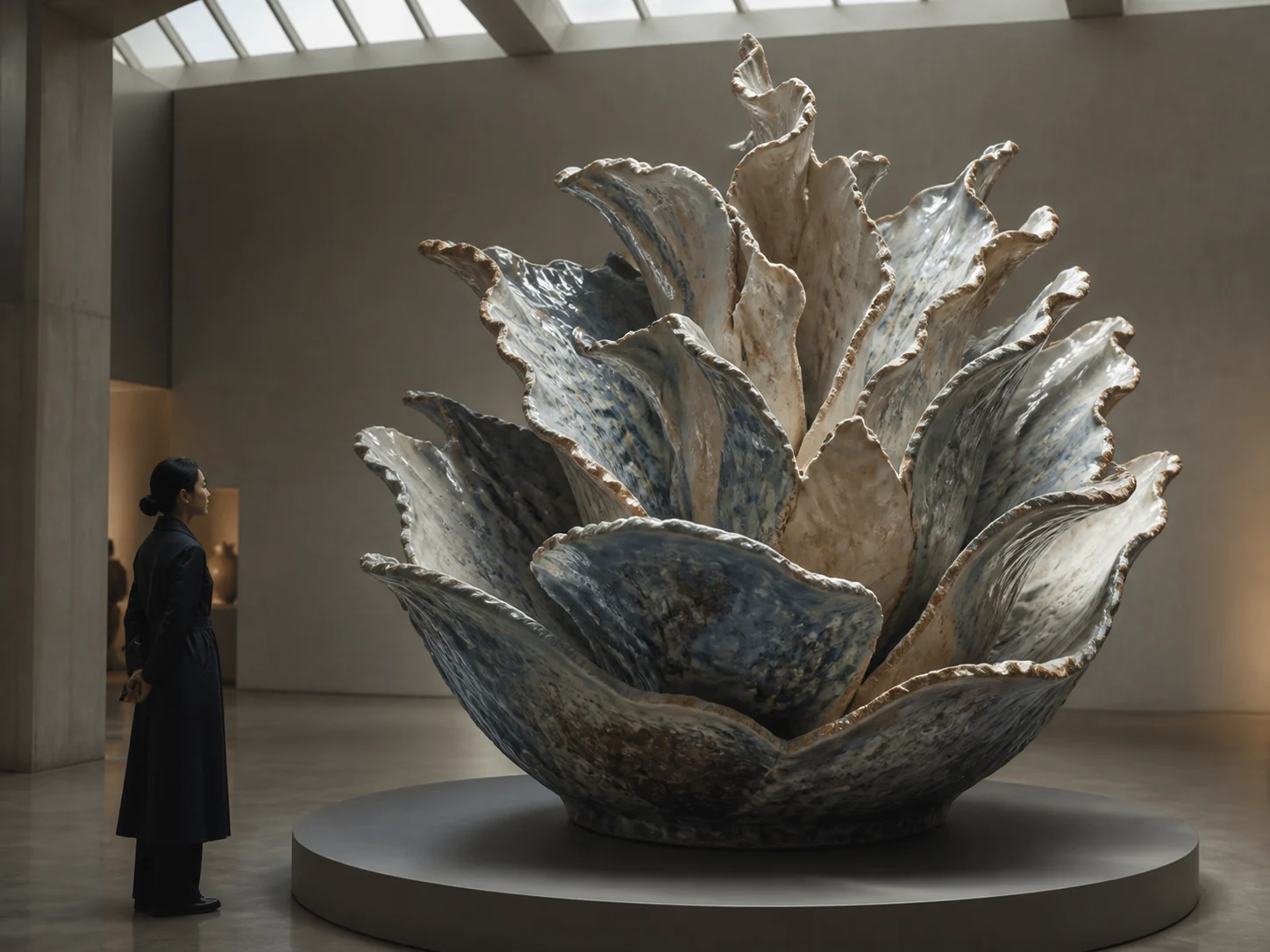
Allocate Detail by Scene Complexity with DFR
Diffusion Fidelity Rendering allocates rendering compute according to the complexity of each scene. The extra detailing pass concentrates effort where the frame needs it, helping fine visual structure hold together from frame to frame.
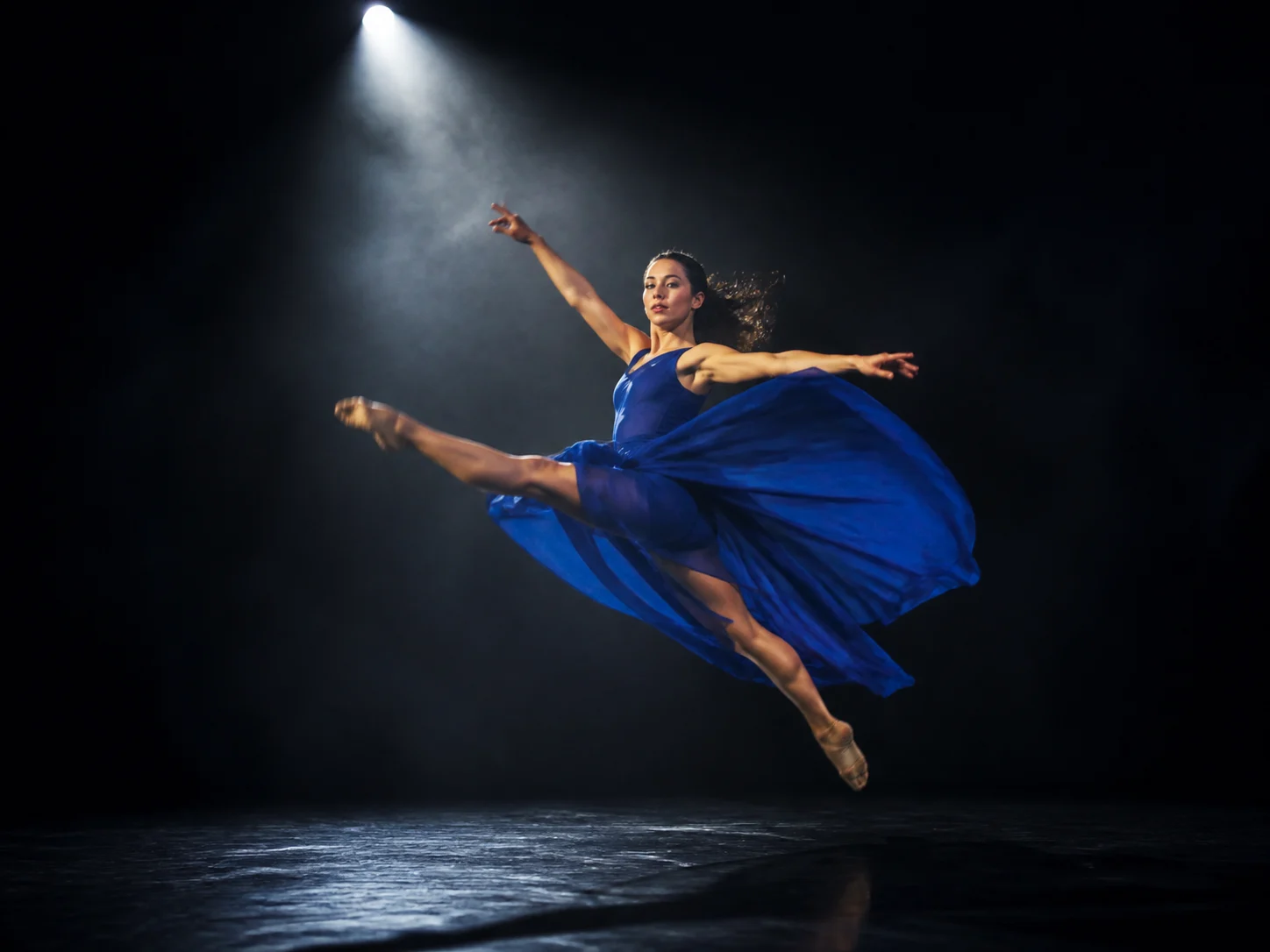
Reduce Motion Artifacts with a New Diffusion Decoder
LTX-2.5 introduces a diffusion video decoder designed for fewer motion artifacts and smoother, more natural movement. Use it for shots where bodies, fabric, objects, or camera movement need to remain readable through the action.

Hold Character, Environment, Lighting, and Voice Across Connected Shots
Create multiple connected shots while carrying the same character, environment, lighting, and voice across the cuts. Native multishot gives a sequence room to change angles without treating every shot as an unrelated clip.
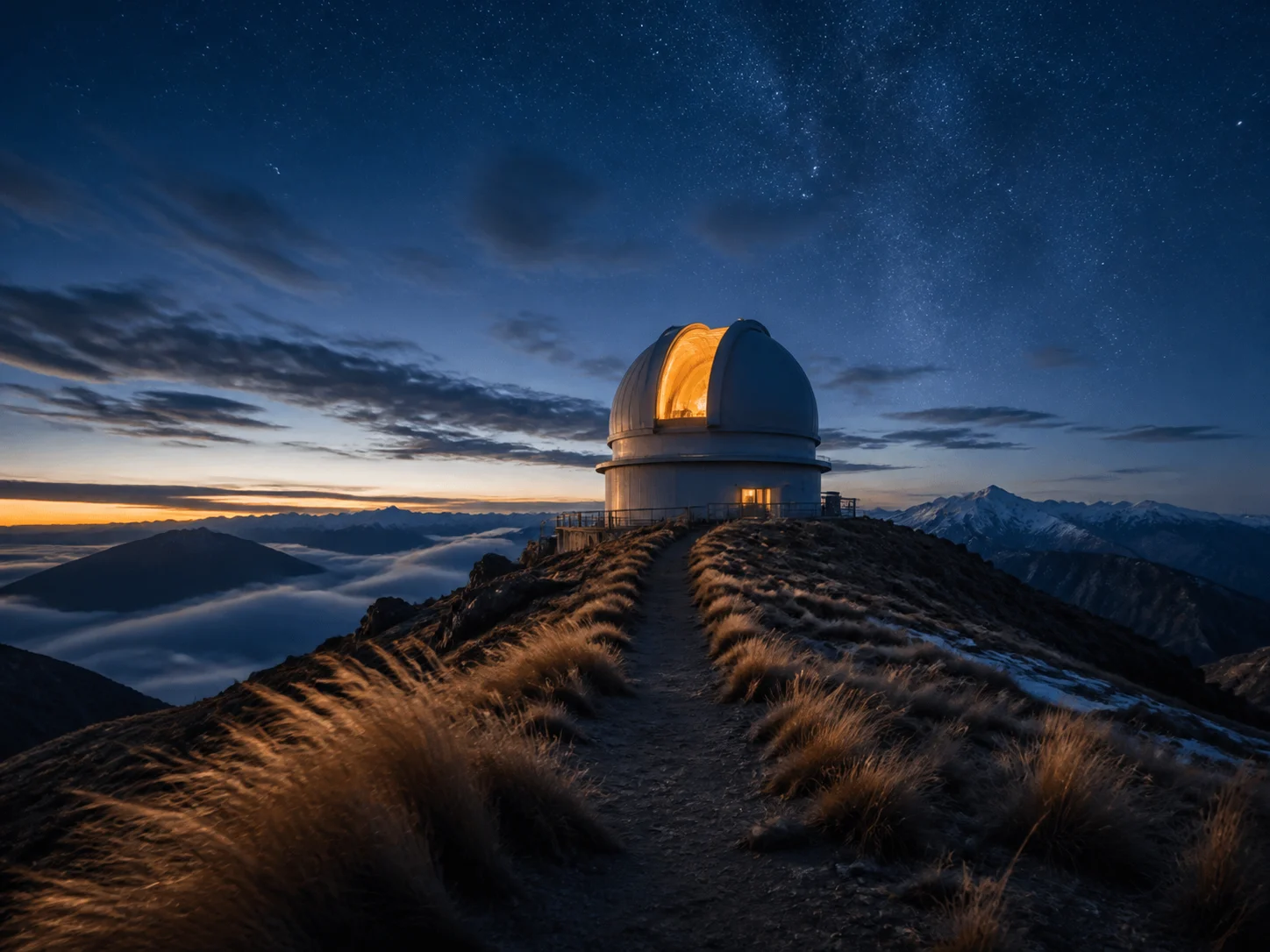
Follow Complex Creative Instructions from Shorter Prompts
Direct a layered scene with shorter, simpler wording instead of building a long prompt scaffold. A Gemma 4 12B text encoder and custom prompt enhancer help LTX-2.5 interpret the creative instructions behind the shot.
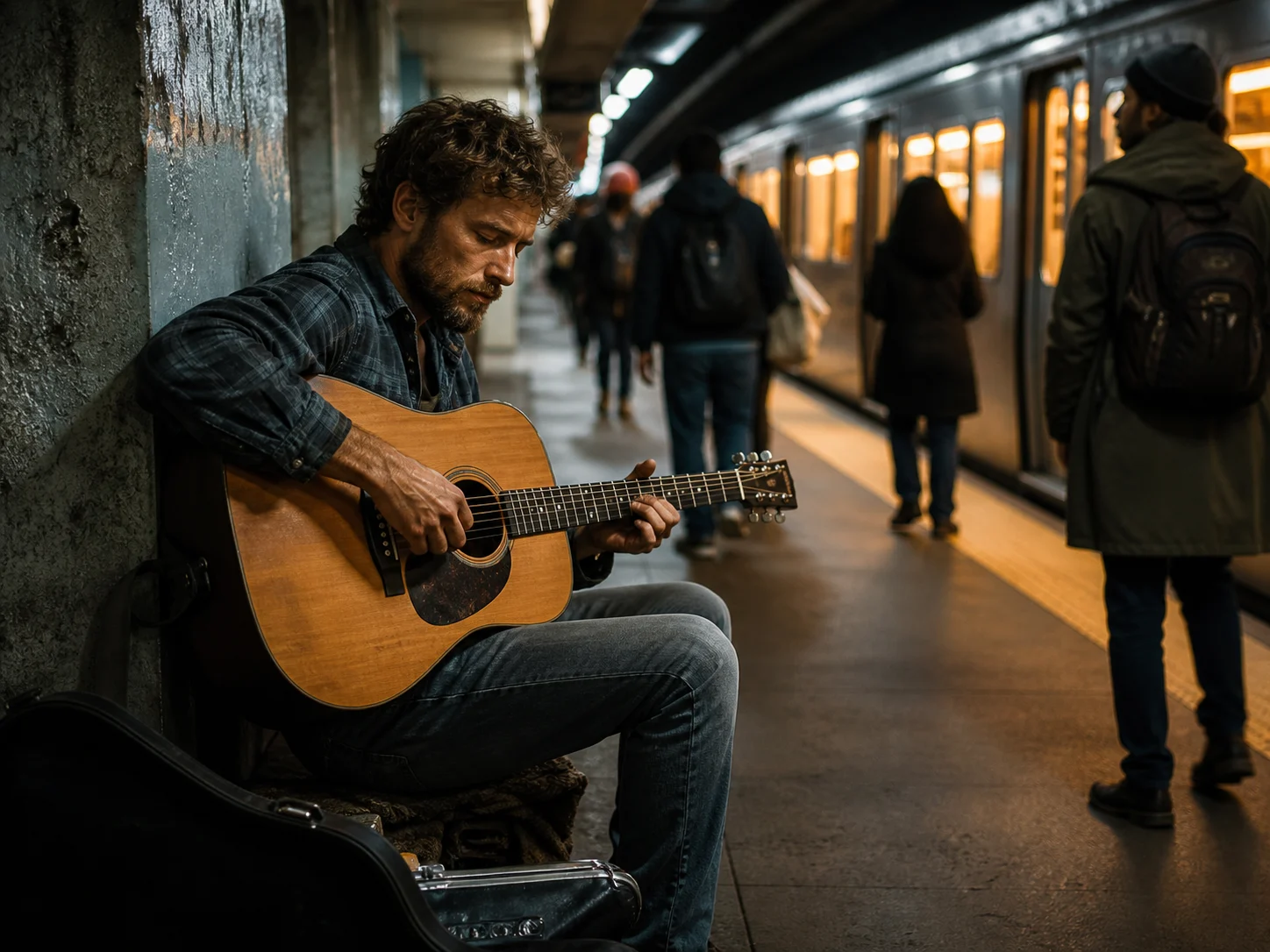
Generate Synchronized Video and Audio in One Model
Describe the visible action together with dialogue, ambience, music, or effects. LTX-2.5 generates video and audio as two parts of the same model output rather than treating sound as a separate generic track.
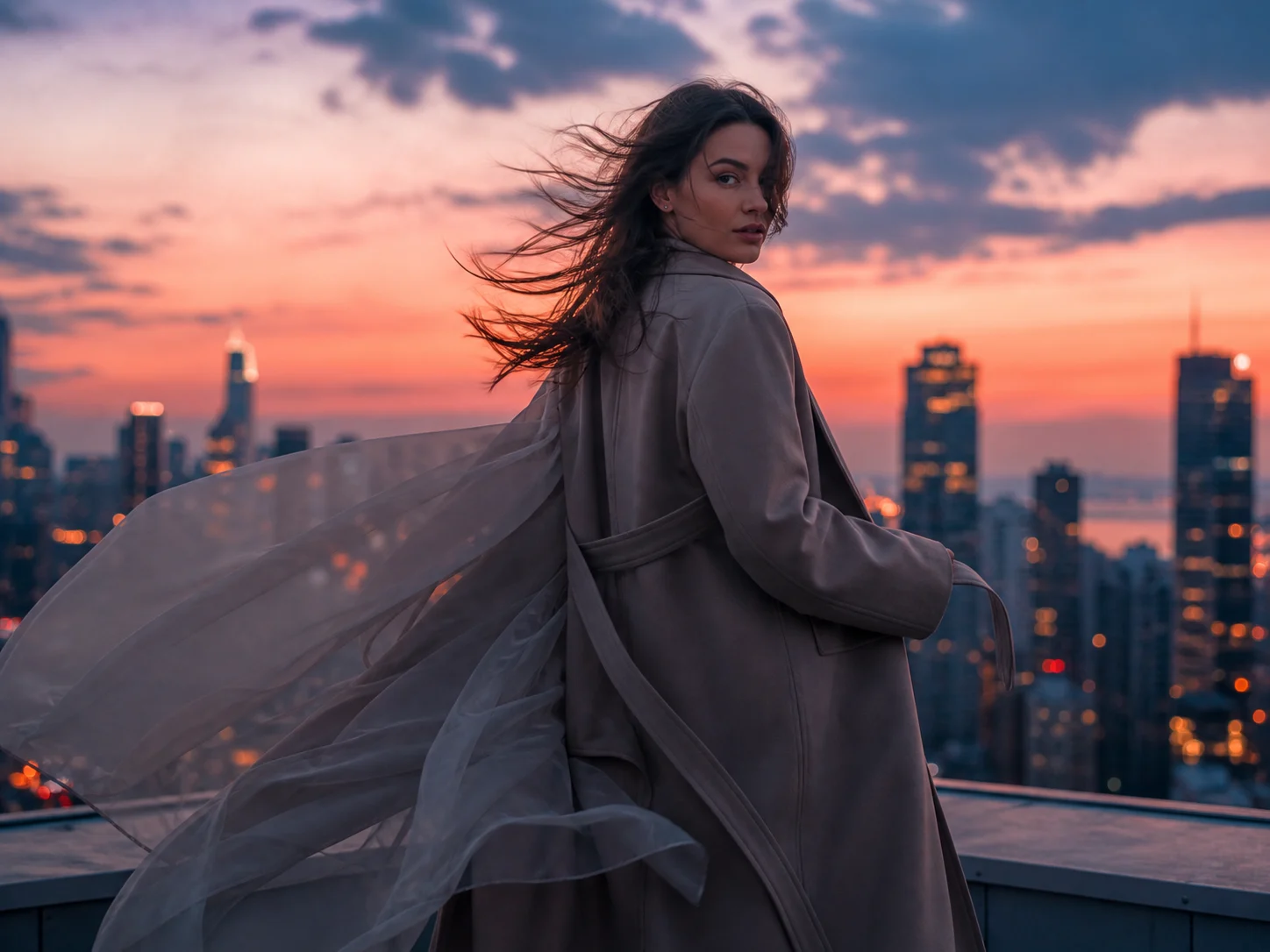
Let the Requested Action Set the Clip Length
Describe what needs to happen and let automatic duration prediction choose a fitting clip length. The model can allocate more or less time to the requested action instead of forcing every idea into one fixed duration.
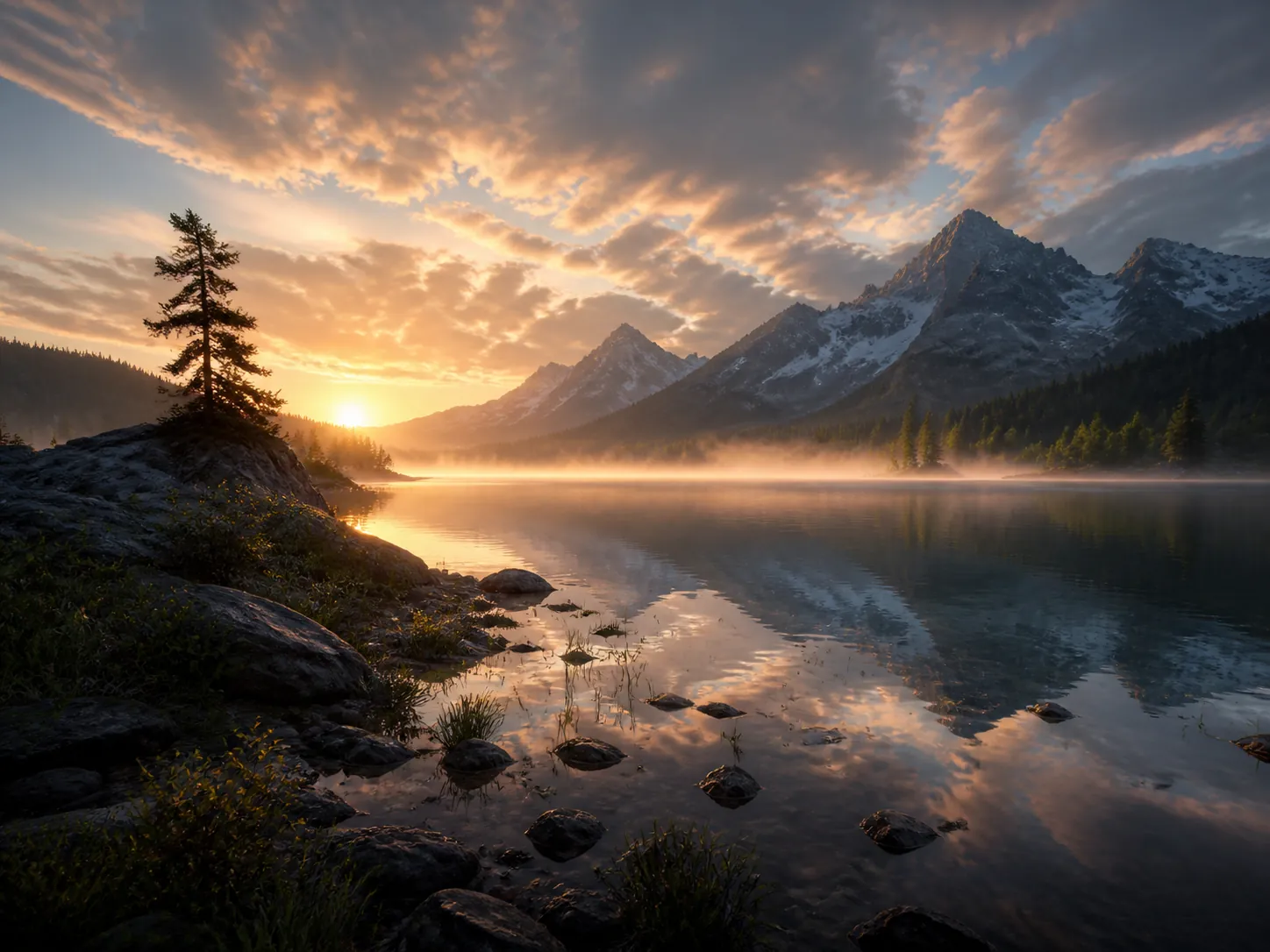
Generate Native 4K HDR for Professional Finishing
The open LTX-2.5 stack supports native 4K HDR footage designed for professional finishing. This gives high-resolution, high-dynamic-range projects a model-native path before grading and delivery.
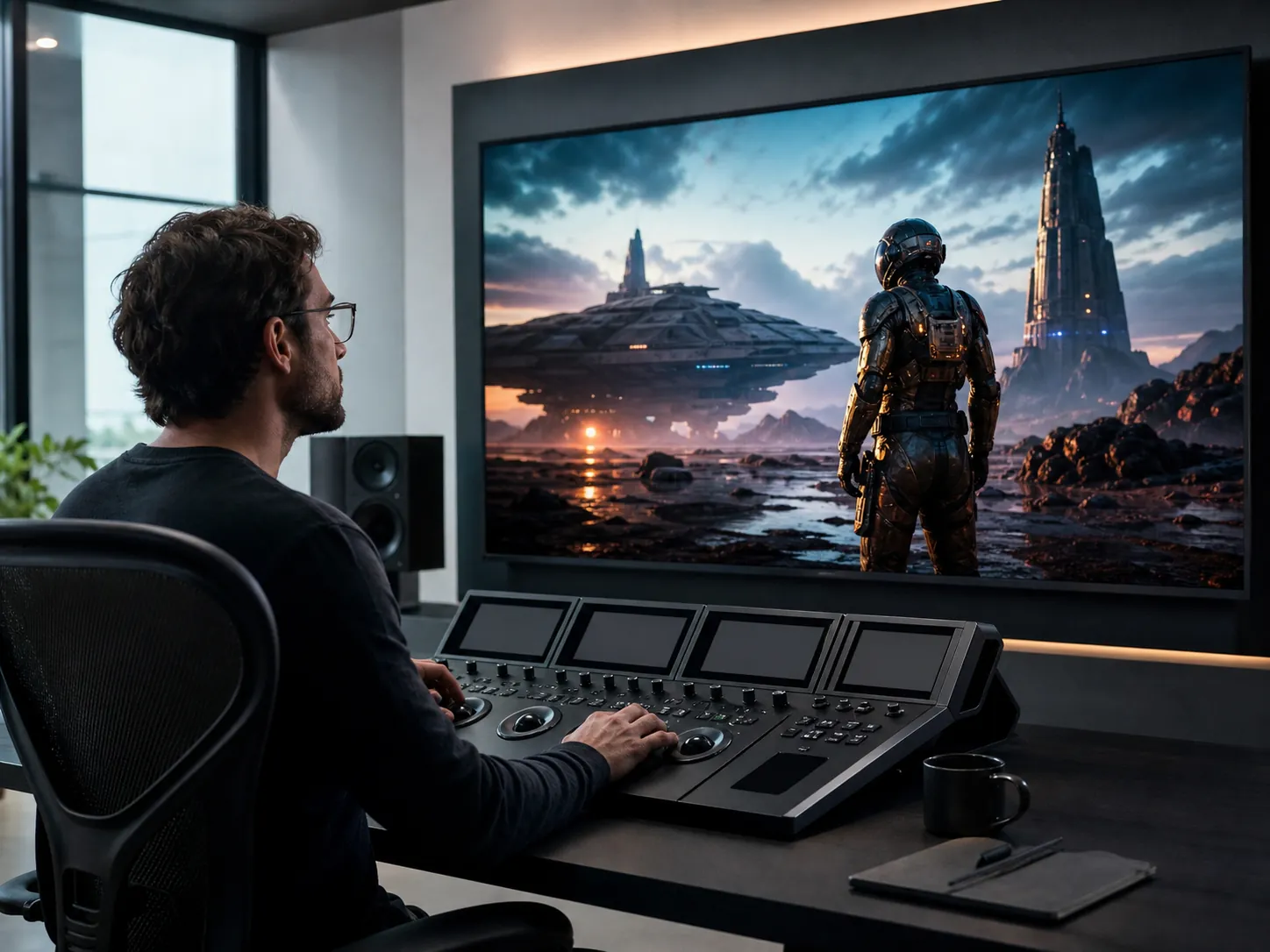
Keep a Native RAW Workflow through Professional Finishing
Generate and edit through native HDR and EXR workflows when the master needs to remain inside a professional color pipeline. Official pipelines can accept EXR material and produce half-EXR frames plus a BT.2020/HLG master for downstream finishing.

Retake One Time Region Without Rebuilding the Whole Video
Select a specific time region in an existing video and regenerate that part with the official Retake pipeline. This localizes a revision to the section that needs work instead of starting the entire clip again.

Fine-Tune a Pretrained Foundation on Your Own Domain
Start from LTX-2.5's pretrained base checkpoint and fine-tune it on data from your own domain. Teams can adapt the raw foundation to specialized visual language or production needs and deploy it on infrastructure they control.
What Can LTX-2.5 Do?
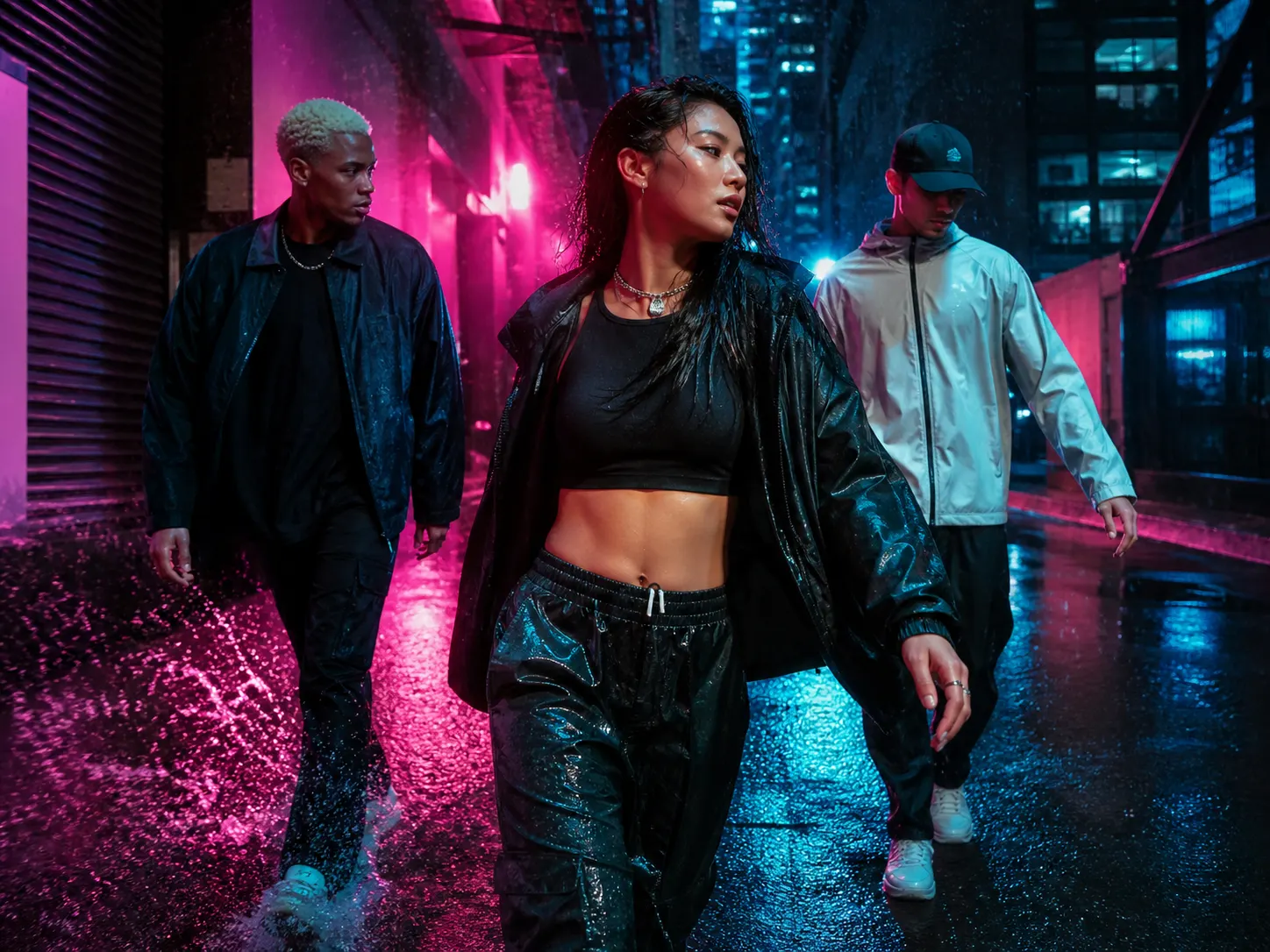
Social campaigns. Create short landscape or portrait campaign scenes with planned movement, ambience, and sound effects, then choose a six-, eight-, or ten-second delivery length for the placement.

Product stories. Animate a product still into a concise hero shot while preserving the opening composition, adding camera direction, moving reflections, environmental motion, and optional generated sound.
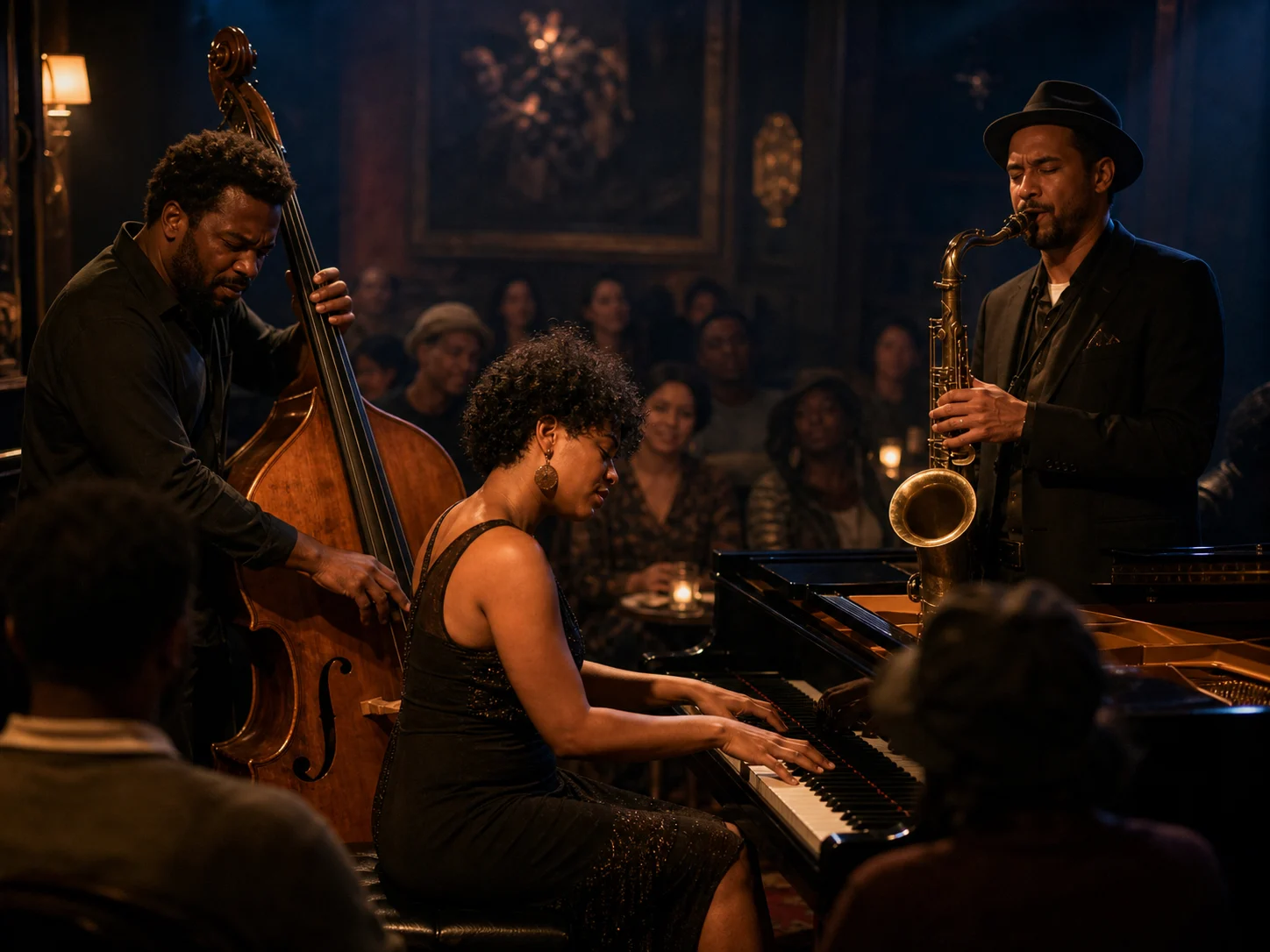
Music and performance. Stage one focused performance beat with the musicians, camera movement, room ambience, and musical energy described together, then review the full audiovisual result for timing.

Storyboards and previsualization. Test a shot's composition, duration, frame rate, endpoint, and named camera direction before production, using the generated clip as a visual hypothesis rather than a guaranteed plan.
How to Use LTX-2.5 on Nuzza AI For Free
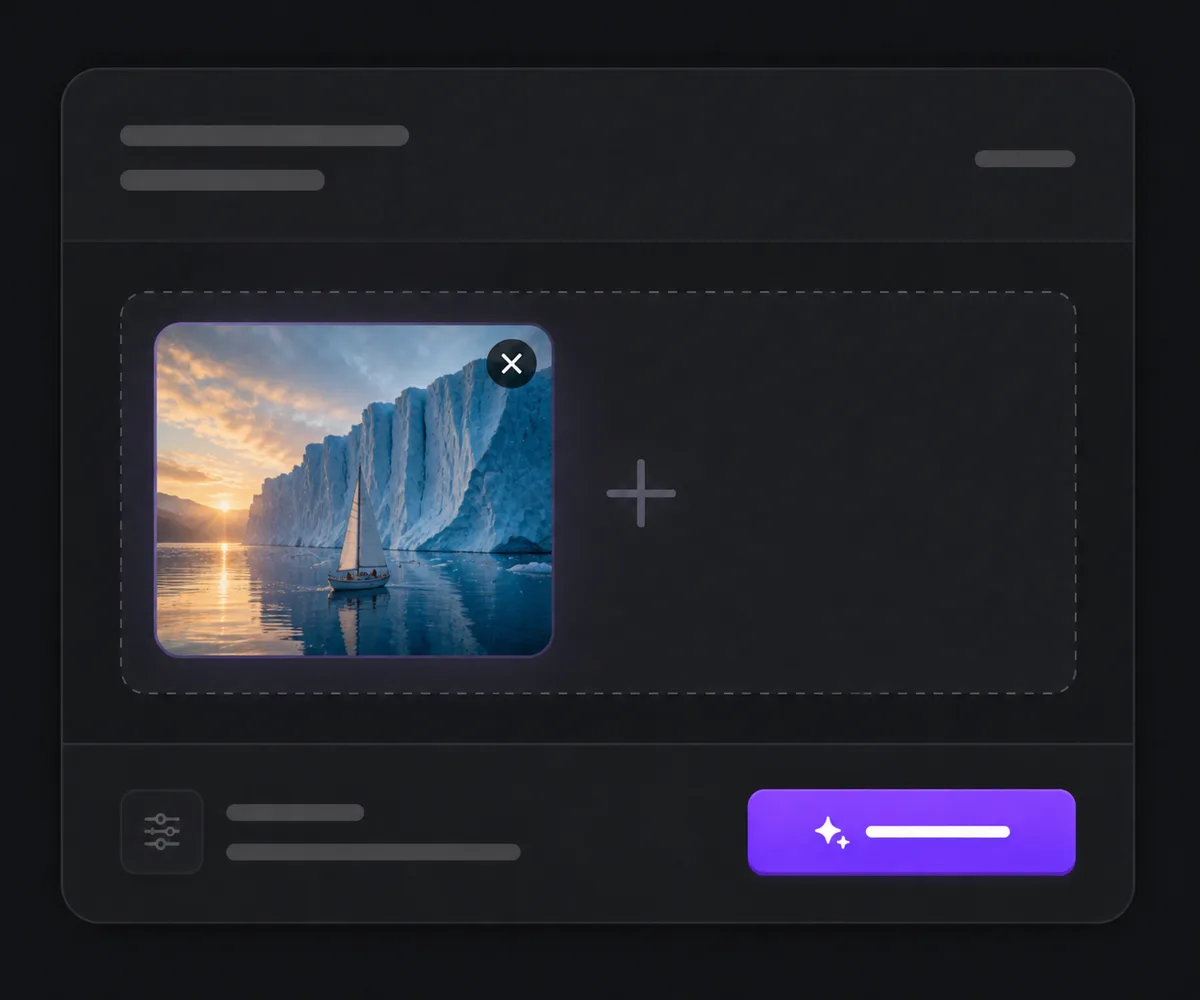
Choose LTX-2.5 and a Starting Point
Open the video workspace, select LTX-2.5, then choose Text to Video or upload one start image for Image to Video.
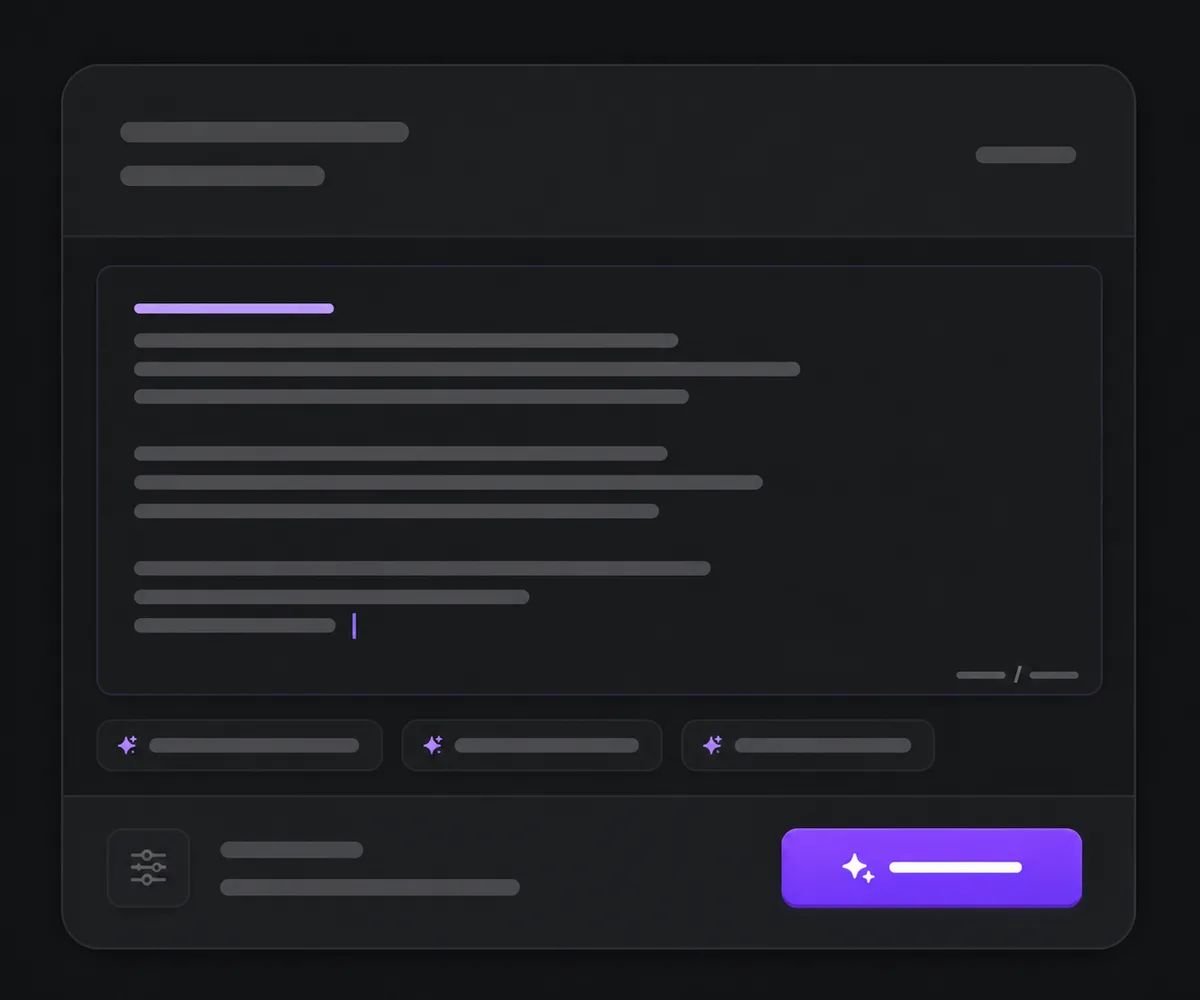
Describe the Shot and Set Its Controls
Write the subject, action, camera, light, and sound in chronological order, then choose duration, resolution, framing, frame rate, audio, and an optional camera move.
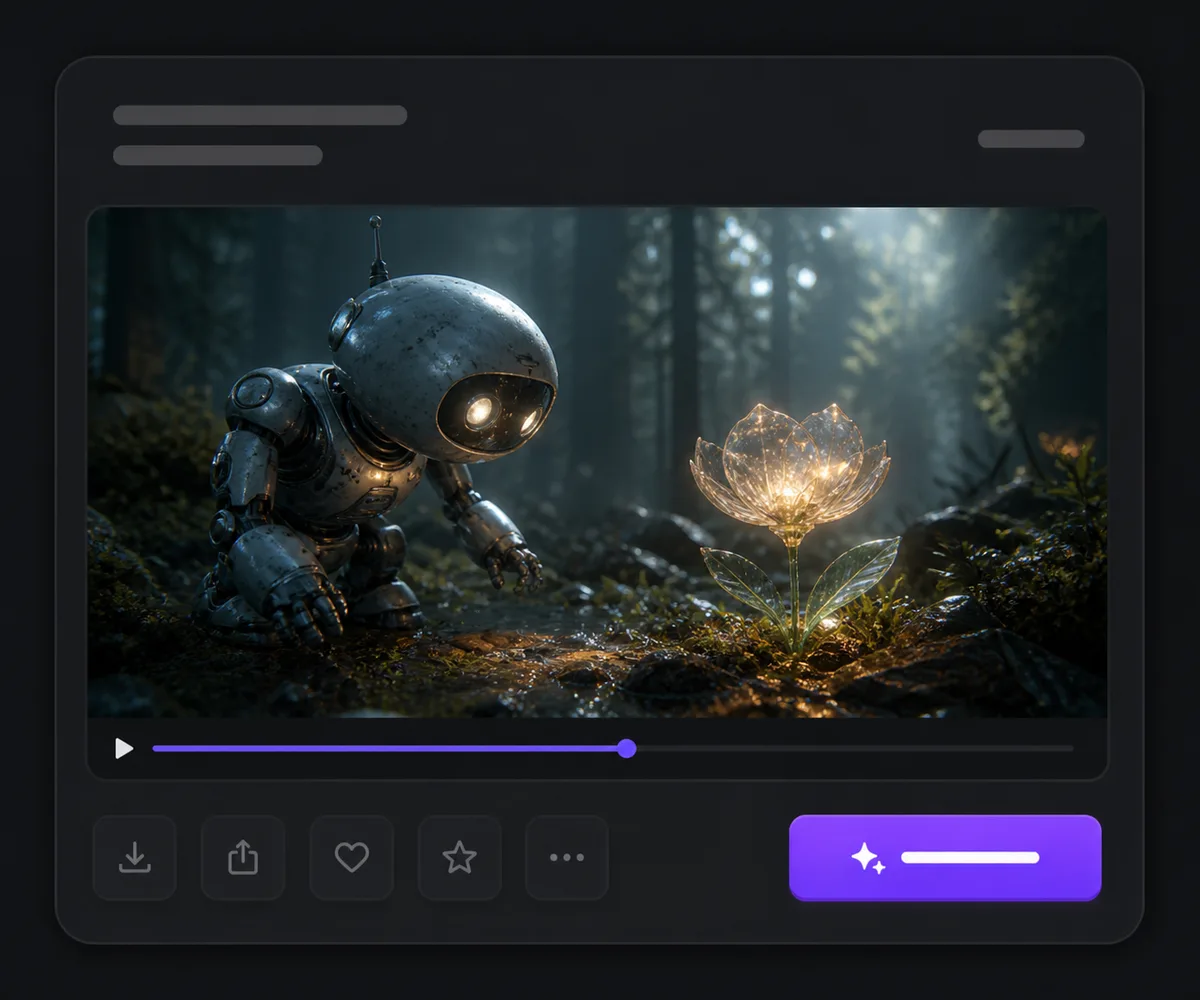
Generate and Review the Complete Clip
Submit the queued task, watch and listen to the entire result, then check motion, crop, detail, continuity, dialogue, ambience, effects, and synchronization before downloading or revising it.
LTX-2.5 vs. LTX 2.3 vs. Google Veo 3.1
| Feature / Model | LTX-2.5 | LTX 2.3 | Google Veo 3.1 |
|---|---|---|---|
| Best Fit | Quality-focused short audiovisual shots with one named camera move. | Higher-resolution LTX shots with broader frame-rate selection. | Frame-guided cinematic clips needing 4K or advanced prompt controls. |
| Max Duration | Generates up to 10 seconds in Nuzza's Pro workflows. | Generates up to 10 seconds. | Generates up to eight seconds in Nuzza's current entry. |
| Max Resolution | Generates up to 1080p in the current Pro workflows. | Generates up to 2160p in Nuzza's current entry. | Generates up to 4K in applicable workflows. |
| Frame Rate | Offers 24, 25, or 50 FPS. | Offers 24, 25, 48, or 50 FPS. | Exposes no frame-rate selector in Nuzza. |
| Camera Motion | Provides eight named camera-motion choices. | Exposes no named camera-motion selector. | Uses prompt direction without a named camera selector. |
| Audio | Generate Audio is available and on by default in both current workflows. | Generate Audio is available and on by default in both current workflows. | Generate Audio is available and on by default in the current workflows. |
FAQs about LTX-2.5
What is LTX-2.5?
LTX-2.5 is Lightricks' current LTX-2 audio-video model release. It generates video and audio from a text prompt. It can also animate one start image. An optional end-image URL can guide the destination composition. LTX-2.5 is available to generate on Nuzza.
What's new in LTX-2.5 compared with LTX 2.3?
LTX highlights Diffusion Fidelity Rendering, a new diffusion video decoder for cleaner motion, native multishot continuity, stronger prompt adherence, automatic duration prediction, beta precise video editing, native 4K HDR and RAW workflows, and a faster distilled model. Nuzza's current LTX-2.5 entry exposes a smaller hosted subset at 720p or 1080p, while LTX 2.3 still offers 1440p and 2160p choices here.
What inputs does LTX-2.5 support on Nuzza?
Text to Video requires a prompt. Image to Video requires one uploaded start image and a prompt, with an optional End Image URL for a destination composition. LTX-2.5 also has official upstream audio and transformation pipelines, but those are not exposed as inputs in this Nuzza page.
What duration and resolution does LTX-2.5 support?
Nuzza's quality-focused LTX-2.5 workflows offer 6, 8, or 10 seconds, plus Auto duration, at 720p or 1080p. The settings visible in the workspace are the current generation contract. Choose the format before submitting, then review the exported file before delivery.
Which aspect ratios and frame rates can I choose?
Text to Video supports 16:9 and 9:16. Image to Video also offers Auto, which follows the starting image's proportions. Both workflows expose 24, 25, and 50 FPS. These settings define the request but do not guarantee motion smoothness or exact framing.
Does LTX-2.5 generate audio?
Yes. Generate Audio is available and on by default in both current Nuzza workflows. Describe any dialogue, music direction, ambience, or effects in the shot sequence, then review the complete result for content, intelligibility, timing, and synchronization before publishing it.
Can LTX-2.5 keep a character or product consistent?
LTX presents native multishot as a way to carry character, environment, lighting, and voice across connected shots. In Nuzza's current image-led workflow, a start image can anchor the opening appearance and an optional end image can guide the destination frame. Consistency remains probabilistic, so review faces, logos, proportions, materials, lighting, voice, and frame-to-frame continuity throughout the result.
Which official LTX-2.5 capabilities are not exposed on this Nuzza page?
The open LTX-2.5 stack also documents native 4K HDR and EXR workflows, Retake for one selected time region, keyframe interpolation, audio-to-video, Dub-It, HDR video-to-video, and foundation-model fine-tuning. Nuzza's current page exposes text-to-video and start-image-to-video at 720p or 1080p; it does not currently expose those specialized pipeline or training controls.
Can I use LTX-2.5 for free?
Yes. Nuzza offers free Credits for new users to try LTX-2.5. Once your free Credits are used up, you will need to subscribe to a paid plan to continue.
Turn Your Next Shot into a Complete Audiovisual Scene
Choose LTX-2.5, describe the action, camera, and sound in sequence, then generate a polished short clip from text or one start image.
Try LTX-2.5 for Free Now