AI Video Background Remover
AI Video Background Remover: Isolate Subjects from Moving Backgrounds
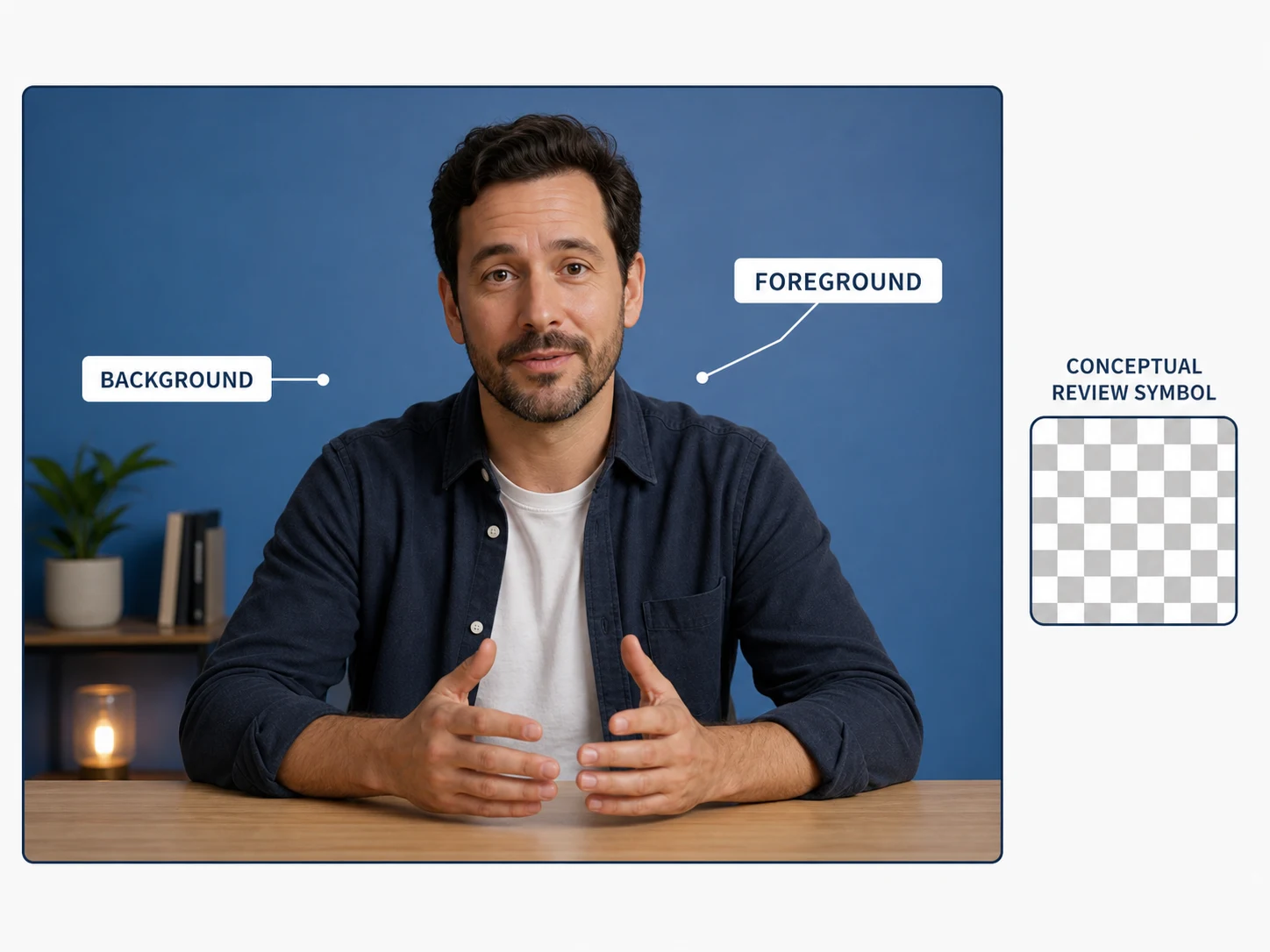
Separate a presenter, product, or moving subject from its background, then inspect hair, motion blur, and overlapping edges before using the result.
Set clearer foreground review points
Separate what you want to inspect
Use the source frame to identify the foreground subject and its surrounding background. The checkerboard shown here is explanatory only; it is not an actual task output.
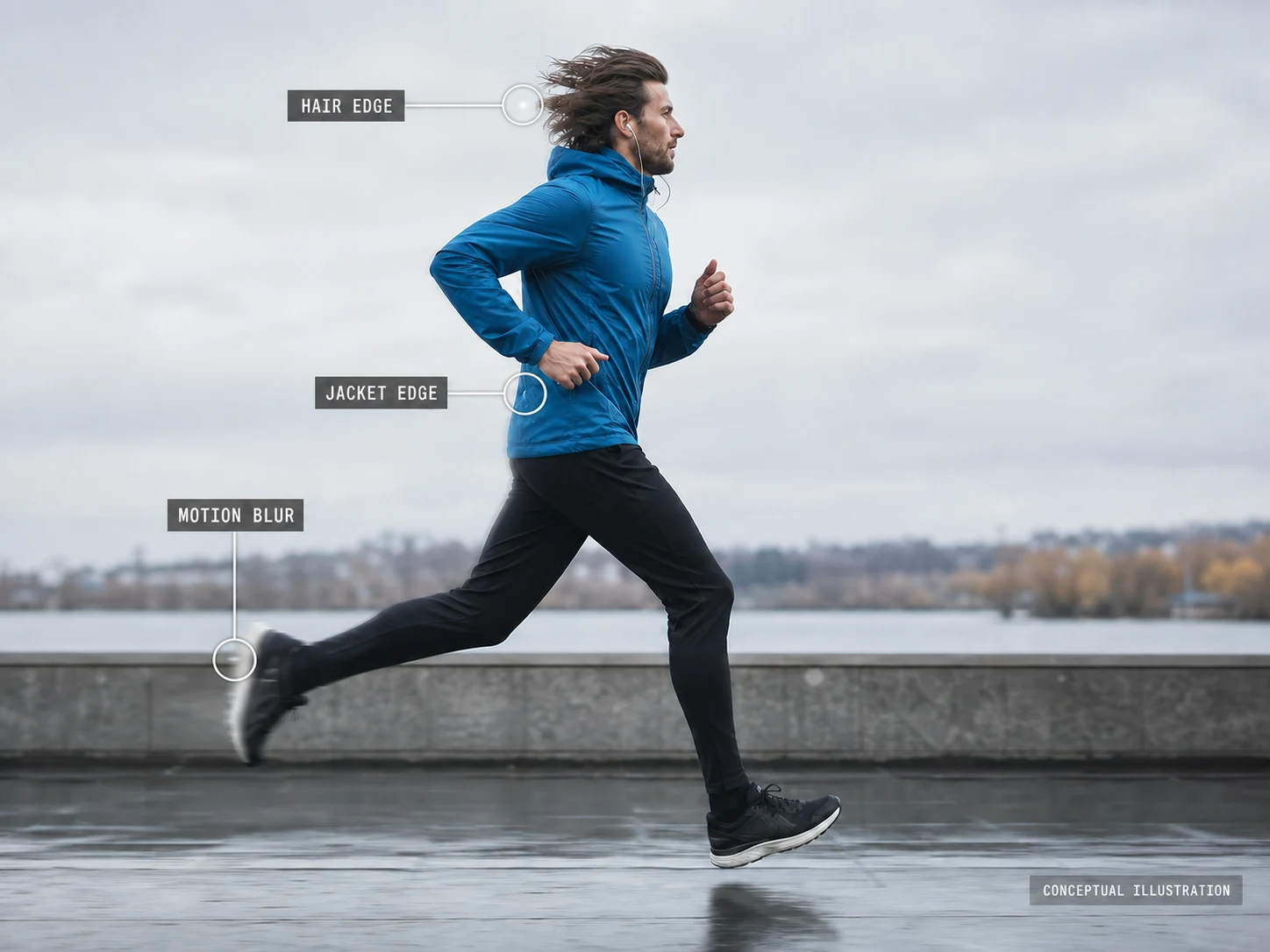
Check movement-sensitive edges
Hair, jacket edges, and motion blur can be important source details. The workspace does not expose an edge-refinement control or promise a particular cutout.
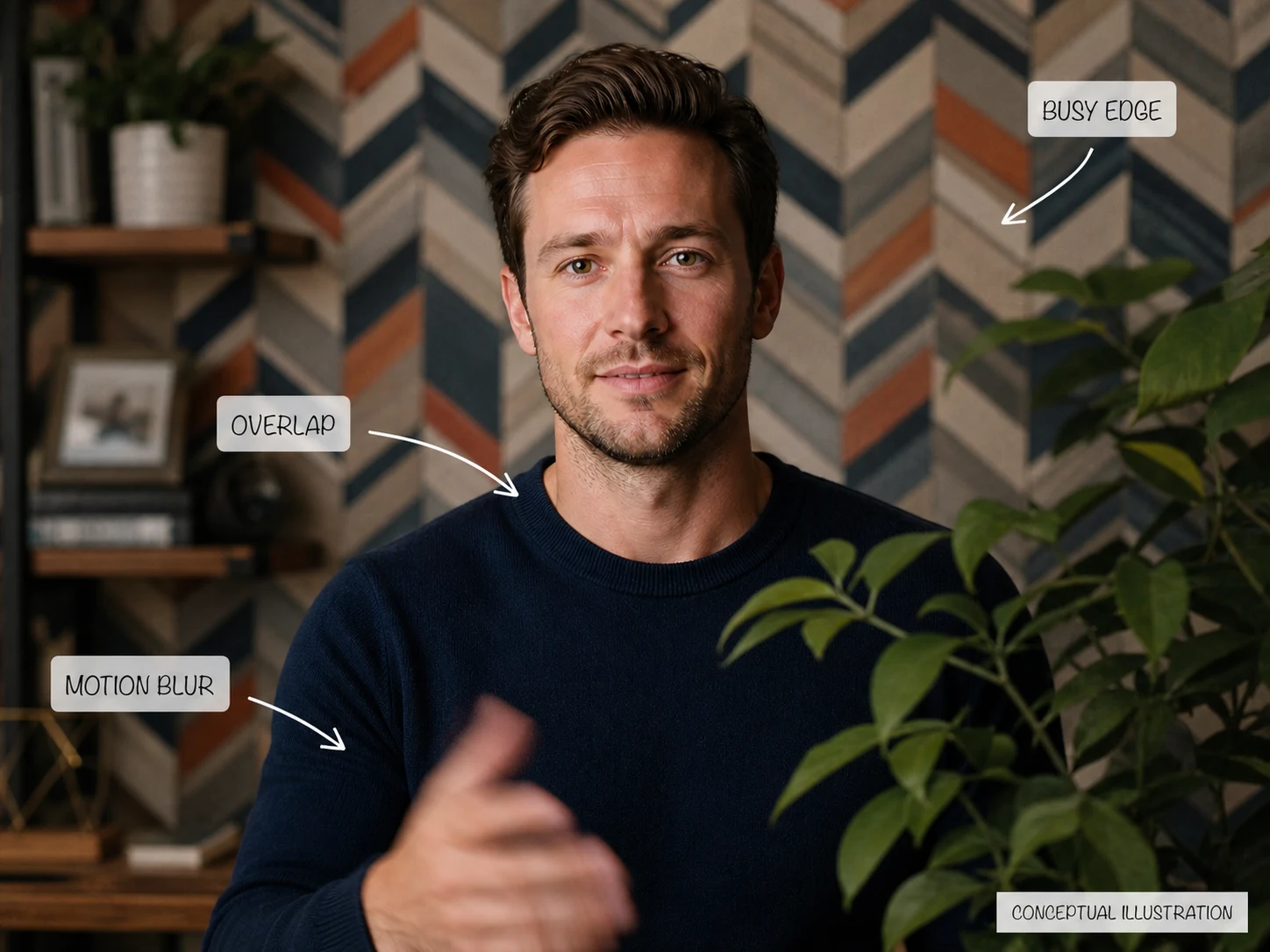
Review overlap against the background
Use source context to note shoulder, hand, object, or background overlaps before deciding how you would assess a future candidate.
How to prepare a video background-removal task
Upload one listed video type
Choose one MP4 or MOV source video up to 200 MB.
Choose the processing tier
Use Nuzza for the fast default, VEED Fast for balance, or VEED Background Removal for the highest-quality configured edges.
Review the finalized candidate
After submission, inspect transparency, foreground edges, motion, and output compatibility before using any finalized candidate.
Use cases for a source-first foreground review
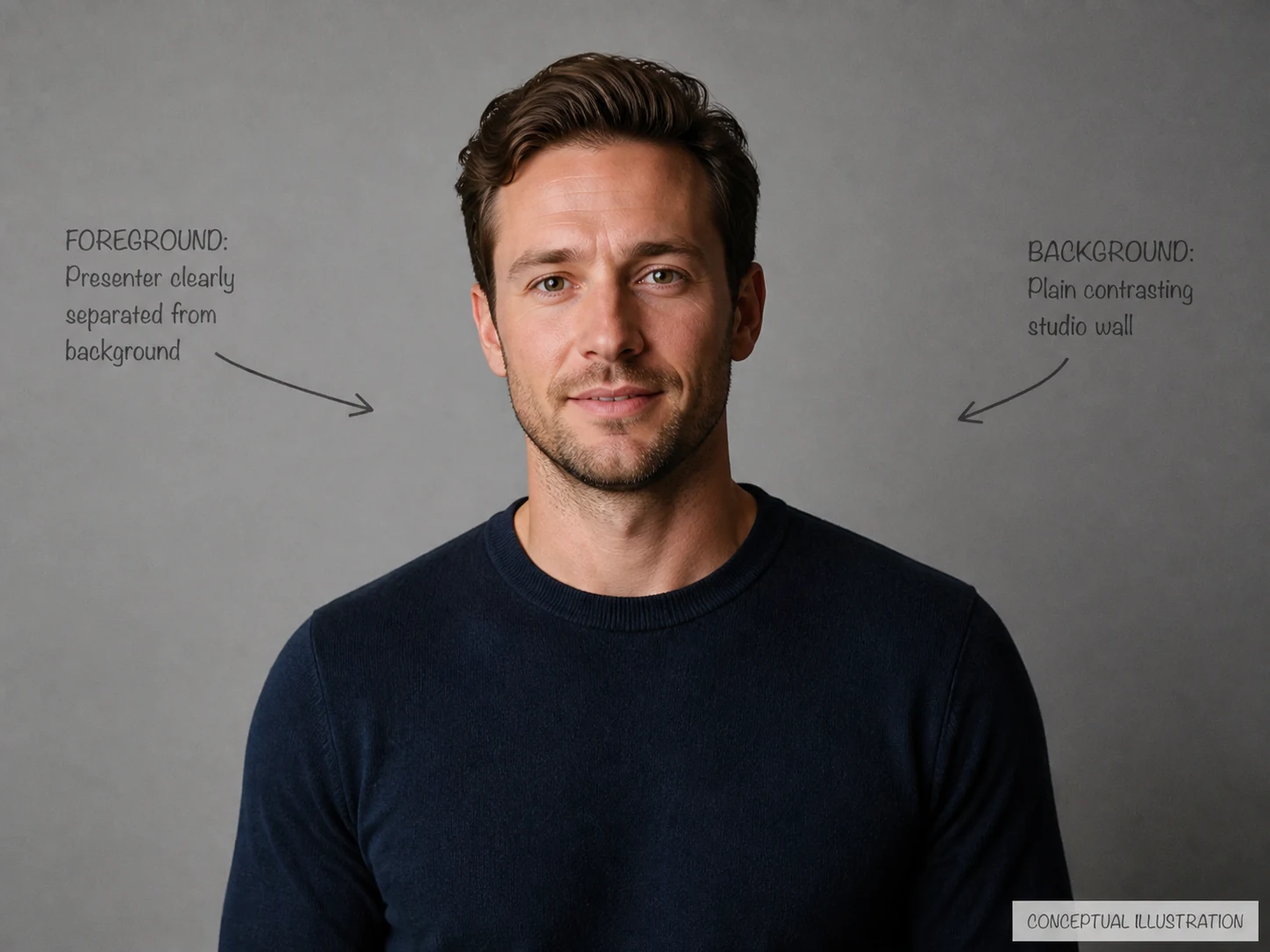
Talking-head source review
Use a presenter clip to identify the shoulder, hair, and background boundaries you would inspect in a future candidate.
Motion-edge review
Use a moving subject to note hair, clothing, and motion-blur edges without assuming they will be removed cleanly.
Busy-scene risk review
Use a crowded source to identify foreground overlaps and background patterns that deserve extra scrutiny.
Nuzza vs. Top Video Background Removers
| Feature / Model | Nuzza | VEED Video Background Remover | CapCut Remove Background | Canva Video Background Remover |
|---|---|---|---|---|
| Removal Options | Nuzza Cutout, VEED Fast, or VEED quality | AI removal, green screen, and background replacement | Automatic removal or adjustable chroma key | Automatic cutout with image and template replacement |
| Cost | Free with included credits | Free once; Pro for continued use | Free | Canva Pro |
| Best For | Choosing cutout quality and compositing output | Quick cutouts inside an online video editor | Social editing across desktop and mobile | Cutouts used directly in branded designs |
FAQs about AI Video Background Remover
What is Nuzza's AI Video Background Remover?
Nuzza's AI Video Background Remover separates the foreground from the background in an uploaded video. Choose a processing option, submit the source, and inspect the finalized moving edges before use.
What is the best AI video background remover?
The best AI video background remover depends on the source and the edge quality you need. Nuzza's AI Video Background Remover is a strong choice for a focused workflow with selectable processing quality.
Is Nuzza's AI Video Background Remover free to use?
The page is free to browse. Running a task requires Credits, and the current cost is shown before you submit.
What can I use Nuzza's AI Video Background Remover for?
Nuzza's AI Video Background Remover is useful for talking-head source review, motion-edge review, and busy-scene risk review. Use a presenter clip to identify the shoulder, hair, and background boundaries you would inspect in a future candidate.
What inputs does Nuzza's AI Video Background Remover support?
The upload control accepts one MP4 or MOV video up to 200 MB.
Do I need to sign in to use Nuzza's AI Video Background Remover?
You can browse this page without signing in. Submitting a generation, storing persistent inputs, checking task status, and saving a finalized result require a Nuzza account.
What should I check in the video result?
Foreground edges, overlap, and movement details are not guaranteed by this task, so they need your own review if a candidate is finalized.
Can I set a transparent output format?
No output-format control is exposed. The configured server input is not a user-facing promise of a downloadable format.
Can I replace the background in this workspace?
No background-replacement input or editor control is exposed in this source-only workspace.