

Kling 4.0
Create up to 30 seconds of video with Kling 4.0. Start from text or frames, guide a scene with image and video references, or revise existing footage.
What Can You Create With Kling 4.0?
Direct a Complete 30-Second Scene
Build an opening, an action, and a final beat into one 3–30 second clip. Use the extra time for a slow reveal, a camera move, or an exchange between characters.
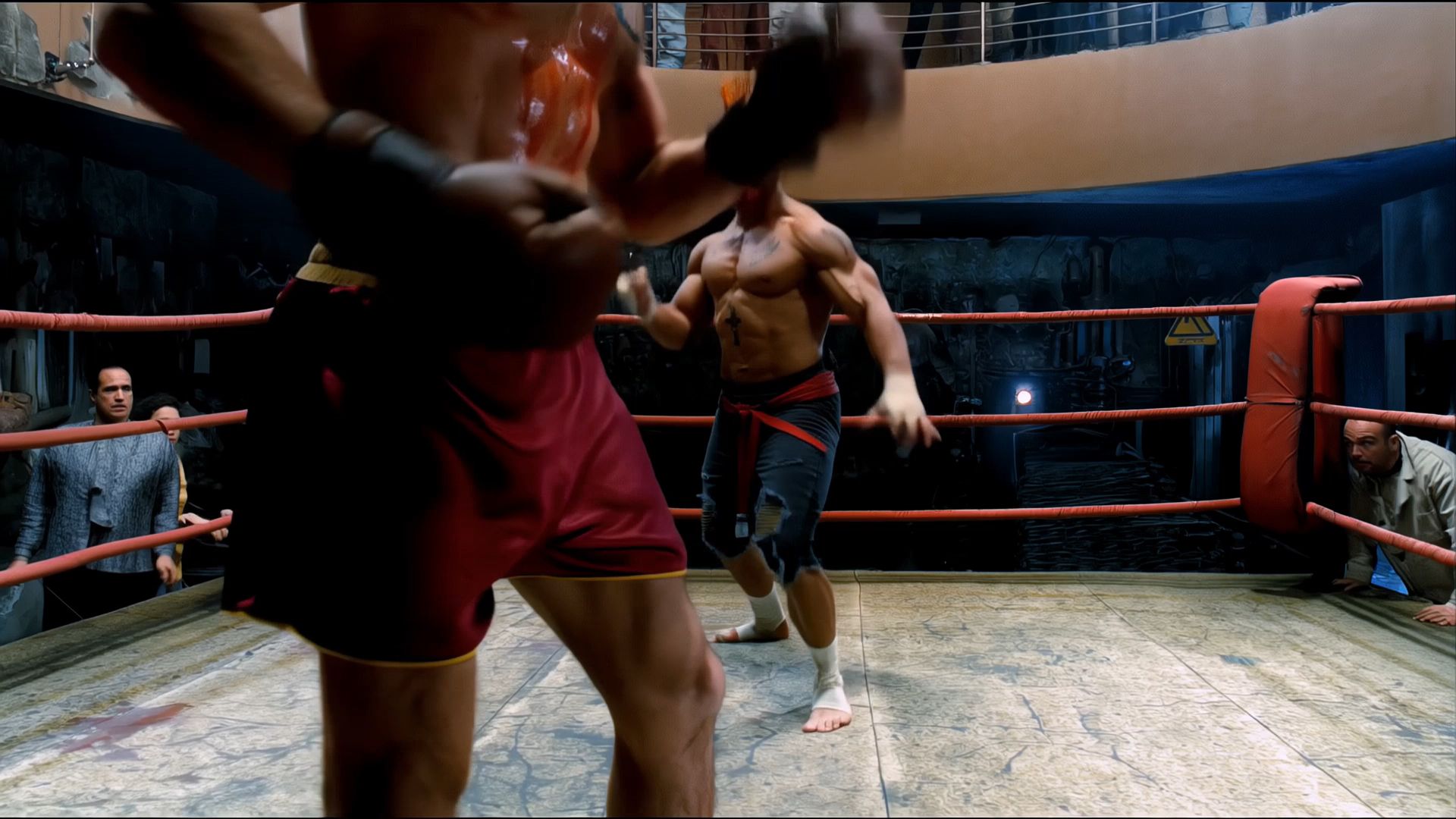
Keep Fast Action Readable Through Complex Motion
For fights, dance, or sports, describe how subjects move and where the camera follows. Review the result for readable movement, clean contact, and consistent positions as the camera changes direction.
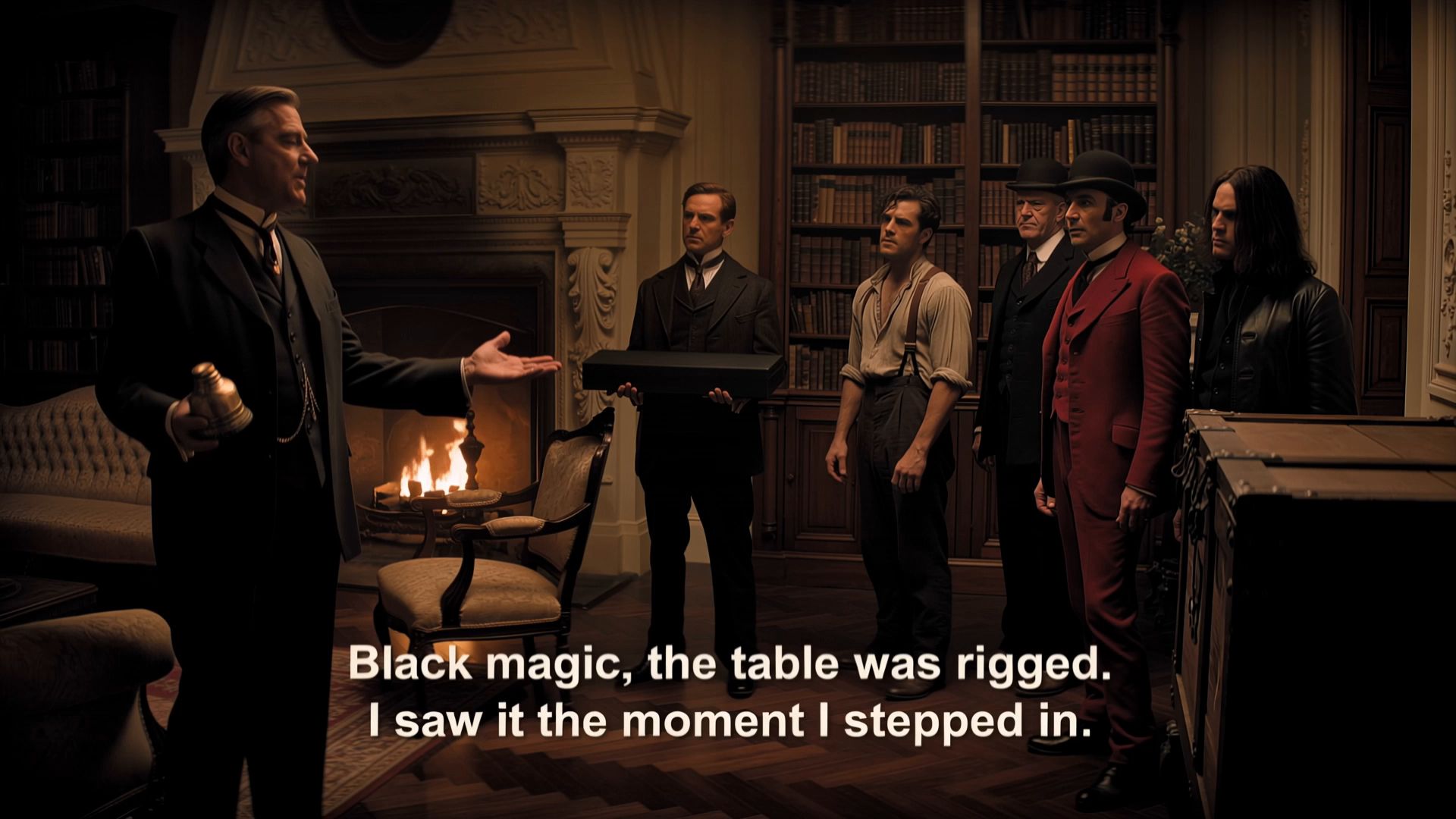
Guide One Scene with Up to 15 References
Combine up to 10 images and 5 videos in Reference to Video. Use the images to establish subjects and visual style, then add motion or framing cues with up to 30 seconds of combined video input.

Generate Picture and Two-Channel Stereo Sound Together
Describe dialogue, ambience, or sound effects alongside the action. Kling 4.0 generates two-channel stereo with the picture. Review the timing and delivery when you preview the clip.
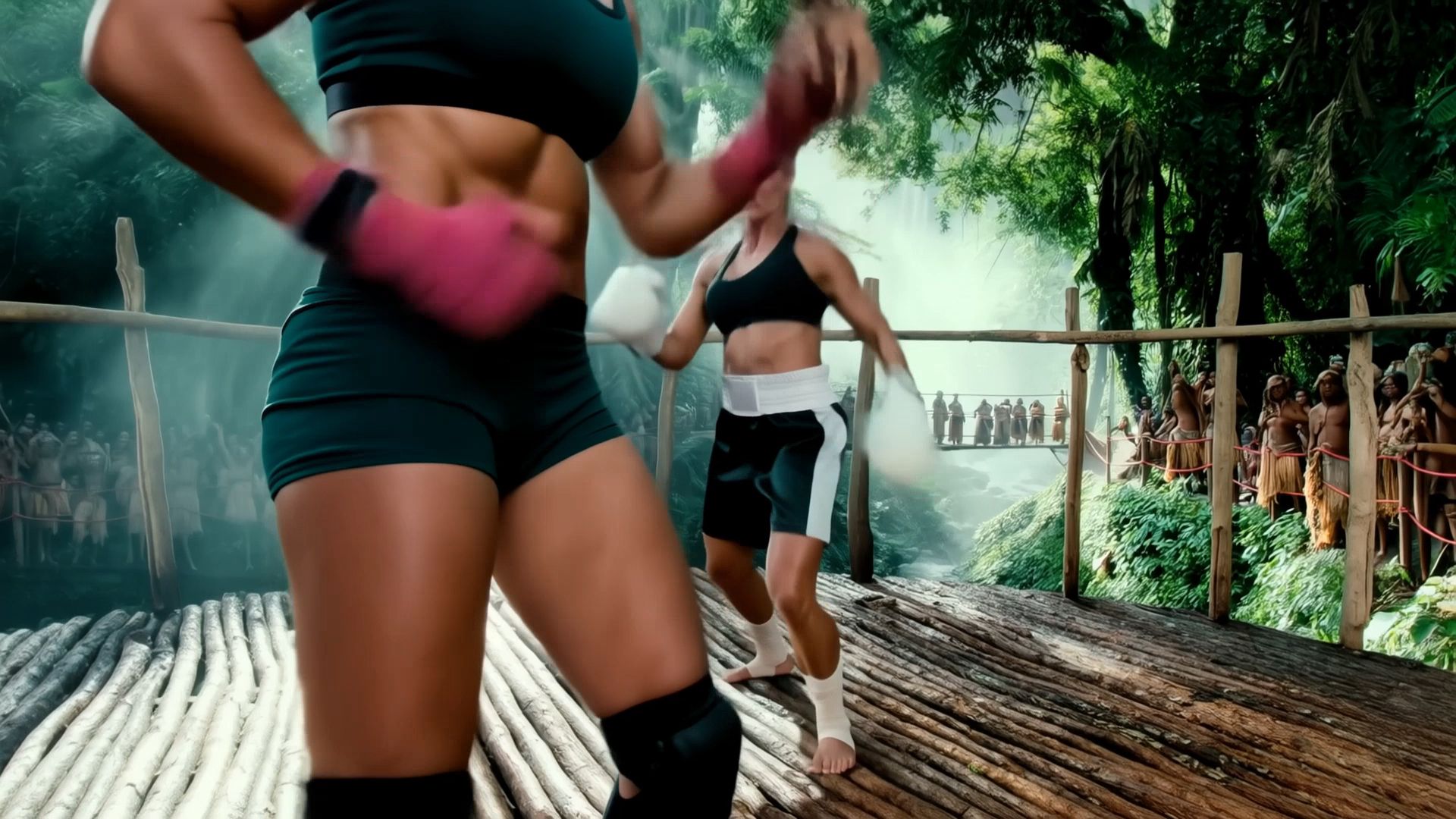
Revise One Part of an Existing Video
Upload an existing clip and describe a change to the subject, background, or movement. Add reference images if the edit needs a specific appearance, then check which details carried through.

Guide a New Scene With Reference Motion
Use a reference video to show how the camera or subject moves, then describe what should appear in the new scene. Add your own character or product images when the new subject needs a specific look.
What Is Kling 4.0 Built For?
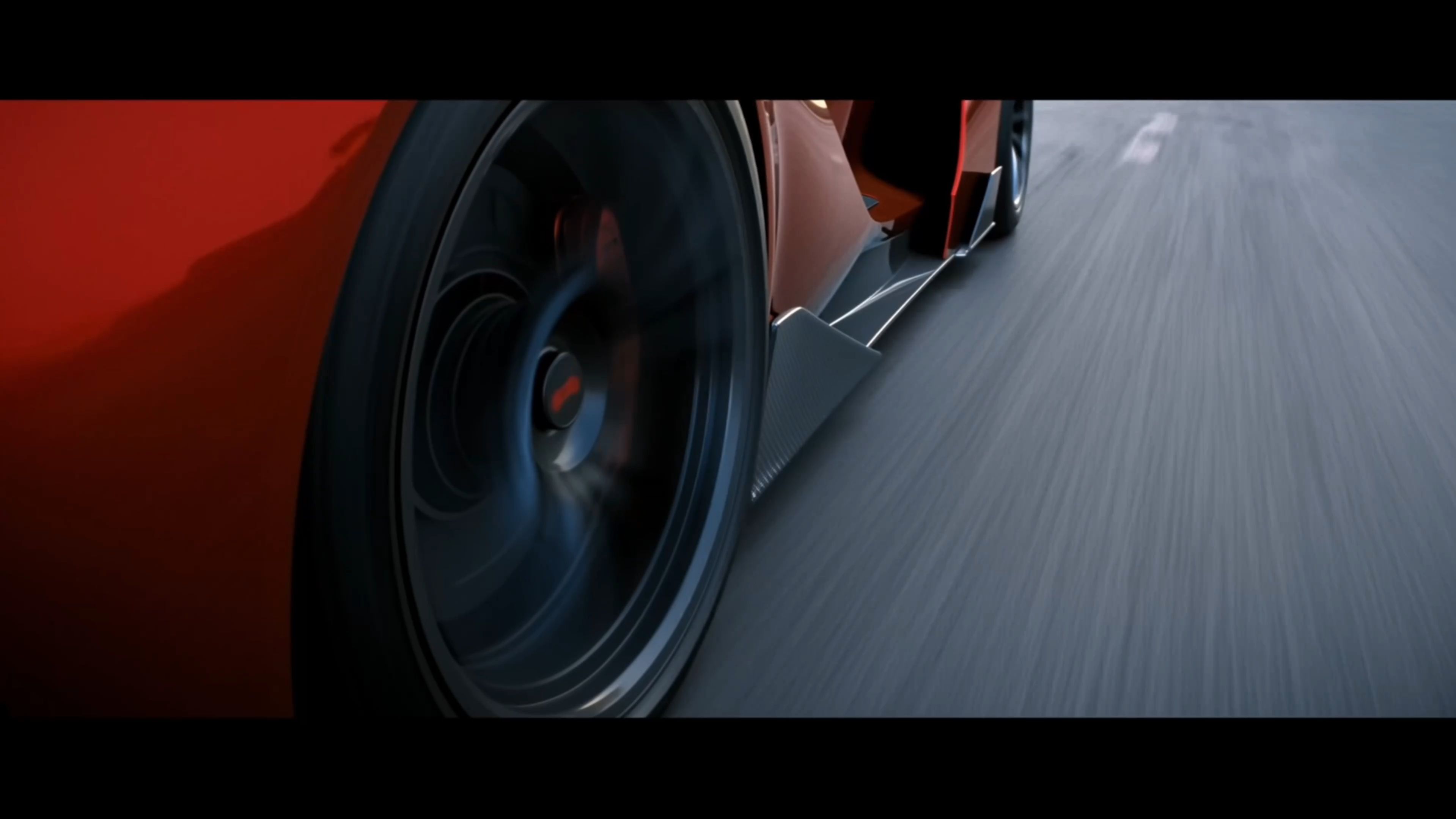
Product campaigns. Turn product photos and a campaign brief into launch spots, lifestyle scenes, and product reveals for storefronts, landing pages, and social advertising, using visual references to guide the presentation.
Short films. Develop character introductions, conversations, fantasy scenes, and dramatic reveals for concept films and pitch reels, giving a complete scene room to progress within a single generation.
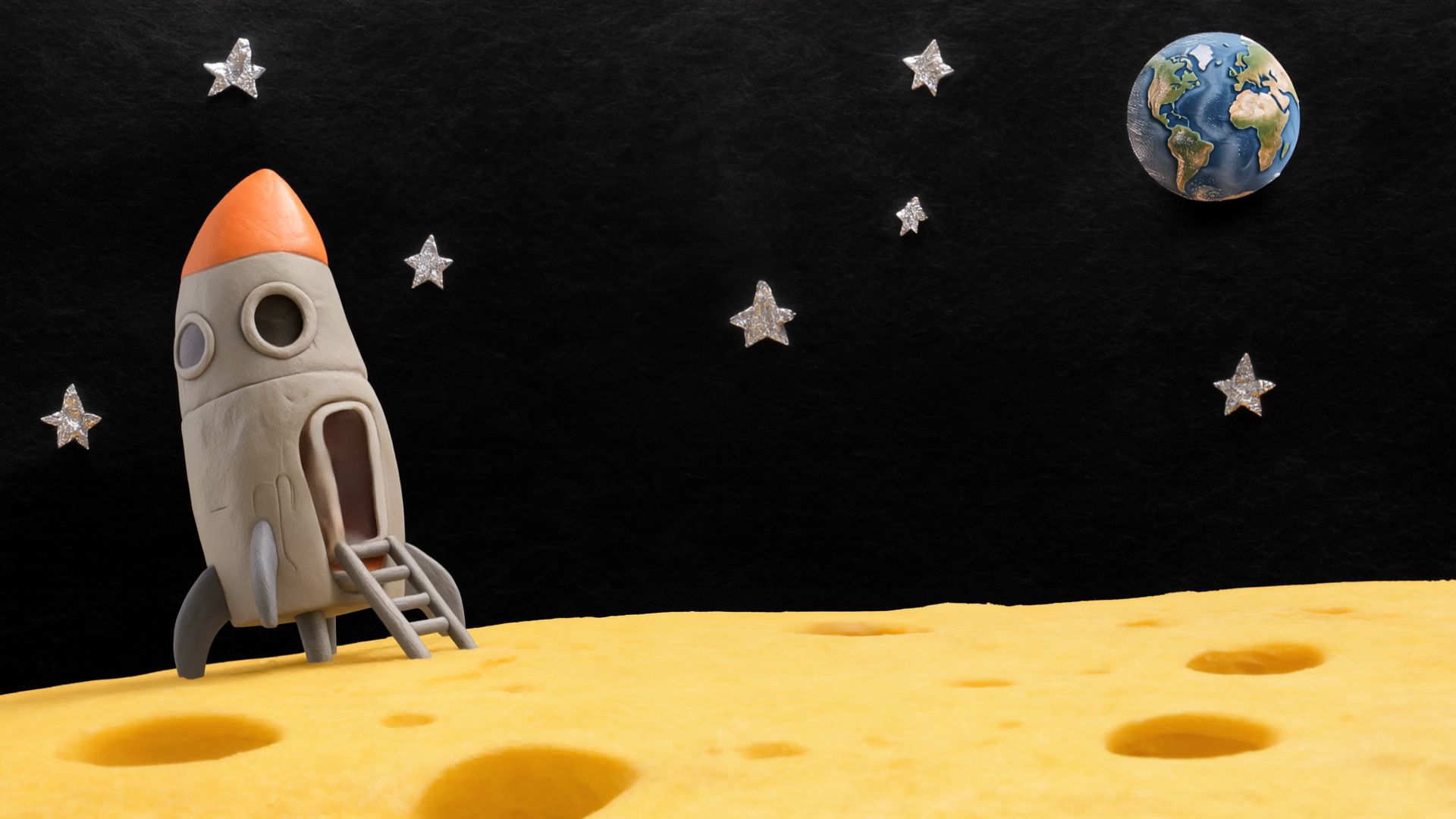
Stylized animation. Create animated adventures, playful character moments, and tactile miniature worlds for music videos, entertainment projects, and story concepts, with a coherent visual style across each scene.
How to Use Kling 4.0 on Nuzza AI
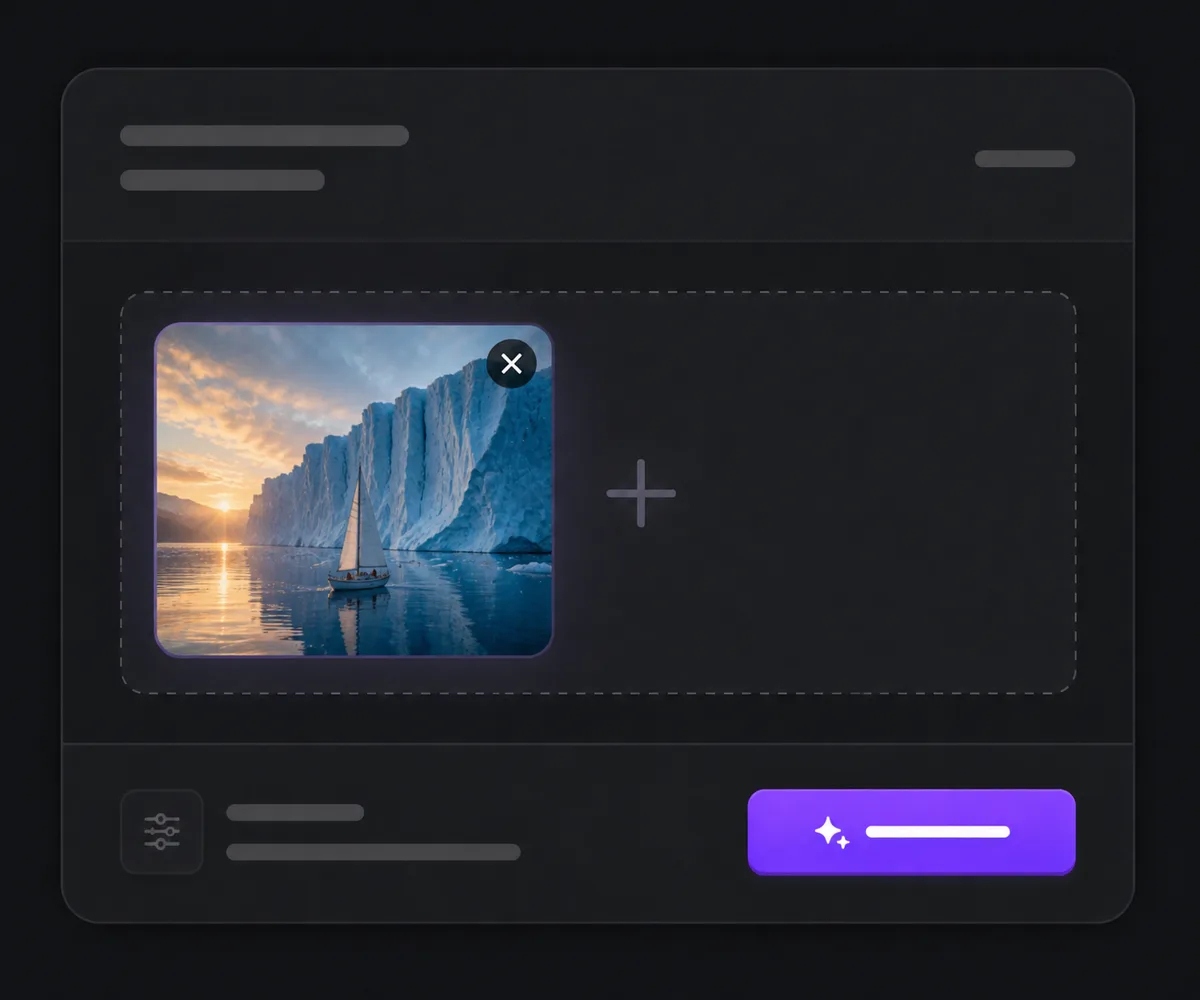
Choose a workflow
Start with a text prompt, use Frames for a start image and optional end image, or add images and videos as references. Choose Edit Video to revise an existing clip.
Describe the scene or edit
Tell Kling 4.0 what should happen and what it should sound like. Choose duration, resolution, and aspect ratio where available.
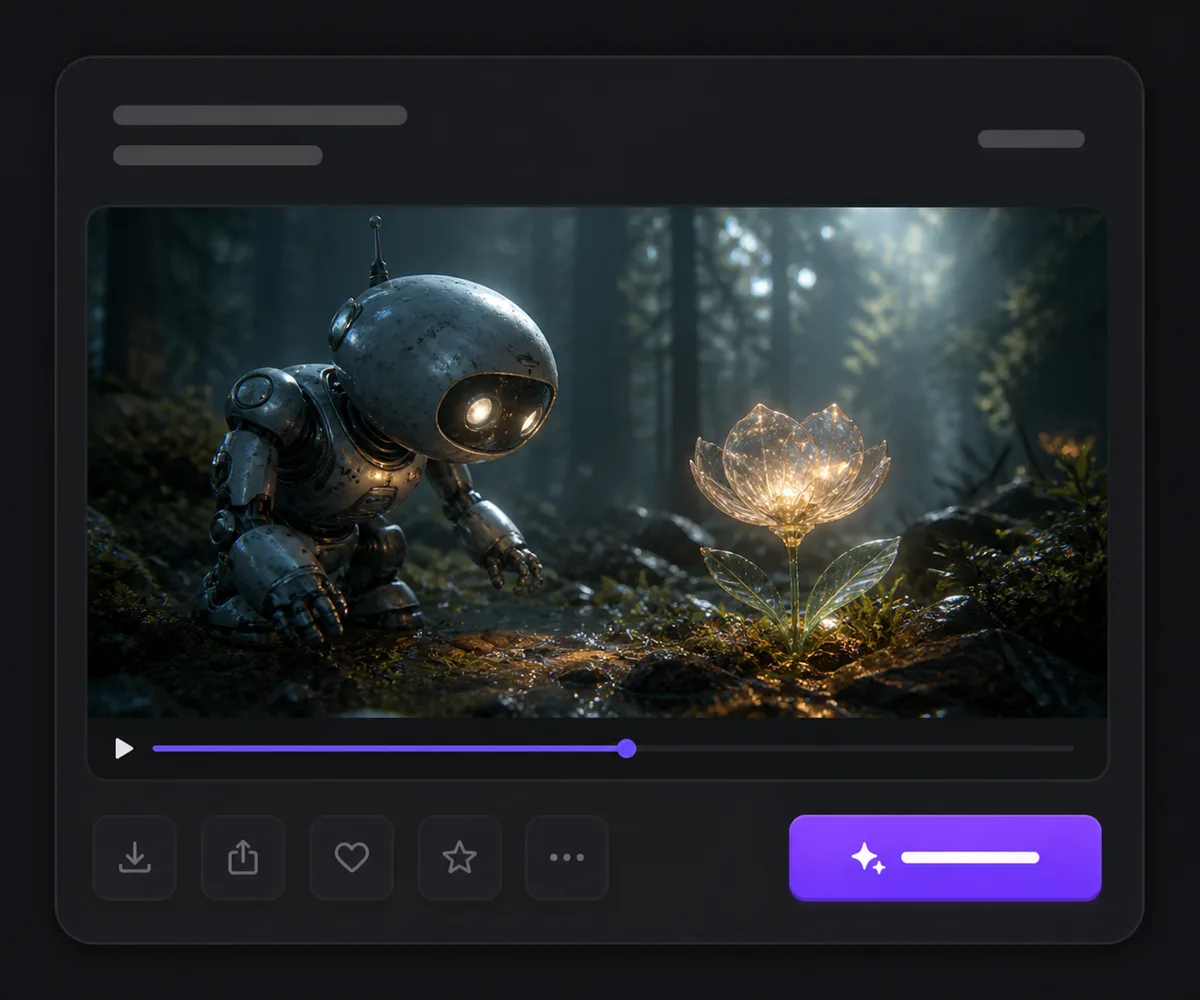
Generate and review your clip
Review the Credit quote and generate. Play the result with sound, check the timing and details, then download the clip.
Kling 4.0 vs. Kling 3.0 vs. Seedance 2.5
| Feature / Model | Kling 4.0 | Kling 3.0 | Seedance 2.5 |
|---|---|---|---|
| Best Fit | Best for 30-second scenes, mixed visual references, and revisions to existing footage. | Best for shorter sequences directed from text or endpoint frames. | Best for projects combining large image collections, video references, and audio inputs. |
| Generation Duration | Generates clips from 3 to 30 seconds. | Generates clips from 3 to 15 seconds. | Generates clips from 4 to 30 seconds. |
| Reference Inputs | Accepts up to 10 images and 5 videos within a shared 15-reference limit. | Accepts a start image or first and last frames in this workspace. | Accepts up to 30 images, 10 videos, and 10 audio files. |
| Audio | Generates two-channel stereo sound with the picture. | Supports native audio, with silent output in this Nuzza workflow. | Generates synchronized audio with the video. |
| Video Editing | Supports text-directed edits to an existing clip with optional image references. | Does not offer video editing in this model entry. | Supports reference-led video edits with image, video, and audio inputs. |
FAQs about Kling 4.0
What is Kling 4.0?
Kling 4.0 is a video model that can create clips from text, images, and visual references, or edit existing footage. On Nuzza AI, you can create 3–30 second clips at 720p or 1080p.
What is new compared with Kling 3.0?
Kling 4.0 doubles the generation limit from 15 to 30 seconds and adds mixed image and video references and editing to its Nuzza workspace. Compare it with Kling 3.0 if you mainly need shorter clips from text or frames.
What reference inputs can I use?
Reference to Video accepts up to 10 images and 5 videos, with a maximum of 15 references. Each reference video must be 3–30 seconds long, with no more than 30 seconds combined.
Can I control the first and last frames?
Yes. In the image-based workflow, add a start image and optionally an end image. The Kling 4.0 model also supports a multi-keyframe timeline on its own platform. The Nuzza workspace provides start and end frames.
How long can Kling 4.0 videos be?
For generation, choose any whole-second duration from 3 through 30 seconds. Choose a duration that leaves time for the action or camera move you describe.
What output resolutions and aspect ratios are available?
On Nuzza, choose 720p or 1080p. Text to Video offers 21:9, 16:9, 9:16, and 1:1. Reference to Video also offers adaptive framing. Image-based generation follows the supplied frame geometry.
Does Kling 4.0 generate sound?
Yes. Kling 4.0 generates two-channel stereo with the picture. You can describe dialogue, ambience, and sound effects in your prompt. Preview the clip with sound to review the result.
Can I edit a video I already have?
Yes. Choose Edit Video, upload one 3–30 second source video, and describe the change. You can add up to 10 reference images to guide the edit.
Can I use Kling 4.0 for free?
Kling 4.0 requires an eligible paid Nuzza subscription and enough Credits to cover the generation quote. See Nuzza pricing for plan options.
Give Your Next Scene Room to Unfold
Bring a photo, a creative brief, or an existing clip, and turn your next idea into a video with Kling 4.0.
Create with Kling 4.0