
Qwen Image 2
Qwen-Image-2.0 unifies image generation and editing around professional typography, stronger semantic adherence, native 2K output, improved realism, and a lighter architecture. Nuzza's current Qwen Image 2 selector still connects the earlier Qwen Image generation endpoint, with six canvas presets and up to four results per request.
Why Creators Choose Qwen Image 2?
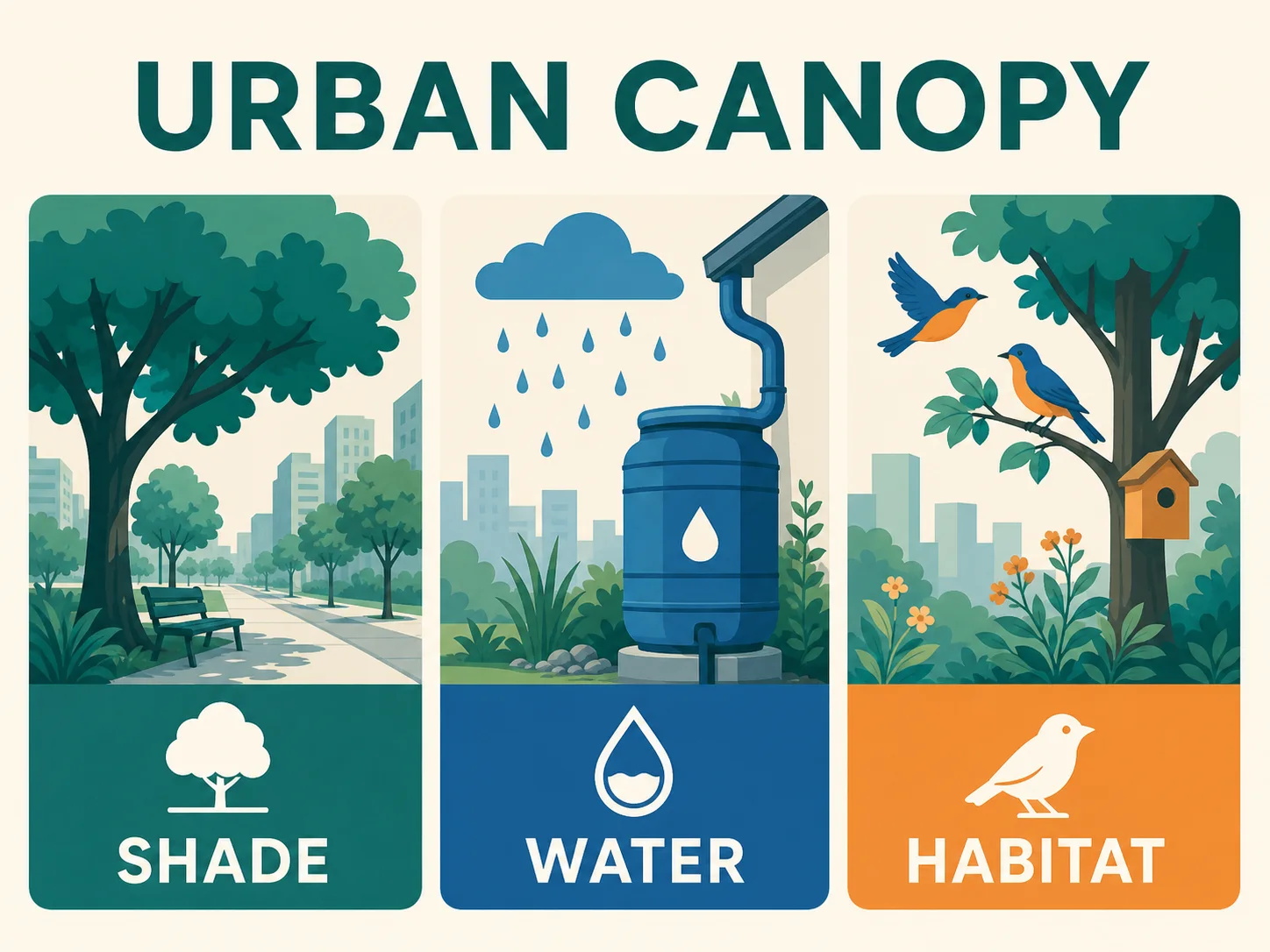
Build Professional Infographics from Long Briefs
Write instructions up to 1K tokens for information-rich posters, presentation pages, comics, and infographics. Qwen Image 2 is designed to organize several content blocks, visual relationships, and short copy requirements inside one finished composition.
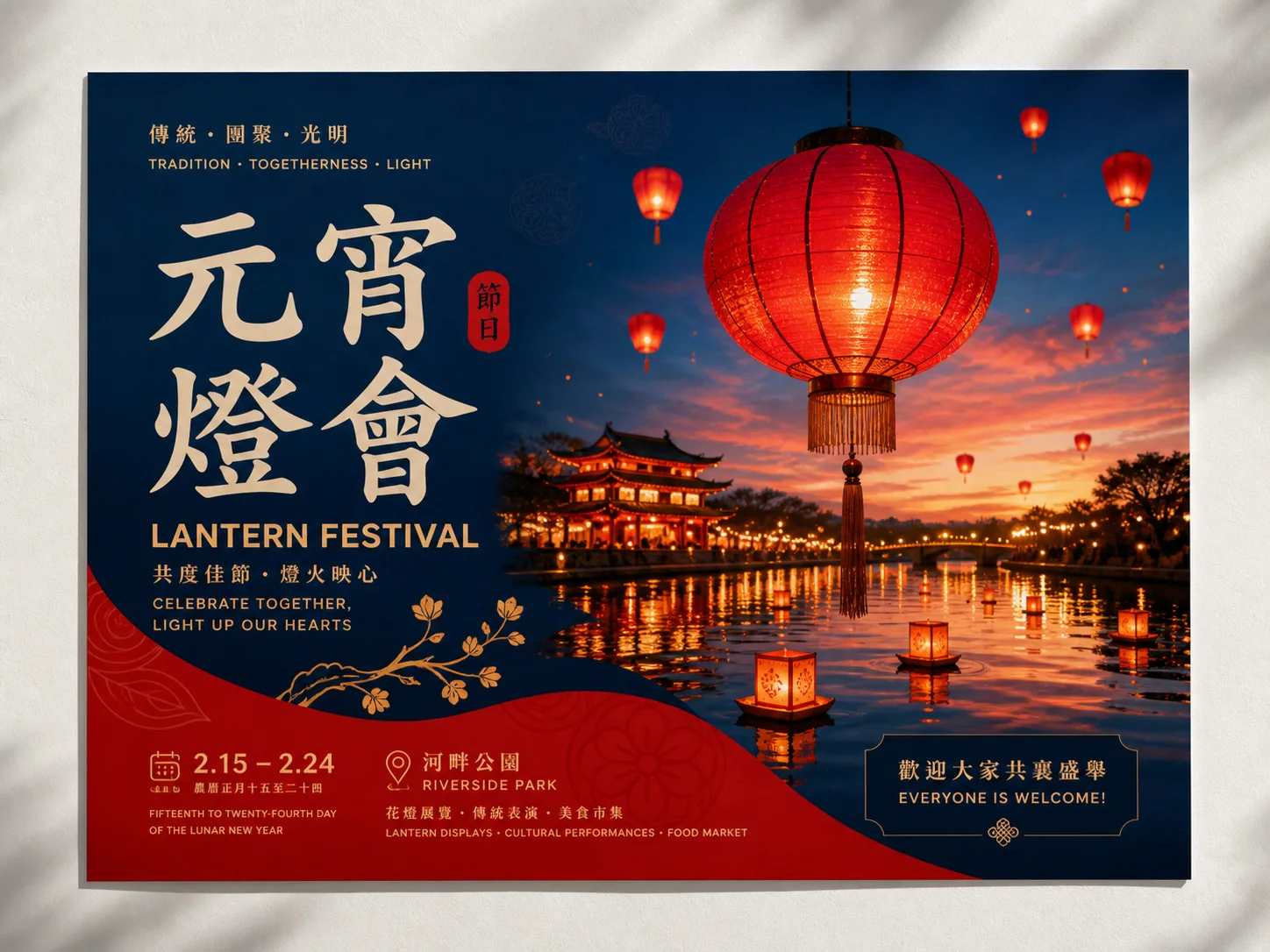
Render Chinese and English Typography
Place concise Chinese or English wording directly inside a poster, cover, sign, or campaign concept. Describe the exact copy, hierarchy, placement, and type treatment, then inspect spelling and alignment before publishing.
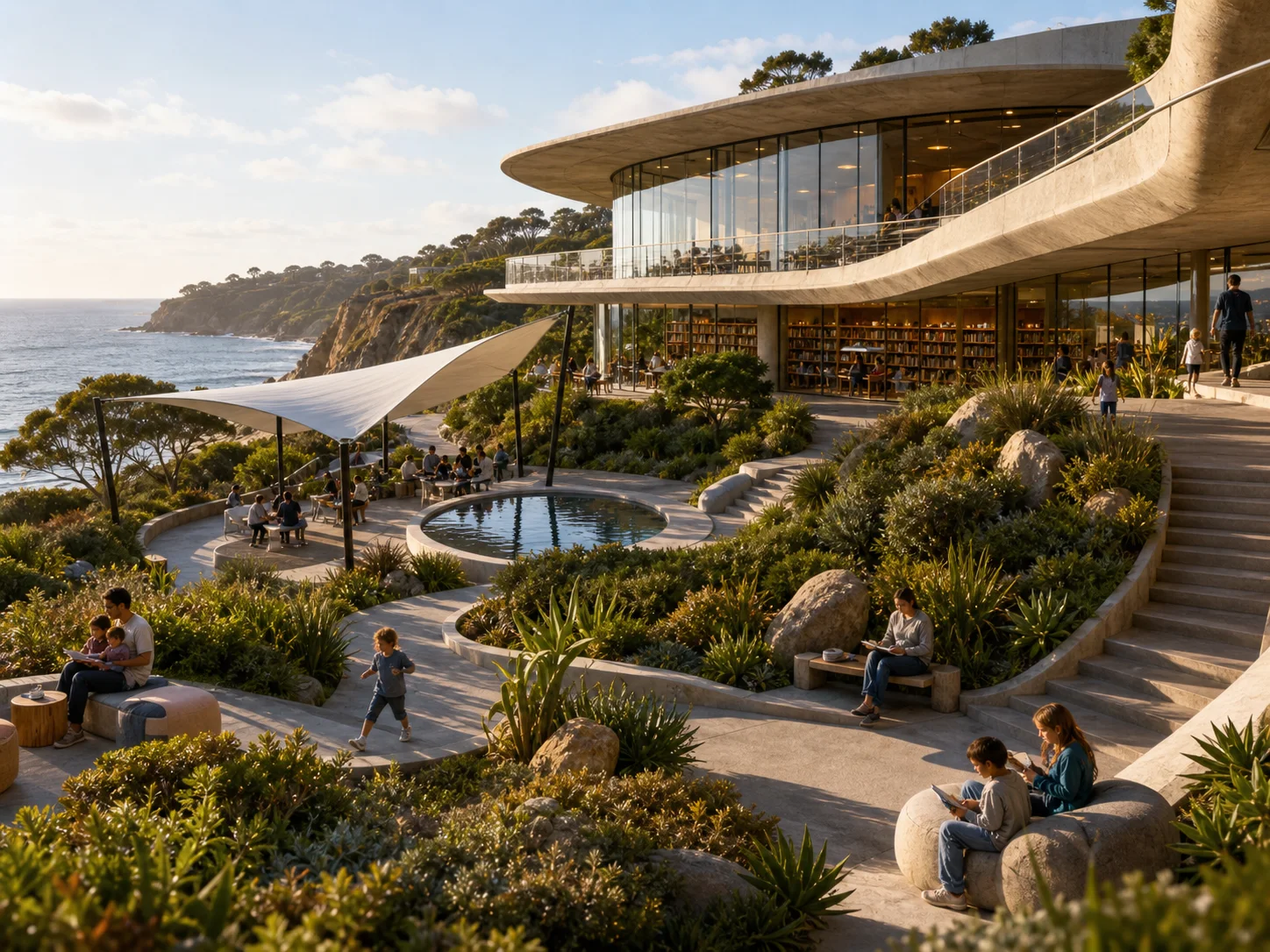
Follow Structured Creative Direction
Connect subject, action, environment, viewpoint, lighting, materials, and mood in one structured prompt. Qwen Image 2 strengthens semantic adherence so complex scene requirements can resolve as one coherent visual rather than disconnected details.
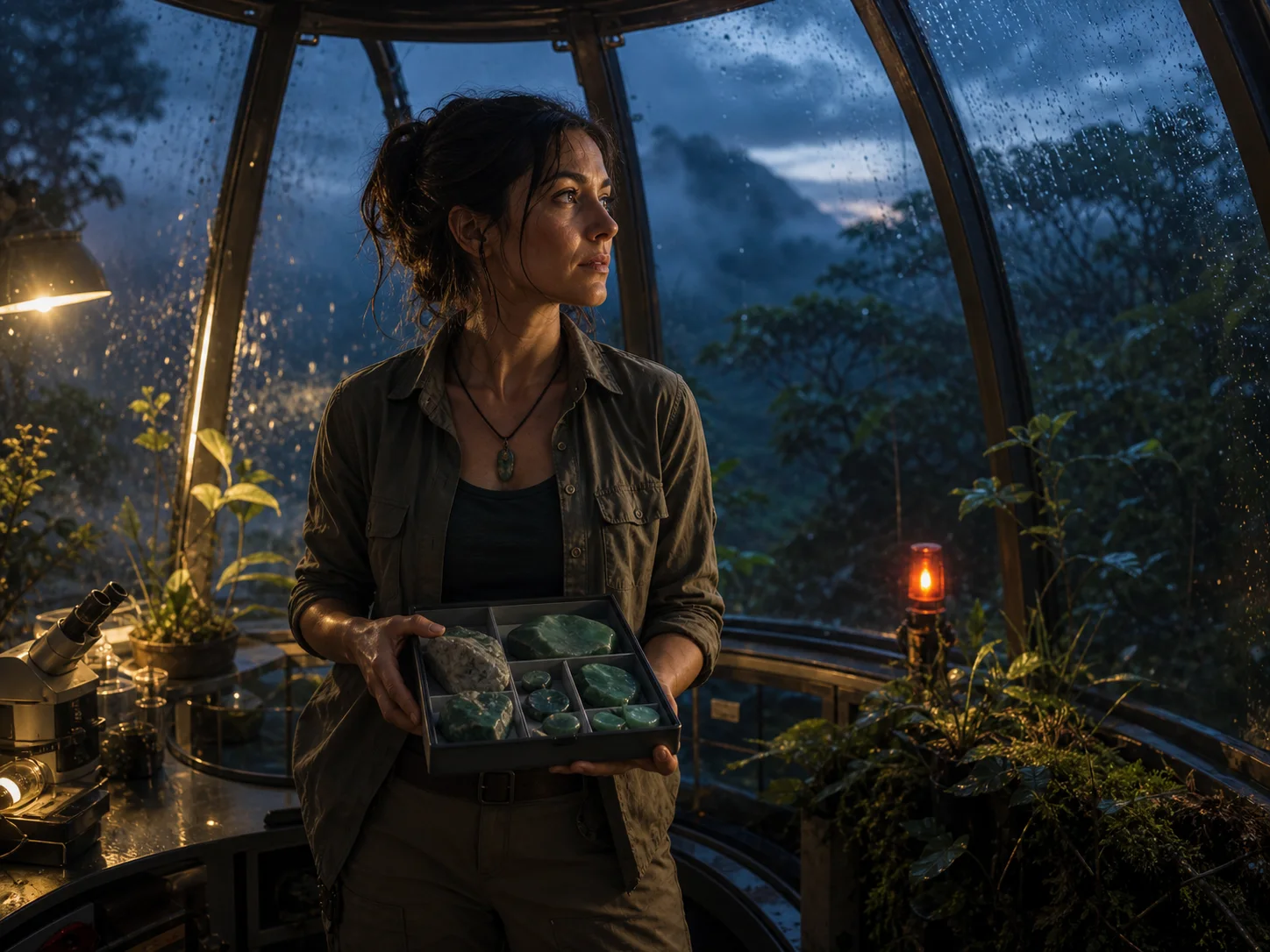
Create Native 2K Realistic Scenes
Describe people, natural environments, architecture, products, or editorial settings with concrete physical detail. The official release highlights native 2K generation and stronger realism across faces, natural surfaces, lighting, and spatial relationships.
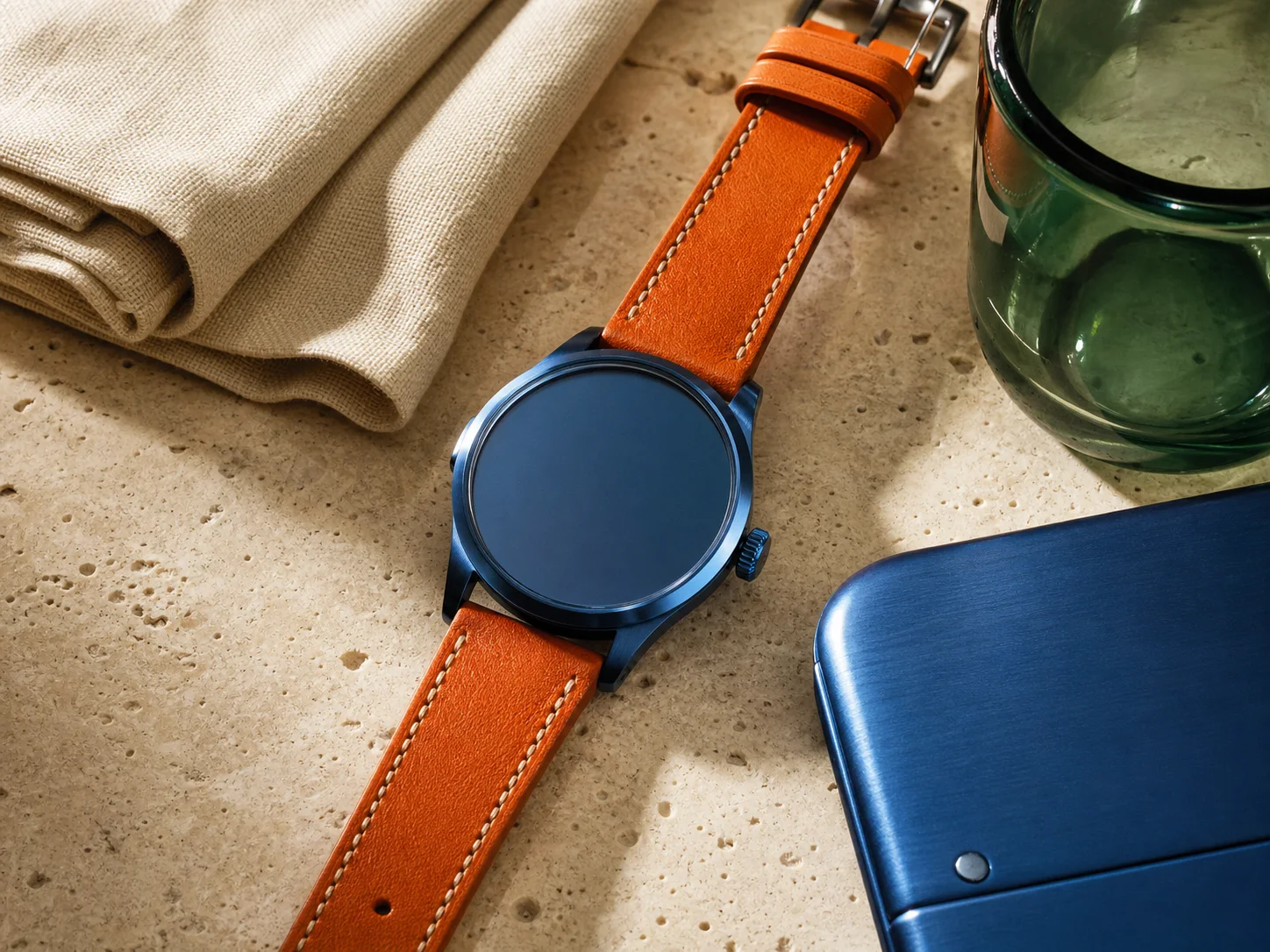
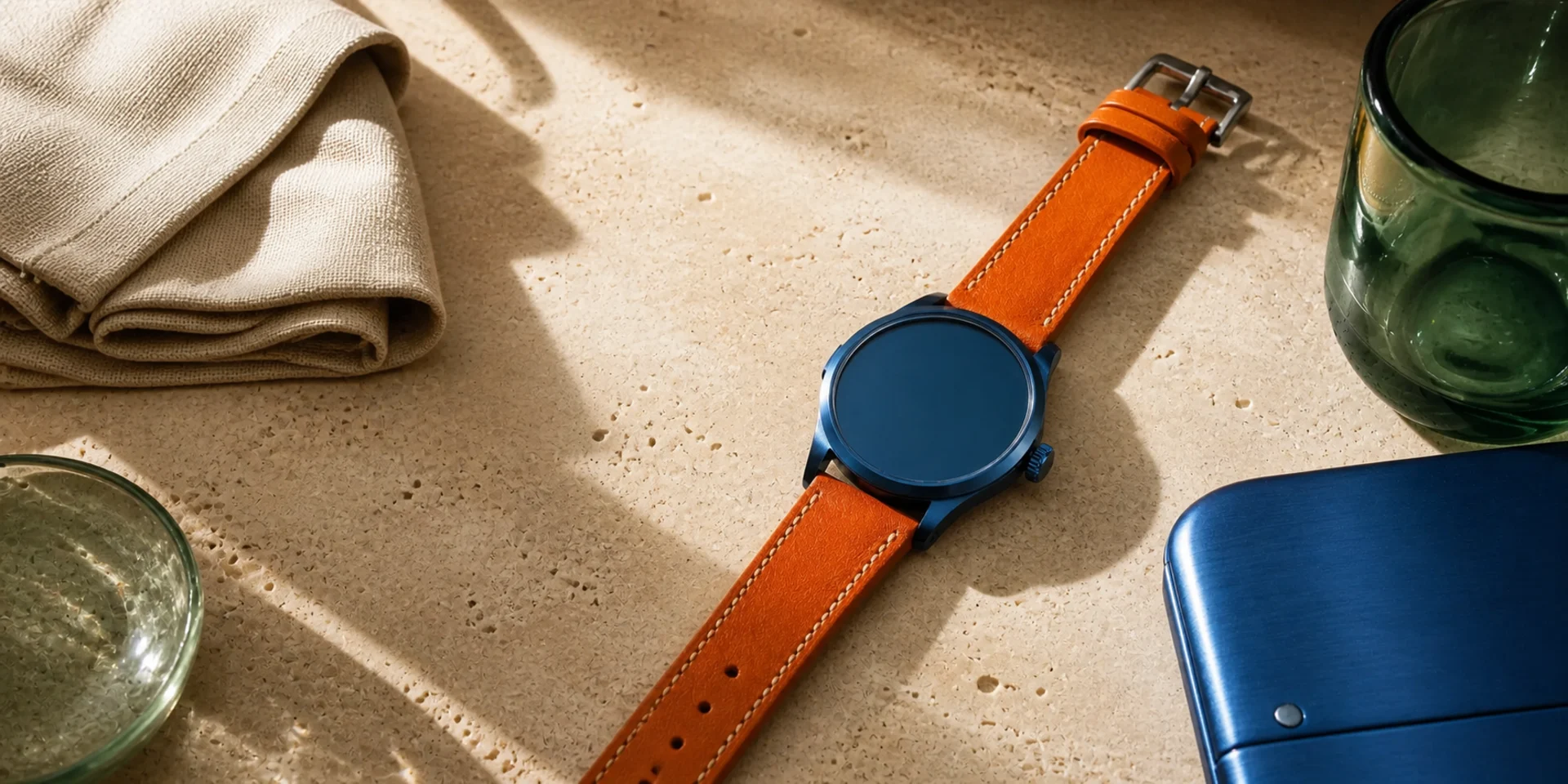
Reproduce Fine Materials and Textures
Name surfaces such as glass, leather, brushed metal, woven fabric, ceramic, stone, or skin together with the light that reveals them. Specific material language gives close product and editorial concepts more believable physical cues.
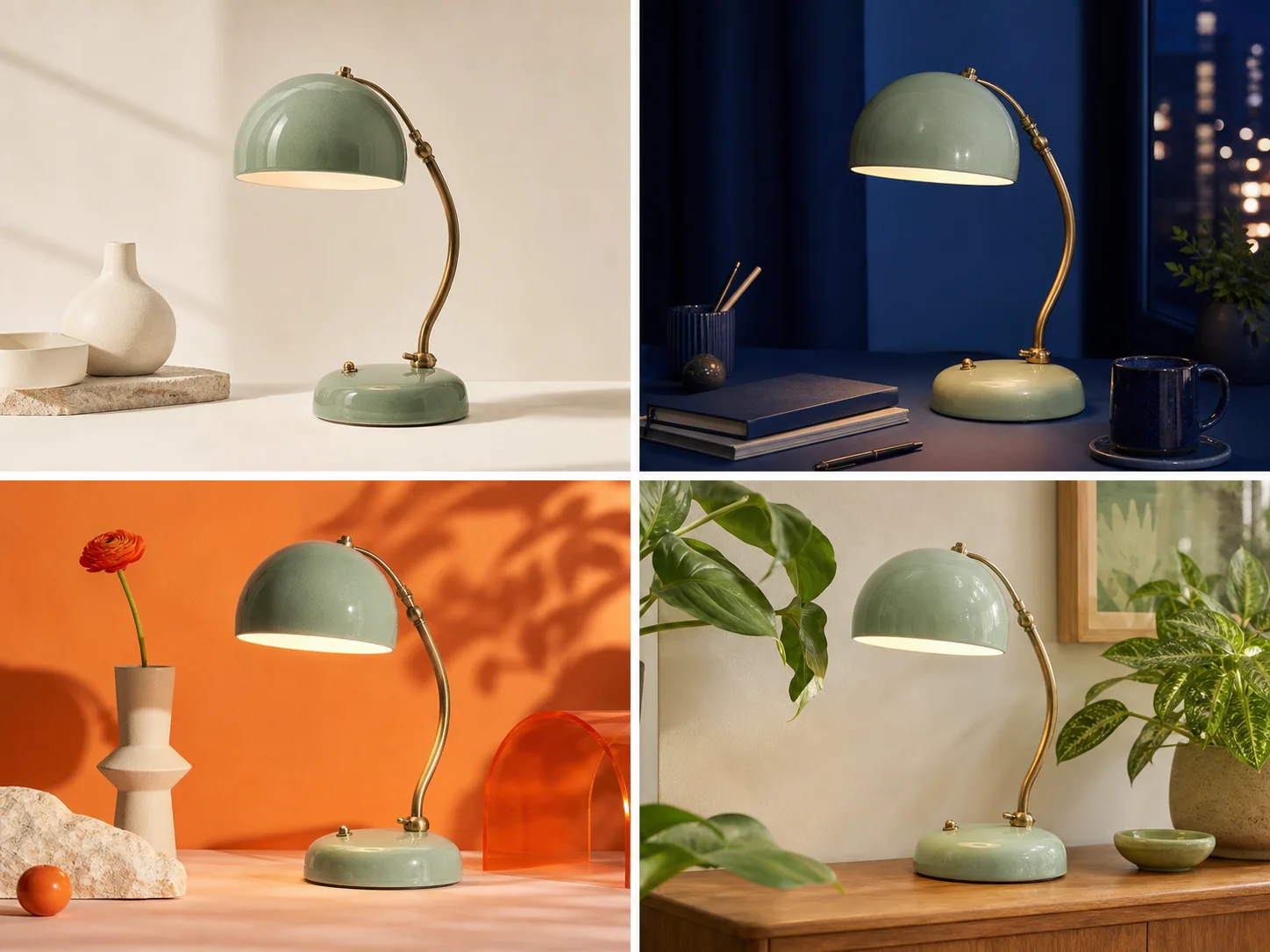
Explore Up to Four Visual Directions
Request one image while refining a brief or up to four when comparing treatments. Keep the non-negotiable subject details fixed, then judge composition, color, lighting, and styling before choosing a direction to develop.
What Is Qwen Image 2 Built For?
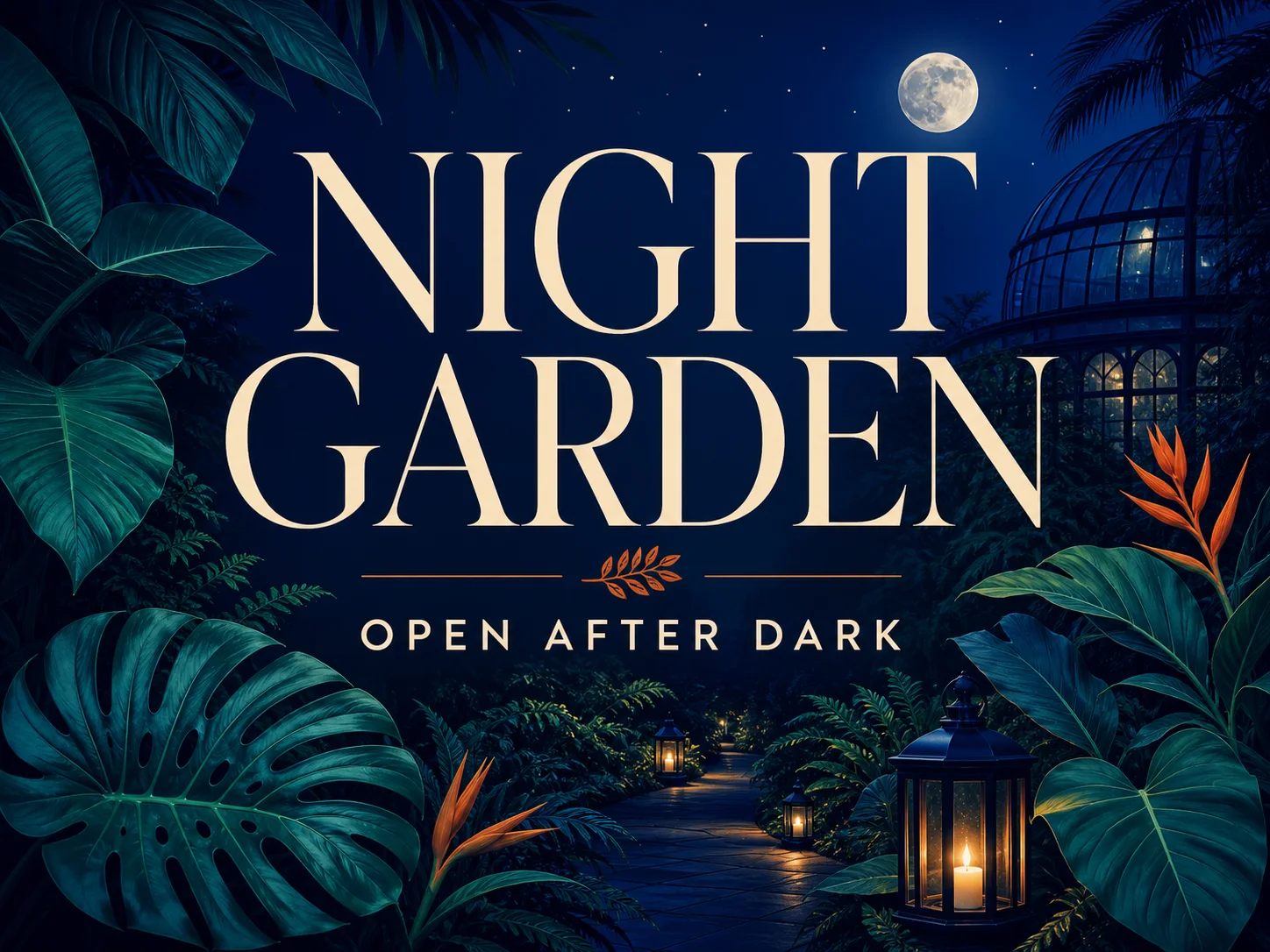
Marketing and poster design. Draft event posters, campaign graphics, presentation covers, packaging concepts, and signs that combine short visible copy with a strong visual hierarchy.
Education and information design. Turn structured facts into infographic, explainer, slide, comic, and publication concepts with clearly separated content blocks and supporting imagery.
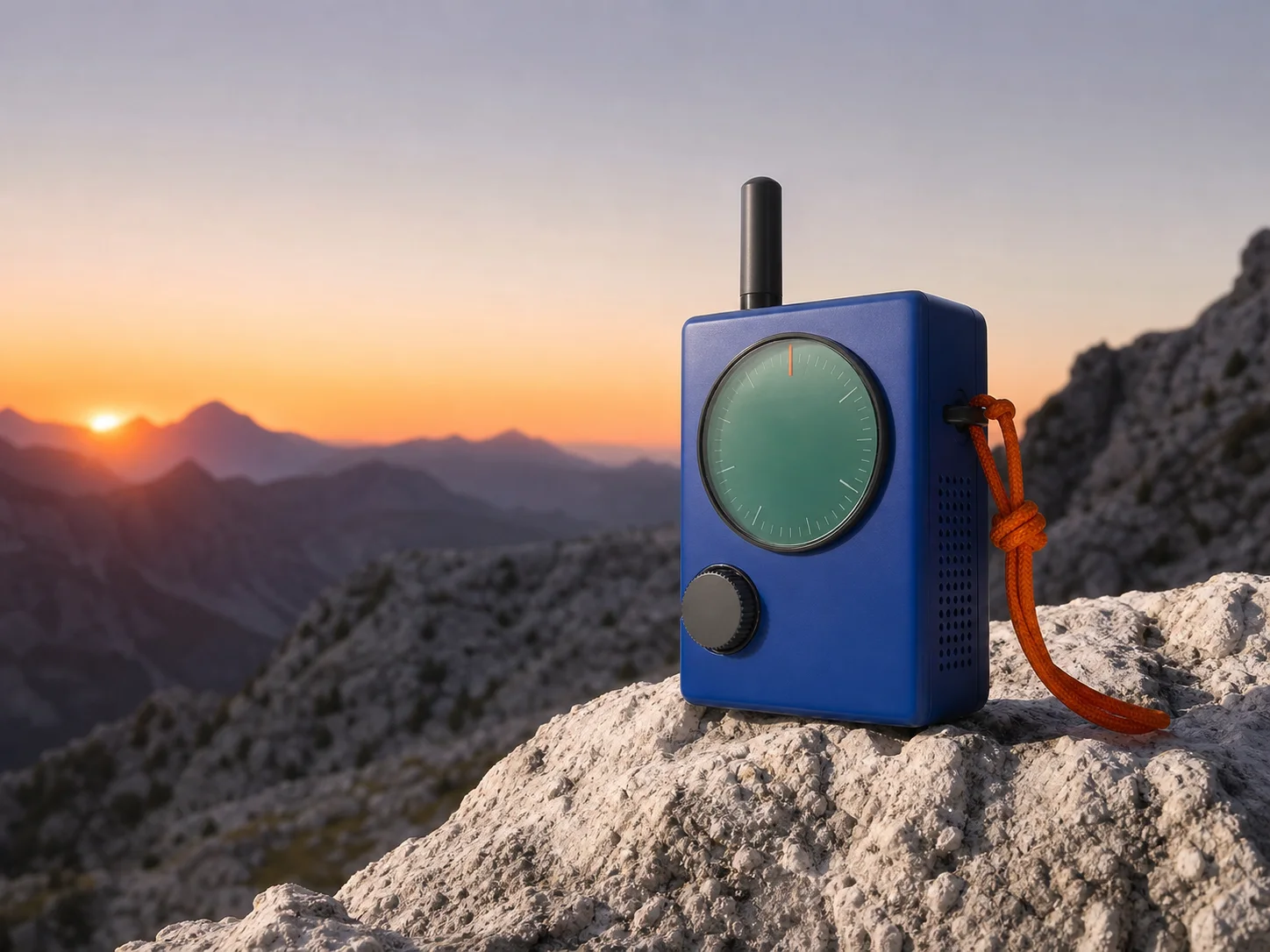
Product and editorial imagery. Explore products, food, still life, interiors, architecture, or lifestyle scenes where materials, lighting, camera, and environment must work together.
How to Use Qwen Image 2 on Nuzza AI For Free
Try Qwen Image 2 for Free NowWrite a Structured Prompt
Describe the subject, composition, setting, lighting, materials, mood, exact short text, and details that must not appear.
Choose the Canvas and Variations
Select a square, portrait, or landscape preset and request one to four images depending on how many directions you want to compare.
Generate and Review
Inspect typography, anatomy, geometry, edges, materials, lighting, and small relationships, then refine one important instruction at a time.
Qwen Image 2 vs. Qwen-Image-3.0 vs. GPT Image 2
| Feature / Model | Qwen Image 2 | Qwen-Image-3.0 | GPT Image 2 |
|---|---|---|---|
| Best Fit | Posters, infographics, realistic scenes, and material-rich prompt-led concepts. | Nested layouts, multilingual small text, restoration, and knowledge graphics. | Detailed marketing briefs, visible text, targeted edits, and quality control. |
| Official Strength | Professional typography, 1K-token instructions, semantic adherence, and native 2K realism. | 4.5K-token prompts, 10px text, 12 languages, and 100+ styles. | Connects complex instructions with generation, editing, and text-aware composition. |
| Reference Inputs | No image inputs are exposed in Nuzza's current generation workflow. | Nuzza editing accepts one to three ordered source images. | Nuzza editing accepts one to sixteen staged source images. |
| Output Controls | Six canvas presets and one to four results per request. | Preset or custom canvases and one to four results. | Flexible sizes, selectable quality, and one to four results. |
| Image Editing | Officially unified, but not connected to this Nuzza selector. | Dedicated editing supports restoration, restyling, and reference-led transformation. | Reference editing and mask-led inpainting use dedicated operations. |
FAQs about Qwen Image 2
What is Qwen Image 2?
Qwen Image 2 is the public name used for Alibaba Qwen's Qwen-Image-2.0 model. It is a unified image generation and editing model. Its official release emphasizes professional typography, stronger semantic adherence, native 2K output, improved realism, and a lighter architecture. Nuzza uses the Qwen Image 2 label for a prompt-to-image selector. That selector currently connects the earlier Qwen Image generation endpoint.
What is new in Qwen-Image-2.0?
The release adds longer instructions up to 1K tokens, stronger professional typography, native 2K generation, more realistic people and environments, unified editing, and a lighter architecture. Nuzza currently exposes the generation side of that capability set.
Can Qwen Image 2 create text inside images?
Yes. Professional typography is one of the model's named strengths, including Chinese and English layouts. Keep copy concise, quote it exactly, define hierarchy and placement, and verify every character before publishing.
Can I edit images with Qwen Image 2 on Nuzza?
Not through the current Qwen Image 2 selector. The official model unifies generation and editing, but Nuzza currently connects only prompt-to-image generation for this entry.
Is Nuzza connected to the official Qwen-Image-2.0 endpoint?
Not currently. Nuzza's runtime maps this selector to the earlier Qwen Image generator, while the official Qwen-Image-2.0 family uses separate endpoints. The page therefore distinguishes official model research from the controls available in today's selector.
Which canvas formats does Qwen Image 2 support on Nuzza?
The current Nuzza workflow offers six square, portrait, and landscape presets. Choose the destination format before writing placement and negative-space instructions.
What should I check before using a Qwen Image 2 result?
Review typography, hands, faces, product geometry, reflections, repeated patterns, and factual details at full size. Generated visuals still require human approval before production use.
Can I use Qwen Image 2 for free on Nuzza?
Yes. Nuzza offers free Credits for new users to try Qwen Image 2. Once your free Credits are used up, you will need to subscribe to a paid plan to continue.
Create Detailed, Text-Rich Images with Qwen Image 2
Turn long creative briefs into infographics, posters, realistic scenes, and material-rich visual concepts with Qwen Image 2.
Try Qwen Image 2