
Seedance Pro Fast
Seedance Pro Fast is the speed-optimized version of ByteDance's Seedance 1.0 Pro model. It creates silent video from text or one start image, with strong prompt following, stable motion, native multi-shot storytelling, varied visual styles, and output up to 1080p.
Why Creators Choose Seedance Pro Fast?
Iterate Faster than Seedance 1.0 Pro
Use the speed-optimized Pro tier to explore more shot directions before choosing a final take. ByteDance's Seedance 1.0 work emphasizes efficient inference alongside visual quality, motion, and prompt adherence.

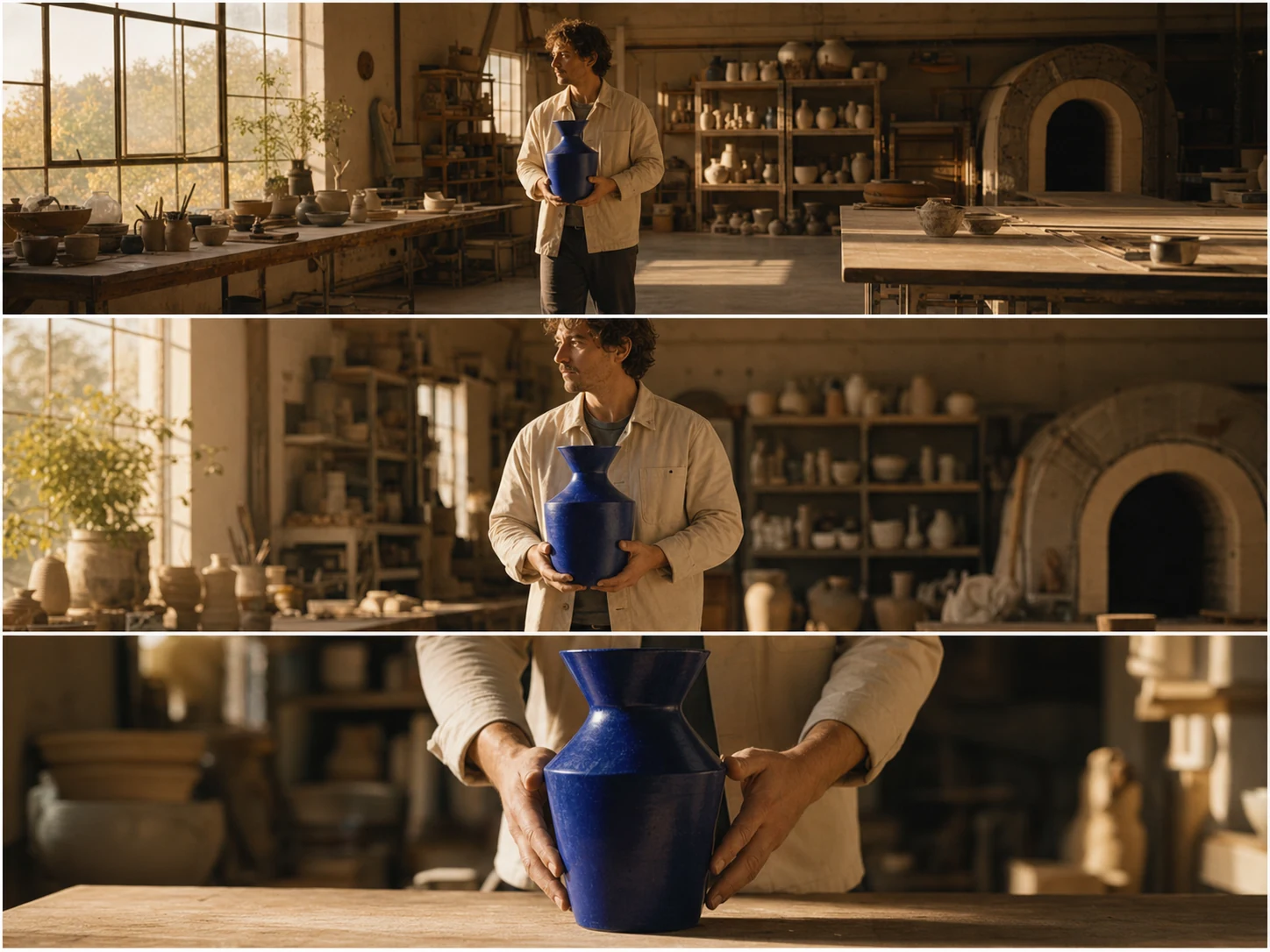
Create Native Multi-Shot Stories
Describe a short narrative with two or three connected shots and planned changes in scale. Seedance 1.0 is designed to preserve the main subject, style, and atmosphere across transitions.

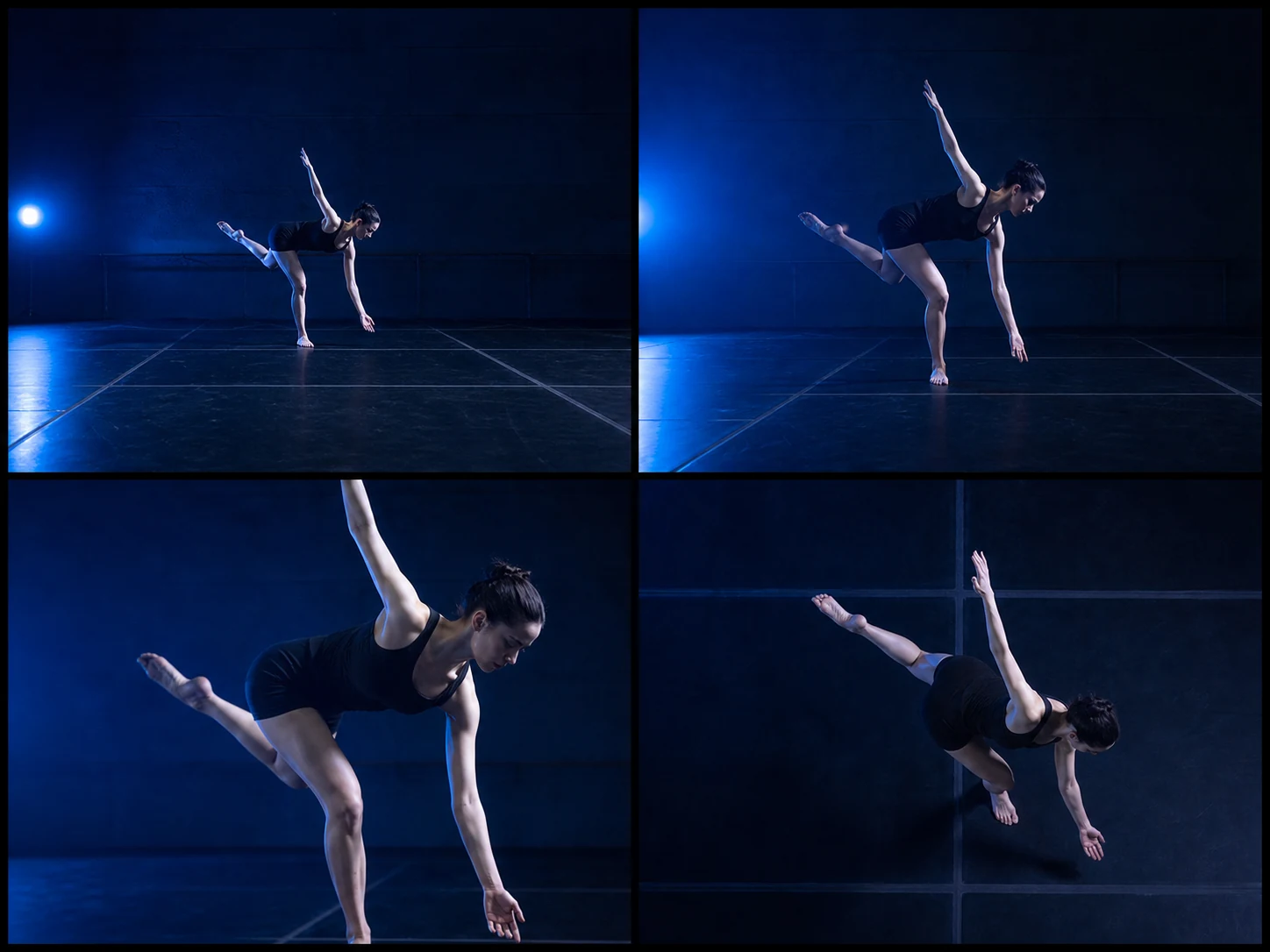
Generate Stable Large-Scale Motion
Direct subtle expressions, active movement, and broader changes in subject position. The Seedance 1.0 family was trained for smoother dynamics, stronger structure, and more physically plausible motion.
Follow Complex Action and Camera Prompts
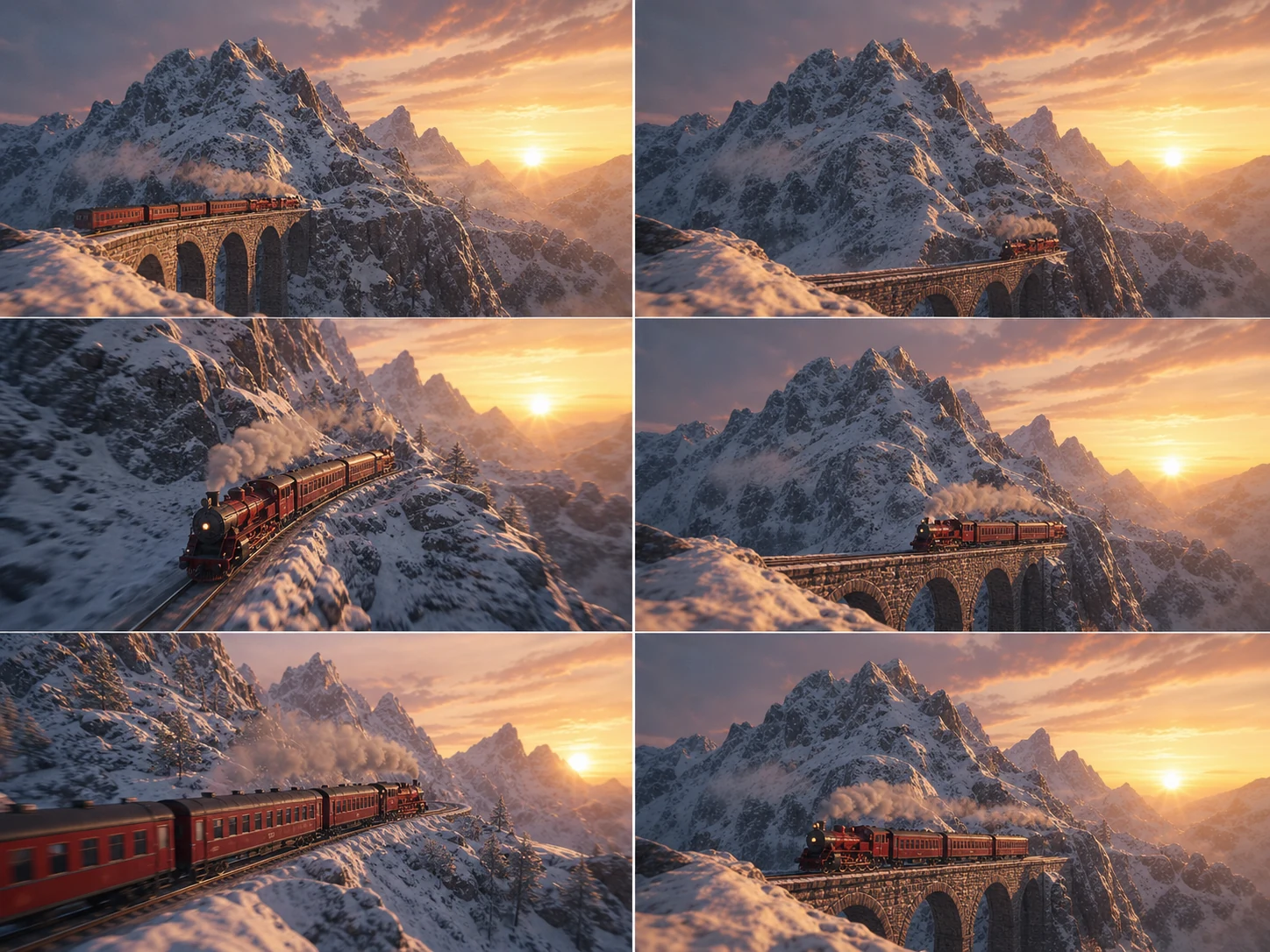
Write multiple subjects, action order, framing, camera movement, lighting, and timing into one prompt. Precise natural-language direction helps the model translate a detailed shot concept into video.

Animate One Start Image
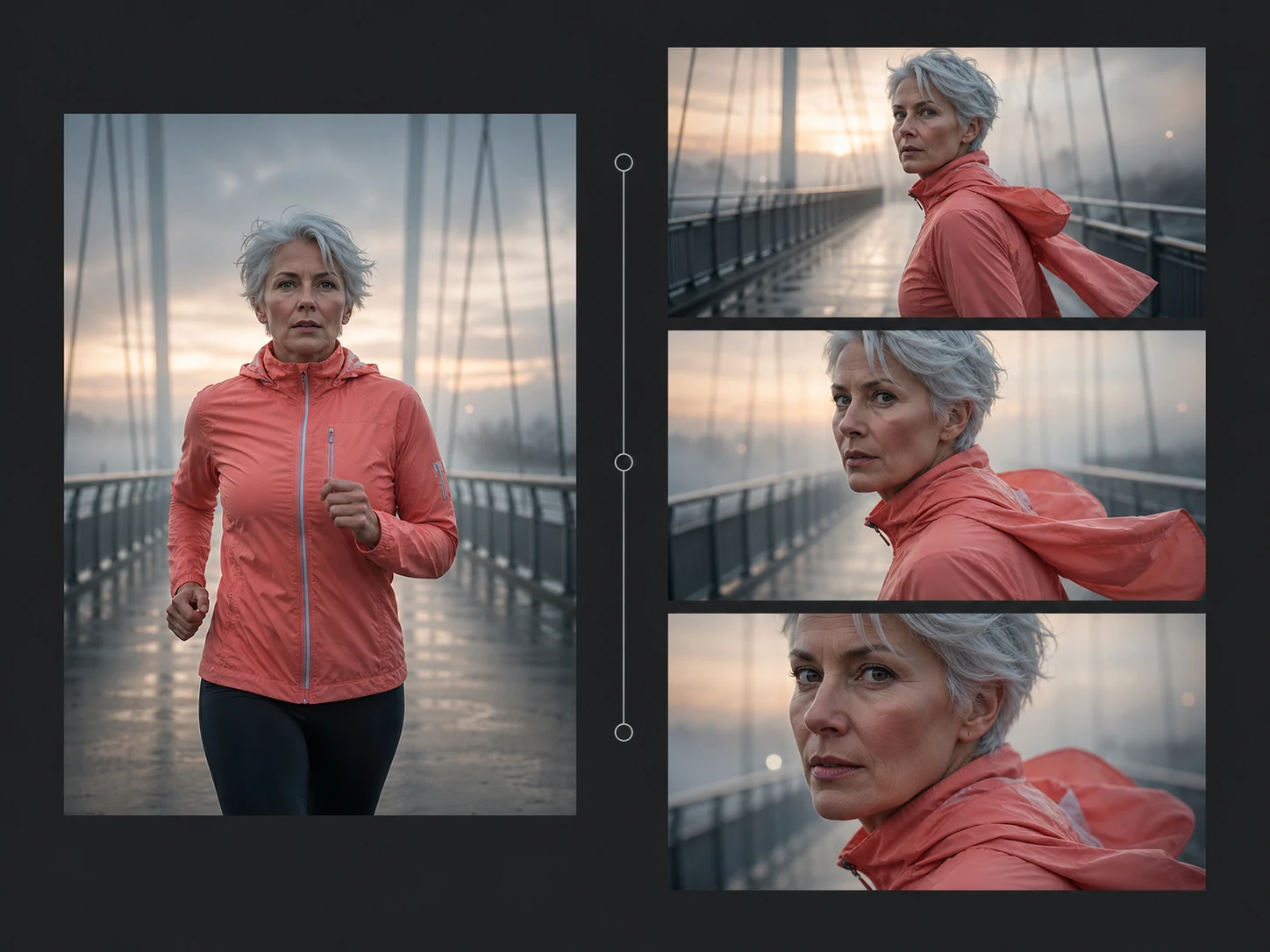
Upload one image to anchor the opening character, product, environment, and palette. Then describe the movement and camera behavior while naming details that should stay recognizable.
Generate Diverse Styles up to 1080p
Describe realism, film, advertising, animation, illustration, or another coherent visual treatment. Nuzza offers 480p, 720p, and 1080p so the selected style can match the intended review or delivery format.
What Is Seedance Pro Fast Built For?
Storyboards and previsualization. Test multi-shot structure, camera movement, character blocking, and visual style quickly before committing a concept to a slower or audio-enabled model.
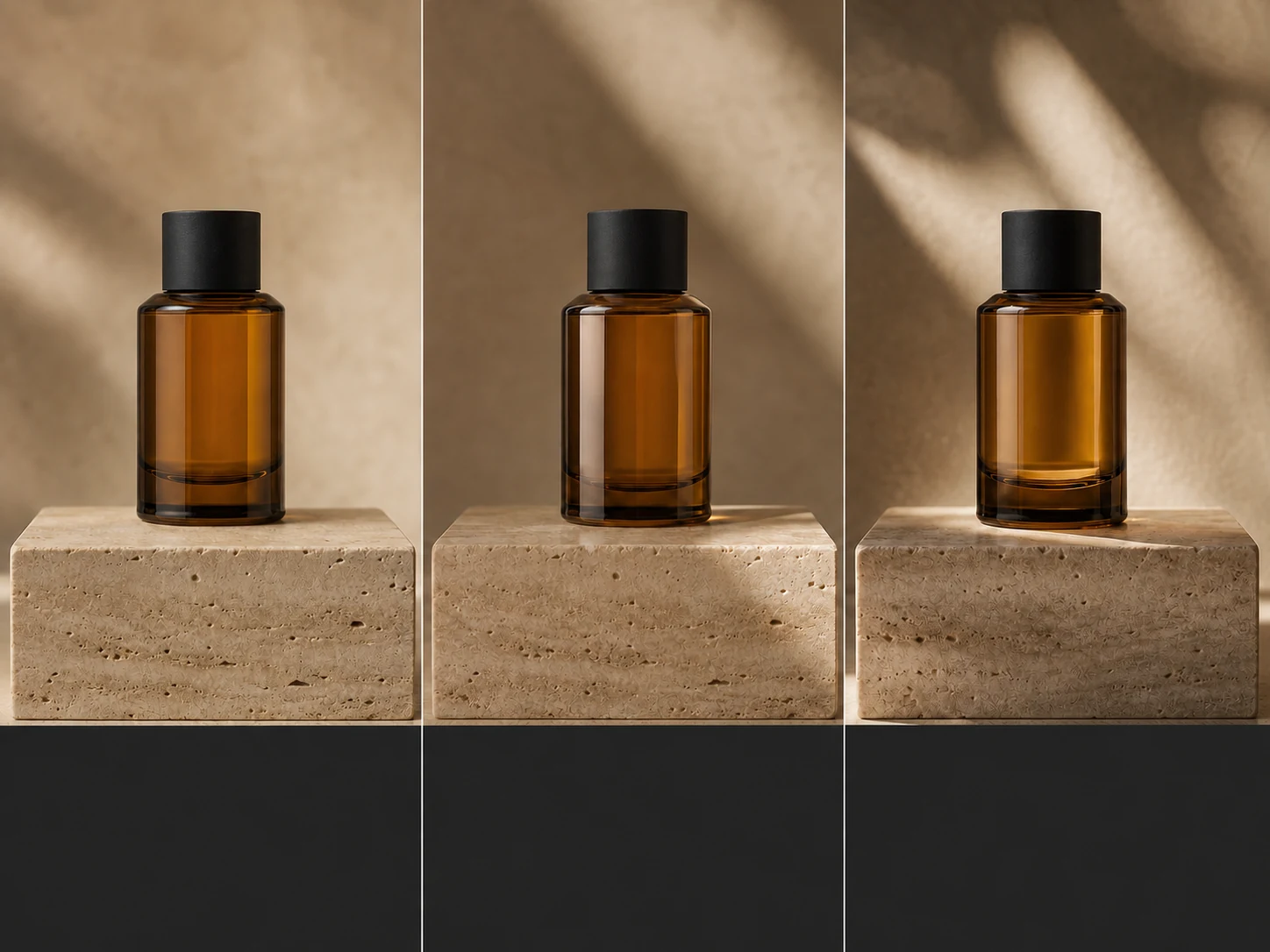
Advertising and product motion. Animate approved product stills, compare camera moves, and generate short silent campaign concepts for later editing, sound design, or client review.
Social and creator drafts. Produce quick landscape, square, portrait, or ultrawide visual drafts when motion, framing, and style matter more than native dialogue or sound.
How to Use Seedance Pro Fast on Nuzza AI For Free
Try Seedance Pro Fast for Free NowChoose Text or a Start Image
Begin from a written brief for open composition, or upload one image when the opening subject and framing are already defined.
Direct Motion and Camera
Describe action order, shot changes, camera movement, lighting, style, and details to preserve, then choose duration, ratio, resolution, and camera behavior.
Generate and Review the Silent Clip
Inspect motion, anatomy, identity, transitions, crop, and fine detail, then add sound separately or refine one key visual instruction.
Seedance Pro Fast vs. Seedance 1.0 Pro vs. Seedance 2.0 Fast
| Feature / Model | Seedance Pro Fast | Seedance 1.0 Pro | Seedance 2.0 Fast |
|---|---|---|---|
| Best Fit | Fast shot tests, multi-shot drafts, and silent visual production. | Final silent visuals where Seedance 1.0 quality outranks iteration speed. | Reference-heavy video, native sound, and faster multimodal iteration. |
| Max Duration | Nuzza offers any whole second from two through twelve. | Official examples emphasize ten-second multi-shot generation. | Nuzza offers Auto or four through fifteen seconds. |
| Max Resolution | Nuzza offers 480p, 720p, and 1080p output. | ByteDance documents high-quality 1080p generation. | Nuzza currently offers 480p and 720p output. |
| Reference Inputs | Use a prompt alone or one image as the opening frame. | The model family supports text-to-video and image-to-video. | Up to nine images, three videos, and three audio clips. |
| Audio | No native audio; add sound in a separate production step. | Seedance 1.0 predates the family's native audio generation. | Native audio generation is available in the current workflow. |
| Video Editing | The current workflow generates video rather than editing source footage. | The official model focuses on generation rather than source-video editing. | The current Nuzza page focuses on generation, not source-video editing. |
FAQs about Seedance Pro Fast
What is Seedance Pro Fast?
Seedance Pro Fast is the public name for the speed-optimized version of ByteDance's Seedance 1.0 Pro video model. It supports prompt-led and image-led generation, native multi-shot storytelling, stable motion, diverse styles, and output up to 1080p. It does not generate native audio. Seedance Pro Fast is available on Nuzza.
How is Seedance Pro Fast different from Seedance 1.0 Pro?
The Fast variant prioritizes quicker inference and iteration. Standard Pro is the quality-first tier, while both belong to the earlier silent-video Seedance 1.0 family.
What reference inputs does Seedance Pro Fast support on Nuzza?
Nuzza supports text-to-video and image-to-video with one start image. It does not expose the mixed image, video, and audio reference workflow available in Seedance 2.0.
What resolution and duration does Seedance Pro Fast support on Nuzza?
Nuzza currently offers any whole second from two through twelve, with 480p, 720p, or 1080p output. Match duration and resolution to the intended review or delivery step.
Can Seedance Pro Fast keep the same character across shots?
The Seedance 1.0 family is designed for subject and style consistency across native multi-shot transitions. Review identity, wardrobe, anatomy, and props across every cut because generative consistency is not guaranteed.
Does Seedance Pro Fast generate sound?
No. Seedance Pro Fast generates silent video. Add dialogue, music, ambience, and sound effects separately, or choose an audio-enabled Seedance 2.0 tier.
What aspect ratios does Seedance Pro Fast support on Nuzza?
Nuzza offers 21:9, 16:9, 4:3, 1:1, 3:4, and 9:16. Image-to-video can also inherit the staged image through Auto.
Can I use Seedance Pro Fast for free on Nuzza?
Yes. Nuzza offers free Credits for new users to try Seedance Pro Fast. Once your free Credits are used up, you will need to subscribe to a paid plan to continue.
Create with Seedance Pro Fast
Create 2–12 second Seedance 1.0 Pro Fast videos from text or one start image. Direct multi-shot motion, camera, style, and up to 1080p output.
Try Seedance Pro Fast