
Hailuo 2.3 PRO
Hailuo 2.3 builds on MiniMax Hailuo 02 with stronger physical action, character expression, stylization, camera movement, and prompt responsiveness. Nuzza's Pro entry connects text-to-video and one-start-image workflows with an optional prompt optimizer.
Why Creators Choose Hailuo 2.3 Pro?
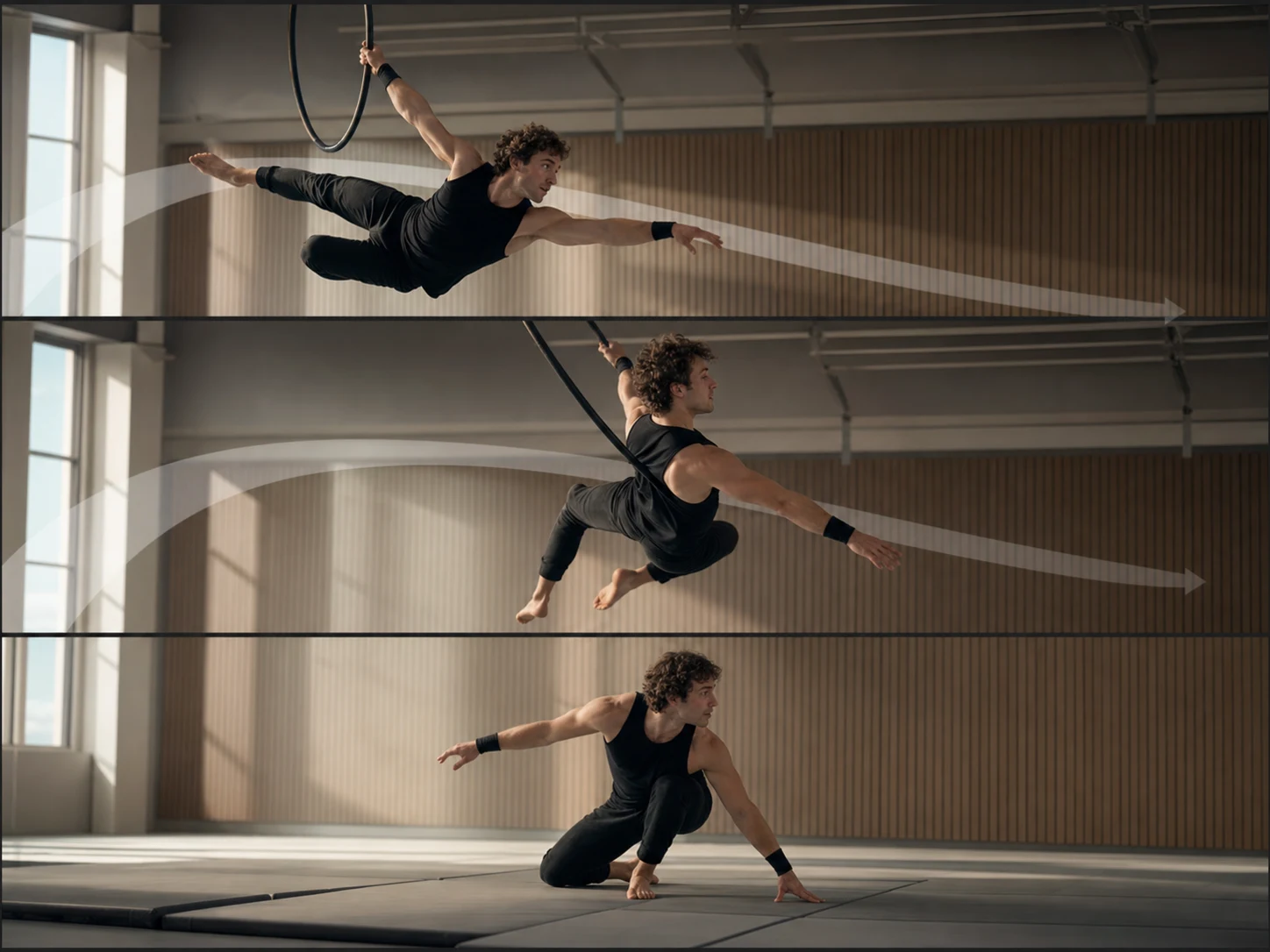
Handle More Demanding Physical Action
MiniMax highlights improved physical action for movements such as dance, sports, and other full-body performance. Describe the start pose, action sequence, object interaction, camera, and finishing beat so the result has clear physical checkpoints to review.
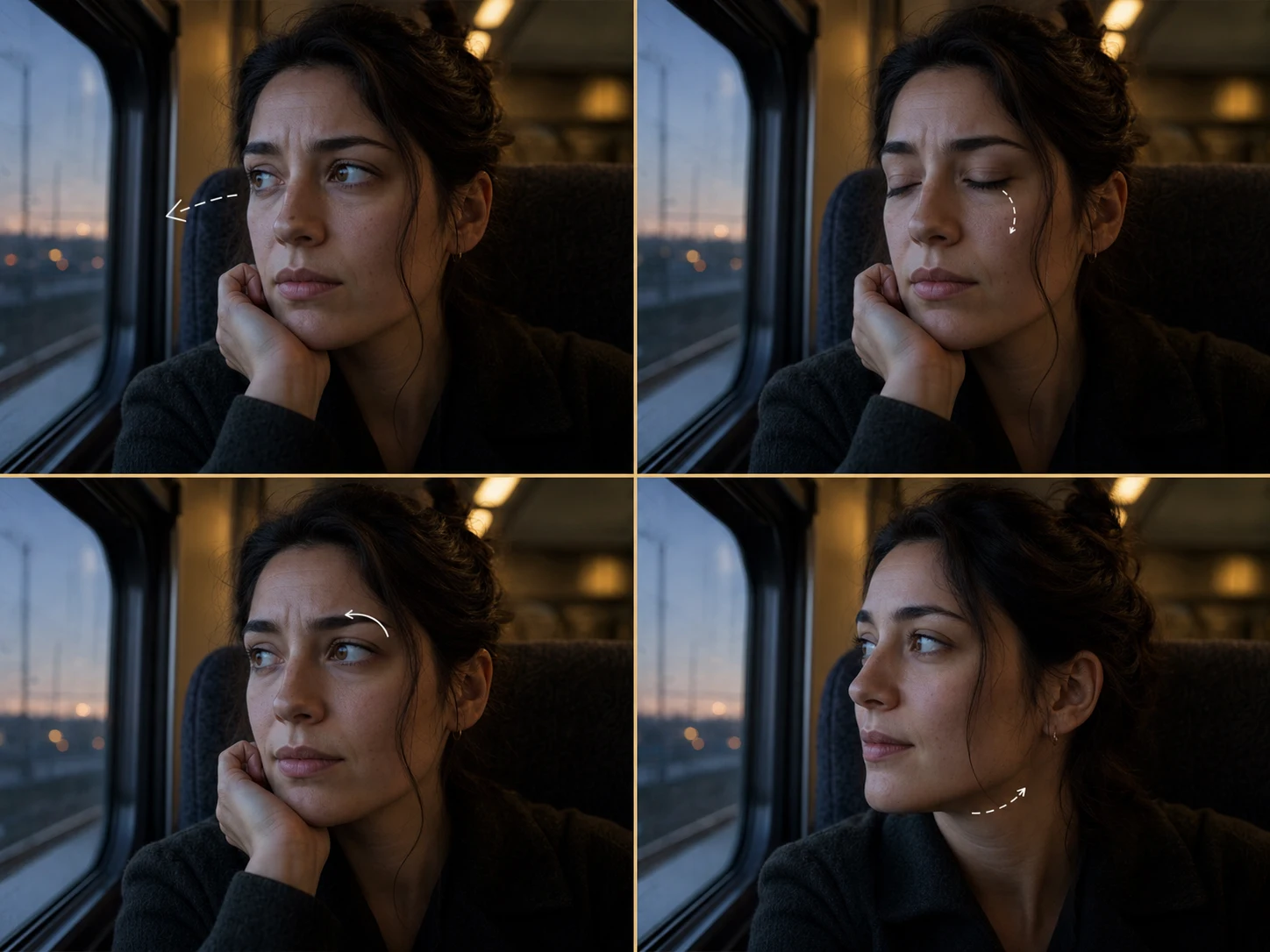
Direct Subtle Character Expression
Hailuo 2.3 targets more natural character performance and micro-expressions. Replace broad emotion labels with visible cues such as gaze, blink, brow movement, mouth tension, breathing, and head position, then inspect the close-up for drift.
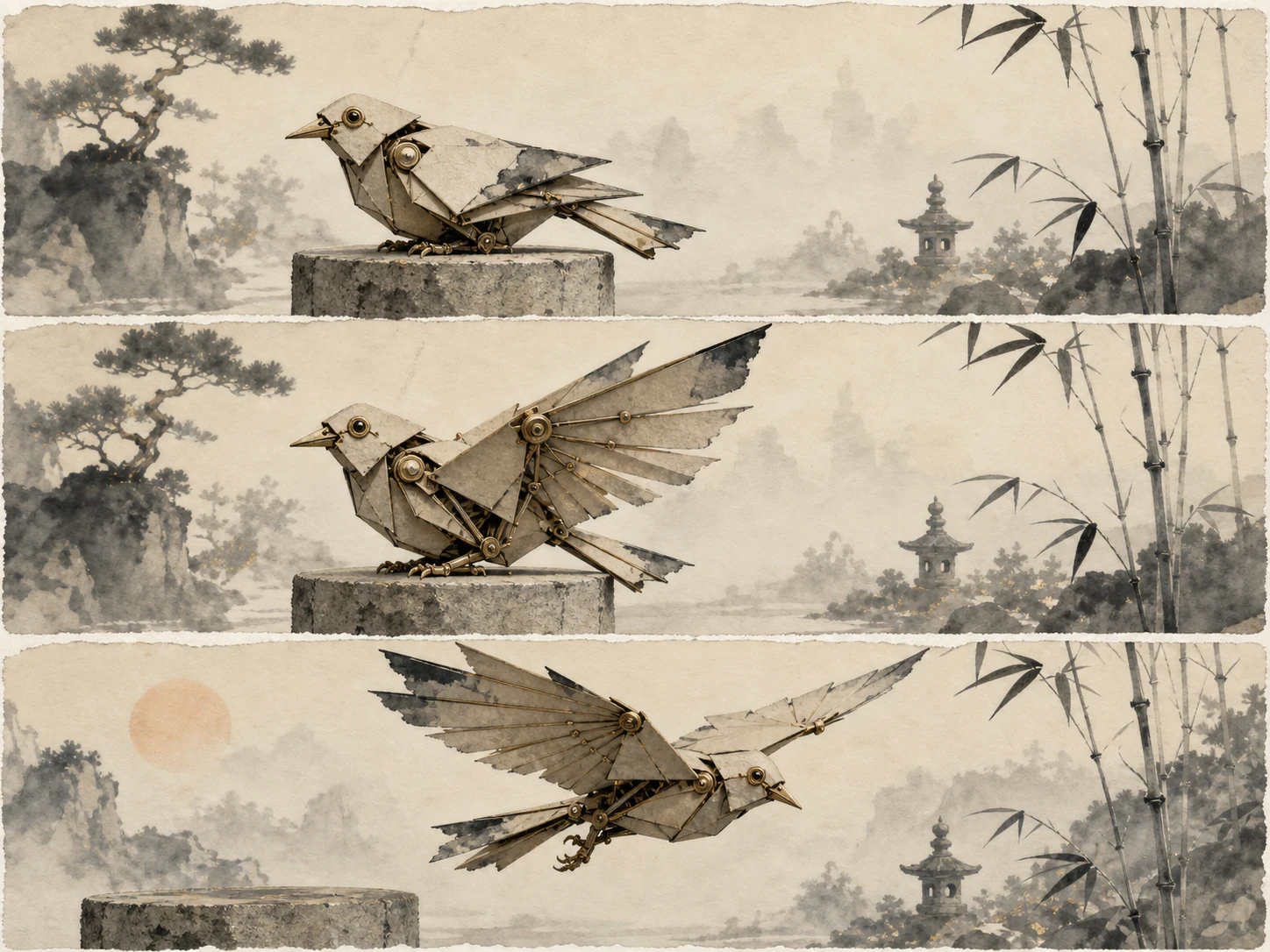
Carry Stylized Art through Motion
MiniMax specifically calls out anime, illustration, ink-wash, and game-CG directions alongside realistic output. Define the palette, materials, line treatment, lighting, and motion rules of an original visual system instead of relying on a creator or franchise name.
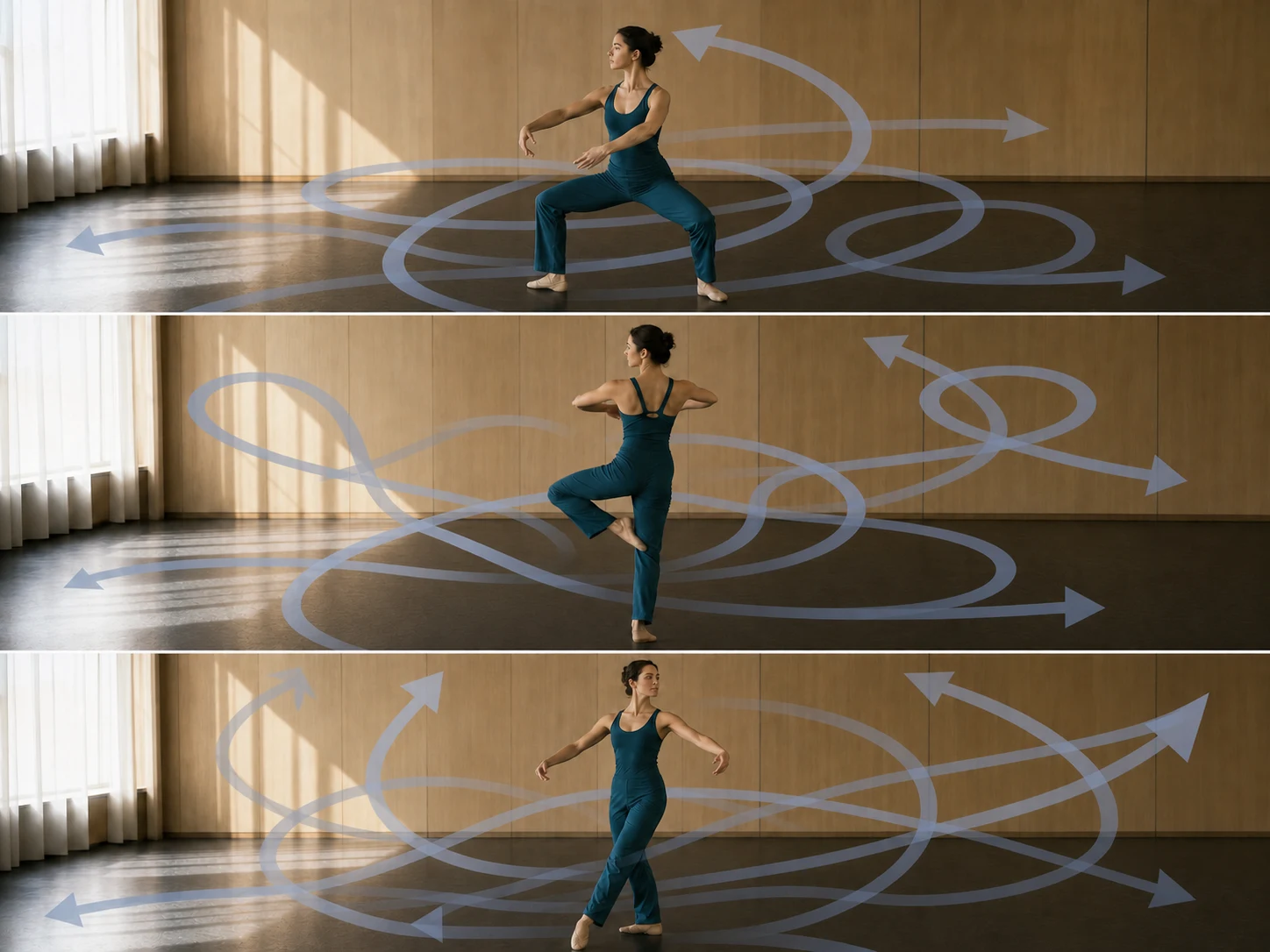
Respond to Dynamic Camera Direction
Hailuo 2.3 improves response to motion commands and supports more dynamic camera language. Give the shot one primary move and explain how it relates to the subject action so camera energy does not obscure the performance.
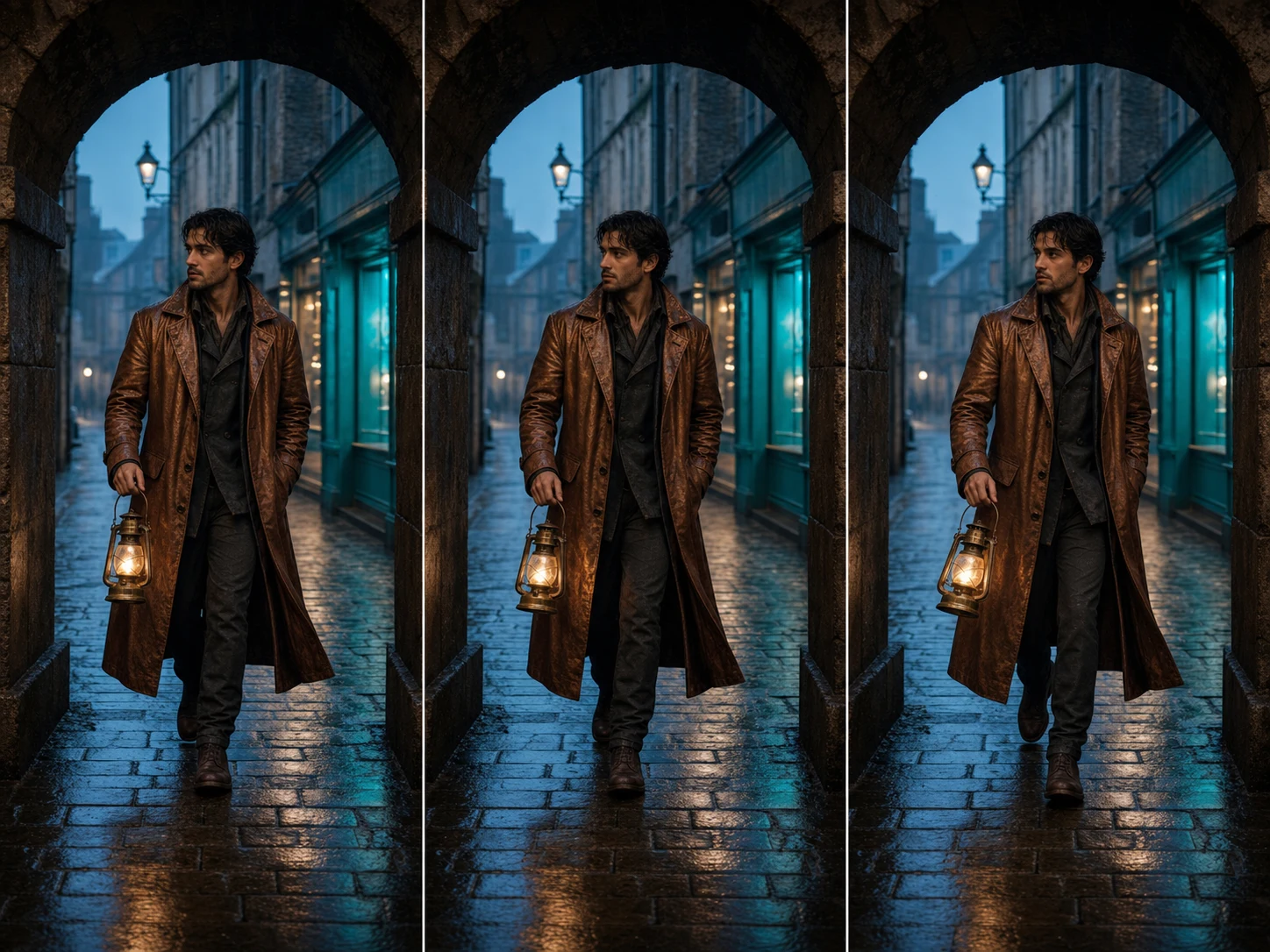
Animate Objects with Clear Motion Commands
The 2.3 update improves object-motion instruction response in addition to human performance. State the object's starting state, path, speed, interaction, and endpoint, then check shape, contact, weight, and continuity throughout the result.
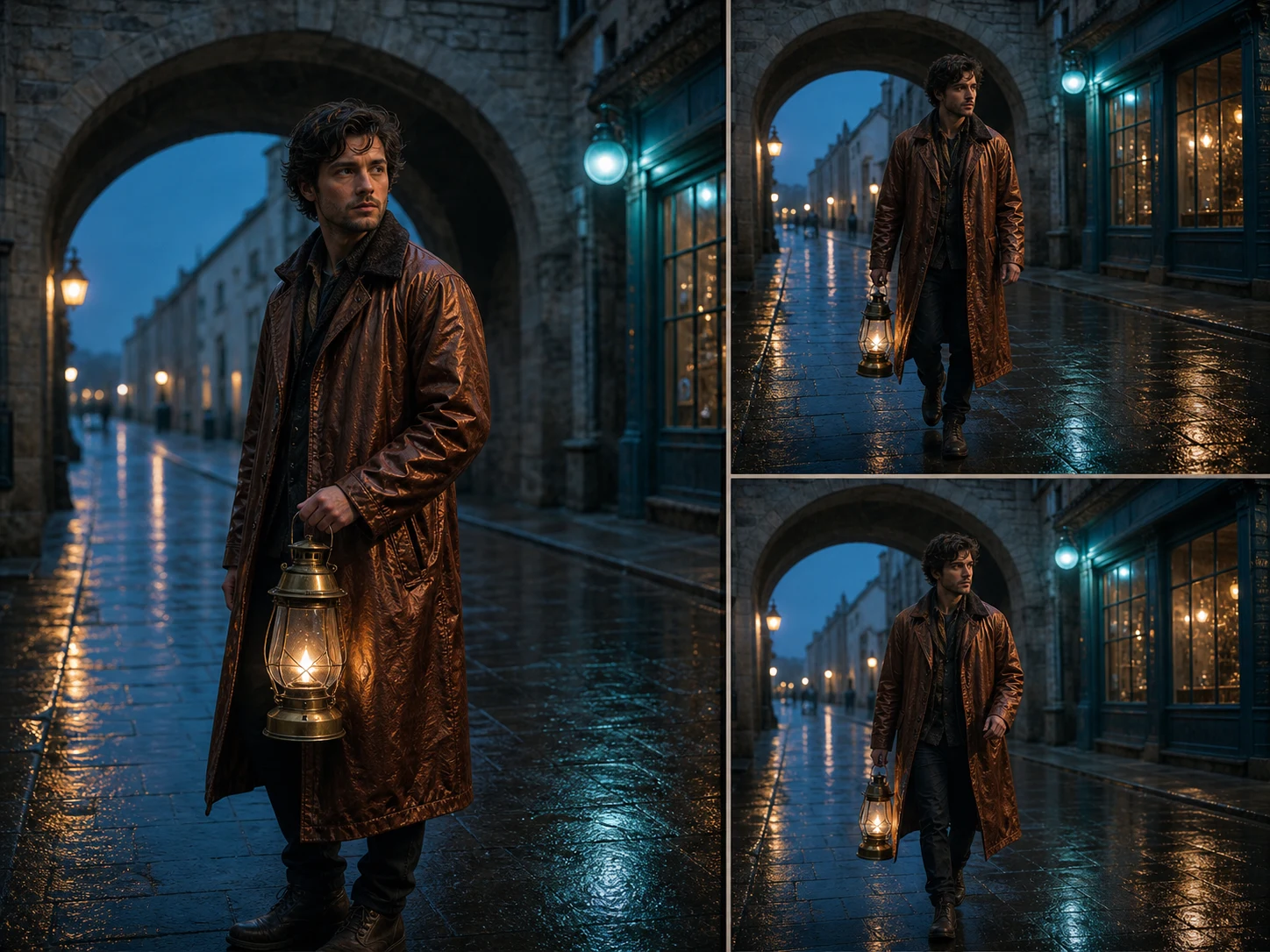
Start from Text or One Opening Frame
Generate an open scene from a prompt or upload one image when the opening composition already matters. The optional Prompt Optimizer can expand a short brief, but turn it off when exact wording and a more literal interpretation are more important.
What Is Hailuo 2.3 Pro Built For?
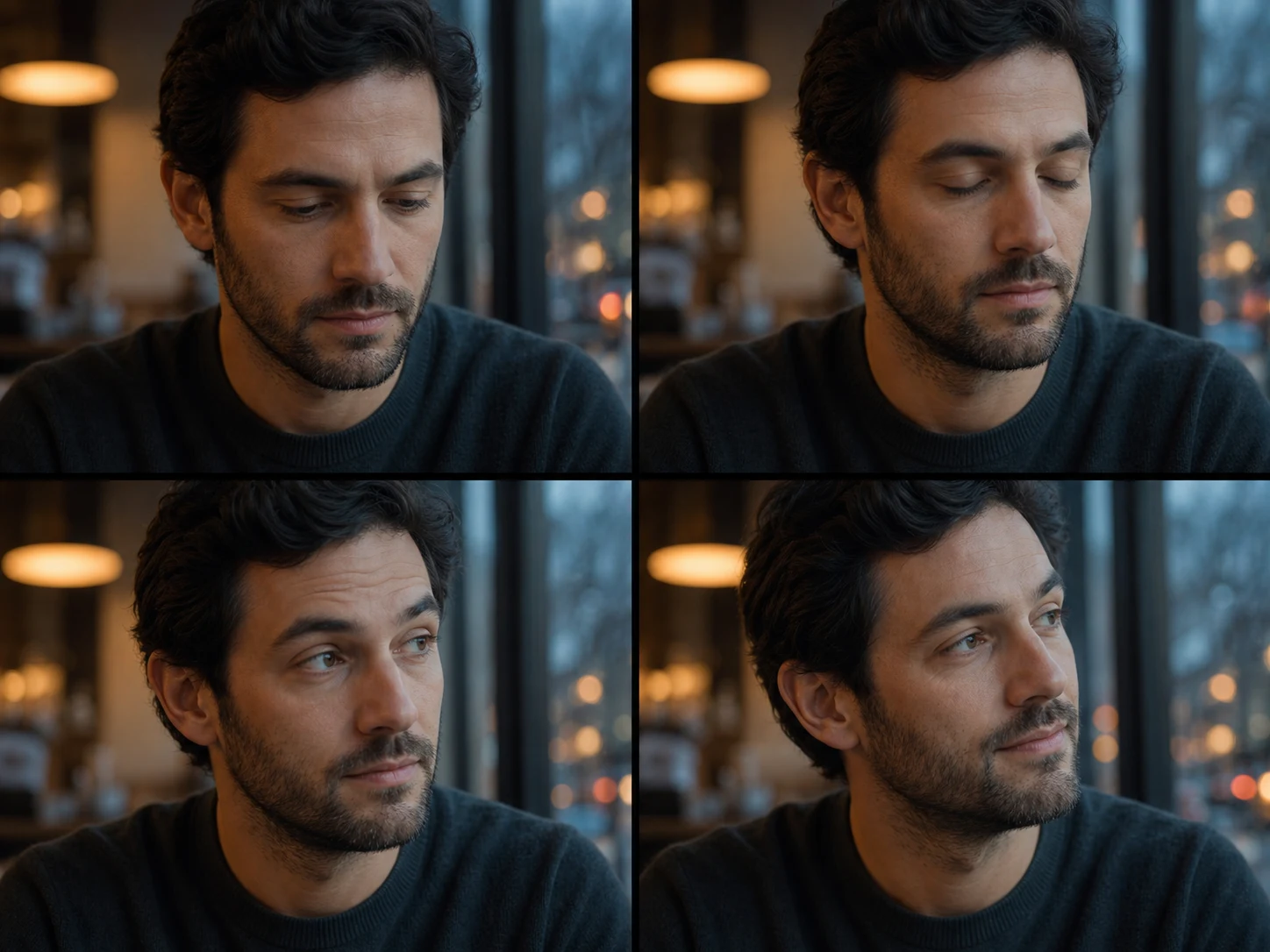
Character performance shots. Build close-ups or medium shots where gaze, gesture, facial detail, and one emotional turn need to remain readable through motion.
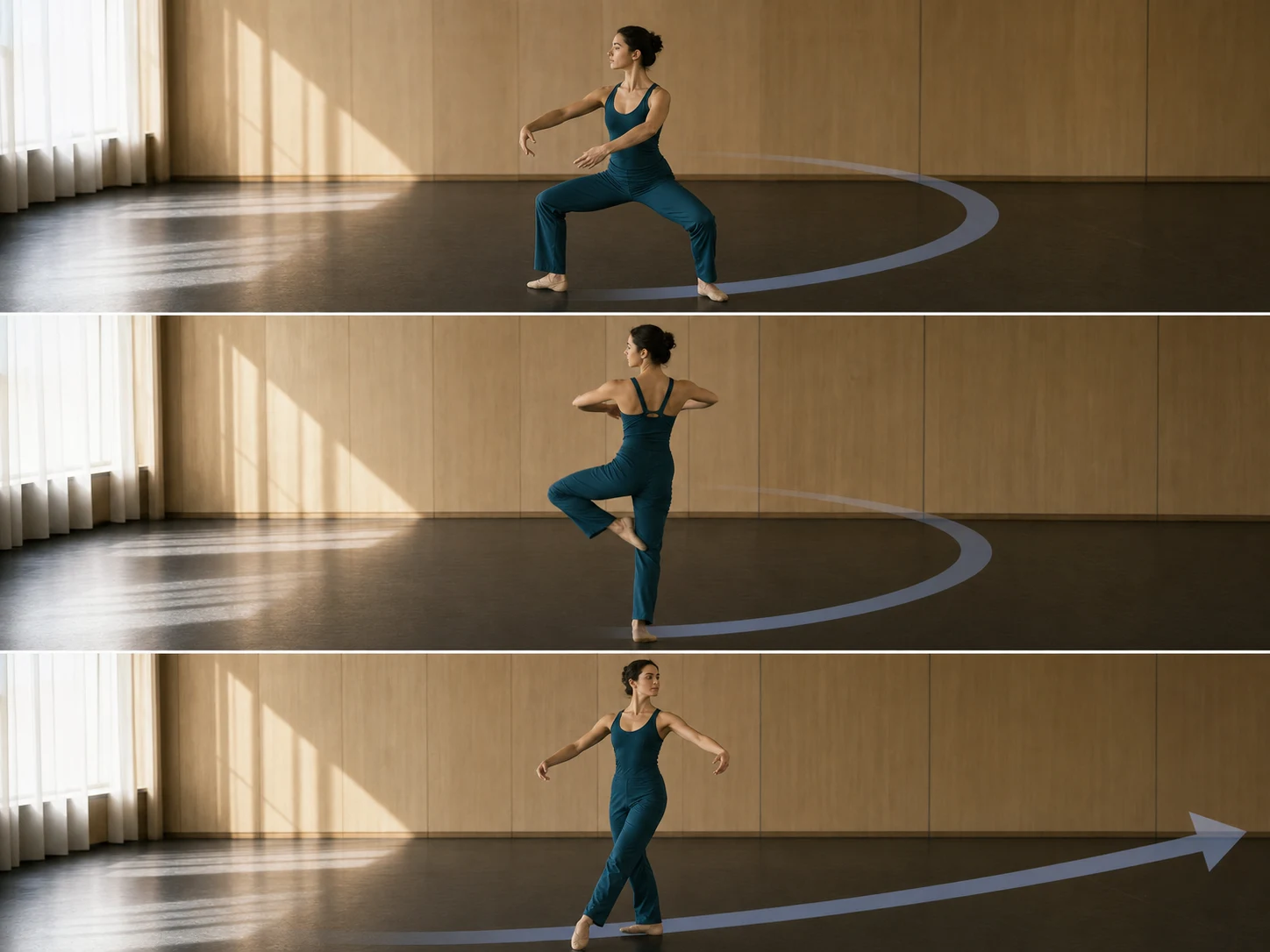
Action and choreography studies. Previsualize one demanding movement, dance phrase, sport action, or material interaction with a clear start, path, and finish.
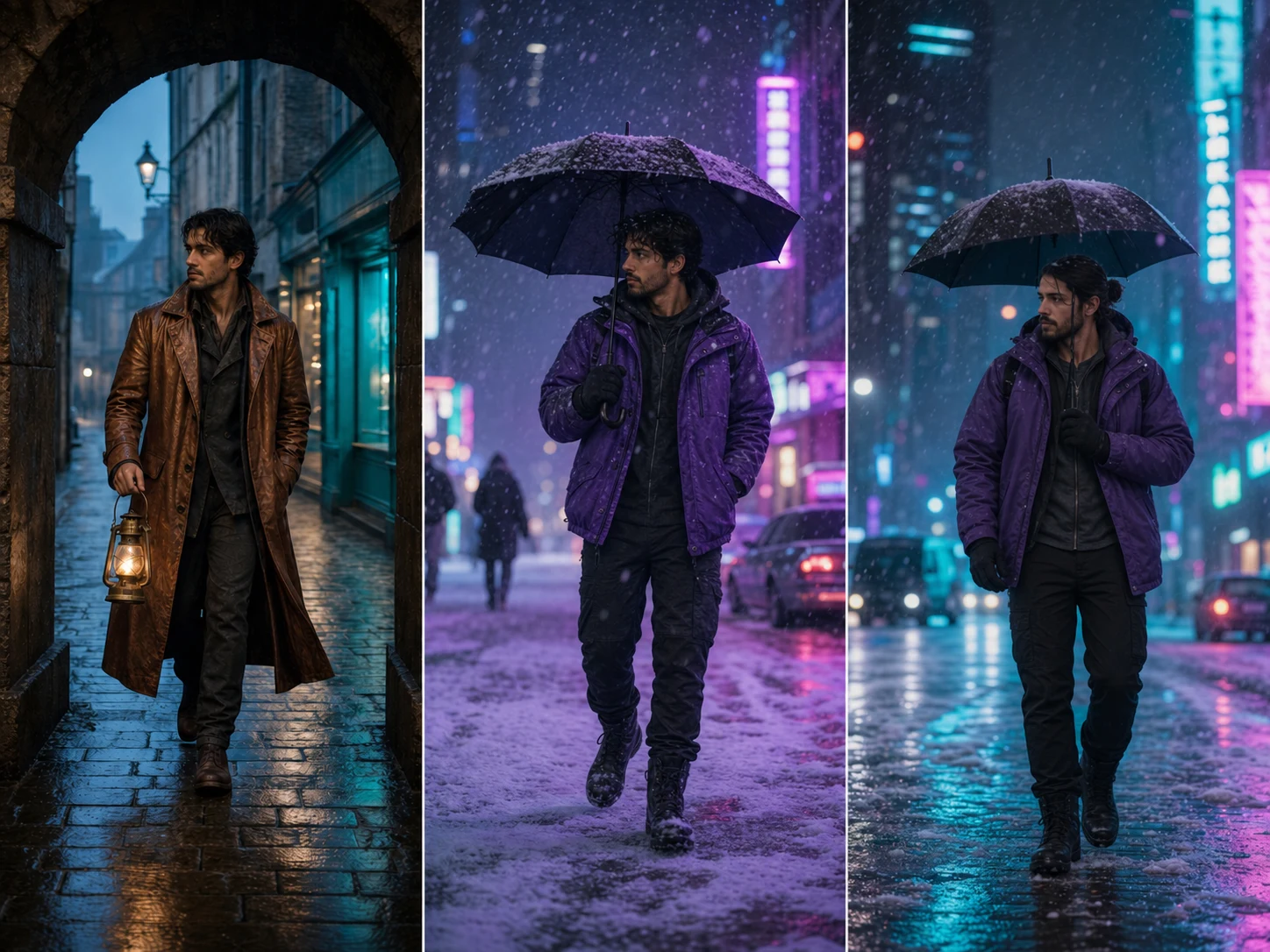
Stylized short-form scenes. Animate an original anime, illustrative, ink-wash, or game-CG direction while keeping its materials, palette, and visual rules coherent.
How to Use Hailuo 2.3 Pro on Nuzza AI For Free
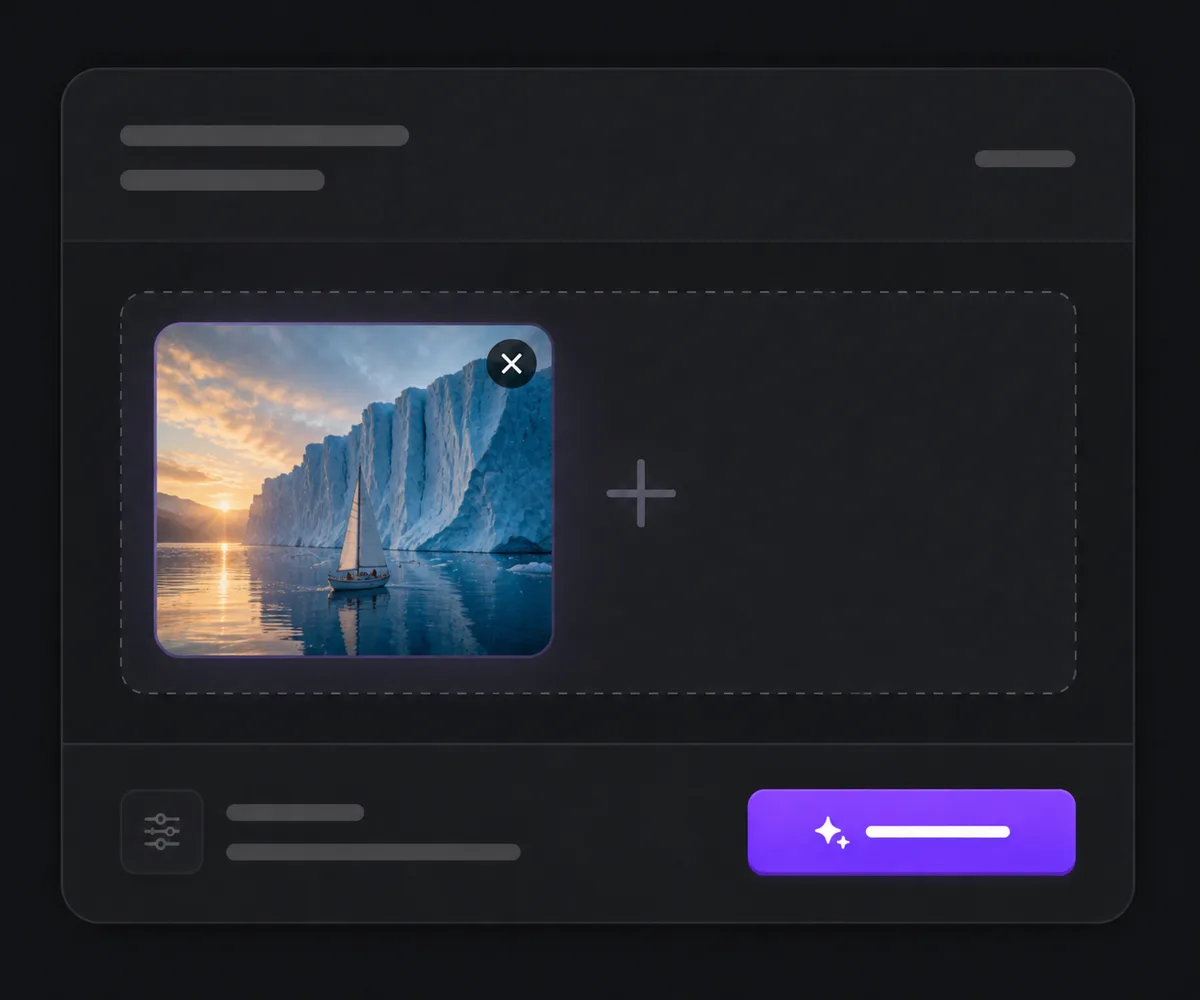
Choose Text or One Start Image
Begin with text for an open scene or upload one image to anchor the subject and first composition.
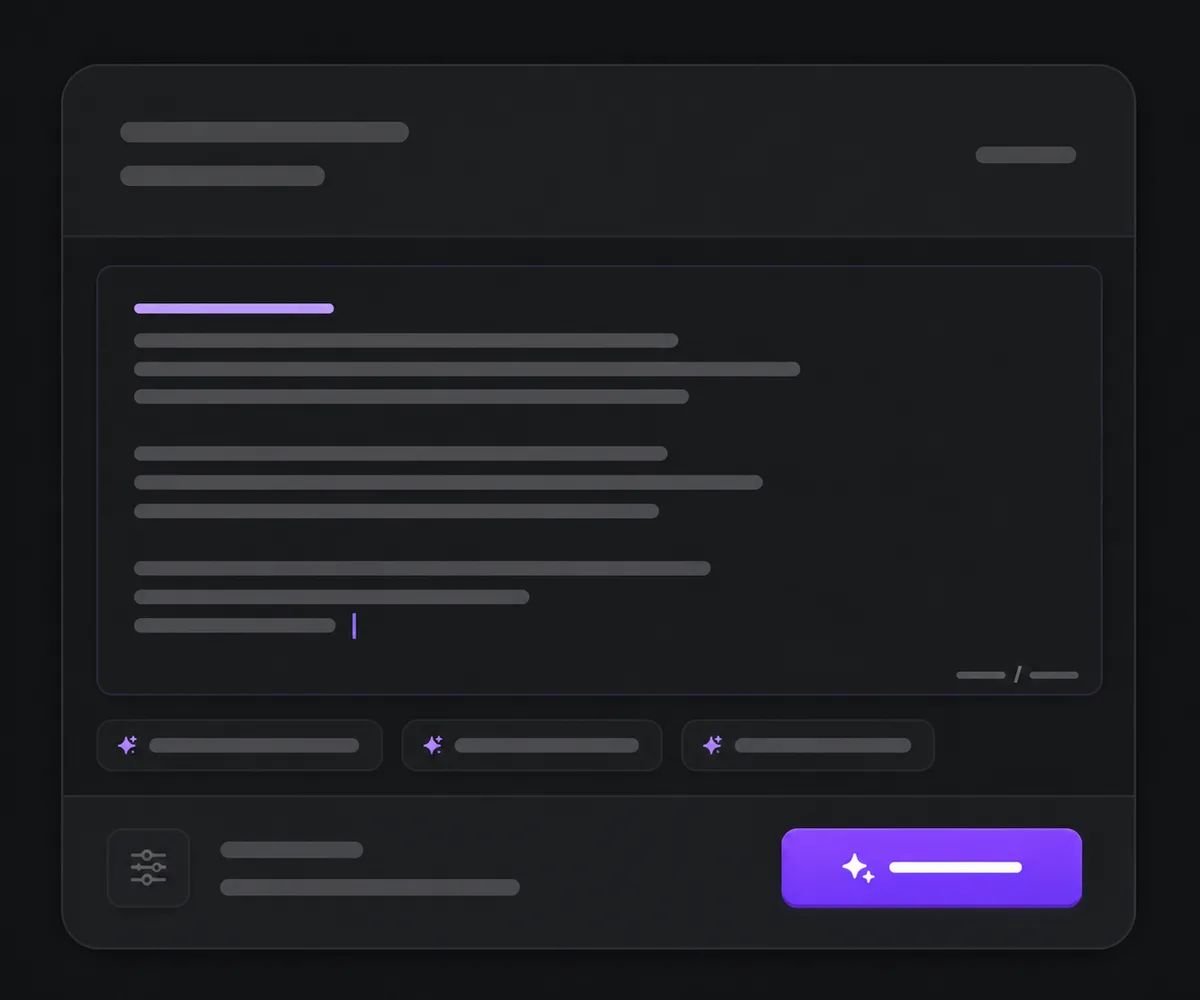
Describe One Focused Motion Brief
Write the subject, starting state, action sequence, camera, environment, style, and finishing beat, then choose whether Prompt Optimizer should expand the wording.
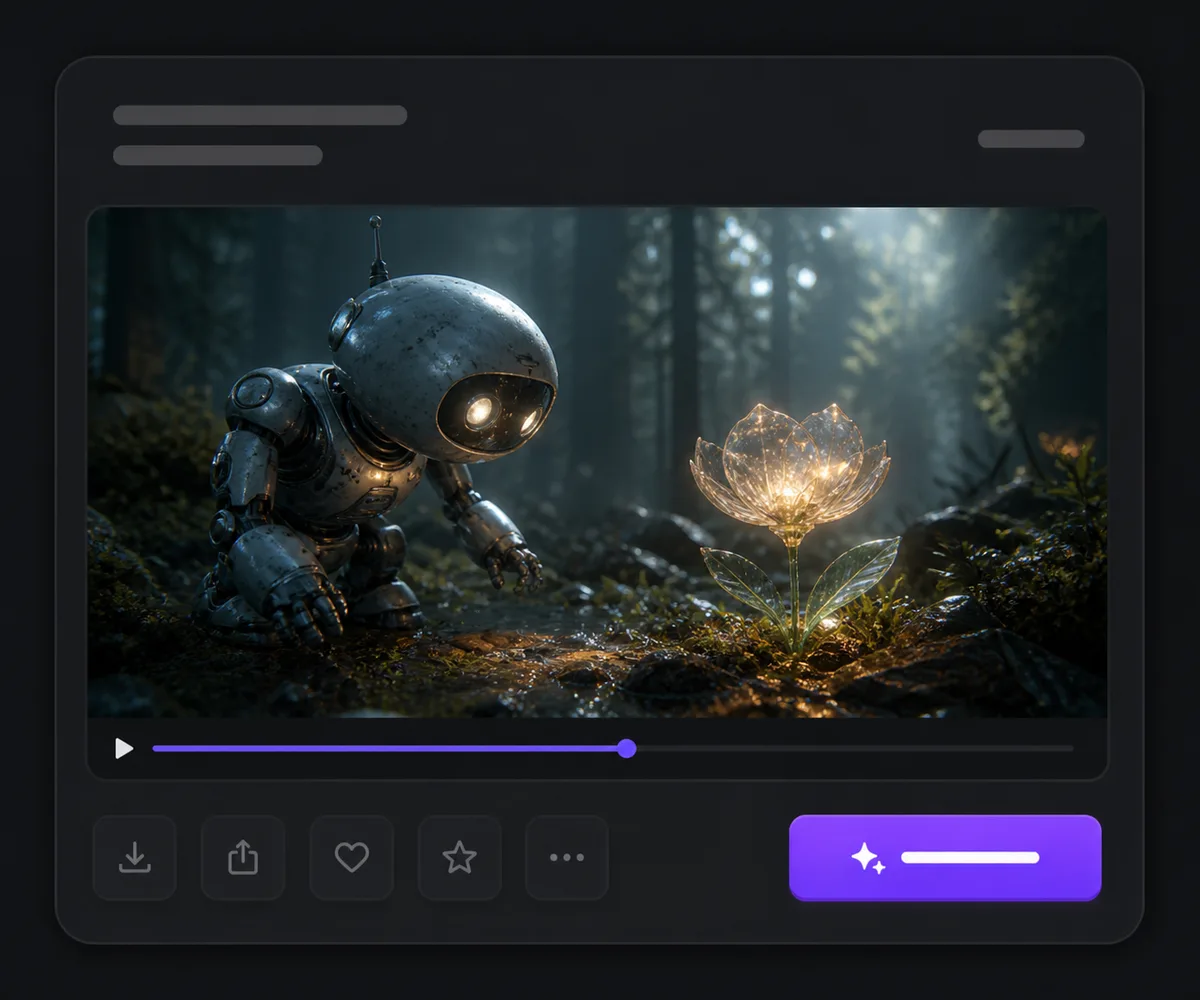
Generate and Inspect the Movement
Review identity, anatomy, contact, object shape, camera behavior, expression, visual style, and source-image preservation before publishing.
Hailuo 2.3 Pro vs Hailuo 2.3 SD vs Kling 3.0
| Feature / Model | Hailuo 2.3 Pro | Hailuo 2.3 SD | Kling 3.0 |
|---|---|---|---|
| Best Fit | Physical action, expressive close-ups, stylized motion, and start-image scenes. | Hailuo experiments where an exposed duration choice matters. | Multi-shot stories, endpoint-frame transitions, and generated audio. |
| Starting Inputs | Text or one opening image. | Text or one opening image. | Text, one opening image, or first and last frames. |
| Shot Structure | One focused continuous motion brief. | One focused continuous motion brief. | Single or timed multi-shot generation. |
| Exposed Controls | Prompt Optimizer is the current public control beyond the prompt and image. | Prompt Optimizer plus 6- or 10-second duration choices. | Duration, ratio, multi-prompt, shot type, guidance, and endpoints where applicable. |
| Audio | No generated-audio control is exposed. | No generated-audio control is exposed. | Generated-audio control is exposed. |
FAQs about Hailuo 2.3 Pro
What is Hailuo 2.3 Pro?
Hailuo 2.3 Pro is Nuzza's quality-oriented entry for MiniMax's Hailuo 2.3 video family. It supports text-to-video and image-to-video from one start frame with optional prompt optimization.
Is Hailuo 2.3 Pro free to use?
Yes. Nuzza offers free Credits for new users to try Hailuo 2.3 Pro. Once your free Credits are used up, you will need to subscribe to a paid plan to continue.
What is Hailuo 2.3 known for?
MiniMax highlights stronger physical action, natural character performance, micro-expressions, stylization, dynamic camera work, and response to object-motion instructions.
Can I animate an image?
Yes. The current image-to-video operation accepts exactly one opening image plus a prompt.
What does Prompt Optimizer do?
It can expand or enrich a short prompt before generation. Turn it off when exact wording and a more literal request are more important than automatic expansion.
Can I choose duration or resolution on Nuzza?
Those selectors are not currently exposed for the Pro entry. Use the visible composer fields as the product source of truth rather than assuming every provider-level option is available.
Does Hailuo 2.3 Pro generate audio?
No generated-audio control is exposed in the current Nuzza Pro mapping, so plan dialogue, ambience, music, and effects as a separate finishing step.
Is Pro the same as Hailuo 2.3 SD?
They are separate Nuzza options in the same Hailuo 2.3 family. Both support text and one start image, while the SD entry currently exposes 6- and 10-second duration choices.
What should I review before publishing?
Check identity, anatomy, limb motion, contact, object shape, camera behavior, expression, style consistency, and source-frame preservation across the complete clip.
Focus the Brief on One Readable Motion Beat
Choose text or one opening image, describe the action and camera in sequence, and use Hailuo 2.3 Pro for a polished short-form motion study.
Try Hailuo 2.3 Pro for Free Now