
Hailuo 2.3 SD
Hailuo 2.3 SD creates short videos from text or one opening image with prompt-optimization control. Try Hailuo 2.3 SD on Nuzza with a 6- or 10-second duration and a focused motion brief.
What Can You Direct with Hailuo 2.3 SD?
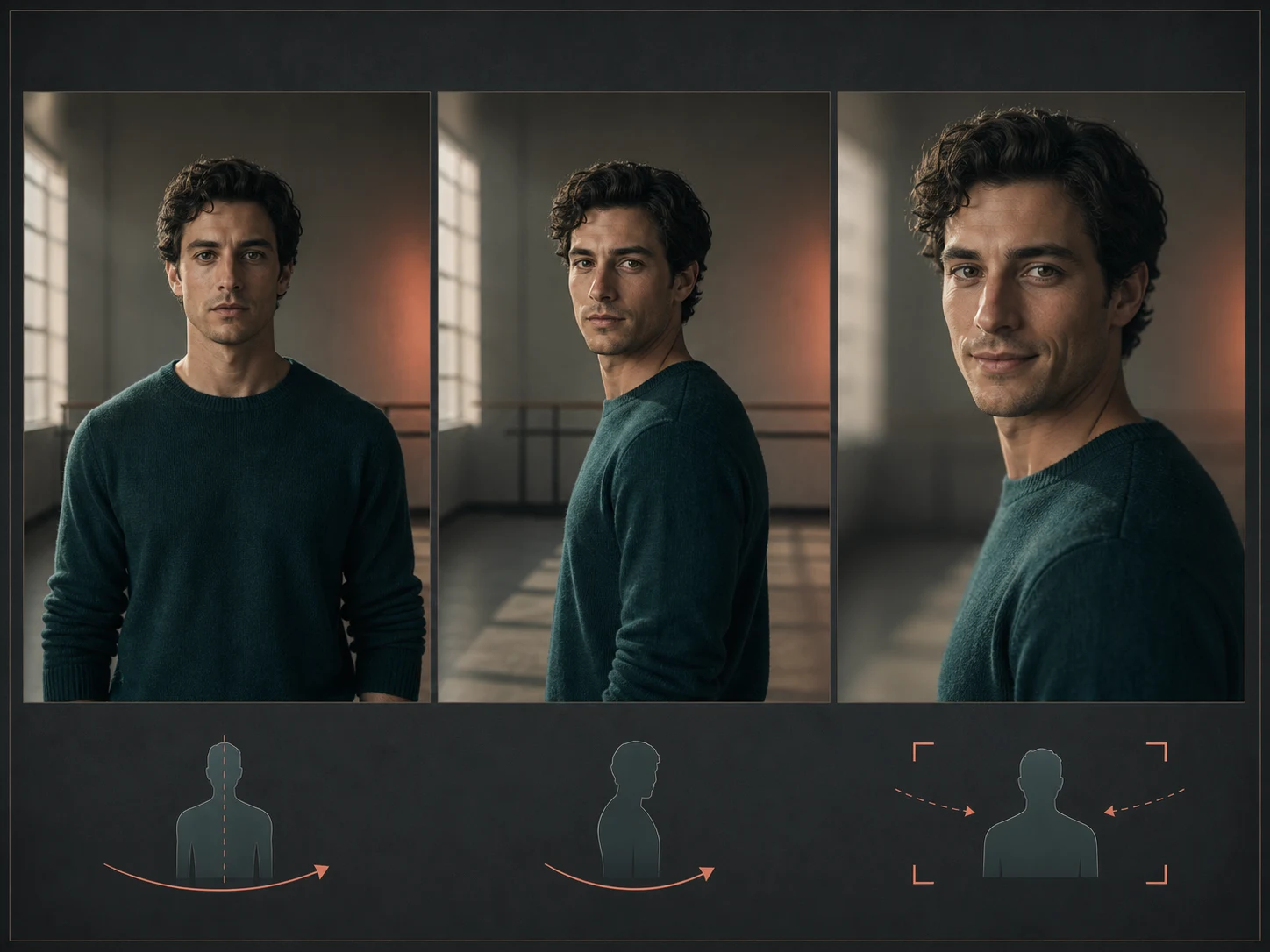
Direct one expressive action from a text brief
Build the shot around a subject, one physical action, one observable expression change, and one camera behavior. For example, a performer can turn toward the lens, relax their shoulders, and form a restrained smile as the camera moves closer. Keeping those instructions distinct makes the result easier to judge than a dense chain of unrelated events. Review fine facial details and body movement rather than assuming the model will preserve them perfectly.
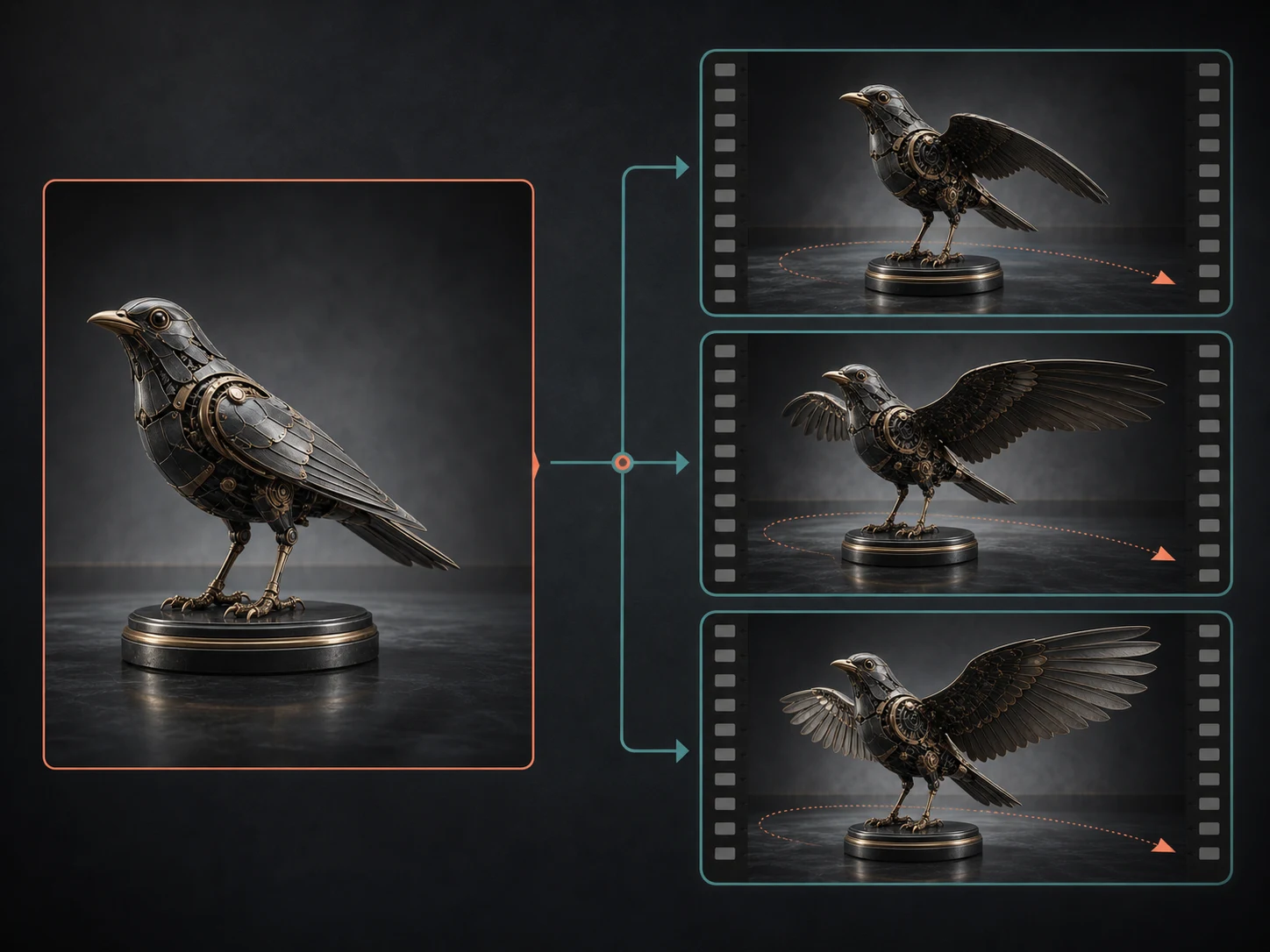
Animate one start frame as the composition anchor
Upload one image when the opening subject, silhouette, styling, or composition already matters. Describe what should move after that first frame—such as wings unfolding, fabric responding to wind, or a slow camera arc—without needlessly replacing the visual information the image already supplies. After generation, compare the opening frame, subject geometry, background relationships, and intended camera path with your source.
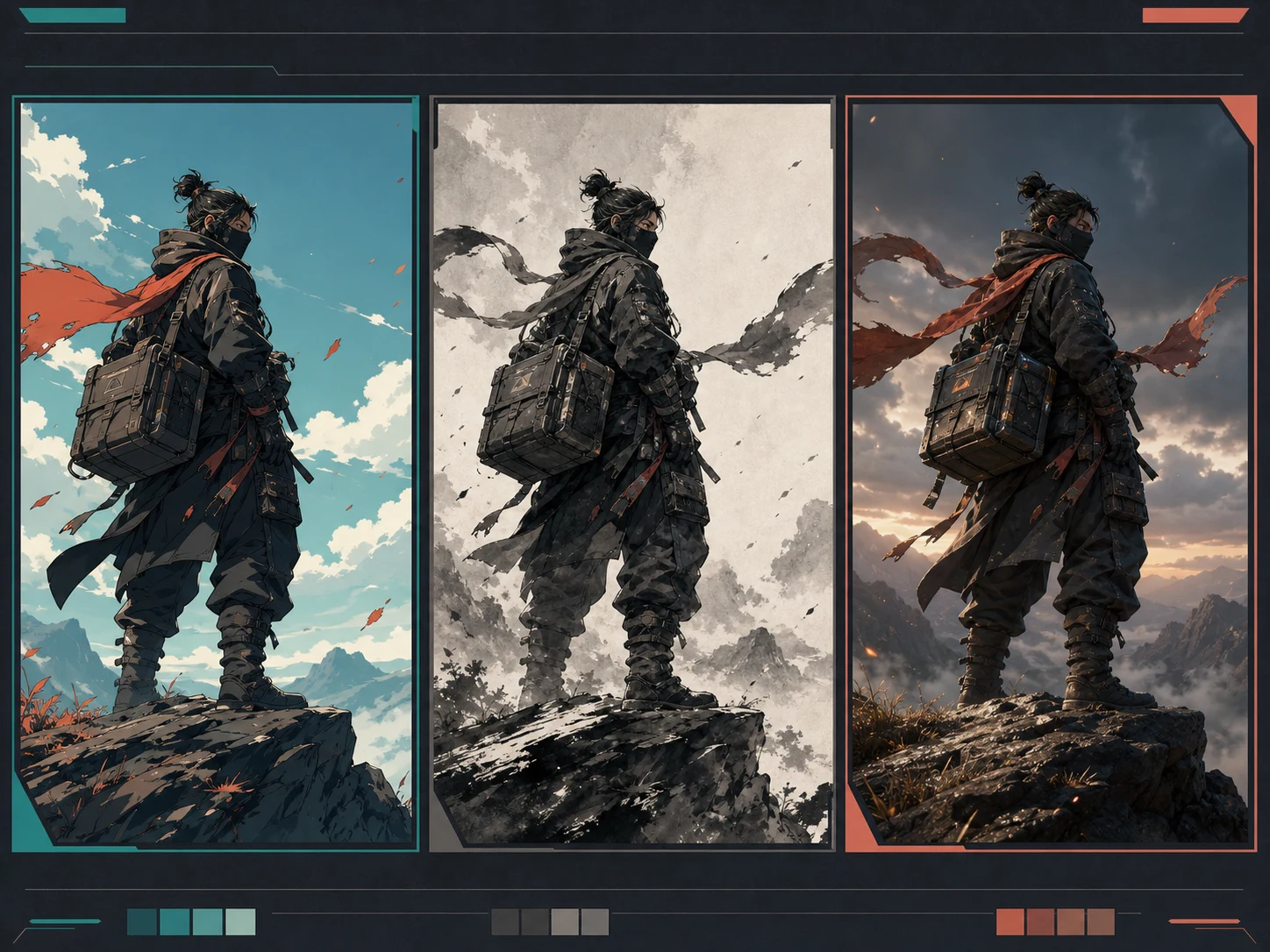
Name the art direction and how it should move
When stylization drives the choice, specify more than a broad word such as artistic. Name the intended direction—anime, illustration, ink-wash, or game-CG—then add the palette, line behavior, surface treatment, lighting, and one readable action. This gives you concrete properties to inspect across the clip. A style description can guide the request, but it does not guarantee perfect visual continuity or reproduce a protected artist's work.
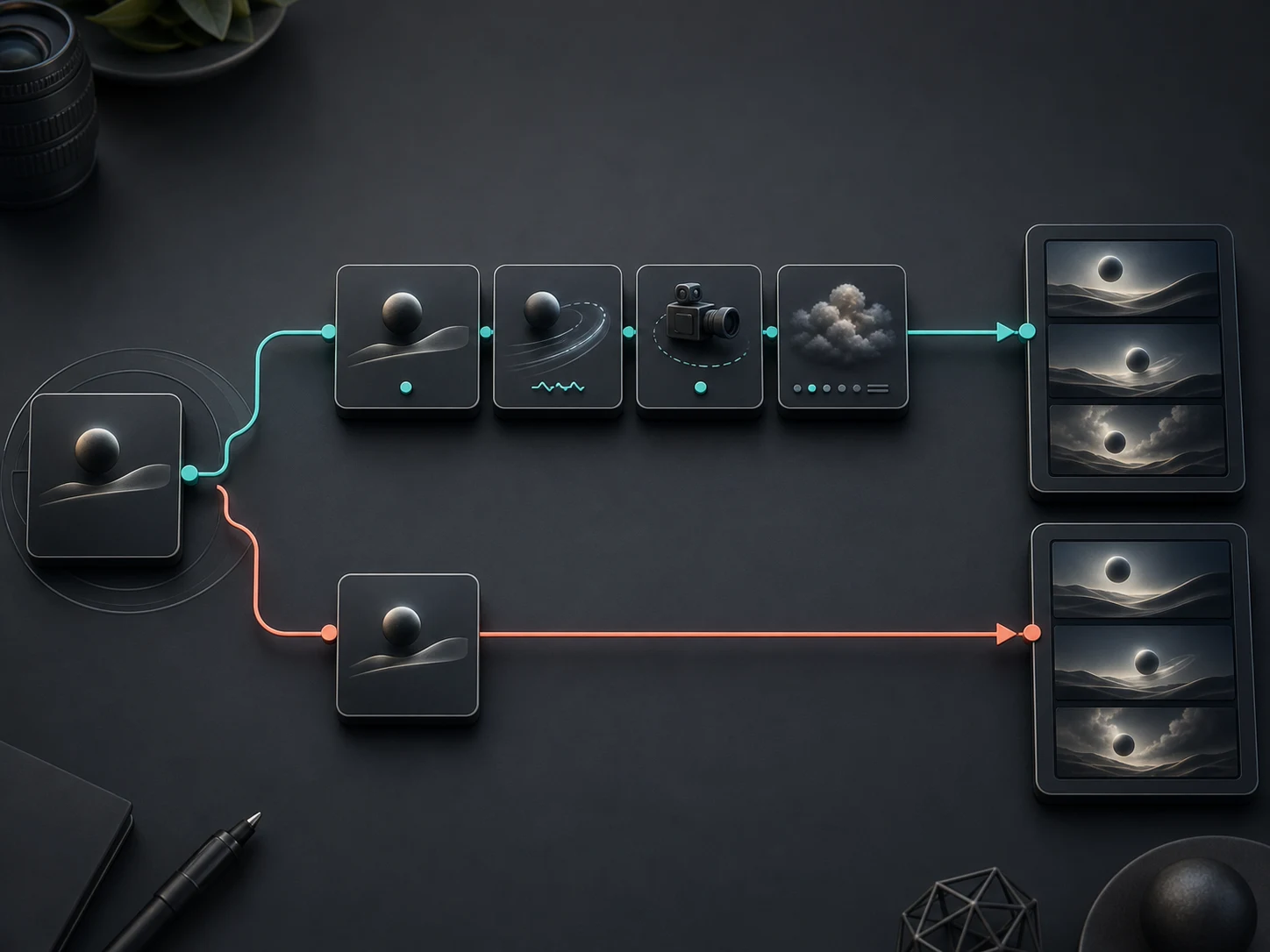
Choose expansion or keep exact prompt control
Leave Prompt Optimizer on when you have a short idea and want the request expanded before generation. Turn it off when your wording already defines exact motion, camera, timing, or style instructions that you do not want reinterpreted. The toggle changes how the request is prepared; it does not promise a better result. For a fair comparison, keep the subject, duration, and scene fixed while you change only the optimizer state.
Best-Fit Workflows for Hailuo 2.3 SD
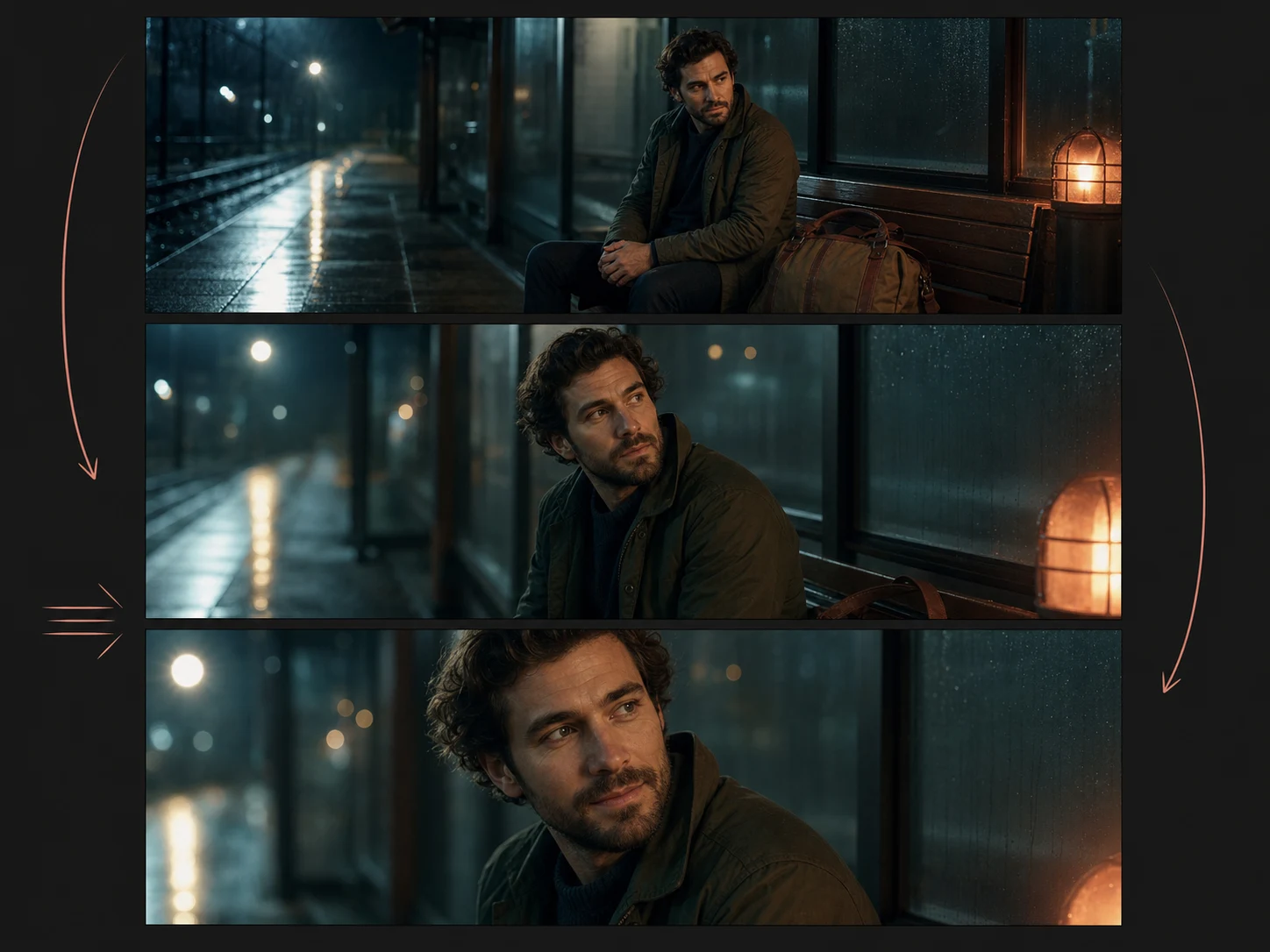
Direct a short expressive character beat
Choose Hailuo 2.3 SD when a close-up or medium shot depends on coordinated body motion and a subtle emotional change. MiniMax specifically emphasizes action and micro-expression direction for Hailuo 2.3, making it a relevant option for reaction shots, character introductions, and compact performance moments. Review the face, hands, posture, and transition frame by frame because emphasis is not a fidelity guarantee.
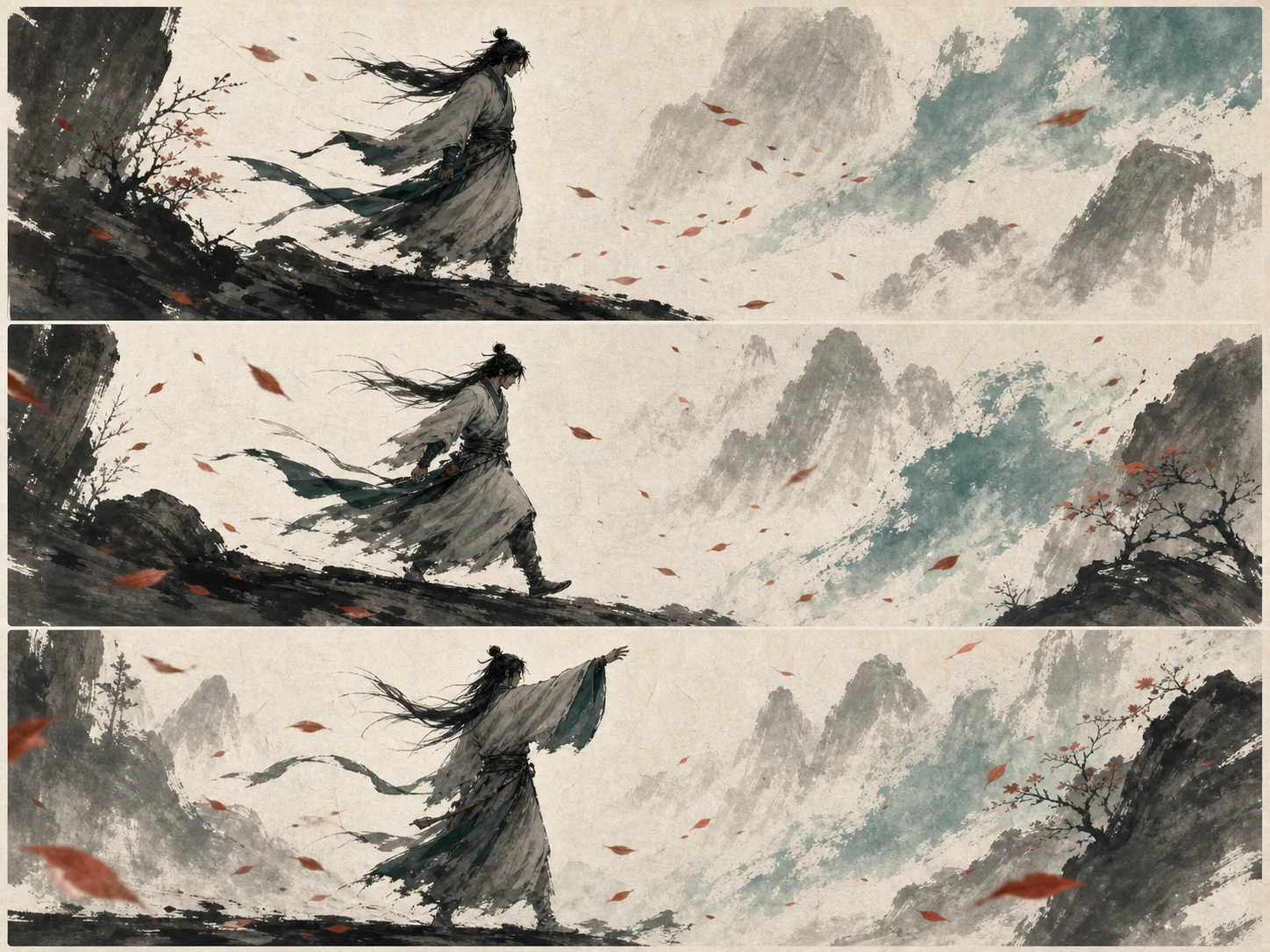
Turn a style-specific concept into motion
Use a prompt or one start frame when the scene needs a declared anime, illustration, ink-wash, or game-CG direction as well as movement. Define one action and a small set of visual rules so you can judge whether line work, color, lighting, and materials remain coherent. This is a model-selection reason grounded in MiniMax's stylization emphasis, not a promise that every aesthetic choice will persist.
How to Use Hailuo 2.3 SD
Choose Text or Start Image
Begin with Text to Video when the scene can be described from scratch. Choose Image to Video and upload exactly one image when a specific opening composition should anchor the clip.
Direct the Motion
Write the subject, action, expression, environment, style, and camera behavior. Select 6 or 10 seconds, then leave Prompt Optimizer on for expansion or switch it off for tighter wording control.
Generate and Review
Request the current quote, generate the clip, and inspect anatomy, expression continuity, object motion, style consistency, framing, and prompt details. Change one major variable before the next attempt.
Hailuo 2.3 SD vs Hailuo 2.3 PRO vs Seedance Pro Fast
| Feature / Model | Hailuo 2.3 SD | Hailuo 2.3 PRO | Seedance Pro Fast |
|---|---|---|---|
| Best For | Expressive character beats, physical action, and style-specific short clips where a focused control set is enough. | A same-family text or start-image request where you specifically want to select the Pro tier. | Short-video requests that need selectable framing, resolution, duration, or advanced generation controls. |
| Starting Inputs | Starts from a required text prompt or one required start image plus a prompt in Nuzza. | Uses a required text prompt or exactly one required start image plus a prompt. | Starts from a required text prompt or one required start image plus a prompt. |
| Duration Controls | Offers visible 6- and 10-second choices for both current workflows. | The current Nuzza definition does not expose a duration selector for the Pro tier. | Offers 2 through 12 seconds, with an advanced frame-count setting that can override duration. |
| Direction Controls | Provides Prompt Optimizer; subject, action, camera, and style direction remain in the written prompt. | Provides Prompt Optimizer, with all motion, camera, and style direction written into the prompt. | Provides camera-fixed and seed controls rather than Hailuo's Prompt Optimizer toggle. |
| Output Controls | Does not currently expose user-selectable ratio, resolution, audio, seed, or frame-count controls. | Does not currently expose user-selectable ratio, resolution, audio, seed, or frame-count controls. | Offers common landscape, square, and portrait ratios plus 480p, 720p, and 1080p choices. |
| Choose When | Choose the standard tier when Hailuo's motion and stylization direction fits and the current quote suits the attempt. | Choose it when the Pro tier is part of the brief and its current request quote is acceptable. | Choose it when visible output controls matter more than selecting the Hailuo 2.3 family. |
FAQs about Hailuo 2.3 SD
What is Hailuo 2.3 SD?
Hailuo 2.3 SD is Nuzza's standard-tier label for MiniMax Hailuo 2.3, an AI video model positioned for physical action, stylized imagery, character micro-expressions, and motion direction. It can create short clips from text or one start image in the current Nuzza workspace. Outputs remain probabilistic and should be reviewed before use.
What is the best AI video generator?
The best AI video generator depends on the input, intended result, budget, and controls you need. Hailuo 2.3 SD's Nuzza workflow is a strong choice because it is built around the standard Hailuo 2.3 tier for focused text and start-image short-video requests.
Is Hailuo 2.3 SD free to use?
The page is free to browse. Running a task requires Credits, and the current cost is shown before you submit.
What can I use Hailuo 2.3 SD for?
Hailuo 2.3 SD is useful for character performance and stylized action. Choose Hailuo 2.3 SD when a close-up or medium shot depends on coordinated body motion and a subtle emotional change. MiniMax specifically emphasizes action and micro-expression direction for Hailuo 2.3, making it a relevant option for reaction shots, character introductions, and compact performance moments. Review the face, hands, posture, and transition frame by frame because emphasis is not a fidelity guarantee.
What inputs does Hailuo 2.3 SD support?
Yes. Text to Video starts from a required written prompt. Image to Video requires exactly one start-frame image and a prompt in the current Nuzza composer. The model entry does not currently offer an end frame, multiple reference images, a reference video, or source-video editing, so plan the request around one opening image only.
Do I need to sign in to use Hailuo 2.3 SD?
You can browse this page without signing in. Submitting a generation, storing persistent inputs, checking task status, and saving a finalized result require a Nuzza account.
What should I check in the video result?
Watch the complete result and check subject identity, motion, camera continuity, frame edges, text, and audio synchronization. Compare important details with the source or prompt before publishing.
Is Hailuo 2.3 SD the same as MiniMax-Hailuo-2.3?
Hailuo 2.3 SD is the standard-tier name shown by Nuzza and some marketplaces. MiniMax's official API identifier is MiniMax-Hailuo-2.3, without the SD suffix. The page keeps the familiar Hailuo 2.3 SD label for product discovery while stating the official naming boundary so the two forms are not confused.
What duration and output settings can I choose?
Nuzza currently exposes 6- and 10-second duration choices for Hailuo 2.3 SD. It does not expose separate aspect-ratio, resolution, audio, format, seed, negative-prompt, or frame-count controls for this model. Check the controls shown in the workspace before submitting, because the current interface is the authority for the request you can prepare.
Create Videos with Hailuo 2.3 SD
Direct expressive or stylized short videos from text and start images with Hailuo 2.3 SD in Nuzza.
Try Hailuo 2.3 SD