Upgrade
Loading account

Nano Banana Pro

Nano Banana Pro generates images from detailed prompts and performs reference-led edits at 1K to 4K resolution. Try Nano Banana Pro on Nuzza with aspect-ratio controls and up to four results per run.

Describe what you want to create with Nano Banana Pro

Loading inspiration gallery.

    Nano Banana Pro: Build Multilingual Designs with Visible Text

    Nano Banana Pro workflow combining a product reference, layout reference, and localized campaign result

    Specify the exact headline, language, hierarchy, location, and visual treatment for posters, packaging, menus, signs, or campaign graphics.

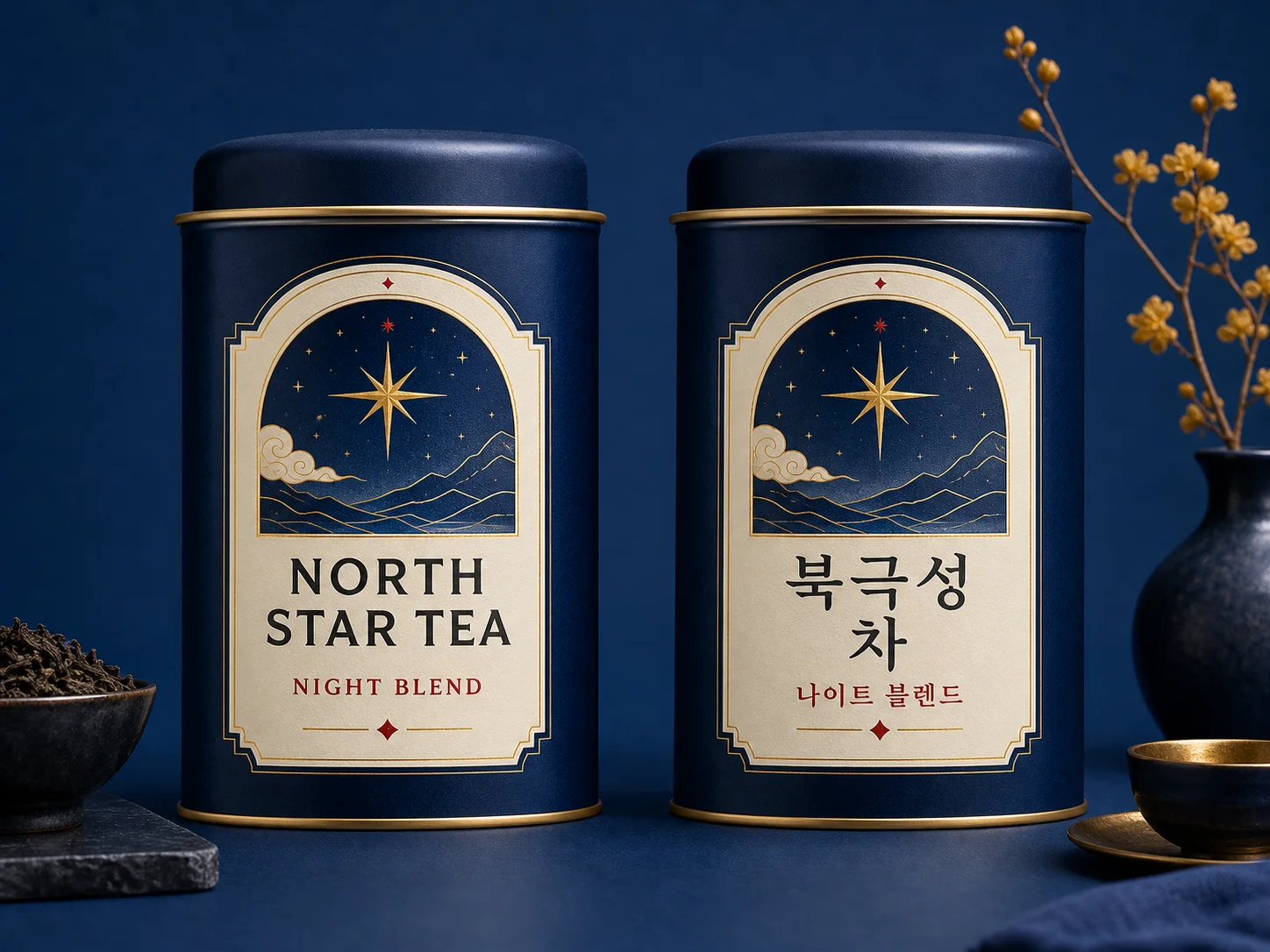
    Matched beverage packaging localized from English to Korean while preserving the design

    Build Multilingual Designs with Visible Text

    Specify the exact headline, language, hierarchy, location, and visual treatment for posters, packaging, menus, signs, or campaign graphics. Review spelling, spacing, and meaning before publishing the result.

    Try For Free
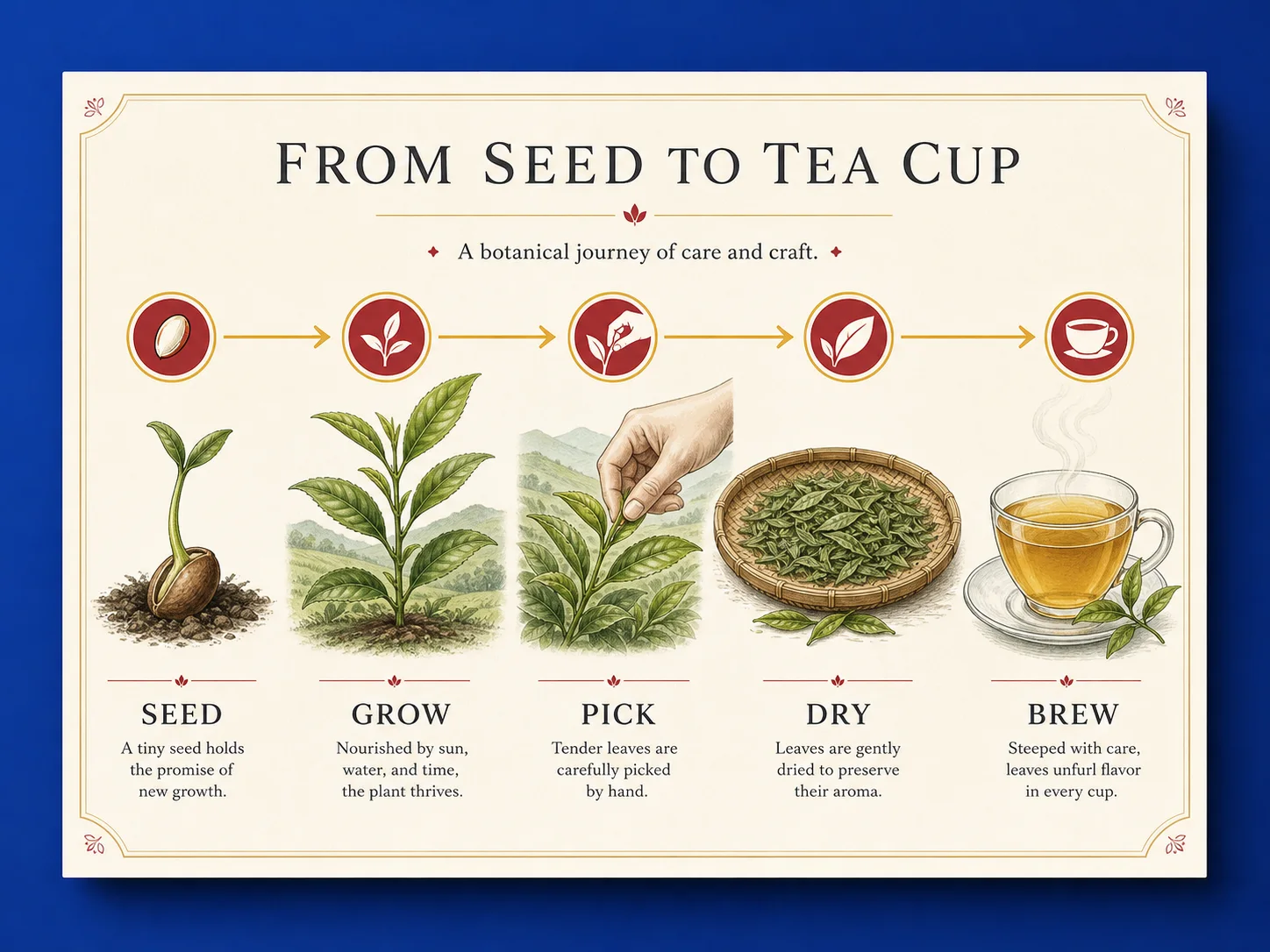
    Clear botanical process infographic with structured labels and visual hierarchy

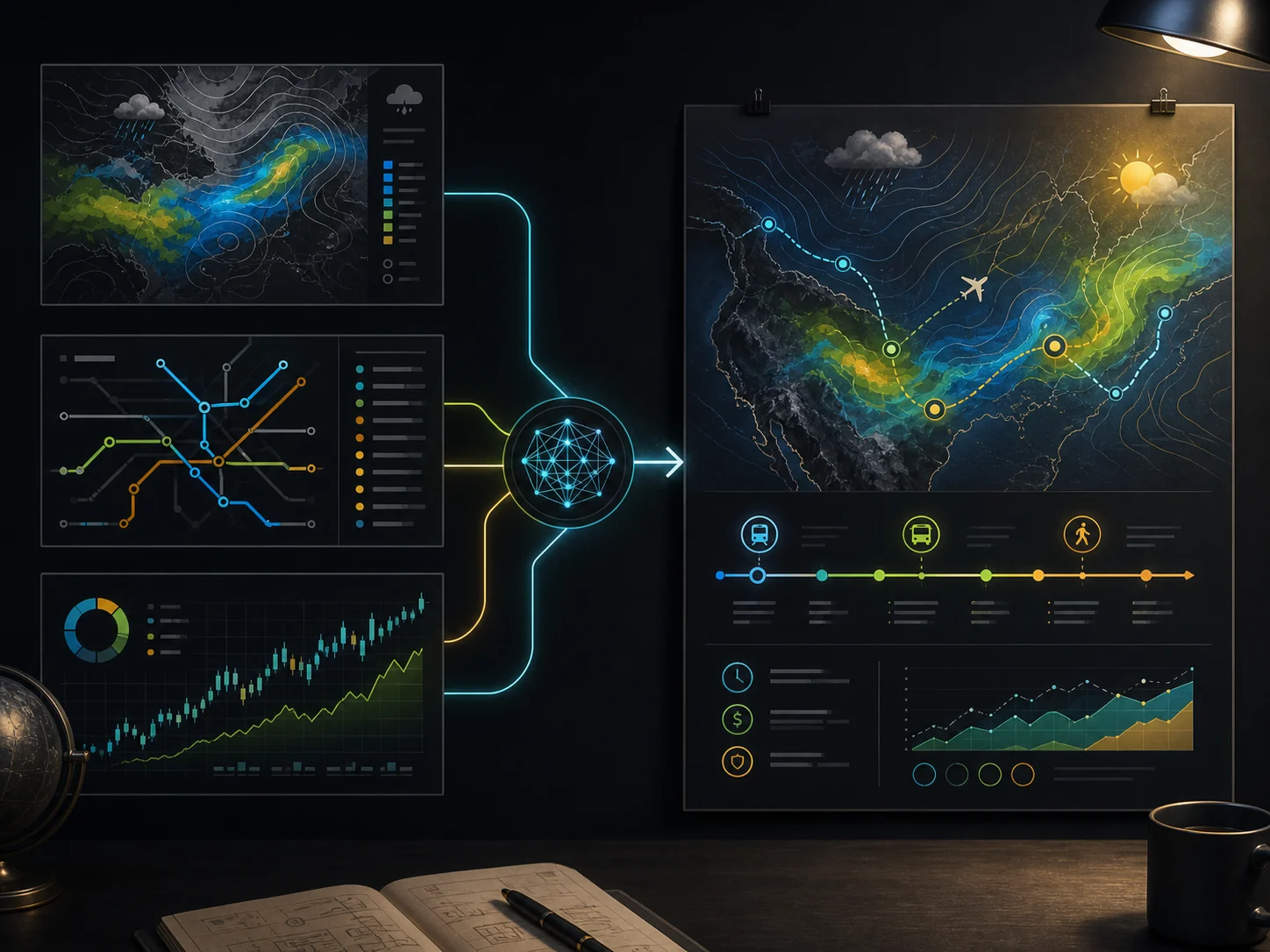
    Turn Complex Ideas into Information-Rich Visuals

    Describe the facts, labels, relationships, and reading order for an infographic, diagram, explainer, or presentation visual. The reasoning-led model can organize dense instructions, while you remain responsible for checking every claim and label.

    Try For Free
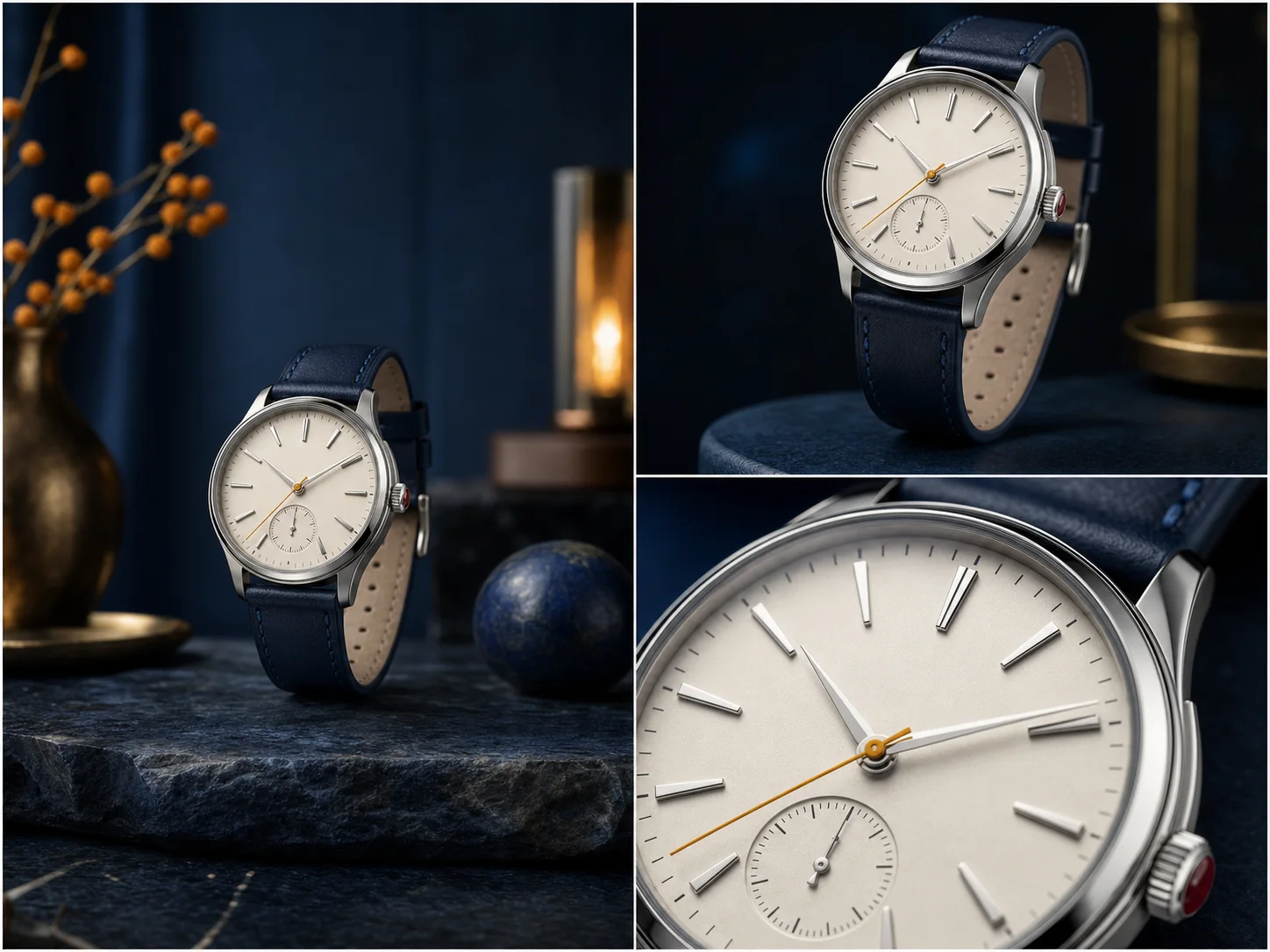
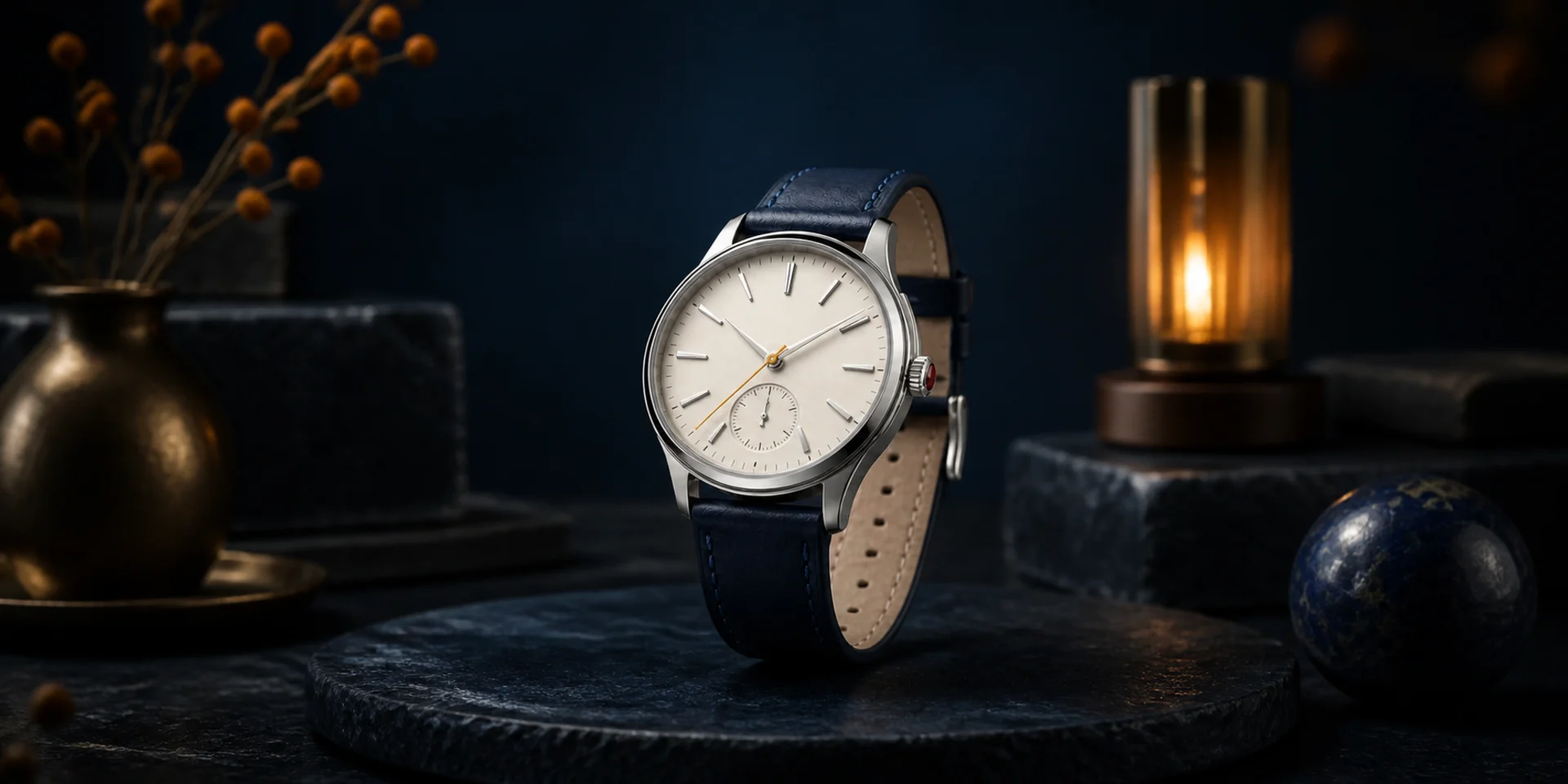
    Same fictional watch campaign shown in wide, medium, and close camera treatments

    Direct Camera, Focus, Lighting, and Composition

    Use photographic language to move from a wide establishing view to a close product shot, shift depth of field, relight the scene, or adapt the same subject to another aspect ratio. Name the details that must stay fixed when continuity matters.

    Try For Free
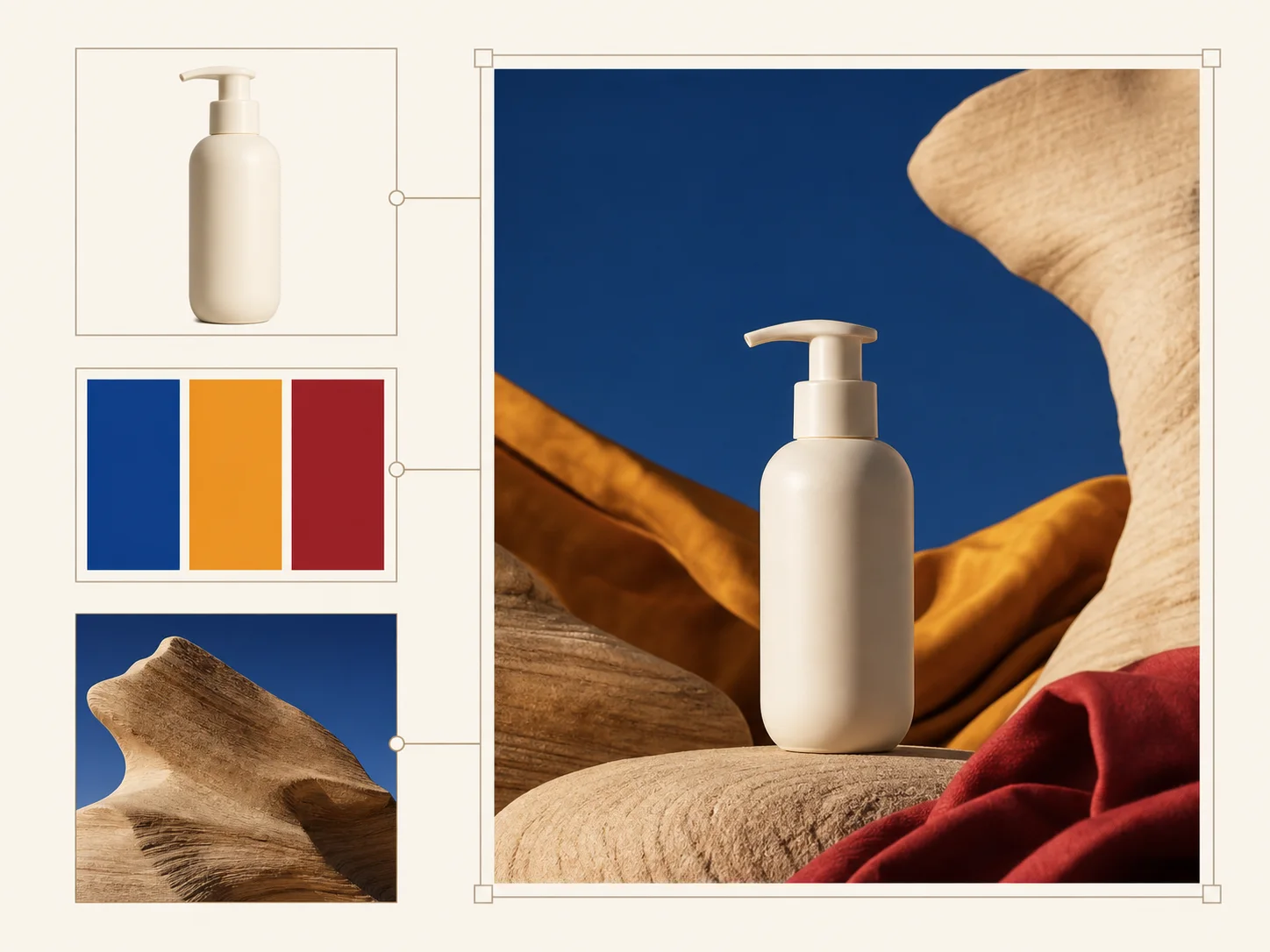
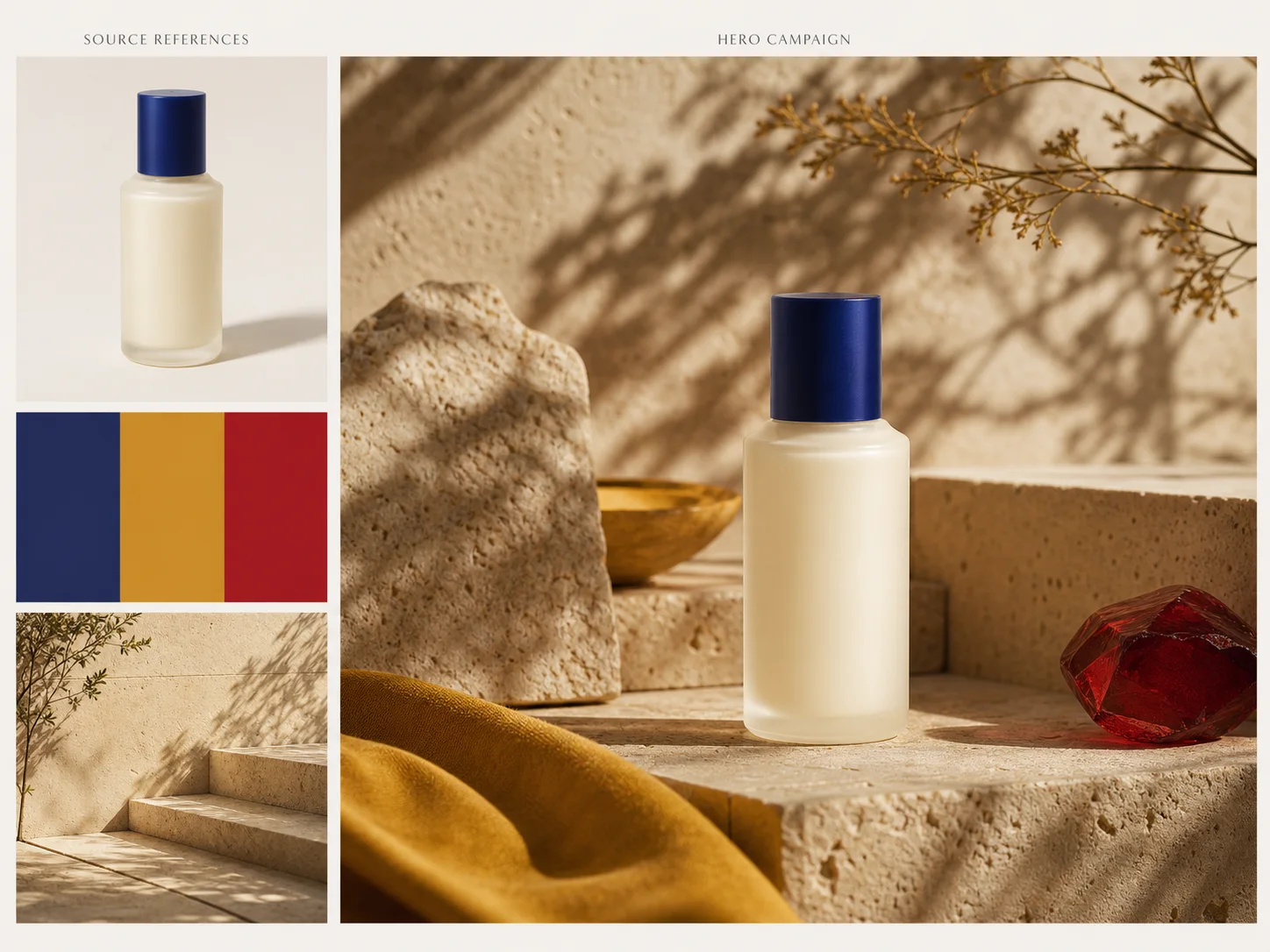
    Product, color, and environment references combined into one coherent campaign visual

    Combine References into One Coherent Asset

    Assign each source image a specific role such as product shape, character identity, logo placement, palette, environment, or photographic style. Nuzza accepts up to sixteen edit references so complex briefs can stay organized in one request.

    Try For Free
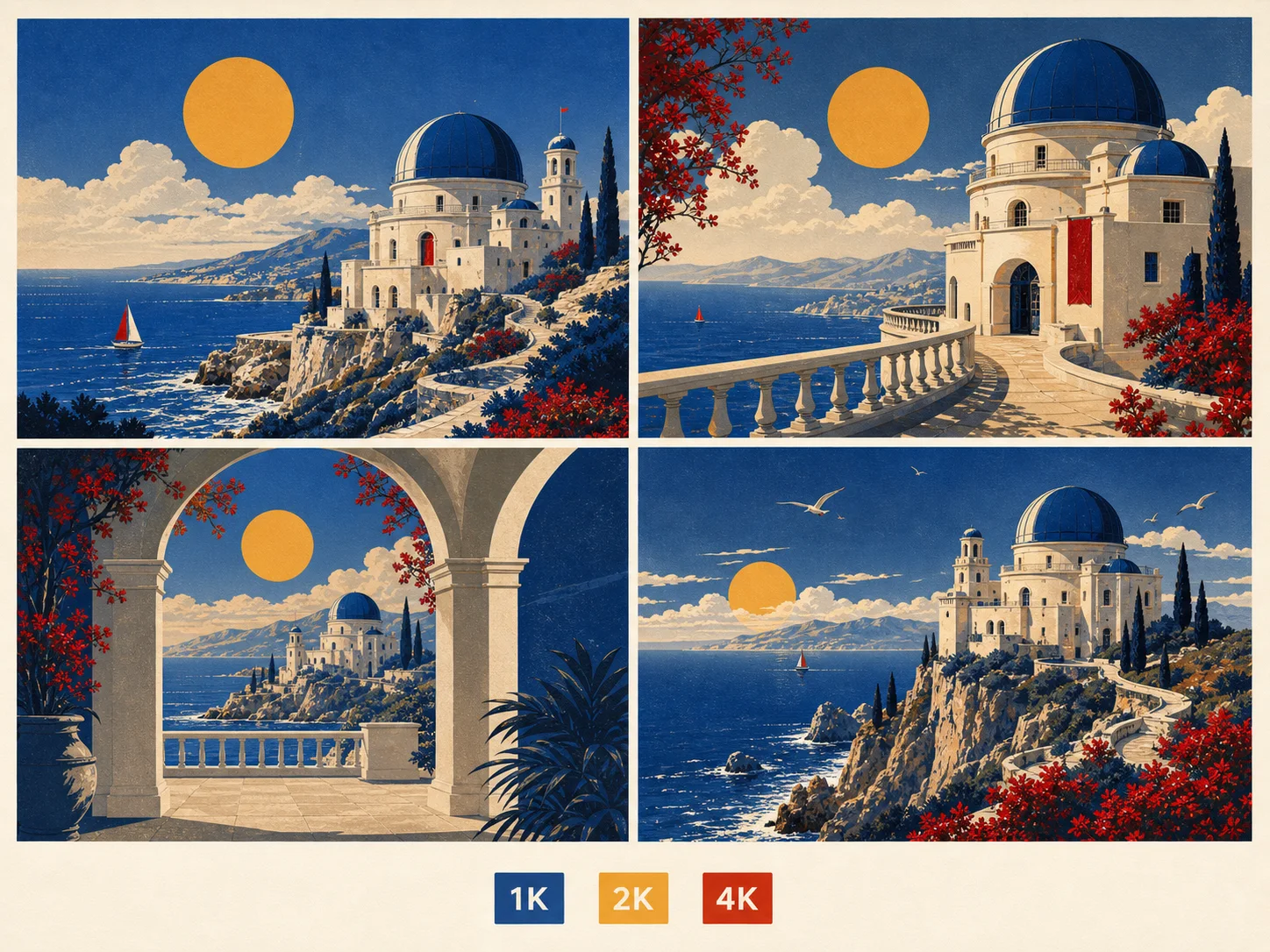
    Four coordinated travel poster directions shown with 1K, 2K, and 4K review cues

    Review Up to Four Results at 1K, 2K, or 4K

    Match resolution to the review stage and request one to four outputs from the same brief. Use lower-resolution drafts to compare direction, then choose 4K when the concept needs a larger working image for close inspection.

    Try For Free

    How to Use Nano Banana Pro

    Step 1

    Choose Generate or Edit

    Start from a written prompt, or add source images when the result must preserve, combine, or transform existing visual details.

    Step 2

    Write the Visual Brief

    Define the subject, composition, camera, lighting, visible text, requested changes, preserved details, and role of every reference.

    Step 3

    Set Output and Review

    Select the aspect ratio, 1K, 2K, or 4K resolution, and one to four results, then inspect text, facts, identity, and layout before continuing.

    When Should You Choose Nano Banana Pro?

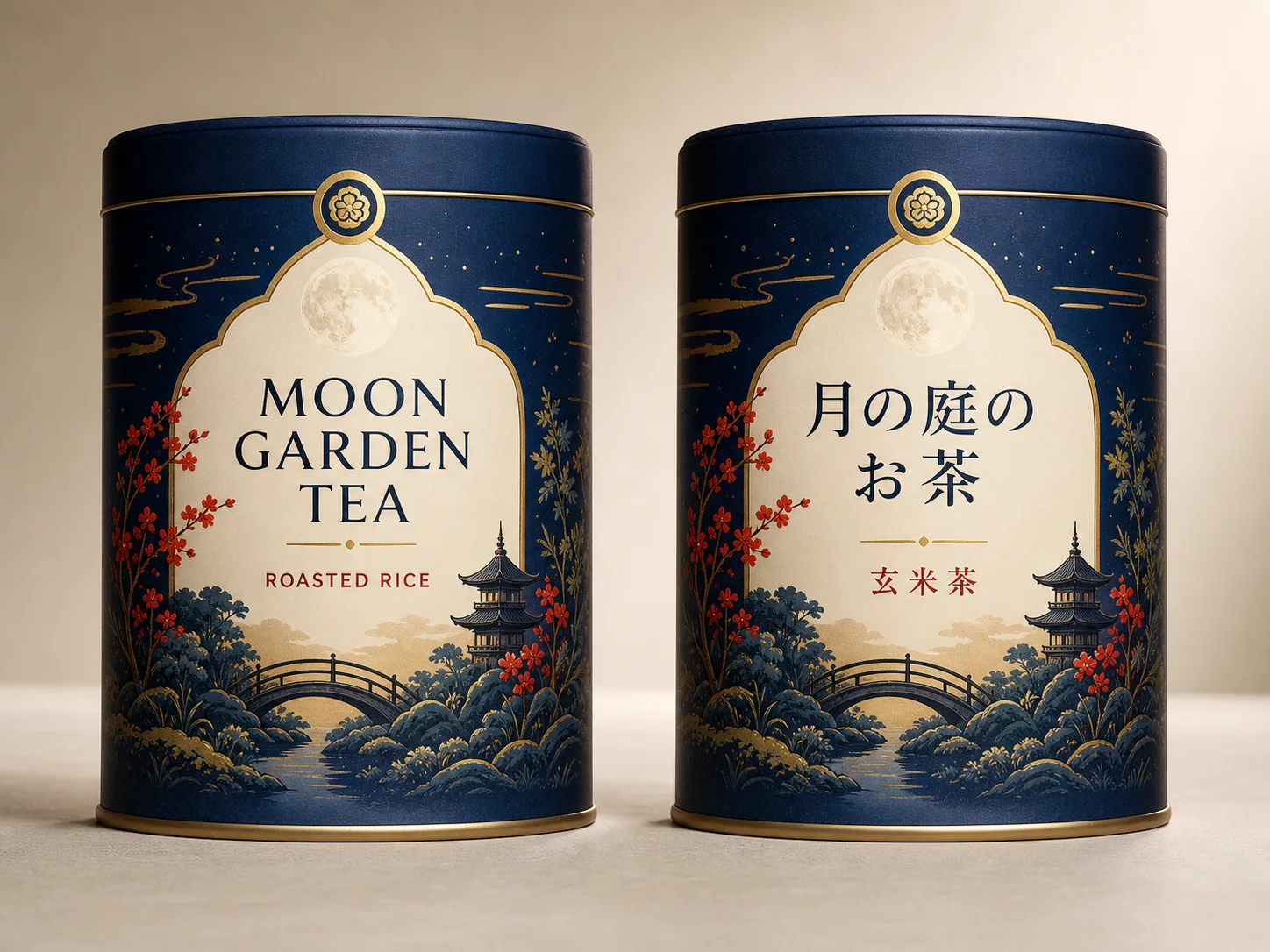
    Matched fictional tea packaging localized from English to Japanese with the design preserved

    Adapt one campaign system for another language or market.

    Choose Nano Banana Pro when packaging, posters, menus, or ads need translated visible text while the product, palette, composition, and brand cues remain recognizable across variants.

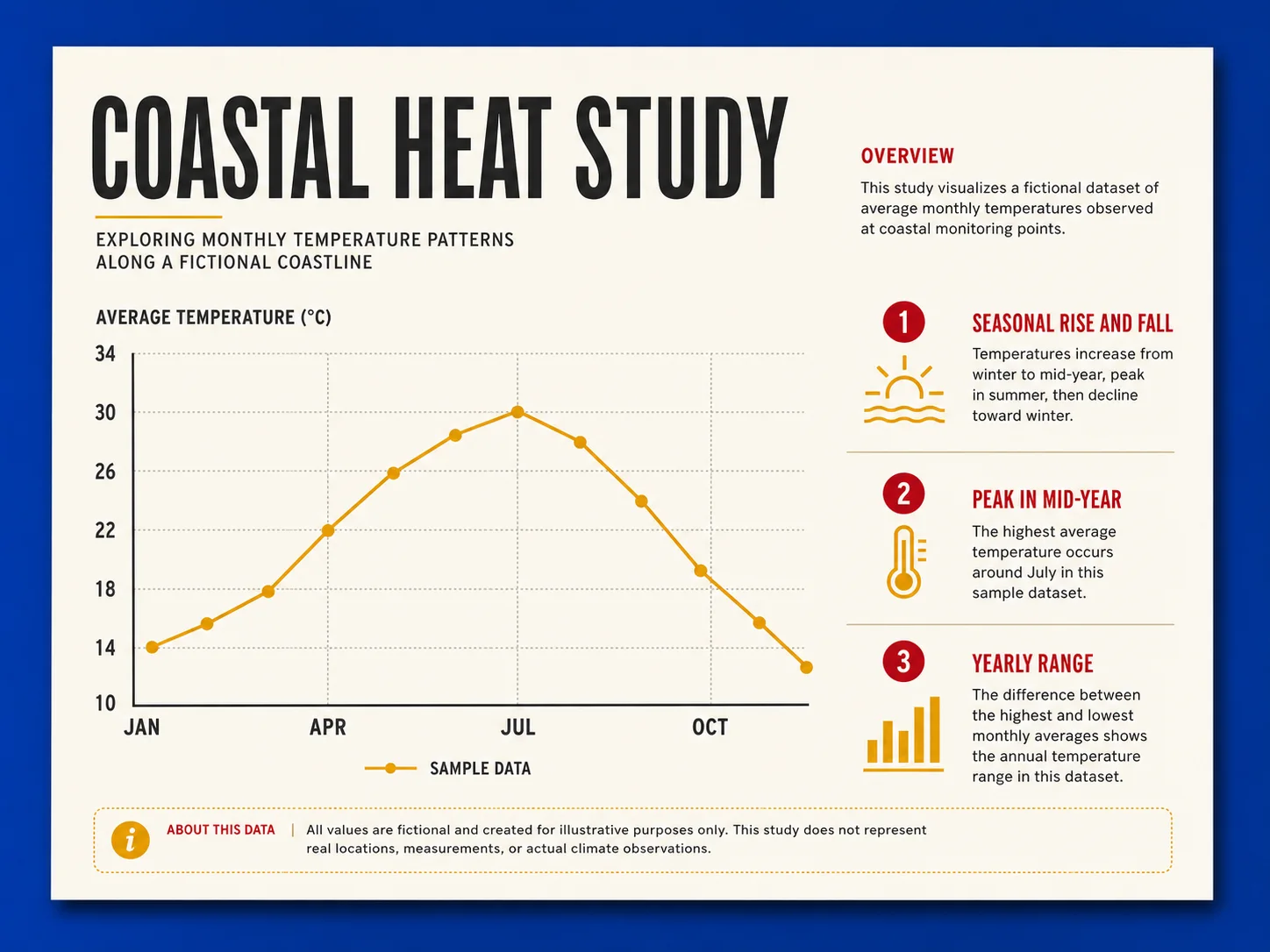
    Editorial climate data visual with a clear chart, labels, and explanatory hierarchy

    Organize facts, labels, and sequence into one readable concept.

    Use Nano Banana Pro for diagrams, educational explainers, presentation graphics, and data-led posters where reasoning, text rendering, and information hierarchy matter together.

    Fictional skincare product campaign built from product, palette, and environment references

    Combine product references with a controlled campaign direction.

    Select Nano Banana Pro when a product, packaging system, palette, environment, and photography style must be composed from several references into a coherent high-resolution mockup.

    How Can You Get Better Nano Banana Pro Results?

    Text Hierarchy
    Bilingual event poster with short exact copy and a clear visual hierarchy

    Provide Exact Copy, Language, and Placement

    Overcrowded bilingual poster with competing text, weak hierarchy, and spelling drift

    Avoid Dense Copy Without Priorities

    Reference Roles
    Three labeled visual roles resolved into one coherent product campaign

    Give Every Reference One Clear Job

    Product campaign disrupted by conflicting shapes, palettes, and environments

    Avoid Conflicting Unranked References

    Edit Preservation
    Matched room edit changing only the wall material while preserving the furniture and light

    Name Both the Change and What Must Stay

    Room edit where furniture, camera, lighting, and architecture drift together

    Avoid Open-Ended Makeovers

    Fact Review
    Reviewed transit infographic with consistent stations, route order, and legend

    Verify Every Number, Label, and Relationship

    Transit infographic draft with contradictory labels, route order, and legend

    Avoid Publishing an Unchecked Draft

    Nano Banana Pro vs. Nano Banana 2 vs. GPT Image 2

    Best For

    Nano Banana Pro

    Complex visual instructions, multilingual layouts, infographics, professional mockups, controlled editing, and high-resolution review.

    Nano Banana 2

    High-volume ideation, general image generation, conversational edits, extreme aspect ratios, and a lower-cost Gemini workflow.

    GPT Image 2

    Detailed creative briefs, text-aware graphics, targeted reference edits, flexible dimensions, and users who want direct quality controls.

    Core Strength

    Nano Banana Pro

    Combines Gemini 3 Pro reasoning, world knowledge, text rendering, localization, and detailed camera or composition direction.

    Nano Banana 2

    Balances quality, world knowledge, text rendering, editing, speed, and cost as Google's current generalist image model.

    GPT Image 2

    Combines natural-language instruction following with high-fidelity image inputs for generation and editing.

    Reference Workflow

    Nano Banana Pro

    Nuzza accepts one to sixteen edit references for combining and preserving subjects, products, environments, palettes, and visual identities.

    Nano Banana 2

    Nuzza supports its prompt-only and reference-led workflows with up to sixteen staged images in the edit operation.

    GPT Image 2

    Nuzza accepts one to sixteen image inputs for explicit changes, preserved details, identity, composition, and style roles.

    Output Controls

    Nano Banana Pro

    Offers standard aspect-ratio presets, 1K, 2K, or 4K resolution, and one to four images per request.

    Nano Banana 2

    Adds 0.5K alongside 1K, 2K, and 4K, plus standard and extreme 4:1, 1:4, 8:1, and 1:8 aspect ratios.

    GPT Image 2

    Provides preset or flexible dimensions, Auto, Low, Medium, or High quality, and one to four images per request.

    Starting Credits

    Nano Banana Pro

    Starts at 155 Credits for one 1K or 2K output.

    Nano Banana 2

    Starts at 65 Credits for one 0.5K output.

    GPT Image 2

    Starts at 20 Credits for one Low 1K output.

    Choose When

    Nano Banana Pro

    Choose Nano Banana Pro when information density, multilingual text, professional creative control, or a 4K working image justifies the higher starting credits.

    Nano Banana 2

    Choose Nano Banana 2 when turnaround, volume, unusual aspect ratios, or a lower starting credit requirement matters more than the Pro model's professional-asset emphasis.

    GPT Image 2

    Choose GPT Image 2 when high-fidelity editing, explicit quality settings, flexible dimensions, or a lower starting credit requirement better fits the task.

    Compared with NanoBananaPro.com's feature-heavy studio pitch, Artlist's creator gallery, and Invideo's video-first workflow, Nuzza keeps Nano Banana Pro generation, editing, up to sixteen edit references, visible resolution and output controls, editable example prompts, and alternative model selection in one model-focused workspace.

    FAQs about Nano Banana Pro

    What is Nano Banana Pro?

    Nano Banana Pro is Google's name for Gemini 3 Pro Image, an image generation and editing model built for complex instructions and professional asset production. It supports text and image inputs, 1K to 4K output, multilingual text rendering, reference composition, and detailed creative direction. Nuzza exposes generation and editing through a visual model workspace.

    What is the best AI image generator?

    The best AI image generator depends on the input, intended result, budget, and controls you need. Nano Banana Pro's Nuzza workflow is a strong choice because it is built around reasoning-led professional asset production with advanced localization and creative control.

    Is Nano Banana Pro free to use?

    The page is free to browse. Running a task requires Credits, and the current cost is shown before you submit.

    What can I use Nano Banana Pro for?

    Nano Banana Pro is useful for multilingual campaign localization, infographics and explainable visuals, and product and brand mockups. Choose Nano Banana Pro when packaging, posters, menus, or ads need translated visible text while the product, palette, composition, and brand cues remain recognizable across variants.

    What inputs does Nano Banana Pro support?

    The current Nuzza edit workflow accepts one to sixteen staged reference images and can return one to four outputs. Google's direct Gemini documentation describes five high-fidelity image inputs and up to fourteen total inputs for the underlying model. Use only the references that have a clear role, because more sources can introduce conflicting identity, layout, or style cues.

    Do I need to sign in to use Nano Banana Pro?

    You can browse this page without signing in. Submitting a generation, storing persistent inputs, checking task status, and saving a finalized result require a Nuzza account.

    What should I check in the image result?

    Complex layouts, exact text, recurring identities, factual diagrams, and multi-reference compositions can still require iteration. The model may produce inaccurate labels or relationships even when the image looks convincing. Verify facts, spelling, identity, product details, and permissions before treating a result as ready to publish.

    Is Nano Banana Pro the same as Nano Banana 2?

    No. Nano Banana Pro uses Gemini 3 Pro Image and emphasizes professional asset production, complex instructions, localization, world knowledge, and precision control. Nano Banana 2 uses Gemini 3.1 Flash Image and is positioned as the more efficient all-around option for speed, volume, and cost. Both support generation, editing, and 4K output in the current Nuzza catalog.

    Which resolutions and aspect ratios does Nano Banana Pro support?

    Nuzza exposes 1K, 2K, and 4K resolution choices. Available aspect ratios include Auto, 21:9, 16:9, 3:2, 4:3, 5:4, 1:1, 4:5, 3:4, 2:3, and 9:16. Choose the final frame before generation when the composition must fit a specific channel or layout.