

Z Image Turbo
Z Image Turbo generates visuals from English or Chinese prompts and transforms one source image with controlled subject, composition, lighting, materials, style, and text. Try Z Image Turbo on Nuzza with supported canvas shapes and up to four results per run.
What Can You Create with Z Image Turbo?
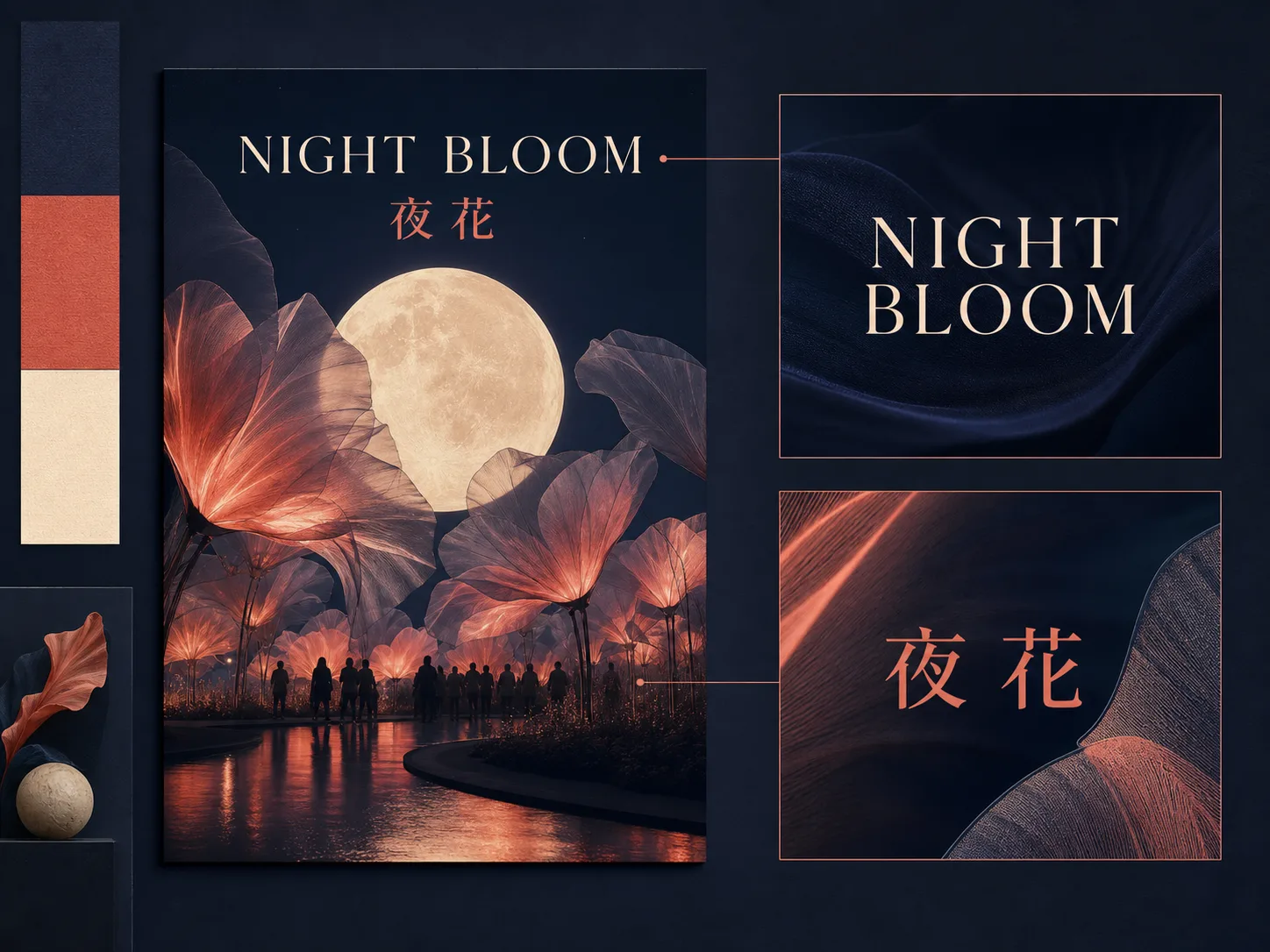
Compose Short English and Chinese Text
Put the exact short copy in quotation marks, then describe its language, hierarchy, placement, contrast, and relationship to the artwork. Z-Image-Turbo is officially positioned for Chinese and English text rendering, which makes posters and title-led graphics a useful fit. Keep the wording compact and inspect every character because spelling, punctuation, and layout can still vary.
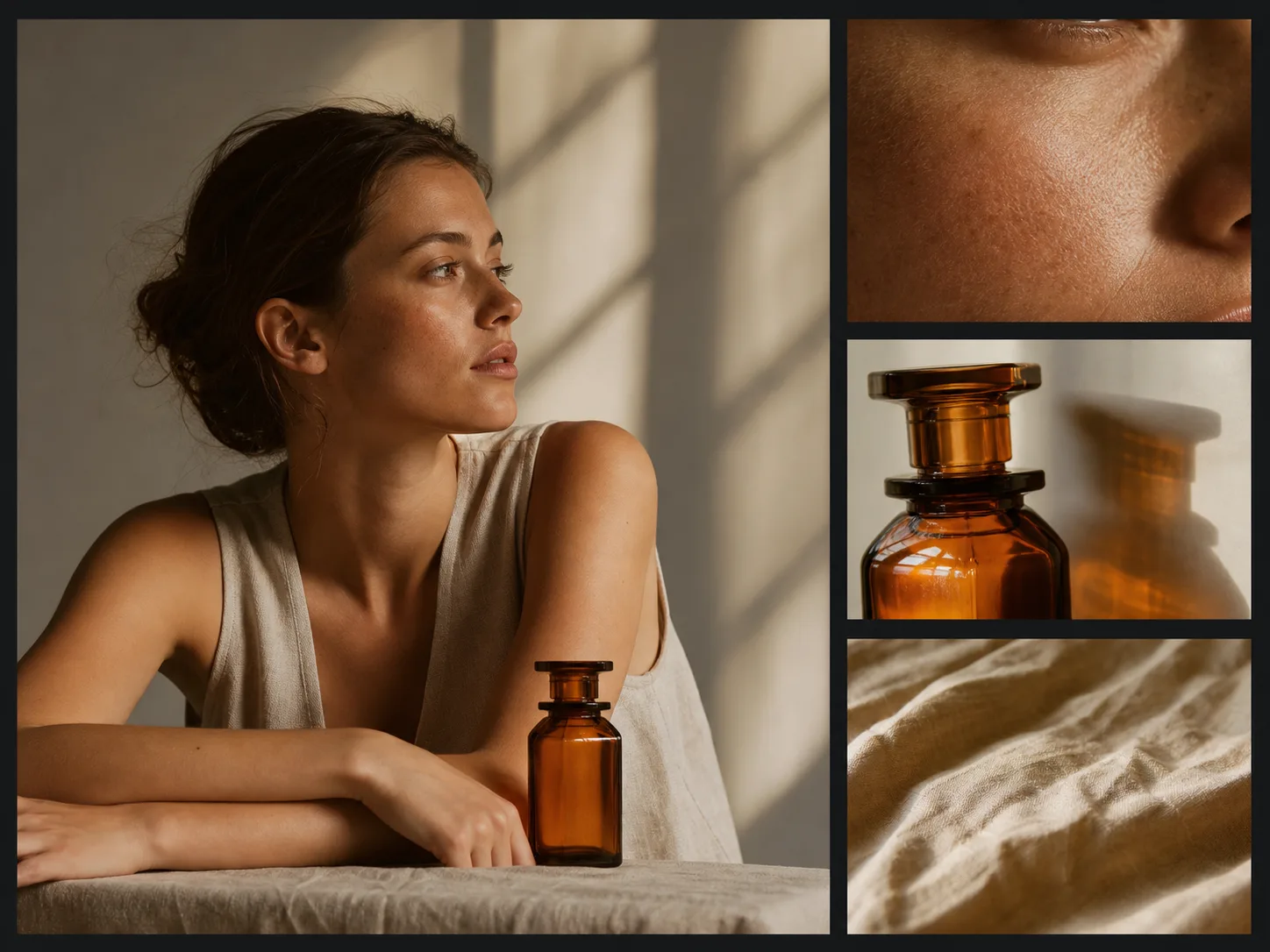
Build a Photorealistic Scene Brief
Connect one subject to a specific environment, camera distance, light source, material palette, and atmosphere. Concrete relationships give you more useful details to inspect than a loose list of style words. Photorealism is part of the official model positioning, but skin, hands, reflections, products, and fine textures still need a careful review before the image is treated as usable.
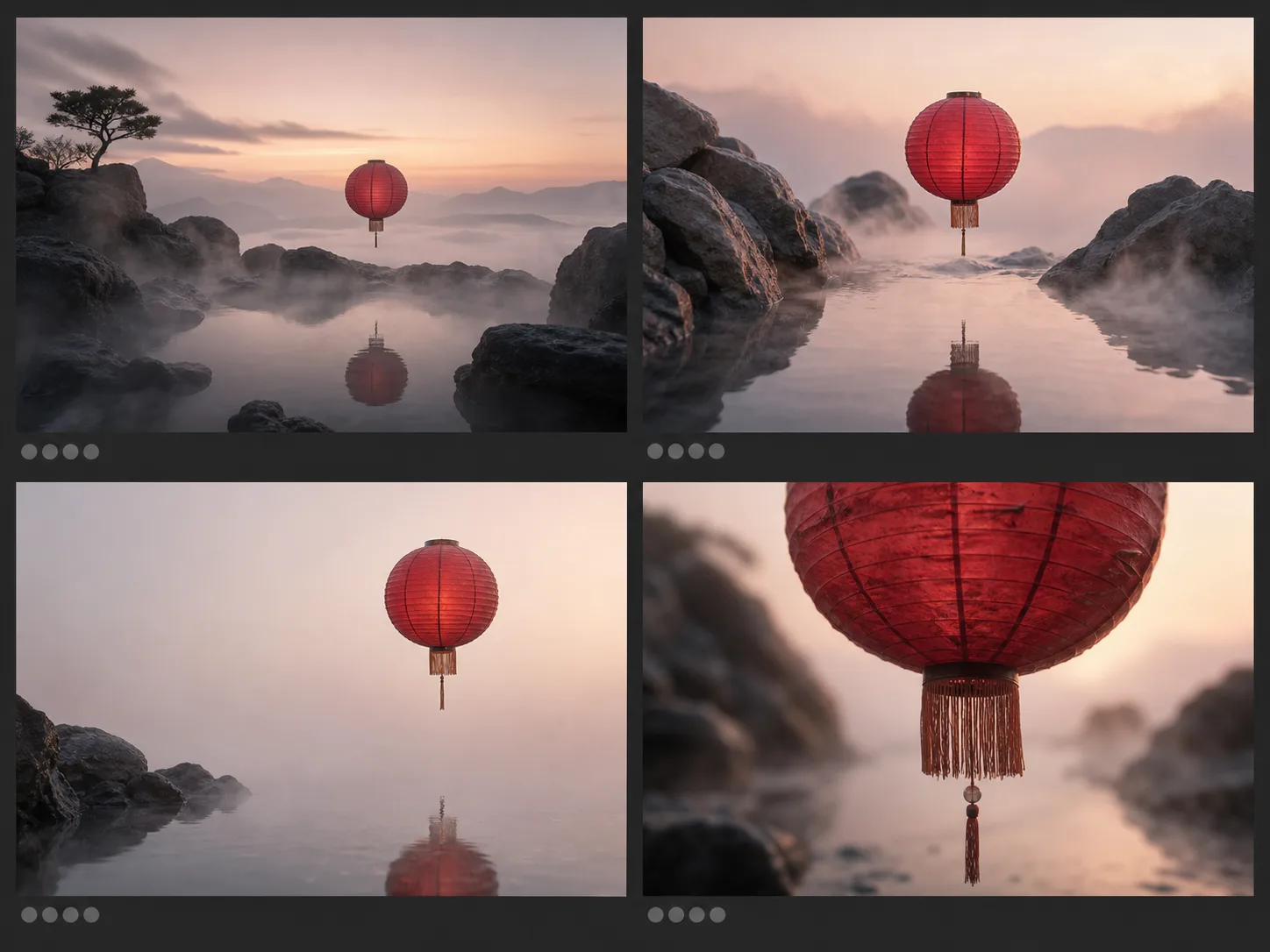
Compare Up to Four Prompt Variations
Keep one brief stable and request between one and four images. More candidates let you compare framing, negative space, embedded text, anatomy, edges, and material treatment without changing the task itself. They are variations rather than deterministic copies, and one result should not be treated as a quality guarantee for the rest of the set.
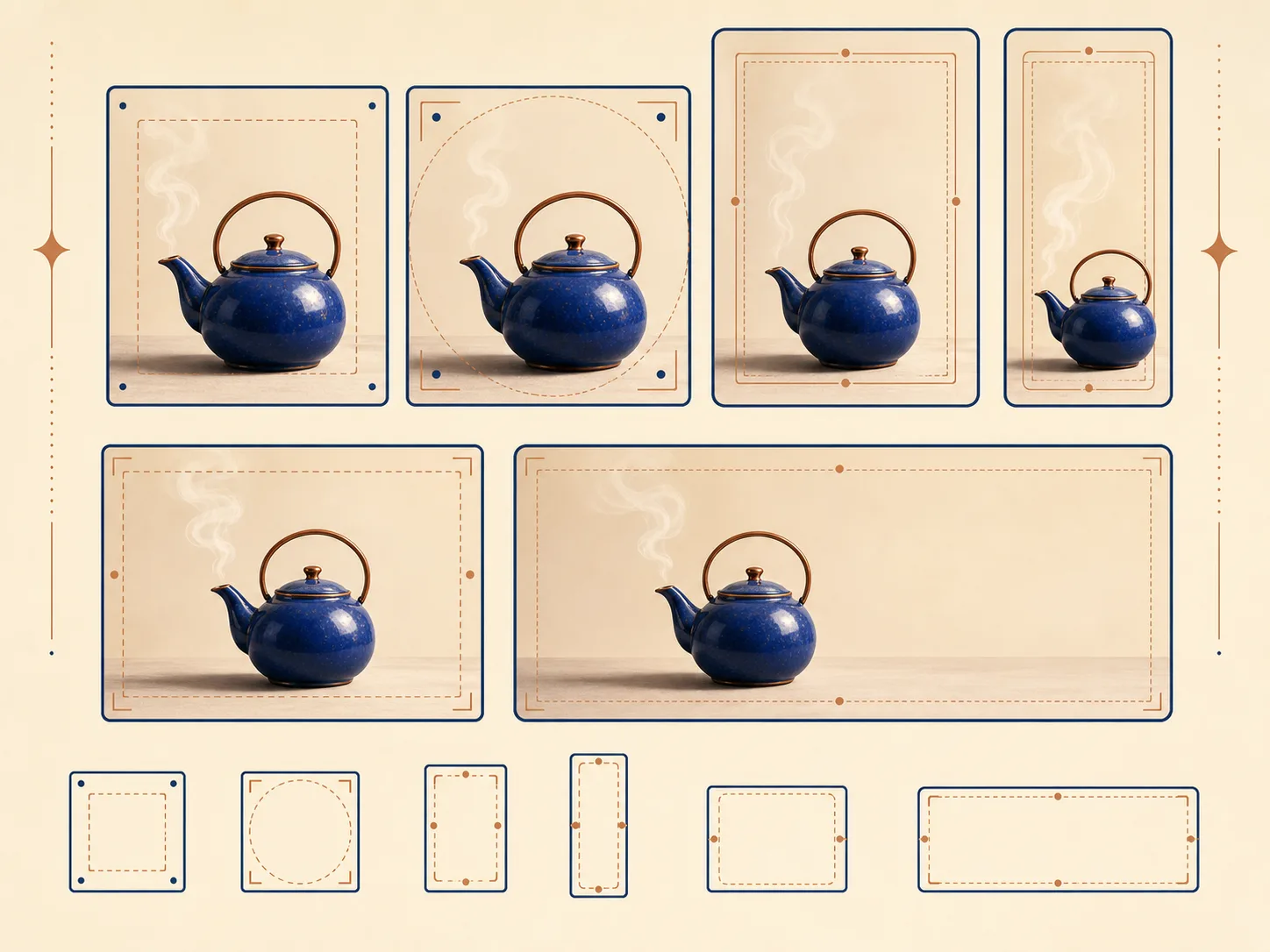
Compose for Six Available Shapes
Choose square HD, square, portrait 4:3, portrait 16:9, landscape 4:3, or landscape 16:9 before generation. Write where the subject, headline, and negative space should sit inside that shape instead of planning a wide image and cropping it later. Nuzza exposes named presets, not a public promise of exact pixel dimensions on this page.
When Should You Choose Z Image Turbo?
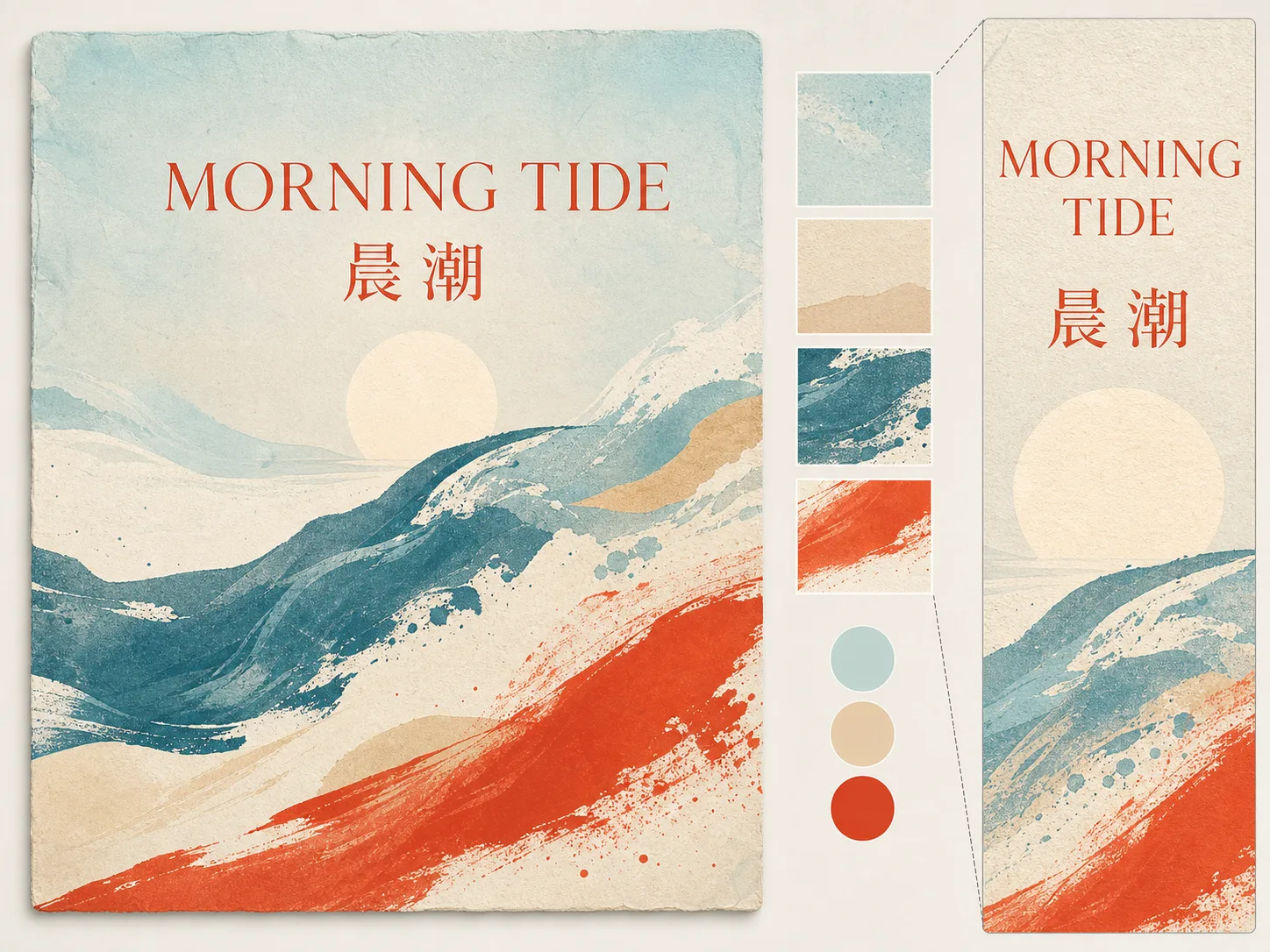
Draft a Bilingual Poster Concept
Choose Z Image Turbo when a concept needs one short English line, one short Chinese line, and a visible typographic hierarchy to inspect. Define the event mood, graphic motif, palette, text order, and available space in one brief. Use the result for design exploration, then verify every character and rebuild critical production typography with deterministic design tools when necessary.
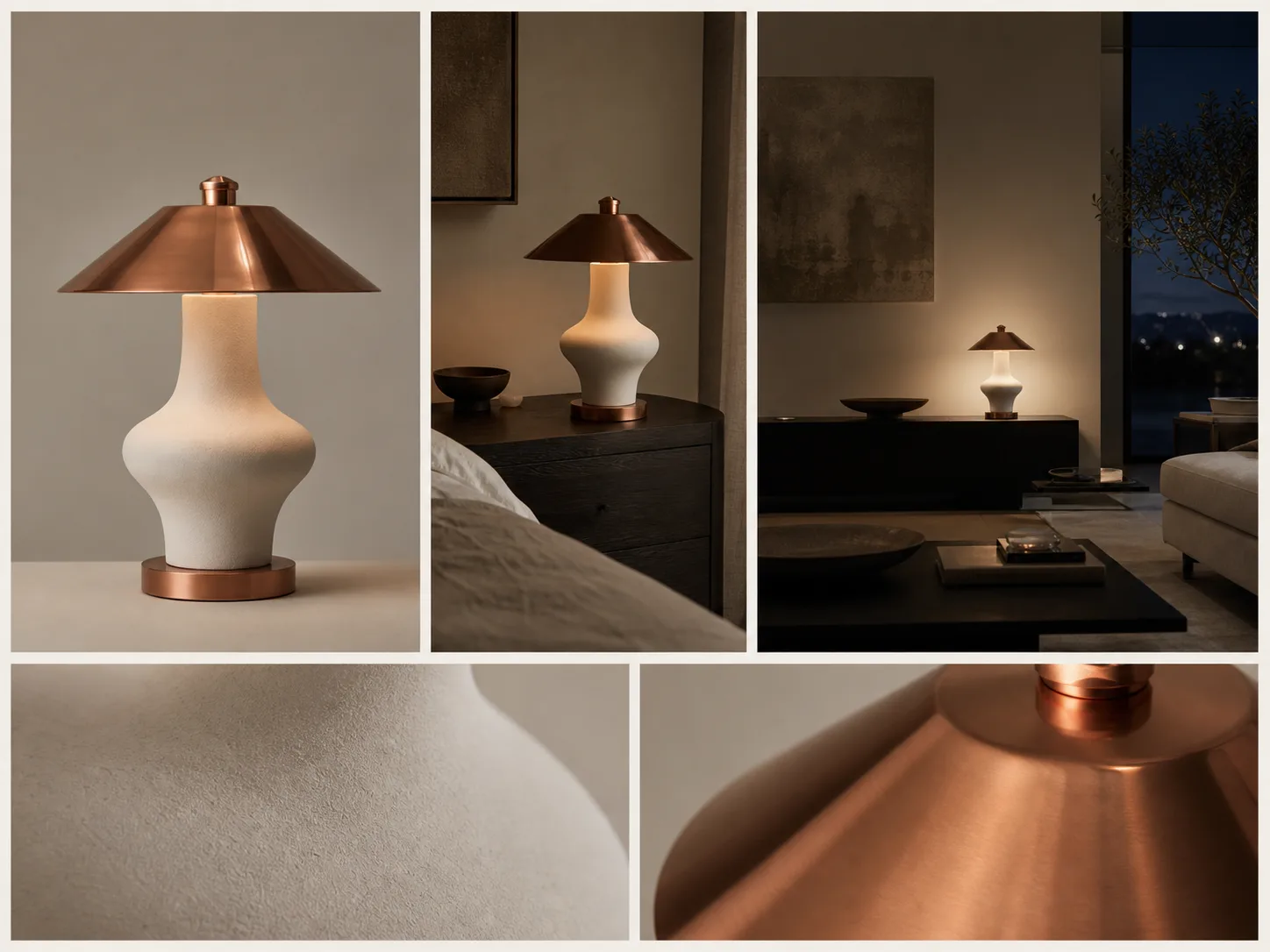
Explore a Photorealistic Campaign Frame
Use one consistent prompt to explore an unbranded product or fictional portrait across a selected square, portrait, or landscape destination. Request several candidates when camera distance, material response, or room context is still open. Review geometry, skin, reflections, and brand-sensitive details before using any result as a campaign direction.
How to Use Z Image Turbo
Choose a Prompt-Only or Source-Image Start
Start with only a prompt for a new composition, or add one source image when its structure should guide an edit. Name the subject and intended change first, then describe composition, camera, lighting, palette, materials, atmosphere, and style in priority order. When the image needs words, quote the exact short English or Chinese line and state its placement and hierarchy.
Choose the Size and Candidate Count
Select one of the six square, portrait, or landscape presets based on the final destination. Request one image for a focused attempt or up to four when comparing compositions. The current quote starts at 10 Credits for one image, and the server calculates the complete request total before submission.
Generate and Inspect
Submit the queued task, then review composition at full frame and zoom into text, hands, faces, edges, materials, reflections, and unintended symbols. Compare candidates against the same written criteria. Revise one priority at a time so the next request answers a clear creative question.
Z Image Turbo vs Qwen Image 2 vs Flux Dev
| Feature / Model | Z Image Turbo | Qwen Image 2 | Flux Dev |
|---|---|---|---|
| Best fit | Prompt-led image concepts where short Chinese or English text and realistic materials are important review criteria. | A same-ecosystem text-to-image alternative for prompt-led candidate generation. | Detailed prompt generation plus a separate image-led transformation path. |
| Starting modes | Text to image and one-source image to image. | Text to image only in the current Nuzza mapping. | Text to image and one-source image to image. |
| Image sizes | Six square, portrait, and landscape presets. | The same six square, portrait, and landscape presets. | Text generation uses the same six square, portrait, and landscape presets. |
| Outputs per request | One to four candidates, starting at 10 Credits for one image with a full-request server quote. | One to four candidates, starting at 10 Credits for one image with a full-request server quote. | One to four results in generation or image transformation, with a request-time quote. |
| Text and editing focus | Supports prompt-led creation and single-source transformations while retaining its bilingual-text positioning. | Prompt-led generation without a reference-image editing workflow in the current mapping. | Also supports single-image transformation, with the Flux Dev model's own quality and cost profile. |
| Choose it when | You want a fast generation or editing path and will review lettering and realistic detail. | You want to compare another Alibaba image model under closely matched controls. | You specifically prefer Flux Dev for a prompt or source-led transformation. |
FAQs about Z Image Turbo
What is Z Image Turbo?
Z Image Turbo is Nuzza's display name for Z-Image-Turbo, a distilled model from Tongyi-MAI's 6B-parameter Z-Image family. Official materials describe an eight-forward setup and emphasize photorealistic generation plus Chinese and English text rendering. Nuzza provides hosted generation and one-source image editing, and every output still needs review.
What is the best AI image generator?
The best AI image generator depends on the input, intended result, budget, and controls you need. Z Image Turbo's Nuzza workflow is a strong choice because it is built around distilled generation and single-image editing with bilingual-text and photorealistic positioning.
Is Z Image Turbo free to use?
The page is free to browse. Running a task requires Credits, and the current cost is shown before you submit.
What can I use Z Image Turbo for?
Z Image Turbo is useful for bilingual poster and campaign ideation. Choose Z Image Turbo when a concept needs one short English line, one short Chinese line, and a visible typographic hierarchy to inspect. Define the event mood, graphic motif, palette, text order, and available space in one brief. Use the result for design exploration, then verify every character and rebuild critical production typography with deterministic design tools when necessary.
What inputs does Z Image Turbo support?
Yes. Add exactly one source image and a required prompt to use the image-to-image workflow. The current Composer does not expose multiple reference images, seeds, negative prompts, custom steps, or prompt-expansion controls.
Do I need to sign in to use Z Image Turbo?
You need a signed-in account and sufficient Credits to submit a task.
What should I check in the image result?
Compare the result with the source or prompt at full size. Check faces, text, product geometry, repeated patterns, edges, and any detail the AI may have reconstructed.
What happens to my prompts and generated images?
Nuzza may send prompts, settings, and necessary data to the selected AI or processing provider. Temporary data may remain for processing, retries, safety review, and short recovery, while outputs may remain in creation history under applicable deletion rules. Nuzza does not promise one provider retention period or that providers never retain data.
Can I use a Z Image Turbo output commercially?
Nuzza does not claim ownership merely because an output was generated through the service, but that is not a commercial or legal clearance guarantee. You remain responsible for rights in prompts, likenesses, trademarks, and outputs, and separate model, provider, platform, or legal terms may apply. The Apache-2.0 repository license should not be treated as automatic clearance for generated content.
Create and Edit Images with Z Image Turbo
Turn an English or Chinese creative brief, with an optional source image, into one to four image candidates.
Try Z Image Turbo