
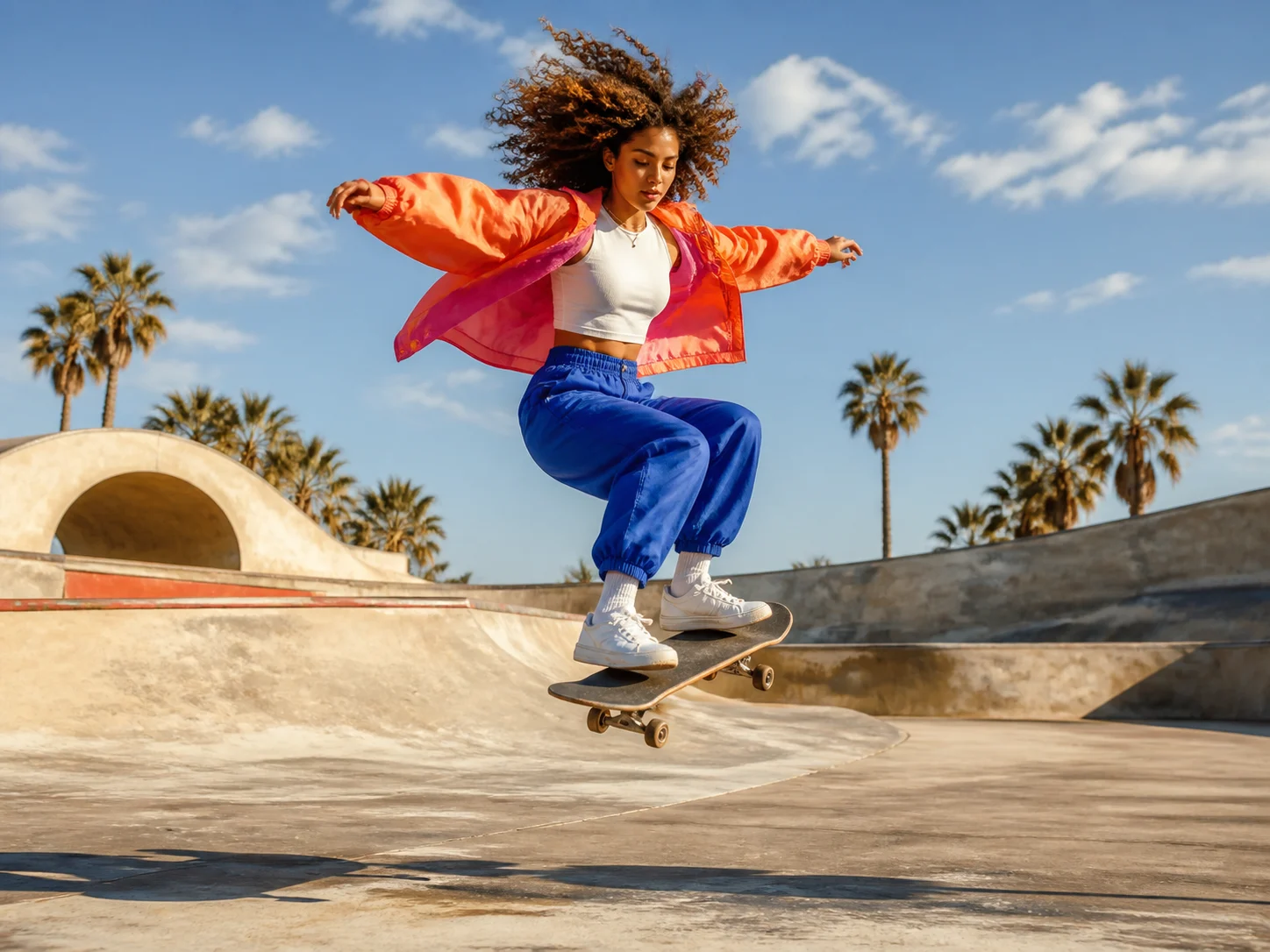
Seedance 2.0 Mini
Seedance 2.0 Mini is the lower-cost tier of ByteDance's Seedance 2.0 video family, built for high-frequency and batch creation. On Nuzza it supports text, start-image, endpoint-frame, and mixed-reference generation with 480p or 720p output and optional native audio.
Why Creators Choose Seedance 2.0 Mini?
Lower the Cost of Repeated Video Tests
Use the Mini tier when production volume and cost per attempt matter more than maximum resolution. Its positioning suits drafts, campaign variation, and pipelines that compare many short-form directions.
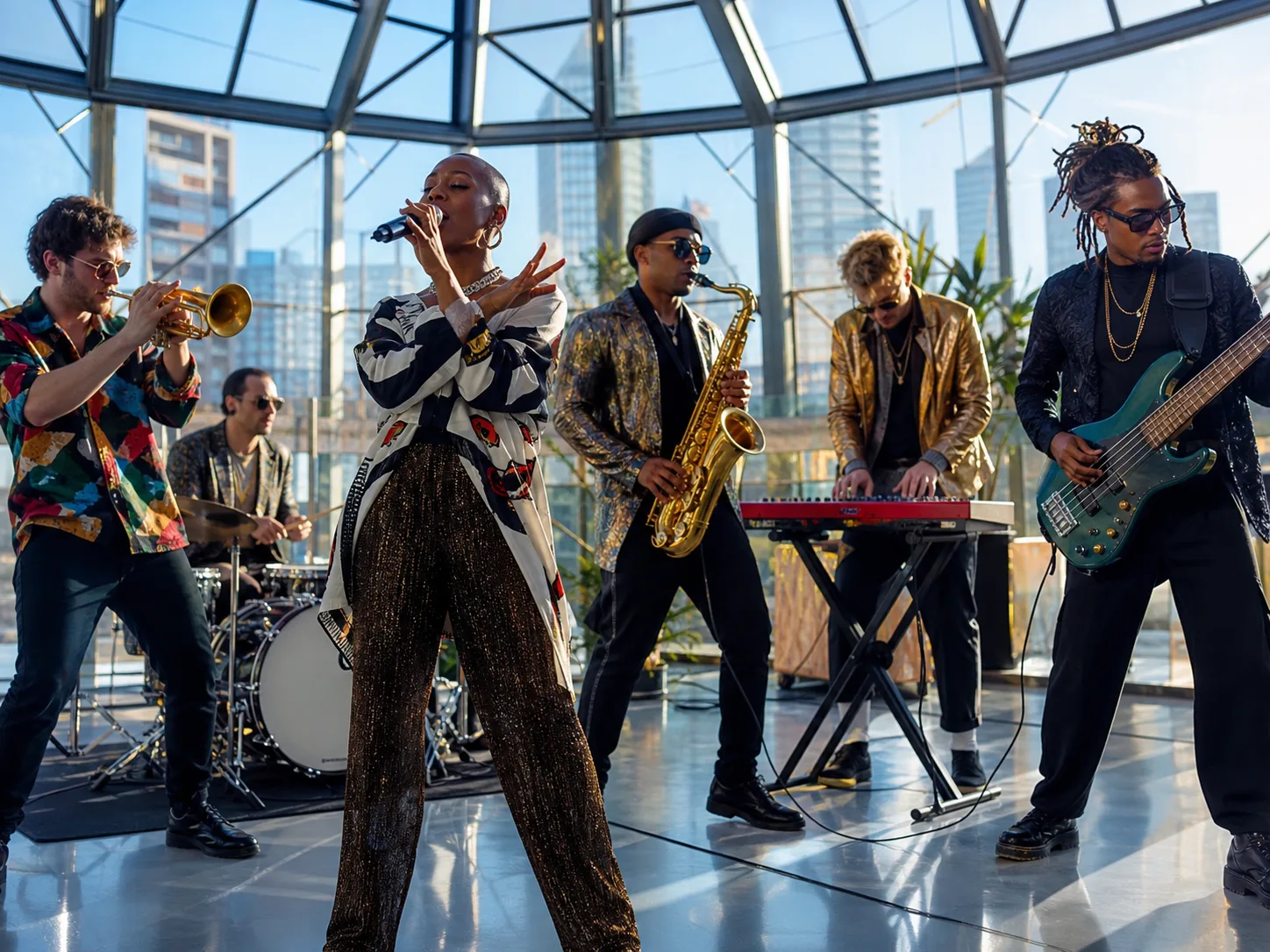
Combine Image, Video, and Audio References
Stage mixed reference media with a written brief to guide identity, composition, motion, camera, effects, or sound. Clear role assignments make complex reference sets easier for the model to interpret.

Build Multi-Shot Short Stories
Describe a connected sequence with shot changes, recurring subjects, and one clear narrative progression. Seedance 2.0 Mini can turn a compact brief into a fuller story beat for social or campaign use.

Generate Native Audio with the Video
Direct voice, music, ambience, and effects in the same prompt as the visuals. The current Nuzza workflow can return audio with the clip so timing and synchronization can be reviewed together.
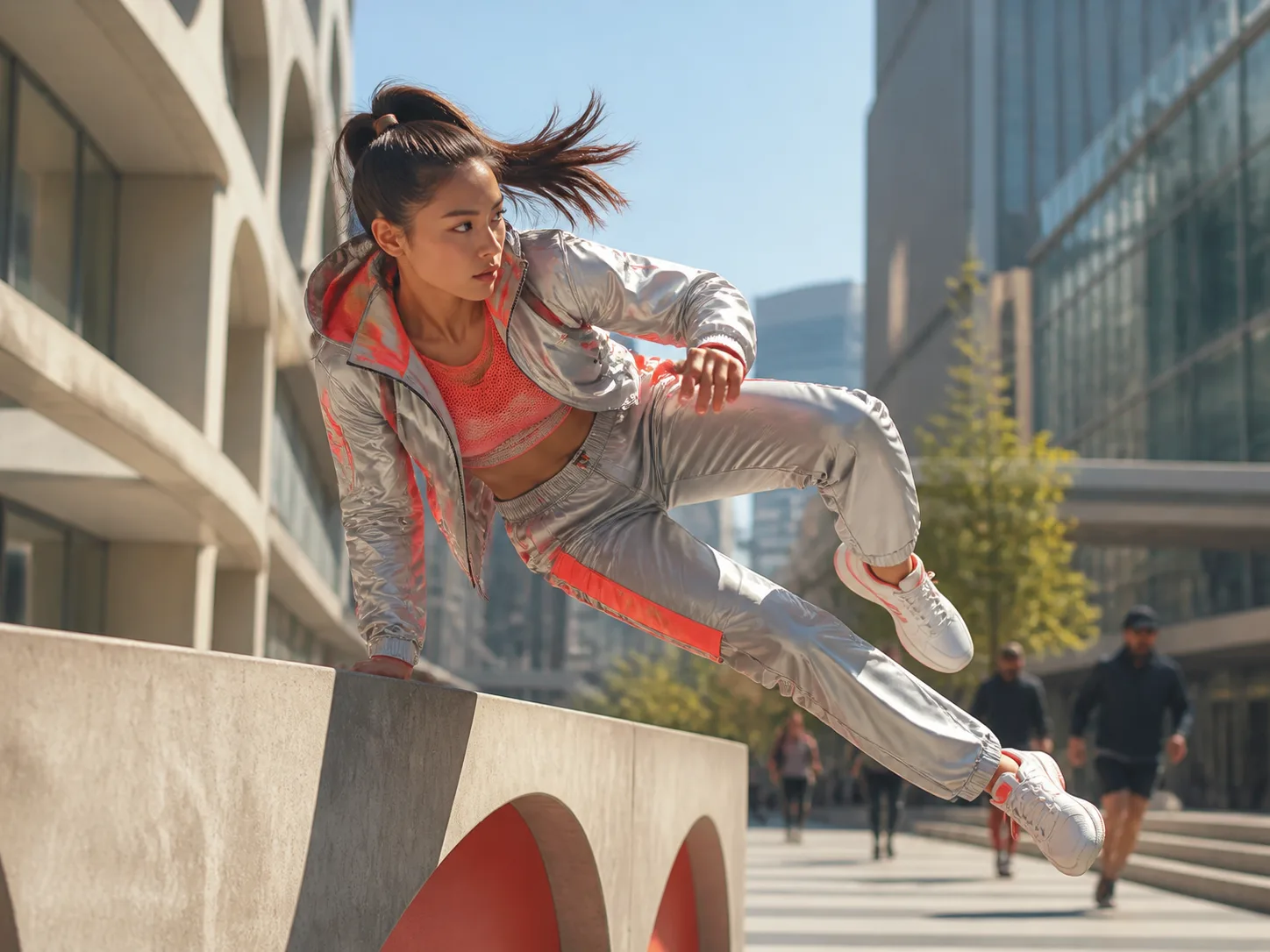
Transfer Motion from a Reference Clip
Use a video reference to guide how a character or object should move within a new scene. Describe the intended subject, environment, and elements that must remain stable around the referenced motion.
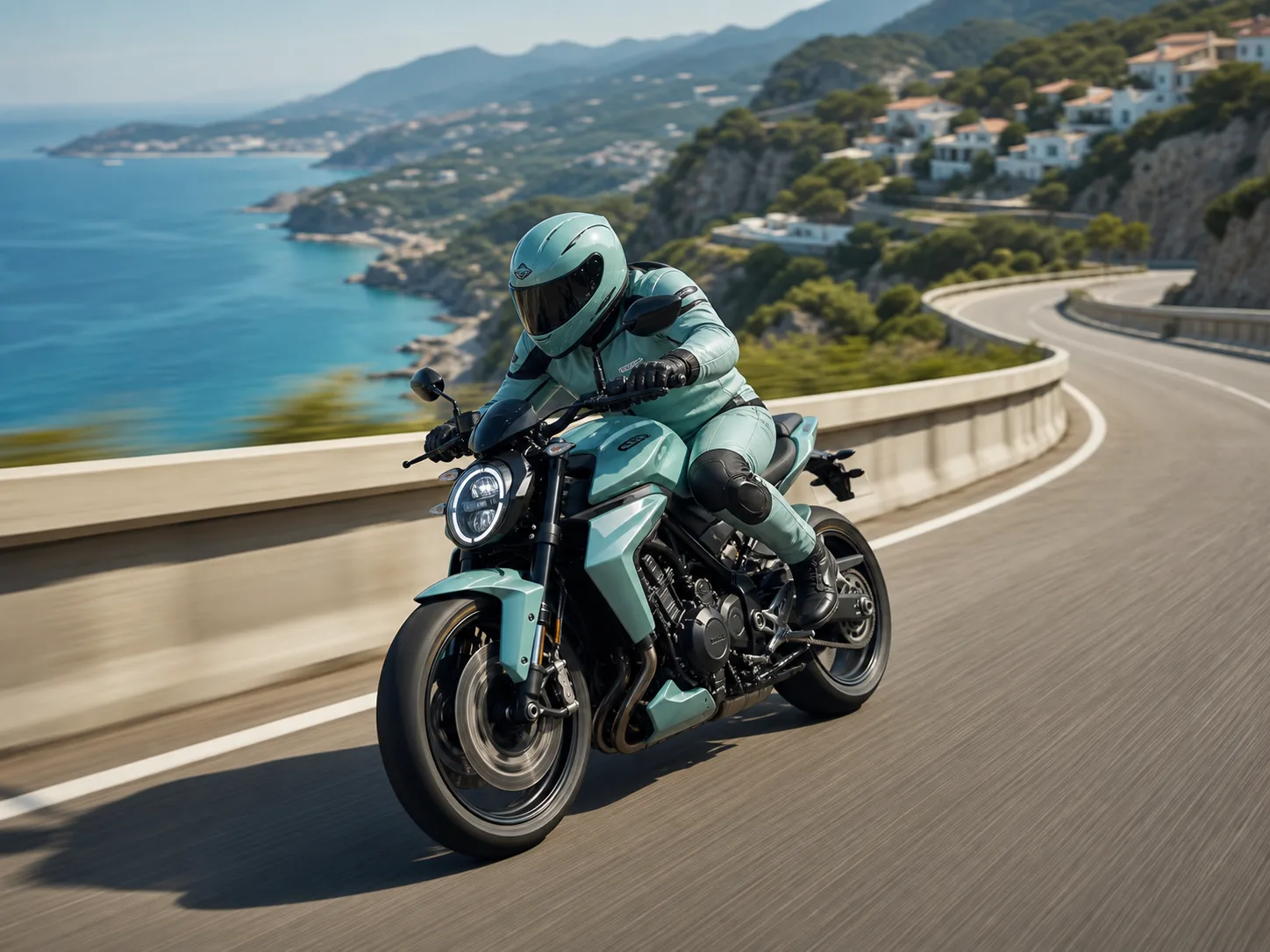
Direct Camera Movement in Natural Language
Specify tracking, orbiting, pushing, panning, or a fixed camera together with subject action and timing. Concrete camera language helps short clips communicate a deliberate visual point of view.
What Is Seedance 2.0 Mini Built For?
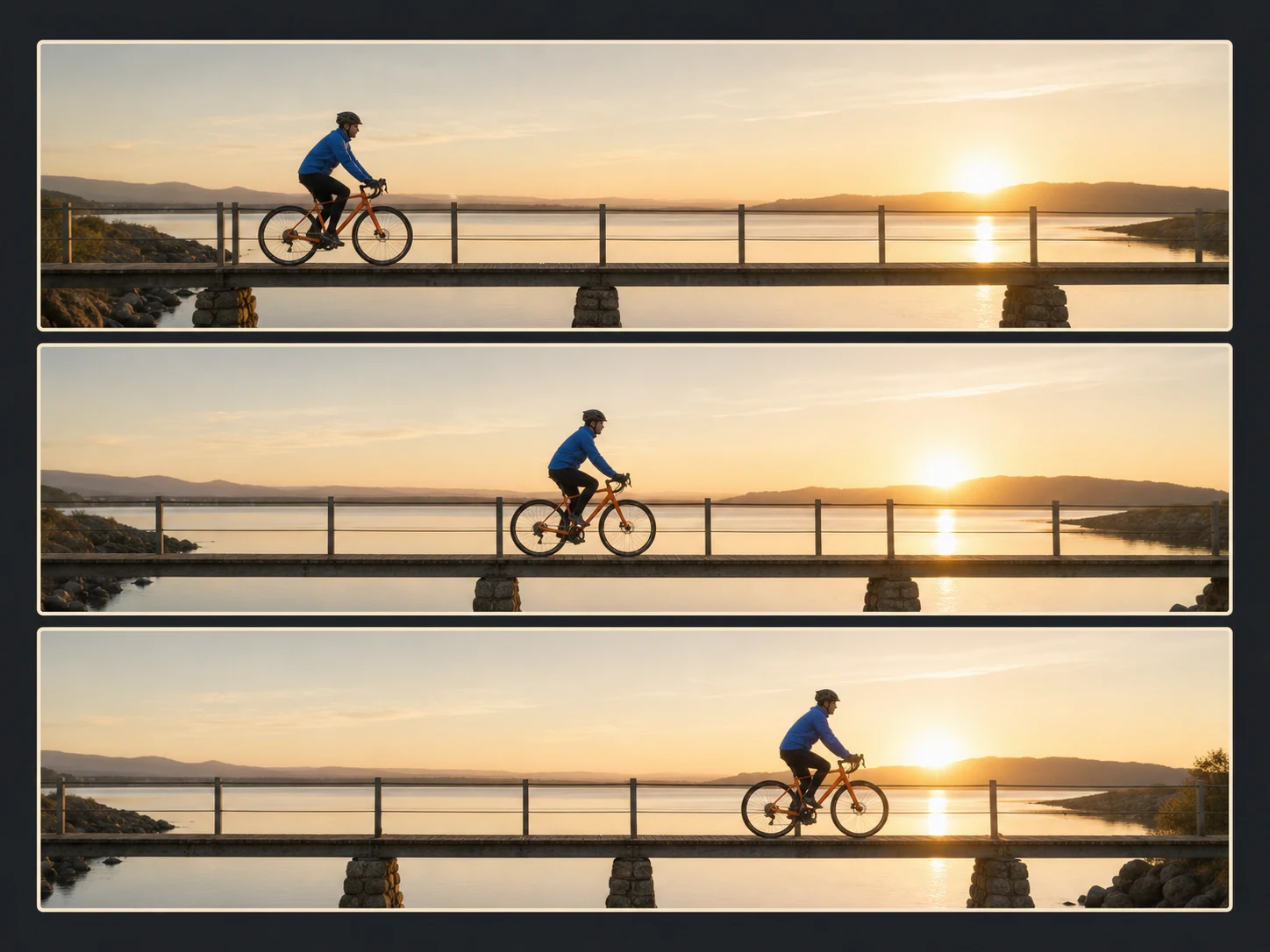
Social media production. Generate recurring feed, short, teaser, and creator clips when teams need many prompt, framing, or hook variations within a controlled budget.
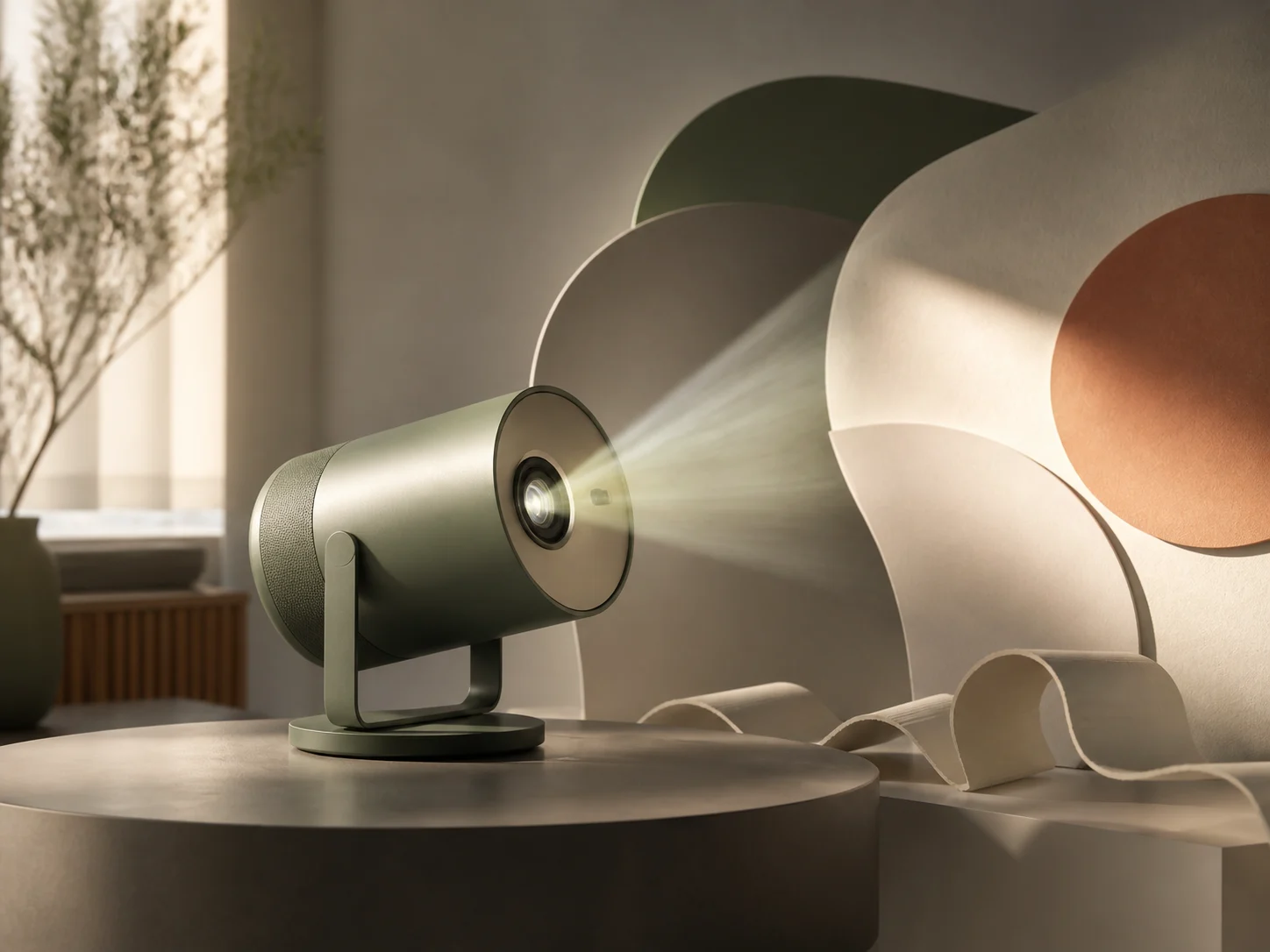
E-commerce and product video. Animate product stills, test lifestyle placements, and compare compact advertising concepts before moving selected ideas into higher-resolution production.

Storyboards and concept tests. Explore characters, multi-shot structure, camera movement, environments, and audio beats quickly before committing to a final model or production treatment.
How to Use Seedance 2.0 Mini on Nuzza AI For Free
Try Seedance 2.0 Mini for Free NowChoose Text or References
Start from a prompt, one image, first and last frames, or a mixed set of image, video, and audio guidance.
Define the Short Sequence
Assign reference roles, describe action, camera, shot order, and sound, then choose duration, framing, resolution, and audio.
Generate and Compare Efficiently
Review identity, motion, transitions, crop, detail, voice, effects, and synchronization, then adjust one important variable for the next attempt.
Seedance 2.0 Mini vs. Seedance 2.0 Fast vs. Seedance 2.0
| Feature / Model | Seedance 2.0 Mini | Seedance 2.0 Fast | Seedance 2.0 |
|---|---|---|---|
| Best Fit | Drafts, batch production, and cost-sensitive content variation pipelines. | Frequent reference-led iteration with stronger speed-and-quality balance. | Higher-fidelity, reference-heavy stories and demanding production attempts. |
| Max Duration | Nuzza offers Auto or four through fifteen seconds. | Nuzza offers Auto or four through fifteen seconds. | Nuzza offers Auto or four through fifteen seconds. |
| Max Resolution | Nuzza currently offers 480p and 720p output. | Nuzza currently offers 480p and 720p output. | Nuzza currently lists 480p, 720p, 1080p, and 4K. |
| Reference Inputs | Up to nine images, three videos, and three audio clips. | Up to nine images, three videos, and three audio clips. | Up to nine images, three videos, and three audio clips. |
| Audio | Native audio generation is available in the current workflow. | Native audio generation is available in the current workflow. | Native dual-channel audio supports voice, music, ambience, and effects. |
| Video Editing | The current Nuzza page focuses on generation, not source-video editing. | The current Nuzza page focuses on generation, not source-video editing. | The official model supports editing; this Nuzza page exposes generation workflows. |
FAQs about Seedance 2.0 Mini
What is Seedance 2.0 Mini?
Seedance 2.0 Mini is a lower-cost model tier in ByteDance's Seedance 2.0 family. It is positioned for high-frequency creation, batch production, rapid drafts, and cost-sensitive short-form workflows. Nuzza supports text, image, frame, and mixed-reference generation. Seedance 2.0 Mini is available on Nuzza.
How is Seedance 2.0 Mini different from Seedance 2.0 Fast?
Mini prioritizes the lowest cost and high-volume throughput. Fast is the stronger middle tier when creators want lower latency without moving as far toward the cost-first end of the family.
What reference inputs does Seedance 2.0 Mini support on Nuzza?
Nuzza's reference workflow accepts up to nine images, three video clips, and three audio clips. You can also use text, one start image, or first and last frames.
What resolution and duration does Seedance 2.0 Mini support on Nuzza?
Nuzza currently offers Auto or four through fifteen seconds, with 480p and 720p output. Mini is designed for efficient short-form iteration rather than maximum-resolution delivery.
Can Seedance 2.0 Mini keep the same character across scenes?
References and clear role assignments can help preserve character identity, clothing, props, and setting. Review every face, interaction, and shot transition because consistency is not guaranteed.
Does Seedance 2.0 Mini generate sound?
Yes. The current Nuzza workflow includes optional audio generation. Review voice, music, ambience, effects, and synchronization before using a result.
What aspect ratios does Seedance 2.0 Mini support on Nuzza?
Nuzza offers Auto, 21:9, 16:9, 4:3, 1:1, 3:4, and 9:16. Choose the destination format before writing composition and camera instructions.
Can I use Seedance 2.0 Mini for free on Nuzza?
Yes. Nuzza offers free Credits for new users to try Seedance 2.0 Mini. Once your free Credits are used up, you will need to subscribe to a paid plan to continue.
Create with Seedance 2.0 Mini
Create 4–15 second Seedance 2.0 Mini videos from text, images, video, or audio references. Iterate at 480p or 720p with native audio.
Try Seedance 2.0 Mini