
FLUX 3
Turn a prompt, one start image, or two endpoint frames into a 5–20 second video with optional dialogue, effects, and ambience. FLUX 3 supports 720p and 1080p output, broad framing options, and multiple shots inside one generation.
Why Creators Choose FLUX 3?
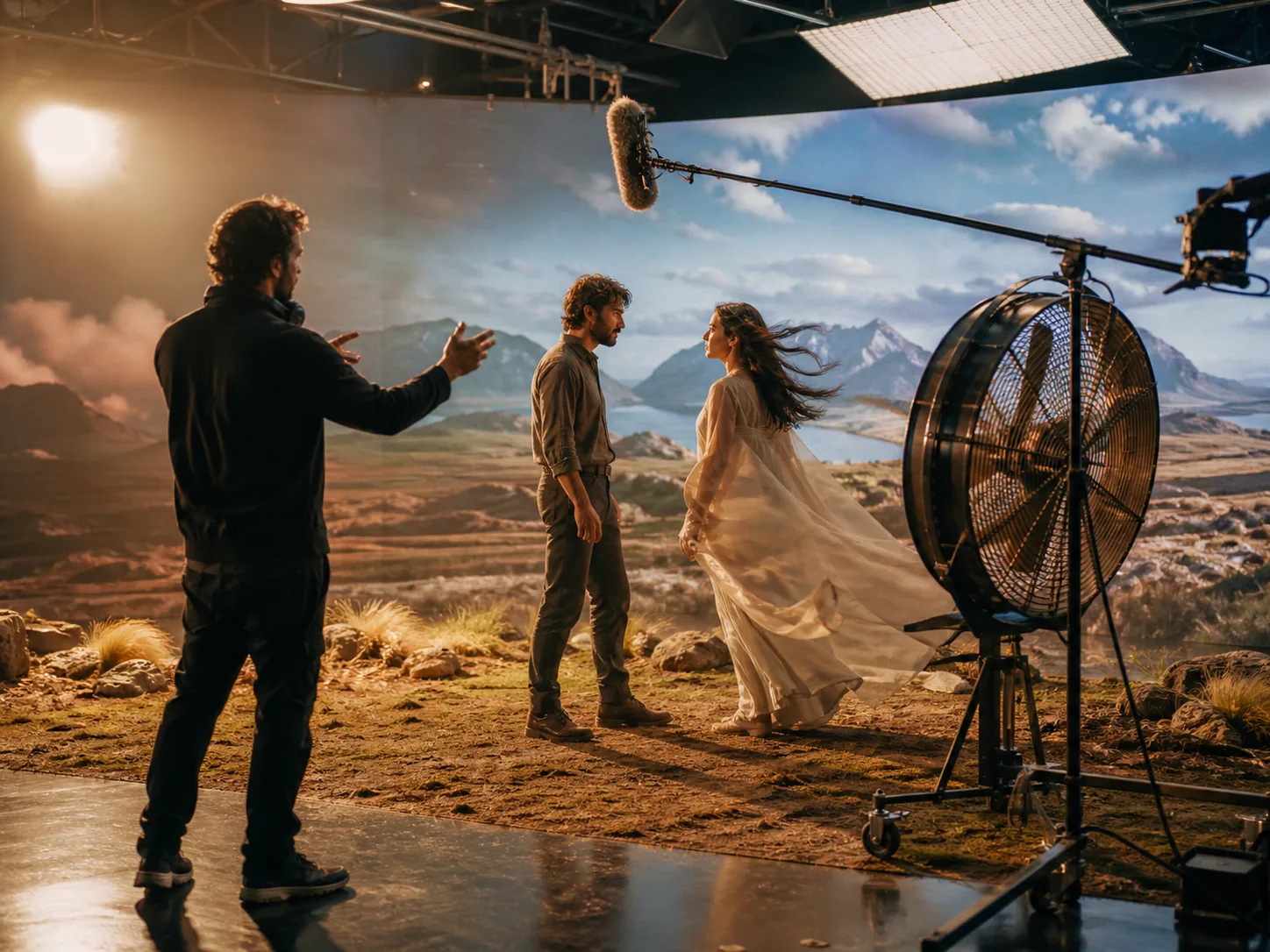
One Model, Multiple Modalities
FLUX 3 brings video, audio, images, and action prediction into one unified foundation. Its shared world representation lets motion, dialogue, sound, and scene behavior work as connected parts of the same result.

Generate Audio with the Frames
Create dialogue, synchronized speech, sound effects, and environmental ambience alongside the video. The sound can follow visible events in the scene instead of arriving as a generic track added afterward.
Direct the Sequence with Multiple Keyframes
Set a start image, an end frame, and additional keyframes at important moments in the clip. FLUX 3 connects those defined moments in order while following the intended visual language.
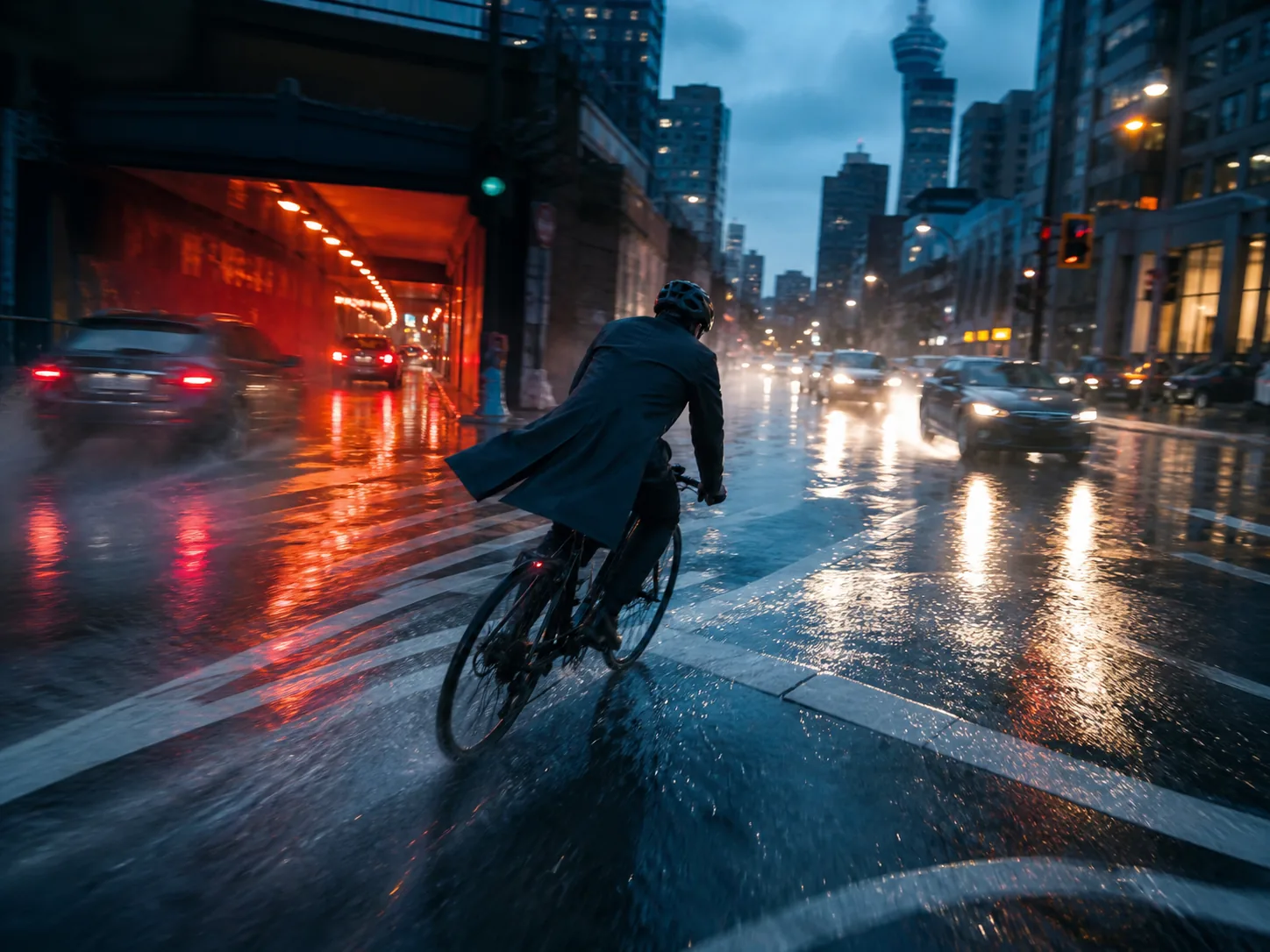
Continue Video, Motion, Camera, and Audio Together
Provide an existing video and describe what should happen next. FLUX 3 carries movement, camera behavior, dialogue, and audio across the transition instead of restarting the scene from scratch.

Chain Clips into Longer Stories
Connect individual generated clips into a longer, cohesive sequence. Agentic chaining gives a story room to continue beyond one generation while visual references guide the next shot.
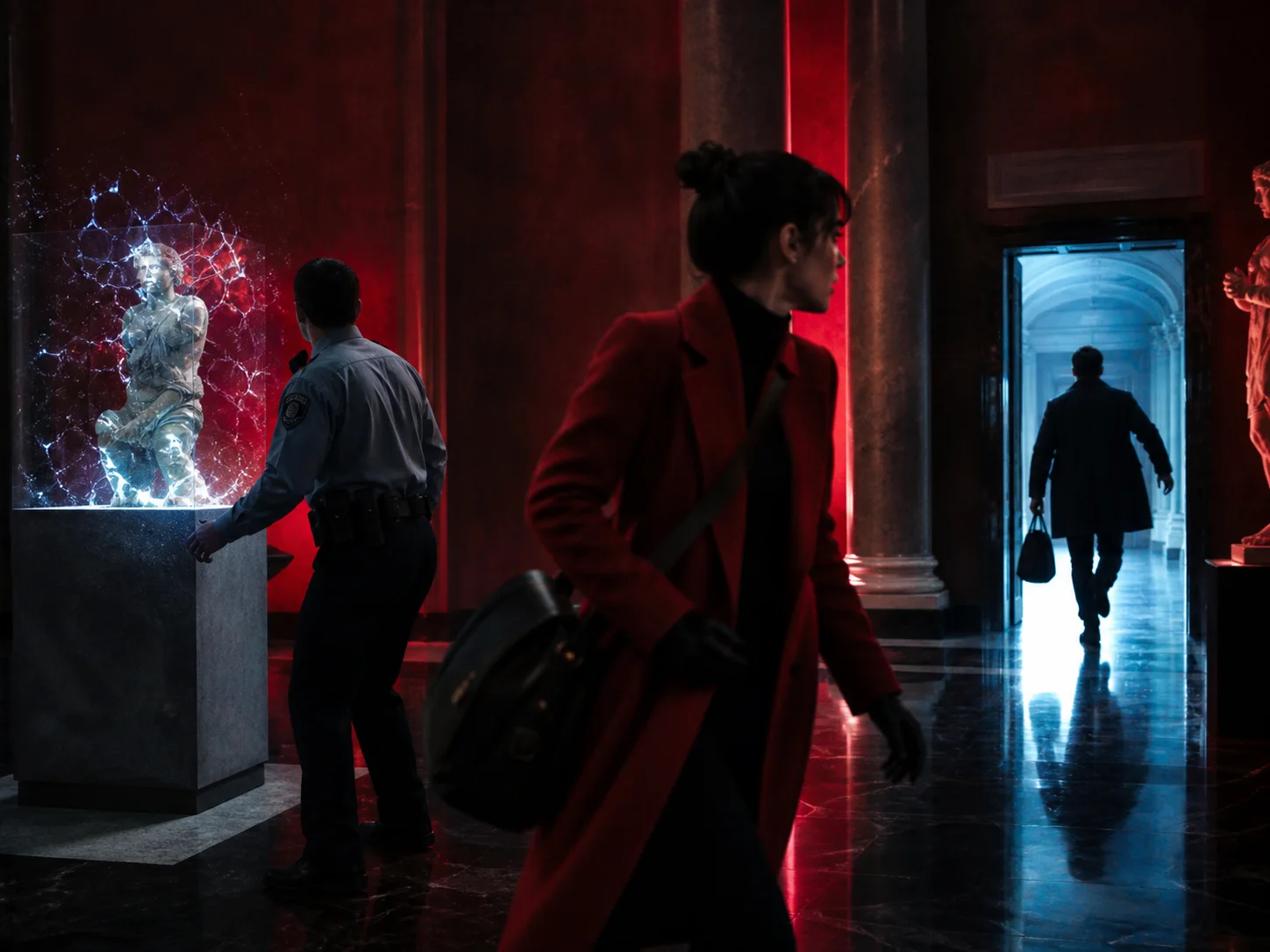
Create Multiple Scenes and Camera Angles
Describe several scenes or camera changes inside one generation. FLUX 3 can arrange those beats as a coherent multi-shot video rather than holding one unchanging view.

Generate Multilingual Dialogue with Lip Sync
Generate spoken scenes in languages including English, Chinese, Spanish, French, German, Japanese, Hindi, and more. FLUX 3 pairs the dialogue with precise lip sync for character-led clips.
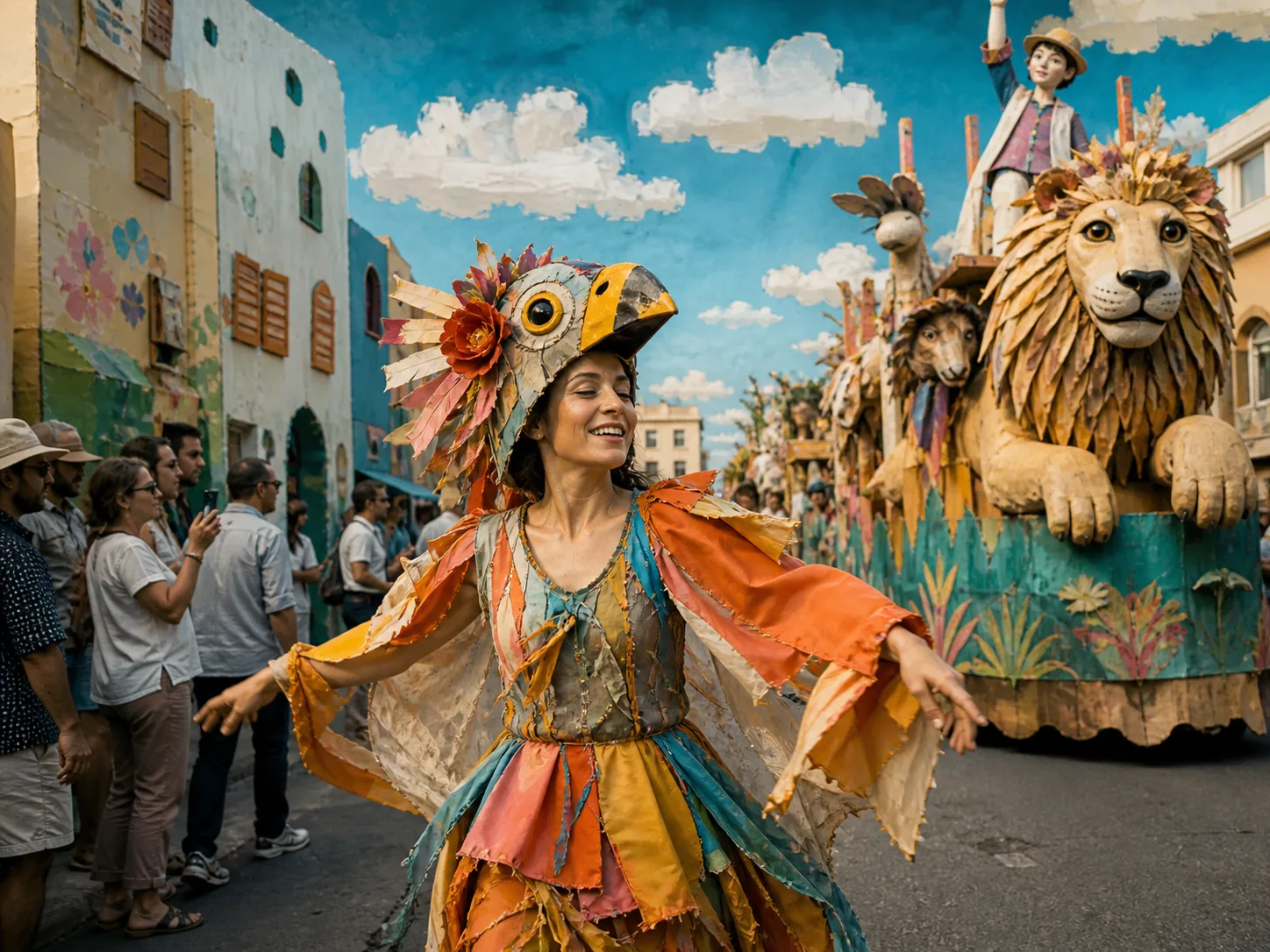
Create Beyond One Cinematic Style
Move from candid camcorder footage and natural scenes to animation, stylized work, and cinematic compositions. FLUX 3 is designed for a wider visual range than one uniform film look.
Render Typography Inside the Scene
Generate signs, titles, labels, and animated lettering as part of the visual environment. The typography can follow the scene's perspective and design instead of appearing only as a separate overlay.
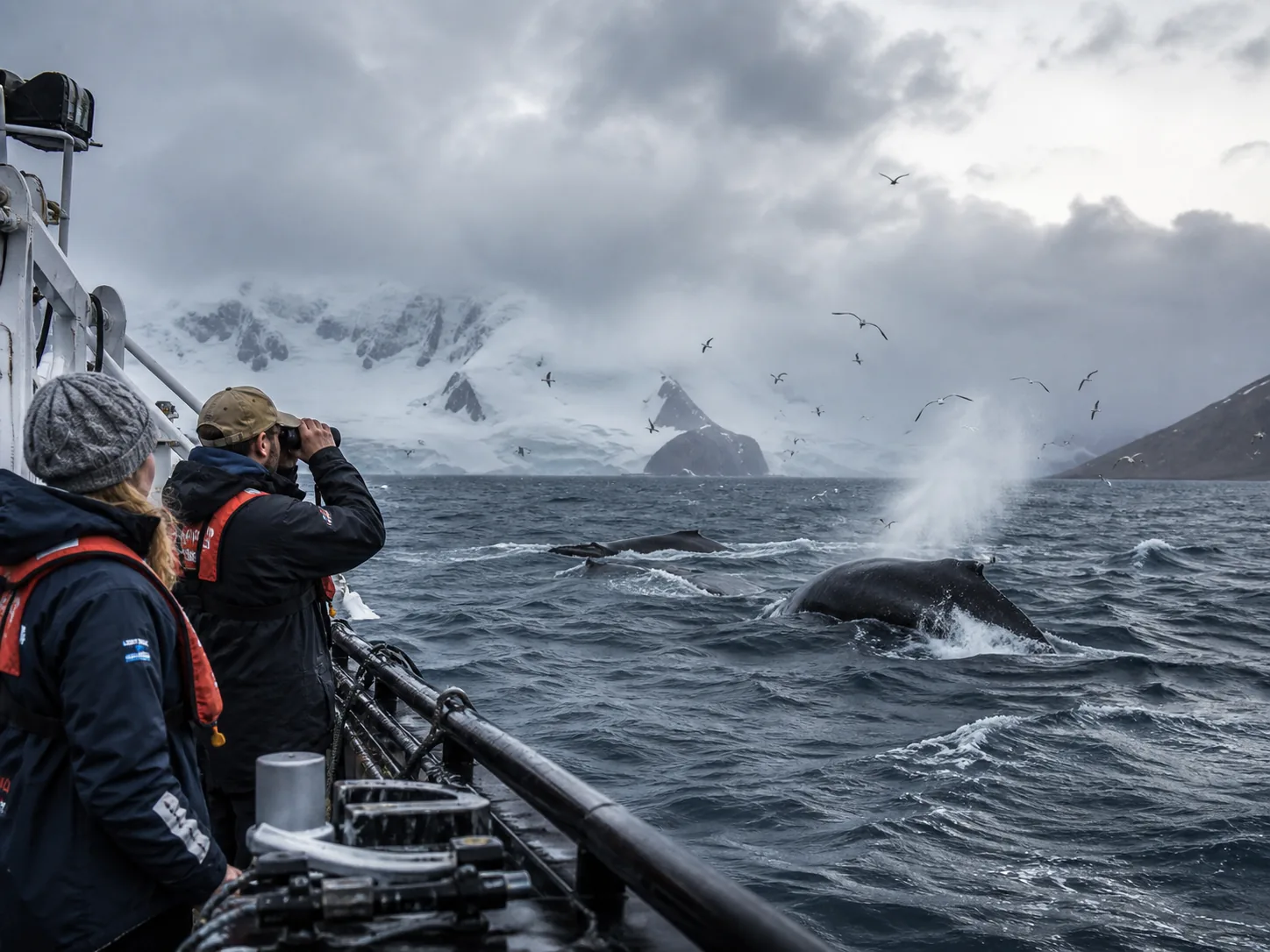
Follow Complex Prompts with World Grounding
Describe layered scenes, natural movement, and real-world subjects in simple language or detailed instructions. FLUX 3 combines prompt following with scene logic and world grounding to keep the requested elements working together.
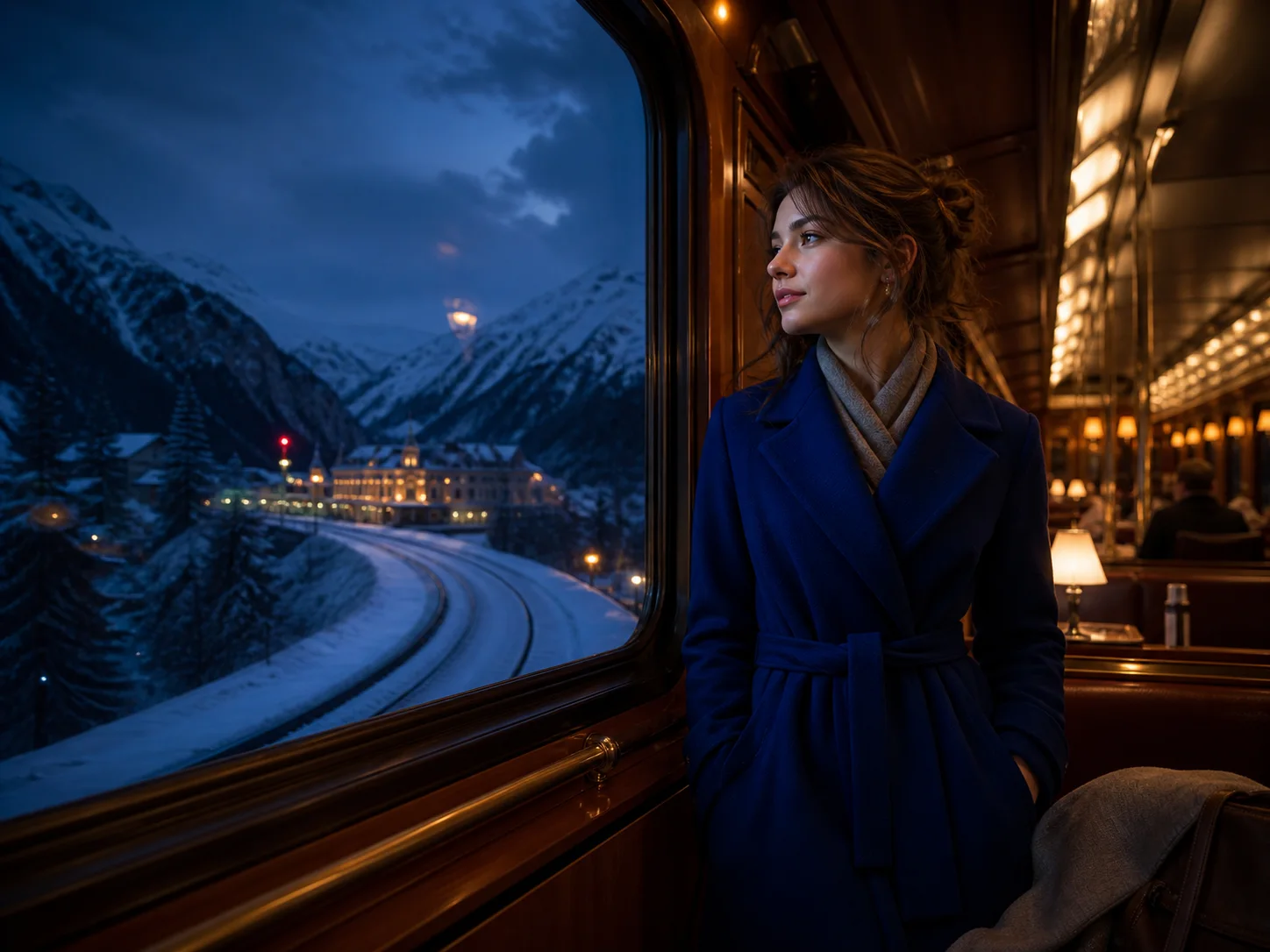
Create Up to 20 Seconds in One Generation
Generate a complete clip up to 20 seconds long in a single pass. The longer window gives actions, dialogue, and scene changes more room to develop before the generation ends.
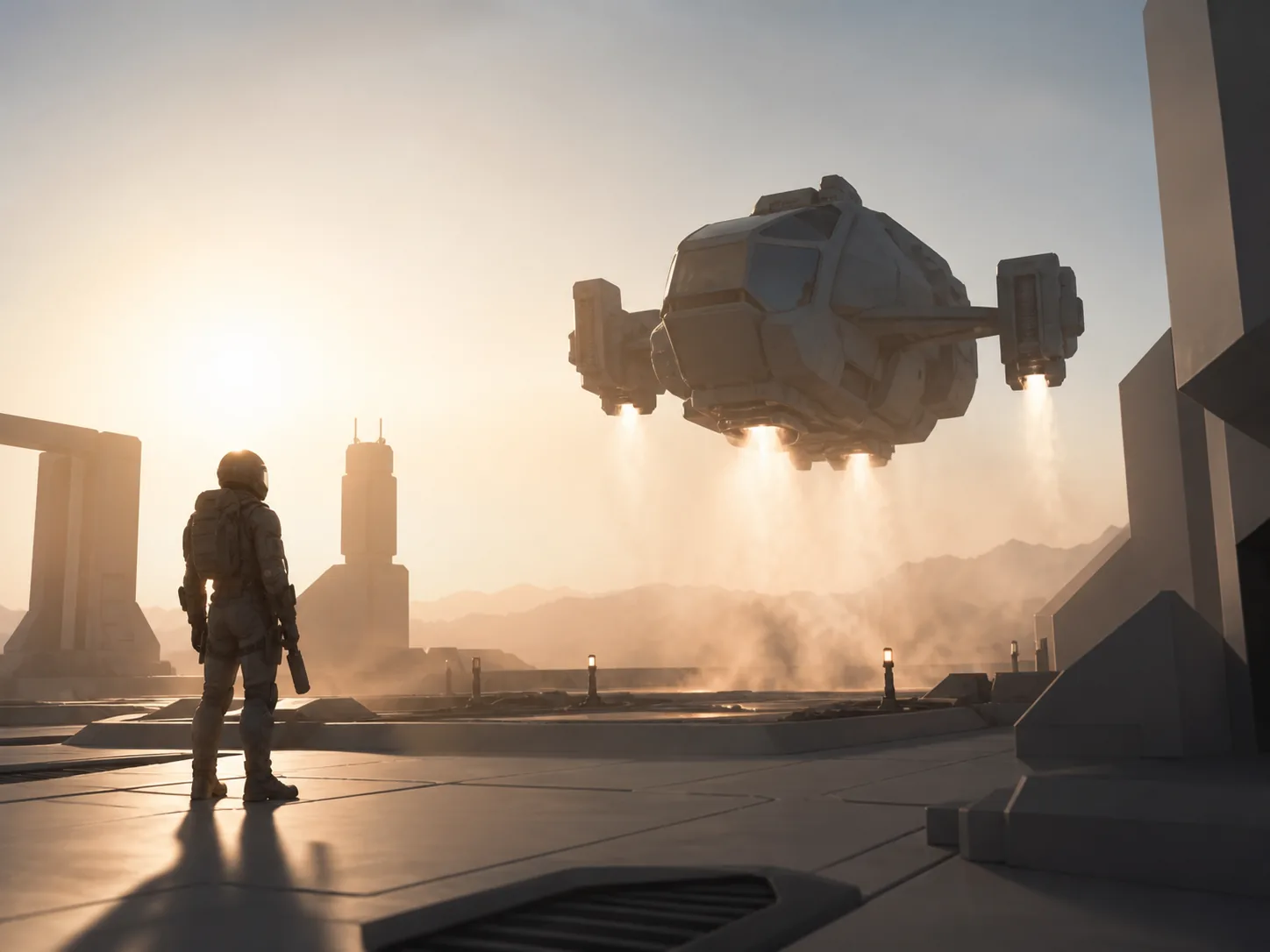
Preview Ideas in Draft Mode
Generate a fast draft to check the subject, composition, and motion before committing to a full-quality render. When the direction works, FLUX 3 can render the approved draft at full quality.
What Can FLUX 3 Do?
How to Use FLUX 3 on Nuzza AI For Free
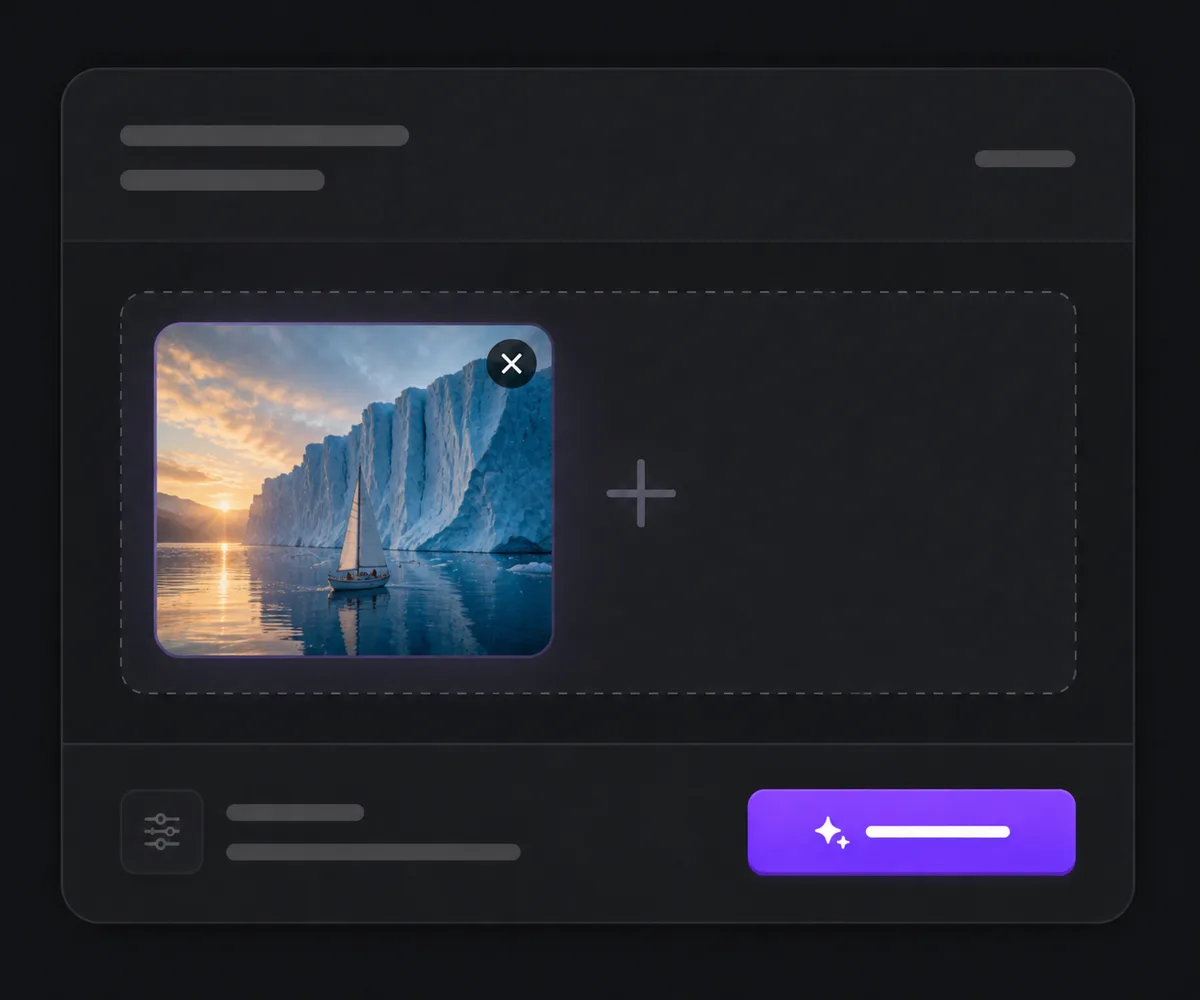
Choose FLUX 3 and a Workflow
Open the video workspace, select FLUX 3, then choose Text to Video, Image to Video, or Frames to Video based on whether you have no image, one start image, or two endpoint frames.
Describe the Scene and Sound
Write the subject, action, setting, camera direction, shot changes, and any spoken lines or ambience, then upload the required image inputs for the selected workflow.
Set the Output and Generate
Choose 5–20 seconds, 720p or 1080p, a supported aspect ratio, and whether to generate audio, then submit the queued task and review the finished video.
FLUX 3 vs. Seedance 2.5 vs. Veo 3.1
| Feature / Model | FLUX 3 | Seedance 2.5 | Veo 3.1 |
|---|---|---|---|
| Best Fit | Complete short-form scenes with multiple shots, dialogue, and typography. | Long, reference-rich scenes or edits driven by many source assets. | Cinematic shots prioritizing physics, native audio, and professional resolution. |
| Max Native Clip | Generates 5–20 second clips, with automatic duration on text and start-image workflows. | Generates 4–30 second clips, with automatic duration available. | Generates four, six, or eight-second clips before optional extension. |
| Starting Inputs | Starts from text, one image, or a defined first and last frame. | Accepts text and up to 50 image, video, and audio references. | Starts from text, an image, or first and last frames. |
| Output Resolution | Offers 720p and 1080p output. | Offers 480p and 720p through the current Nuzza target. | Offers 720p, 1080p, and 4K output. |
| Audio | Generates optional dialogue, sound effects, and ambience with the frames. | Generates synchronized audio and accepts audio references. | Generates optional dialogue, ambience, music, and effects. |
| Directed Endpoint Frames | Provides a dedicated first/last-frame workflow for 5–20 second transitions. | Accepts start and end images within its image-led workflow. | Provides a dedicated first/last-frame workflow for four, six, or eight seconds. |
FAQs about FLUX 3
What is FLUX 3?
FLUX 3 is Black Forest Labs' unified multimodal foundation model, and this page focuses on FLUX 3 Video. It generates video from text, a start image, or defined first and last frames. The current Nuzza workflows produce 5–20 second clips at 720p or 1080p. Optional audio can include dialogue, effects, and ambience. FLUX 3 is available to generate on Nuzza.
What's new in FLUX 3 compared with FLUX.2?
FLUX.2 is an image-generation family, while FLUX 3 expands the foundation model into jointly trained video and audio capabilities. FLUX 3 Video adds clips up to 20 seconds, multiple shots, optional native audio, multilingual dialogue, and endpoint-frame direction. The image and video products have separate rollout paths, so this page and its controls cover video generation.
What inputs does the FLUX 3 AI video generator support on Nuzza?
The current Nuzza registration has three workflows. Text to Video needs a prompt, Image to Video adds one start image, and Frames to Video adds a start image and end image. Write a prompt for every workflow so FLUX 3 knows the action, camera behavior, scene changes, and sound direction between the supplied visual anchors.
What resolution and duration does FLUX 3 support?
FLUX 3 supports 720p and 1080p output through the current Nuzza workflows. Text-to-video and image-to-video can use automatic duration or a fixed 5–20 seconds. First/last-frame generation uses a fixed duration from 5 to 20 seconds. Higher resolution and longer duration increase the generation cost.
Which languages does FLUX 3 support?
Black Forest Labs lists English dialects, Chinese, Spanish, French, German, Japanese, Portuguese, Russian, Italian, Indonesian, Turkish, Hindi, Punjabi, and more. FLUX 3 can pair multilingual dialogue with lip sync. State the intended language and exact spoken line clearly in the prompt, then review pronunciation and mouth movement before publishing.
Can FLUX 3 keep a character consistent across several shots?
FLUX 3 is designed to keep a multi-shot sequence coherent and can use a start image or endpoint frames as visual anchors. Character identity is still probabilistic rather than guaranteed. Keep names, wardrobe, physical details, lighting, and setting descriptions stable across the prompt, and review faces and clothing throughout the finished clip.
Does FLUX 3 generate audio?
Yes. FLUX 3 can generate optional dialogue, sound effects, and ambient sound with the video frames, and audio generation is enabled by default in the current Nuzza controls. Identify speakers, language, timing, environment, and important sounds in the prompt, then review synchronization and pronunciation in the result.
Which aspect ratios work with FLUX 3?
The current Nuzza controls expose Auto, 21:9, 2:1, 16:9, 4:3, 1:1, 3:4, and 9:16 for all three workflows. Use 16:9 or 21:9 for wide scenes, 9:16 for vertical social video, and 1:1 for square delivery. Auto lets the model derive the frame from the prompt and any supplied images.
Can I use FLUX 3 for free?
Yes. Nuzza offers free Credits for new users to try FLUX 3. Once your free Credits are used up, you will need to subscribe to a paid plan to continue.
Start Your Next Scene with FLUX 3
Choose a workflow, set the creative direction, and turn the moment you imagine into a finished short-form video.
Try FLUX 3 for Free Now