Reference to Video
Create consistent videos from character, product, object, style, image, video, or audio references supported by the selected model. Try Reference to Video AI for free now!
All-in-One Free Reference to Video
Reference limits and accepted media differ by model. Choose after deciding whether identity, style, motion, audio, or a source video is the main anchor.



Use the right reference for the detail that must stay consistent
A reference can anchor identity, appearance, product form, style, motion, sound, or a complete scene. Separate those roles before generating.

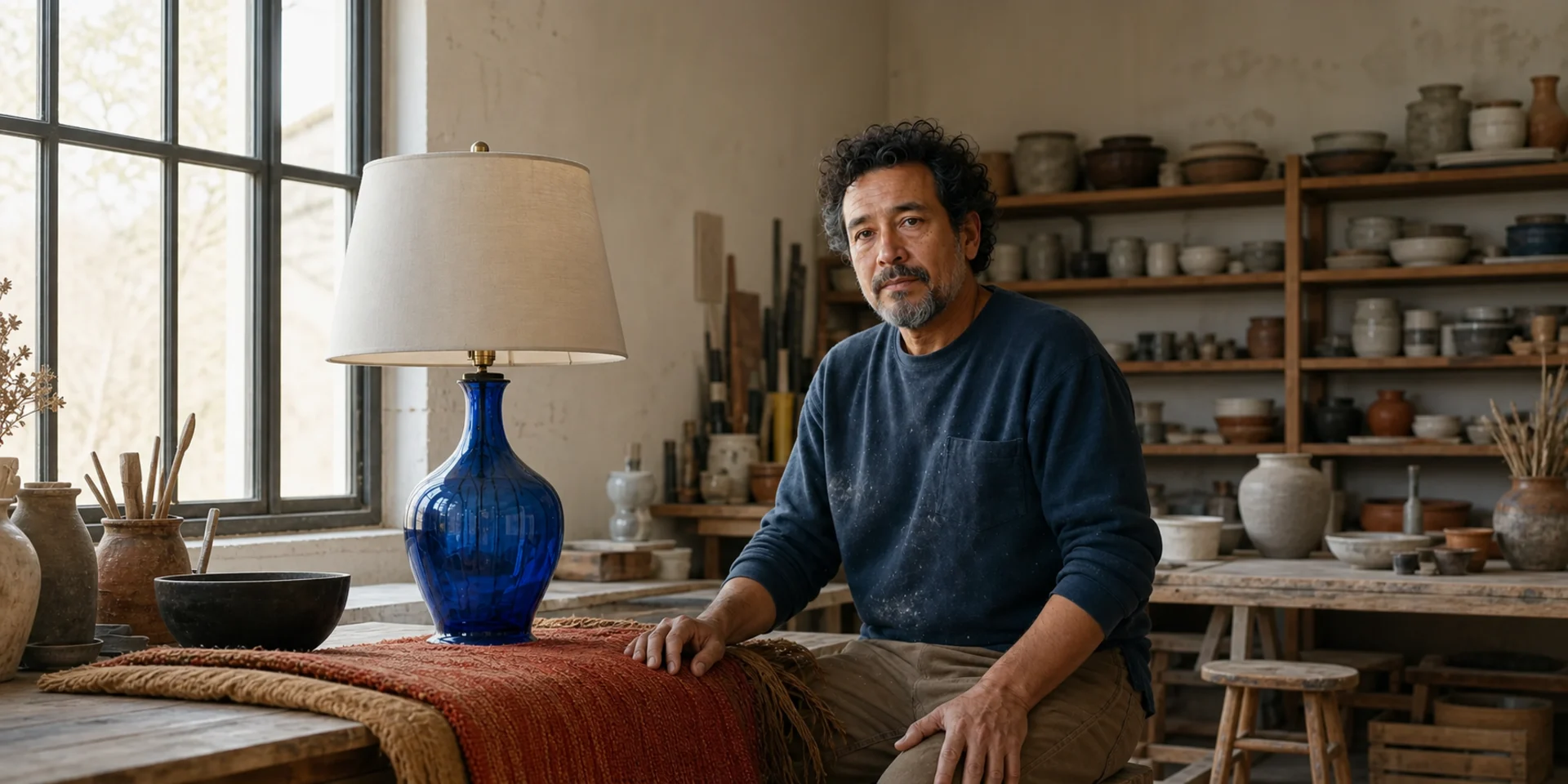
Character Reference
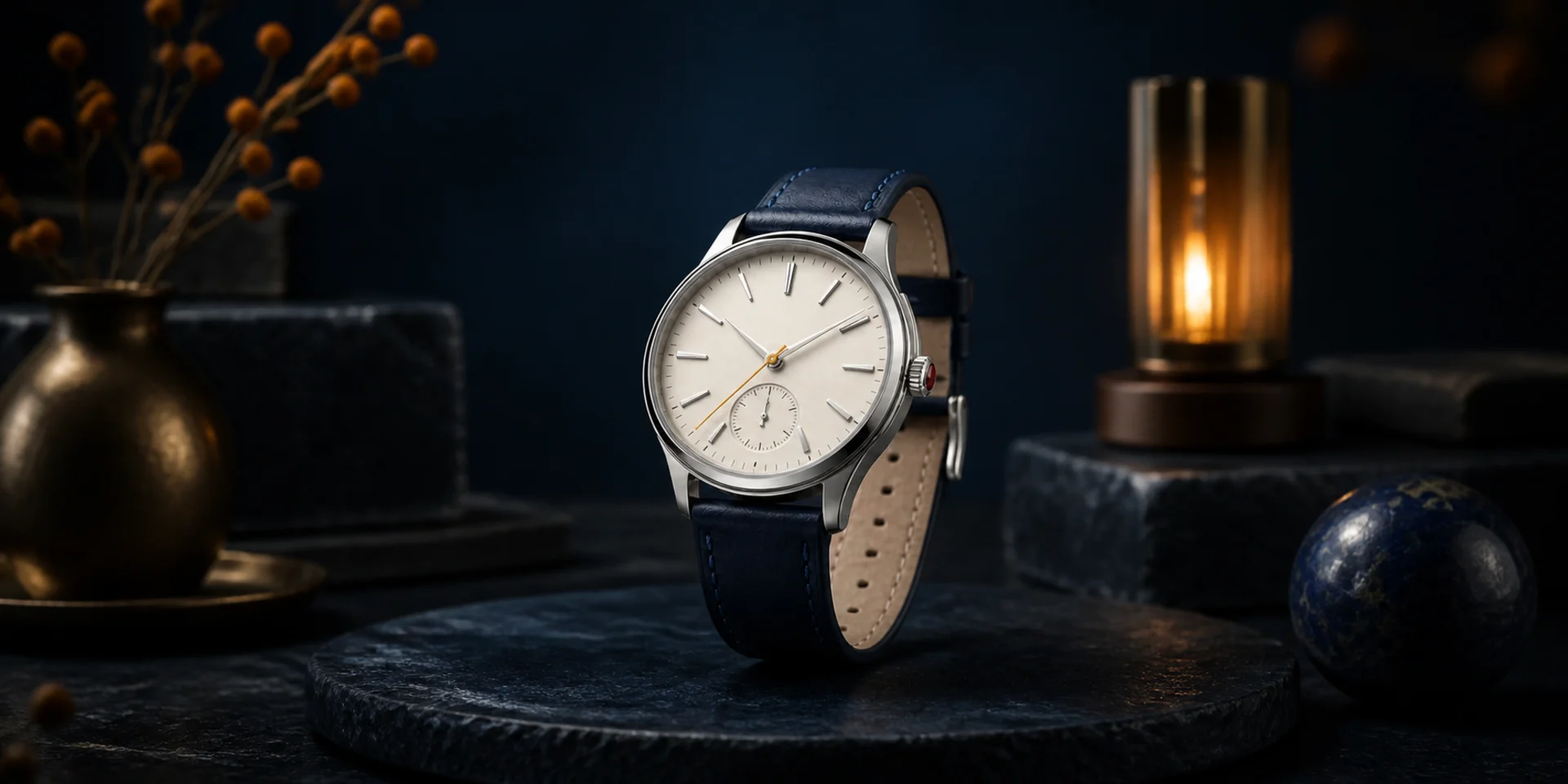
Product Reference
Object Reference

Style Reference
Video Reference

Audio Reference
Create Consistent Video Without Rebuilding the Subject
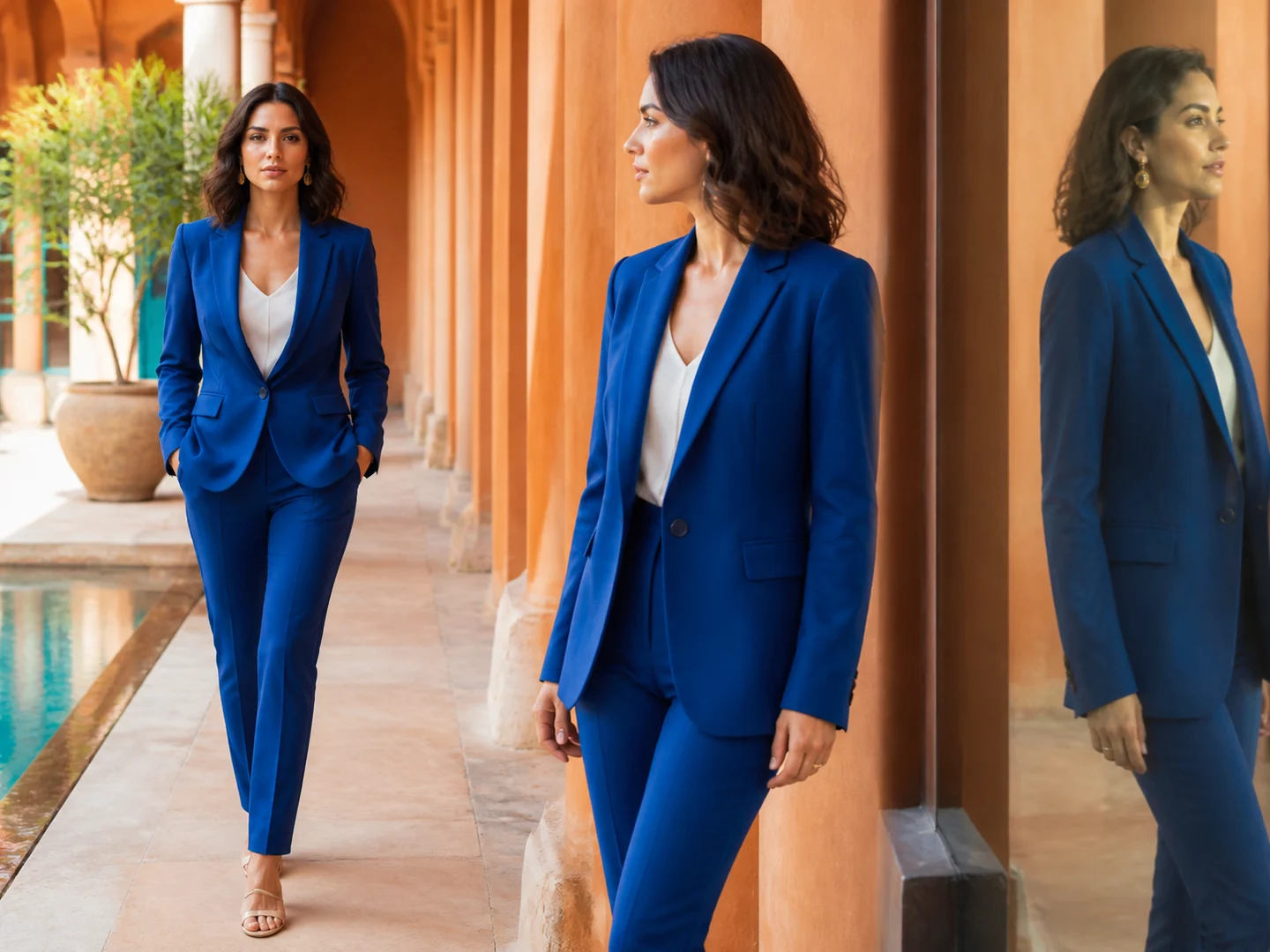
Preserve recognizable identity
Use clear references to anchor the face, clothing, silhouette, product form, or object details that should survive a new scene.
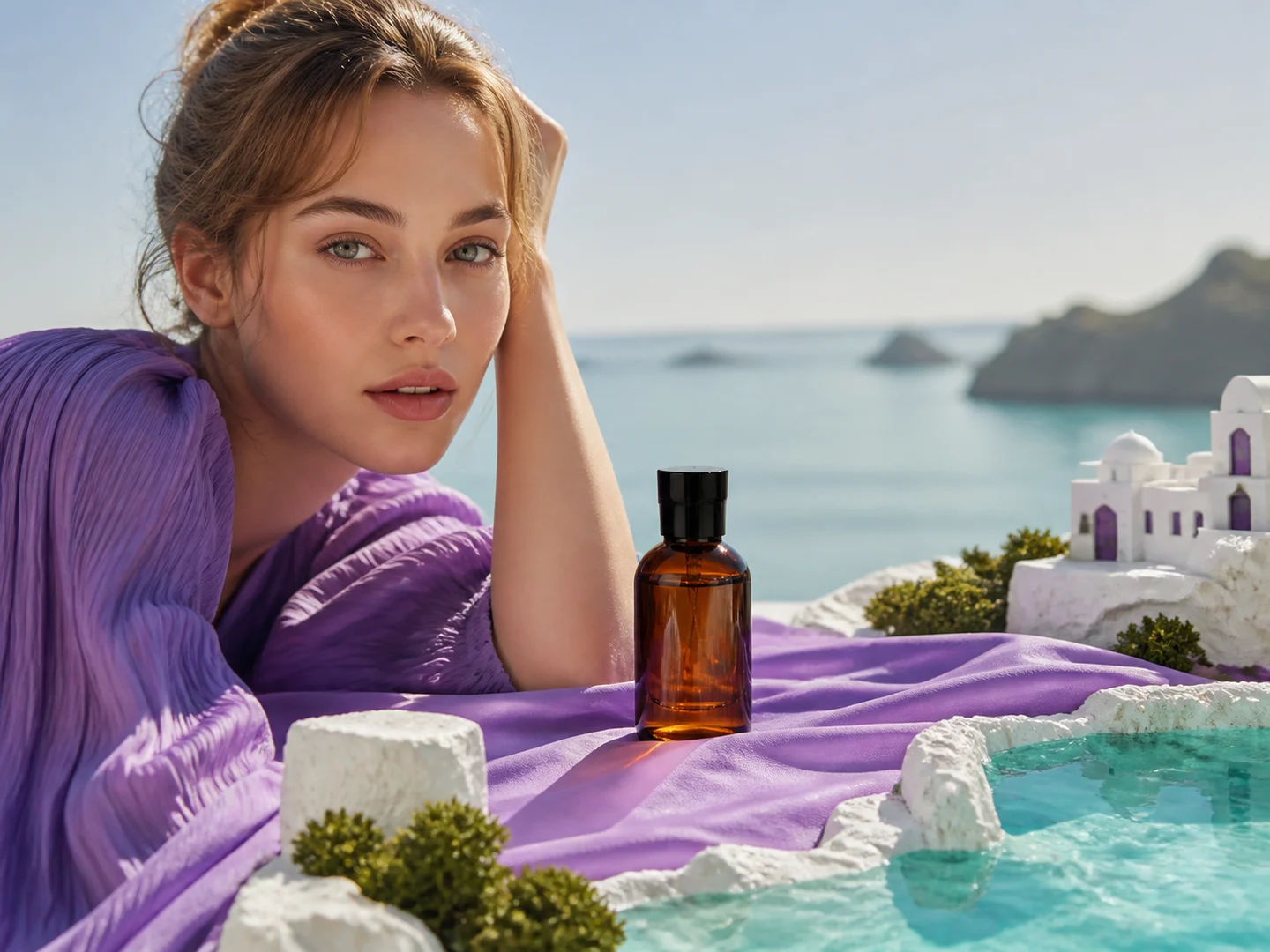
Combine several reference roles
Assign different references to identity, styling, environment, motion, or sound instead of asking one input to control everything.
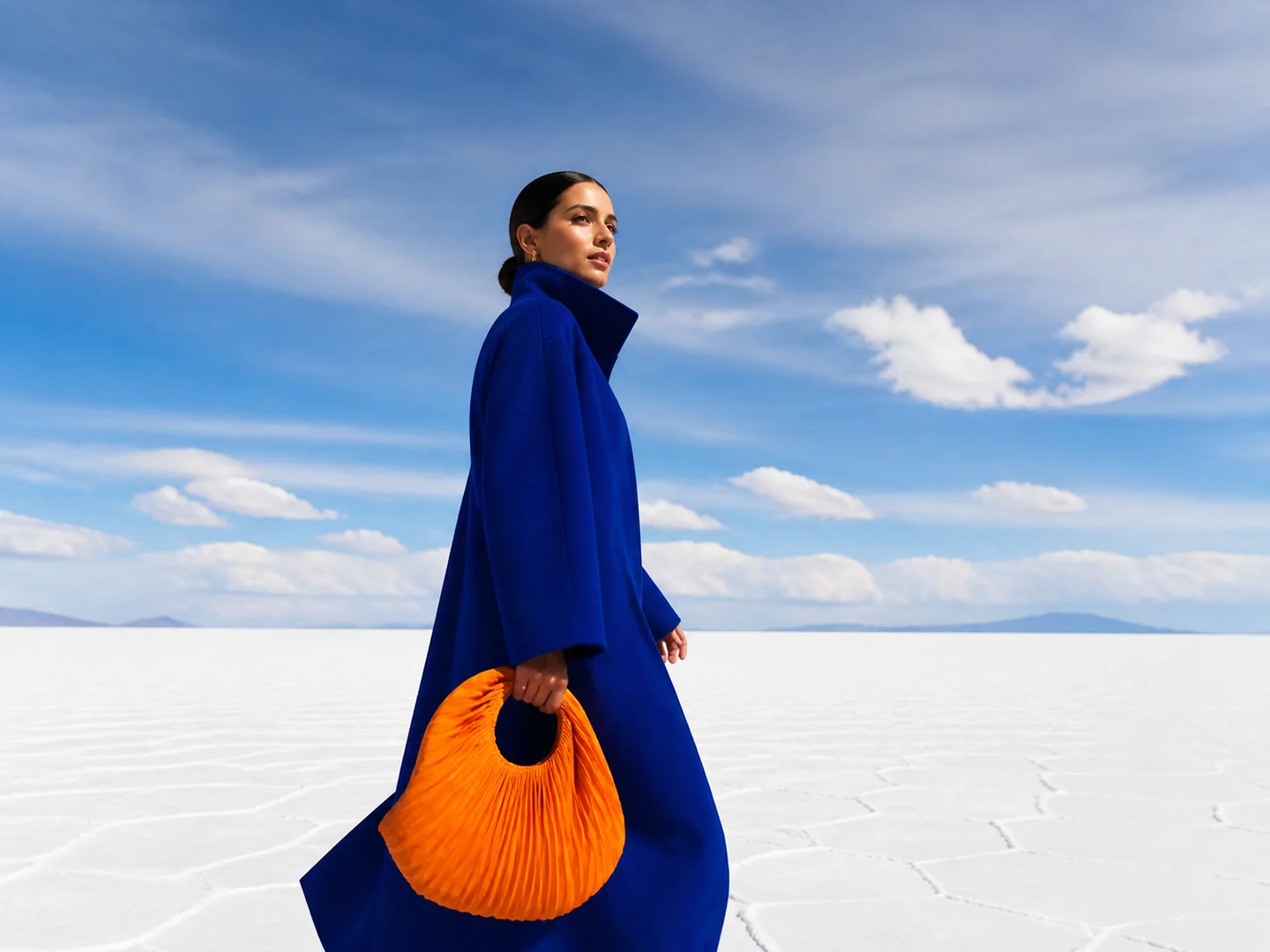
Place the subject in a new context
Describe a new environment, action, camera path, and ending while keeping the reference subject central.

Remix references into one scene
Bring separate people, products, objects, or visual directions together in a coherent moving composition.
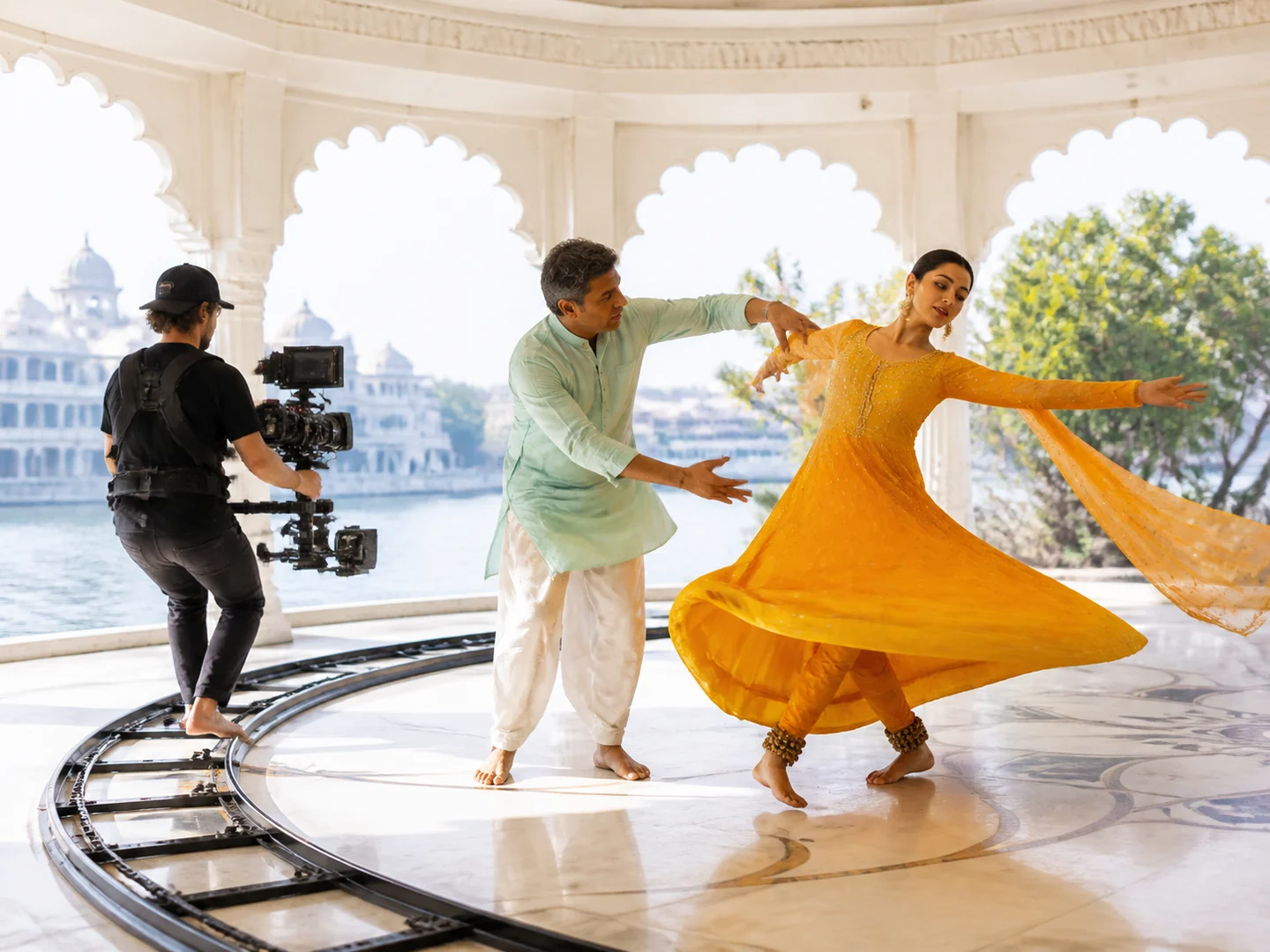
Guide motion and performance
Use a source video or explicit direction to communicate pose, gesture, rhythm, pace, and camera behavior.
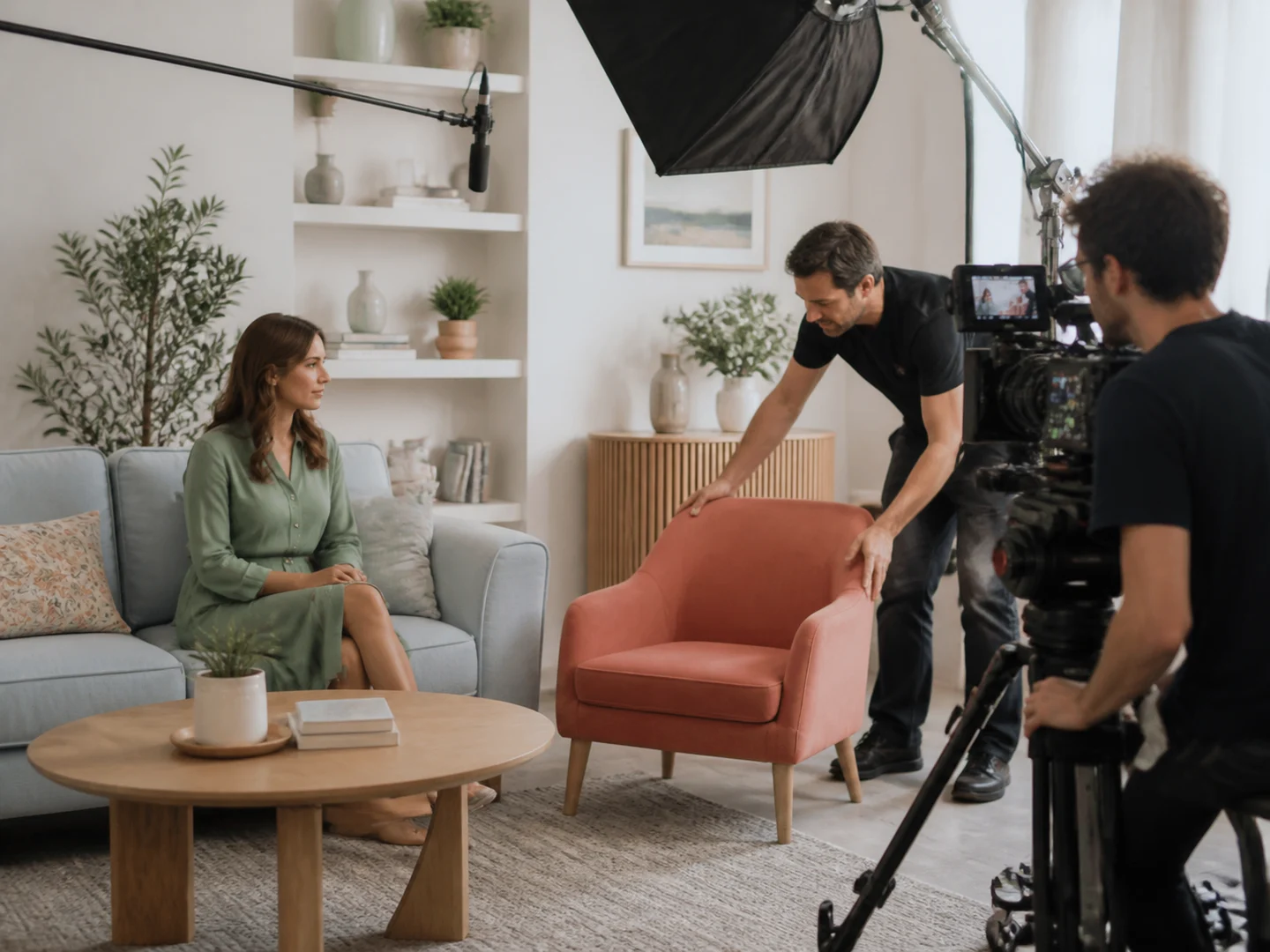
Keep the result editable
Review identity, continuity, framing, and motion separately, then revise only the part of the direction that failed.
How to Create a Reference-led AI Video
Choose the anchor
Decide whether identity, product form, style, motion, video, or audio is the most important reference role.
Add references and direction
Upload the supported media and describe the new scene, action, camera behavior, and details that must stay stable.
Select a compatible model
Choose a model that accepts the media types and reference count needed for the request, then generate and review.
Reference to Video Is Built for Consistent Creative Work
Reference to Video or Image to Video?
| Feature / Model | Reference to Video | Image to Video |
|---|---|---|
| Multiple reference roles | Guide identity, style, objects, motion, video, or audio in one request. | Begin from one image that already defines the complete opening composition. |
| New scene freedom | Create a different composition while carrying selected reference traits forward. | Concentrate the instruction on subject and camera movement. |
| Consistency-first | Use references to reduce identity and design drift across frames. | Keep the existing frame recognizable while adding animation. |
Frequently Asked Questions About Reference to Video
What is Reference to Video?
Reference to Video creates a new moving scene while using uploaded images, videos, or audio to guide identity, objects, products, style, movement, or sound. The exact accepted reference types depend on the selected model.
How is Reference to Video different from Image to Video?
Image to Video usually animates one source frame directly. Reference to Video can use several inputs as guidance while creating a different scene, composition, action, or camera path.
How many references can I upload?
The visible input count comes from the selected model and workflow. Choose the model first when a project depends on a specific number or combination of images, videos, or audio files.
Can I keep the same character across scenes?
Clear, complementary character references can guide identity across new scenes, but results should still be reviewed for facial features, clothing, proportions, and frame-to-frame continuity.
Can I use product images as references?
Yes. Use clean views that clearly show product shape, materials, colors, logos, and other non-negotiable details, then state what must remain unchanged.
Can one reference control style and another control identity?
Compatible models can accept several reference inputs. In the prompt, explain which input guides the subject and which guides palette, lighting, medium, motion, or environment.
Does Reference to Video support source videos or audio?
Some reference-aware models accept video or audio in addition to images. The composer updates its accepted media and limits when you change models.
Is Reference to Video free to use?
The page is free to browse. Generating a video uses Credits, and the current quote is shown before submission.
Do I need an account?
You can read the page without signing in. Uploading persistent media, submitting a task, tracking status, and saving results require a Nuzza account.