
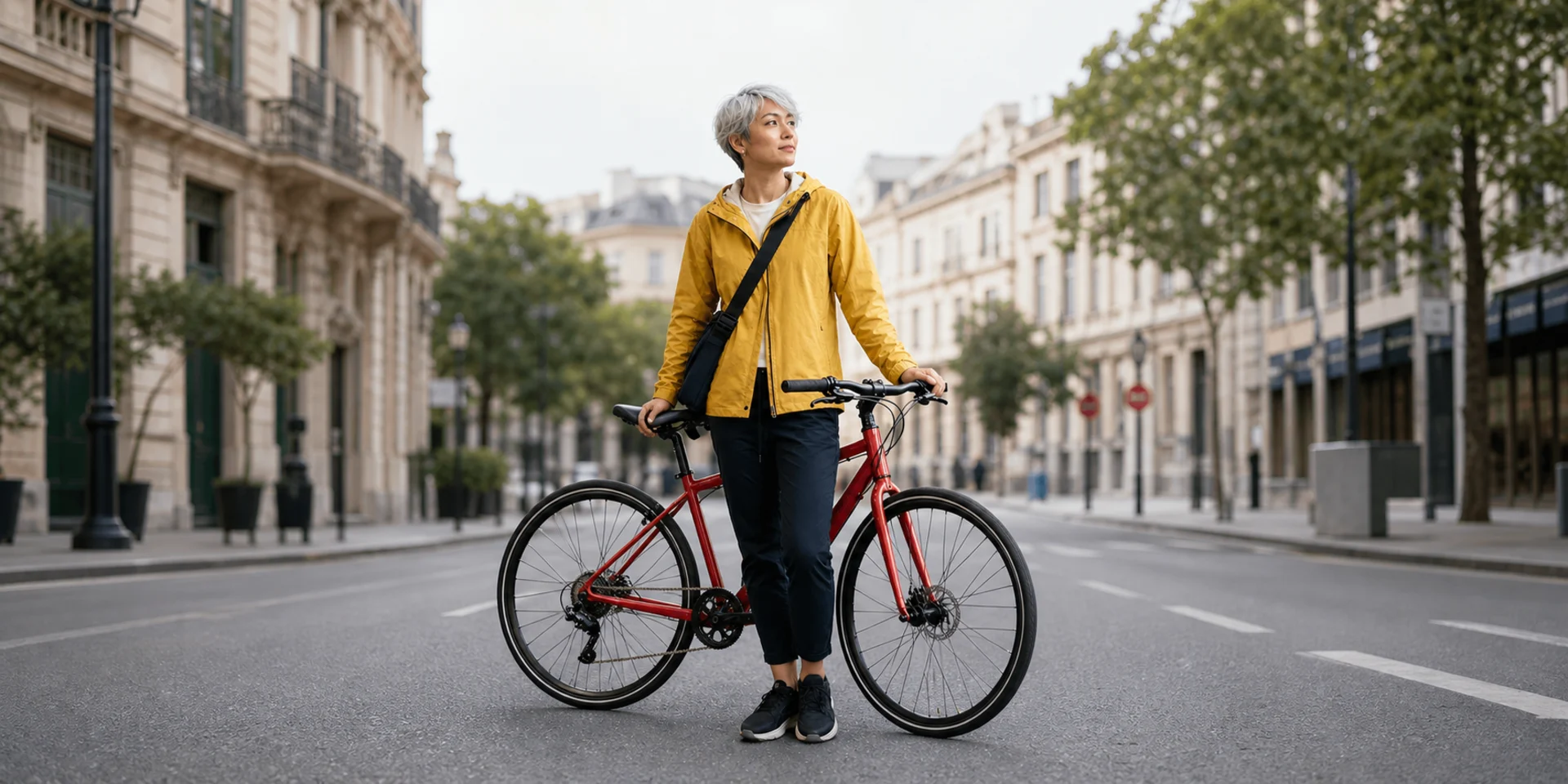
Nano Banana 2
Nano Banana 2 combines Gemini world knowledge, in-image text, multi-subject consistency, and complex instruction following. On Nuzza, generate from a prompt or edit with up to 16 image references, 0.5K to 4K output, and one to four results.
Why Choose Nano Banana 2?
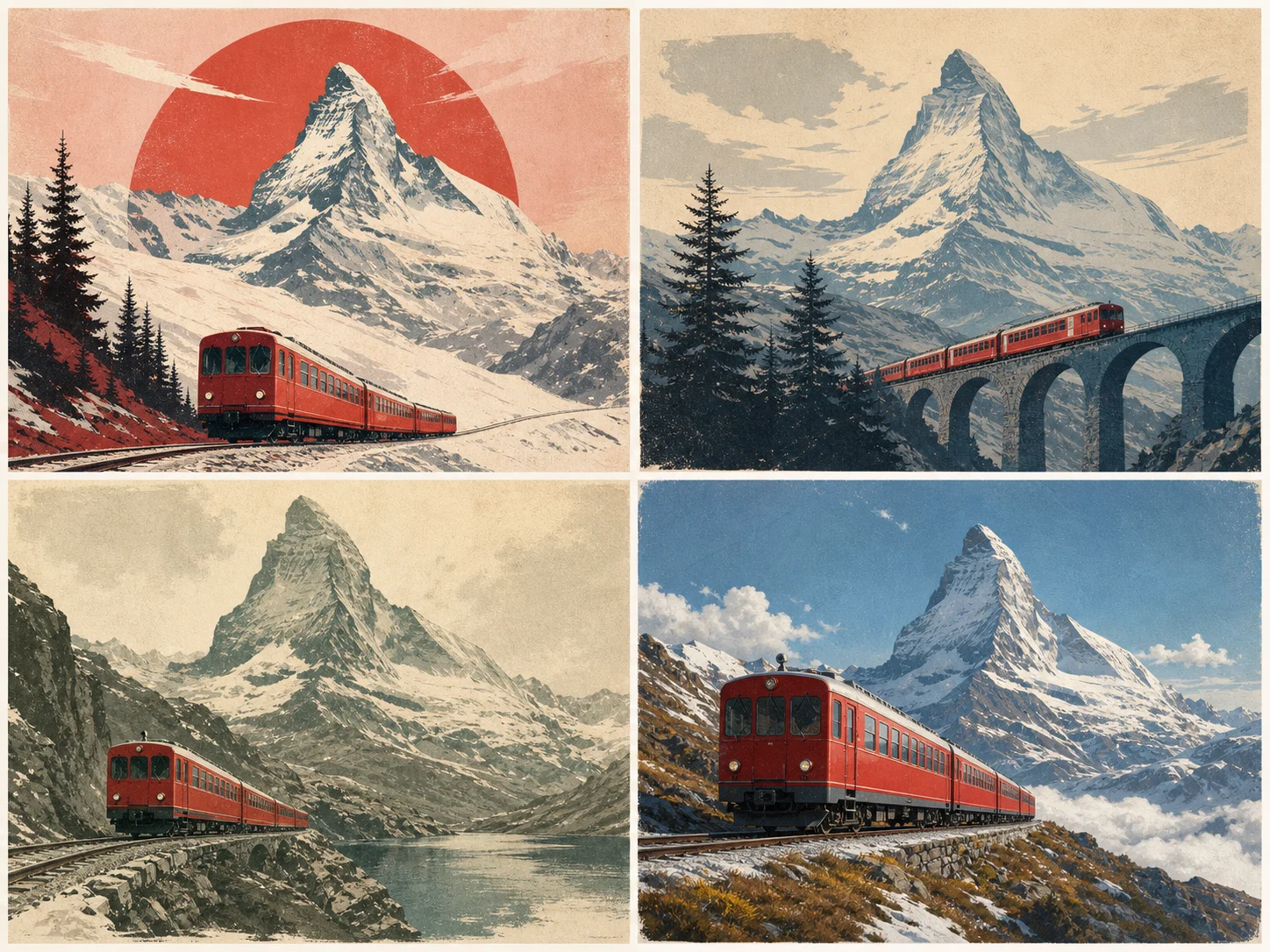
Draw on Gemini World Knowledge
Ask for a real-world subject, infographic, diagram, or data-led visual that benefits from contextual knowledge. Nano Banana 2 draws on Gemini's broad world knowledge to interpret the request, while exact facts, relationships, and labels still need review.
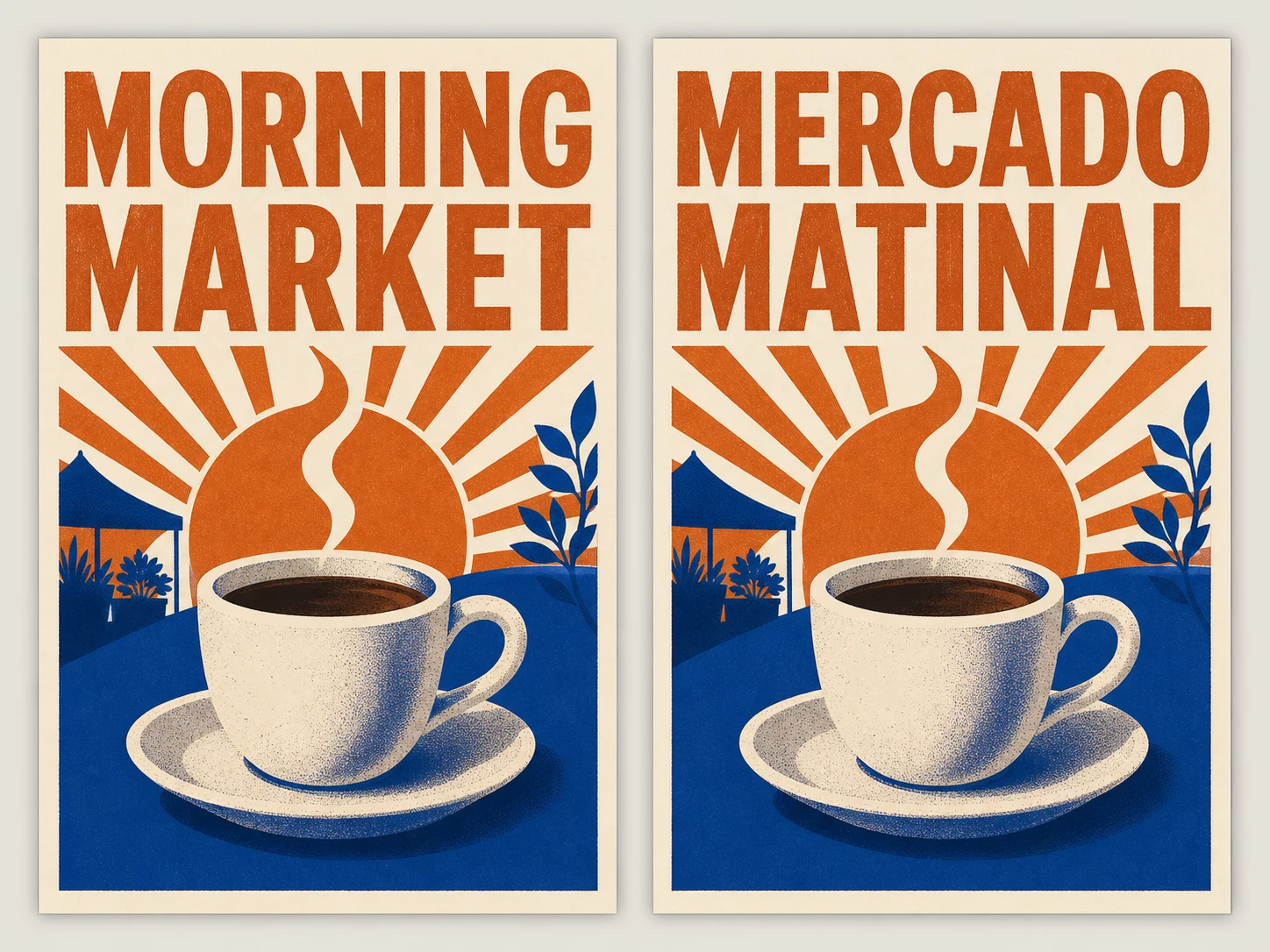
Render and Localize Text Inside Images
Provide the exact copy, language, placement, and visual hierarchy for a poster, mockup, card, or infographic. Nano Banana 2 can render legible text and translate it inside the image, while spelling and localization still deserve a final review.
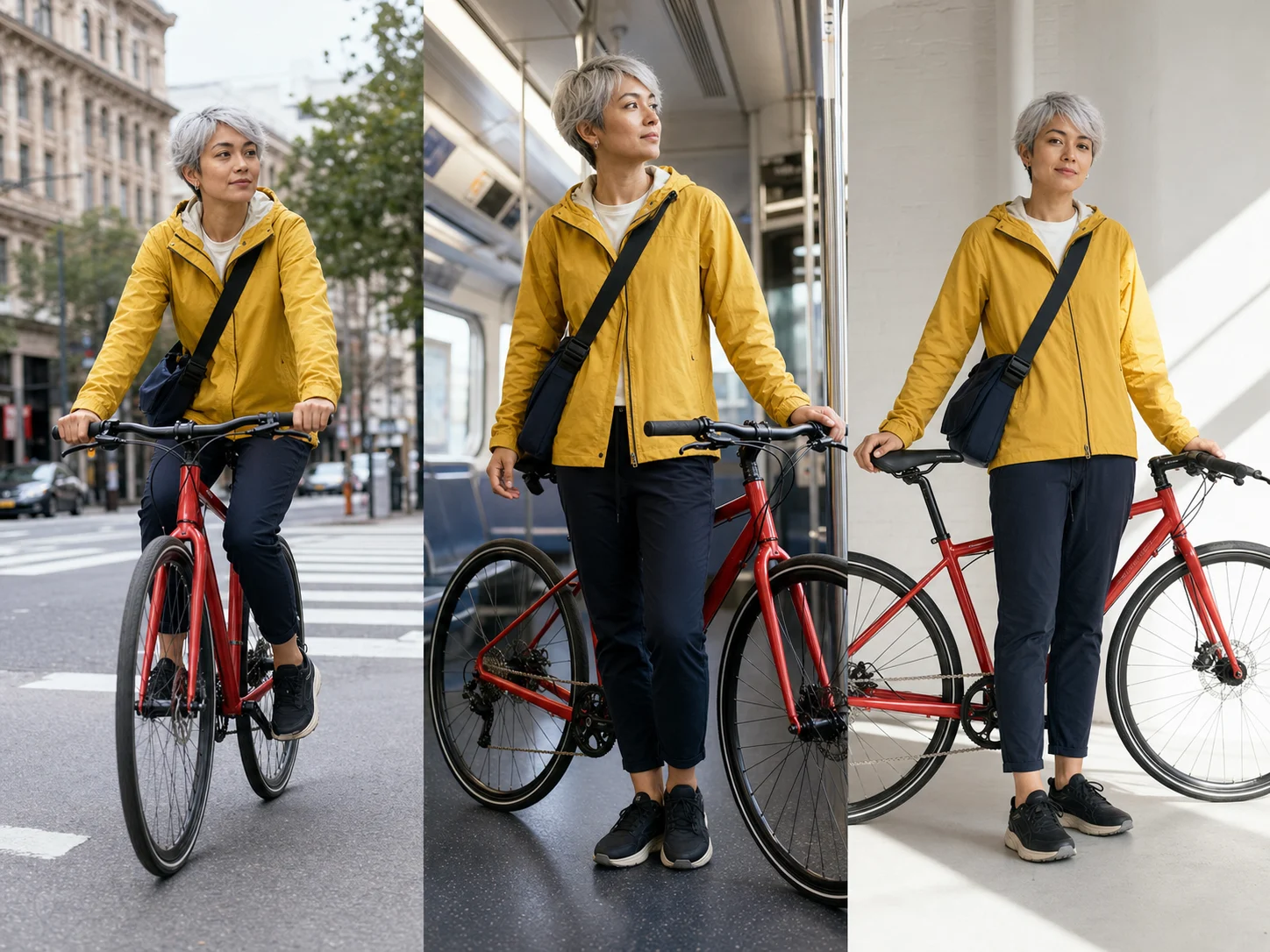
Keep 5 Characters and 14 Objects Consistent
Reference recurring characters, products, outfits, or props and state which identity details must remain recognizable. Google documents consistency for up to five characters and fidelity for up to 14 objects in one workflow, giving storyboards and visual series a clearer continuity target.
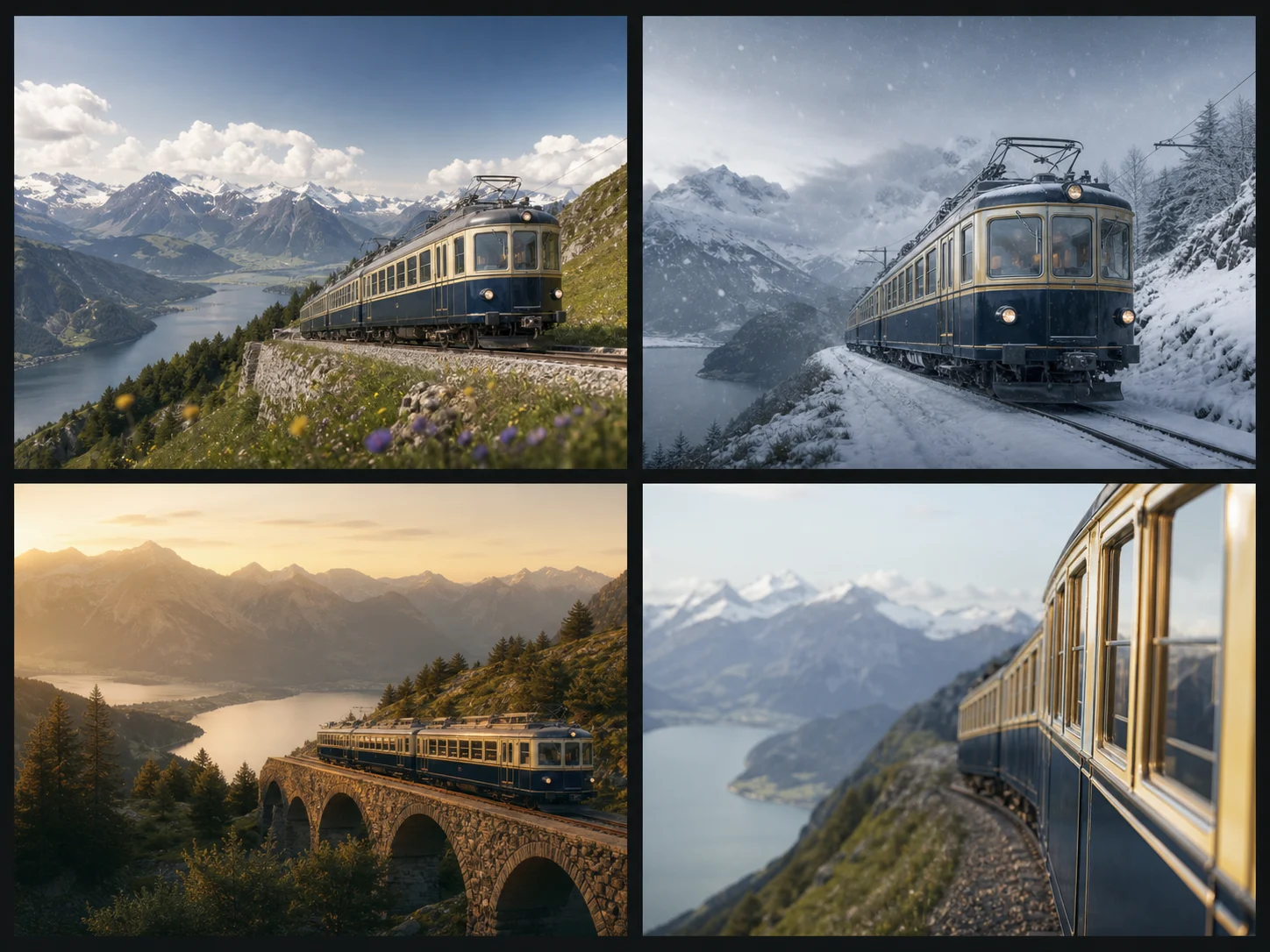
Follow Complex, Multi-Layered Instructions
Separate the subject, composition, visible text, style, and preservation constraints in one detailed brief. Nano Banana 2 follows multi-layered instructions more strictly, helping the result reflect the requested relationships without promising that every detail will be exact.
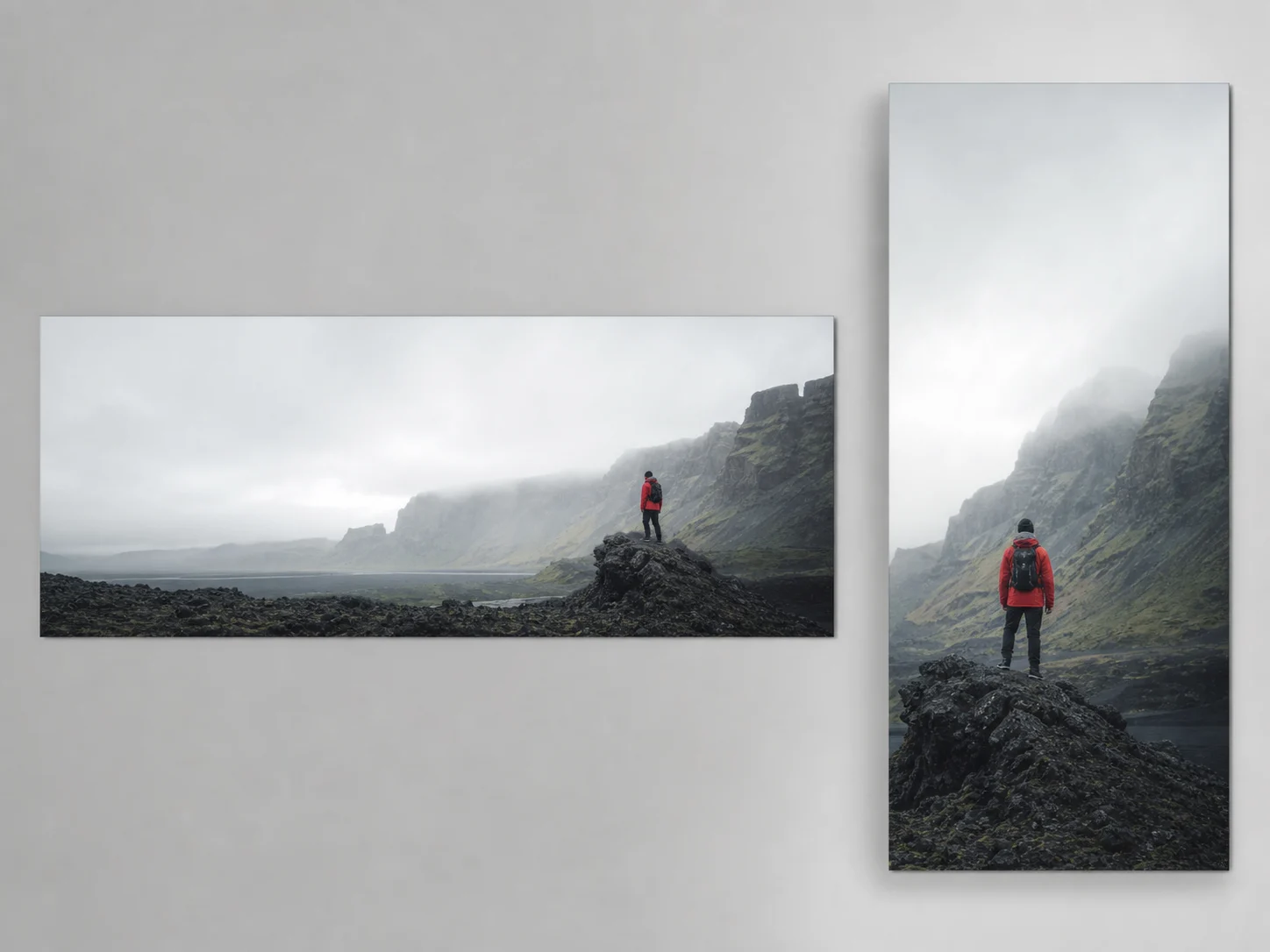
Work from 512px Drafts to 4K Formats
Choose 0.5K for quick direction checks or move to 1K, 2K, or 4K when the image needs closer review. Standard presets and extreme 4:1, 1:4, 8:1, and 1:8 ratios let the same model address compact drafts, wide banners, and tall displays.
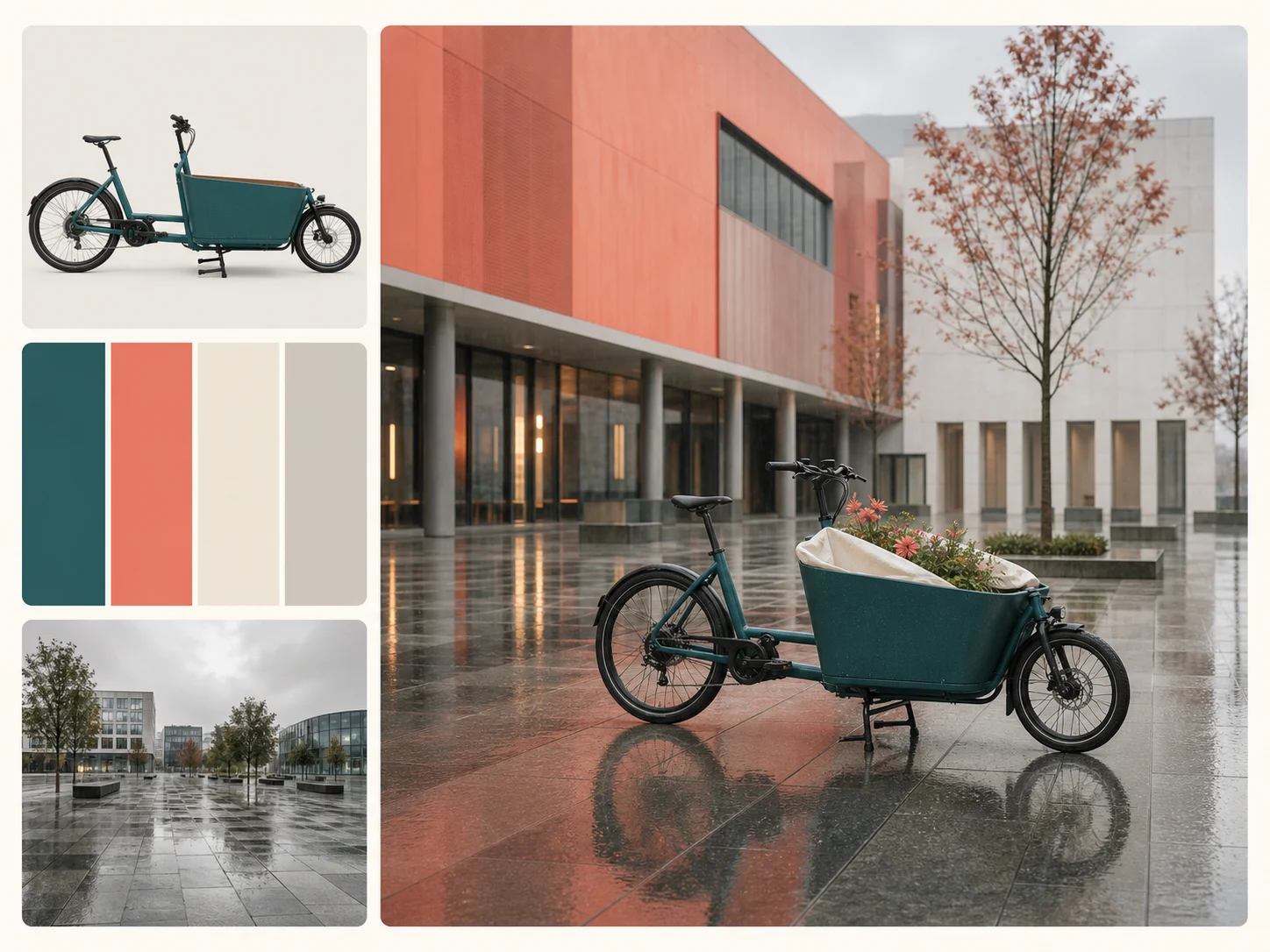
Combine Up to 16 Image References
Upload separate references for subject identity, product form, palette, setting, texture, or lighting, and assign each image a clear role. Nuzza accepts up to 16 image inputs for Nano Banana 2 editing, so a complex composition can stay inside one structured brief.
What Can Nano Banana 2 Do?
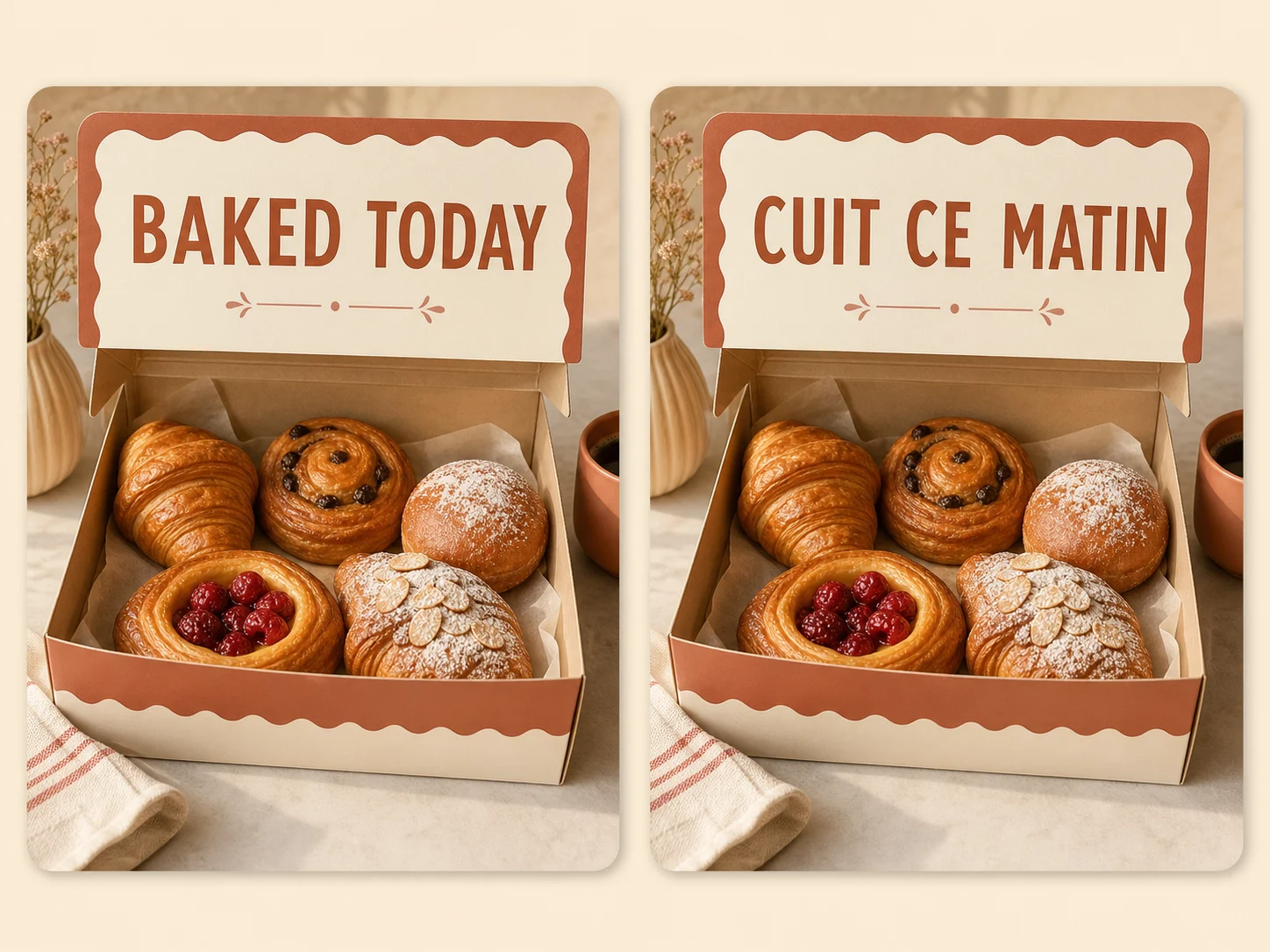
Global campaign localization. Create market-specific campaign graphics that translate short in-image copy while preserving the central layout, visual hierarchy, product, and brand direction across regional versions.
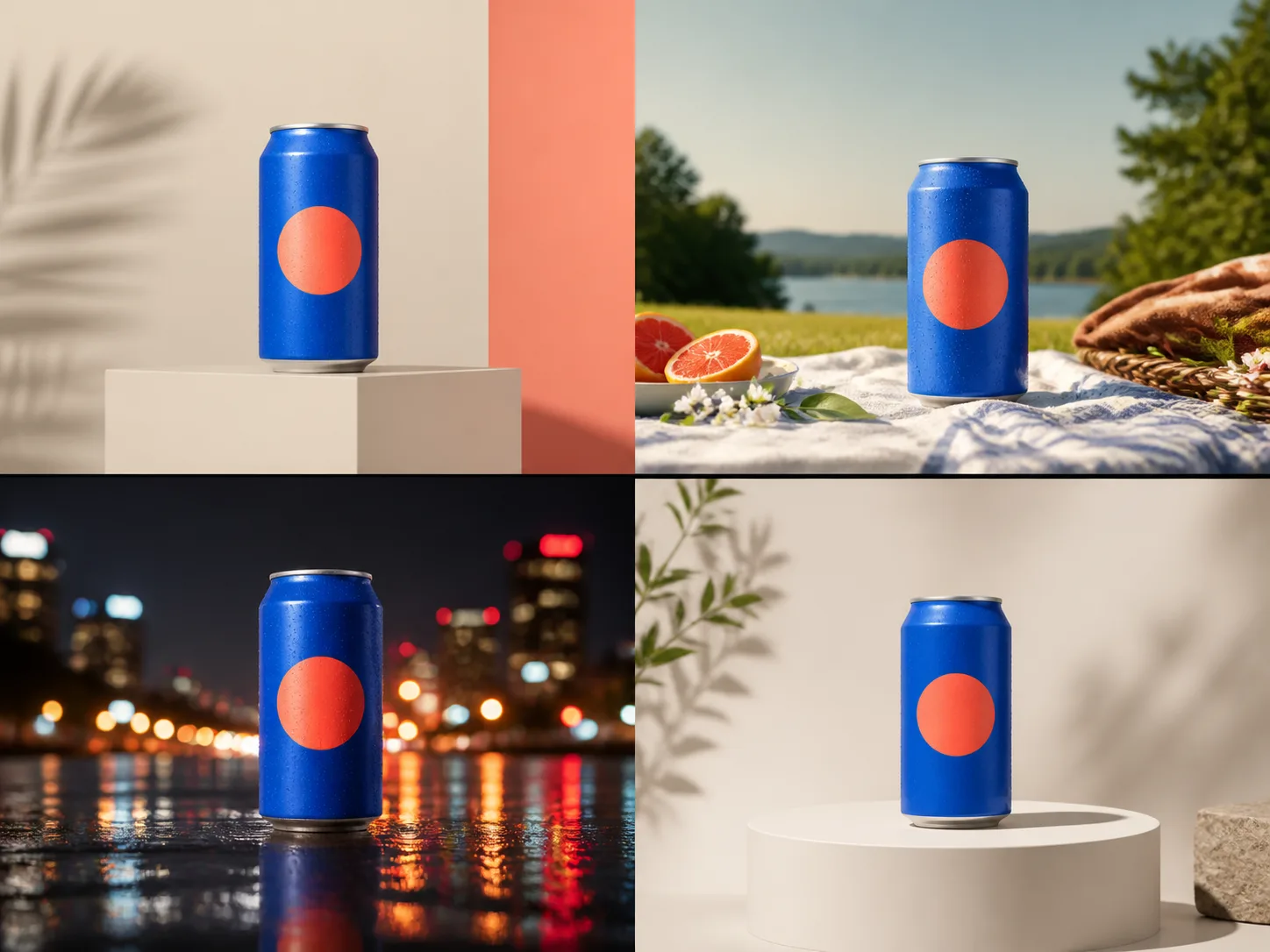
Ad creative variations. Produce multiple visual directions for paid ads, landing pages, and campaign reviews, changing the setting or composition while keeping the product and core creative direction recognizable.
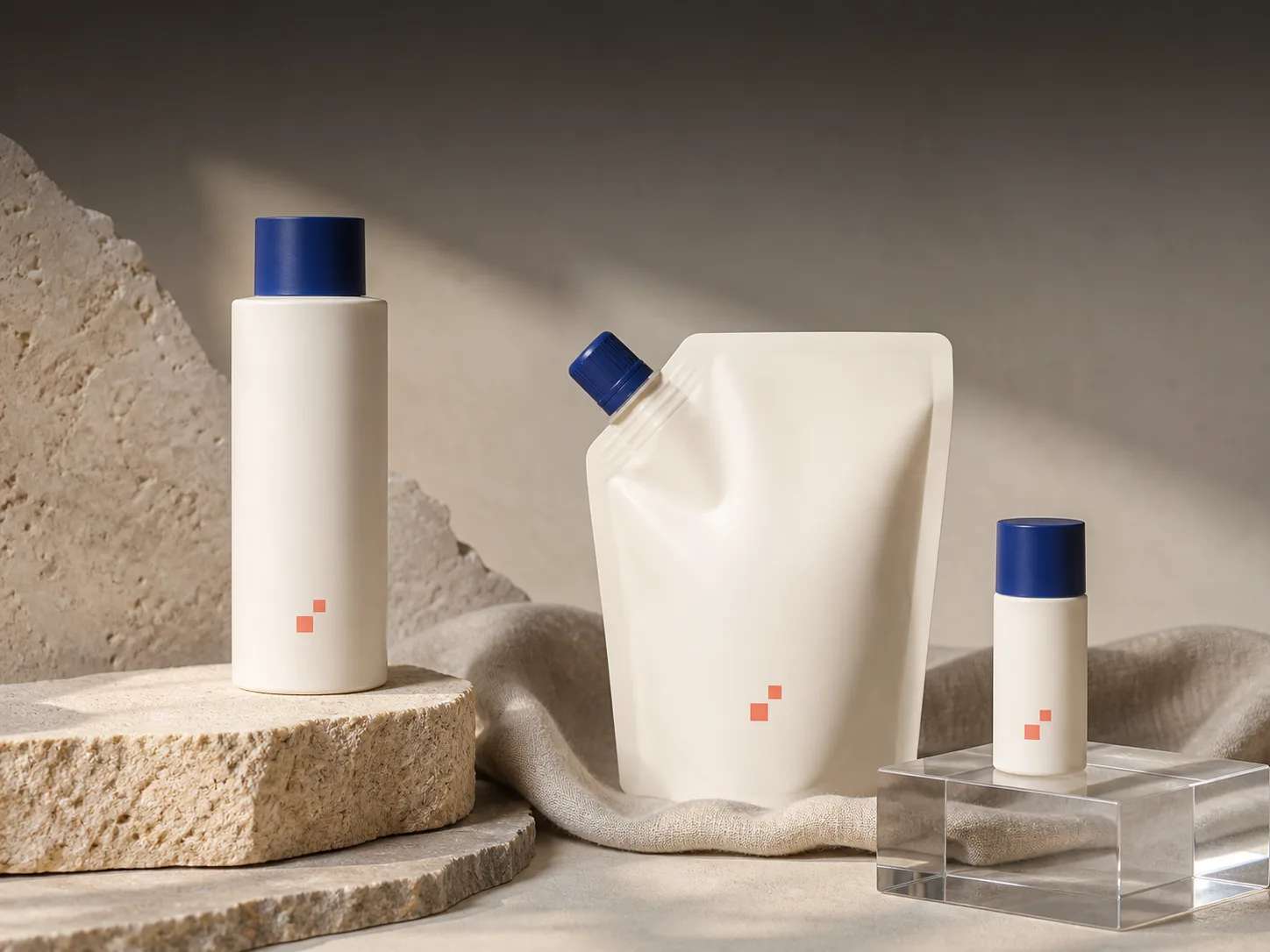
Product mockup sets. Build coordinated product mockups for packaging reviews, storefront concepts, and presentation decks by carrying one product reference into different colors, environments, and compositions.
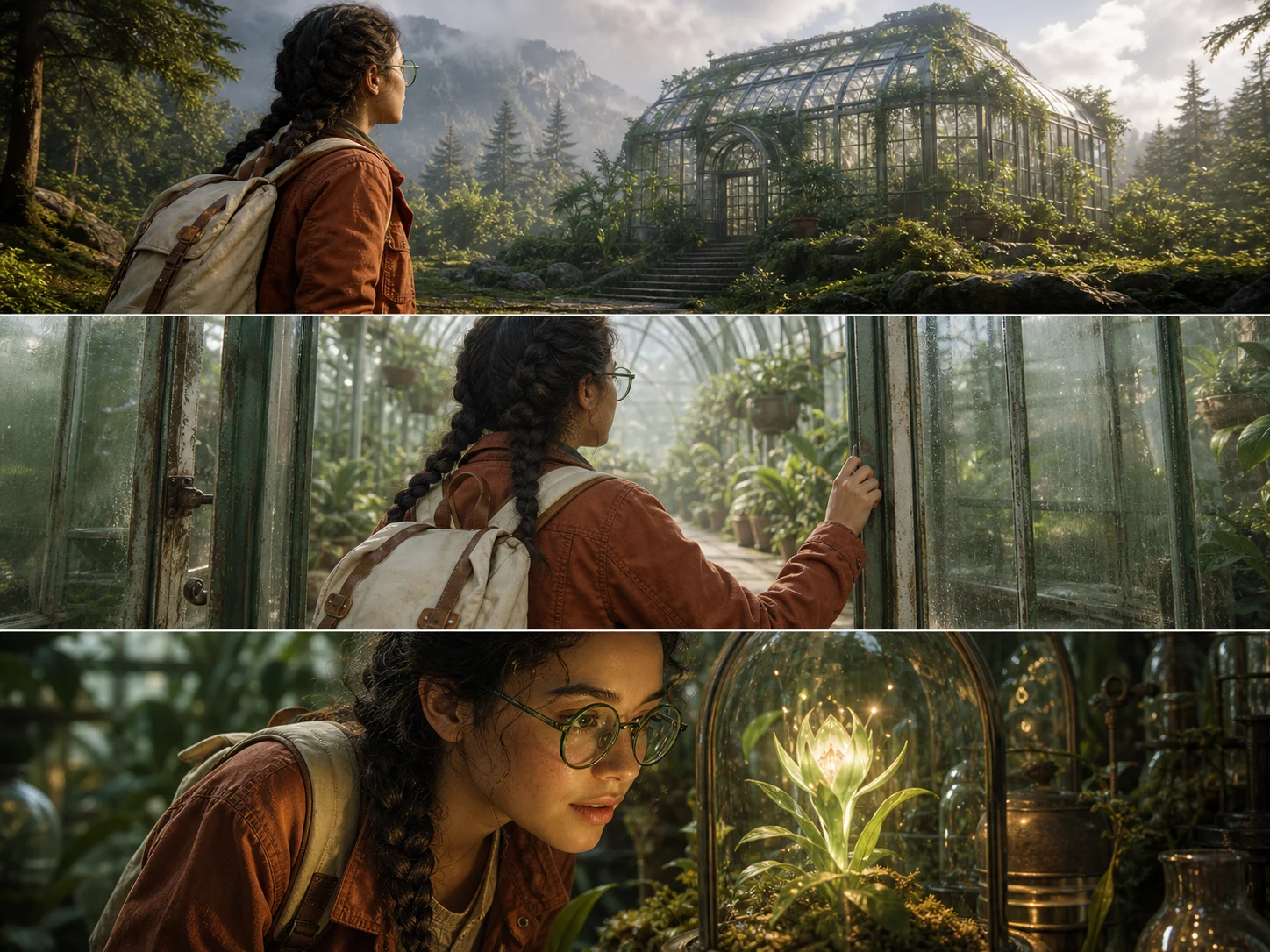
Storyboards and concept frames. Turn a script or creative brief into sequential frames for pitches and pre-production, exploring camera angles and environments while keeping recurring characters and objects identifiable.
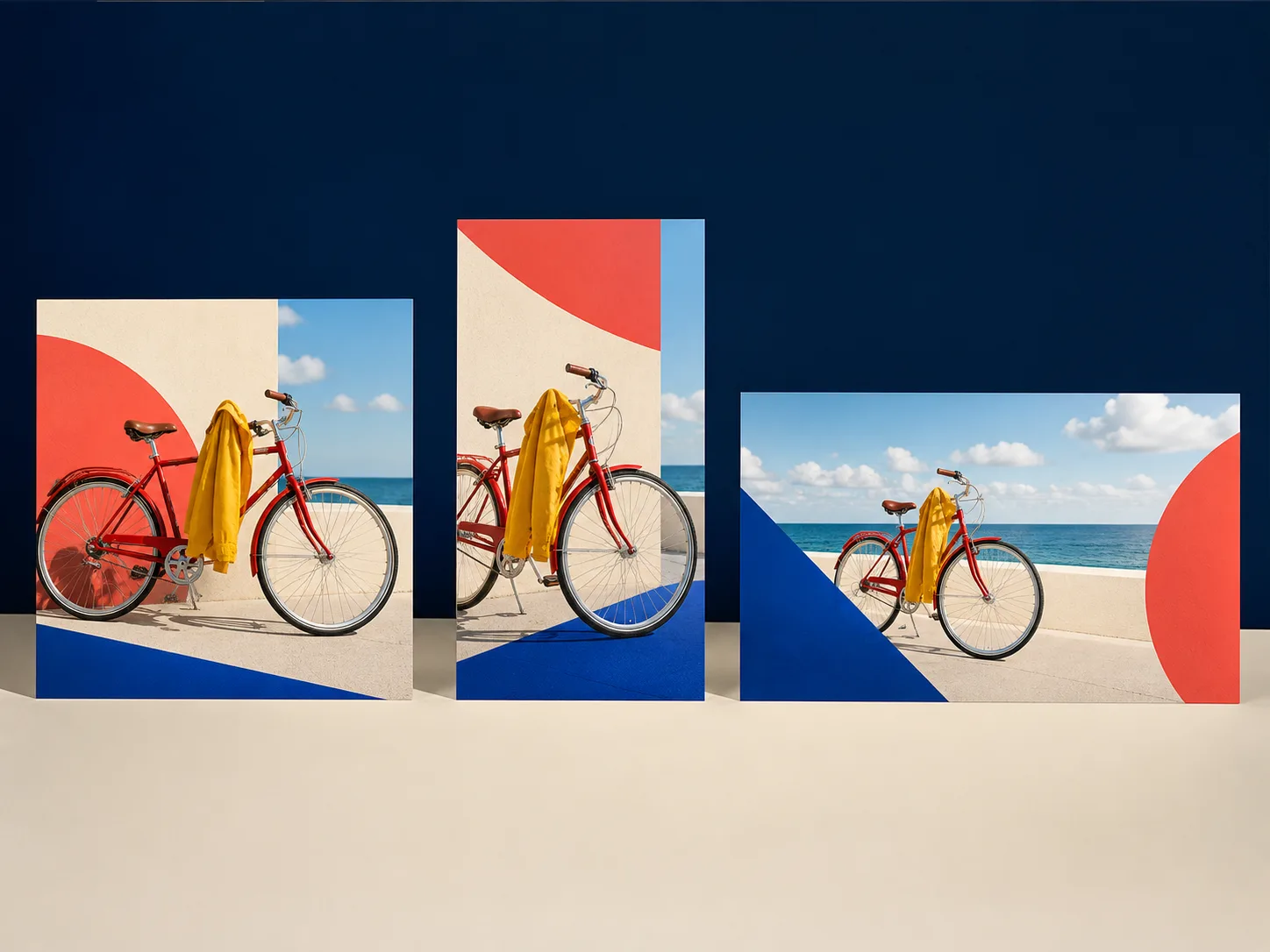
Multi-format social visuals. Adapt one campaign direction into square, portrait, landscape, ultra-wide, and tall visuals for social channels and display placements while retaining a coherent visual identity.
How to Use Nano Banana 2 on Nuzza AI For Free
Start with a Prompt or References
Choose prompt-only generation, or upload image references when the result should preserve, combine, or change existing visual details.
Write the Result and Constraints
Name the subject, scene, composition, visible copy, and style, then separate requested changes from the details that should remain recognizable.
Choose the Output and Review
Select an aspect ratio, 0.5K to 4K resolution, and one to four results, then review text, identity, geometry, and factual details.
Nano Banana 2 vs. Nano Banana Pro vs. GPT Image 2
| Feature / Model | Nano Banana 2 | Nano Banana Pro | GPT Image 2 |
|---|---|---|---|
| Best Fit | Best for frequent Gemini generation, editing, localization, and extreme formats. | Best for precision-led Gemini assets and complex professional briefs. | Best for detailed OpenAI briefs, visible text, and targeted edits. |
| Max Resolution | Outputs up to 4K, with a 0.5K draft tier. | Outputs at 1K, 2K, or 4K. | Supports sizes with an edge up to 3,840 pixels. |
| Reference Inputs | Accepts up to 16 image inputs for editing. | Accepts up to 16 image inputs for editing. | Accepts up to 16 image inputs for editing. |
| Text Rendering | Renders and localizes visible text inside images. | Supports text-rich layouts and image localization. | Handles text-aware generation and detailed visible copy. |
| Image Editing | Supports prompt-led edits with multi-image context. | Supports prompt-led edits with multi-image context. | Supports generation, editing, inpainting, and background replacement. |
FAQs about Nano Banana 2
What is Nano Banana 2?
Nano Banana 2 is Google's Gemini 3.1 Flash Image model for image generation and advanced editing. In Nuzza, you can generate from a prompt or edit with image references. Its distinguishing capabilities include world knowledge, in-image text localization, multi-subject consistency, and complex instruction following.
What inputs can I use with Nano Banana 2 in Nuzza?
You can begin with a text prompt for generation or upload images for reference-led editing. The current Nuzza edit workflow accepts up to 16 images, and each reference should have a clear role such as subject, product, palette, setting, or lighting. State which details should change and which should remain recognizable.
What changed from the original Nano Banana?
Google describes Nano Banana 2 as an upgrade to the original Nano Banana with improved world knowledge, text rendering, localization, instruction following, subject consistency, and visual fidelity. It also adds a 512px tier alongside 1K, 2K, and 4K output plus extreme 4:1, 1:4, 8:1, and 1:8 ratios. Nano Banana 2 is Gemini 3.1 Flash Image, while the original model is Gemini 2.5 Flash Image.
Can Nano Banana 2 render and translate text inside images?
Yes. Google documents more reliable in-image text rendering plus translation and localization across languages. Provide the exact copy, language, placement, and hierarchy, then review spelling, letterforms, and the localized meaning before using the result.
How consistent are characters and objects in Nano Banana 2?
Google documents character resemblance for up to five characters and fidelity for up to 14 objects in one workflow. Use clear references and repeat the identity details that must remain recognizable across scenes. Review faces, clothing, product geometry, and recurring props because consistency is not a guarantee of exact duplication.
What resolutions, aspect ratios, and output count does Nano Banana 2 support?
Nuzza offers 0.5K, 1K, 2K, and 4K output with Auto plus standard landscape, square, and portrait ratios. Extreme 4:1, 1:4, 8:1, and 1:8 formats are also available. You can request one to four images per run.
Can I use Nano Banana 2 for free on Nuzza?
Yes. Nuzza offers free Credits for new users to try Nano Banana 2. Once your free Credits are used up, you will need to subscribe to a paid plan to continue.
What should I check before using a Nano Banana 2 result?
Review the result at full size against the prompt and every reference image. Check faces, hands, visible text, translated meaning, product geometry, object count, repeated patterns, edges, and factual details. Regenerate or narrow the brief when a critical detail has drifted.
Generate and Edit Images with Nano Banana 2
Use Gemini 3.1 Flash Image for grounded visuals, in-image text, consistent subjects, complex instructions, and 0.5K to 4K output.
Try Nano Banana 2