
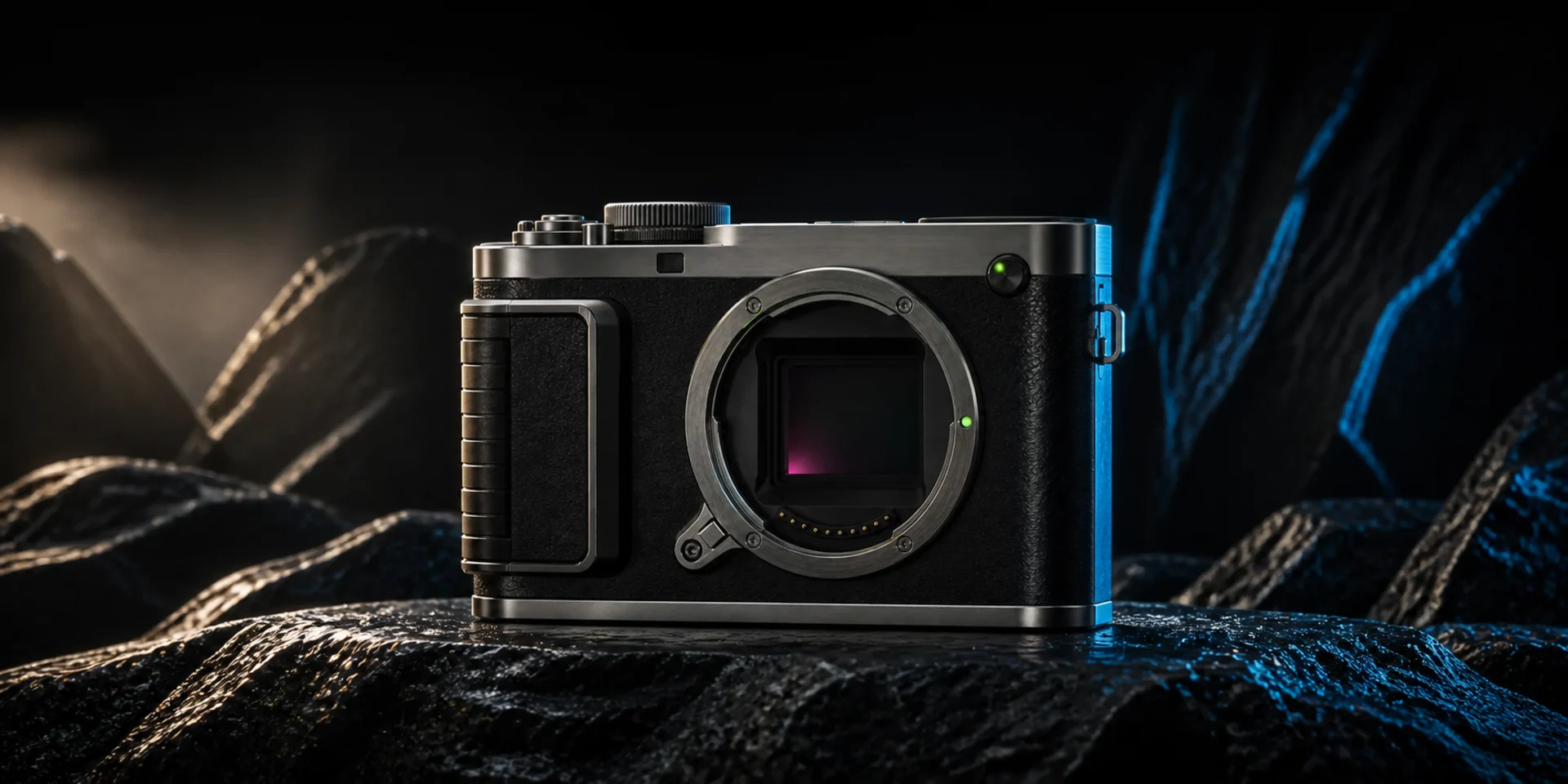
Flux.2 Max
FLUX.2 [max] is Black Forest Labs' top-tier FLUX.2 model for maximum quality, strongest prompt following, style fidelity, world knowledge, and editing consistency. Use it when product detail, character continuity, spatial logic, typography, or preservation-sensitive changes determine whether an image is production-ready.
Why Creators Choose Flux.2 Max?
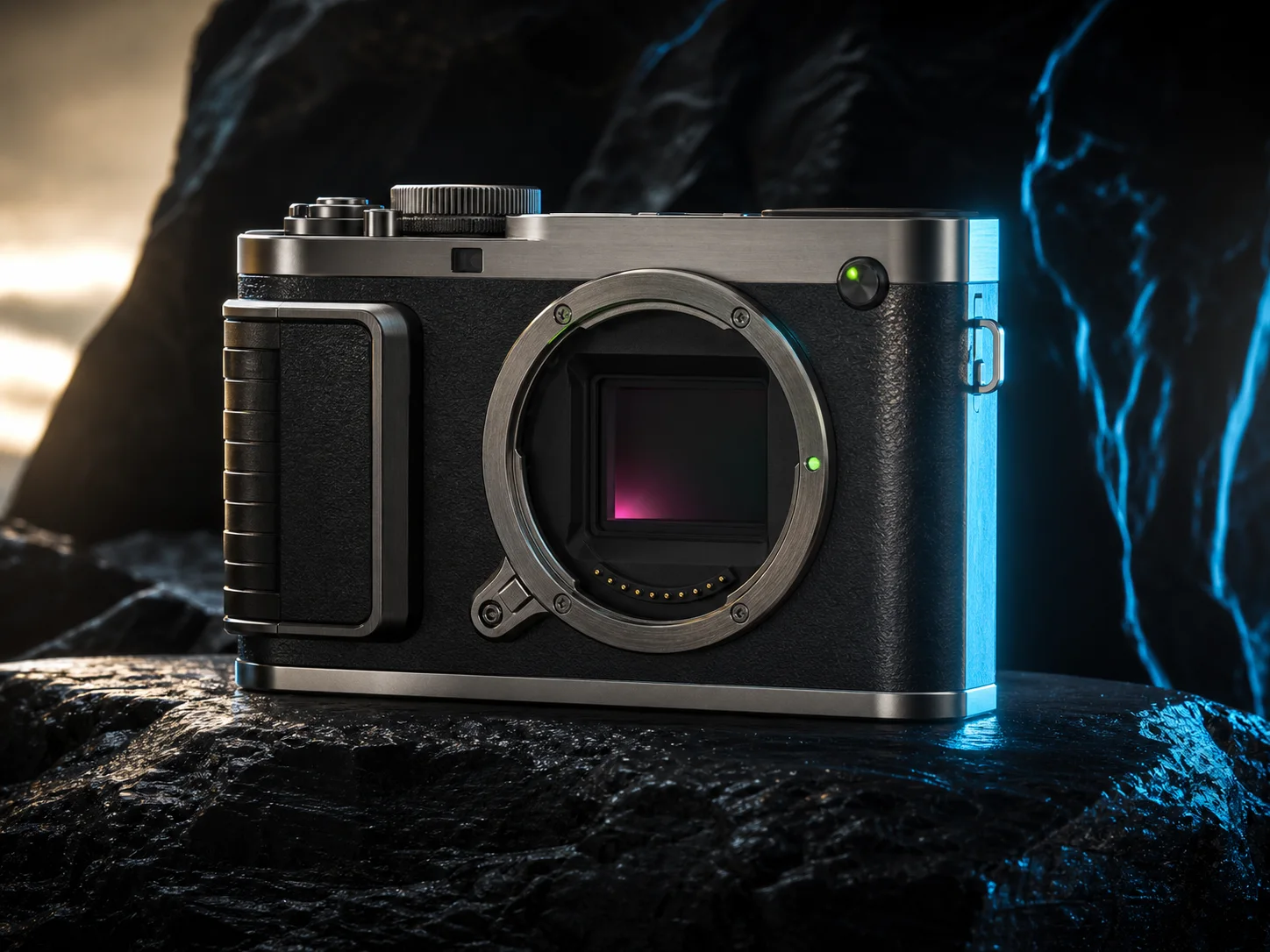
Reach the Highest FLUX.2 Image Quality
Create premium product, food, fashion, interior, architecture, or editorial images where fine detail affects approval. Black Forest Labs positions Max at the top of the family for image quality and demanding professional output up to four megapixels.
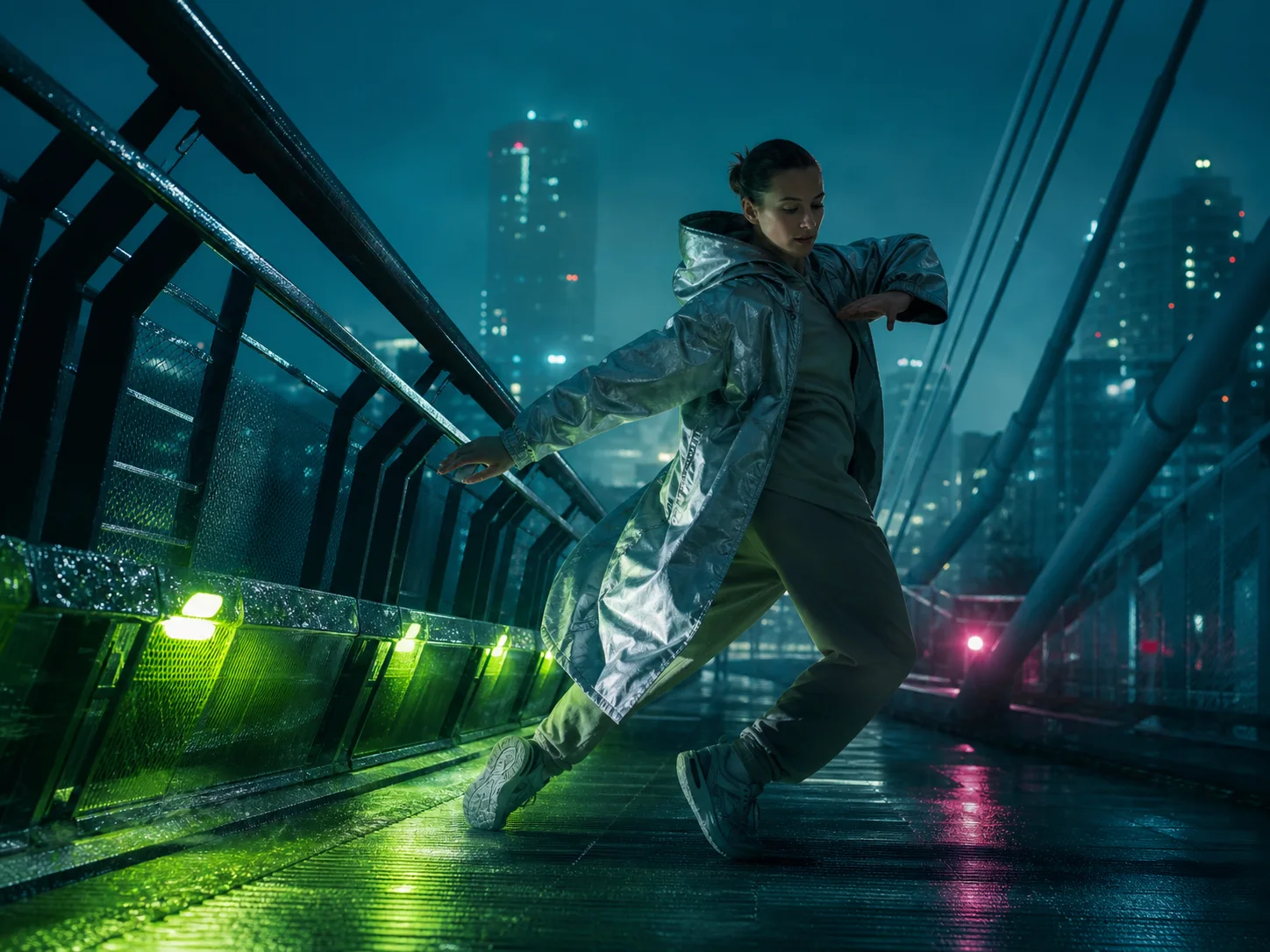
Follow Long, Layered Creative Briefs
Describe multiple subjects, actions, materials, camera decisions, lighting relationships, typography, and exclusions in one structured prompt. Flux.2 Max is the family's strongest instruction follower, reducing dropped details in demanding compositions.
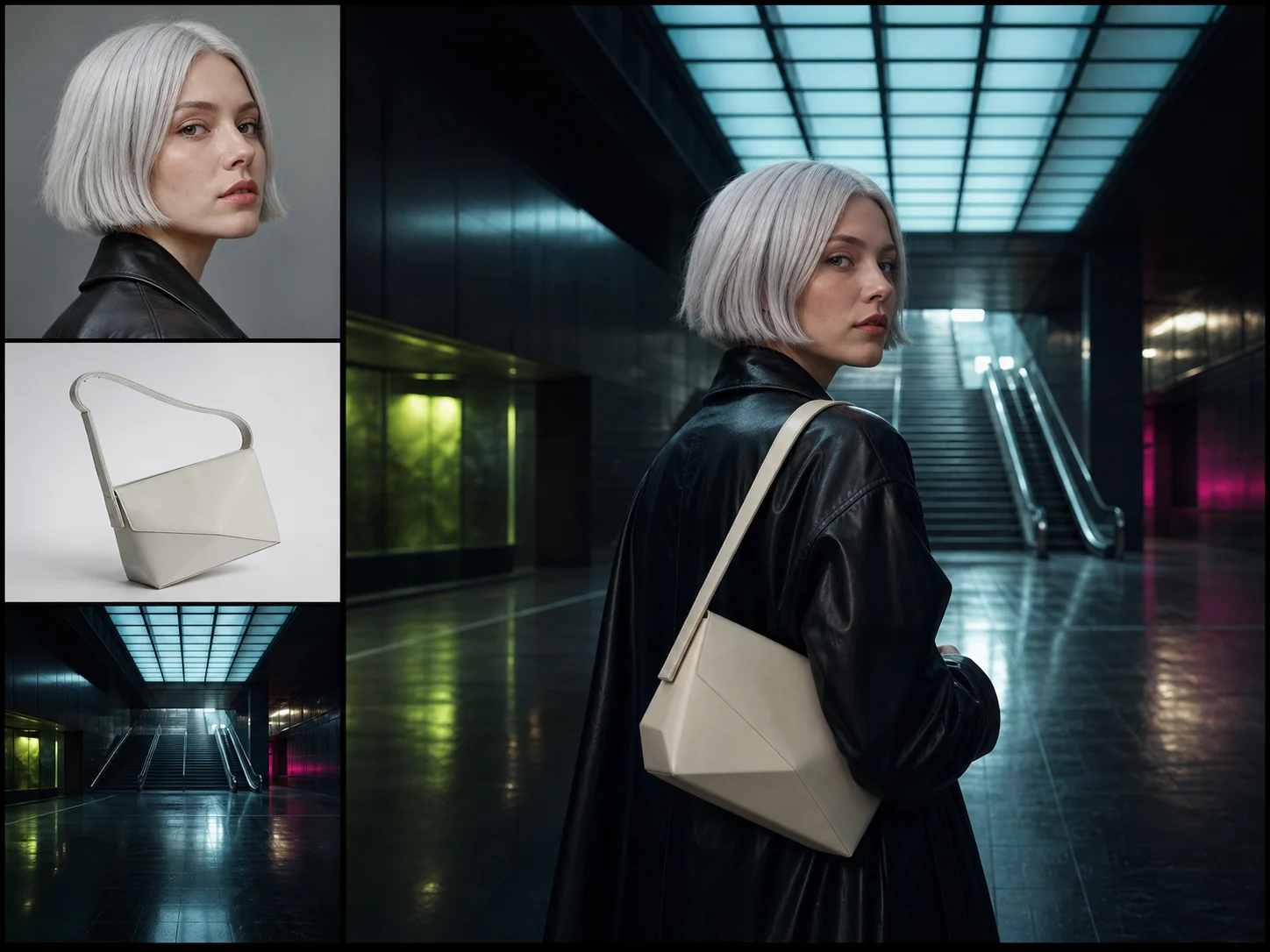
Keep Products and Characters Consistent
Use several references to anchor identity, product geometry, wardrobe, palette, environment, or style. Max is positioned for the strongest editing consistency in the FLUX.2 family, supporting campaign sets and continuity-sensitive visual development.
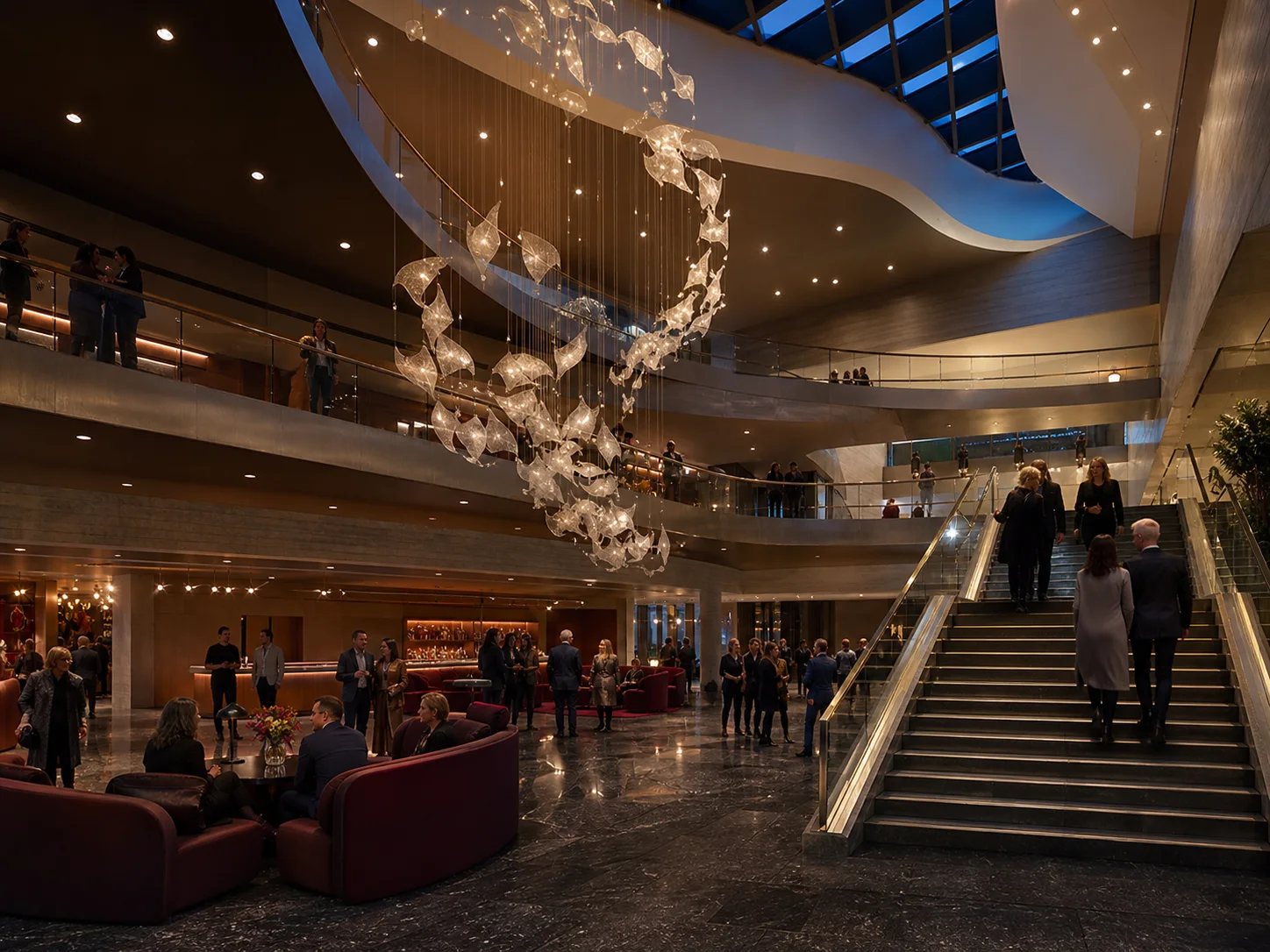
Reason through Complex Spatial Layouts
Specify stairs, rooms, foreground objects, viewpoints, reflections, practical lights, and how people move through a space. Stronger spatial reasoning helps layered interiors and environments maintain believable depth and object relationships.
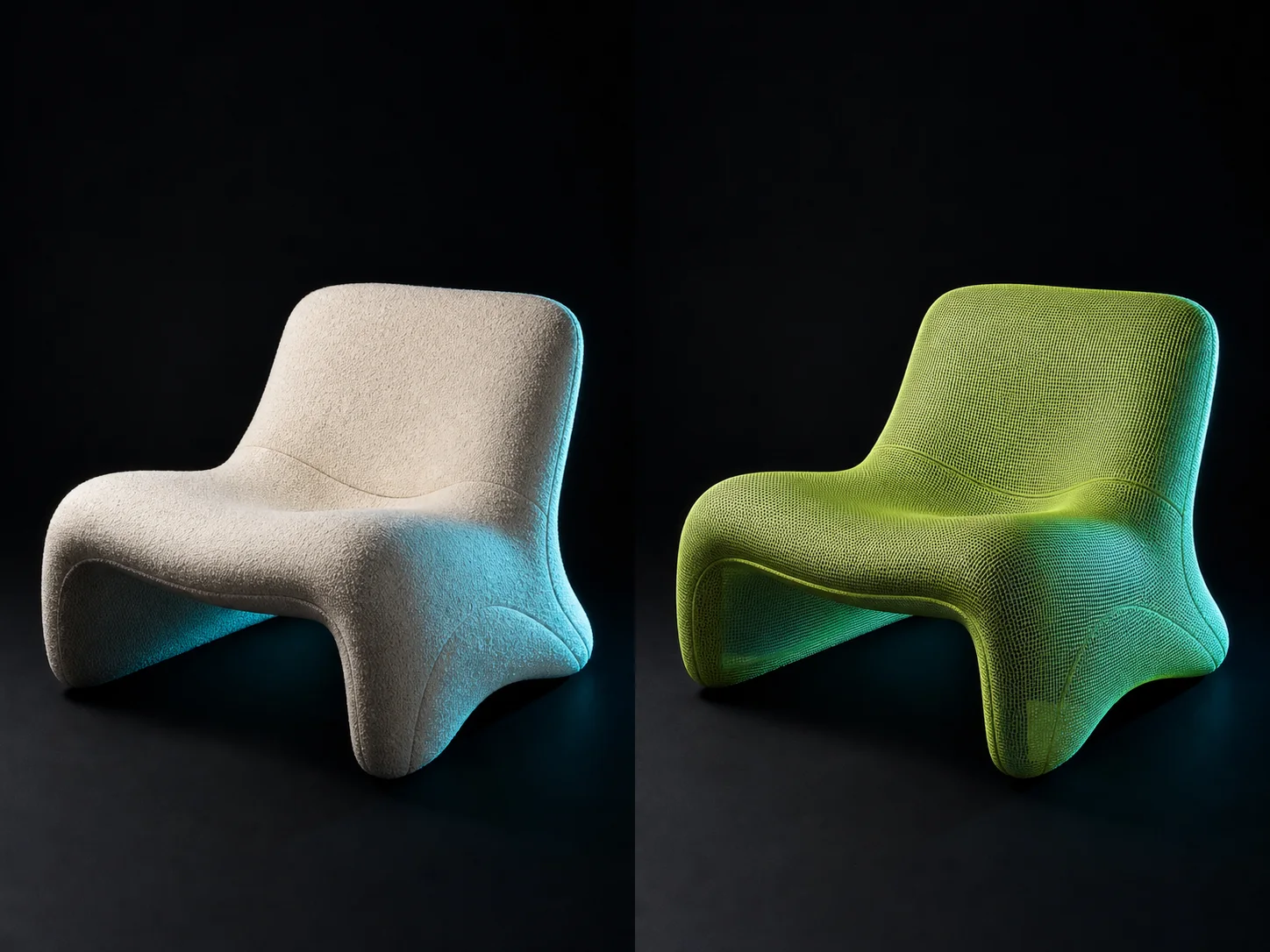
Retexture Objects while Preserving Geometry
Replace a surface or material while protecting shape, proportion, camera, lighting, and surrounding context. This makes Max useful for material exploration, product variants, interior finishes, and preservation-sensitive creative edits.
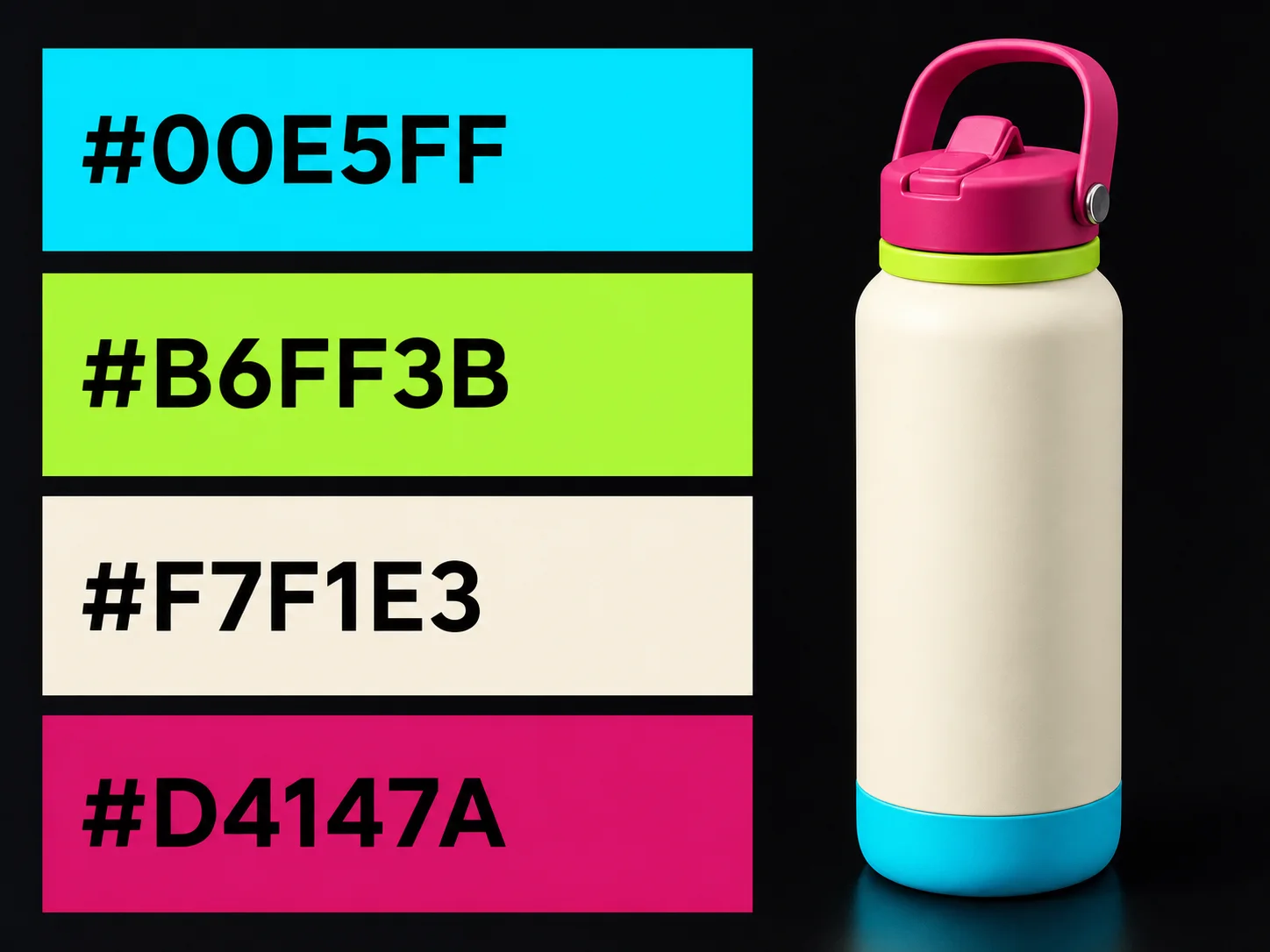
Direct Typography and Exact Color
Include concise visible copy and HEX color values inside a structured visual brief. Define which object receives each color and how light affects it, then review typography and sampled pixels before production approval.
What Is Flux.2 Max Built For?
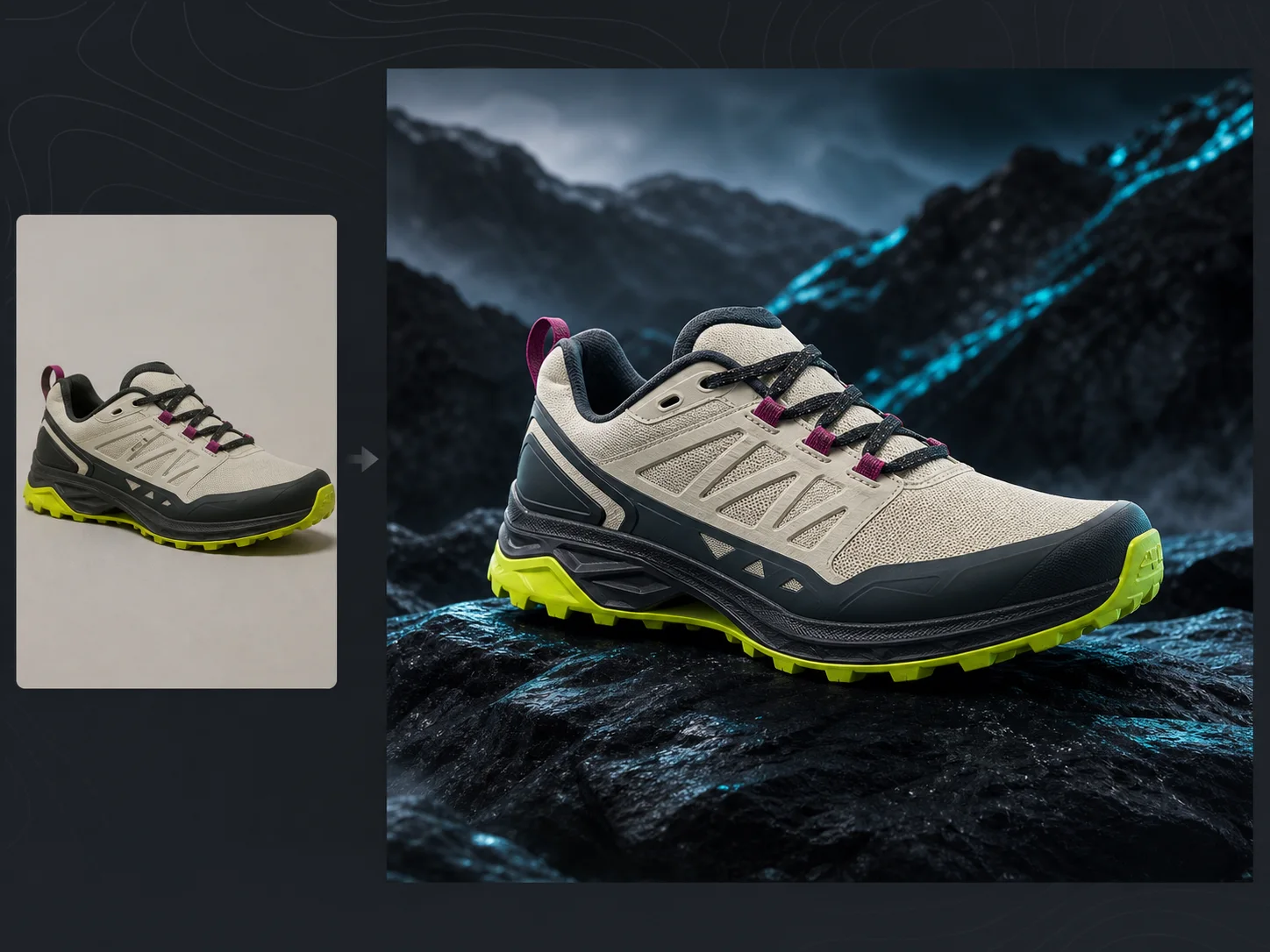
Premium product and e-commerce. Build hero images, packaging, lifestyle placements, material variants, and campaign sets where product geometry and surface fidelity must remain stable.
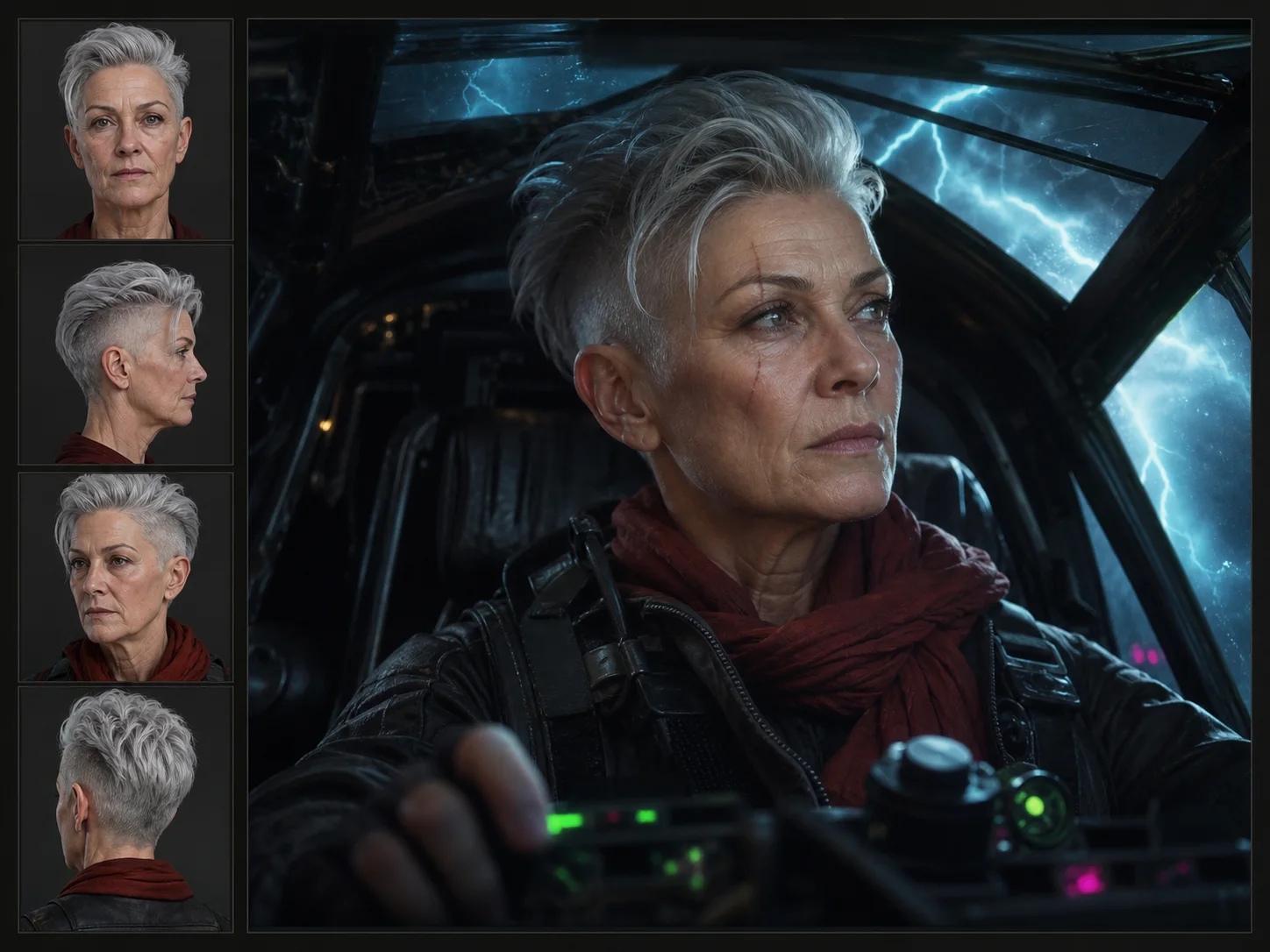
Film and campaign previsualization. Develop keyframes, characters, locations, costumes, and emotionally specific scenes from layered briefs and repeated references.
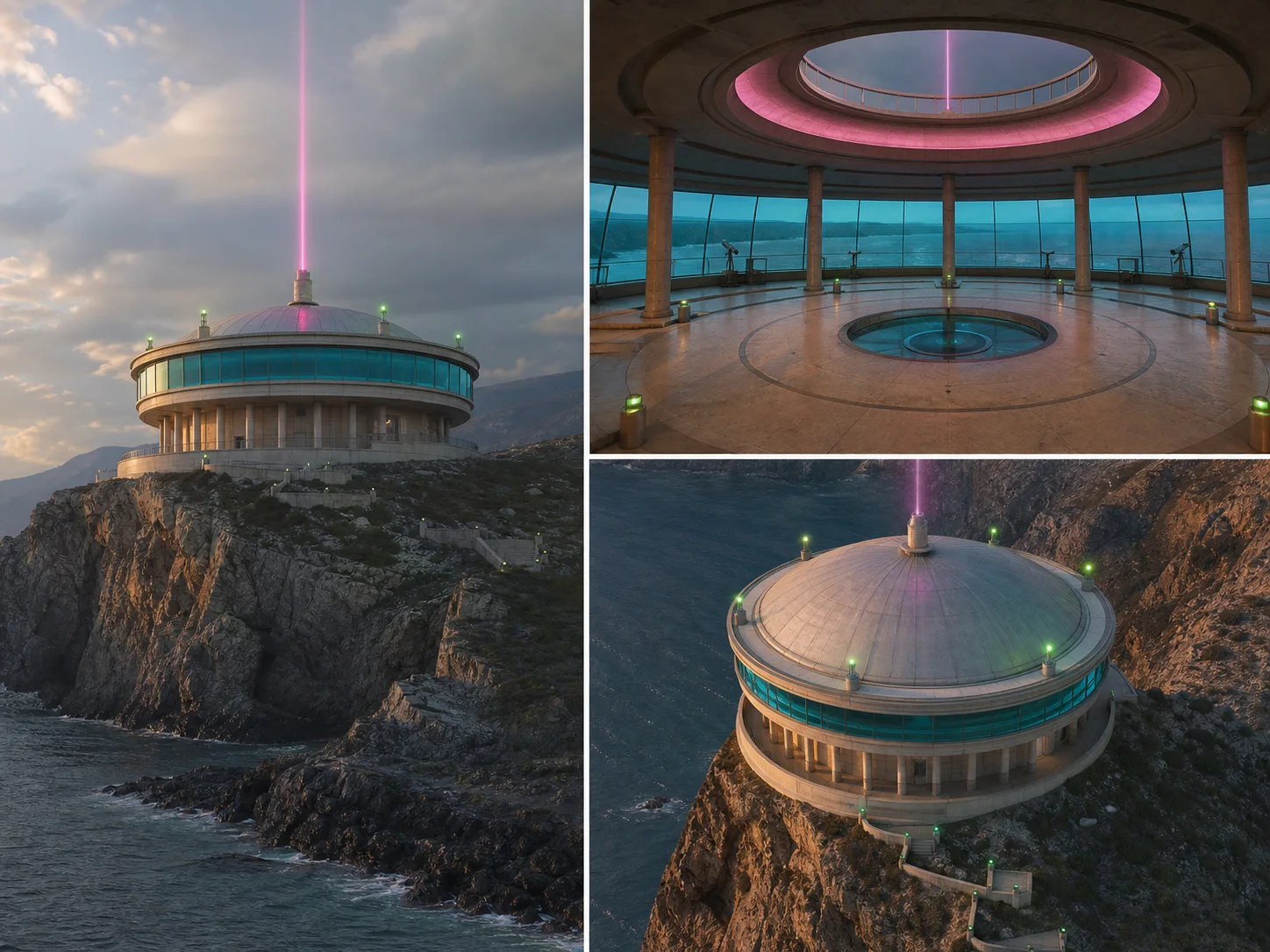
Architecture and environment design. Explore complex interiors, exteriors, spatial layouts, material treatments, and several useful viewpoints while preserving one environment's identity.
How to Use Flux.2 Max on Nuzza AI For Free
Try Flux.2 Max for Free NowChoose Generation or Editing
Start from text for a new image, or upload references when identity, product geometry, environment, or style must guide the result.
Build a Structured Brief
Define subject, spatial relationships, camera, light, materials, exact colors, copy, and exclusions; assign each reference a distinct role.
Generate and Inspect at Full Size
Choose a preset or custom canvas, then review identity, text, geometry, reflections, edges, lighting, and material detail before approval.
Flux.2 Max vs. Flux 2 Pro vs. GPT Image 2
| Feature / Model | Flux.2 Max | Flux 2 Pro | GPT Image 2 |
|---|---|---|---|
| Best Fit | Premium products, consistent characters, complex spaces, and precise retexturing. | Commercial campaigns, product imagery, typography, and structured production briefs. | Detailed marketing briefs, visible text, targeted edits, and inpainting. |
| Model Emphasis | Strongest prompt following, editing consistency, style fidelity, and world knowledge. | Production quality, multi-reference control, spatial logic, and exact colors. | Flexible generation, reference editing, masks, and selectable quality. |
| Reference Inputs | Nuzza editing accepts one to sixteen staged source images. | Nuzza editing accepts one to sixteen staged source images. | Nuzza editing accepts one to sixteen staged source images. |
| Output Controls | Presets or custom sizes up to four megapixels. | Presets or custom sizes up to four megapixels. | Flexible sizes, selectable quality, and one to four results. |
| Image Editing | Highest FLUX.2 consistency for preservation-sensitive transformations. | Natural-language edits preserve context across production scenes. | Reference editing and mask-led inpainting use dedicated operations. |
FAQs about Flux.2 Max
What is Flux.2 Max?
Flux.2 Max is Black Forest Labs' highest-tier FLUX.2 image model. It supports image generation and editing. Black Forest Labs positions it for maximum quality, strongest prompt following, style fidelity, world knowledge, and editing consistency. It can produce images up to four megapixels. Flux.2 Max is available on Nuzza for generation and editing.
How is Flux.2 Max different from Flux 2 Pro?
Both support production-grade generation, editing, multi-reference control, typography, and 4MP output. Max prioritizes the family's highest quality, prompt fidelity, style fidelity, and editing consistency, while Pro is the balanced production model.
What can I create with Flux.2 Max?
Flux.2 Max is suited to premium products, e-commerce campaigns, character-led keyframes, complex interiors, architecture, typography, material studies, and preservation-sensitive edits.
How many reference images can I use with Flux.2 Max?
Official limits vary with input and output resolution. Nuzza's current edit workflow stages one to sixteen sources, while the model's combined pixel budget can lower the practical count for large images.
Can Flux.2 Max preserve a product or character?
It is the FLUX.2 model positioned for the strongest editing consistency. Reuse the same references, assign each source a role, state preservation rules explicitly, and inspect every output before production use.
Can Flux.2 Max change only an object's material?
Yes. Retexturing is an official example: describe the new material while preserving shape, geometry, camera, lighting, and surrounding context.
Does Flux.2 Max support text and exact colors?
Yes. FLUX.2 supports typography and HEX color prompting. Quote visible copy, identify each color's target object, and verify spelling and sampled pixels before final approval.
Can I use Flux.2 Max for free on Nuzza?
Yes. Nuzza offers free Credits for new users to try Flux.2 Max. Once your free Credits are used up, you will need to subscribe to a paid plan to continue.
Create Maximum-Quality Images with Flux.2 Max
Build premium product, character, spatial, typography, and retexturing workflows with Flux.2 Max on Nuzza AI.
Try Flux.2 Max