
Seedance 2 Fast
Seedance 2.0 Fast is ByteDance's accelerated Seedance 2.0 variant for lower-latency generation. It retains the family's multimodal text, image, video, and audio direction, native sound, complex motion, and multi-shot storytelling while prioritizing faster creative iteration.
Why Creators Choose Seedance 2.0 Fast?
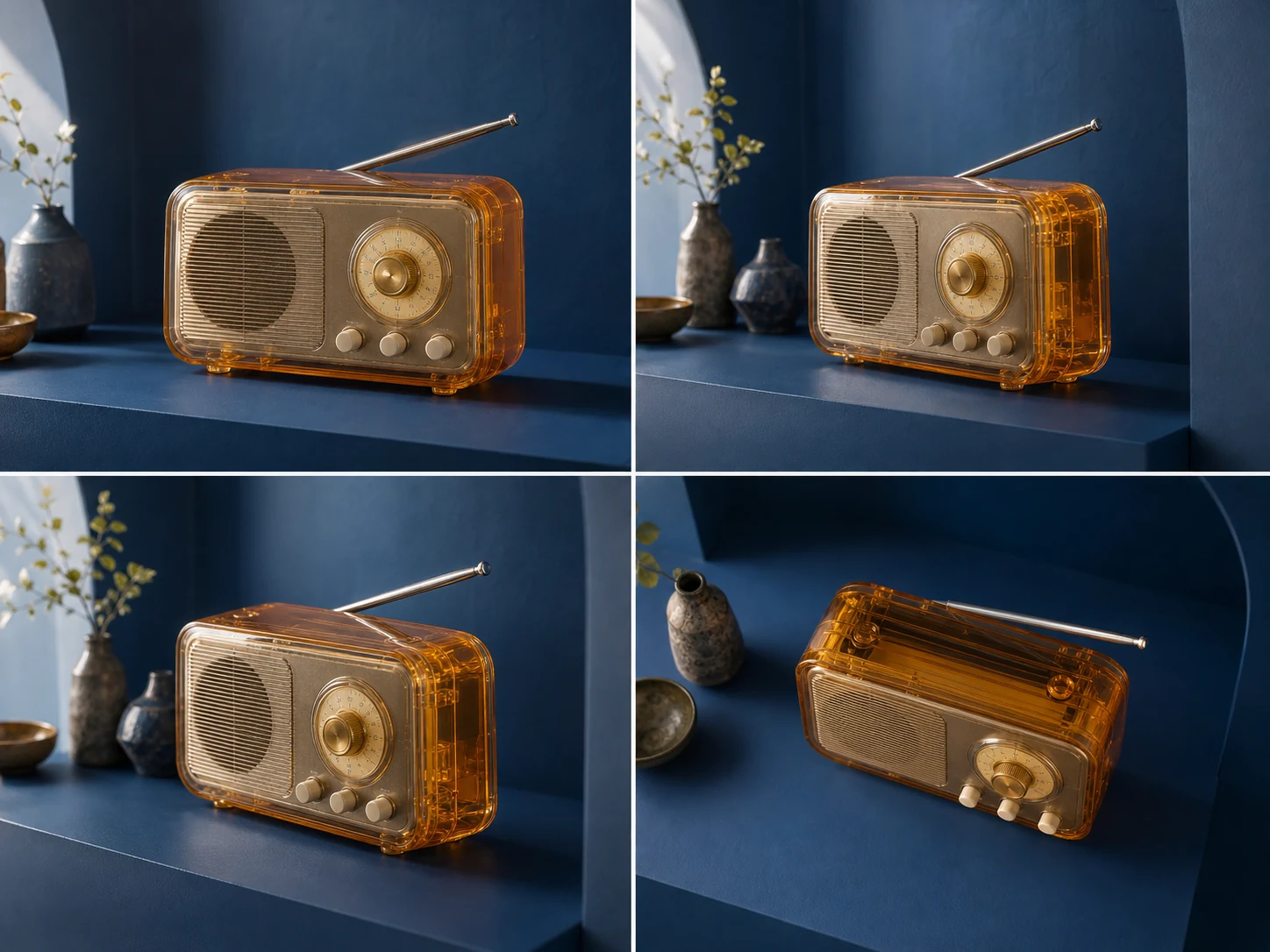
Accelerate Multimodal Video Iteration
Use the accelerated Seedance 2.0 variant for lower-latency creative cycles. It is designed to help teams test more prompts, reference combinations, and shot directions before choosing a final production route.
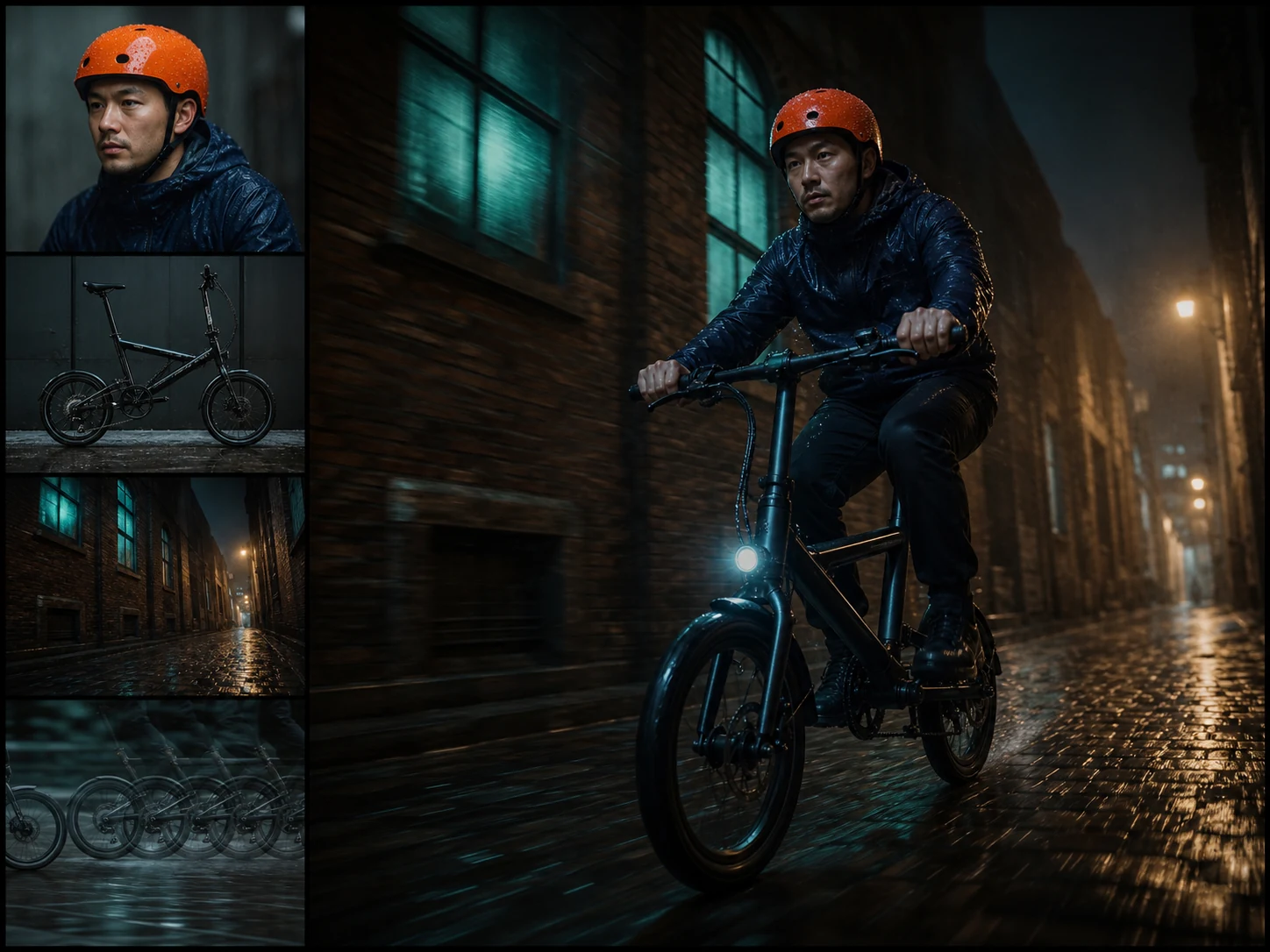
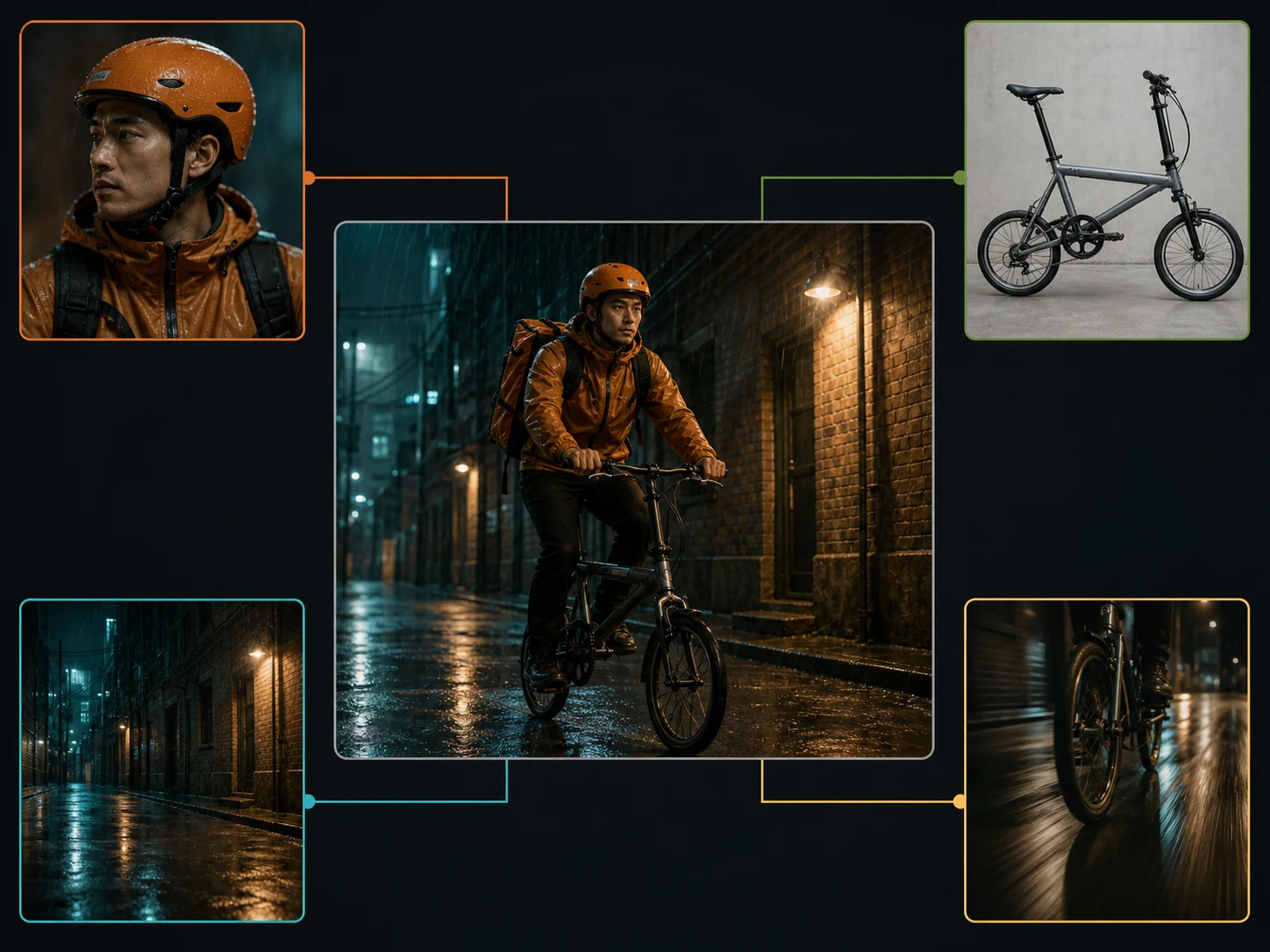
Combine 9 Images, 3 Videos, and 3 Audio Clips
Stage up to nine images, three videos, and three audio clips with a written brief. Assign every source a clear role in identity, composition, motion, camera, effects, or sound.
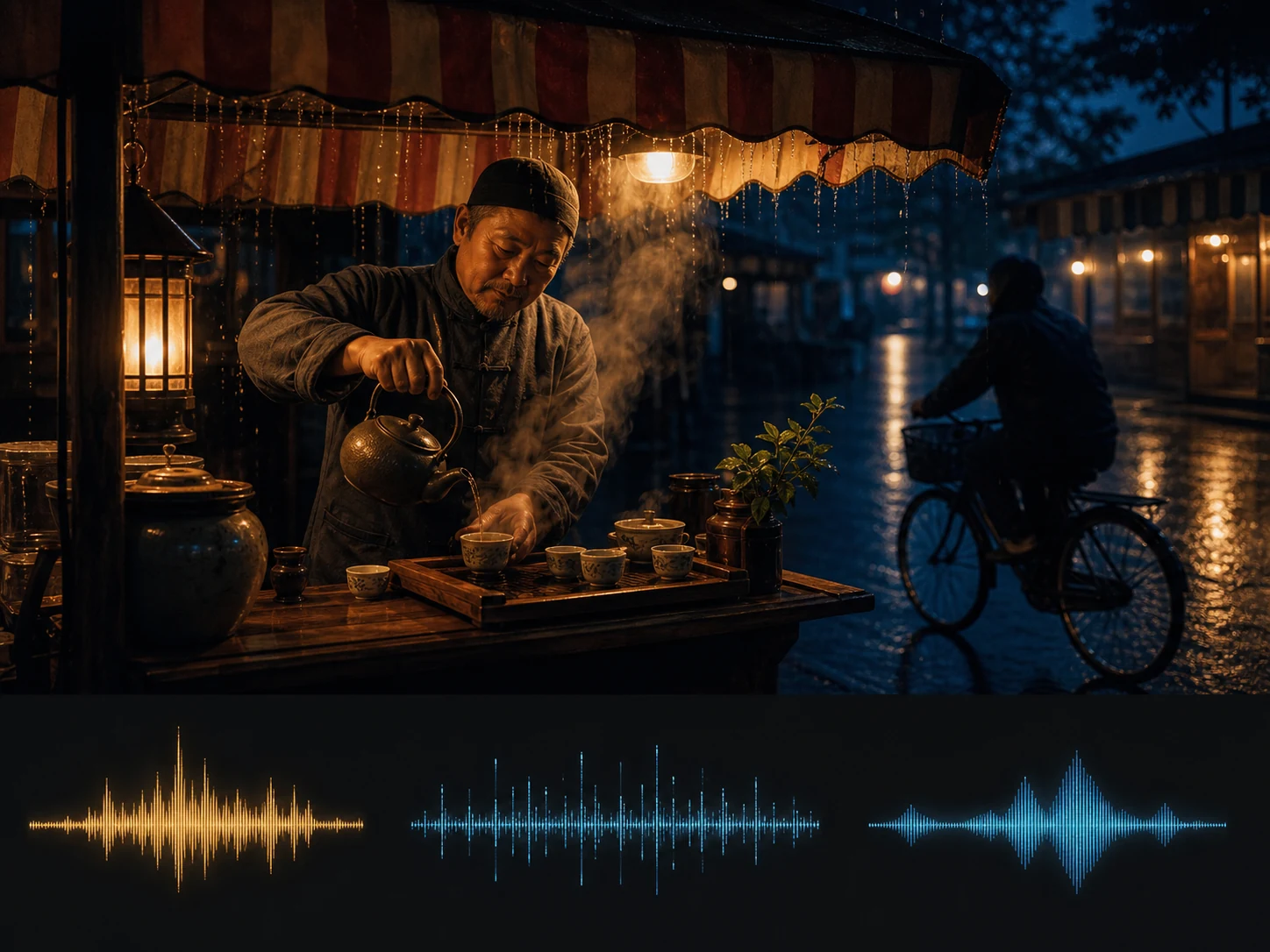
Generate Native Audio with the Picture
Describe voice, music, ambience, and effects together with the visible action. Seedance 2.0 Fast can generate the soundtrack with the video so timing and synchronization arrive in one result.
Direct Complex Motion and Interactions
Write detailed action involving several subjects, changes in momentum, and physical contact. The Seedance 2.0 family improves motion stability and physical plausibility for demanding interactions.
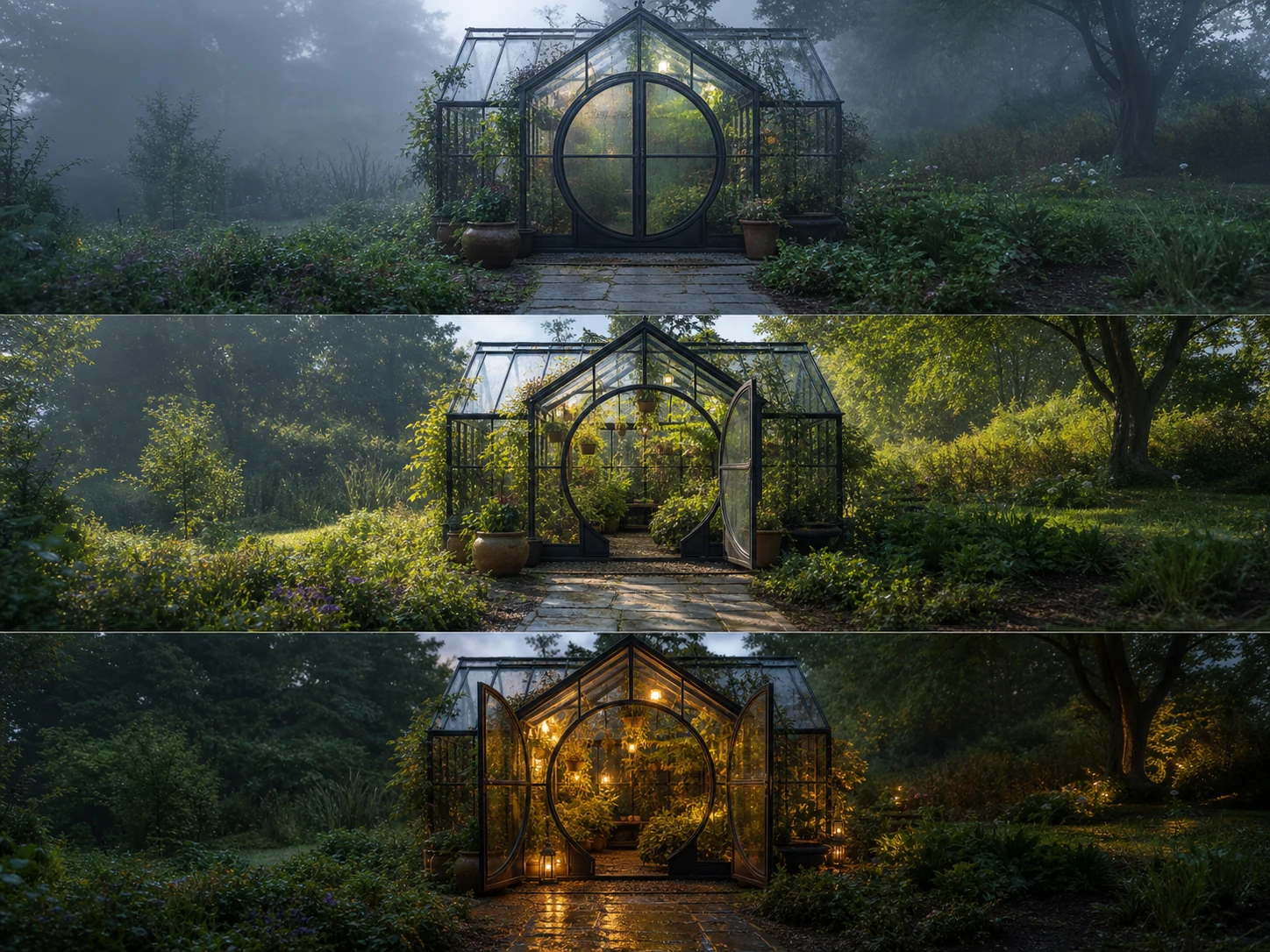
Create up to 15 Seconds with Multiple Shots
Plan a connected sequence with shot changes, camera direction, recurring subjects, and audio in one generation. Longer multi-shot output gives short stories and commercials room for a complete narrative beat.
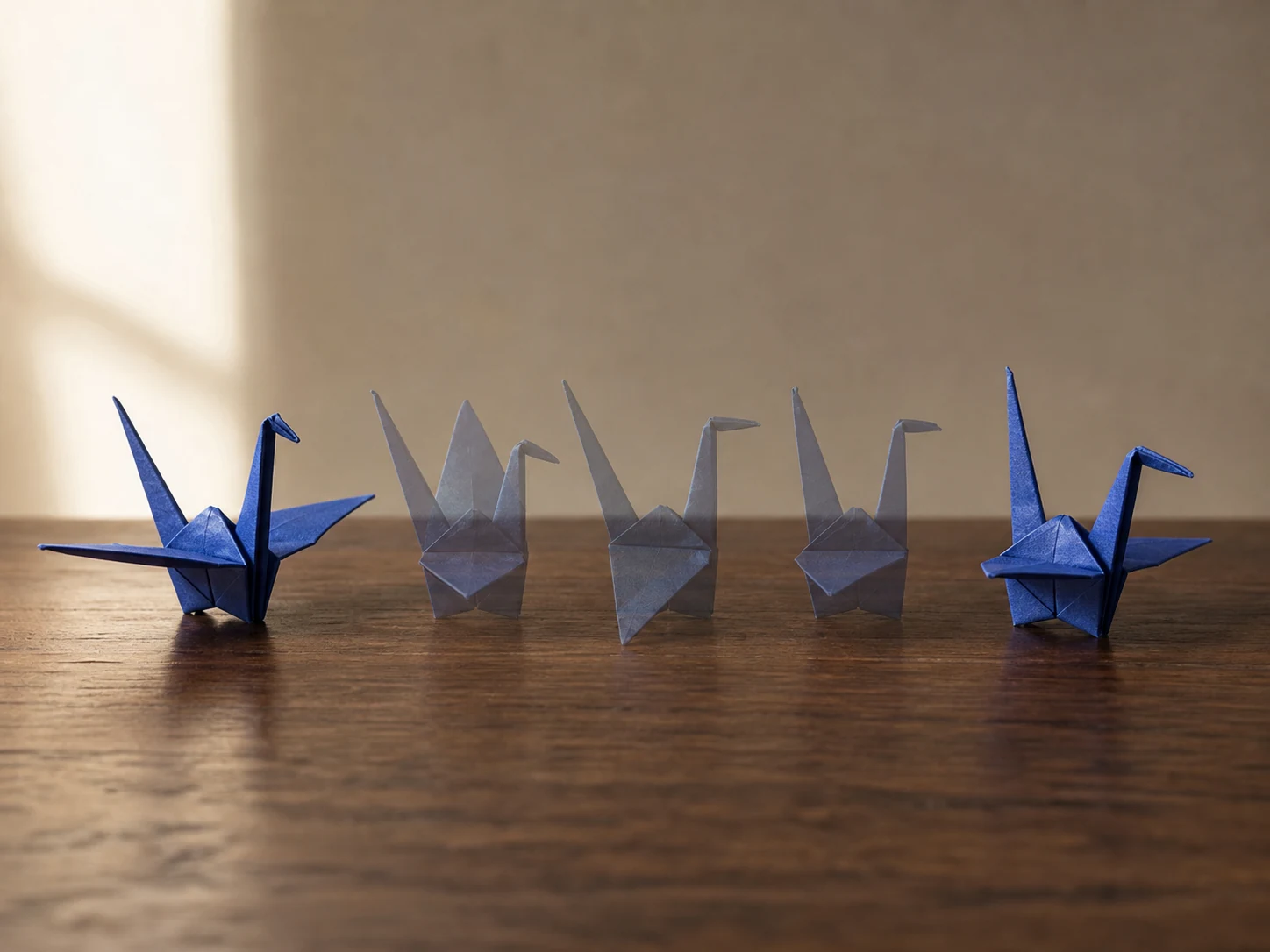
Guide Openings, Endings, and Reference Roles
Start from one image, provide first and last frames, or use mixed references for broader control. Choose the workflow that matches how much of the shot is already designed.
What Is Seedance 2.0 Fast Built For?
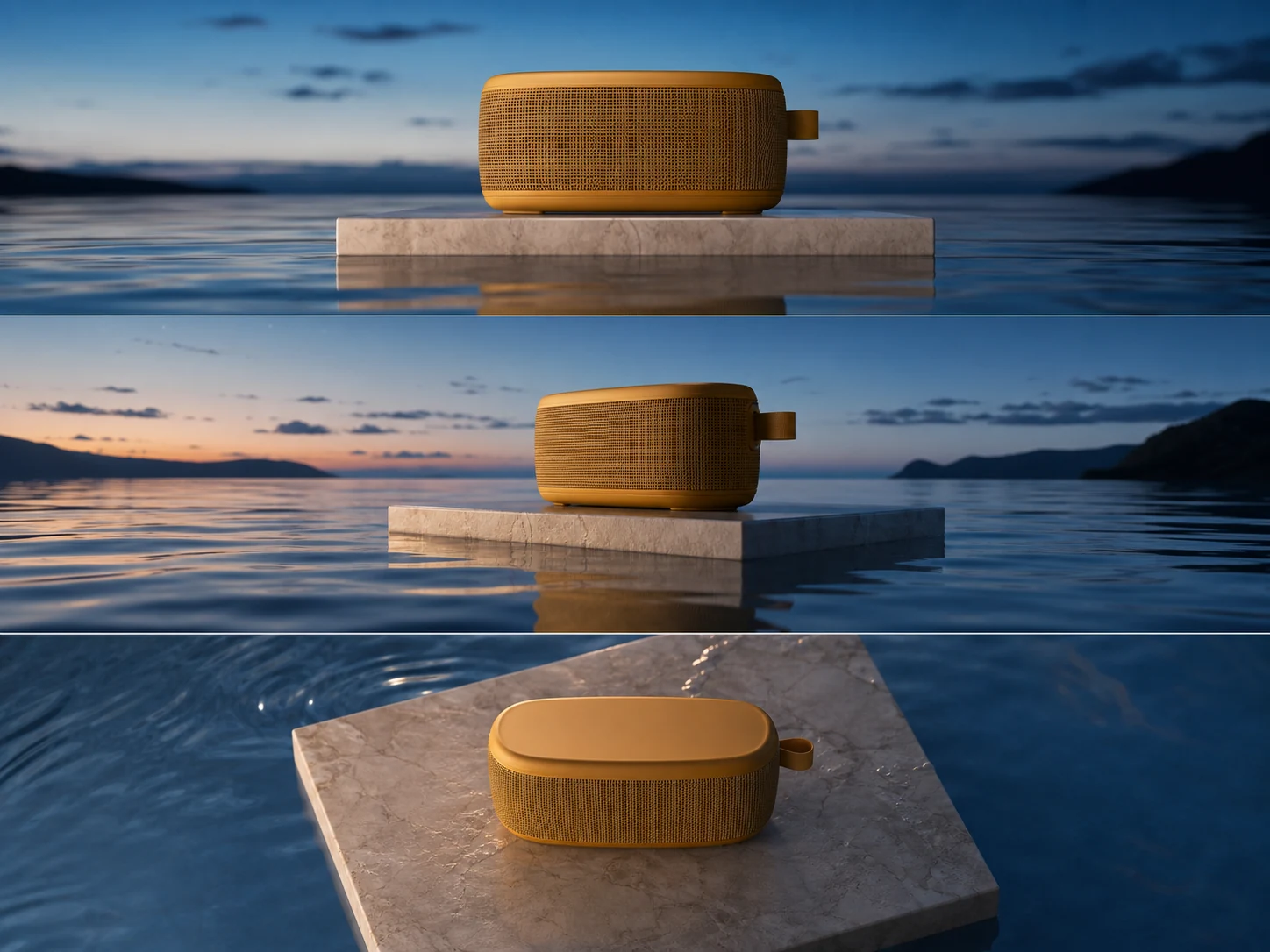
Advertising iteration. Test product scenes, hooks, camera moves, sound cues, and campaign variants rapidly before assigning the strongest direction to final production.
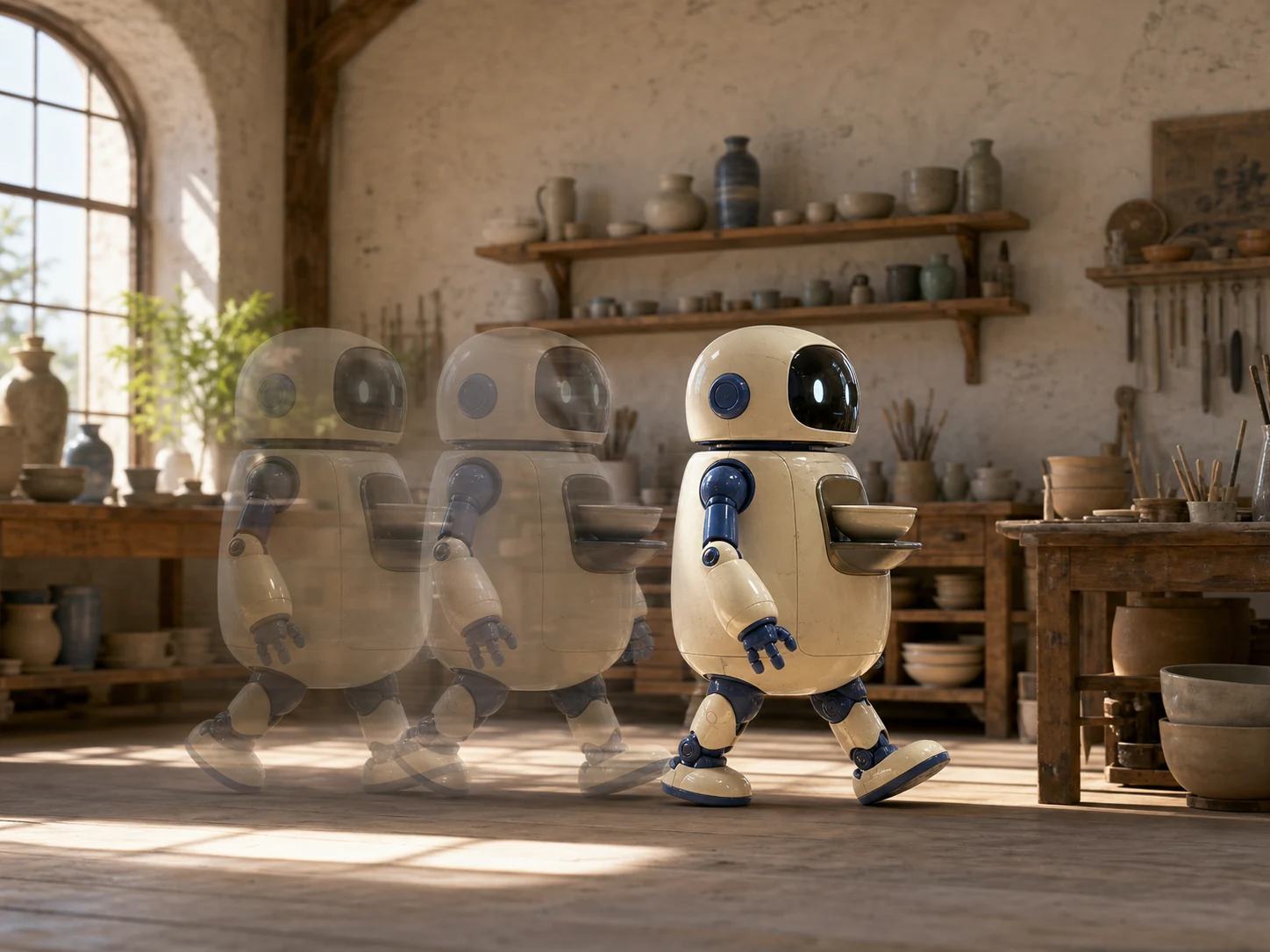
Social content pipelines. Produce recurring short-form clips in landscape, square, portrait, or ultrawide formats when creators need native sound and frequent variation.
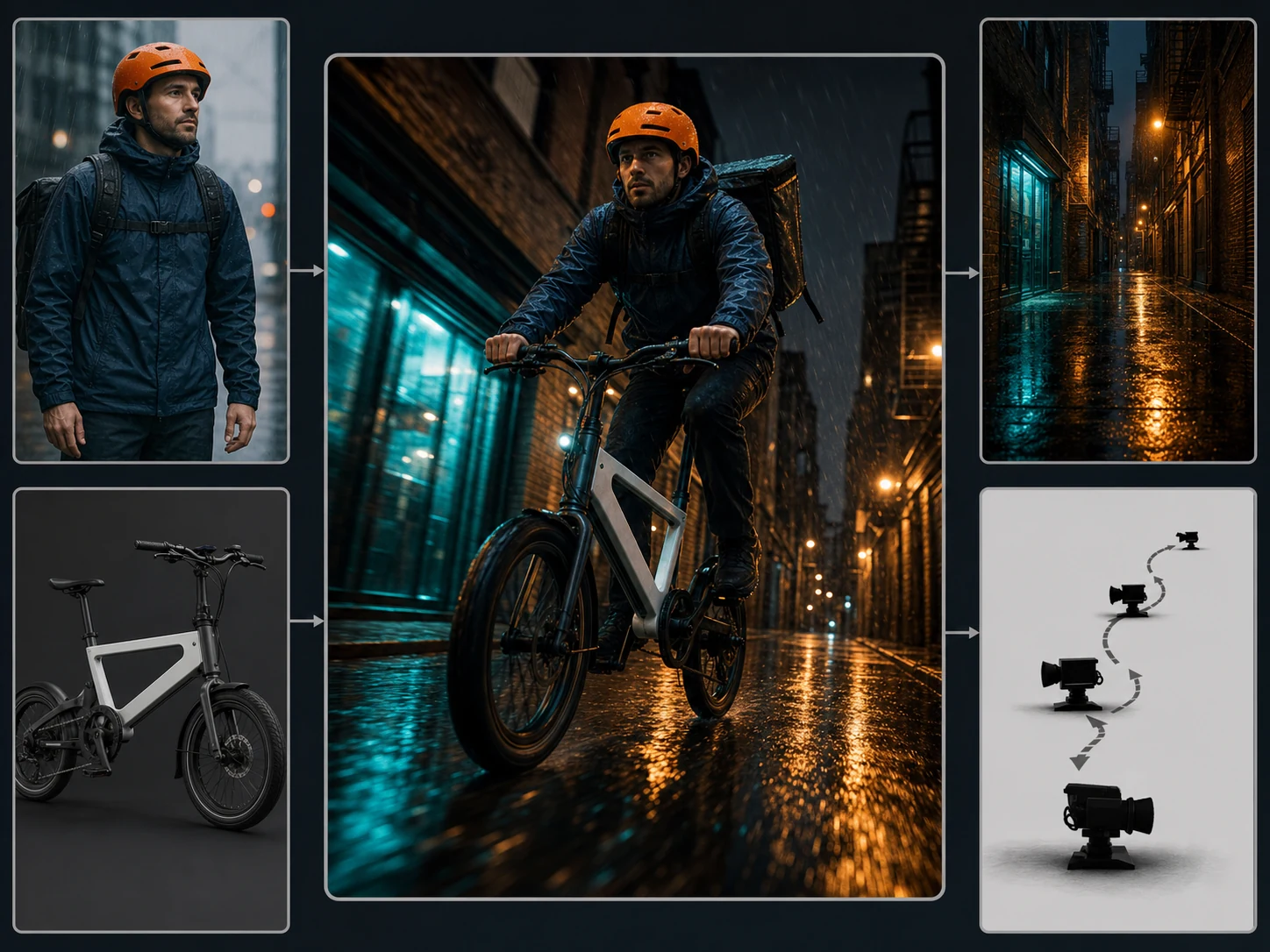
Storyboard and motion tests. Previsualize complex action, multi-shot rhythm, transitions, and reference-led character movement before investing in more expensive production passes.
How to Use Seedance 2.0 Fast on Nuzza AI For Free
Try Seedance 2.0 Fast for Free NowChoose the Right Input Mode
Start from text, one image, first and last frames, or mixed image, video, and audio references.
Direct the Sequence
Explain each reference's role, describe action, shot order, camera, and sound, then choose duration, ratio, resolution, and audio.
Generate and Compare Variations
Review motion, identity, transitions, crop, dialogue, effects, and synchronization, then change one key variable for the next fast pass.
Seedance 2.0 Fast vs. Seedance 2.0 vs. Seedance 2.0 Mini
| Feature / Model | Seedance 2.0 Fast | Seedance 2.0 | Seedance 2.0 Mini |
|---|---|---|---|
| Best Fit | Frequent reference-led iteration with native audio and complex motion. | Higher-fidelity, reference-heavy stories and demanding final production attempts. | Drafts, batch production, and cost-sensitive short-form video pipelines. |
| Max Duration | Nuzza offers Auto or four through fifteen seconds. | Nuzza offers Auto or four through fifteen seconds. | Nuzza offers Auto or four through fifteen seconds. |
| Max Resolution | Nuzza currently offers 480p and 720p output. | Nuzza currently lists 480p, 720p, 1080p, and 4K. | Nuzza currently offers 480p and 720p output. |
| Reference Inputs | Up to nine images, three videos, and three audio clips. | Up to nine images, three videos, and three audio clips. | Up to nine images, three videos, and three audio clips. |
| Audio | Native audio generation is available in the current workflow. | Native dual-channel audio supports voice, music, ambience, and effects. | Native audio generation is available in the current workflow. |
| Video Editing | The current Nuzza page focuses on generation, not source-video editing. | The official model supports editing; this Nuzza page exposes generation workflows. | The current Nuzza page focuses on generation, not source-video editing. |
FAQs about Seedance 2.0 Fast
What is Seedance 2.0 Fast?
Seedance 2.0 Fast is ByteDance's accelerated variant of Seedance 2.0. The official technical paper describes it as a version designed to boost generation speed for low-latency scenarios. It shares the Seedance 2.0 family's multimodal audio-video foundation. Seedance 2.0 Fast is available on Nuzza.
How is Seedance 2.0 Fast different from Seedance 2.0?
Seedance 2.0 Fast prioritizes lower-latency generation and frequent iteration. Standard Seedance 2.0 remains the full-quality choice when final fidelity matters more than turnaround.
What reference inputs does Seedance 2.0 Fast support on Nuzza?
Nuzza's reference workflow accepts up to nine images, three video clips, and three audio clips. You can also use text, one start image, or first and last frames.
What resolution and duration does Seedance 2.0 Fast support on Nuzza?
Nuzza currently offers Auto or four through fifteen seconds, with 480p and 720p output. Choose the destination ratio and resolution before writing detailed composition instructions.
Can Seedance 2.0 Fast keep the same character across scenes?
Visual references and detailed role assignments can help preserve character identity, wardrobe, and setting across shots. Because results remain generative, review every transition, interaction, and close-up.
Does Seedance 2.0 Fast generate sound?
Yes. The current Nuzza workflow can generate audio with the video. Review voice, music, ambience, effects, timing, and audio-video synchronization before publishing.
What aspect ratios does Seedance 2.0 Fast support on Nuzza?
Nuzza offers Auto, 21:9, 16:9, 4:3, 1:1, 3:4, and 9:16. Compose for the selected destination rather than relying on a later crop.
Can I use Seedance 2.0 Fast for free on Nuzza?
Yes. Nuzza offers free Credits for new users to try Seedance 2.0 Fast. Once your free Credits are used up, you will need to subscribe to a paid plan to continue.
Create with Seedance 2 Fast
Create 4–15 second Seedance 2.0 Fast videos from text or mixed references. Iterate faster with native audio and flexible framing.
Try Seedance 2 Fast