
MiniMax H3
MiniMax H3 creates 4–15-second videos from text, frames, or visual references with synchronized stereo audio. Try MiniMax H3 on Nuzza with 768P or 2K output.
Why Choose MiniMax H3?
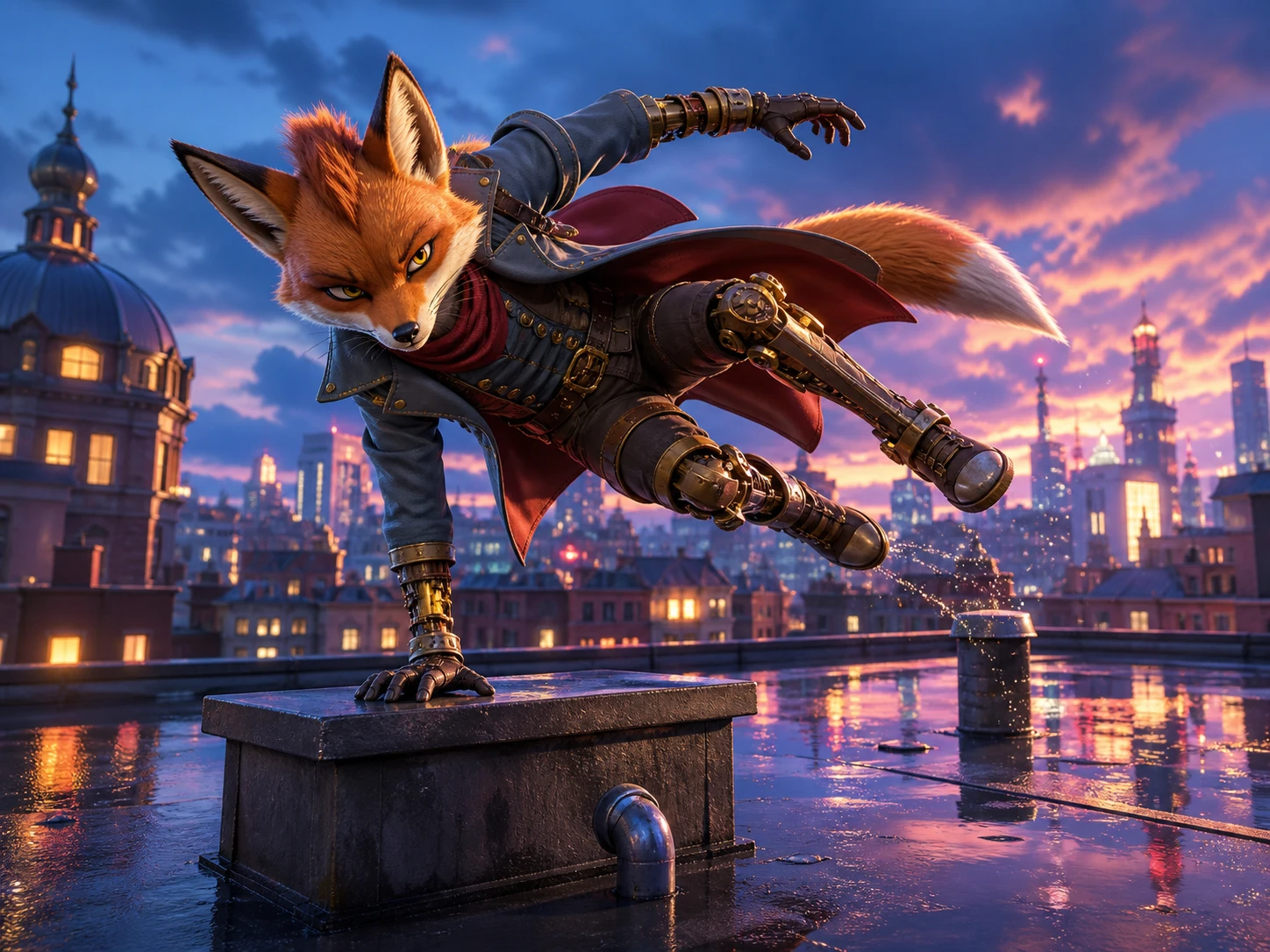
Transfer a Performance into a New Scene
Use a reference video to give a new character the source performer's action, pacing, and body rhythm. H3 rebuilds the character and environment while keeping the original performance recognizable.
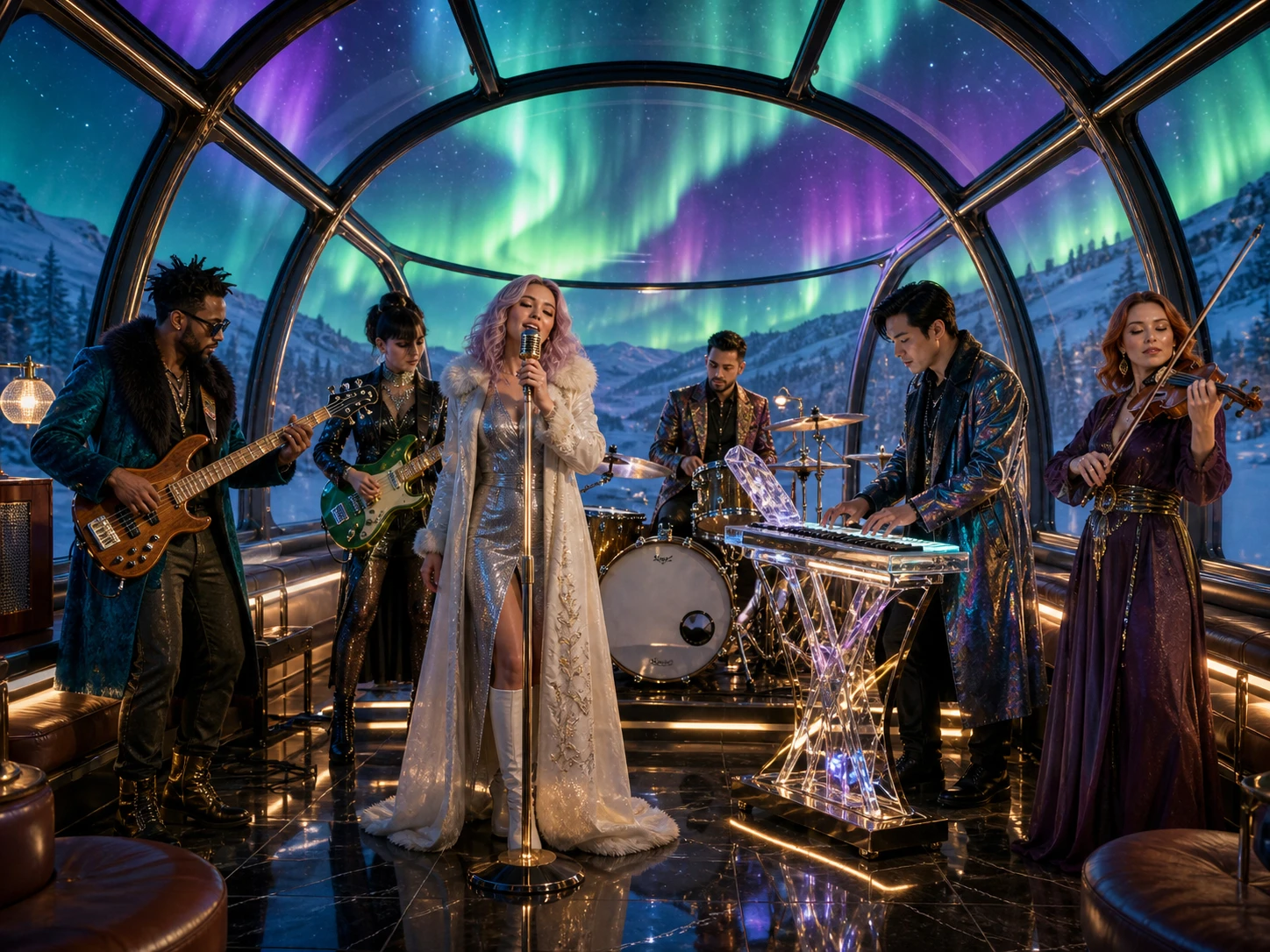
Use Up to 9 Images, 3 Videos, and 3 Audio Clips
Build one generation from up to 9 images, 3 video clips, and 3 audio clips, within a 12-file total. Give H3 enough reference material to coordinate characters, objects, motion, camera cues, atmosphere, and sound in the same scene.

Edit One Part Without Rebuilding the Shot
Replace a product, change the background, relight the scene, or rewrite a line of dialogue. H3 applies the requested edit while preserving the people, framing, motion, and timing you did not ask to change.
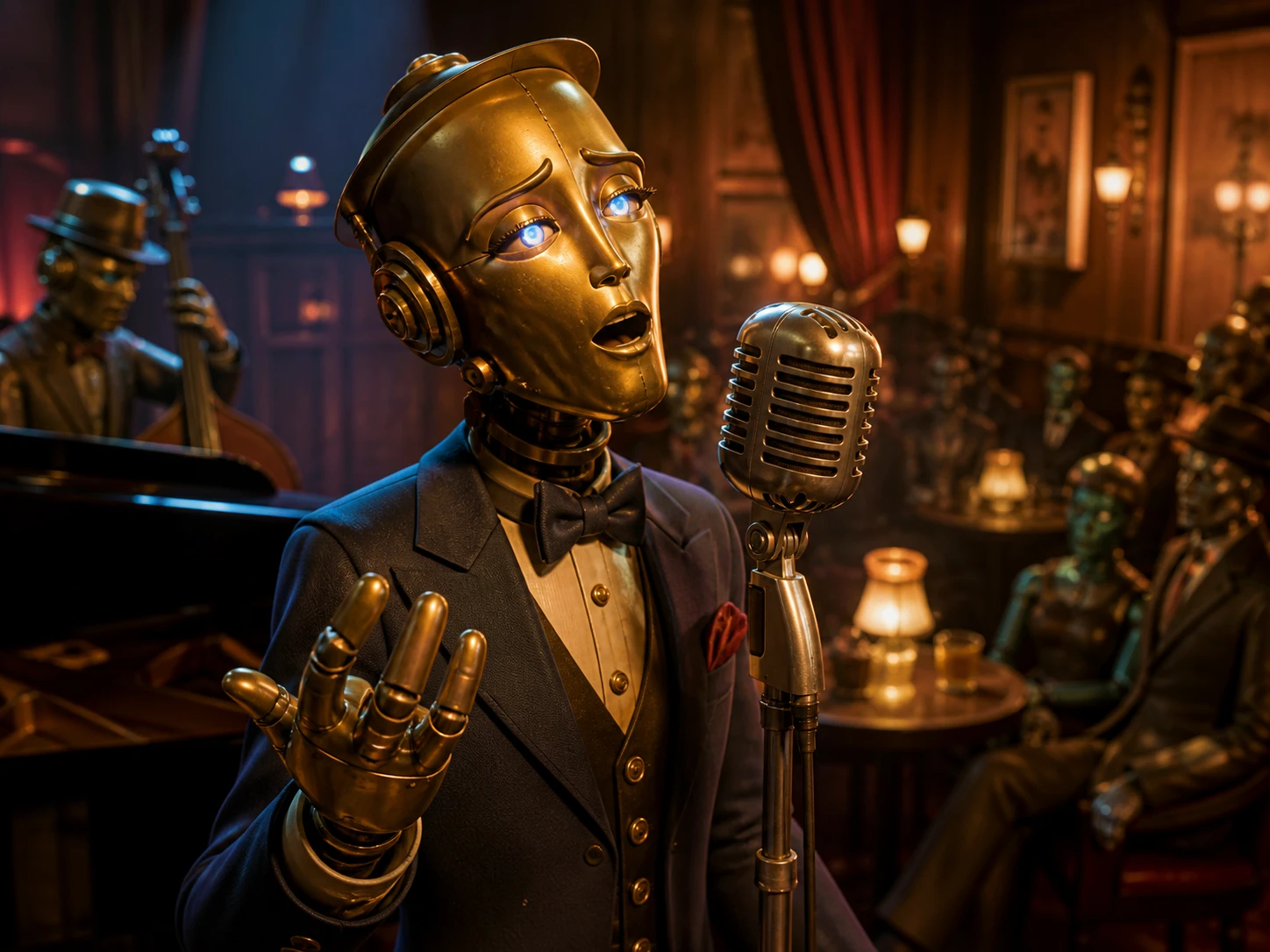
Give a New Character the Source Speaker's Voice
Use a voice reference to preserve the speaker's tone, cadence, and emotional delivery in a newly generated scene. H3 carries that vocal identity into a different character and environment while keeping the audiovisual performance coherent.
Built for Real-World Video Projects
Product ads. Turn product photos, character references, and a campaign brief into short launch spots, lifestyle clips, and product reveals for paid ads, landing pages, and online storefronts.
Storytelling. Create short narrative scenes, character moments, transformations, and planned openings or endings for storyboards, concept films, pitch reels, and serialized creative projects.
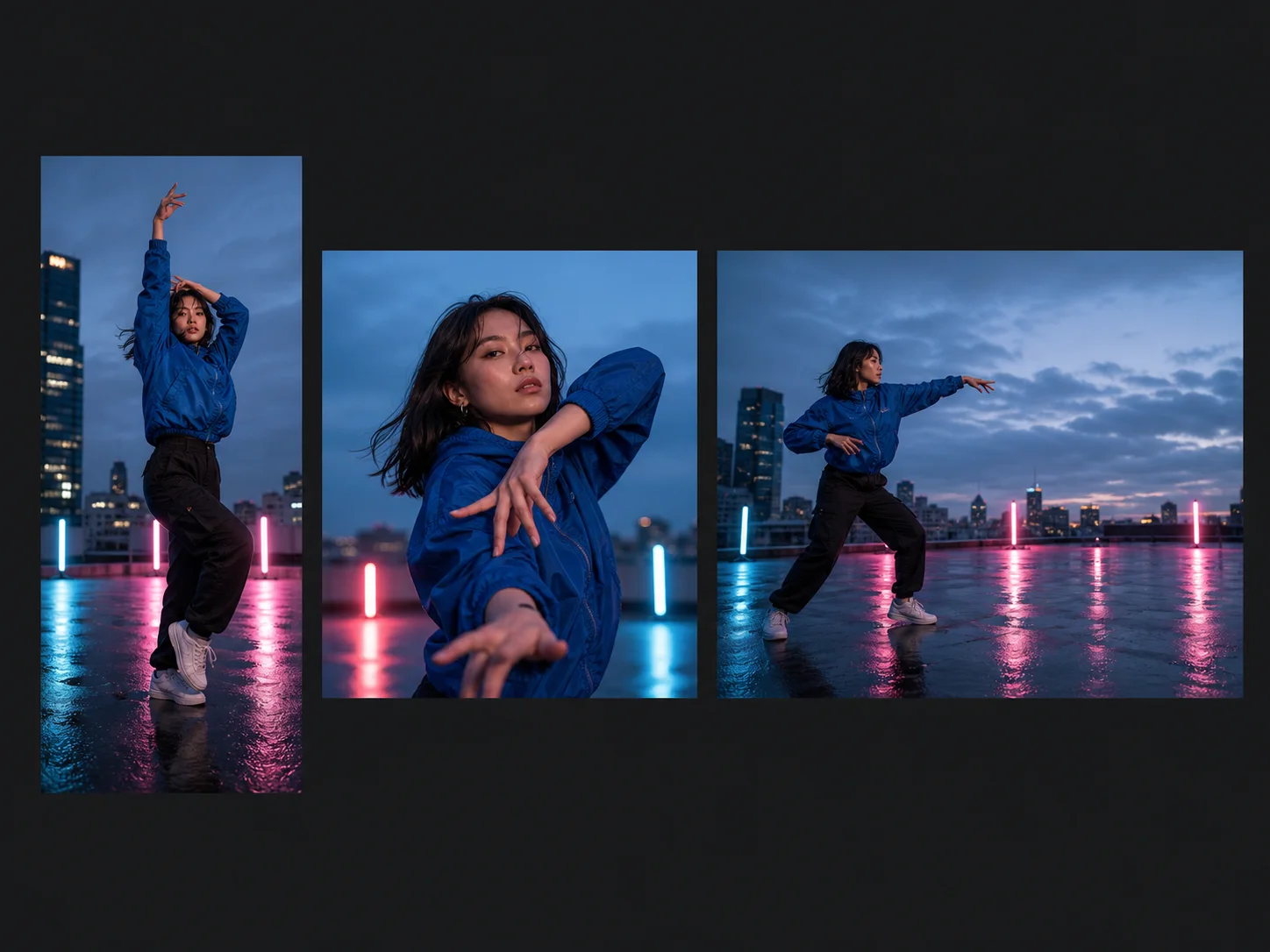
Social media. Produce vertical, square, landscape, or ultrawide clips for feeds, reels, teasers, announcements, and campaign cutdowns, with visuals and sound shaped for the final channel.
How to Use MiniMax H3
Add Your References
Upload a start image or add supported image and video references—or begin with text alone.
Write the Prompt
Describe the subject, action, camera, setting, and sound. Explain the role of each reference.
Generate with MiniMax H3
Review the active settings and Credits quote, submit the request, then check the finished video and synchronized audio.
MiniMax H3 vs. Seedance 2 vs. Wan 2.7
| Feature / Model | MiniMax H3 | Seedance 2 | Wan 2.7 |
|---|---|---|---|
| Best Fit | Best for short 2K clips guided by visual references and endpoint frames. | Best for multimodal video that needs audio guidance or 4K output. | Best for HD generation, continuation, and source-video transformation. |
| Max Duration | Generates clips from 4 to 15 seconds. | Generates clips from 4 to 15 seconds, with an Auto option. | Generates up to 15 seconds, depending on the workflow. |
| Max Resolution | Outputs at 768P or 2K. | Outputs at 480p, 720p, 1080p, or 4K. | Outputs at 720p or 1080p. |
| Reference Inputs | Accepts up to 9 images and 3 videos, with 12 visual files total. | Accepts up to 9 images, 3 videos, and 3 audio files. | Accepts image and video references across its generation and editing modes. |
| Audio | Generates synchronized stereo audio without uploaded audio guidance. | Accepts audio references and provides a generated-audio toggle. | Supports driving audio and can preserve source audio during edits. |
| Video Editing | Does not currently expose source-video editing in Nuzza. | Does not currently expose source-video editing in Nuzza. | Supports continuation, instruction-based editing, and video style transfer. |
FAQs about MiniMax H3
What is MiniMax H3?
MiniMax H3 is a multimodal video model that creates short video with synchronized stereo audio from a prompt and optional visual context. In Nuzza, you can use text, a start image, first and last frames, or image and video references. The selected workflow determines which inputs and output controls appear.
What inputs can I use with MiniMax H3 in Nuzza?
You can start with text, use one opening image with an optional ending image, or enter reference mode with images and videos. Reference mode accepts up to nine images and three videos, with no more than twelve visual references combined. Audio files are not currently exposed as H3 reference inputs in Nuzza.
Does MiniMax H3 support text to video?
Yes. MiniMax H3 text to video starts from a required prompt, then lets you choose a 4–15 second duration, 768P or 2K resolution, and a supported aspect ratio. Describe the subject, action, camera, setting, light, pace, and sound as concrete beats you can review in the result.
How does the MiniMax H3 multimodal video model use references?
H3 uses staged images and videos as context for a new generation. In the prompt, explain whether each source supplies identity, an object, motion, camera behavior, environment, or style. References guide the request, but you should still inspect continuity and unintended details in the generated clip.
Can MiniMax H3 generate audio with the video?
Yes. H3 generates synchronized stereo audio alongside the visuals, so a prompt can direct dialogue, ambience, and effects. The current Nuzza H3 composer does not expose a separate generated-audio toggle or audio-reference upload, so review the produced sound together with the video.
What duration, resolution, and aspect ratios does MiniMax H3 support?
The current Nuzza setup supports 4–15 second clips at 768P or 2K. Text and reference workflows include 21:9, 16:9, 4:3, 1:1, 3:4, and 9:16. Image-to-video adapts the ratio from the staged start or endpoint frames instead of showing a separate ratio selector.
Do I need to sign in, and how many Credits does MiniMax H3 use?
You need to sign in before submitting a MiniMax H3 generation in Nuzza. The composer calculates the current Credits quote from the selected workflow, duration, resolution, and other active settings before you continue. Review that quote instead of relying on a fixed evergreen price.
What should I check before using a MiniMax H3 result?
Review subject identity, hands and small details, visible text or marks, physical motion, cuts, frame continuity, dialogue, ambience, and audio timing. Complex multimodal instructions can compete with one another, so another pass with fewer references or clearer roles may help. Requests and outputs are also subject to the service's safety controls.
Create Multimodal Video with MiniMax H3
Direct MiniMax H3 with a prompt, start and end frames, or mixed image and video references, then create up to 2K video with synchronized stereo audio.
Try MiniMax H3