
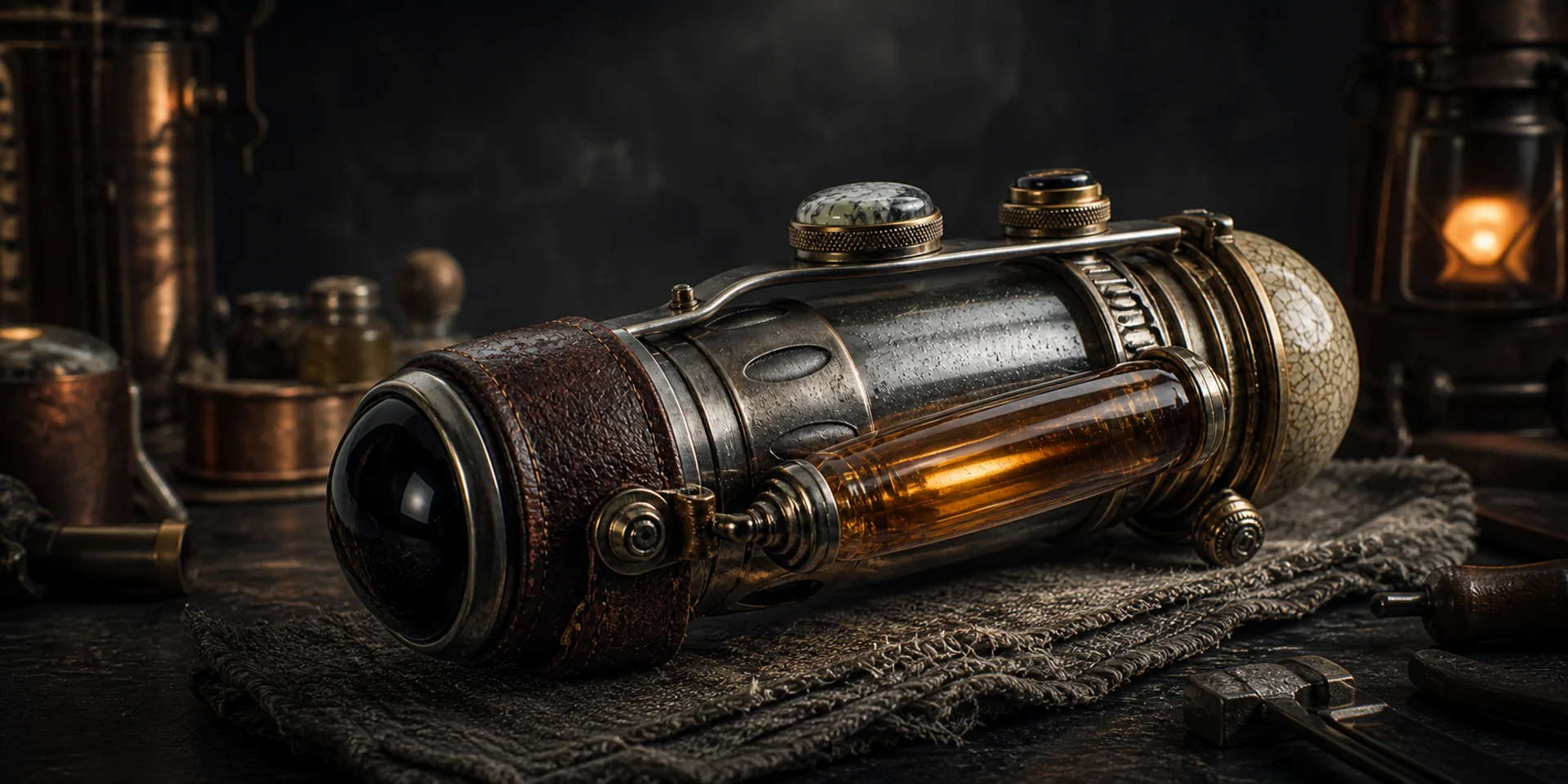
Qwen-Image-3.0
Qwen defines Qwen-Image-3.0 with one word: Real. Its Rich Content, Authentic Details, and Deep Knowledge turn long structured instructions, fine multilingual text, lifelike textures, and reference-image editing into visuals designed to be useful as well as good-looking.
Why Creators Choose Qwen-Image-3.0?
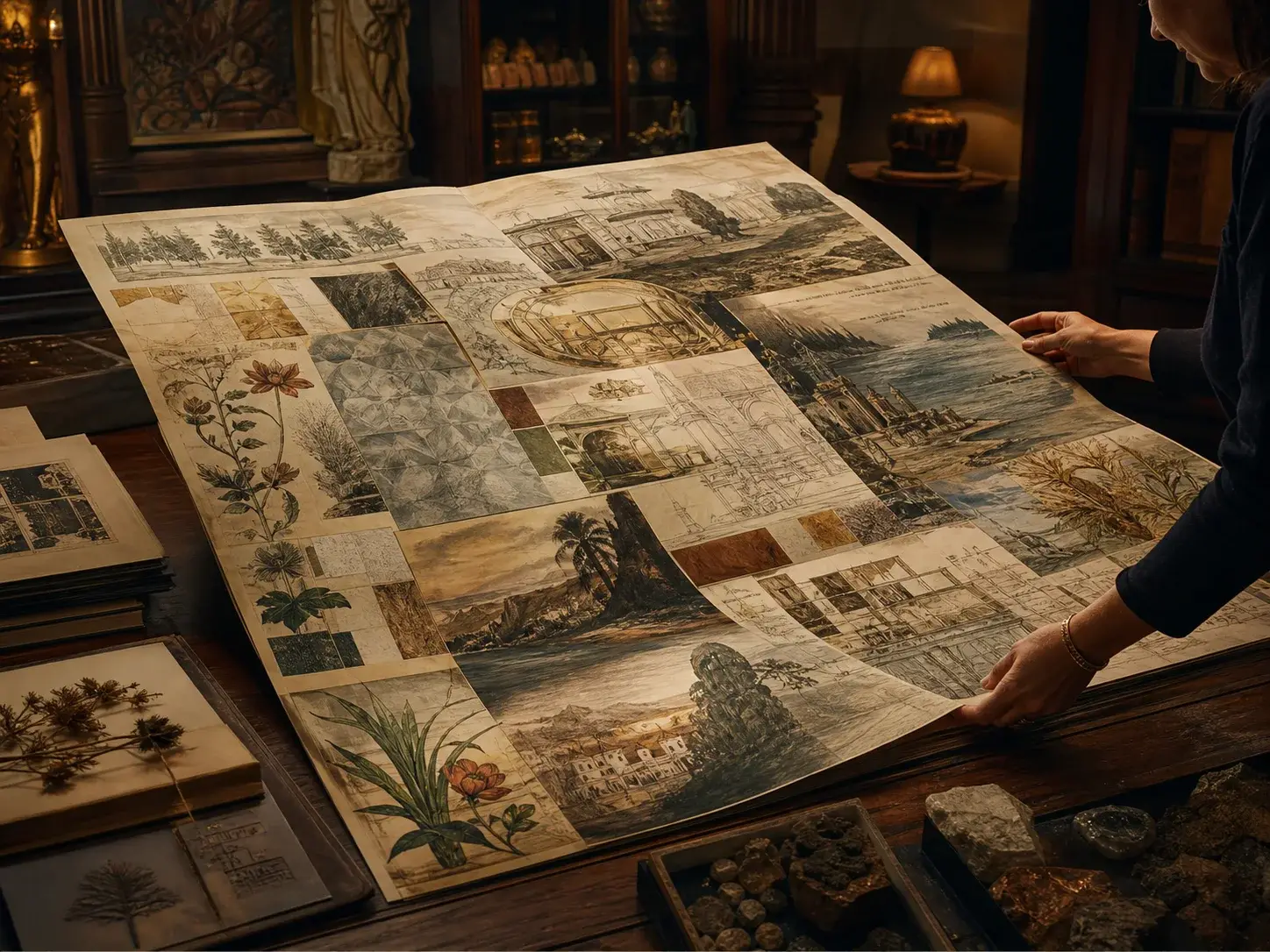
Build Rich Content from Up to 4.5K Tokens
Describe parallel sections, formulas, diagrams, characters, and spatial relationships in a prompt up to 4.5K tokens. Qwen-Image-3.0 can organize that long instruction into information-dense layouts such as newspapers, storyboards, exam papers, and multi-panel explainers.
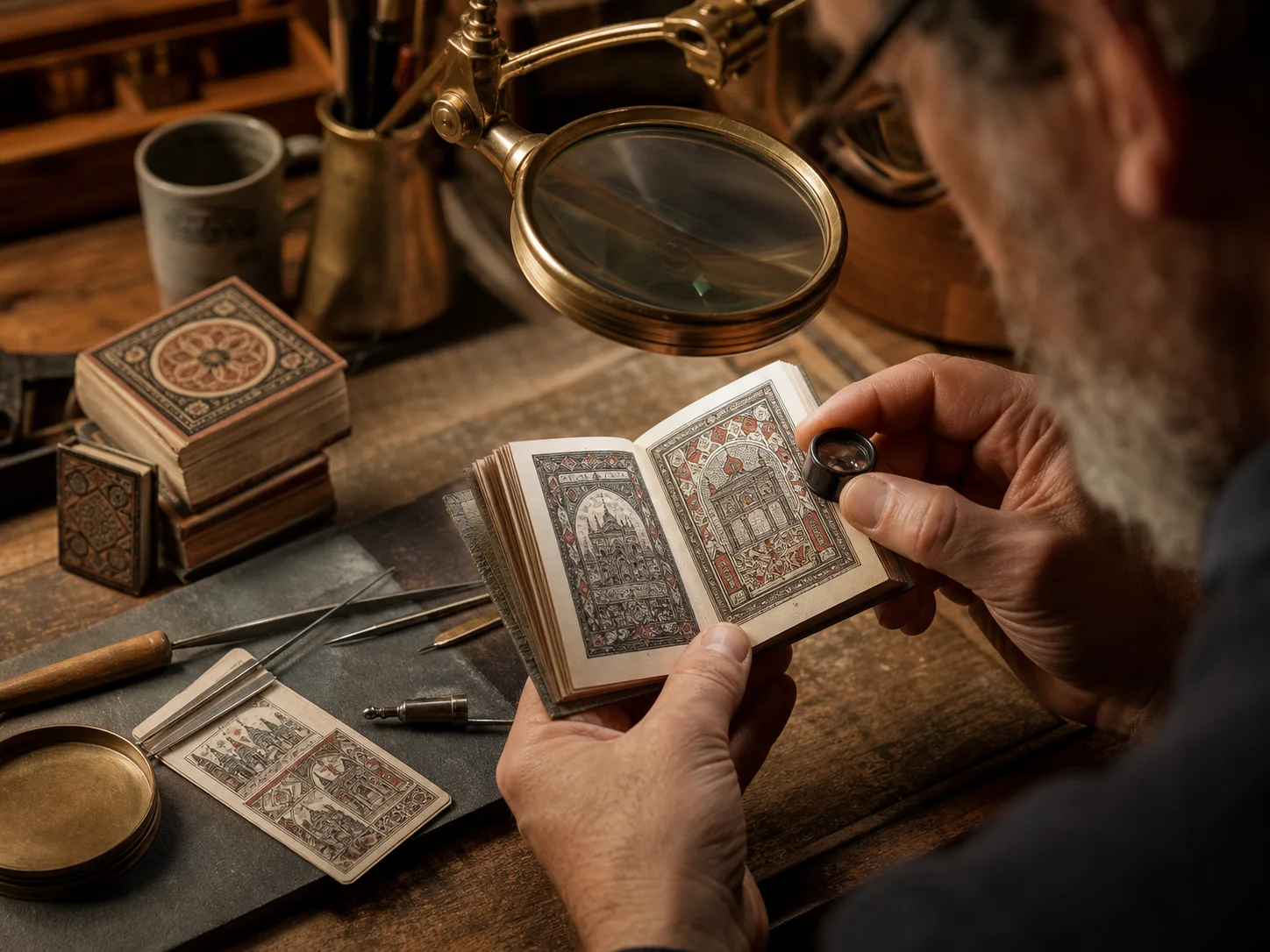
Render Text as Small as 10px
Create layouts with dense labels, formulas, columns, or editorial copy at small visual sizes. Qwen officially documents text rendering down to 10px for papers, newspapers, infographics, and annotated learning materials.
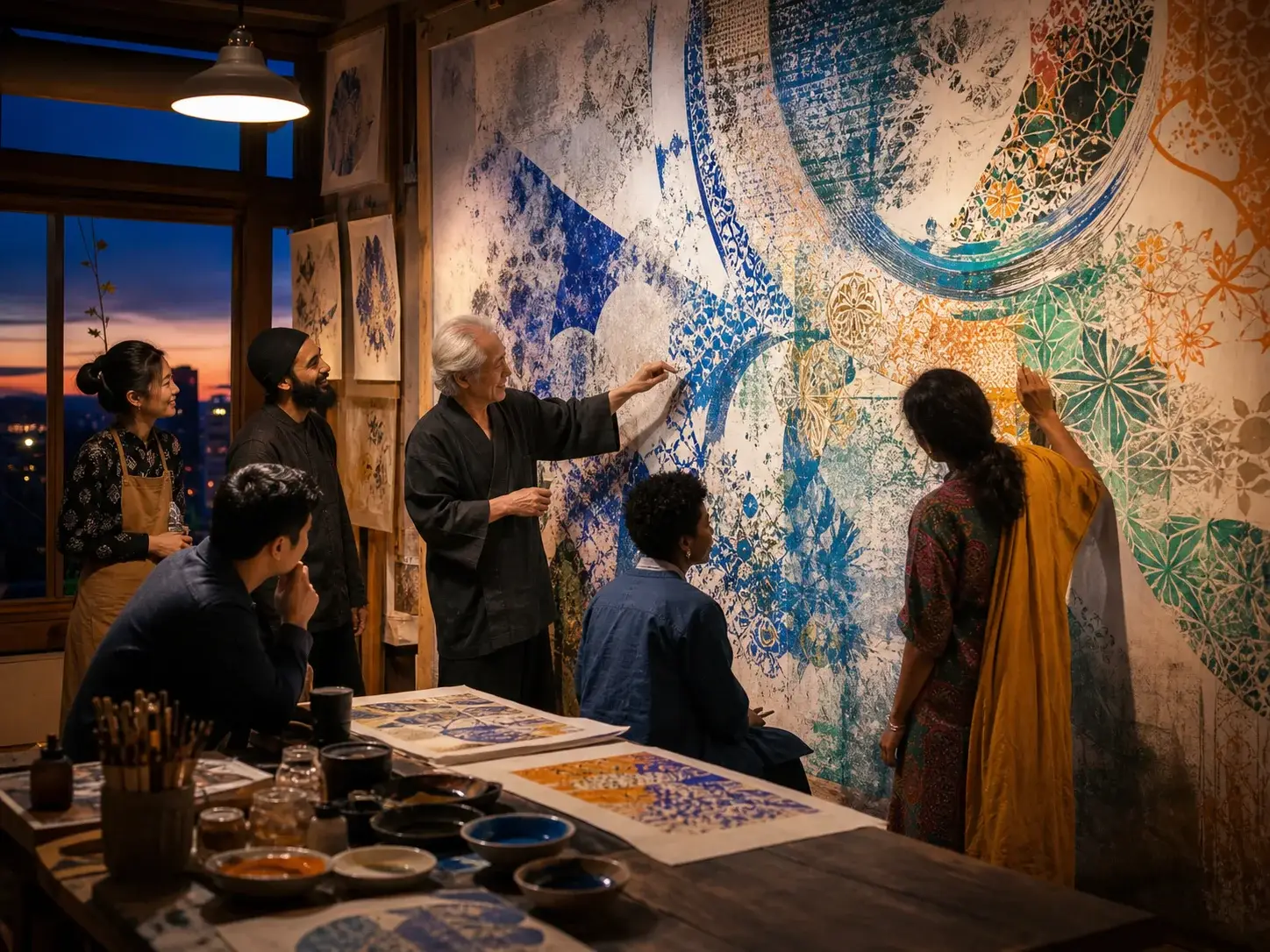
Render Natively Across 12 Languages
Compose posters, interfaces, explainers, and editorial concepts across writing systems. The official release states native rendering across 12 languages and demonstrates Japanese, Korean, and Spanish alongside Chinese and English content.
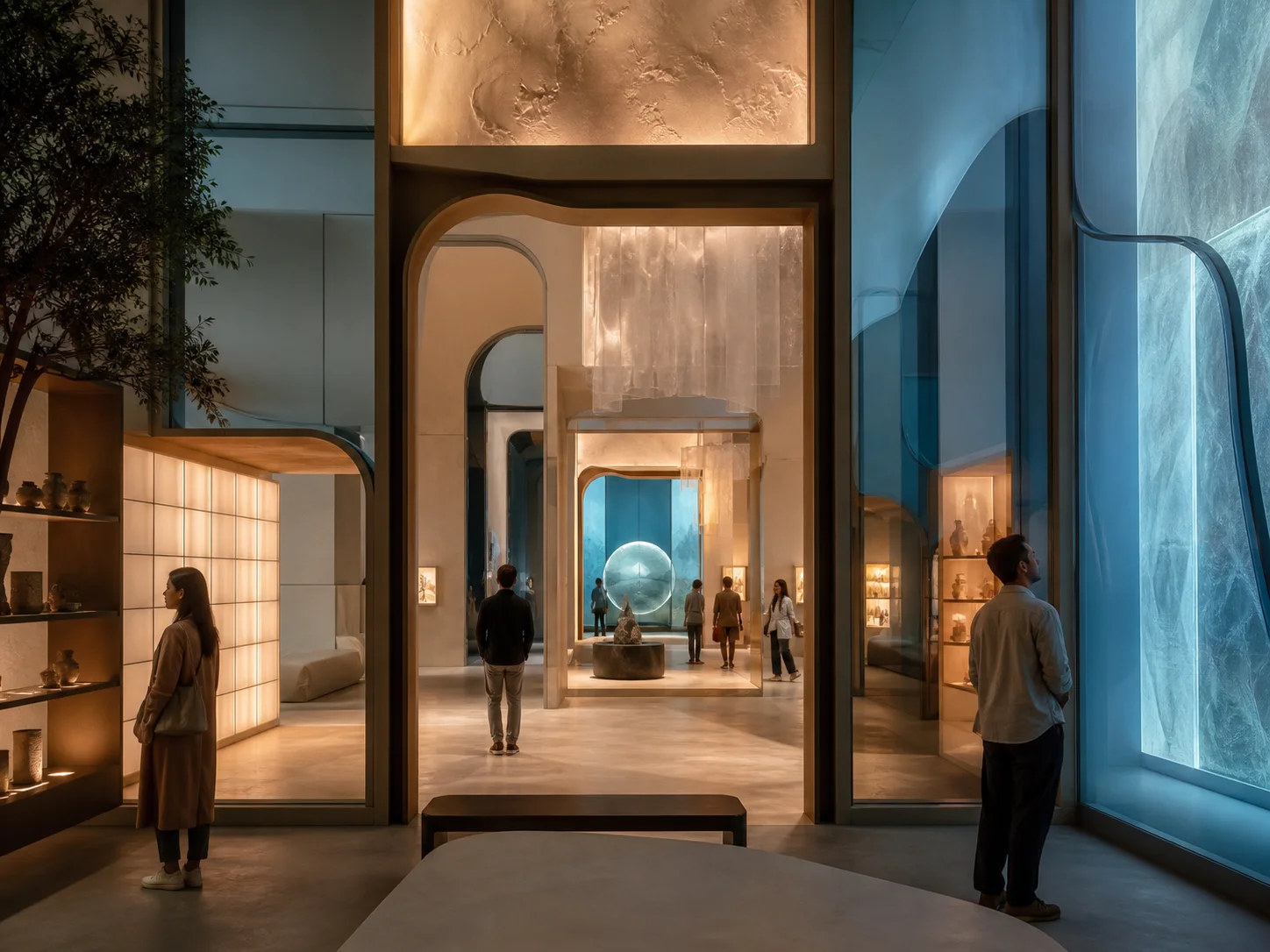
Build Nested Interfaces Layer by Layer
Describe an outer interface and the screens, panels, or picture-in-picture layers nested inside it. Qwen-Image-3.0 uses semantic deconstruction and logical nesting to preserve each layer as part of one coherent image.
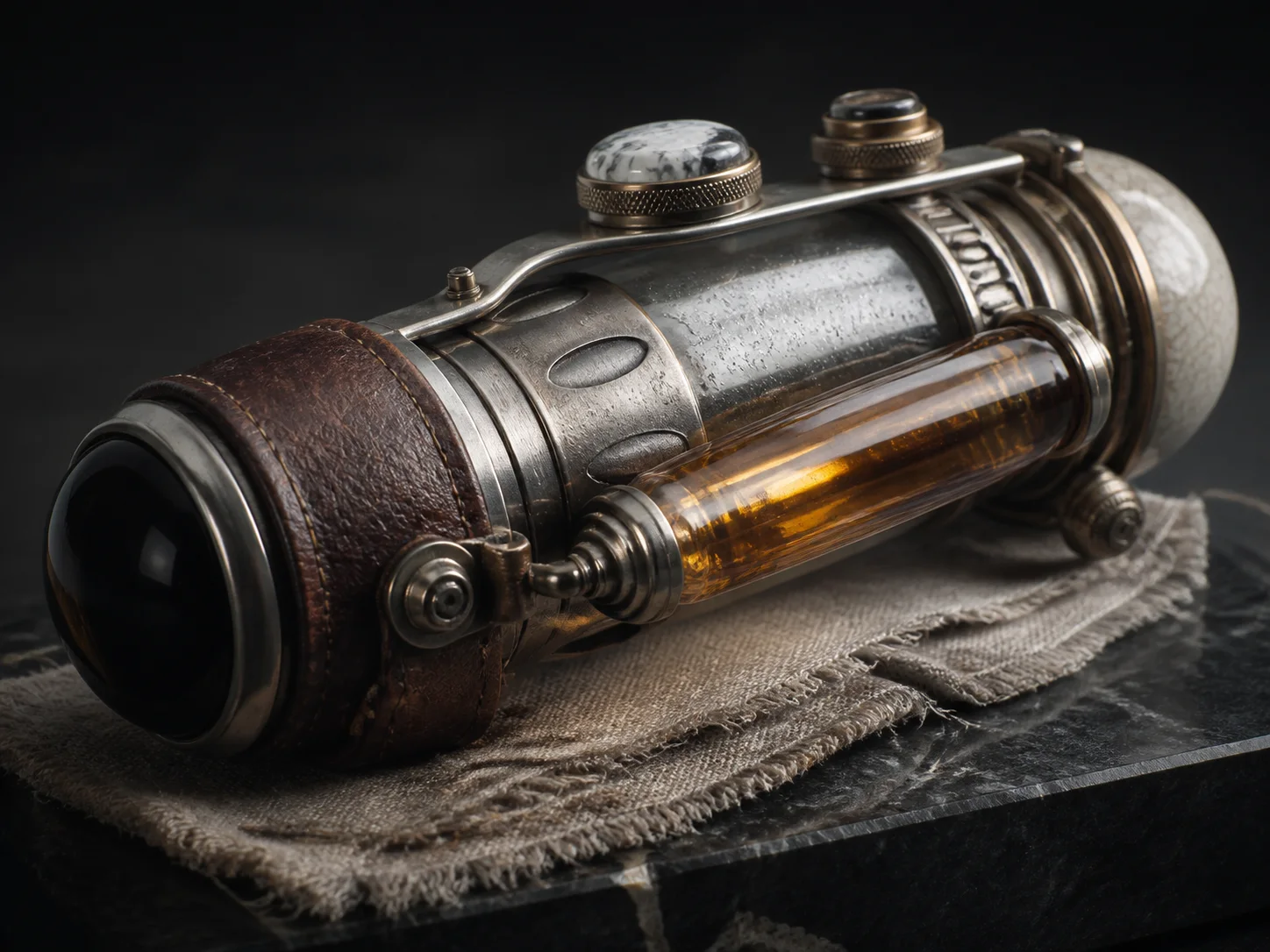
Reproduce Pores, Hair, and Material Textures
Describe pores, hair strands, skin texture, fabric, paper grain, brushwork, metal, or natural surfaces. Qwen's Authentic Details examples emphasize micro-level depiction across portraits, objects, newspapers, and traditional artwork.
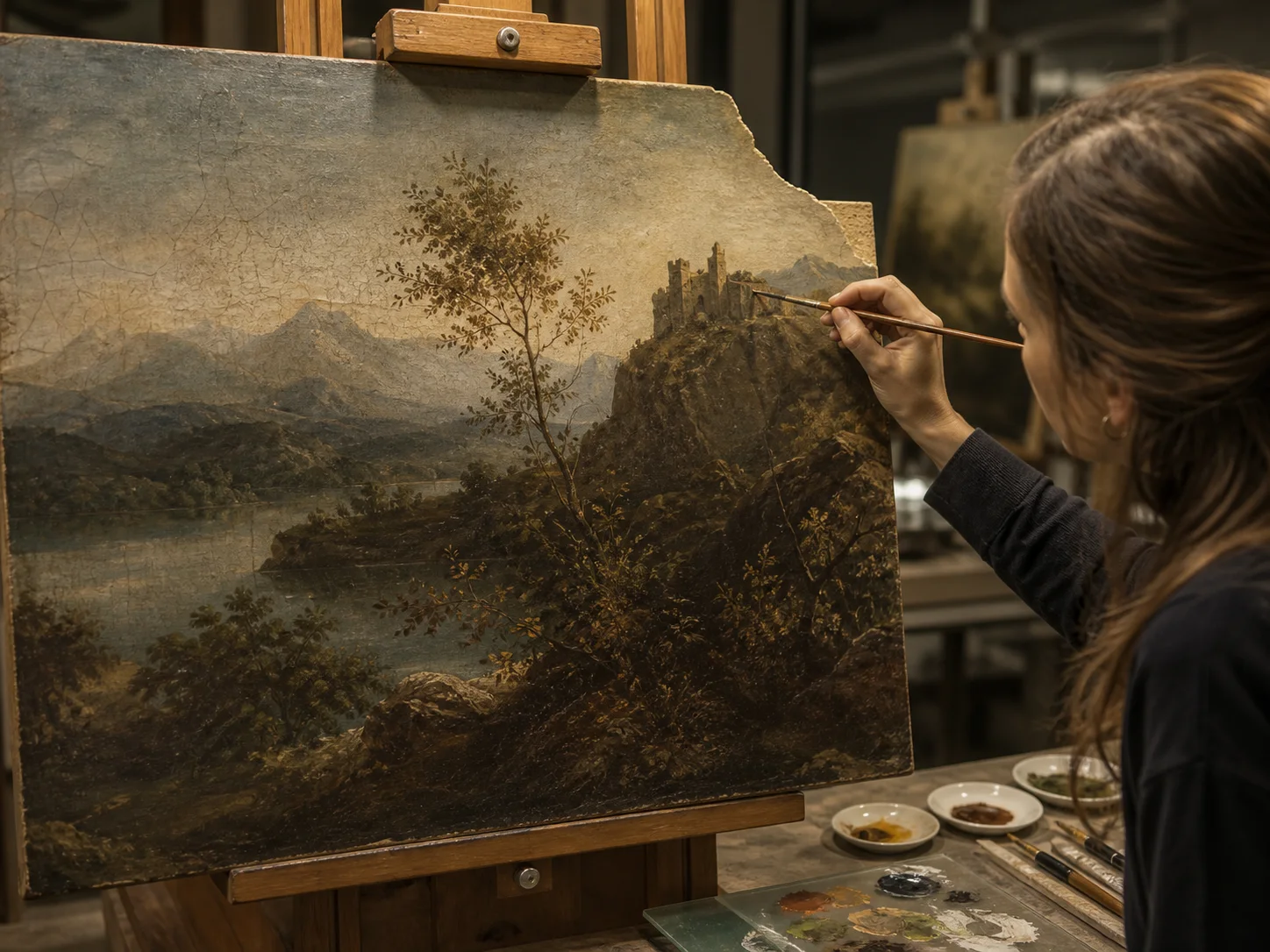
Restore Missing Artwork in Its Original Style
Provide a damaged or incomplete artwork and describe the restoration. Qwen's official examples reconstruct missing regions while maintaining the original brushwork, ink-wash gradients, feather texture, and compositional balance.
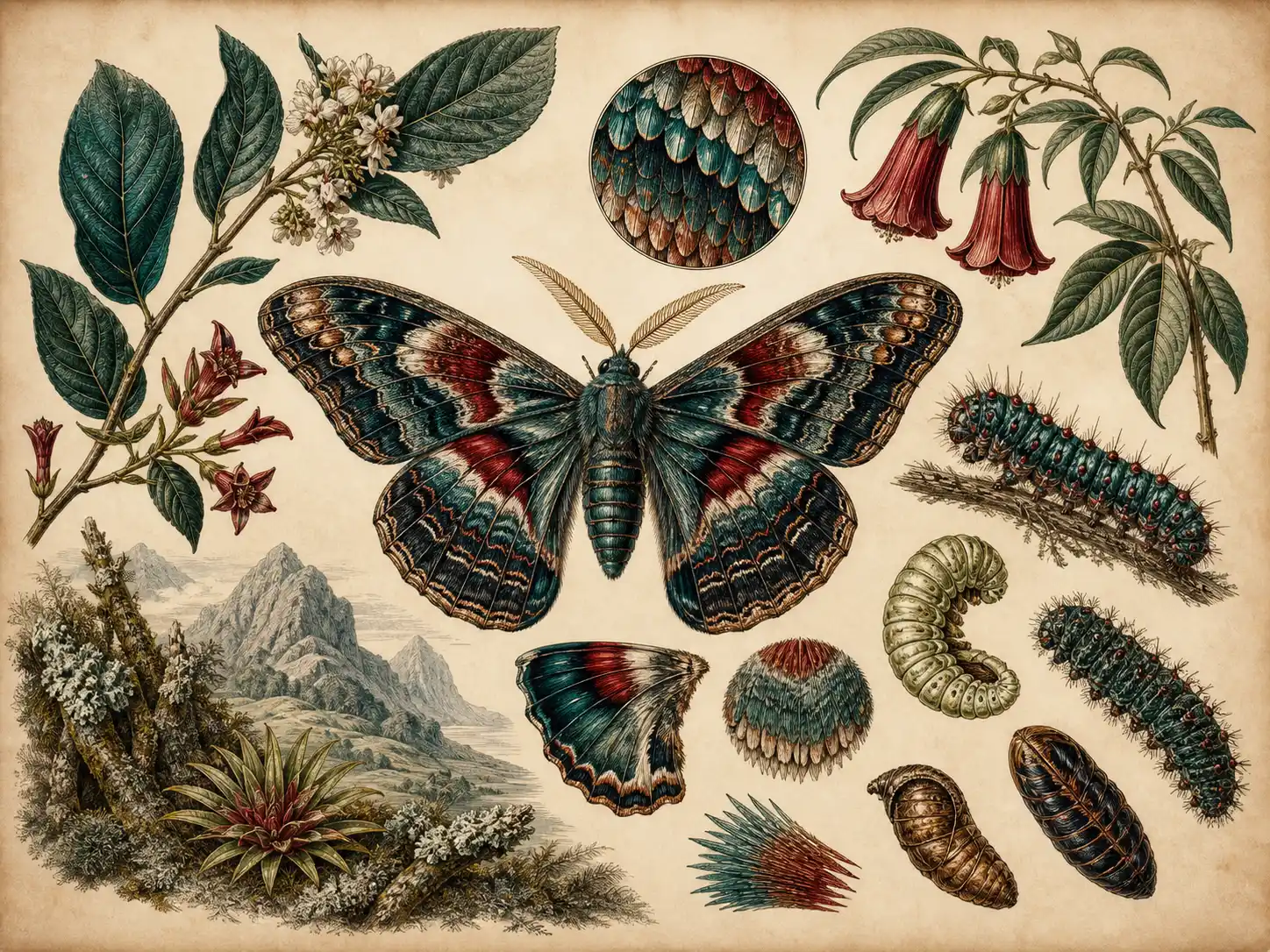
Turn Real Images into Knowledge-Rich Infographics
Start with a source image and request labels, magnified views, scale cues, or structured explanatory elements around the subject. Qwen's official example turns an insect photograph into a taxonomic research figure with organized world knowledge.
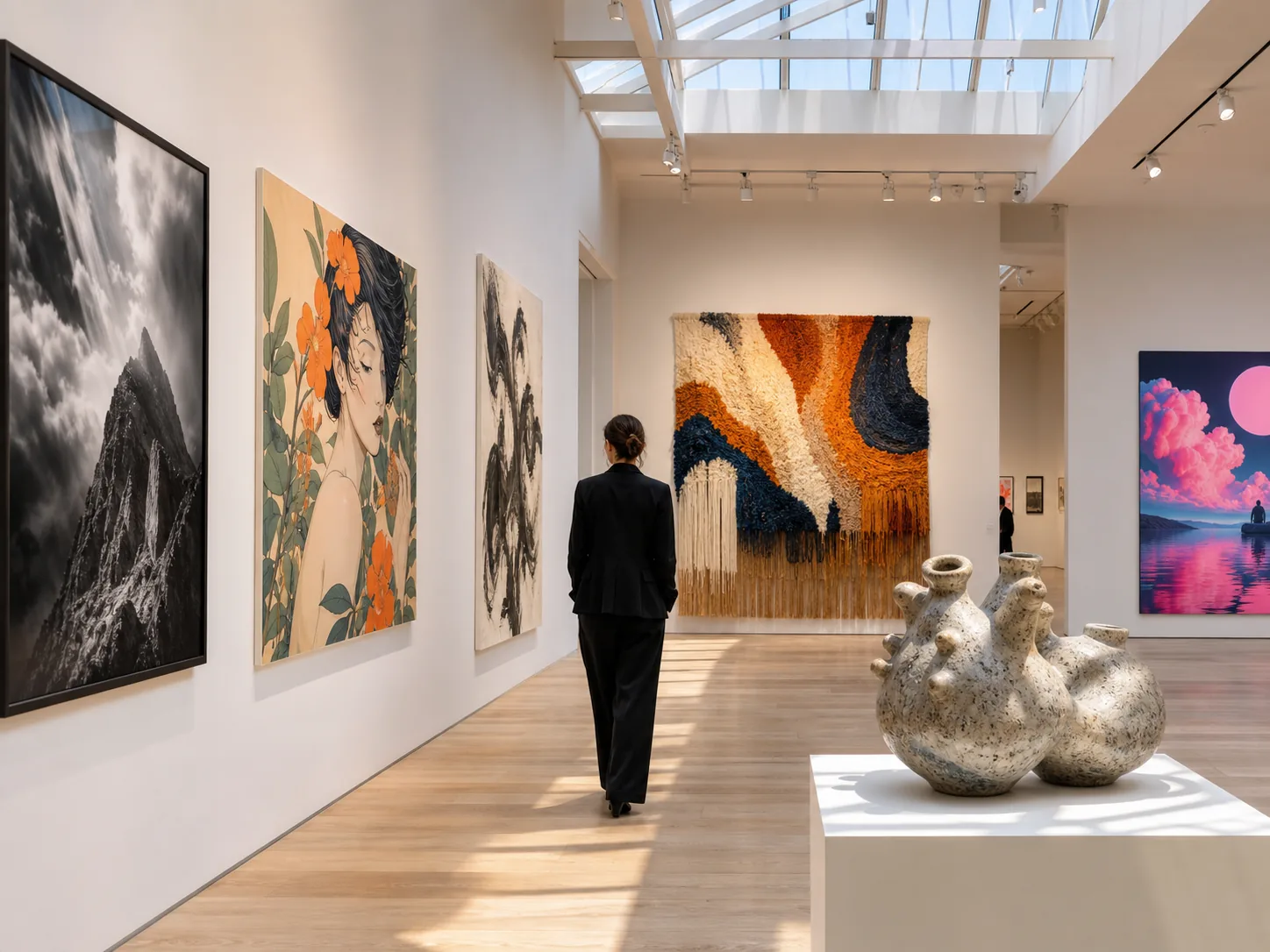
Create Across More Than 100 Artistic Styles
Describe the visual language you need, from photography and editorial illustration to traditional painting and stylized design. Qwen's Deep Knowledge summary states support for more than 100 artistic styles, giving one model a broad creative range.
What Can Qwen-Image-3.0 Do?

Editorial and publishing. Draft newspaper pages, magazine spreads, reports, document covers, and other editorial compositions that combine dense copy, structured columns, illustration, and paper-aware visual treatment.
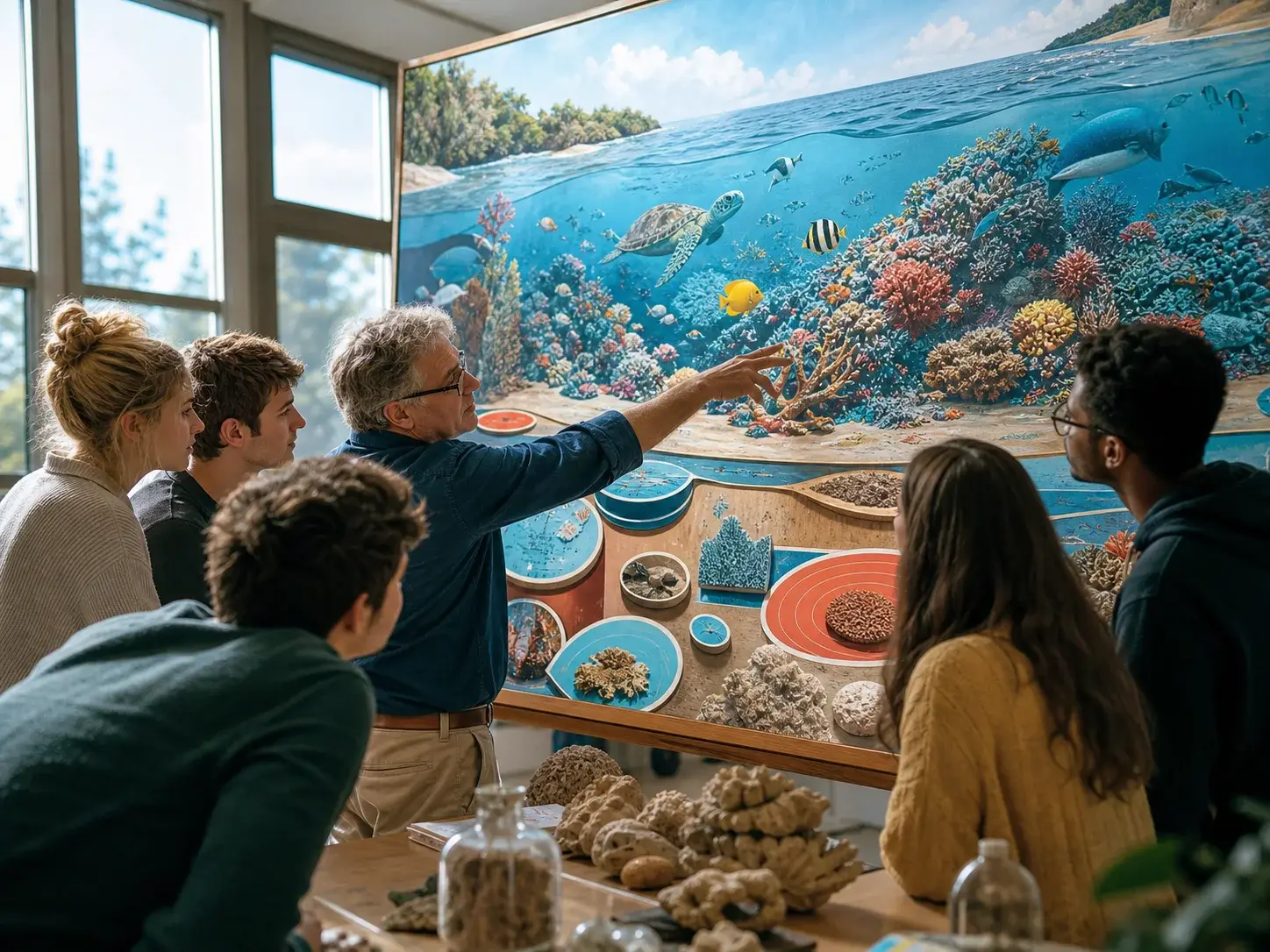
Education and research. Develop lesson slides, exam sheets, scientific explainers, annotated study pages, and research-figure concepts that need formulas, labels, diagrams, and knowledge-rich visual structure.
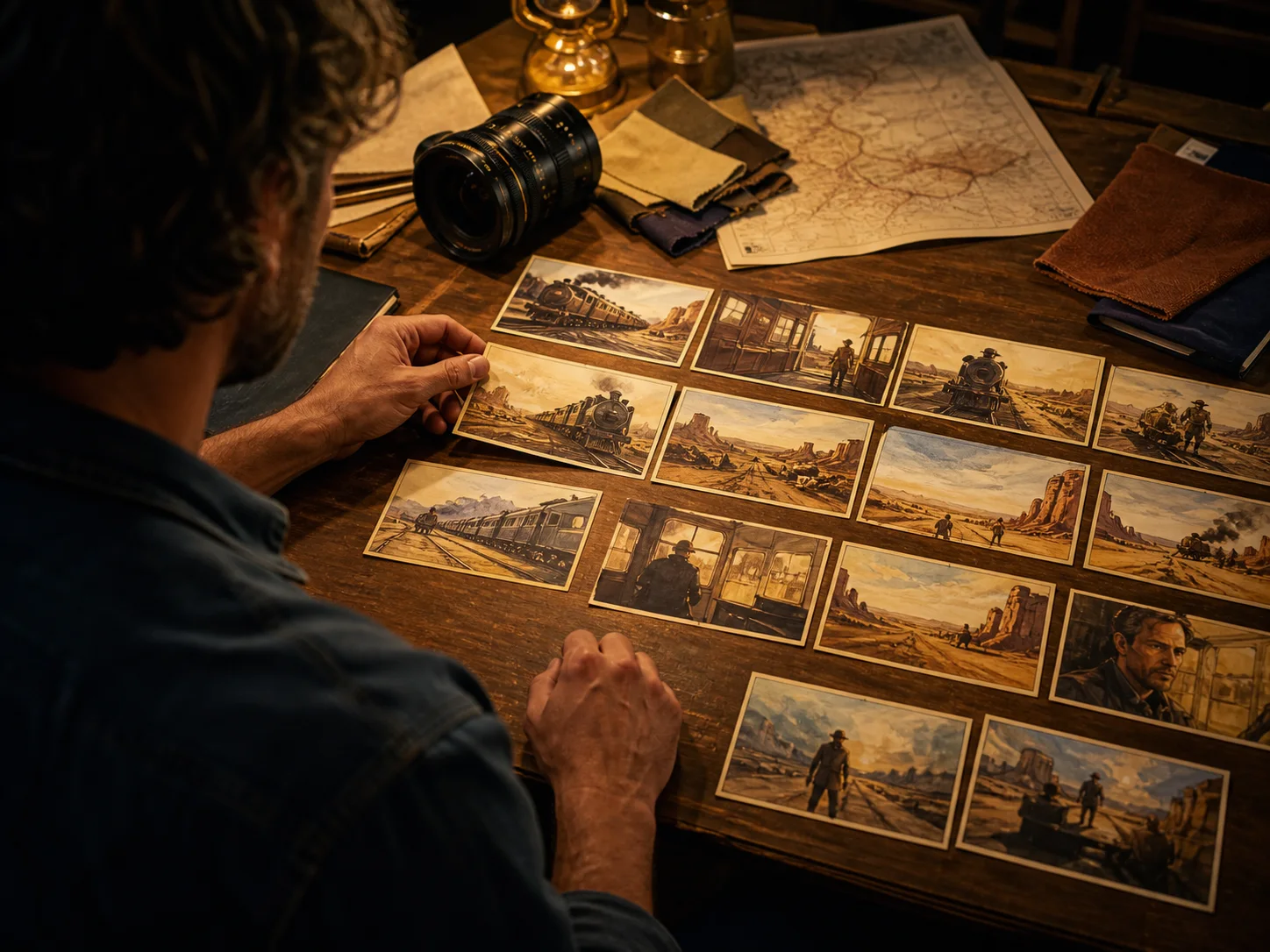
Storyboards and visual planning. Map short-drama beats, campaign sequences, multi-panel narratives, and scene plans in one canvas when the brief needs several coordinated frames, captions, environments, and actions.

Interface and product concepts. Explore web, app, game, livestream, packaging, and e-commerce concepts where interface layers, product detail, multilingual copy, and realistic materials must share one visual direction.
How to Use Qwen-Image-3.0 on Nuzza AI For Free
Try Qwen-Image-3.0 for Free NowChoose Generation or Editing
Select prompt-only image generation for a new concept, or choose image editing when one to three source images should guide the result.
Write a Structured Brief
Describe the subject, composition, visual hierarchy, exact text, language, materials, and exclusions; for edits, refer to uploaded images by their order.
Set the Canvas and Generate
Choose a square, portrait, landscape, or custom size, request up to four results in Nuzza, then inspect text, geometry, edges, and fine details.
Qwen-Image-3.0 vs. Qwen Image 2 vs. GPT Image 2
| Feature / Model | Qwen-Image-3.0 | Qwen Image 2 | GPT Image 2 |
|---|---|---|---|
| Best Fit | Information-rich layouts, multilingual editorial work, nested compositions, restoration, and knowledge-graphic edits. | Prompt-led poster drafts, information concepts, coordinated variations, and material-rich scene exploration. | Detailed briefs, text-aware concepts, targeted edits, and projects that need selectable quality. |
| Max Resolution | Six presets or custom dimensions within Nuzza's 512-to-2048 pixel-area range. | Six square, portrait, and landscape presets without a published pixel ceiling. | Flexible sizes up to a 3,840px edge and 8.29-megapixel area. |
| Reference Inputs | Editing accepts one to three ordered sources referenced by prompt position. | No reference-image input is exposed in the current Nuzza Qwen Image 2 workflow. | Editing accepts one to sixteen staged source images in the current Nuzza workflow. |
| Text Rendering | Documented down to 10px across 12 languages; final results need review. | Useful for short text-aware concepts; spelling and hierarchy require inspection. | Strong text-aware composition; spelling and layout still require inspection. |
| Image Editing | Yes, through a dedicated edit operation for reconstruction, restyling, and reference-led transformation. | No. Nuzza currently exposes text-to-image generation only for this selector. | Yes, including reference editing and mask-led inpainting through dedicated operations. |
| Output Count | Nuzza exposes one to four results per request under its public variations limit. | Nuzza exposes one to four results per request. | Nuzza exposes one to four results per request. |
FAQs about Qwen-Image-3.0
What is Qwen-Image-3.0?
Qwen-Image-3.0 is Alibaba Qwen's third-generation foundational image generation model. It was announced on July 21, 2026. The release emphasizes Rich Content, Authentic Details, and Deep Knowledge. It supports image generation and image editing. Qwen-Image-3.0 is available on Nuzza for both workflows.
What changed from Qwen Image 2 to Qwen-Image-3.0?
The 3.0 release emphasizes prompts up to 4.5k tokens, 10px text rendering, native rendering across 12 languages, dense nested layouts, detailed visual knowledge, and editing scenarios such as restoration. Nuzza's Qwen-Image-3.0 entry also connects a dedicated edit operation, while its current Qwen Image 2 selector remains prompt-only.
How many reference images can I use with Qwen-Image-3.0?
Nuzza's edit workflow accepts one to three ordered reference images. Refer to them as image 1, image 2, and image 3 in the prompt so the intended role of each source is clear.
What output resolution does Qwen-Image-3.0 support?
Nuzza supports custom dimensions within the documented image-area range from 512×512 through 2048×2048. Edit mode can also choose a resolution automatically when no size is provided.
Which languages can Qwen-Image-3.0 render?
The official release states native rendering across 12 languages and demonstrates Chinese, English, Japanese, Korean, and Spanish examples. It also documents text as small as 10px, but names, formulas, spelling, and layout should still be checked at full size.
Can Qwen-Image-3.0 keep a character or product consistent?
Reference-image editing can carry visible details from one to three ordered source images into a new result. The current official sources do not support a guarantee of identical characters or products across separate generations, so reuse the same ordered references and review every result.
Which aspect ratios does Qwen-Image-3.0 support?
Nuzza exposes square, 4:3 portrait and landscape, and 16:9 portrait and landscape presets. Custom width and height values are also accepted within the documented image-area limit.
Can I use Qwen-Image-3.0 for free on Nuzza?
Yes. Nuzza offers free Credits for new users to try Qwen-Image-3.0. Once your free Credits are used up, you will need to subscribe to a paid plan to continue.
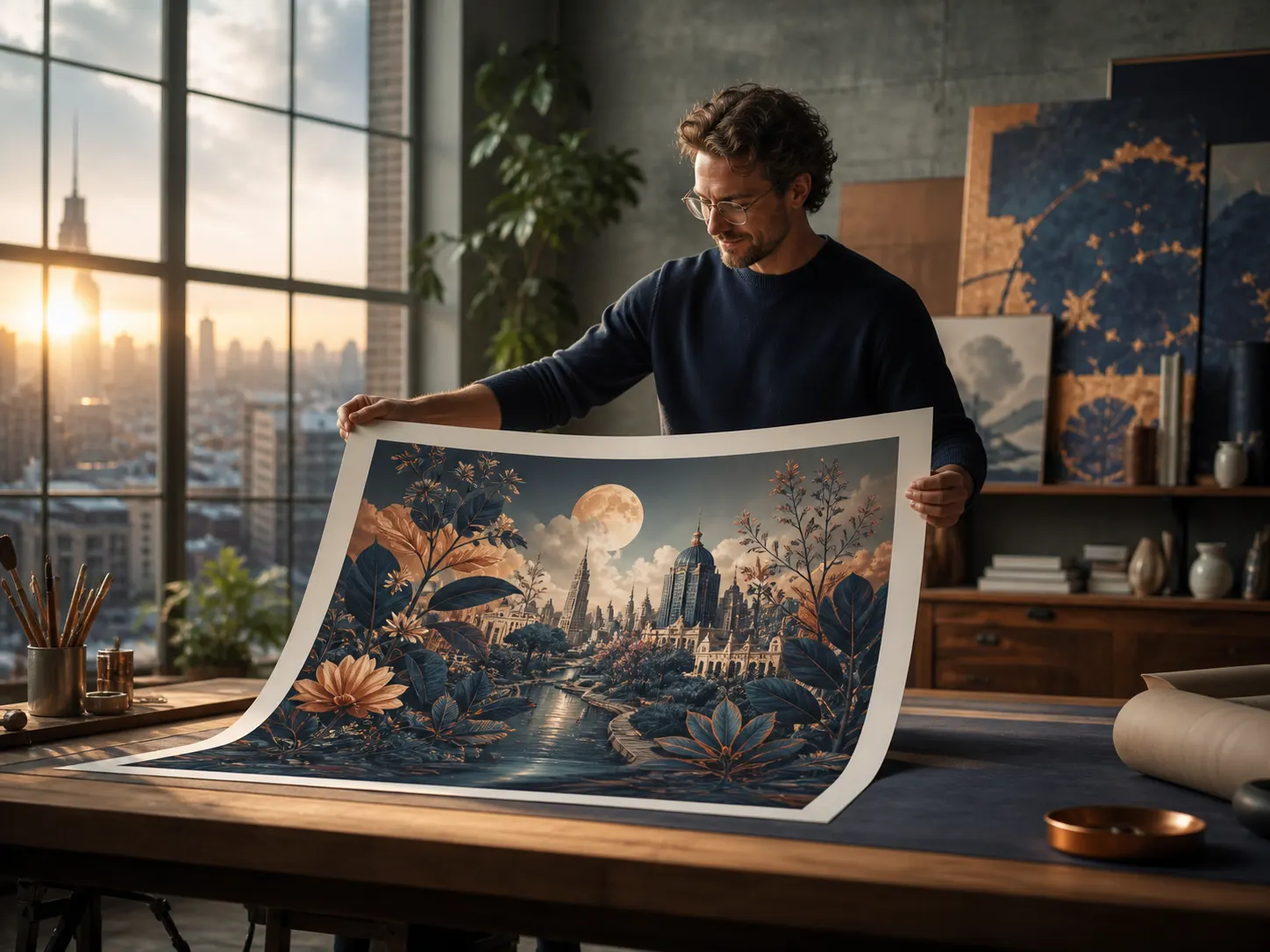
Create with Qwen-Image-3.0
Start with a structured brief, choose a supported canvas, and review the finished image at full size before publishing.
Try Qwen-Image-3.0 for Free Now