
Seedance 2.5
Seedance 2.5 generates 4–30-second videos in one pass, supports up to 50 image, video, and audio references, and enables targeted editing with synchronized audio. Try Seedance 2.5 for Free Now!
Why Creators Choose Seedance 2.5?
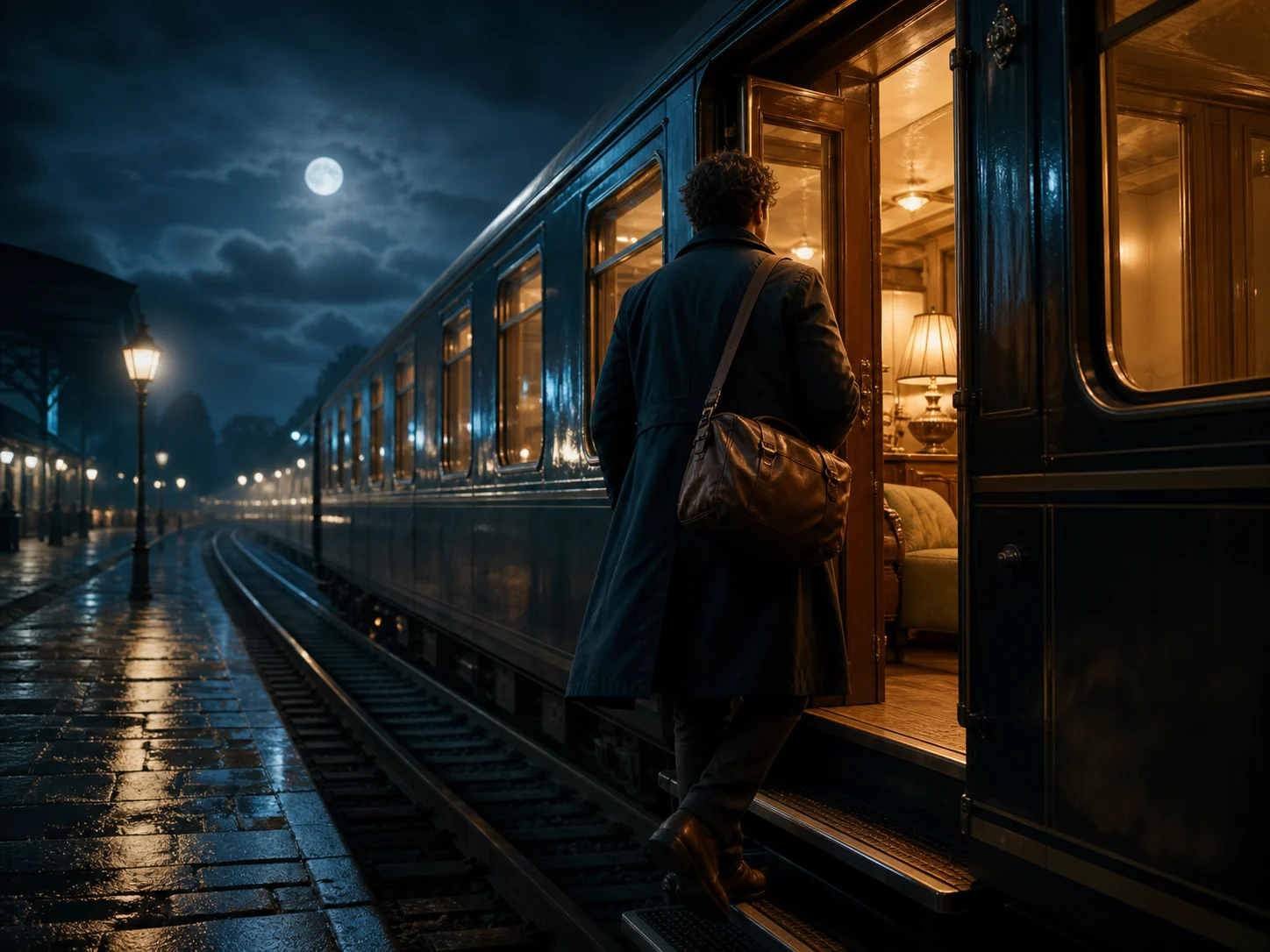
Create a Beginning, Middle, and End in Up to 30 Seconds
Generate a standard 4–30 second sequence or let the model select a suitable duration. The longer single pass gives the setup, action, and closing beat room to develop without stitching several short clips.
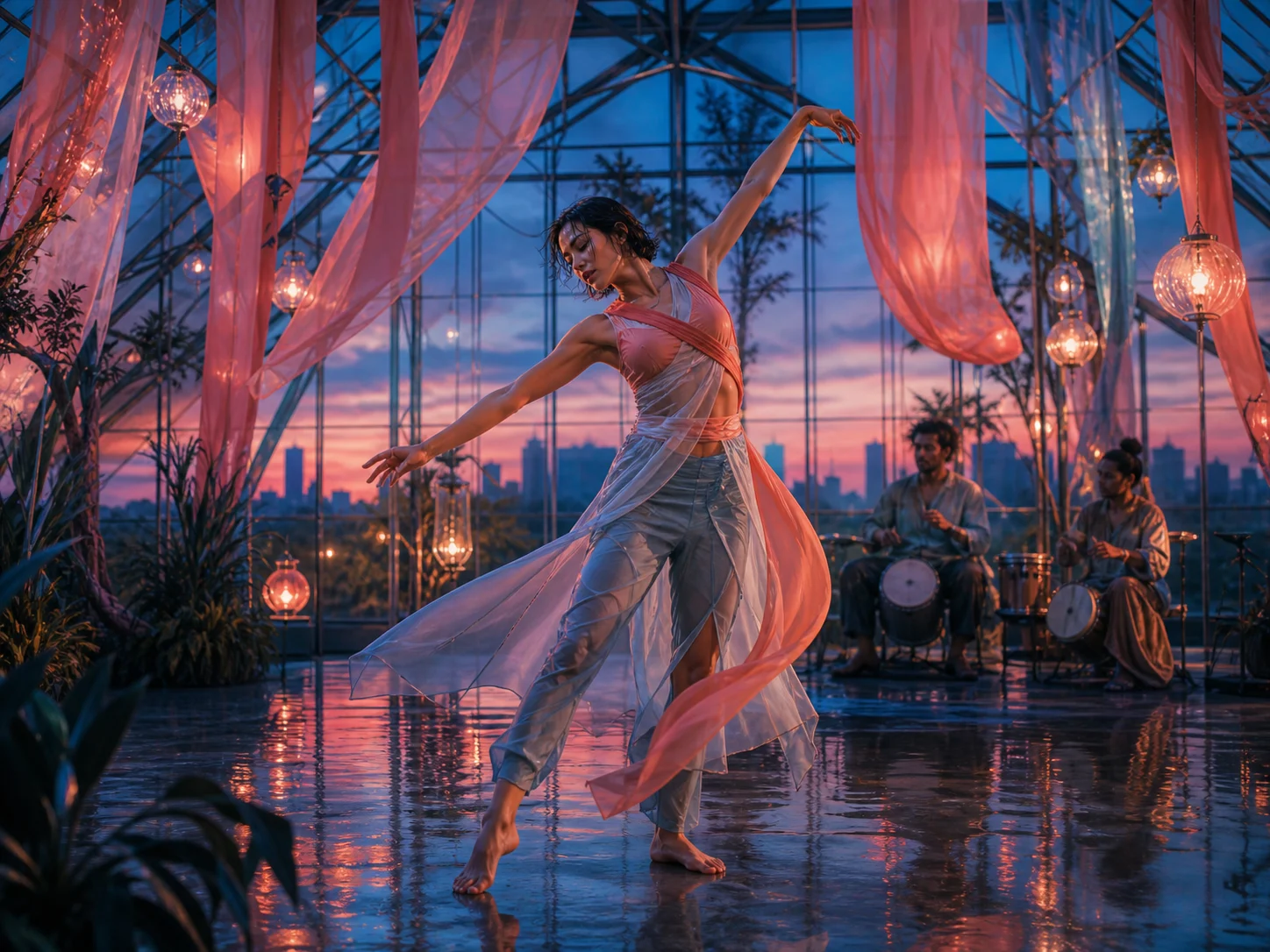
Direct With Up to 50 Reference Assets
Combine up to 30 images, 10 videos, and 10 audio clips, with 50 reference assets in total. Use them to guide characters, products, locations, motion, sound, and visual style from one production brief.
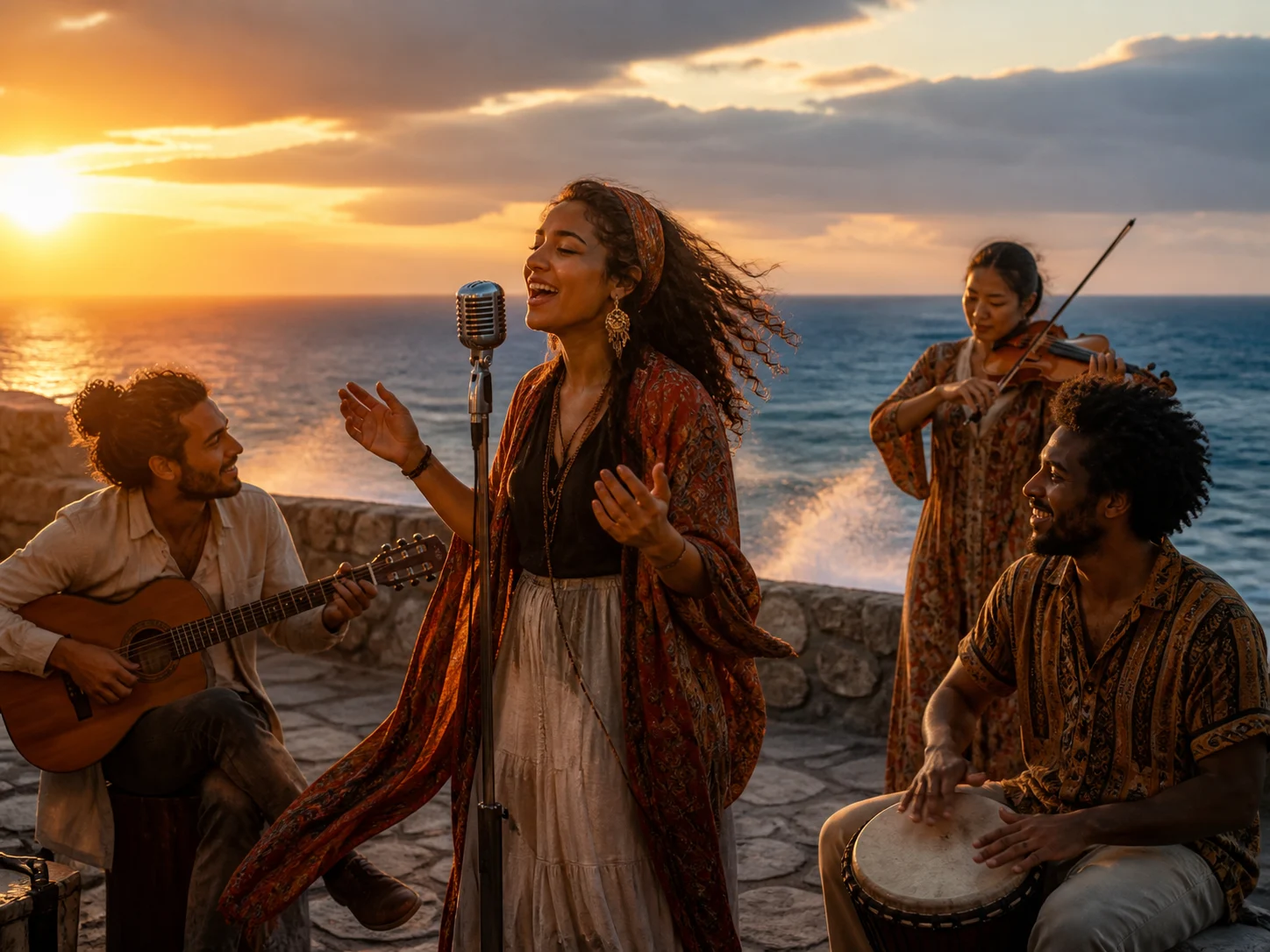
Generate Sound With the Picture
Ask for dialogue, music, ambience, or sound effects as part of the scene. Seedance 2.5 generates audio with the visuals so sound, timing, and on-screen action can be coordinated in the same pass.
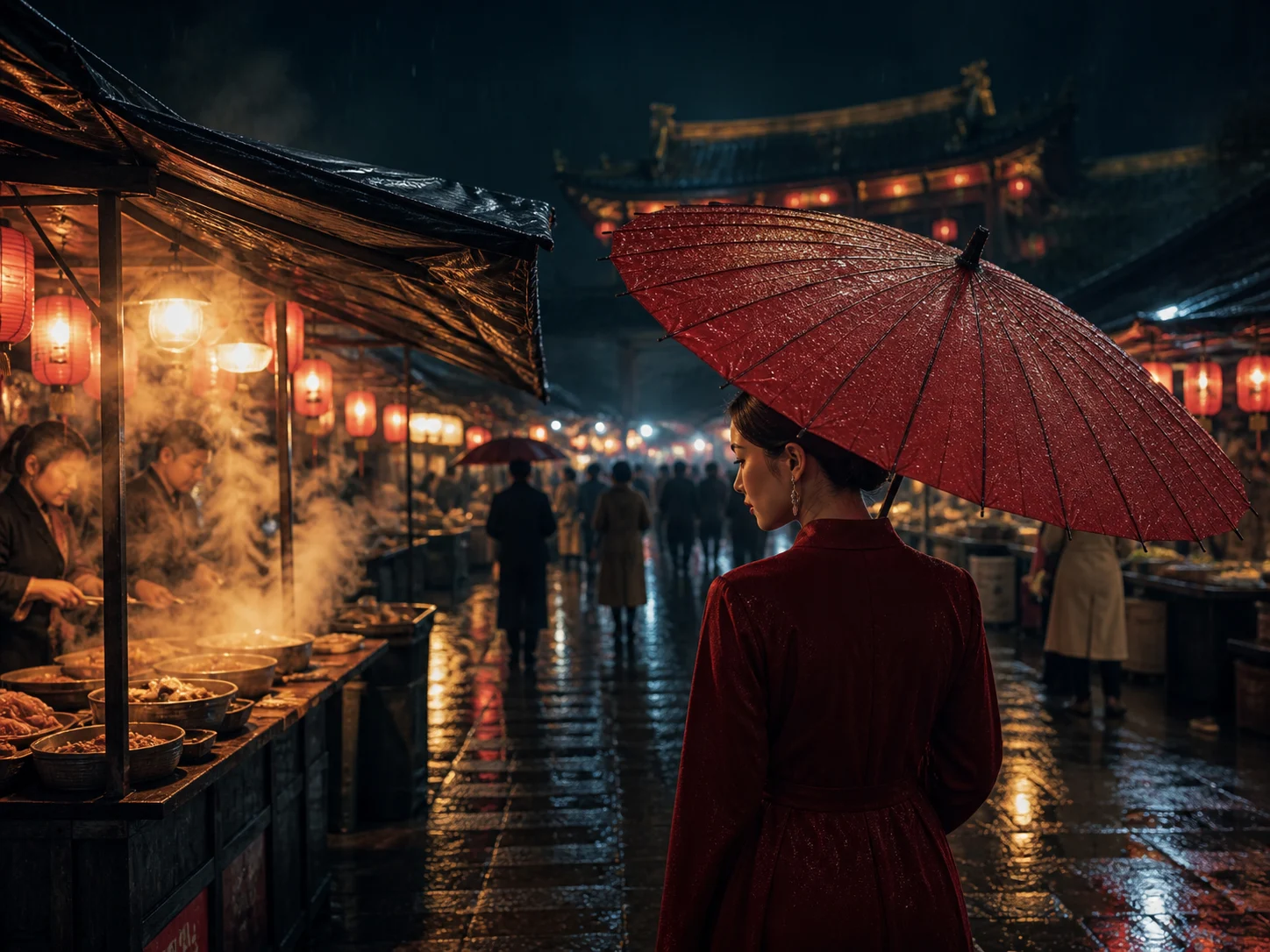
Edit One Region Without Rebuilding the Clip
Describe a change to a selected area or limit the instruction to a specific time range. Seedance 2.5 revises that part while using the remaining clip as context for the edit.
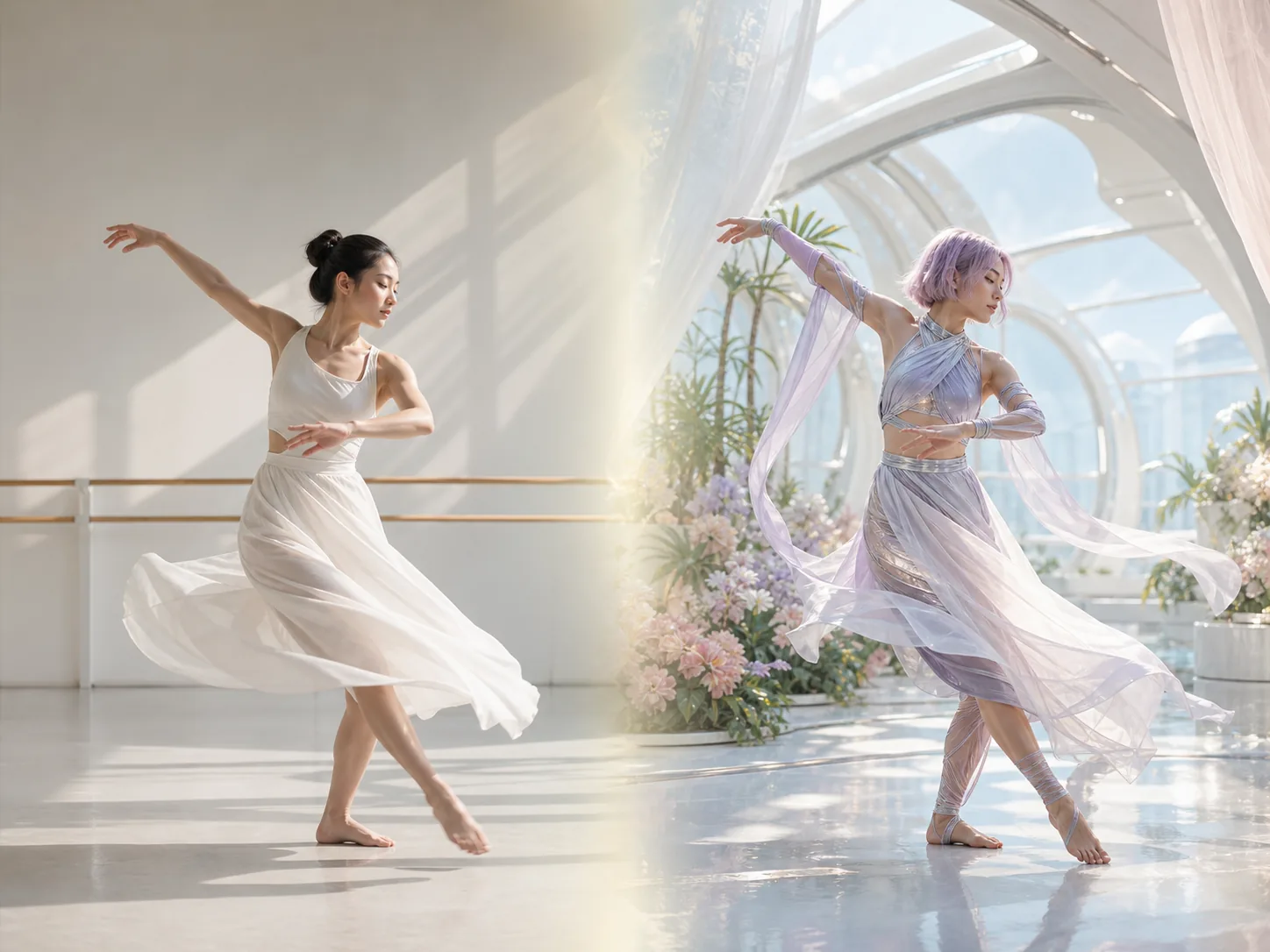
Guide New Scenes With R2V Motion
Provide a green-screen or white-model performance as a motion reference. Seedance 2.5 uses the source action, pacing, and spatial relationships to guide a new subject inside a different scene.

Continue the Story in Either Direction
Continue from the final frame or generate what happened before the opening frame. Seedance 2.5 carries the existing style, rhythm, and camera logic into the added footage so the sequence can grow without restarting.
What Can Seedance 2.5 Do?
How to Use Seedance 2.5 on Nuzza AI For Free
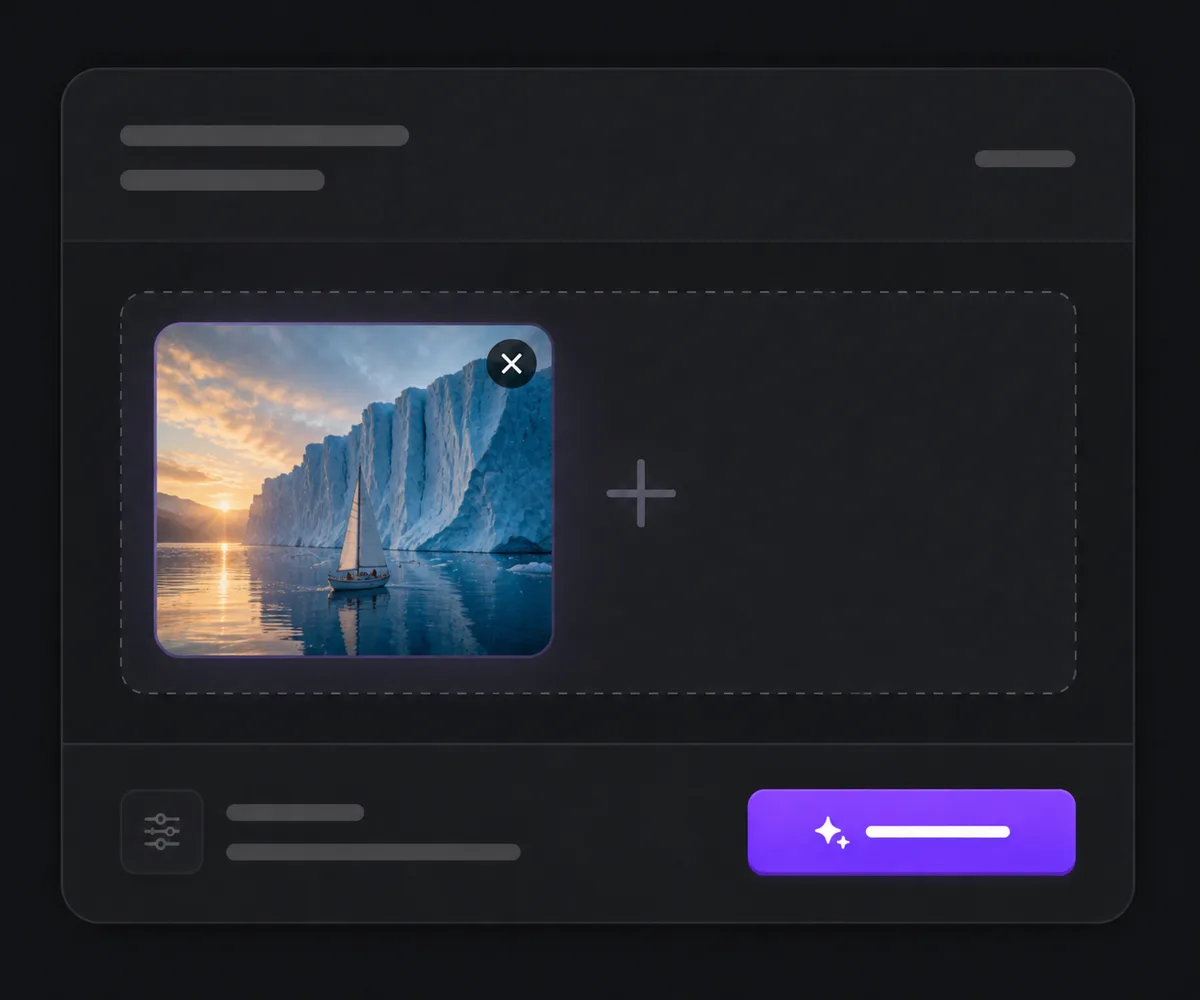
Choose Seedance 2.5 and a Workflow
Open the video workspace, select Seedance 2.5, then choose Text to Video, Image to Video, Frames to Video, Reference to Video, or Video Edit based on the material you already have.
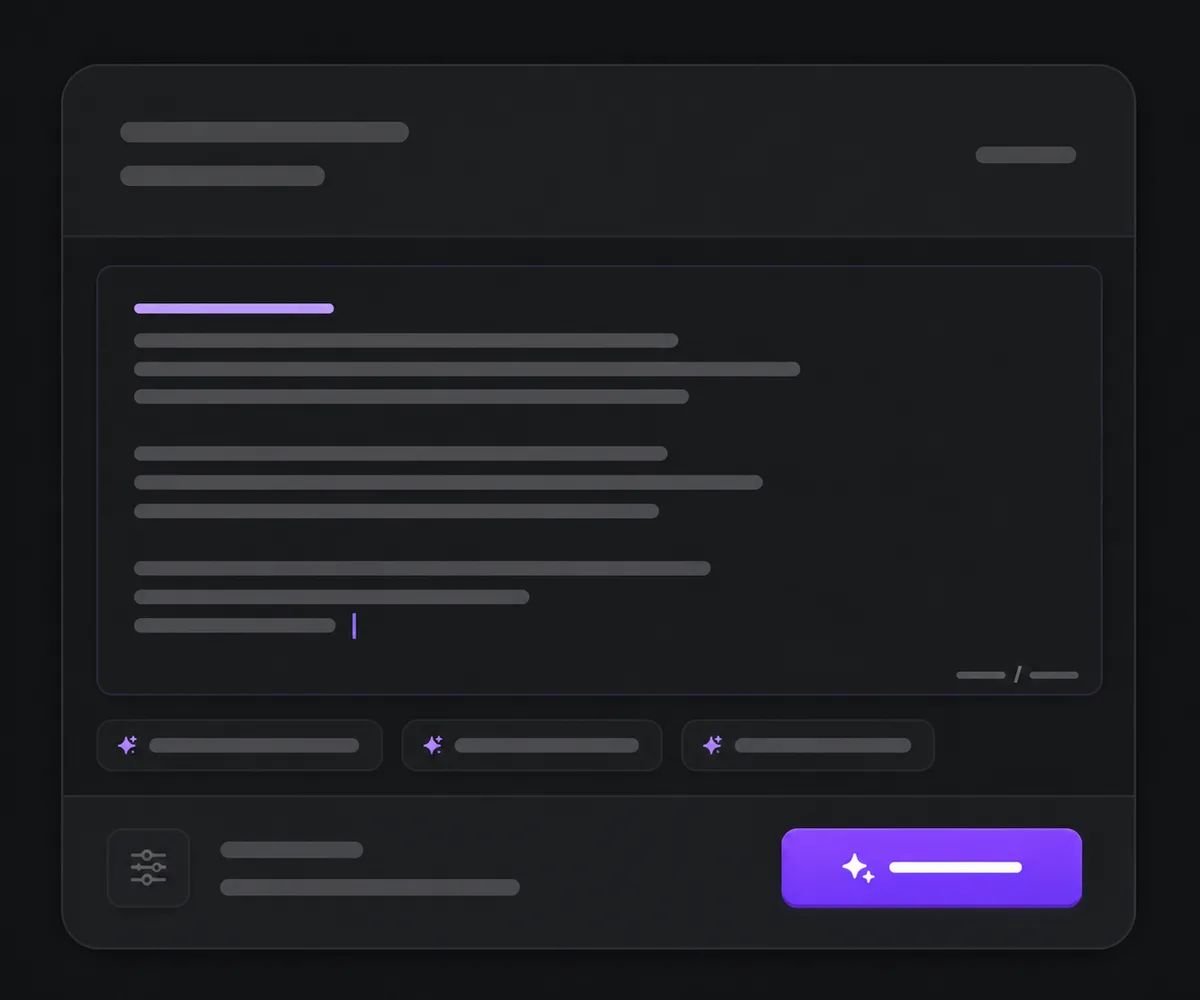
Add the Brief and Source Material
Describe the subject, action, setting, camera direction, timing, and sound, then upload any frame anchors or multimodal references and assign each source a specific role in the scene.
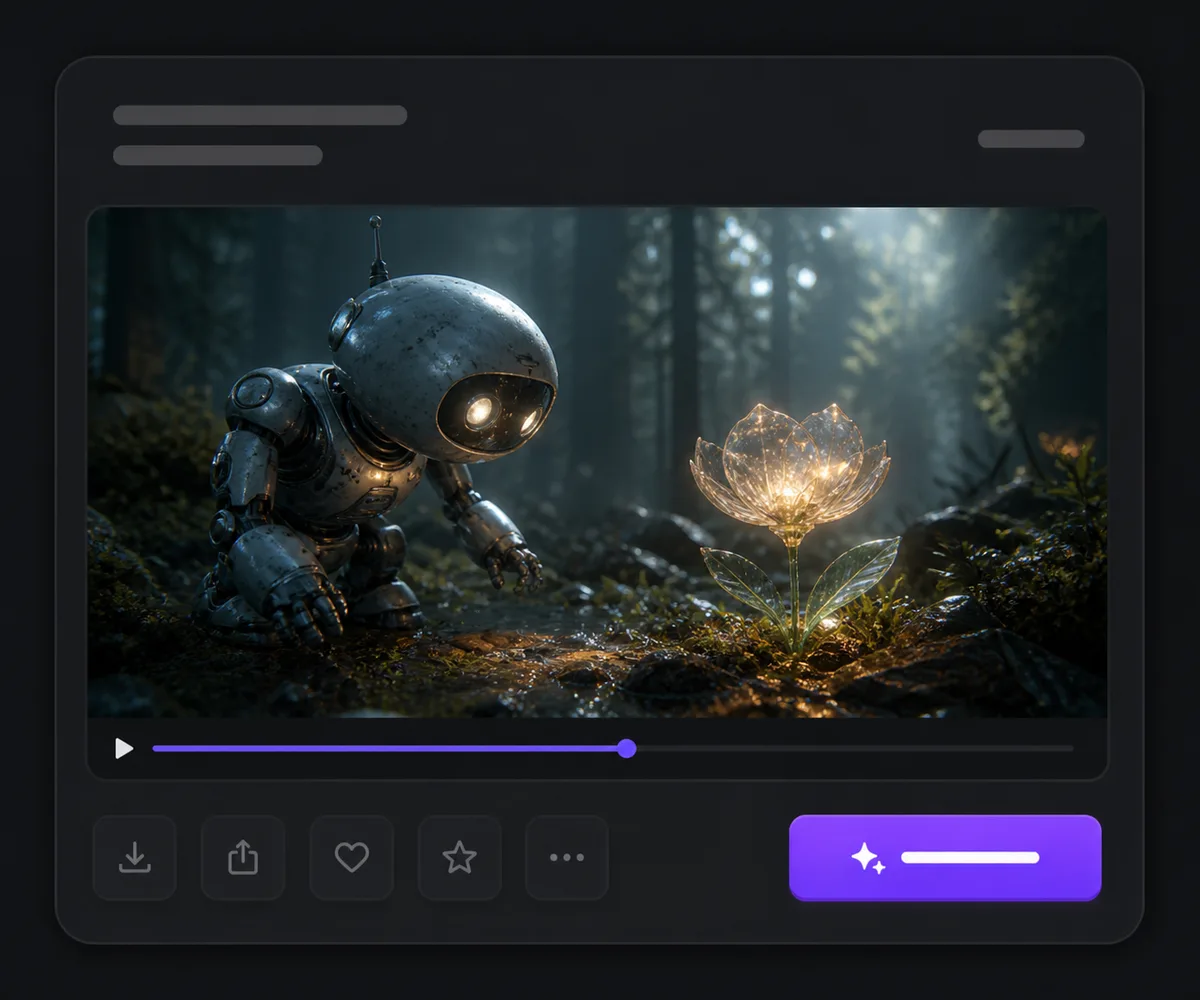
Set the Output and Generate
Choose the supported resolution, duration, and aspect ratio shown for that workflow, submit the queued task, then review the complete video and synchronized audio before downloading or revising it.
Seedance 2.5 vs. Seedance 2.0 vs. Veo 3.1
| Feature / Model | Seedance 2.5 | Seedance 2.0 | Veo 3.1 |
|---|---|---|---|
| Best Fit | Long, reference-rich scenes and targeted video revisions. | Shorter Seedance scenes that prioritize a higher resolution ceiling. | Cinematic shots emphasizing physics, native audio, and camera control. |
| Max Native Clip | Generates 4–30 second clips, with automatic duration available. | Generates 4–15 second clips, with automatic duration available. | Generates eight-second clips before optional scene extension. |
| Reference Inputs | Accepts up to 30 images, 10 videos, and 10 audio clips. | Accepts up to nine images, three videos, and three audio clips. | Uses text, images, characters, objects, and scene ingredients. |
| Output Resolution | Offers 480p and 720p output through the current API. | Offers 480p, 720p, 1080p, and 4K output options. | Provides professional 1080p and 4K output options. |
| Audio | Generates synchronized audio and accepts audio-only reference workflows. | Generates synchronized audio and accepts multimodal audio references. | Generates dialogue, ambience, music, and sound effects natively. |
| Editing and Continuation | Supports timestamp-led edits, local changes, and repeated video extension. | Supports reference-led editing, scene continuation, and frame anchors. | Supports scene extension, object insertion, outpainting, and motion controls. |
FAQs about Seedance 2.5
What is Seedance 2.5?
Seedance 2.5 is ByteDance's multimodal AI video model for longer, reference-rich creation. It generates videos from text, images, video, and audio inputs. The current API supports 4–30 second output at 480p or 720p. It also supports synchronized audio, precise editing, and repeated extension. Seedance 2.5 is available to generate on Nuzza.
What's new in Seedance 2.5 compared with Seedance 2.0?
Seedance 2.5 doubles the documented maximum clip length from 15 to 30 seconds and raises the reference capacity to 50 assets. It also adds audio-only reference workflows and more explicit timestamp-led editing. Seedance 2.0 keeps the higher current resolution ceiling, including 1080p and 4K options.
What reference inputs does the Seedance 2.5 AI video generator support?
Seedance 2.5 accepts images, video clips, and WAV or MP3 audio references. A reference-to-video request can contain up to 30 images, 10 videos, and 10 audio clips, with 50 assets total. Use the prompt to identify what each source contributes, such as character appearance, location, movement, sound, or visual style.
What resolution does Seedance 2.5 support on Nuzza?
The current Volcengine API used by Nuzza exposes 480p and 720p output for Seedance 2.5. Dreamina's separate product page mentions 4K, but that setting is not part of the current Nuzza API target. Choose the resolution shown in the workspace before submitting the task.
Which languages does Seedance 2.5 support?
Volcengine documents Chinese, English, Spanish, Indonesian, Malay, Thai, Arabic, Portuguese, Vietnamese, Japanese, and Korean for prompt input and voiced video generation. A Seedance 2.5 text to video brief should state the intended spoken language clearly, especially when it contains dialogue, lyrics, or several speakers.
Can Seedance 2.5 keep characters consistent?
Seedance 2.5 uses image, video, and multimodal references to help maintain a character's appearance through a longer or multi-shot scene. Consistency remains probabilistic, so assign each character reference a clear role and review faces, wardrobe, proportions, and lighting across the complete result before publishing it.
Does Seedance 2.5 generate audio?
Yes. Seedance 2.5 can generate synchronized sound with the video and can use audio references for speech, music, ambience, rhythm, or sound direction. It also supports audio-only reference generation. Keep spoken lines concise, identify the language, and review pronunciation, lip synchronization, and timing in the finished clip.
Which aspect ratios work for Seedance 2.5 image to video?
Seedance 2.5 supports 16:9, 4:3, 1:1, 3:4, 9:16, 21:9, and adaptive framing. Image-to-video and first/last-frame workflows use adaptive framing so the output follows the first image's proportions. Text and general reference workflows can use a fixed ratio or let the model select one.
Can I use Seedance 2.5 for free?
Yes. Nuzza offers free Credits for new users to try Seedance 2.5. Once your free Credits are used up, you will need to subscribe to a paid plan to continue.
Turn a Complete Creative Brief into Video
Choose Seedance 2.5, add a prompt or reference set, and create a longer scene with the framing, timing, and sound direction your project needs.
Try Seedance 2.5 for Free Now