
GPT Image 2
Generate or edit images from prompts and reference images with flexible size, quality, and output controls.
Why Choose GPT Image 2?
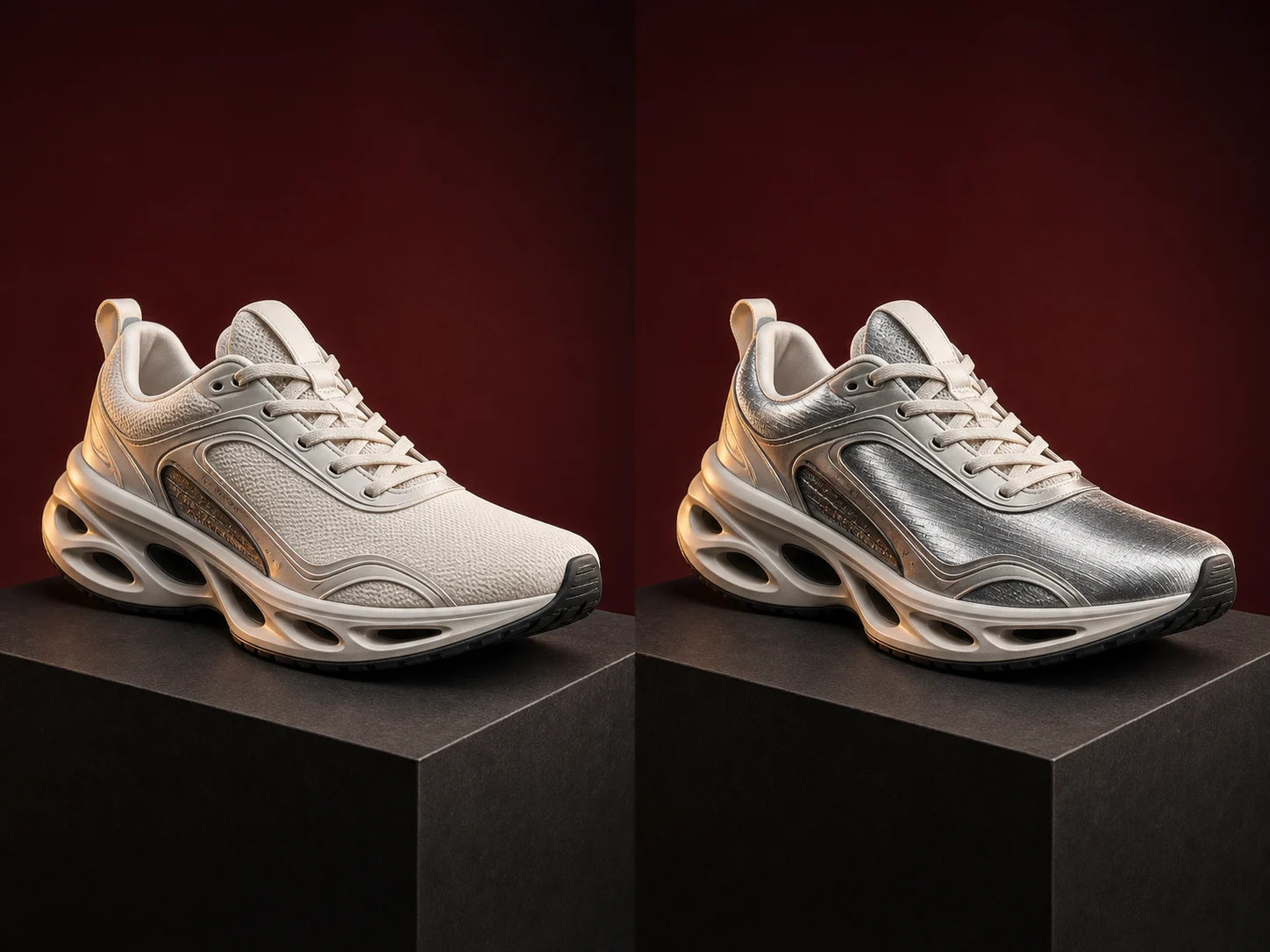
Make Targeted High-Fidelity Edits
Describe one precise change and identify the people, products, layout, or background details that should remain recognizable. This gives each revision a narrow, reviewable goal instead of rebuilding the full composition.
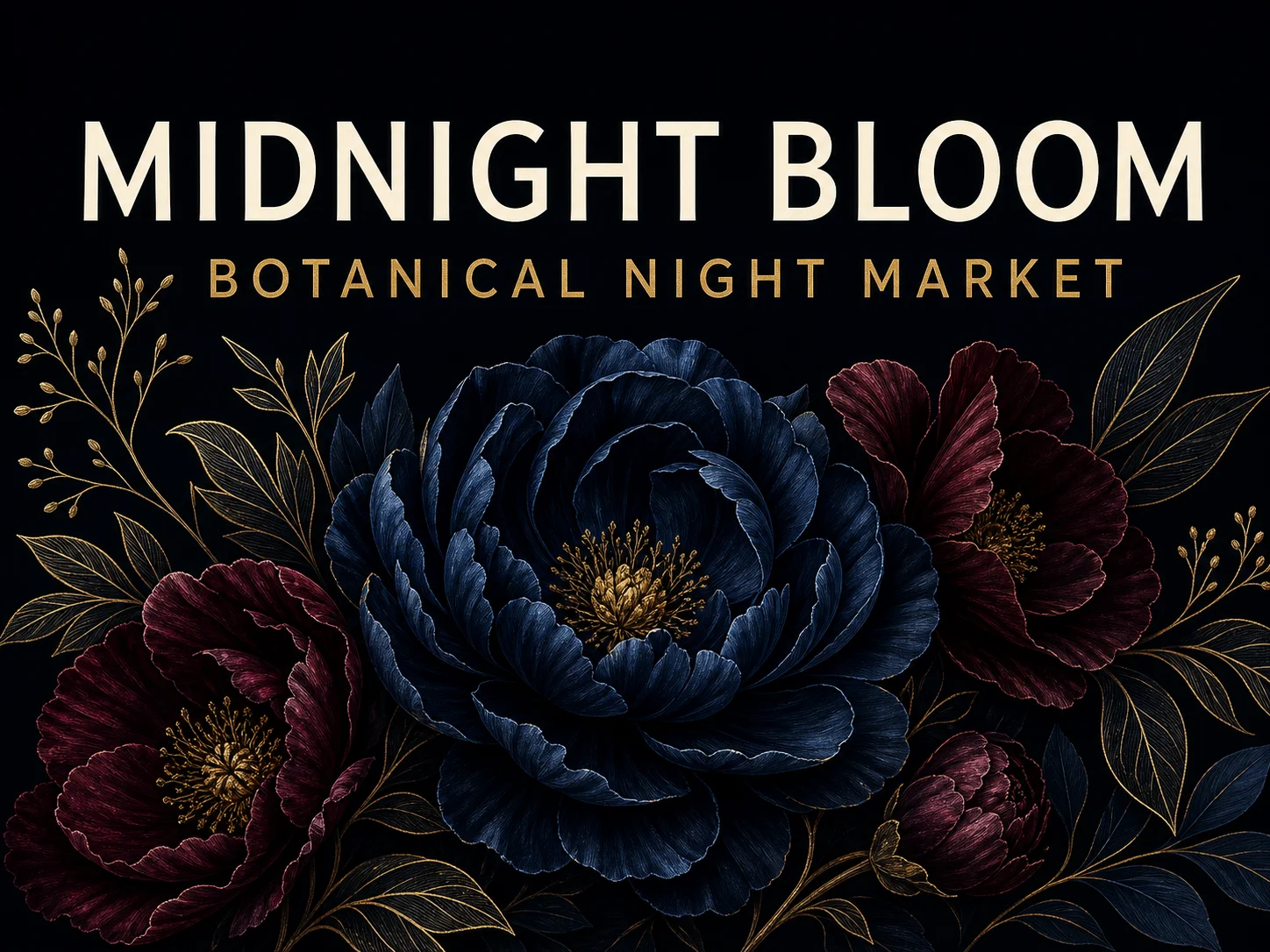
Place Text Inside Designed Layouts
Place headlines, labels, signs, or package copy within a defined hierarchy and location. Review spelling, spacing, and placement, then refine the design without restarting the entire visual direction.
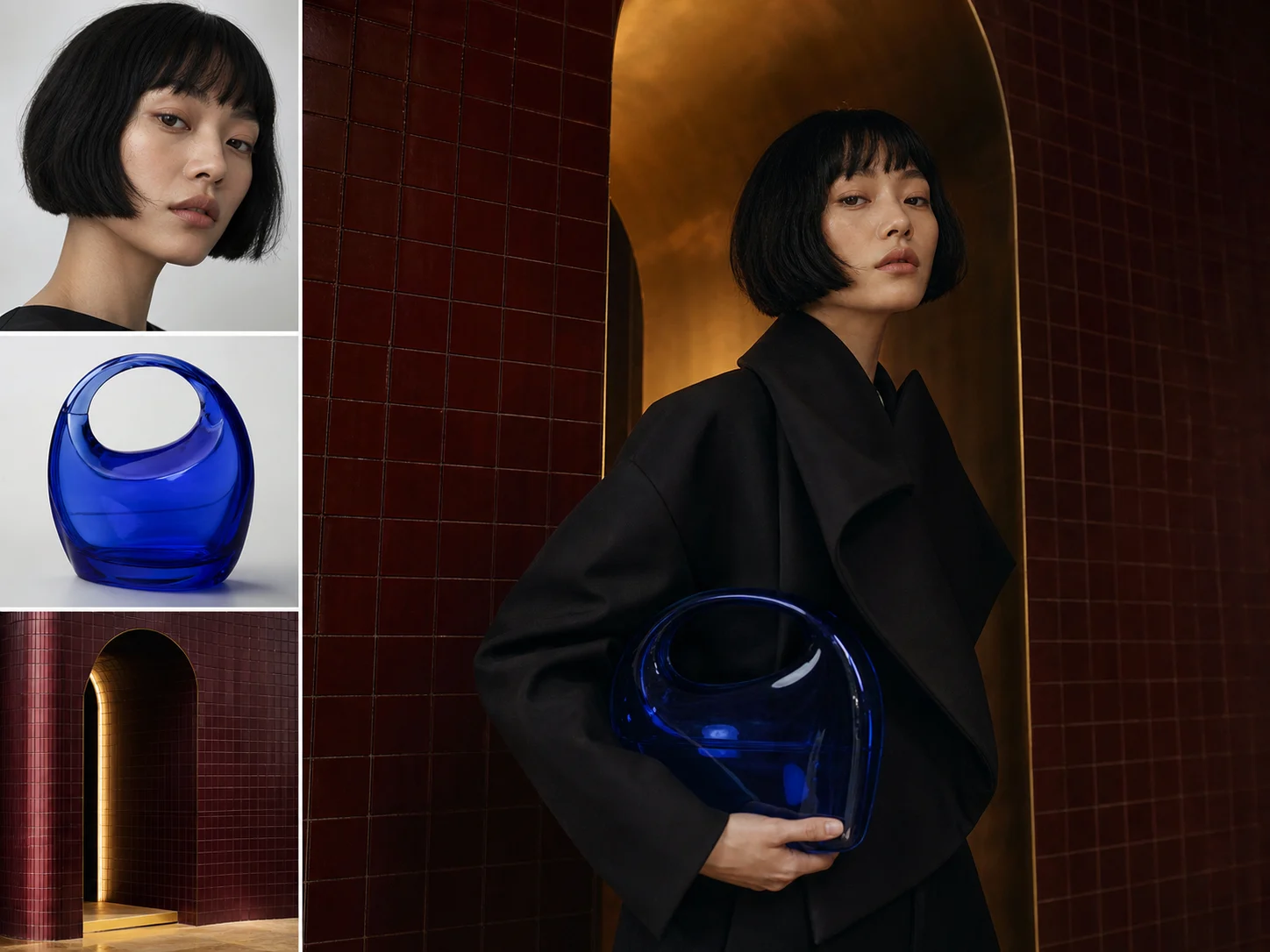
Use Up to 16 Reference Images
Add up to 16 source images and assign each one a role such as identity, product shape, pose, palette, or material. Clear roles help the model combine necessary references without treating every source as equally important.
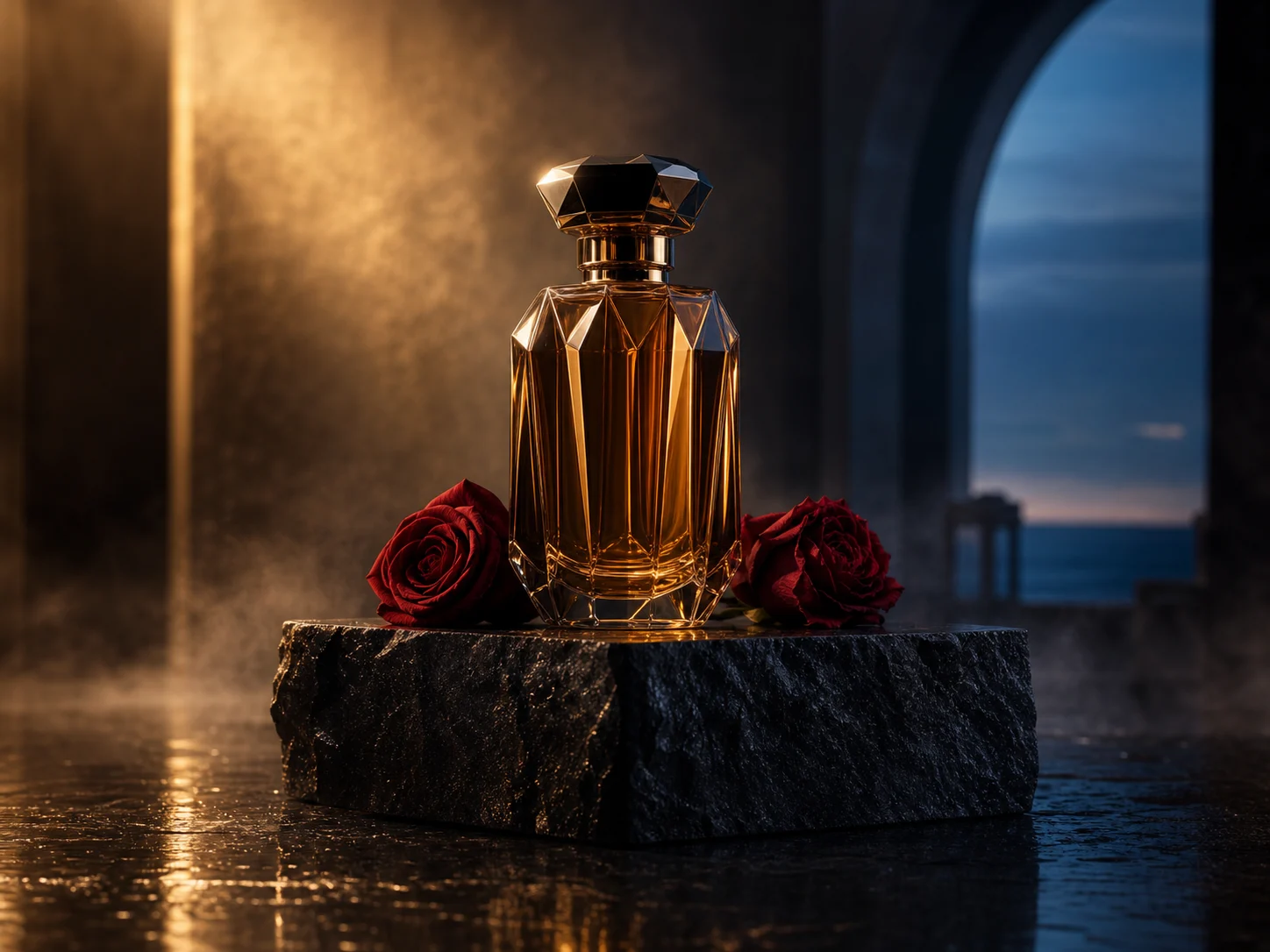
Follow Detailed Creative Briefs
Define the subject, setting, composition, lighting, palette, camera direction, and finish in one prompt. The result can then be reviewed against one connected creative brief instead of a loose list of style terms.
Built for Real-World Image Projects
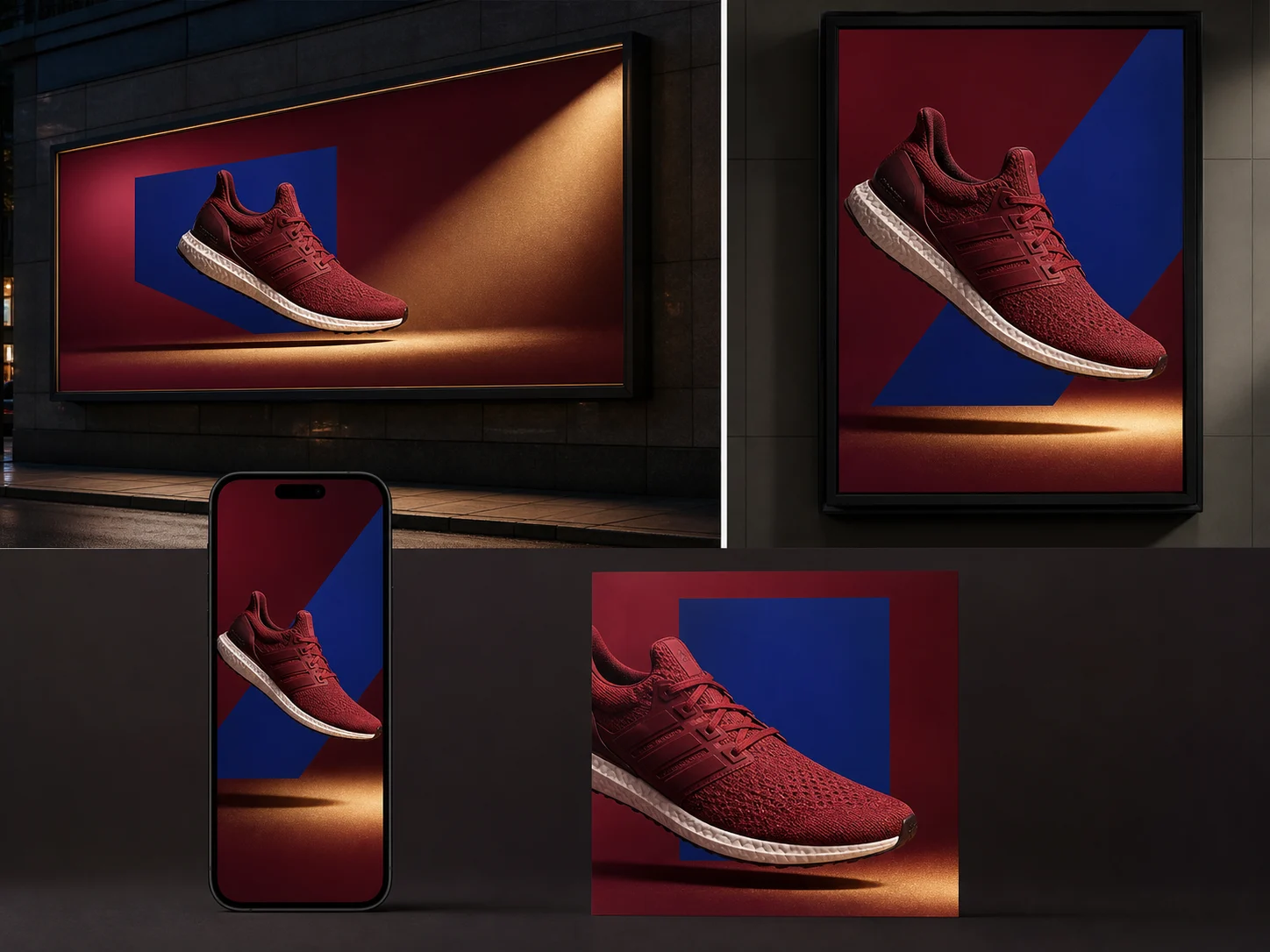
Marketing campaigns. Create coordinated social graphics, ad concepts, posters, and landing-page visuals from one campaign brief, with shared copy, brand cues, composition, and channel requirements.
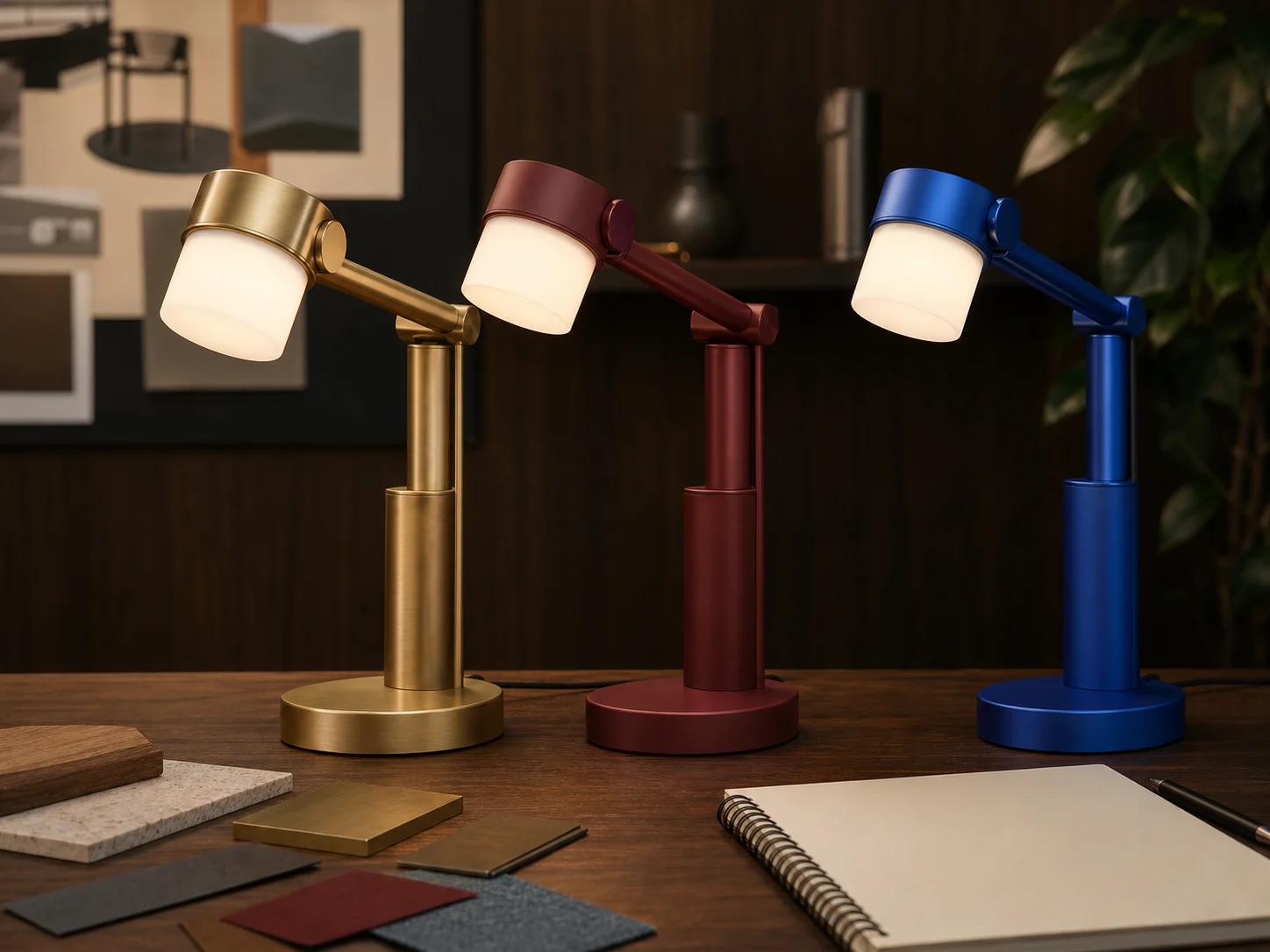
Product concepts. Combine product references with defined materials, colors, environments, and presentation angles to compare packaging or product directions before photography, manufacturing, or launch.
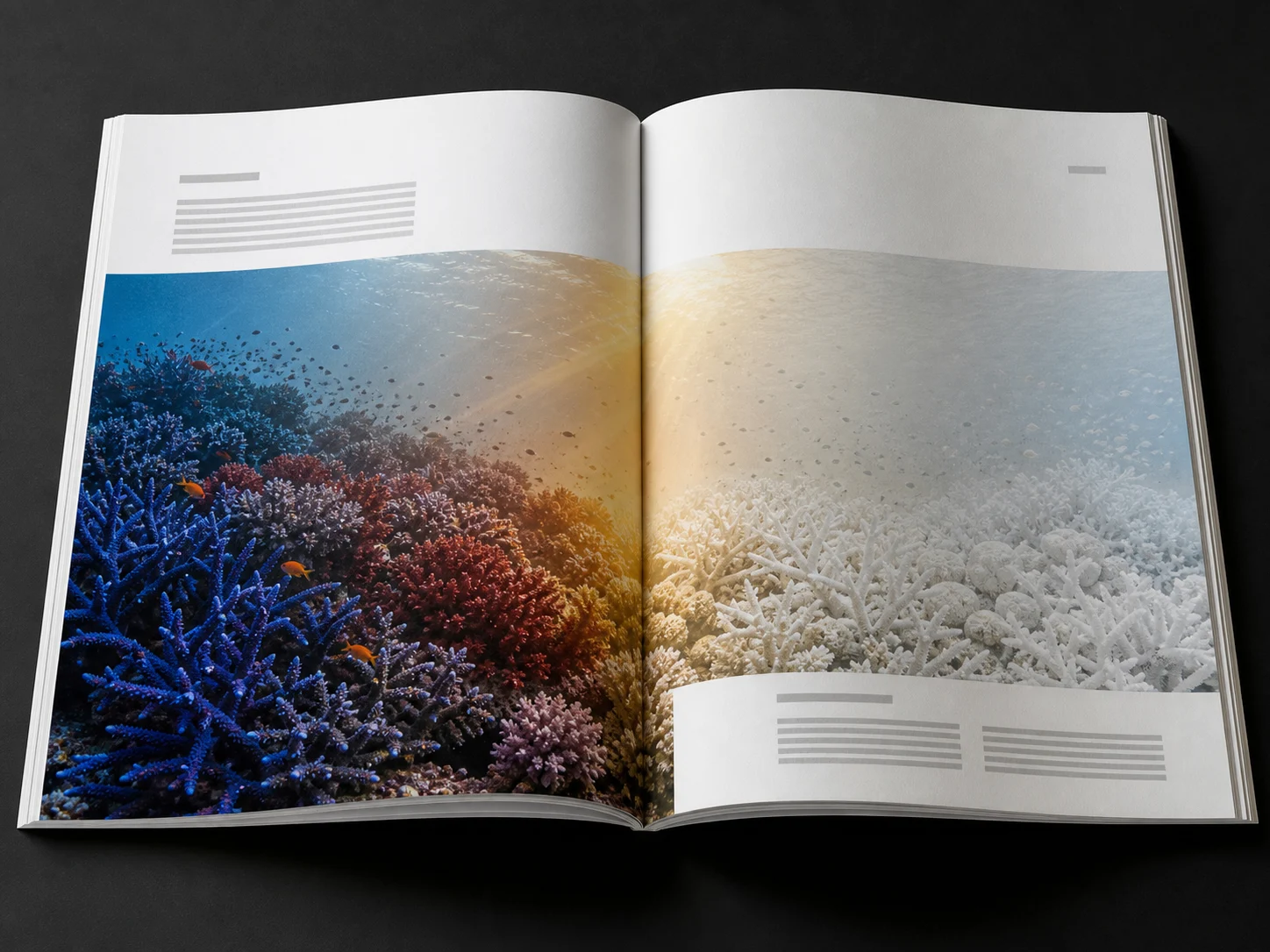
Editorial visuals. Turn an article, lesson, report, or presentation into a focused illustration, poster, or infographic concept built around one audience, message, and visual hierarchy.
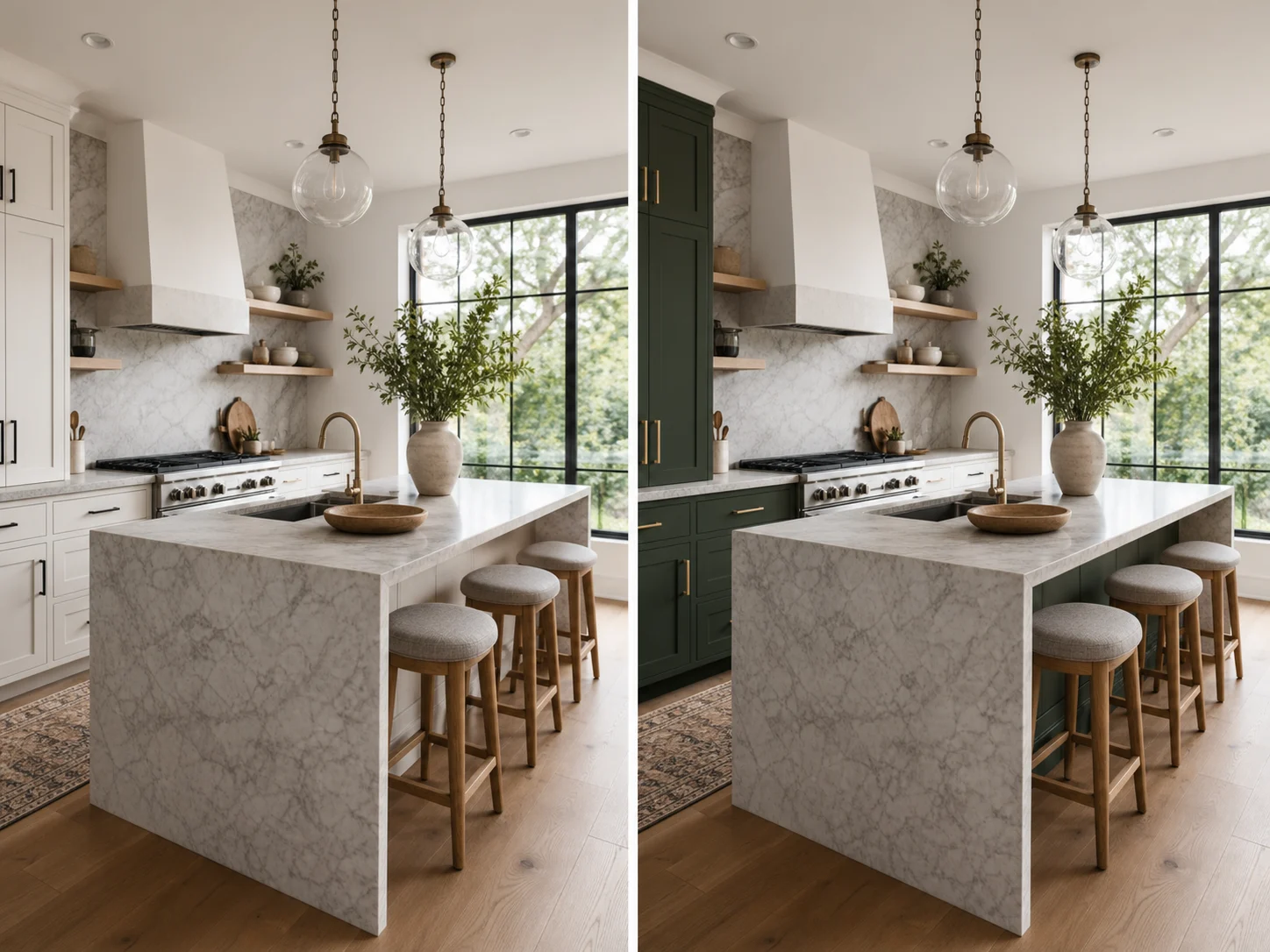
Asset revisions. Update backgrounds, materials, colors, or selected product details in existing campaign and catalog assets while clearly identifying the elements that should remain unchanged.
How to Use GPT Image 2 on Nuzza AI For Free
Try GPT Image 2 for Free NowChoose Generate or Edit
Start from a prompt, or add source images when the result must preserve or transform existing visual details.
Write a Structured Prompt
Define the scene, composition, lighting, text, finish, requested changes, preserved details, and role of every reference.
Generate and Inspect the Result
Choose the output size, quality, and image count, submit the request, then inspect text, identity, composition, and edited details before reuse.
GPT Image 2 vs. Nano Banana Pro vs. Flux 2 Pro
| Feature / Model | GPT Image 2 | Nano Banana Pro | Flux 2 Pro |
|---|---|---|---|
| Best Fit | Best for instruction-led generation, targeted edits, and text-aware visual work. | Best for multilingual designs, infographics, and high-resolution professional assets. | Best for photorealistic product scenes, commercial imagery, and precise color direction. |
| Max Resolution | Supports custom sizes with a 3,840-pixel maximum edge. | Offers selectable 1K, 2K, or 4K output. | Offers 1K, 2K, or 2.3K generation output. |
| Quality Control | Offers Auto, Low, Medium, and High quality settings. | Does not expose a separate quality selector in Nuzza. | Does not expose a separate quality selector in Nuzza. |
| Text Rendering | Handles text-rich layouts, but spelling and placement still require review. | Supports complex, stylized text and information-heavy layouts. | Supports text-aware design, with final typography requiring review. |
| Image Editing | Accepts up to 16 references for targeted, role-based edits. | Accepts up to 16 references for multi-image composition and editing. | Accepts up to 16 references for production-oriented image editing. |
| Output Count | Returns one to four images per request. | Returns one to four images per request. | Returns one image per request. |
FAQs about GPT Image 2
What is GPT Image 2?
GPT Image 2 is OpenAI's image model for generating and editing visuals from natural-language instructions. In Nuzza, you can start from a prompt or upload up to 16 reference images for an edit. The current workflow also exposes image size, quality, and output-count controls.
Can GPT Image 2 generate and edit images in Nuzza?
Yes. Start without an image to generate a new visual, or add reference images and describe the changes, preserved details, and role of each source. Both workflows require a prompt.
How many reference images can I use with GPT Image 2?
The current Nuzza editing workflow accepts from one to 16 source images. Give every source a necessary role and explain priority when identity, composition, palette, or style references conflict.
How does GPT Image 2 handle text in images?
GPT Image 2 can place headlines, labels, signs, and package copy inside a requested composition. Keep critical wording short and explicit, then review every character, spacing choice, and placement before publication.
What image sizes, quality levels, and output counts are available?
Nuzza exposes preset or supported custom image sizes, Auto, Low, Medium, or High quality, and one to four outputs per request. The selected controls apply to the active generation or editing workflow.
What should I check in a GPT Image 2 result?
Review visible text, subject identity, product geometry, composition, colors, and every detail that should remain unchanged during an edit. Correct one important variable at a time instead of assuming the first output is ready for publication.
Create and Edit Images with GPT Image 2
Start with a prompt or up to 16 reference images, then choose the output size, quality, and number of results for your next generation or edit.
Try GPT Image 2