
Wan 2.7
Wan 2.7 brings text, opening-frame, first-and-last-frame, reference-to-video, continuation, and instruction-based editing into one model family. Nuzza exposes the connected workflows with operation-specific controls for duration, resolution, framing, references, audio, and source media.
Why Creators Choose Wan 2.7?
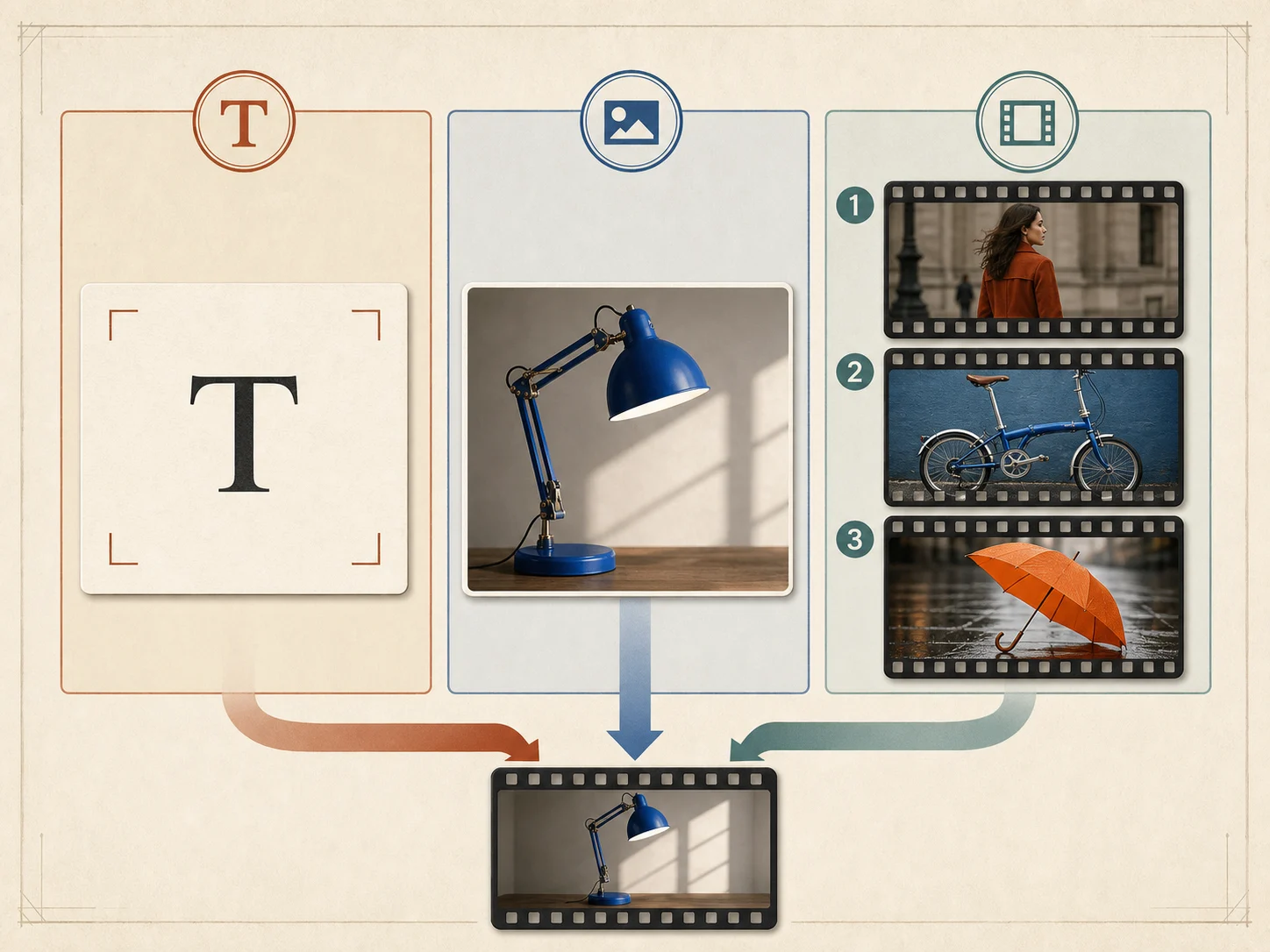
Choose the Workflow That Matches Your Source
Start from text, one opening frame, matched first and last frames, reference images or videos, or an existing source clip. Choosing the correct operation first keeps the prompt focused on the transformation Wan 2.7 is actually being asked to perform.
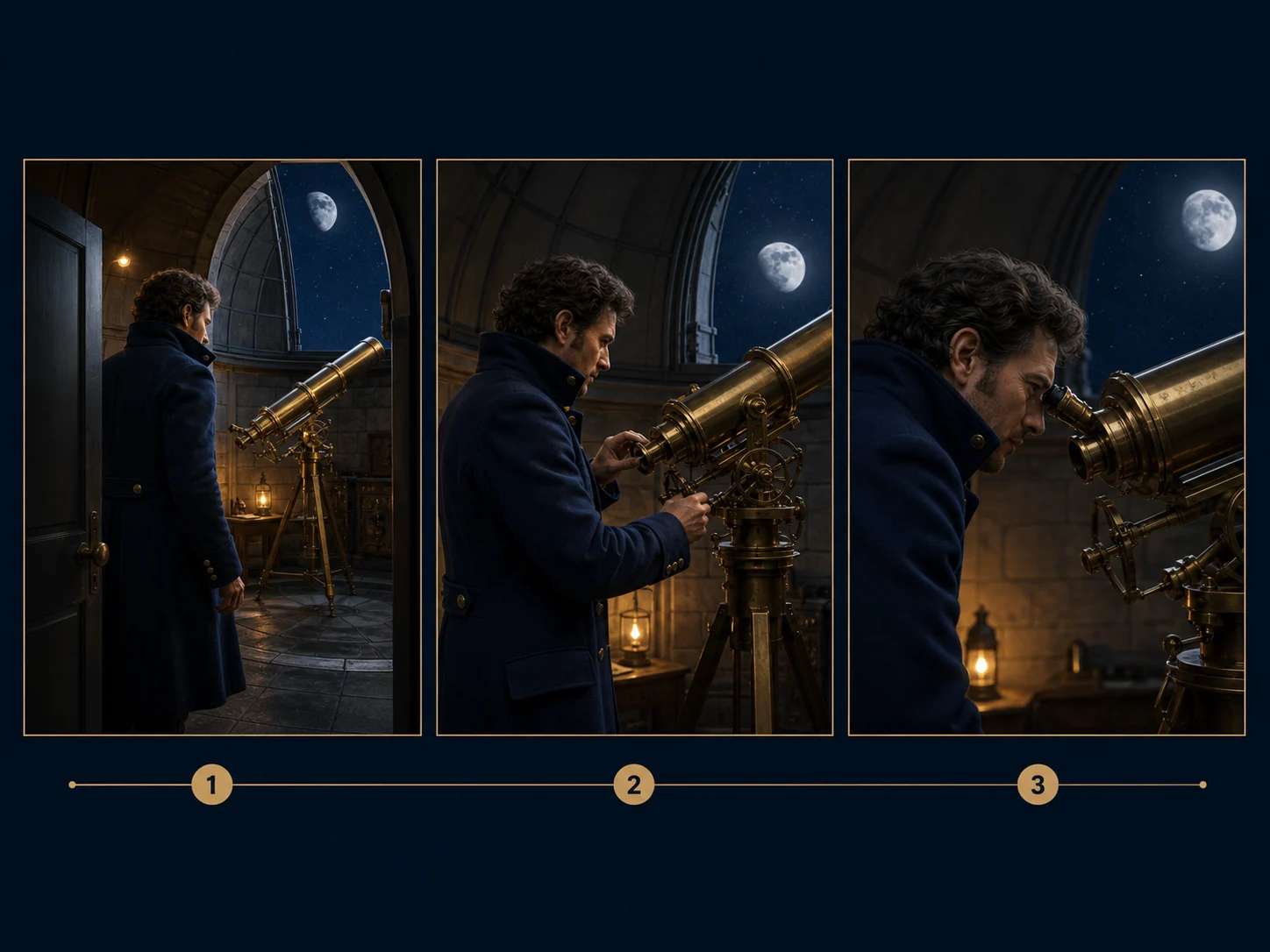
Control an Opening Frame, Endpoint, or Continuation
Anchor the first composition with an image, add a compatible end frame when the destination matters, or continue from a short source clip. Each path solves a different continuity problem, so review identity, geometry, lighting, and camera direction across the handoff.
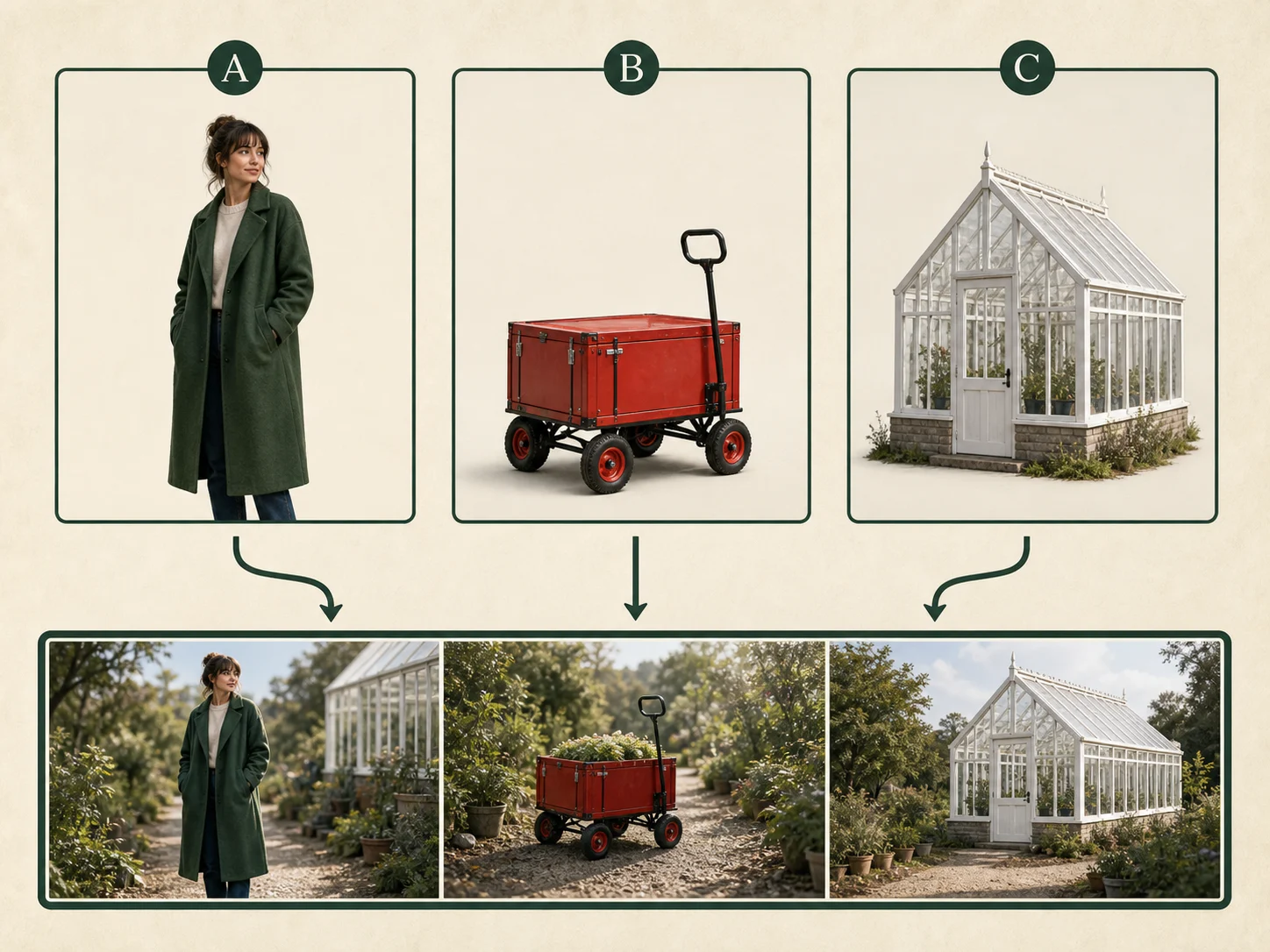
Keep Referenced Subjects Recognizable
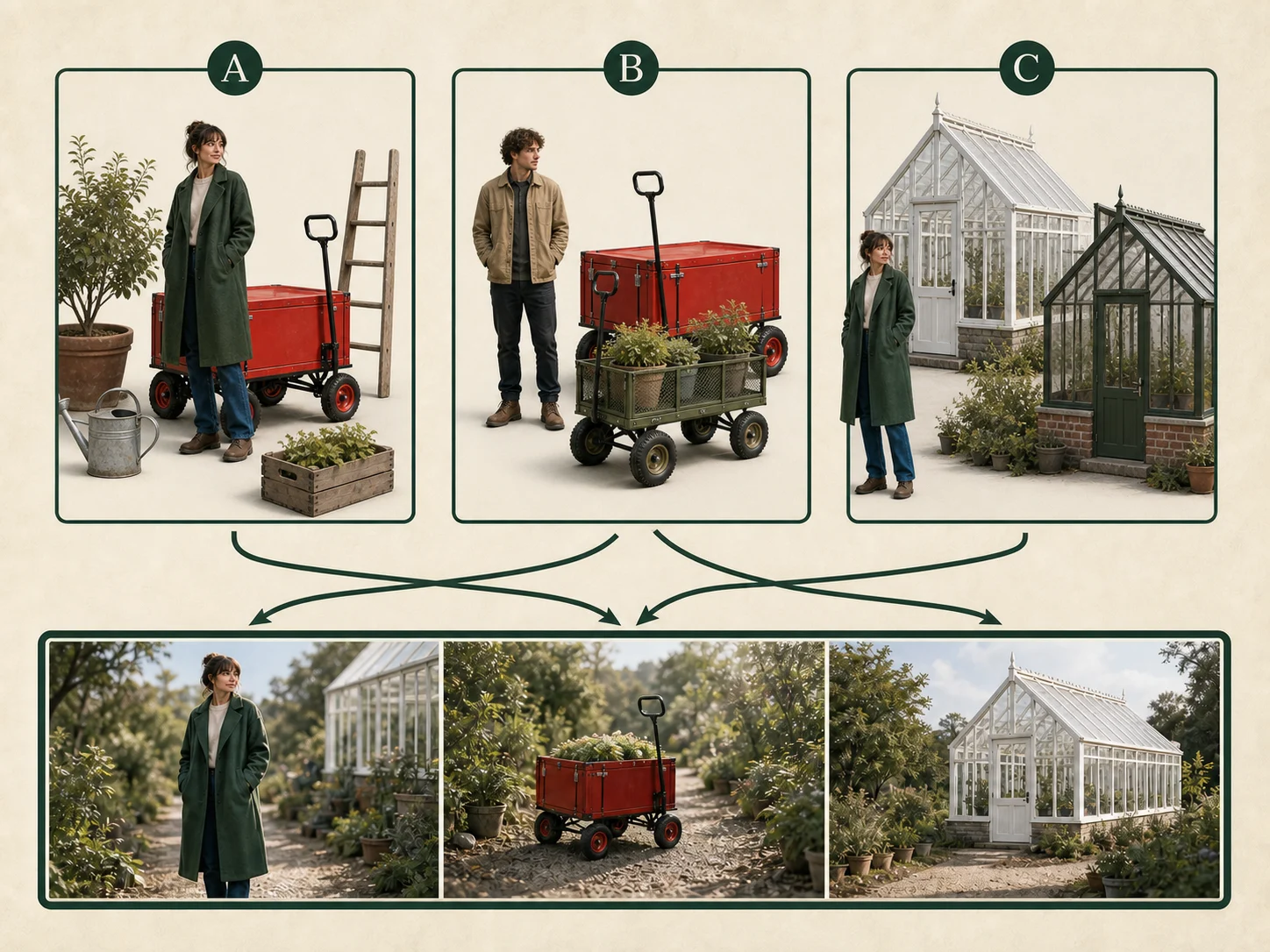
Use reference images or videos to define recurring people, objects, wardrobe, movement, or visual treatment. Assign each source a clear role in the prompt and check every shot for identity, proportion, color, and relationship drift.
Edit Existing Video with Instructions
Upload a source clip and describe the requested visual change or style transfer instead of rebuilding the scene from zero. Wan 2.7 can preserve source structure while applying an edit, but targeted objects, edges, motion, and untouched regions still require review.
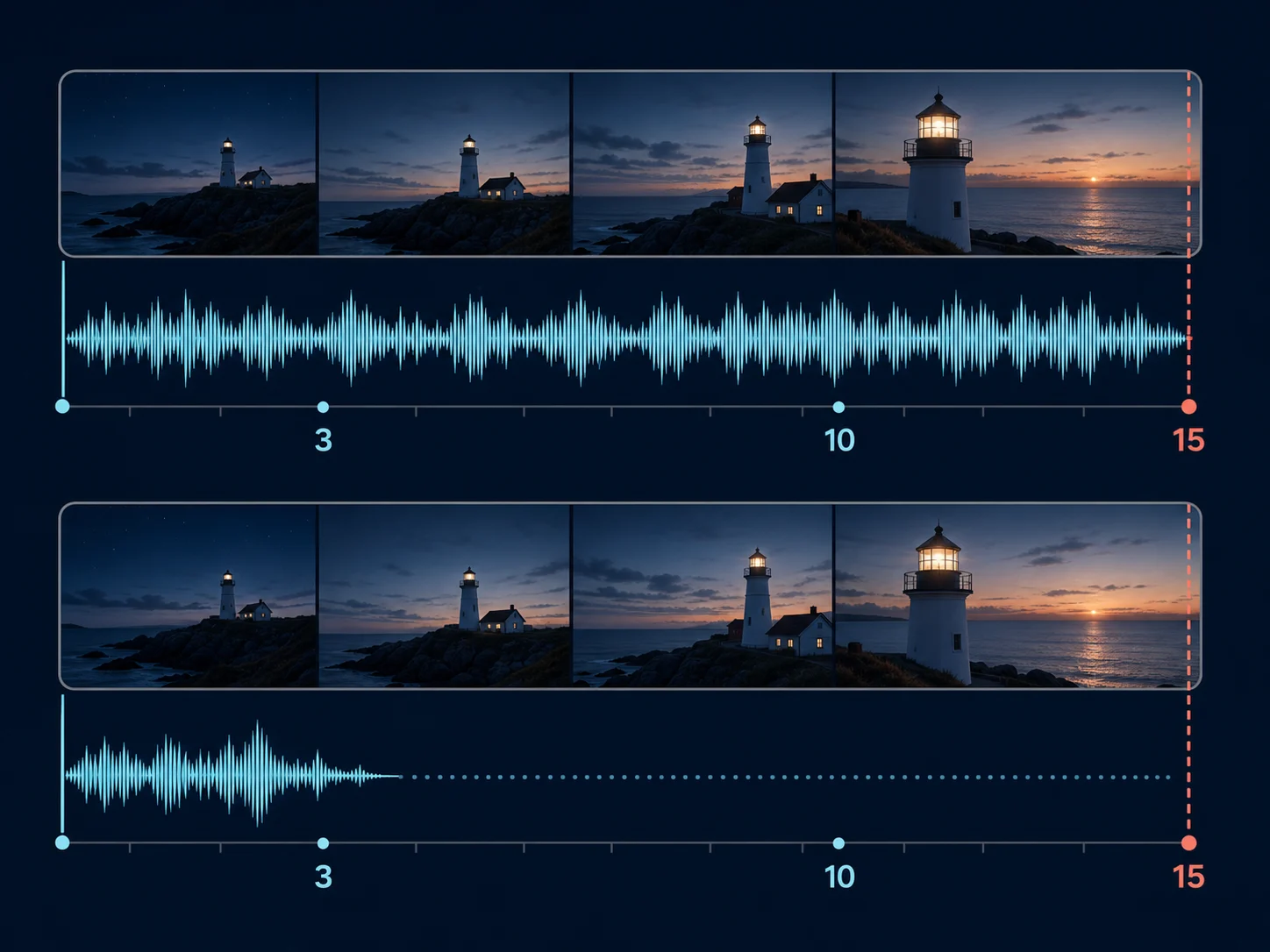
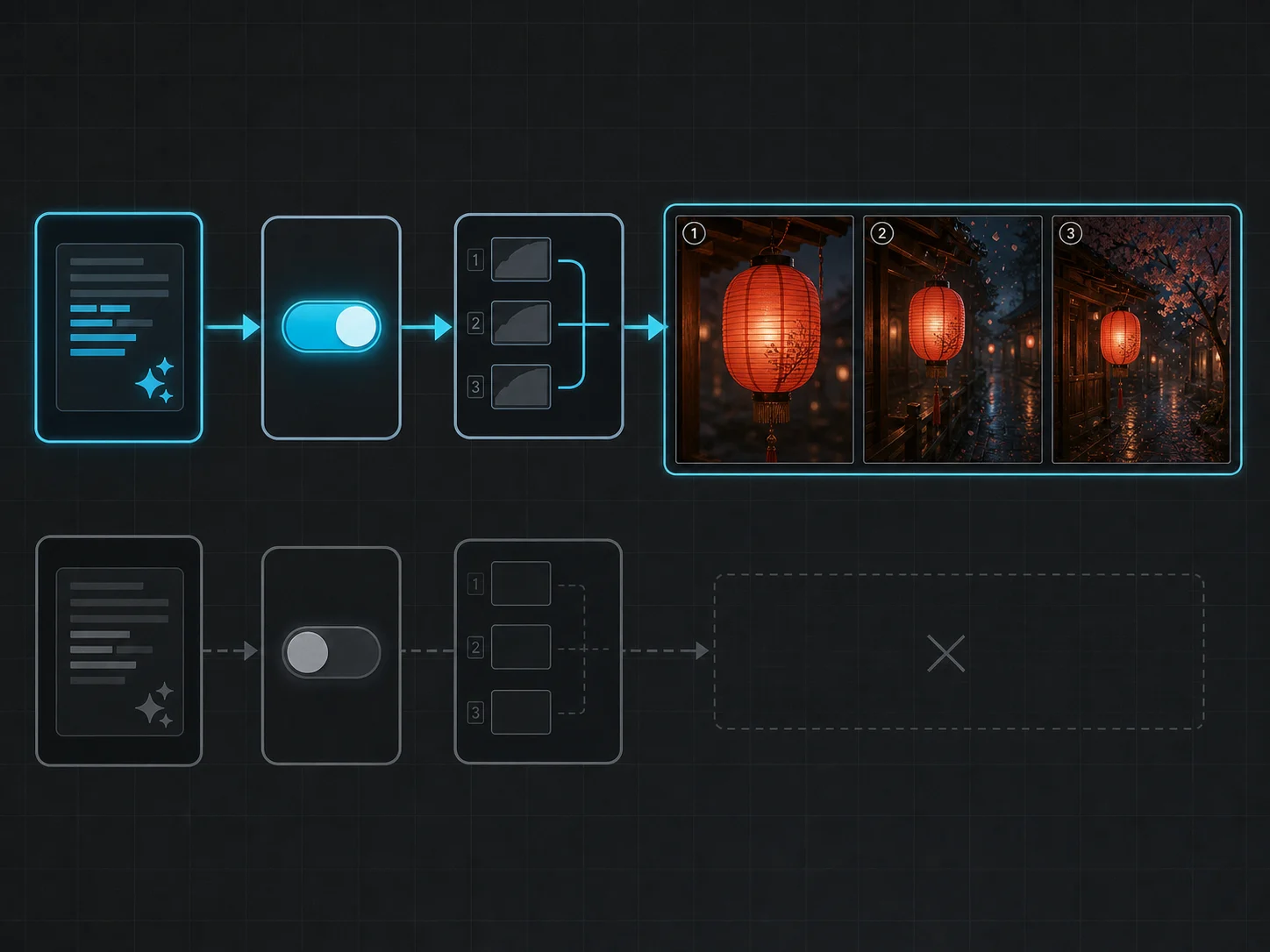
Plan Video and Audio Together
Supported generation modes can automatically create matching sound or use supplied audio, while editing can preserve source audio or let the model handle it. Describe dialogue, ambience, music, and effects beside the visible event they should support, then review synchronization and balance.
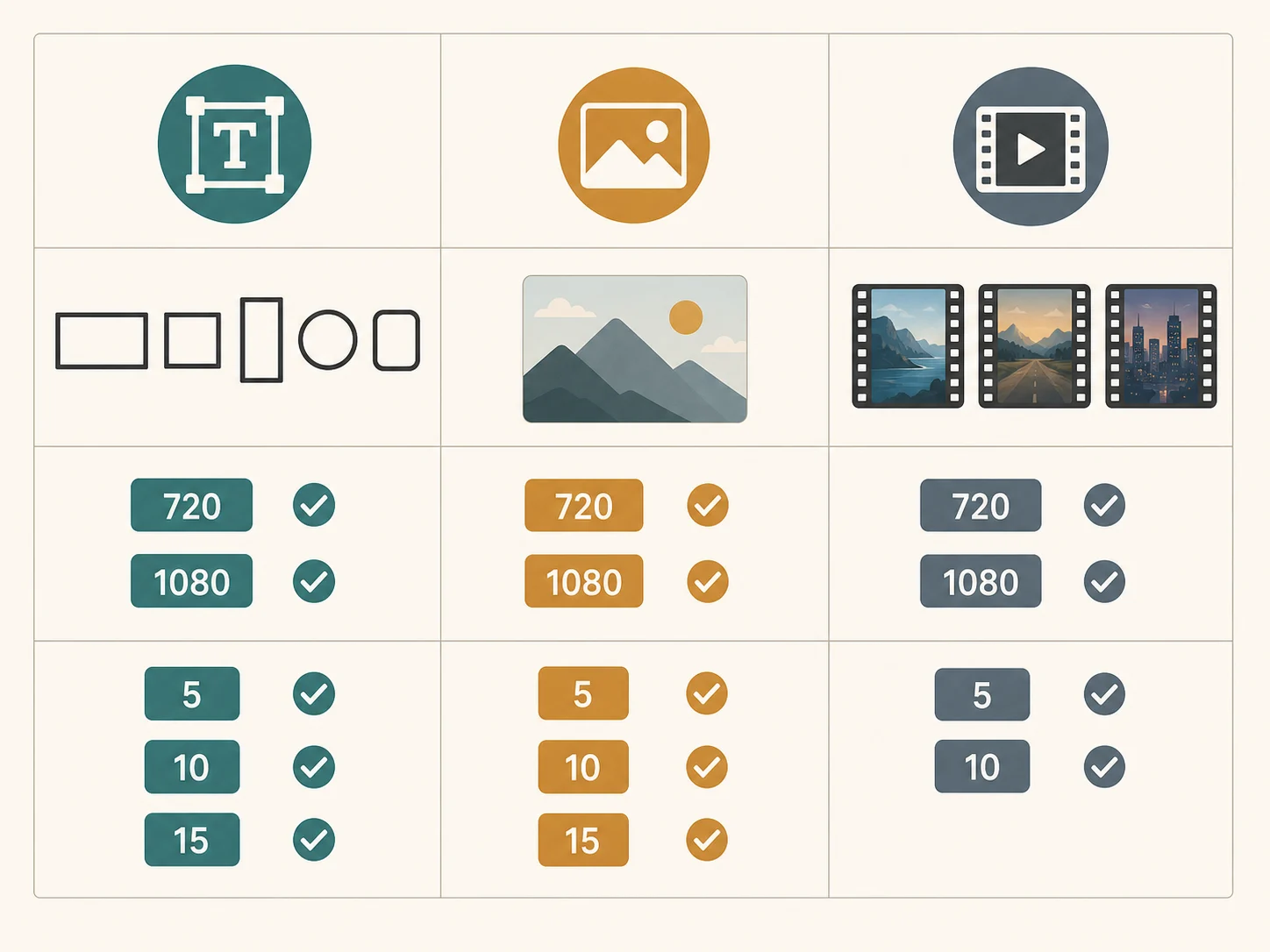
Build Short HD Sequences up to 15 Seconds
Official text- and image-led Wan 2.7 workflows support 720p or 1080p output and clips from 2 to 15 seconds. Reference and editing operations have their own shorter limits, so the selected operation—not the family headline—determines the valid request.
What Is Wan 2.7 Built For?
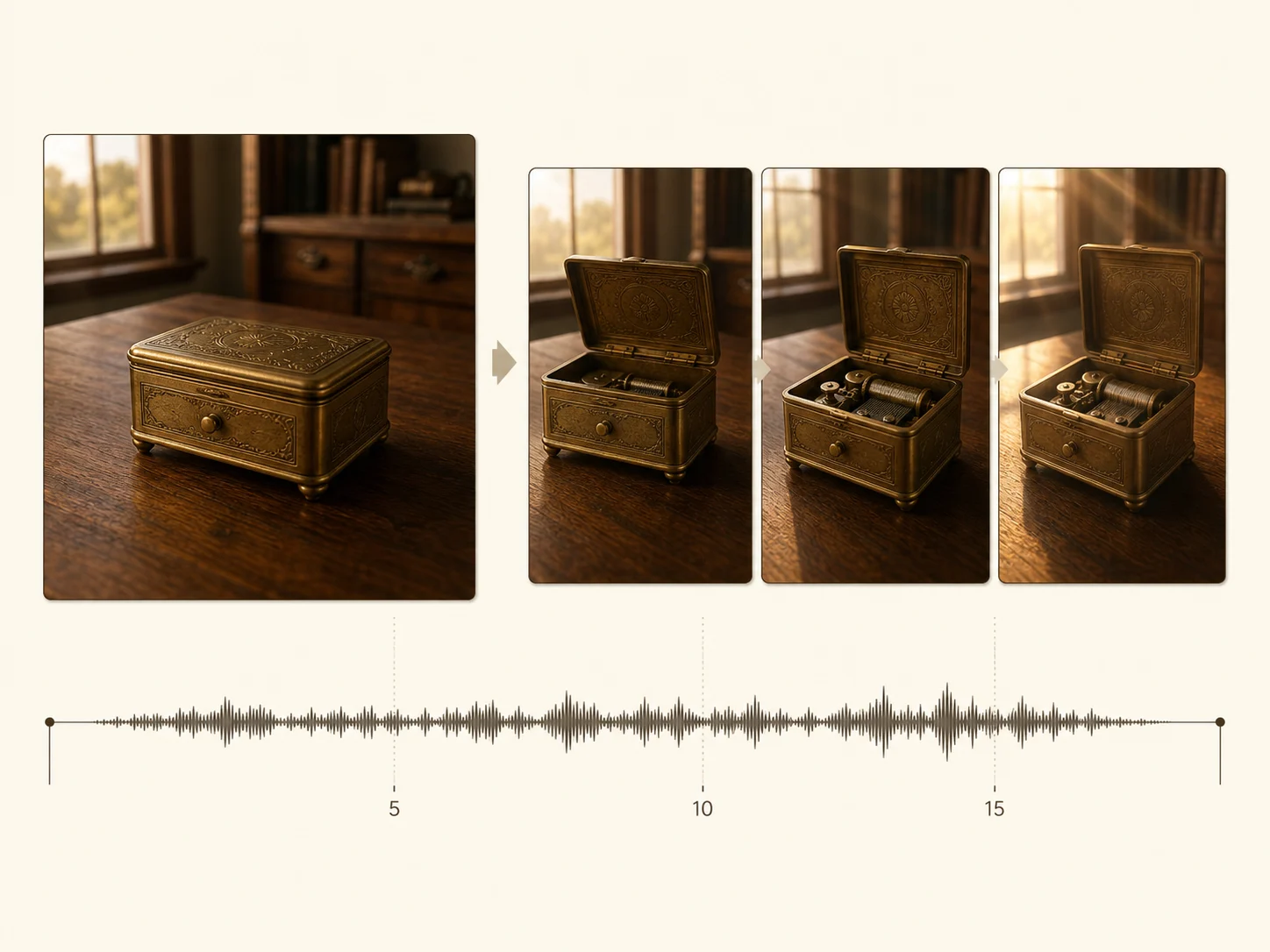
Multi-shot campaign stories. Create a connected product or brand sequence with planned shot changes, recurring subjects, controlled pacing, and matching sound in one short-form deliverable.
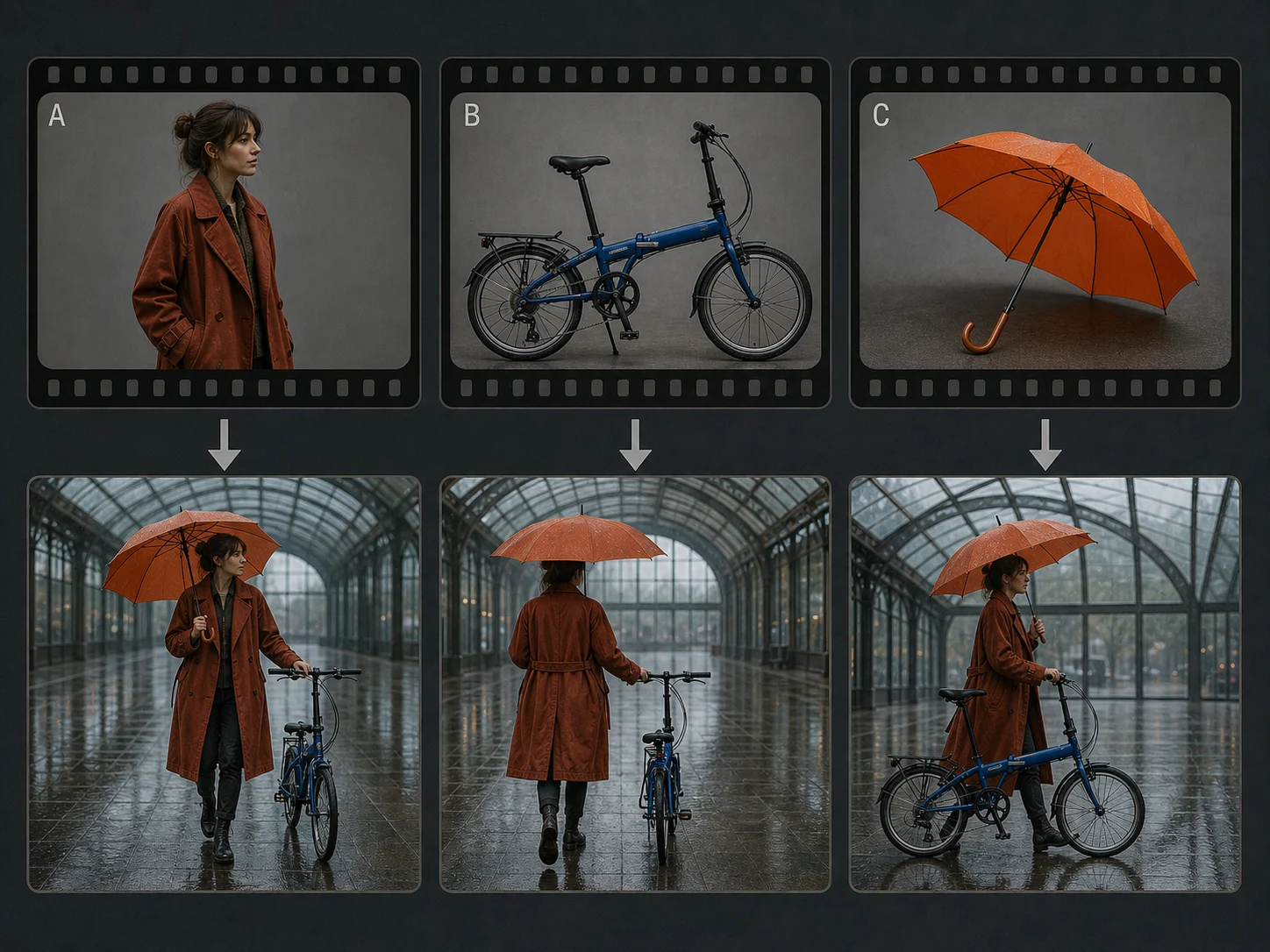
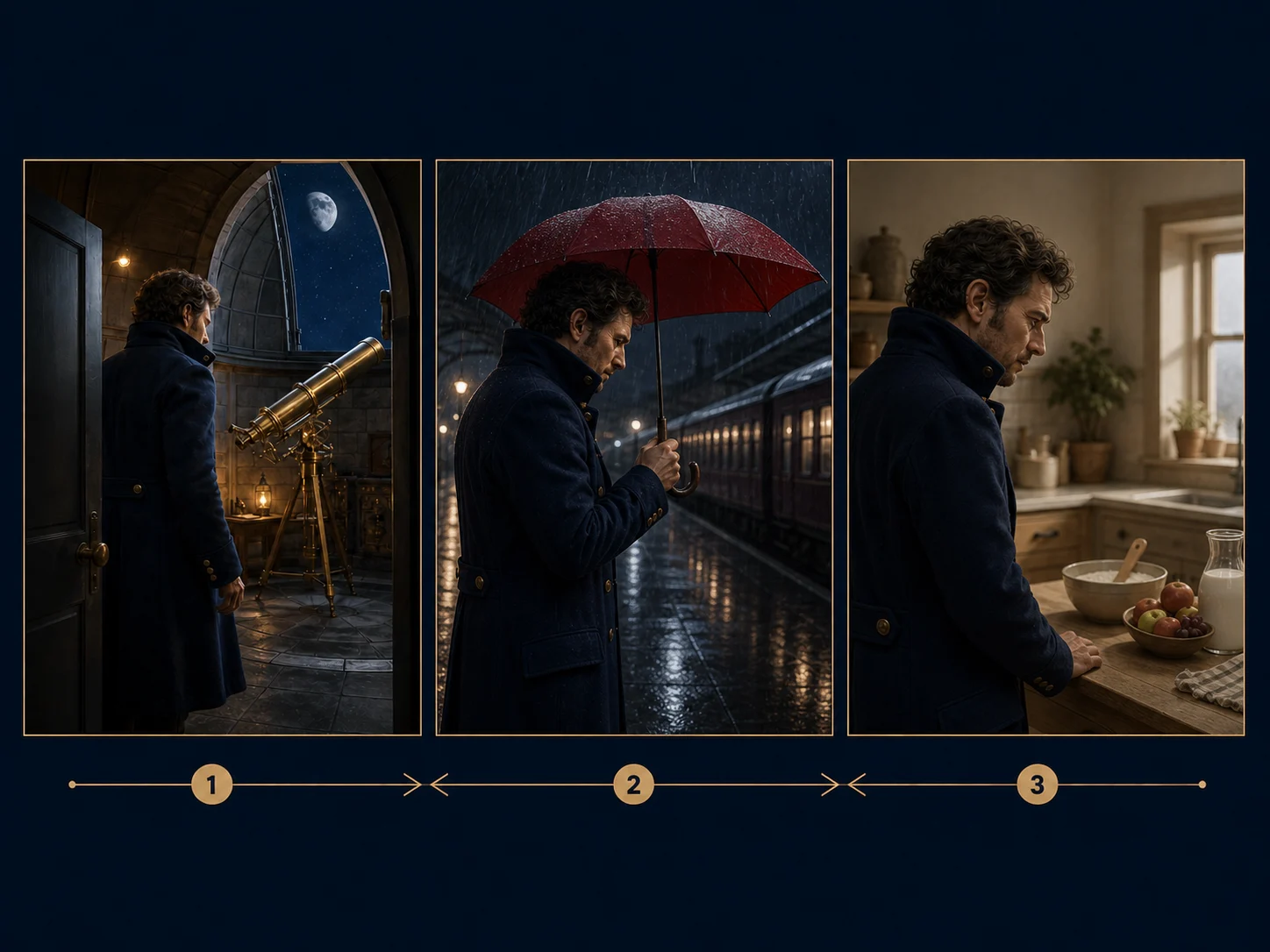
Character and product continuity. Use reference media to carry recognizable people, wardrobe, props, or products through new settings and camera angles while checking every output for drift.
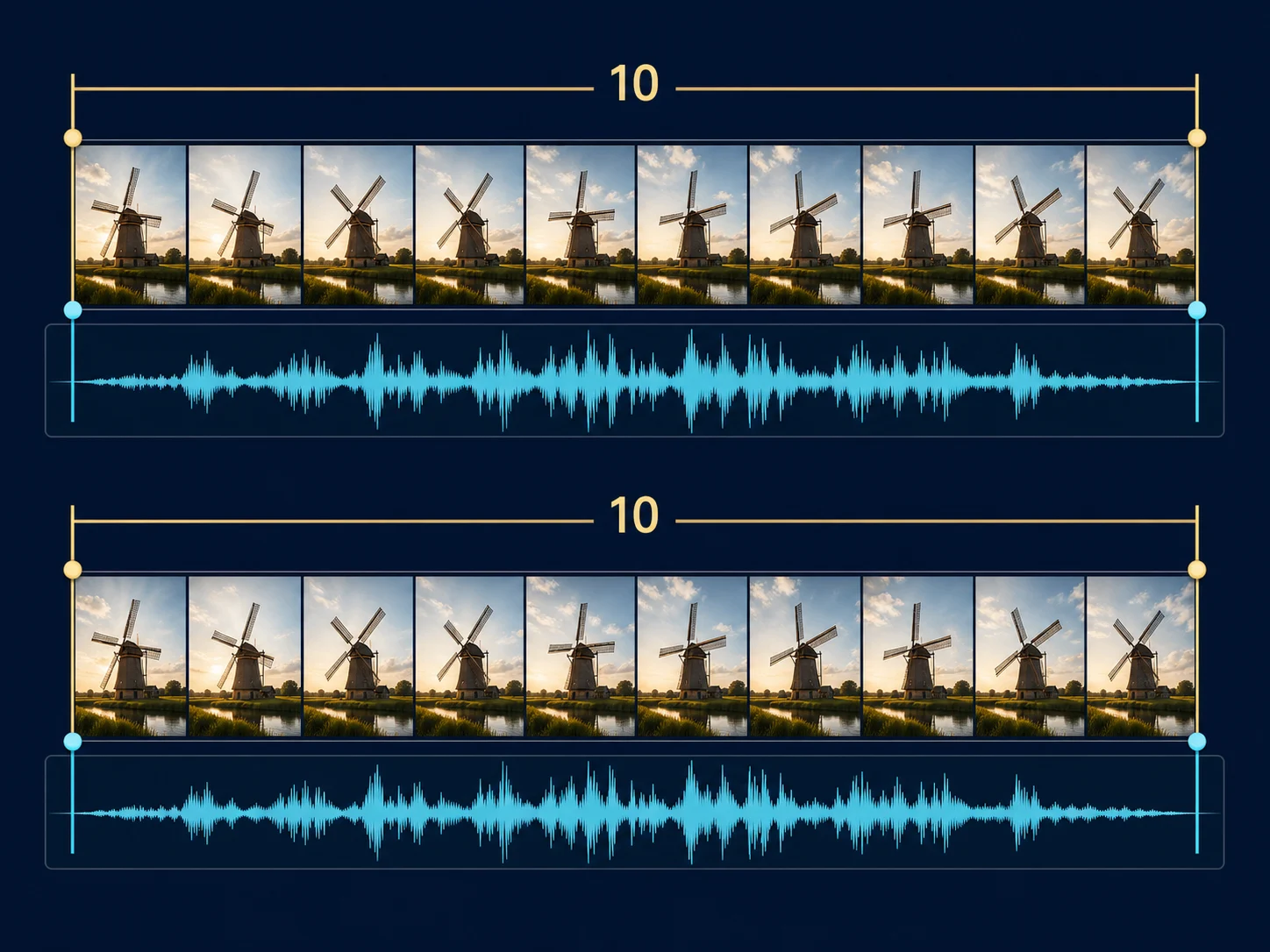
Video continuation and endpoints. Extend a short clip or connect compatible first and last frames when a sequence needs a controlled handoff, reveal, or additional beat.
Instruction-led video revisions. Relight, restyle, or revise selected content in an existing clip while keeping useful motion, timing, composition, and source audio where the workflow allows.
How to Use Wan 2.7 on Nuzza AI For Free
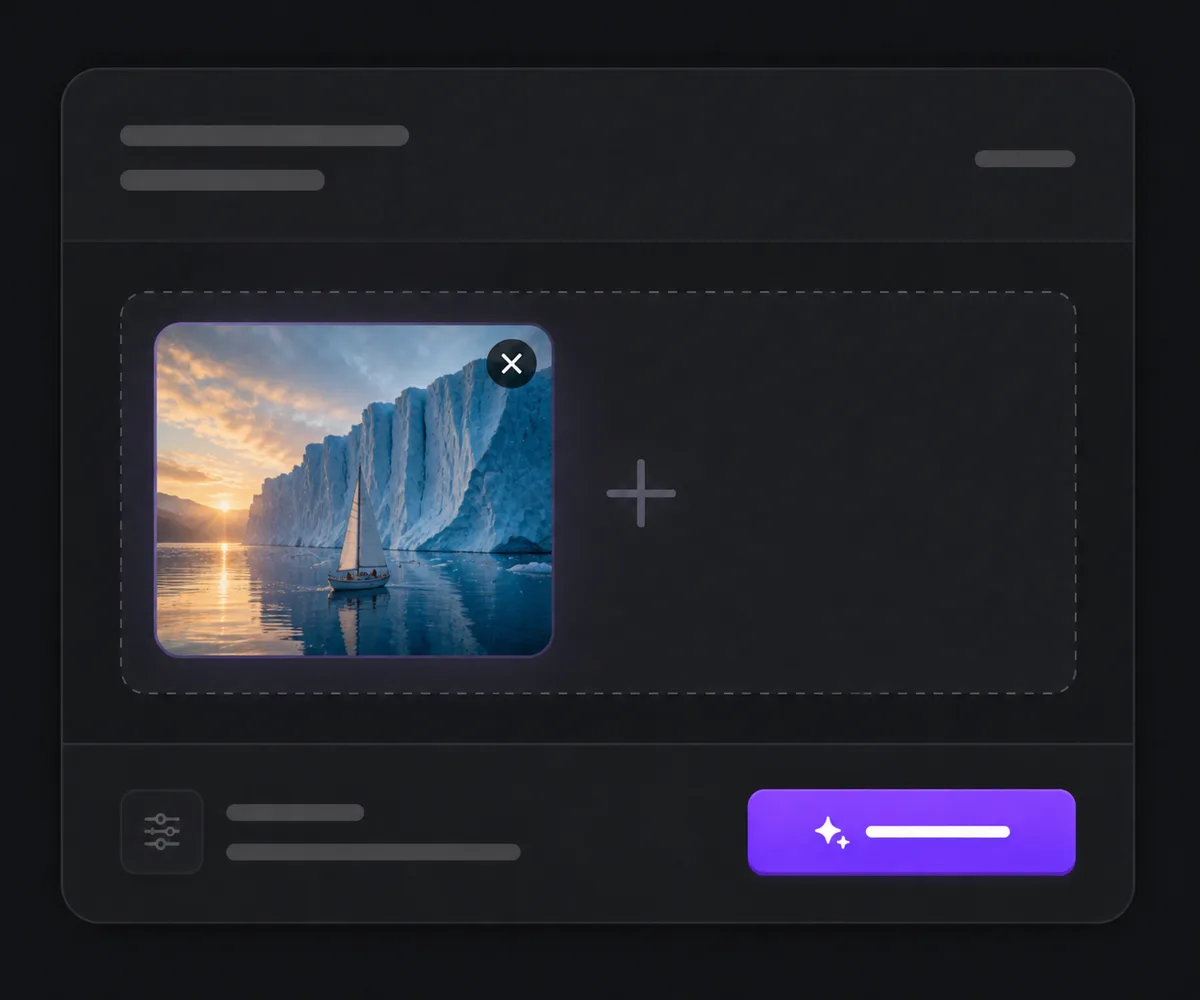
Choose the Correct Wan 2.7 Workflow
Start with text, an opening image, first and last frames, references, a continuation clip, or a source video for editing.
Assign Every Input a Clear Role
Describe the subject, action, camera, light, sound, and intended change, then set the controls exposed for that specific operation.
Generate and Inspect the Complete Result
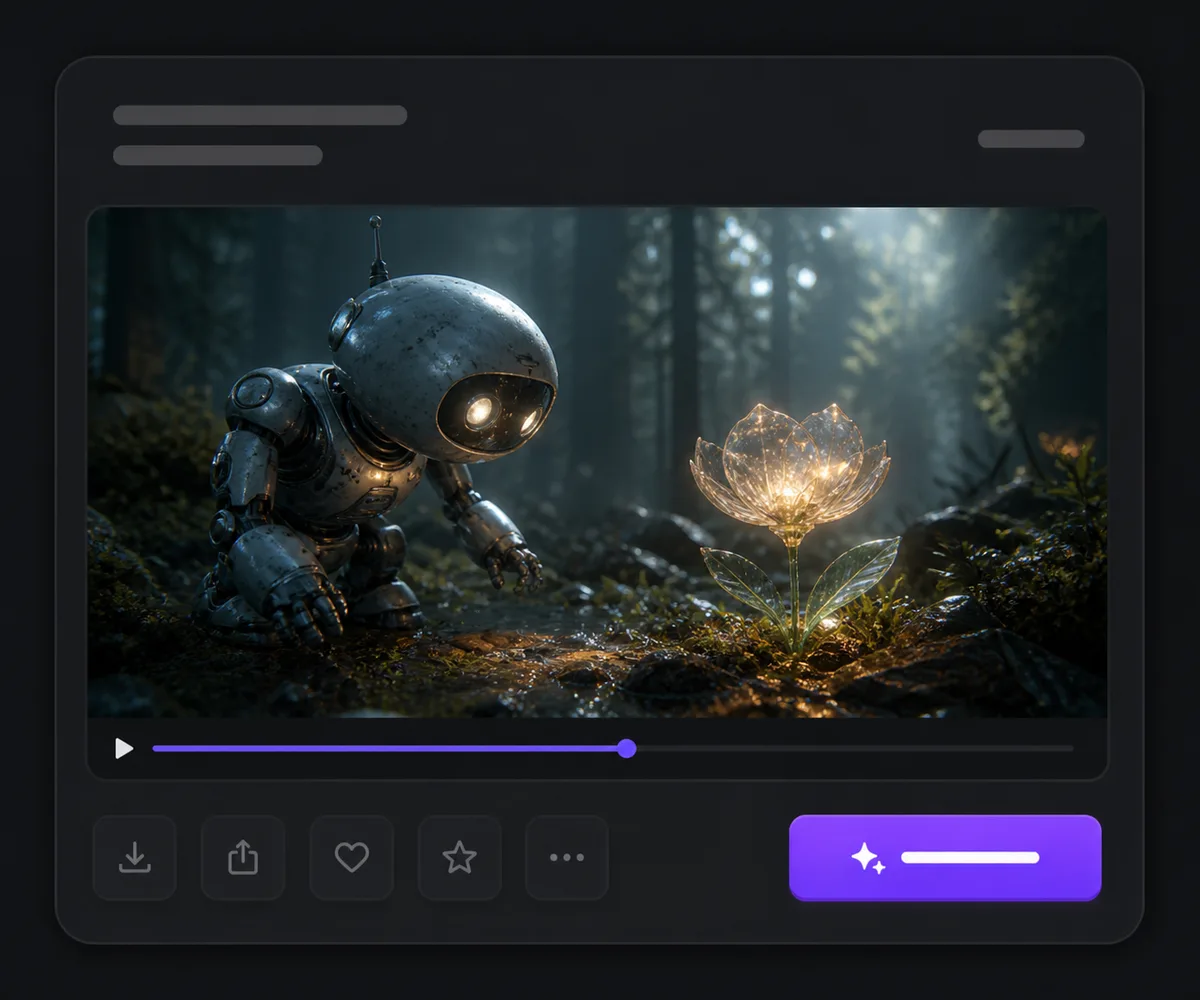
Review continuity, motion, edits, frame edges, reference fidelity, dialogue, ambience, and audio synchronization before downloading or revising.
Wan 2.7 vs Wan 2.6 vs Seedance 2
| Feature / Model | Wan 2.7 | Wan 2.6 | Seedance 2 |
|---|---|---|---|
| Best Fit | Projects that move among frames, references, continuation, generation, and revision. | Established text, opening-image, or reference-video recipes. | Projects centered on mixed visual, video, and audio reference direction. |
| Starting Inputs | Text, opening frame, first and last frames, references, audio, or source video. | Text, one opening image, or a small set of reference videos. | Text, frames, images, video, and audio across its connected modes. |
| Workflow Range | Generation, reference-to-video, continuation, and instruction-based editing. | Generation and reference-led video without Wan 2.7's connected editor. | Generation and multimodal reference workflows rather than Wan-style editing. |
| Duration | Up to 15 seconds for text and image generation; limits vary for references and editing. | Up to 15 seconds in the longer text and image paths. | Up to 15 seconds in the current Nuzza mapping. |
| Audio | Automatic or supplied audio in supported generation modes; source-audio handling in editing. | Supplied or generated audio behavior depends on the operation. | Generated-audio control is available in supported workflows. |
FAQs about Wan 2.7
What is Wan 2.7?
Wan 2.7 is Alibaba's multimodal video family for text- and frame-led generation, reference-to-video, continuation, audiovisual creation, and instruction-based video editing.
Is Wan 2.7 free to use?
Yes. Nuzza offers free Credits for new users to try Wan 2.7. Once your free Credits are used up, you will need to subscribe to a paid plan to continue.
What can I use as input?
Depending on the selected operation, Nuzza accepts text, one opening image, first and last frames, reference images or videos, optional audio, a continuation clip, or a source video for editing.
How long can Wan 2.7 videos be?
Official text- and image-led workflows support 2–15 seconds. Reference-to-video, continuation, and editing have separate limits, so check the visible controls for the selected operation.
Can Wan 2.7 generate or use audio?
Yes. Supported workflows can create matching audio or use a supplied track, while video editing can preserve source audio or let the model handle it automatically.
Can Wan 2.7 edit an existing video?
Yes. The current editing workflow accepts a source clip and an instruction, with optional references and audio-handling controls where exposed.
What resolution does Wan 2.7 support?
Official connected workflows use 720p or 1080p output, with availability depending on the operation.
How should I use references?
Use clean, relevant sources, assign each one a clear identity or style role, and state what must stay recognizable. References guide the model but do not guarantee perfect preservation.
What should I review before publishing?
Check character and product identity, physical motion, shot continuity, edits, crop, text, dialogue, sound balance, and audiovisual synchronization across the entire clip.
Move from a Prompt or Source into a Finished Video
Choose the Wan 2.7 workflow that matches your real starting material, assign every reference a role, and review the complete audiovisual result.
Try Wan 2.7 for Free Now