
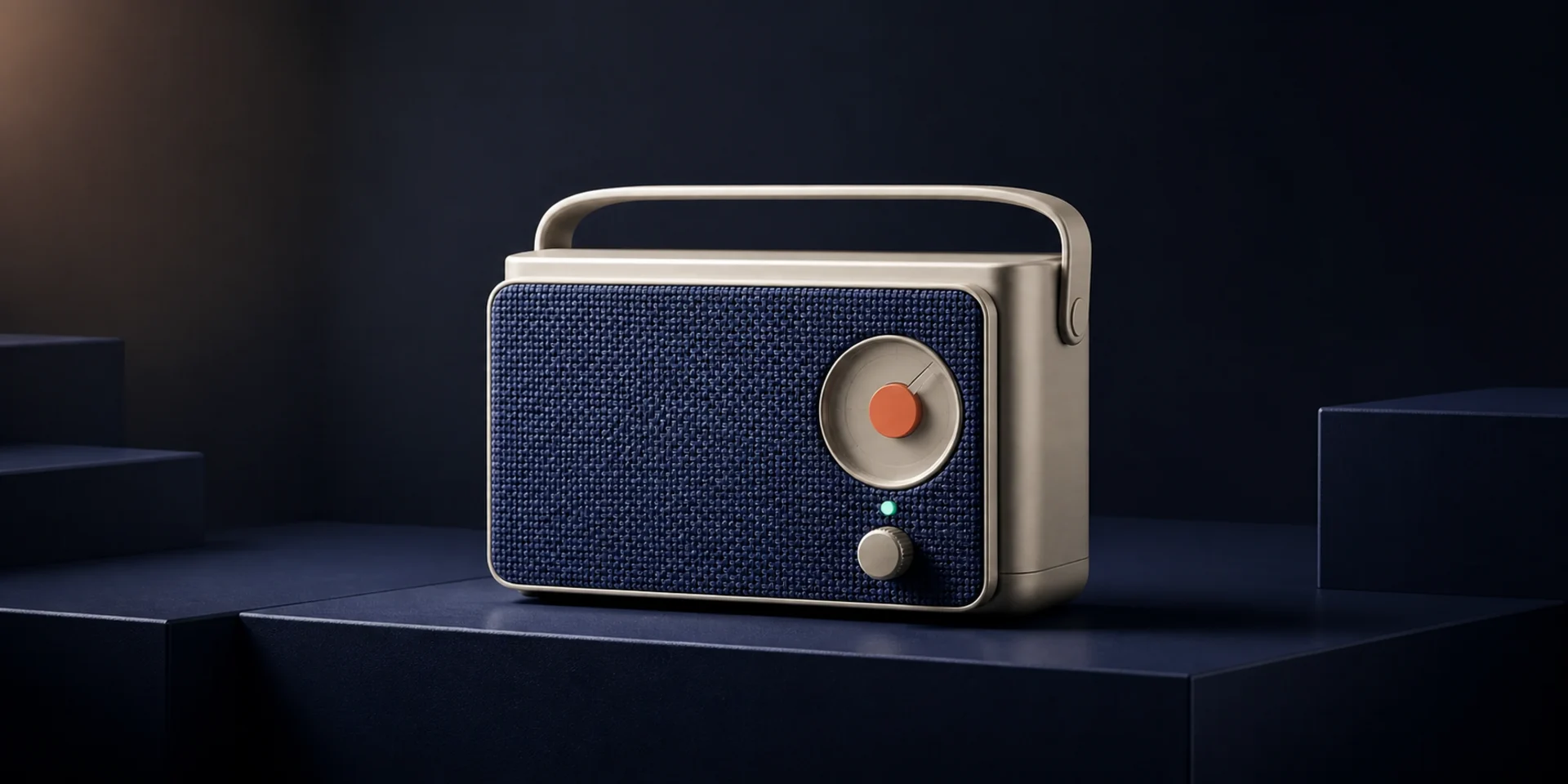
Flux 2 Pro
FLUX.2 [pro] is Black Forest Labs' production model for photorealistic generation and editing at up to four megapixels. It combines multi-reference control, stronger typography, structured prompt following, exact color direction, and real-world spatial logic for repeatable commercial workflows.
Why Creators Choose Flux 2 Pro?
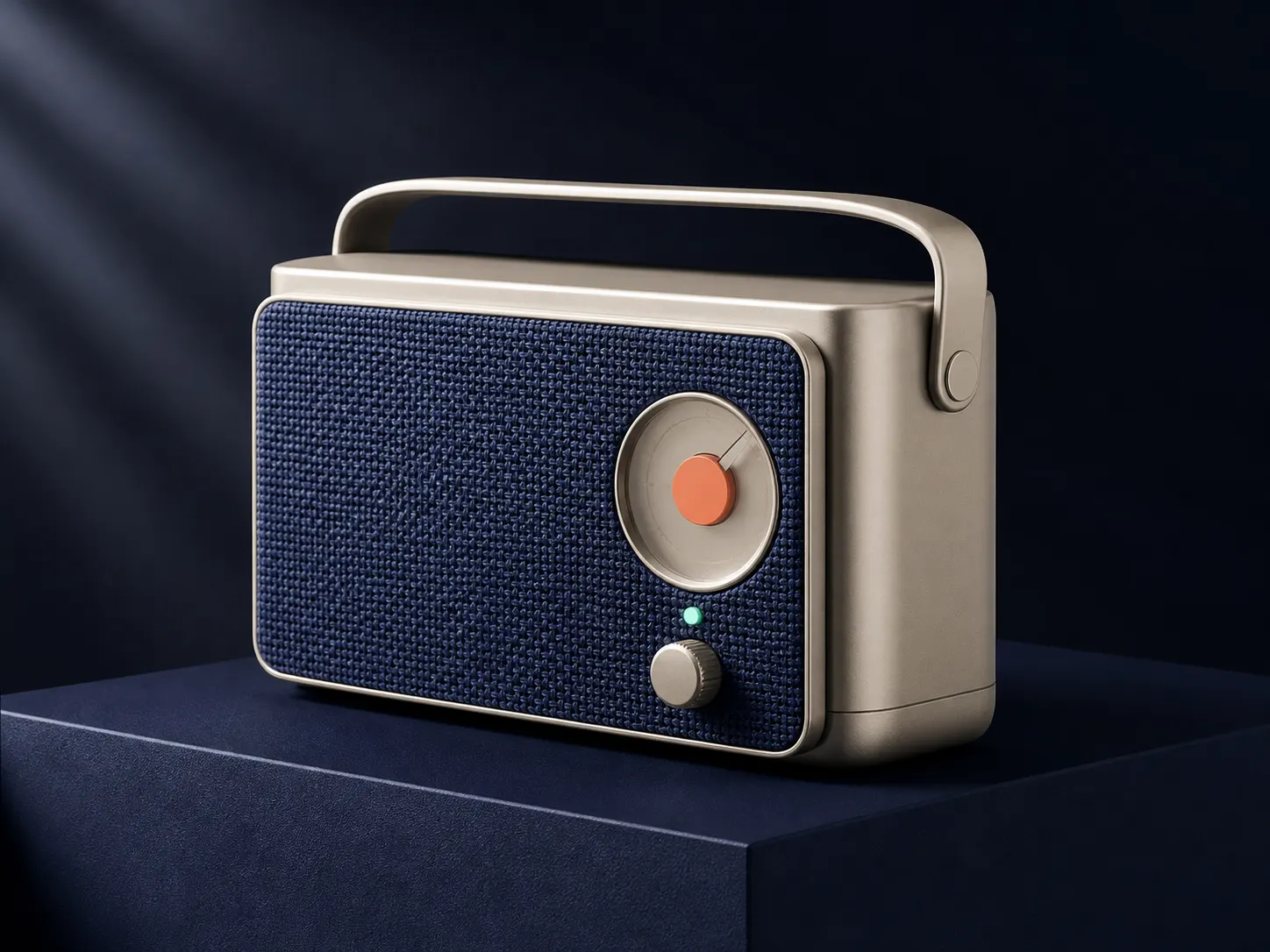
Generate Photorealistic Detail up to 4MP
Create commercial visuals with high-detail skin, fabric, food, glass, metal, architecture, and product surfaces. FLUX.2 Pro supports output up to four megapixels, giving print, campaign, packaging, and editorial concepts more room for texture and refinement.
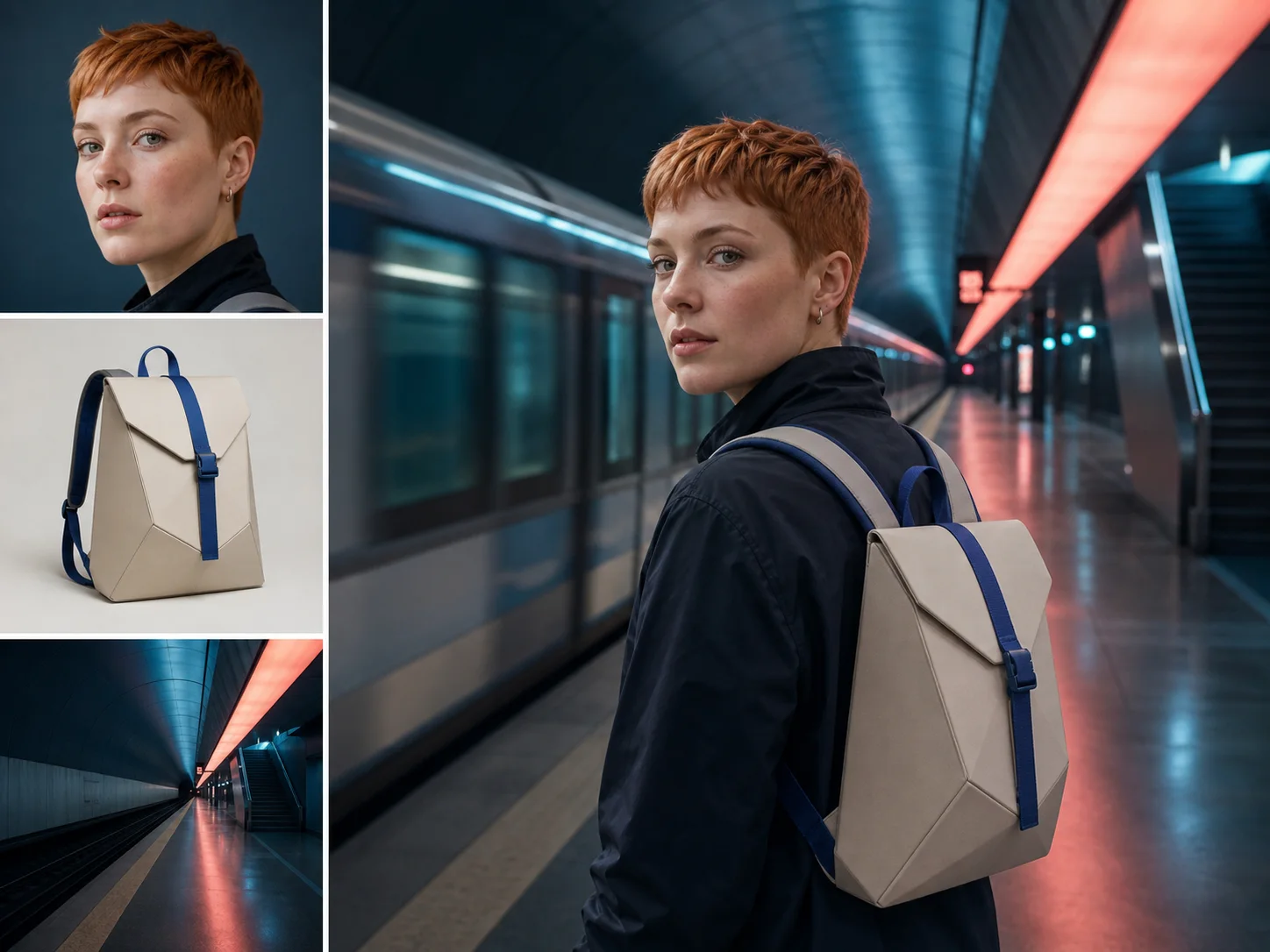
Combine Multiple References into One Scene
Assign sources to product geometry, character identity, pose, environment, palette, or style. Multi-reference control helps carry important visual anchors into a new generation or edit while a role-based prompt explains how the pieces should interact.
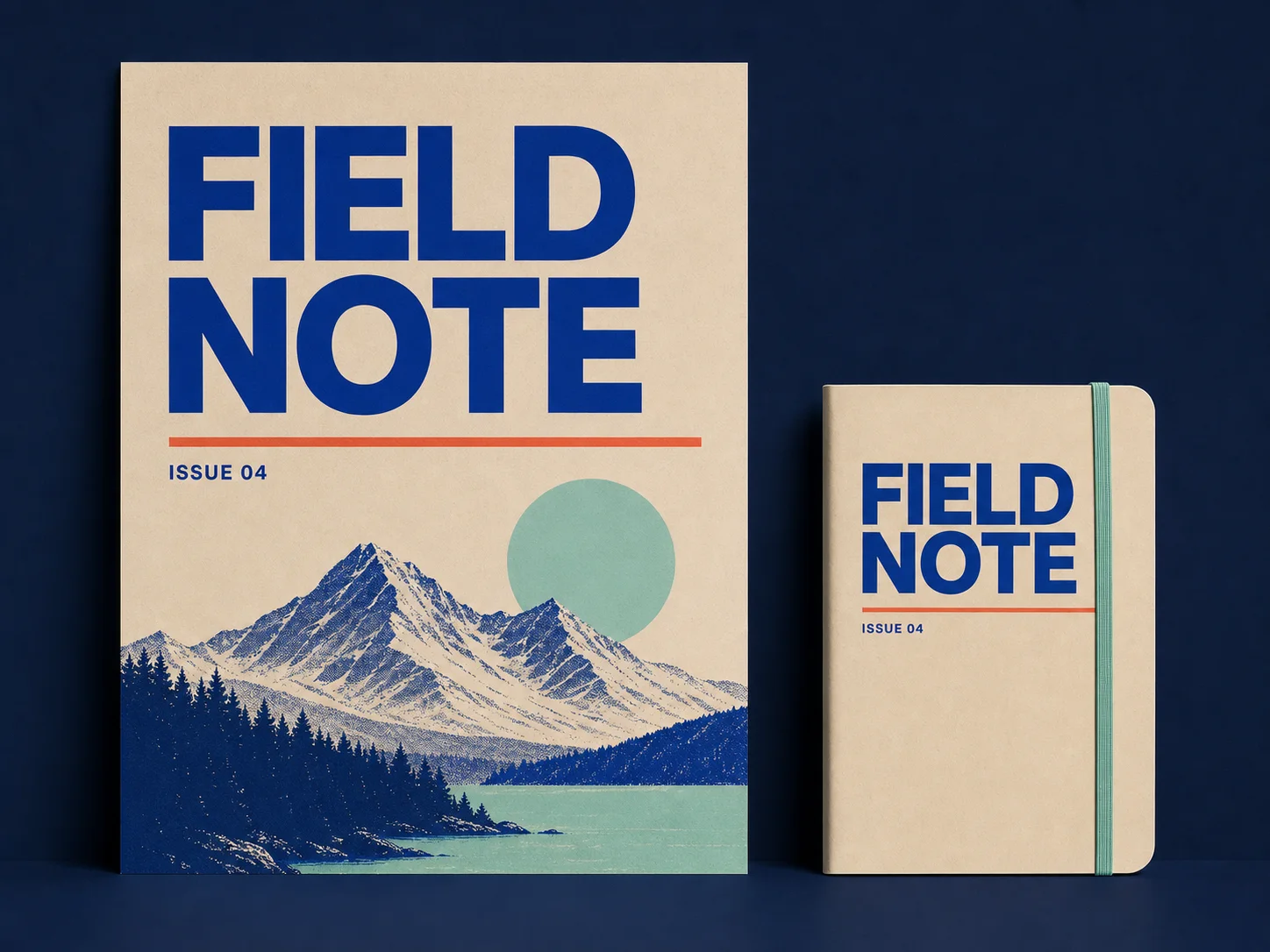
Render Typography for Production Graphics
Include exact short copy inside posters, packaging, infographics, or interface concepts. Describe the words, type style, hierarchy, and placement; FLUX.2 improves text rendering, although every final spelling and alignment still needs review.
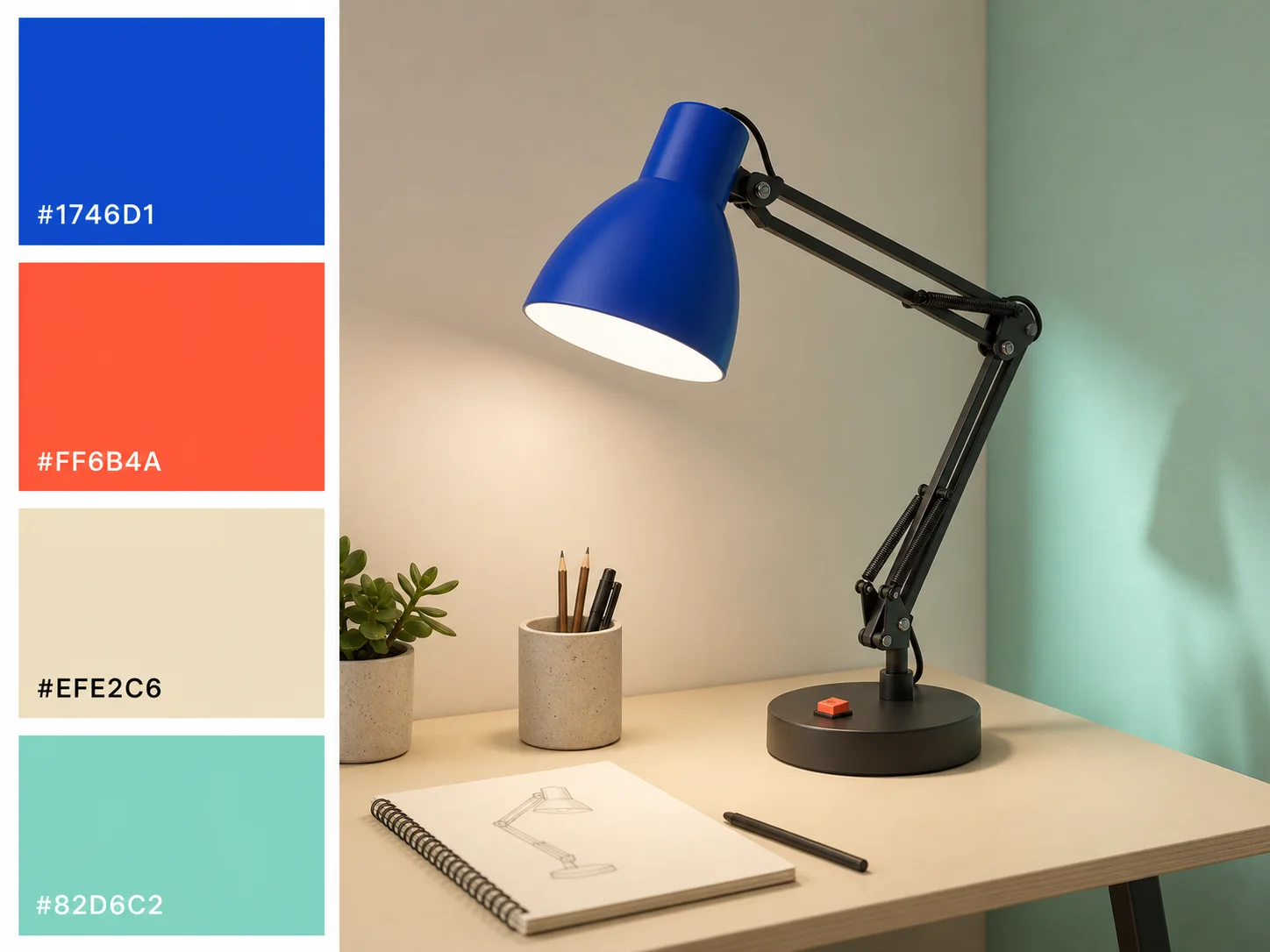
Follow Structured, Multi-Element Prompts
Define subject, camera, composition, lighting, materials, palette, copy, and spatial relationships in a structured brief. FLUX.2 Pro is built to retain more of that connected direction across complex production scenes.
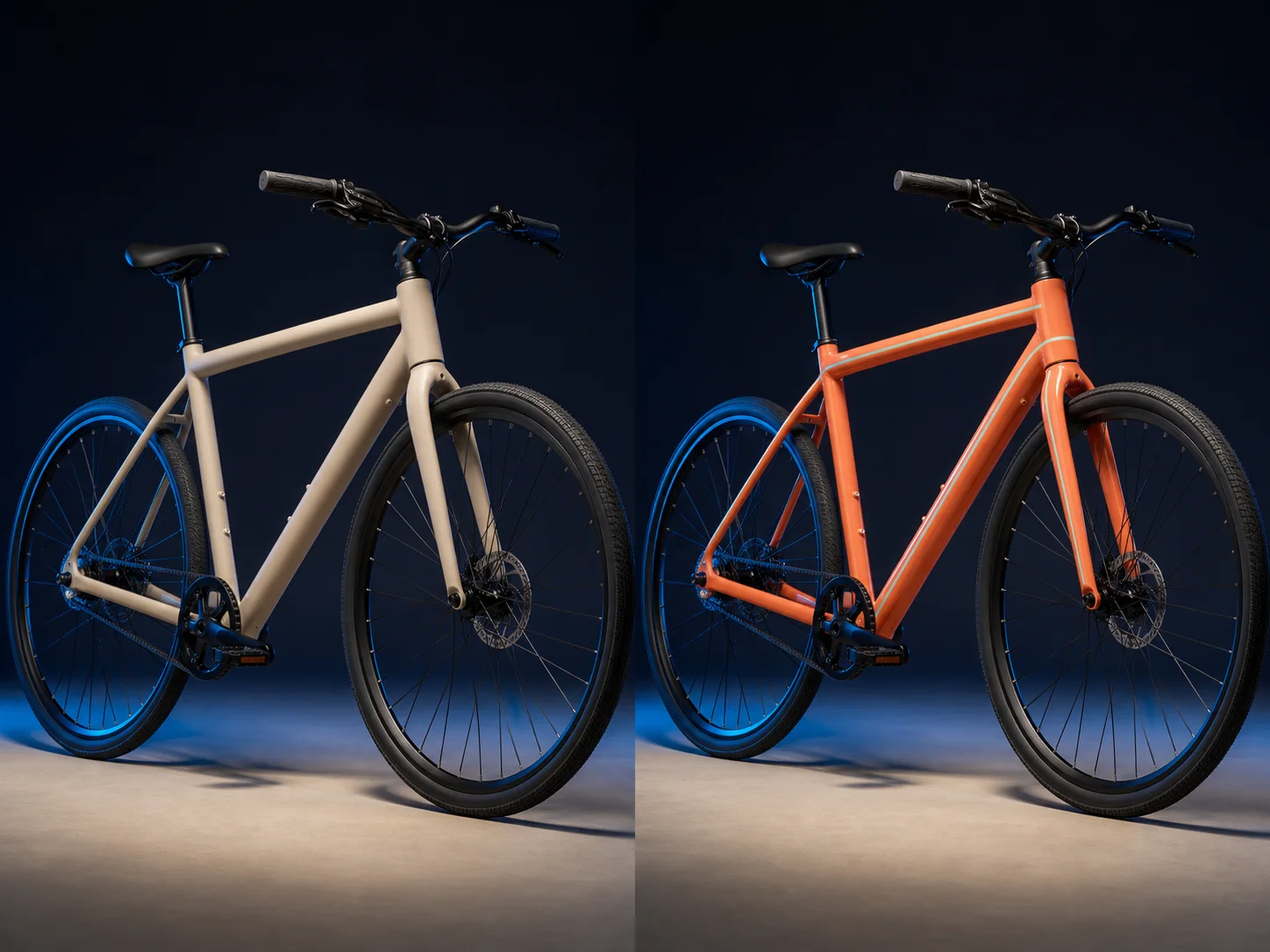
Preserve Context during Natural-Language Edits
Request a focused material, object, color, background, or lighting change while naming everything that must remain stable. Explicit preservation rules help protect composition, product geometry, character identity, and surrounding scene context.

Ground Lighting and Objects in the Real World
Describe reflections, contact shadows, surface behavior, object placement, and practical light sources. FLUX.2 uses stronger world knowledge and spatial logic so physical relationships feel more believable in product, interior, and lifestyle imagery.
What Is Flux 2 Pro Built For?
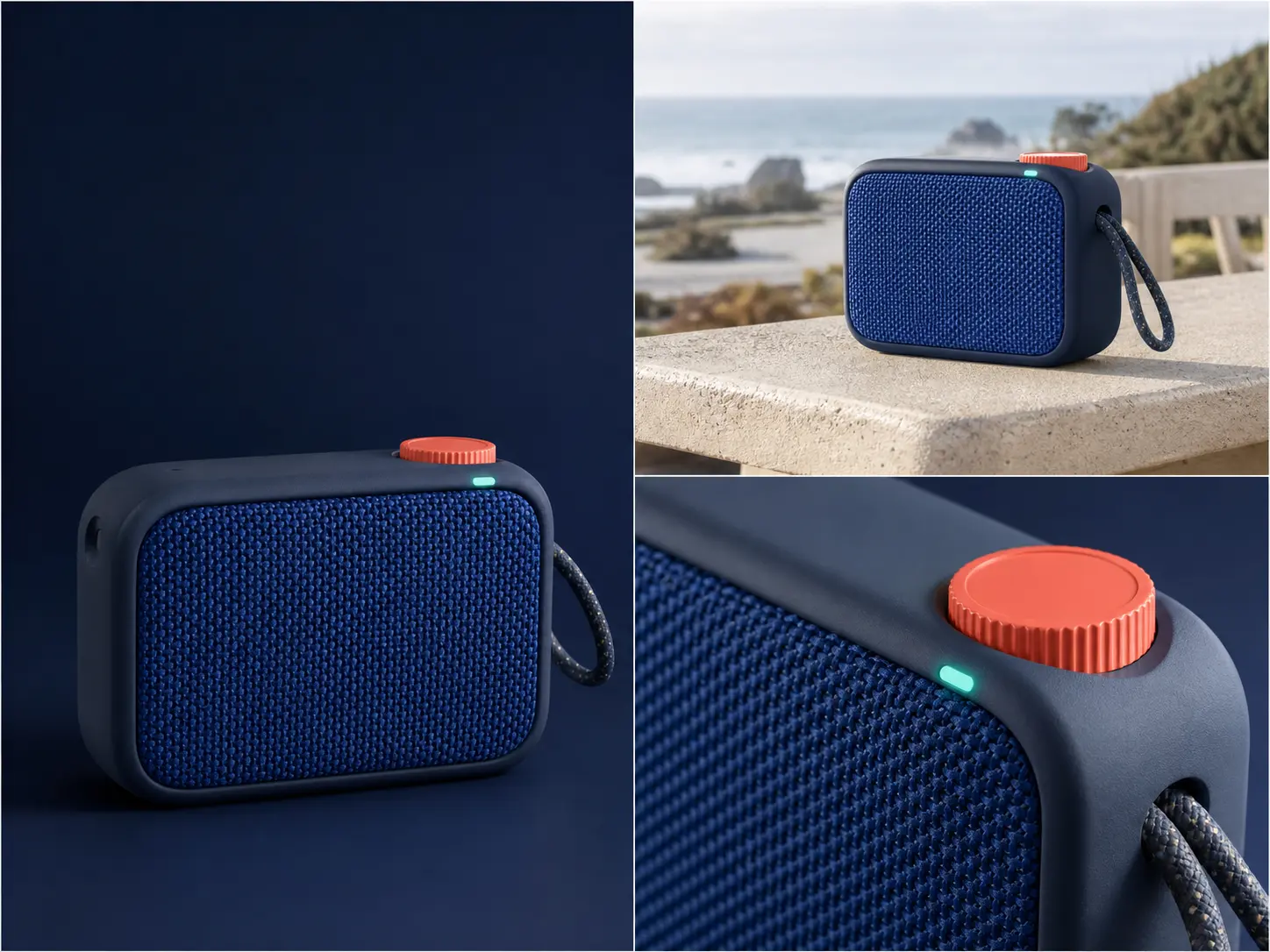
E-commerce and product marketing. Create product hero images, packaging concepts, lifestyle placements, and campaign variants with consistent geometry, materials, colors, and lighting.
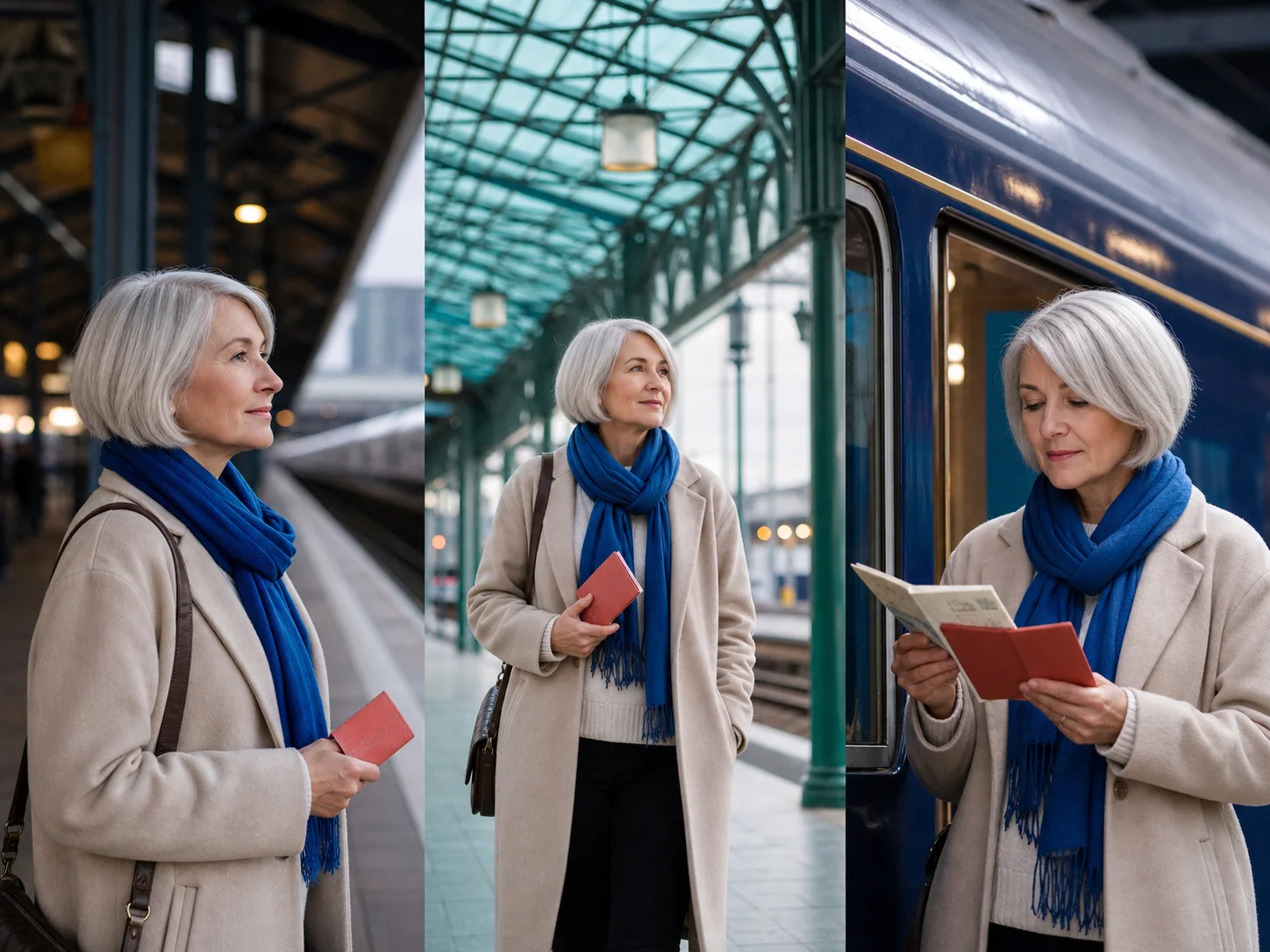
Advertising and branded content. Build campaign imagery, posters, social graphics, and editorial concepts where reference continuity, short text, and exact color direction matter.
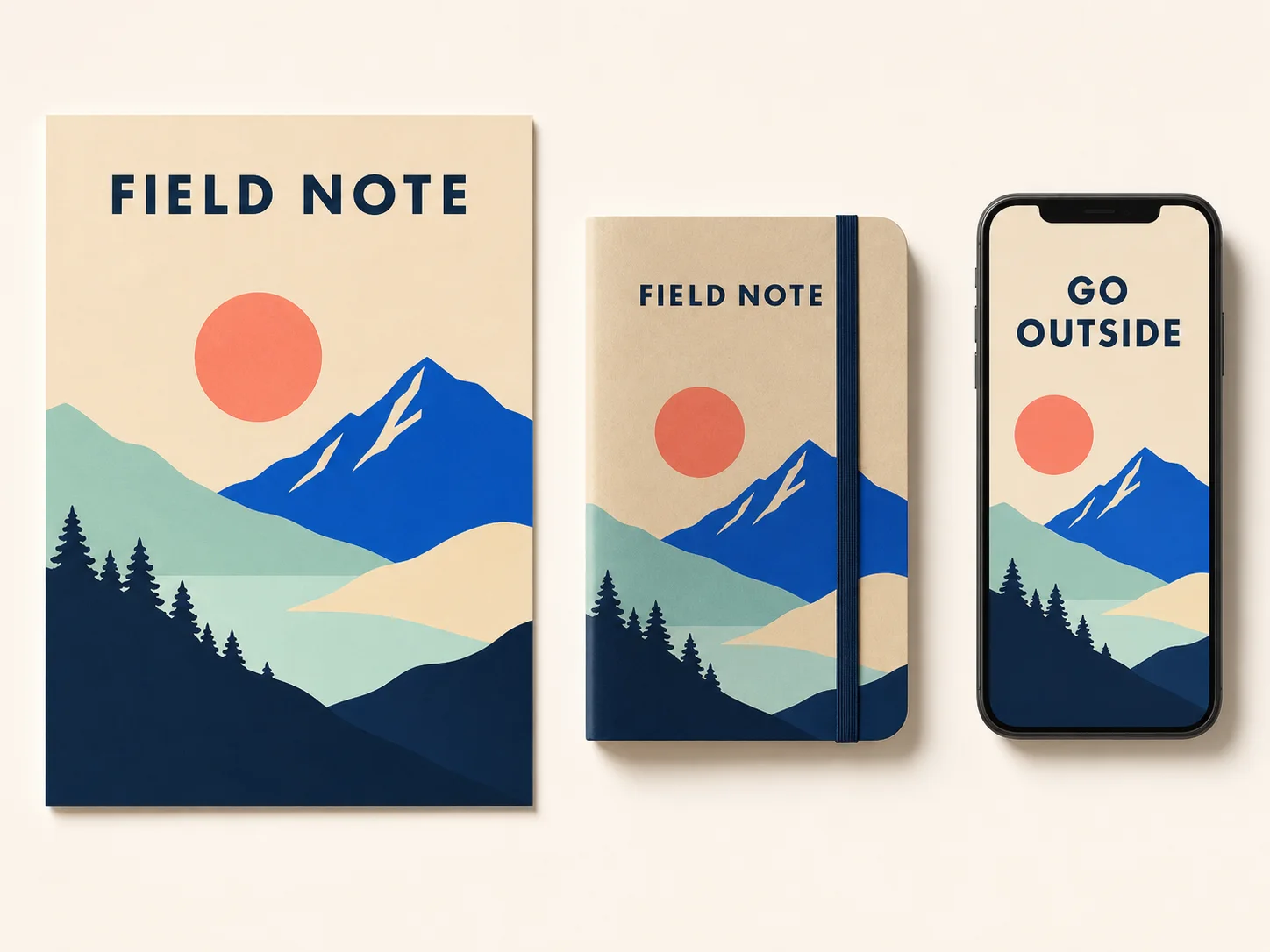
Design and previsualization. Explore interiors, interface mockups, infographics, storyboards, and production concepts from detailed briefs before committing to physical production.
How to Use Flux 2 Pro on Nuzza AI For Free
Try Flux 2 Pro for Free NowChoose Generation or Editing
Start from a prompt for a new image, or upload references when the result depends on an existing product, character, scene, or style.
Write a Role-Based Brief
Describe subject, camera, composition, light, materials, exact colors, and copy; explain each reference's role and every detail to preserve.
Set the Canvas and Inspect
Choose a preset or supported custom size, generate, then review typography, geometry, identity, edges, reflections, and fine materials at full size.
Flux 2 Pro vs. Flux.2 Max vs. GPT Image 2
| Feature / Model | Flux 2 Pro | Flux.2 Max | GPT Image 2 |
|---|---|---|---|
| Best Fit | Product campaigns, photorealistic scenes, typography, and structured commercial briefs. | Maximum-quality product, character, spatial, and retexturing workflows. | Text-aware graphics, detailed briefs, targeted edits, and quality selection. |
| Model Emphasis | Production quality, multi-reference control, spatial logic, and exact colors. | Stronger prompt following, editing consistency, style fidelity, and world knowledge. | Flexible instruction following across generation, editing, and inpainting. |
| Reference Inputs | Nuzza editing accepts one to sixteen staged source images. | Nuzza editing accepts one to sixteen staged source images. | Nuzza editing accepts one to sixteen staged source images. |
| Output Controls | Presets or custom sizes up to four megapixels. | Presets or custom sizes up to four megapixels. | Flexible sizes, selectable quality, and one to four results. |
| Image Editing | Natural-language edits can preserve context, geometry, and visual identity. | Highest FLUX.2 consistency for preservation-sensitive transformations. | Reference editing and mask-led inpainting use dedicated operations. |
FAQs about Flux 2 Pro
What is Flux 2 Pro?
Flux 2 Pro is Black Forest Labs' production-grade model in the FLUX.2 family. It supports image generation and natural-language editing. The official capability set includes up to 4MP output, multi-reference control, improved typography, structured prompt following, and real-world spatial logic. It is designed for repeatable commercial workflows. Flux 2 Pro is available on Nuzza for generation and editing.
What can Flux 2 Pro create?
Flux 2 Pro can create photorealistic product imagery, campaigns, editorial scenes, packaging concepts, posters, infographics, interface concepts, and controlled image edits. It is especially useful when several visual requirements must remain connected.
How many reference images can I use with Flux 2 Pro?
The official API limit varies with input and output resolution. Nuzza's current edit workflow stages one to sixteen source images, but the model's combined pixel budget may reduce the practical count for large references.
Can Flux 2 Pro render text inside images?
Yes. FLUX.2 improves typography for posters, packaging, infographics, and interface concepts. Keep copy concise, quote it exactly, define the hierarchy, and review spelling and alignment before publishing.
What resolution does Flux 2 Pro support?
Black Forest Labs documents output up to four megapixels. Nuzza provides presets and supported custom dimensions within its current generation and editing controls.
Can Flux 2 Pro use exact brand colors?
FLUX.2 prompting guidance supports HEX color direction. State the color code, the object it applies to, and the lighting context, then inspect the exported pixels before approving brand-critical work.
How should I prompt Flux 2 Pro with several references?
Give each image a clear role such as identity, product geometry, pose, palette, environment, or style. Then describe how those roles combine and list every detail that must remain unchanged.
Can I use Flux 2 Pro for free on Nuzza?
Yes. Nuzza offers free Credits for new users to try Flux 2 Pro. Once your free Credits are used up, you will need to subscribe to a paid plan to continue.
Create Production-Grade Images with Flux 2 Pro
Build photorealistic campaigns, consistent product imagery, text-aware graphics, and controlled edits with Flux 2 Pro on Nuzza.
Try Flux 2 Pro