
Flux Dev
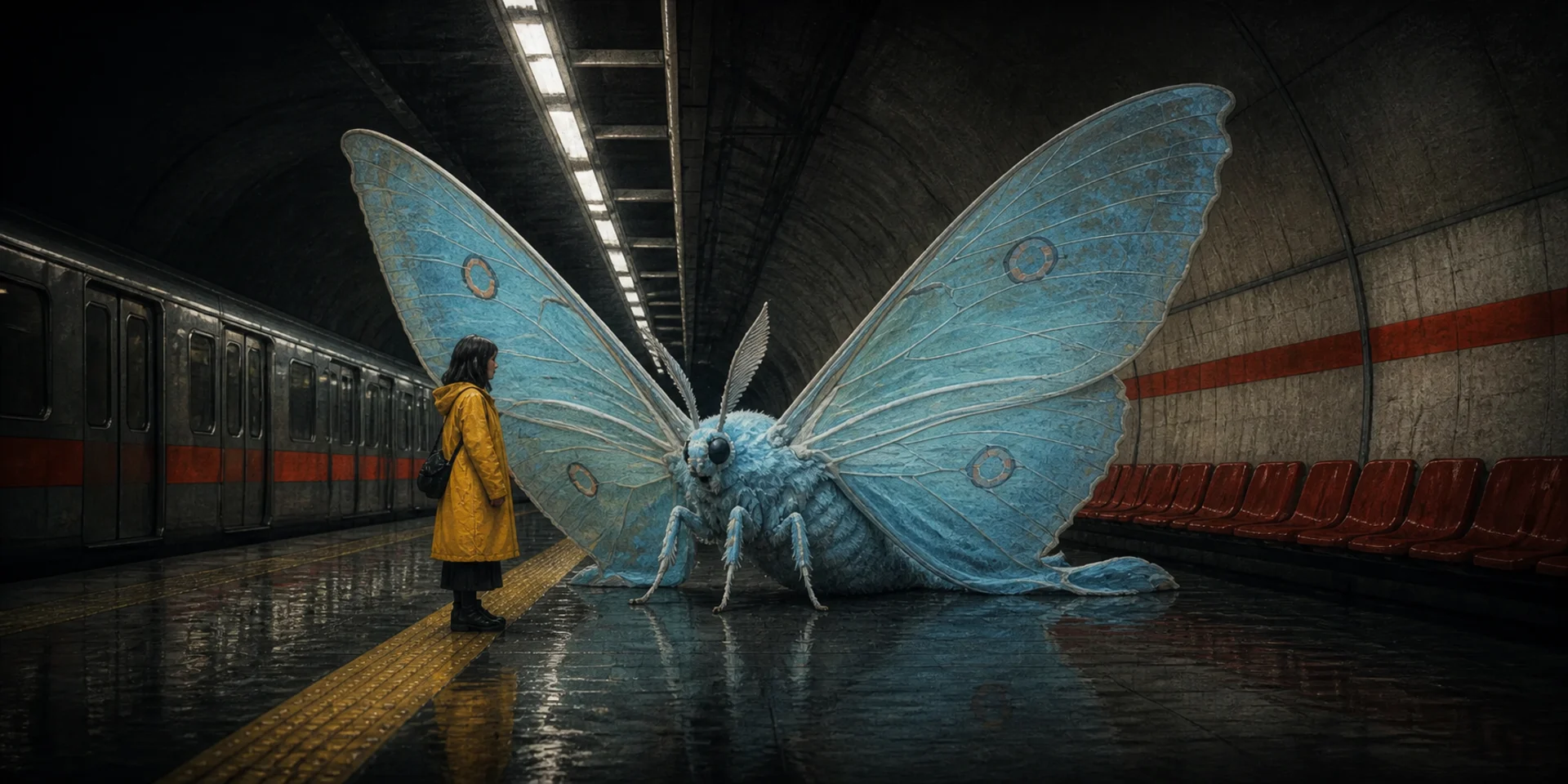
FLUX.1 [dev] is Black Forest Labs' 12-billion-parameter, open-weight model distilled from FLUX.1 [pro]. It is known for image detail, prompt adherence, style diversity, and complex scenes, while Nuzza adds a straightforward generation path and one-source image editing workflow.
Why Creators Choose Flux Dev?
Follow Detailed Creative Prompts
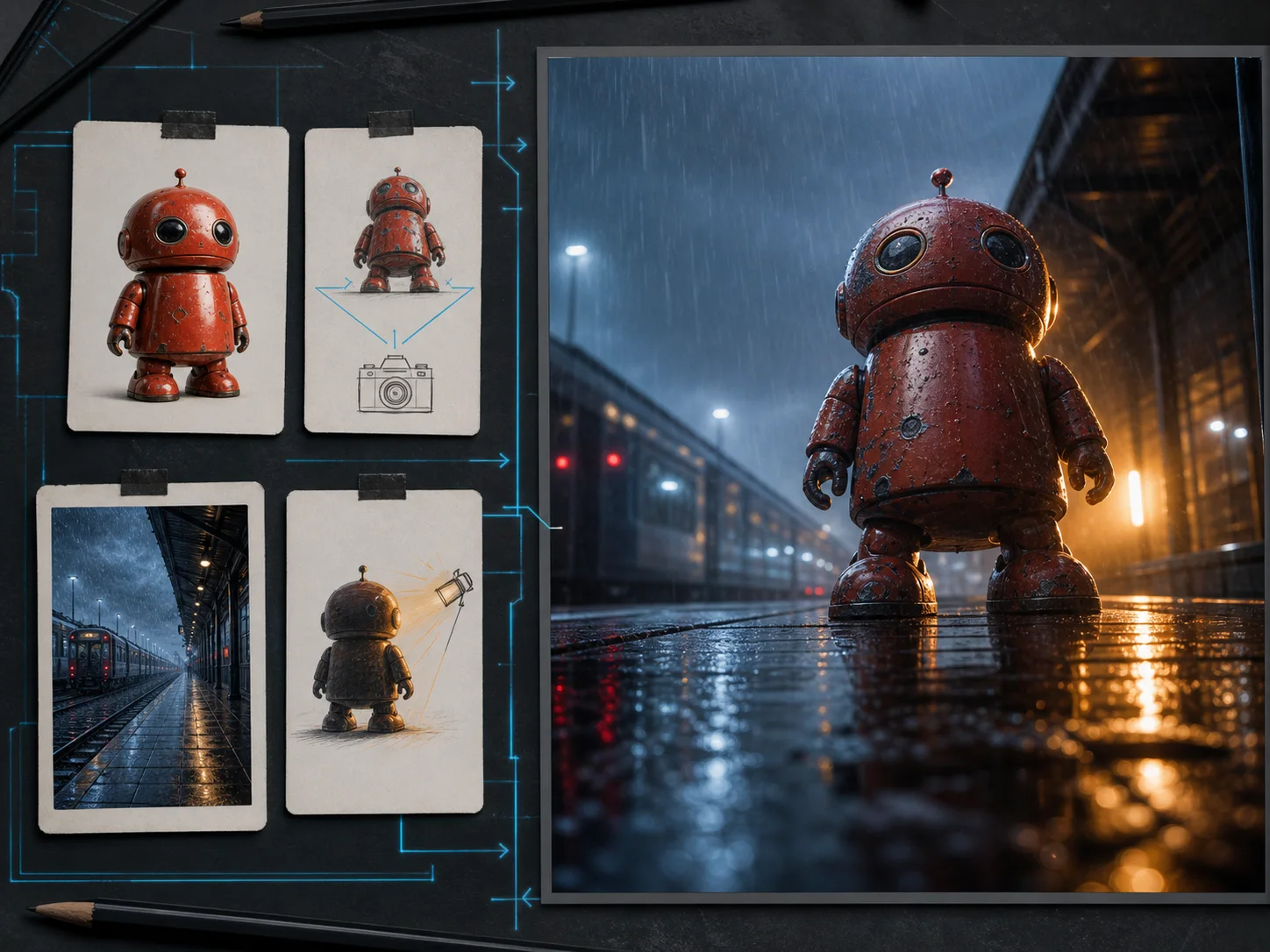
Describe the subject, action, setting, viewpoint, lighting, palette, materials, and atmosphere in a clear hierarchy. Flux Dev is designed for strong prompt adherence, making it useful when a visual concept depends on several connected instructions.
Resolve Complex, Multi-Element Scenes
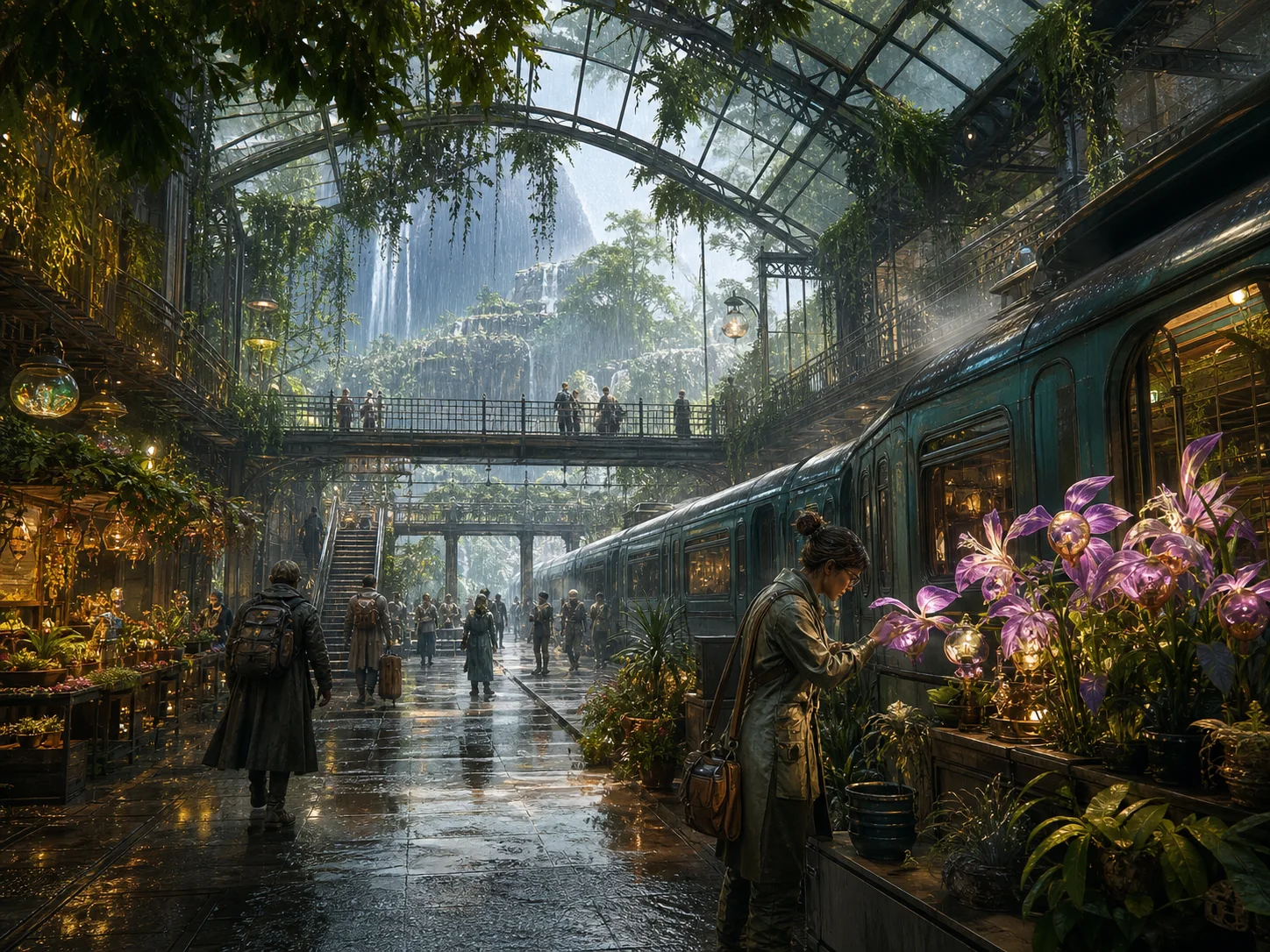
Build environments with several people, objects, architectural layers, natural elements, and depth cues. FLUX.1's official release highlights scene complexity alongside detail and prompt following as a central strength of the model family.
Explore Diverse Artistic Styles
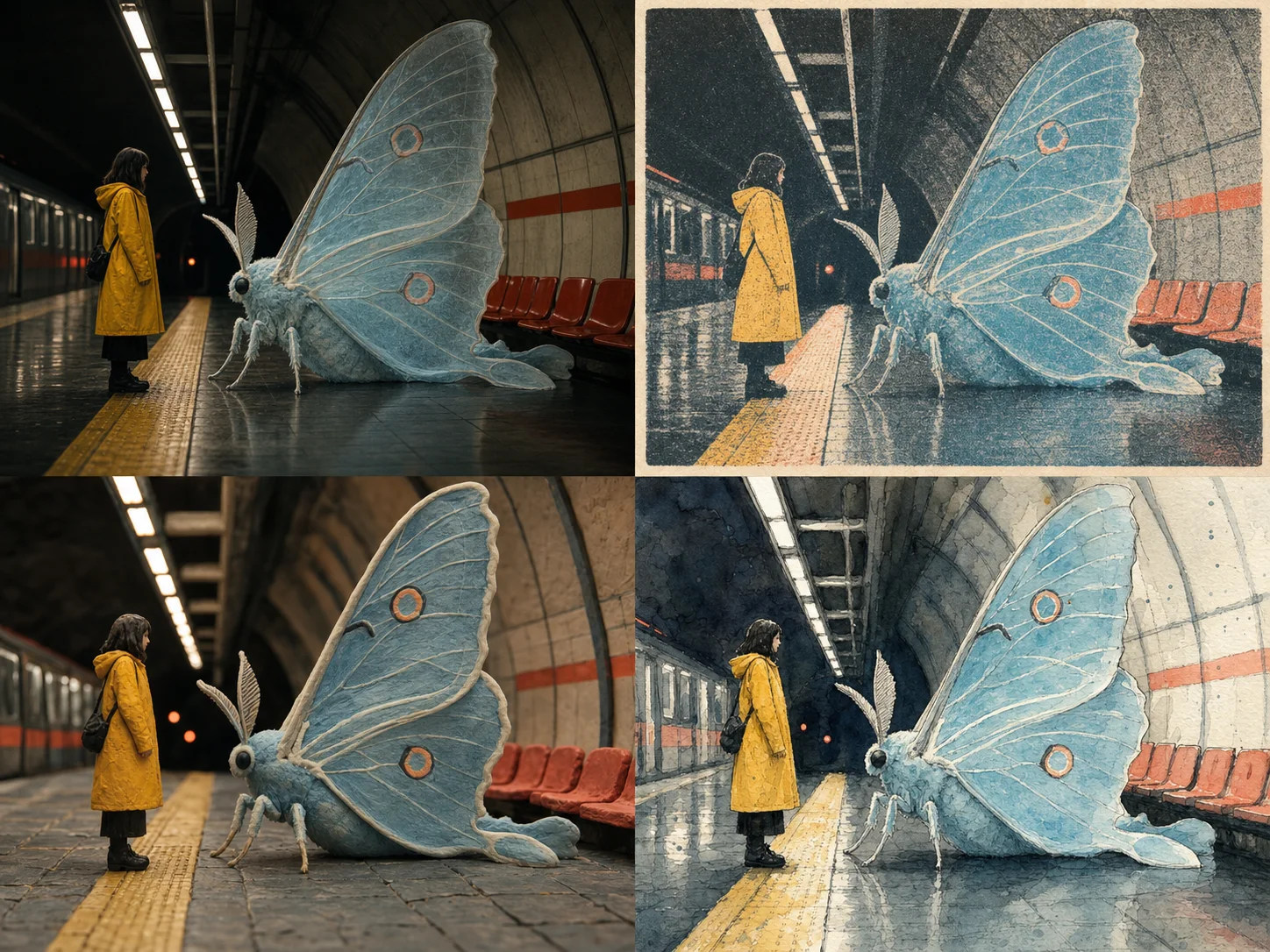
Keep the same subject and composition while testing photography, editorial illustration, concept art, surrealism, or painterly treatments. Flux Dev's broad style range makes it a practical model for early visual development and controlled creative exploration.
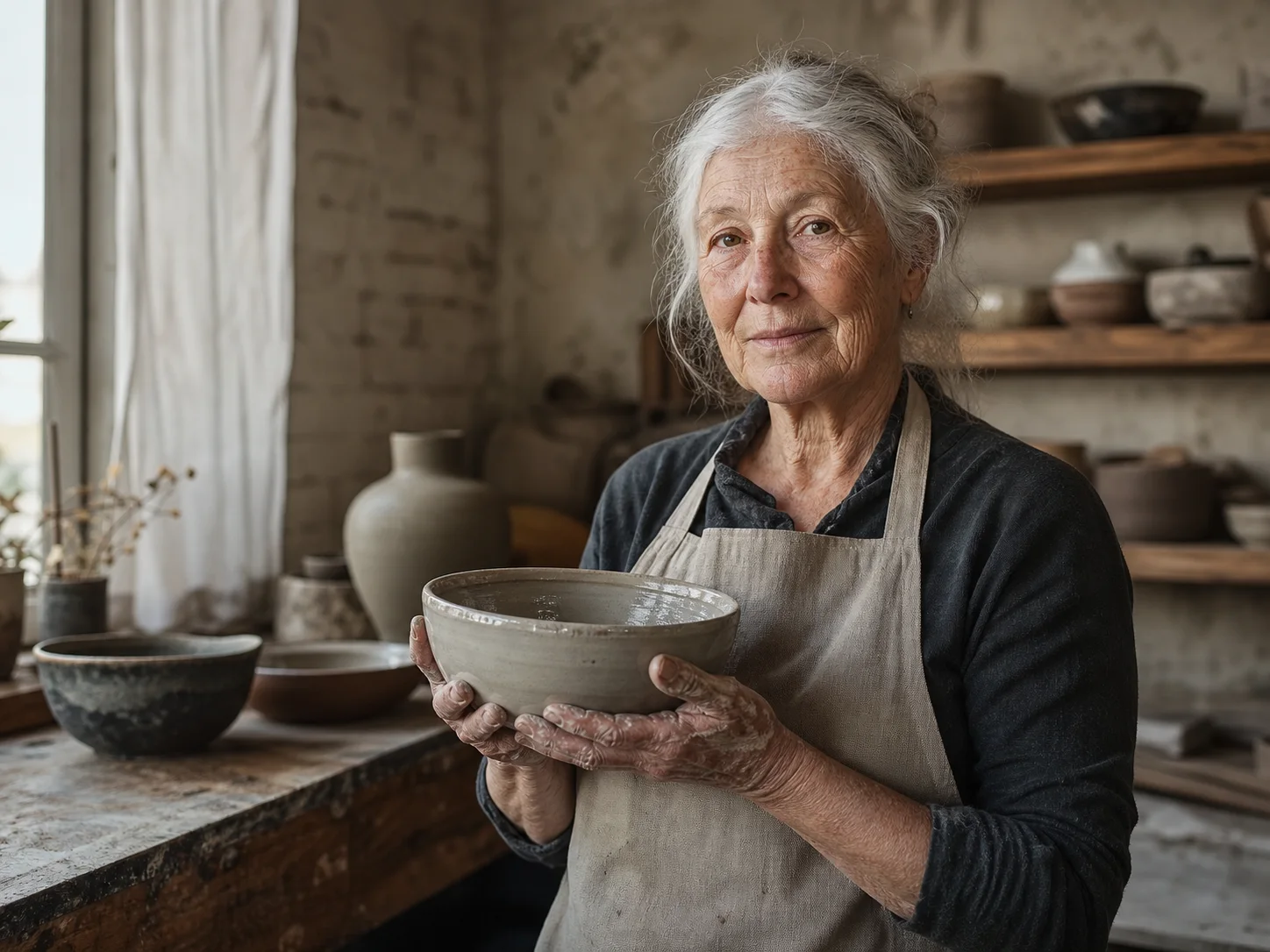
Render Natural Light and Fine Detail
Specify window light, shadow softness, surface wear, skin texture, fabric, clay, wood, glass, or metal. Concrete physical cues help Flux Dev produce more grounded portraits, objects, interiors, and editorial scenes.
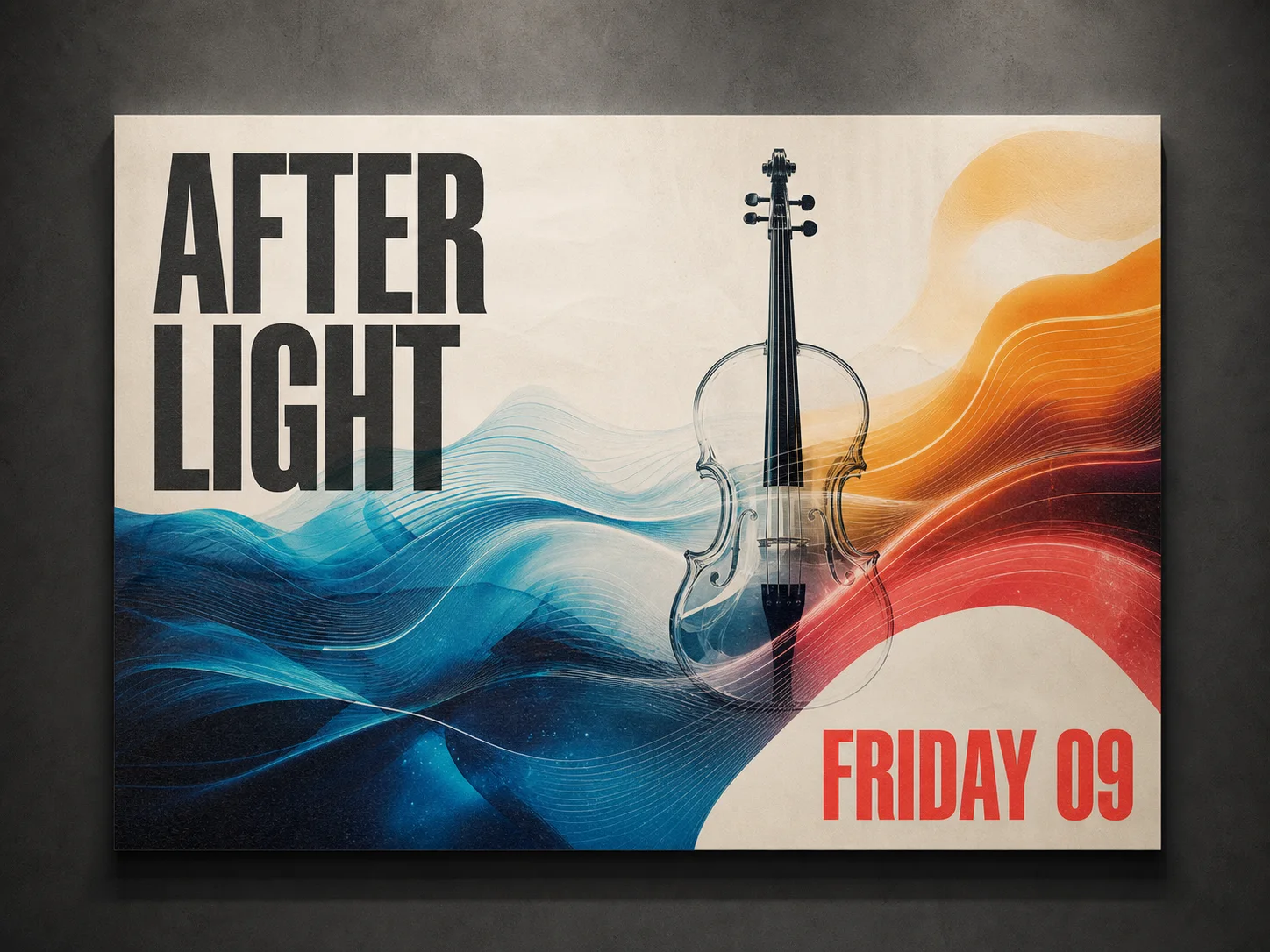
Create Poster Concepts with Short Copy
Place concise wording inside a poster, cover, sign, or social graphic and describe its placement and type treatment. Flux Dev can explore text-aware design ideas, but exact spelling and alignment must be checked before publication.
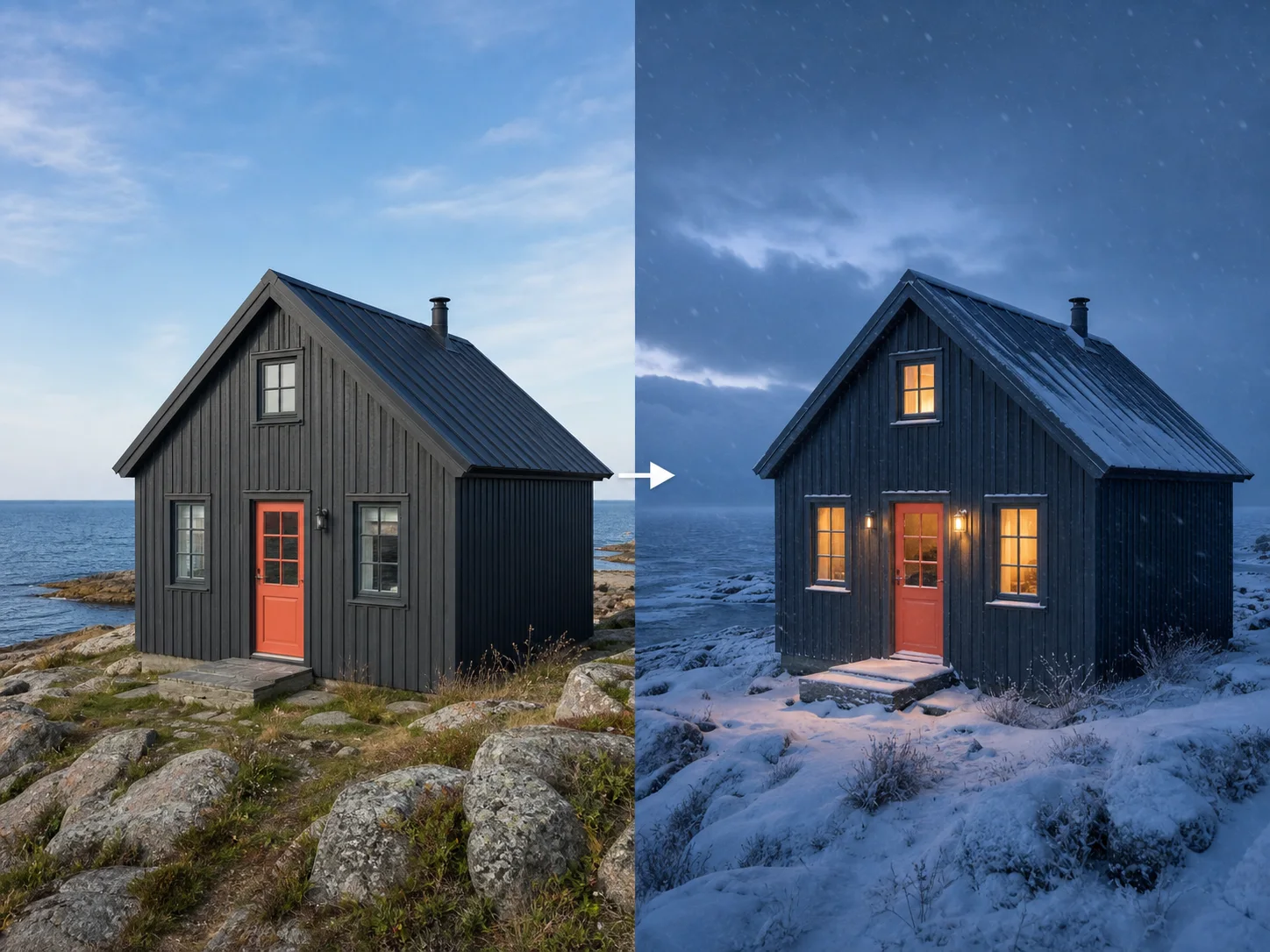
Transform One Source Image by Prompt
Upload one image and describe the new style, material, environment, lighting, or object treatment. State what should change and what must remain fixed so the transformation has a clear preservation boundary.
What Is Flux Dev Built For?
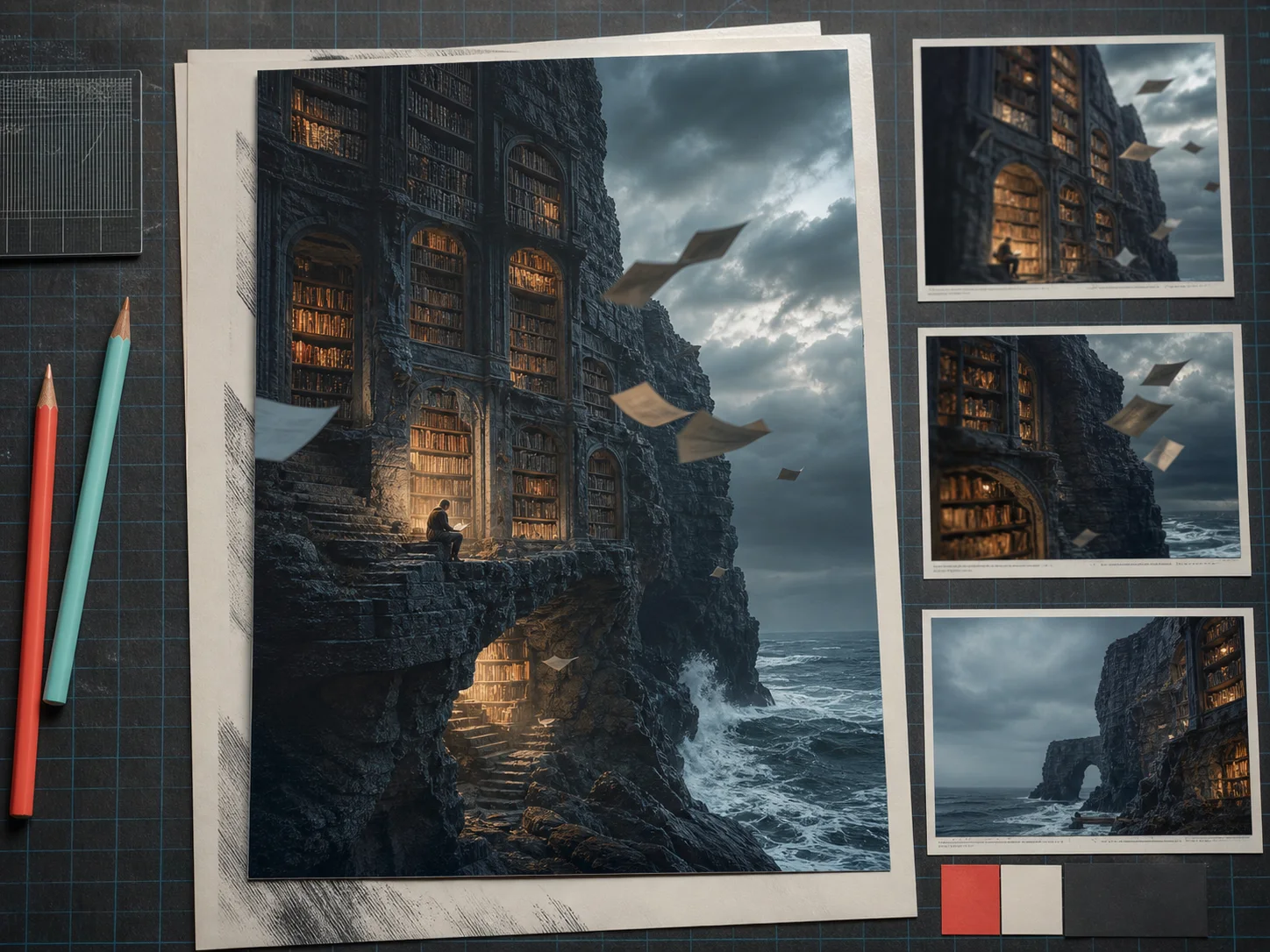
Concept art and worldbuilding. Develop environments, characters, props, cinematic moments, and mood-rich scenes from layered prompts before committing to production design.
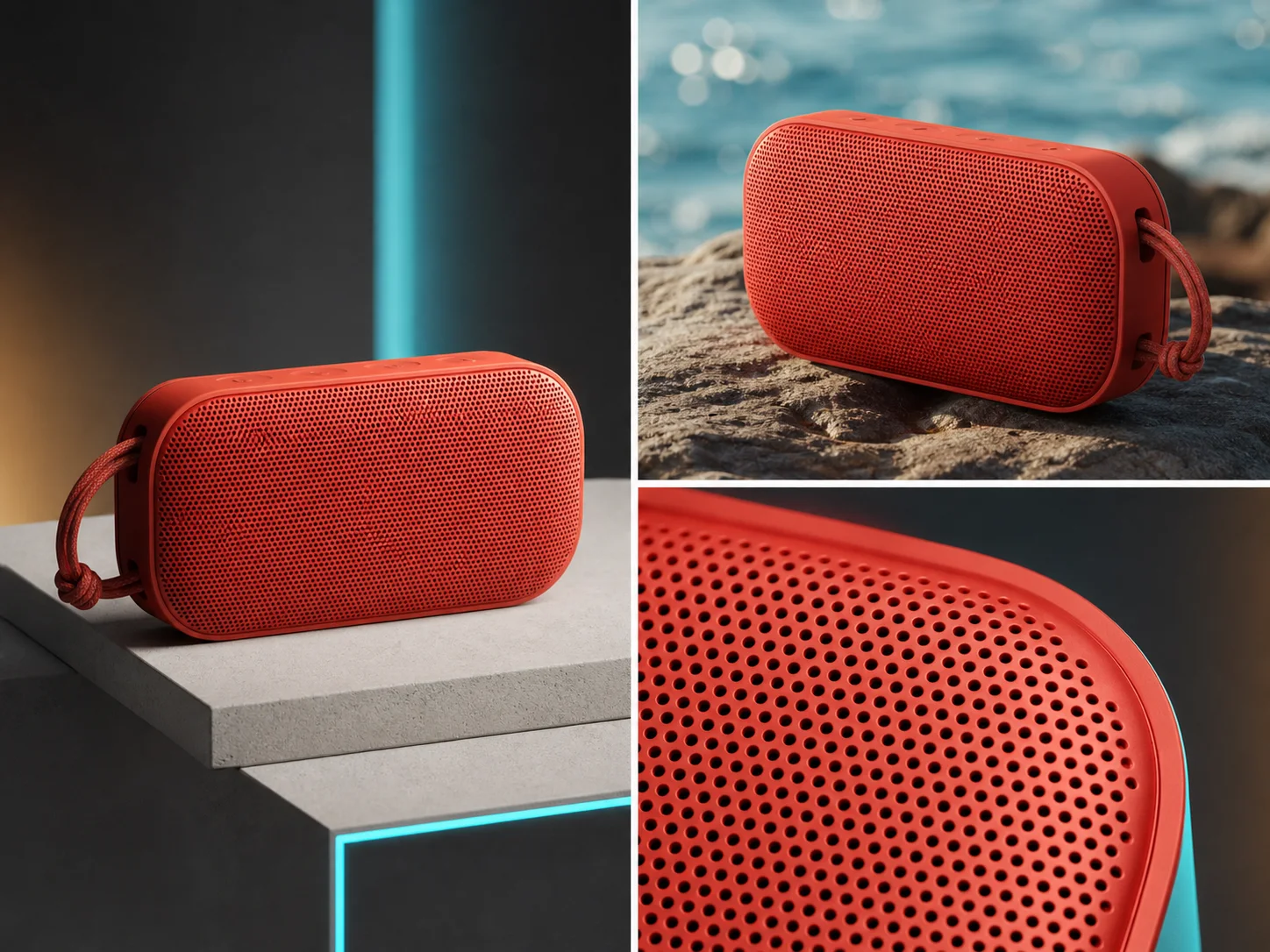
Product and campaign exploration. Test original products, materials, backgrounds, camera angles, and campaign treatments across several visual styles and compositions.
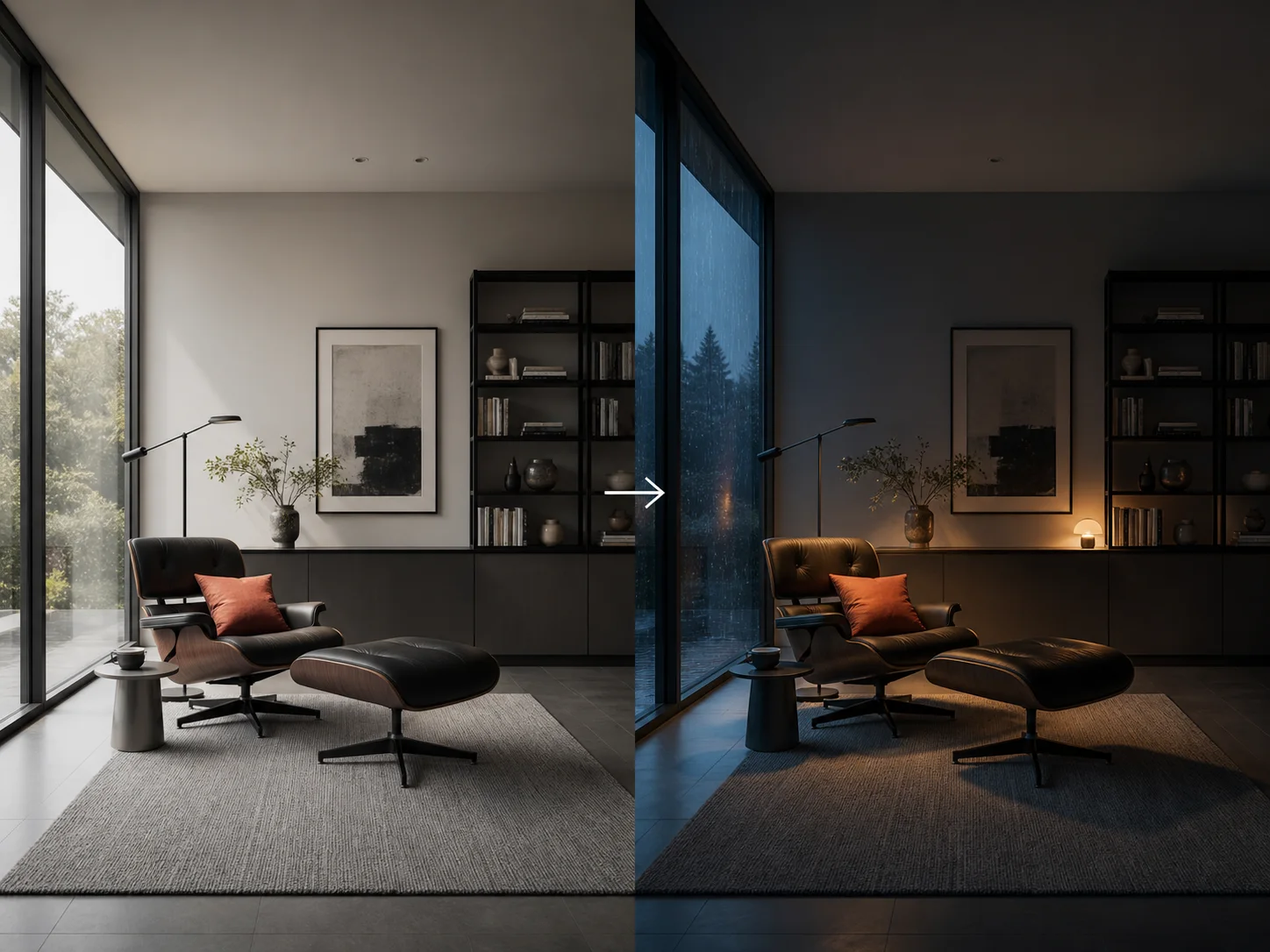
Source-led creative transformation. Restyle or re-atmosphere one source image through a written direction while explicitly preserving its subject, geometry, or composition.
How to Use Flux Dev on Nuzza AI For Free
Try Flux Dev for Free NowChoose Generation or Editing
Begin with a prompt for a new image, or upload one source image when the result should preserve an existing subject or layout.
Write a Specific Visual Brief
Describe subject, setting, composition, light, palette, materials, style, and exclusions; for edits, separate changes from preserved details.
Choose the Canvas and Review
Select a supported canvas, generate up to four results, and inspect anatomy, geometry, text, edges, lighting, and fine detail.
Flux Dev vs. Flux 2 Pro vs. Qwen Image 2
| Feature / Model | Flux Dev | Flux 2 Pro | Qwen Image 2 |
|---|---|---|---|
| Best Fit | Concept art, style exploration, complex scenes, and source transformations. | Commercial campaigns, product imagery, typography, and structured production briefs. | Posters, infographics, realistic scenes, and bilingual typography concepts. |
| Model Emphasis | Image detail, prompt adherence, style diversity, and scene complexity. | 4MP quality, multi-reference control, exact colors, and spatial logic. | Long instructions, professional typography, semantic adherence, and native 2K. |
| Reference Inputs | Nuzza editing accepts exactly one source image. | Nuzza editing accepts one to sixteen staged source images. | No image inputs are exposed in Nuzza's current workflow. |
| Output Controls | Six canvas presets and one to four results. | Presets or custom sizes up to four megapixels. | Six canvas presets and one to four results. |
| Image Editing | One-source transformations use written preservation and change instructions. | Natural-language edits preserve context across demanding commercial scenes. | Officially unified, but not connected to this Nuzza selector. |
FAQs about Flux Dev
What is Flux Dev?
Flux Dev is the public name used for Black Forest Labs' FLUX.1 [dev] model. It has 12 billion parameters. The model was guidance-distilled from FLUX.1 [pro]. Its official strengths include image detail, prompt adherence, style diversity, and complex scenes. Flux Dev is available on Nuzza for image generation and one-source editing.
Is Flux Dev the same as FLUX.2 Dev?
No. This Nuzza page refers to FLUX.1 [dev], the 12-billion-parameter open-weight model released in 2024. FLUX.2 [dev] is a newer and separate model with different capabilities.
What can I create with Flux Dev?
Flux Dev is useful for concept art, editorial imagery, cinematic scenes, characters, product exploration, posters, style studies, and prompt-led transformation of one source image.
Can Flux Dev edit an existing image on Nuzza?
Yes. Nuzza's edit workflow accepts exactly one source image. Describe the intended change and clearly name the identity, layout, geometry, or lighting details that should remain stable.
How many images can Flux Dev generate at once?
Nuzza lets you request one to four results. Use several outputs for controlled style or composition comparison while keeping the core prompt unchanged.
What makes a good Flux Dev prompt?
Lead with the main subject, then describe action, environment, composition, viewpoint, light, materials, color, style, and exclusions. Structure complex scenes in that order instead of listing disconnected adjectives.
Can Flux Dev render text in posters?
It can create text-aware poster concepts, but typography is not the main official positioning of FLUX.1 [dev]. Keep copy short and inspect every word, letter, and alignment before use.
Can I use Flux Dev for free on Nuzza?
Yes. Nuzza offers free Credits for new users to try Flux Dev. Once your free Credits are used up, you will need to subscribe to a paid plan to continue.
Explore Detailed Image Ideas with Flux Dev
Turn structured prompts or one source image into detailed concepts across photography, illustration, poster, and cinematic styles.
Try Flux Dev