Your photo. Your dunk.
Middle Finger Dunk AI Video Generator
Middle Finger Dunk AI Video Generator lets you create your version of this template. Make your Middle Finger Dunk AI video from a photo. Cross over, rise above the defender and make the midair gesture in a 10-second clip.
Watch the original performance.
Action reference: the crossover, dunk and midair gesture. Upload your photos to make your own version.
How to make a Middle Finger Dunk AI video
Add your photos.
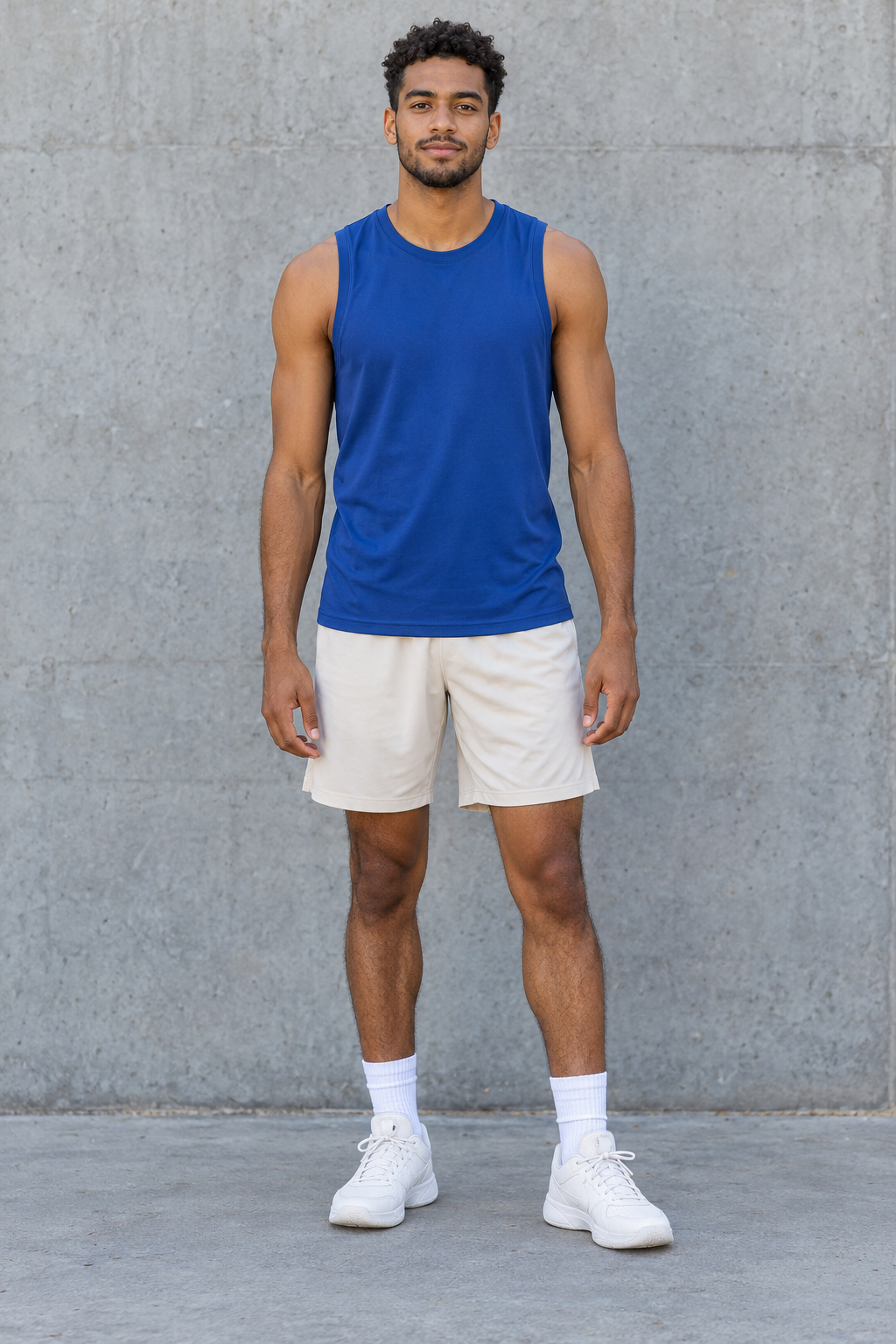
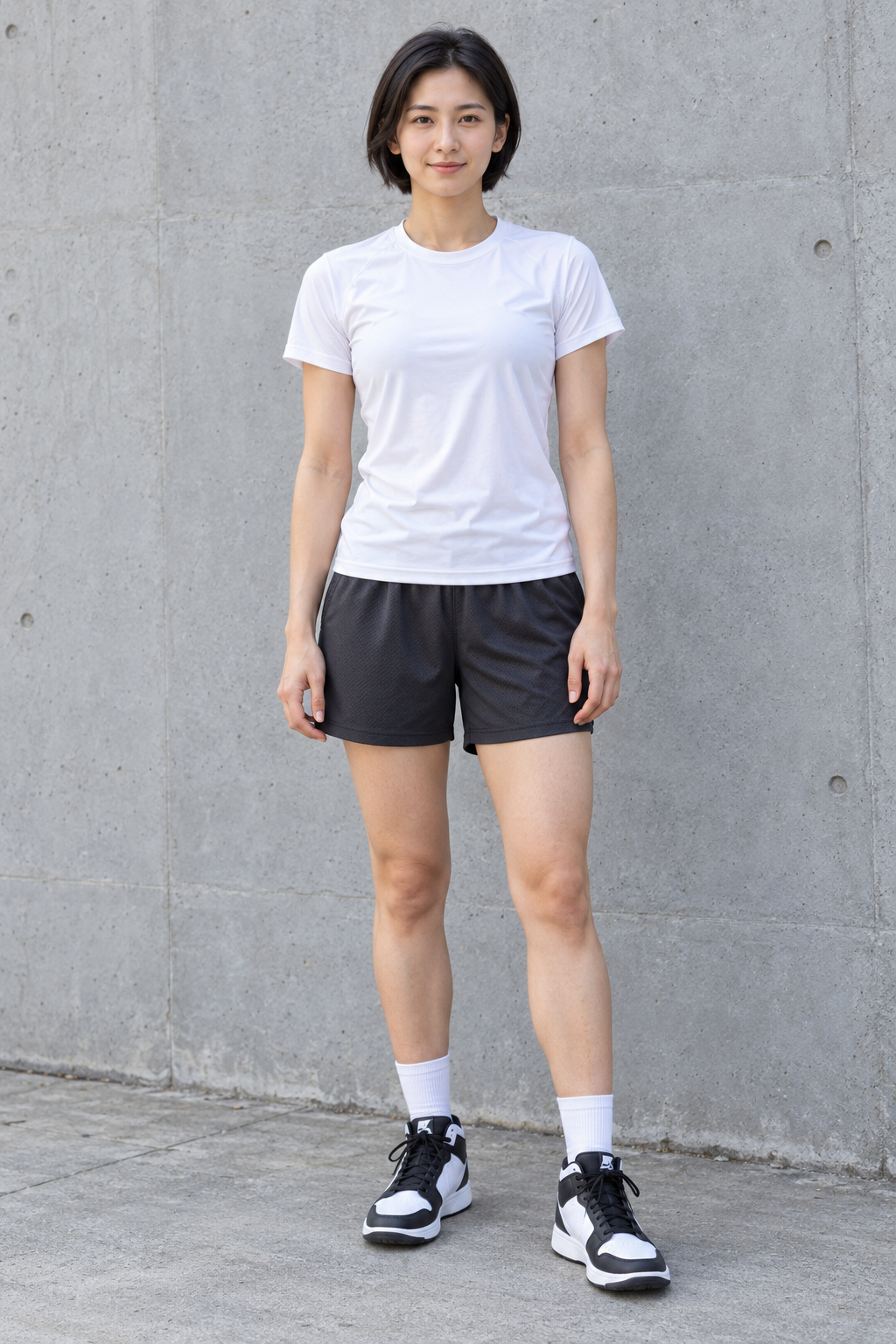
Upload the photos requested by this template. Follow the labels and fill every required slot.
Choose your settings.
Choose from the available video options and review the credits before generating.
Generate and download.
Generate your video, watch the result and download the MP4. Find it again in your library.
Your dunk. Your opponent.
Middle Finger Dunk AI Video Generator creates this effect from your input images. Your first photo casts the dunker; the optional second photo casts the defender. Follow one complete night-court play, from the crossover and airborne gesture to the basket and camera-facing celebration.
Seedance 2 creates a 10-second vertical video. Choose Standard 480p or HD 720p, with the template sound or a silent MP4. AI faces, hands and fast motion can vary.
Middle Finger Dunk AI Video Generator FAQs
What is the Middle Finger Dunk trend?
Your first photo casts the dunker; the optional second photo casts the defender. Follow one complete night-court play, from the crossover and airborne gesture to the basket and camera-facing celebration.
What is the Middle Finger Dunk AI Video Generator?
The Middle Finger Dunk AI Video Generator helps you create this video effect with prepared scene and motion instructions. Explore this and other photo-to-video templates on Nuzza AI.
What is the best Middle Finger Dunk AI Video Generator?
Different tools suit different workflows. Nuzza AI offers a prepared Middle Finger Dunk template with a reference video and labeled inputs, so you can choose the available settings and make your own version.
How does Nuzza AI’s Middle Finger Dunk video generator work?
Add the requested inputs, choose your video settings and generate. Watch the result when it is ready, then download the video from your account.
What inputs can I use with Nuzza AI’s Middle Finger Dunk generator?
Follow the labeled image slots and add every required image. Use clear photos of the subjects you want in the video.
Can I customize my Middle Finger Dunk video on Nuzza AI?
Choose from the available video settings in the creation panel. Your input images provide the subjects, and the prepared template guides the effect. Extra options appear when the template supports them.
Is Nuzza AI’s Middle Finger Dunk video generator free?
Yes. New users receive free credits when they sign up for Nuzza AI, and these credits can be used toward Middle Finger Dunk video generation. Each video requires credits based on the selected settings. If you need more credits to cover a generation, check the available plans.
How long does Nuzza AI take to create a Middle Finger Dunk video?
Generation time depends on your settings and current processing demand. Follow the task status on the page, and return to your library to find the completed result.
Will my Middle Finger Dunk video preserve the subjects in my photos?
The template aims to preserve recognizable subject details while applying the prepared effect. AI may change fine details during motion, so review the finished video before sharing.
How do I download and share my Middle Finger Dunk video from Nuzza AI?
Open Your result when generation finishes to watch and download the MP4. The video is also available in your account library, and you can upload the downloaded file to your preferred social platform.
Make it your own.
Ready for your Middle Finger Dunk AI video?
Create your own version with Nuzza AI.
Make my Middle Finger Dunk video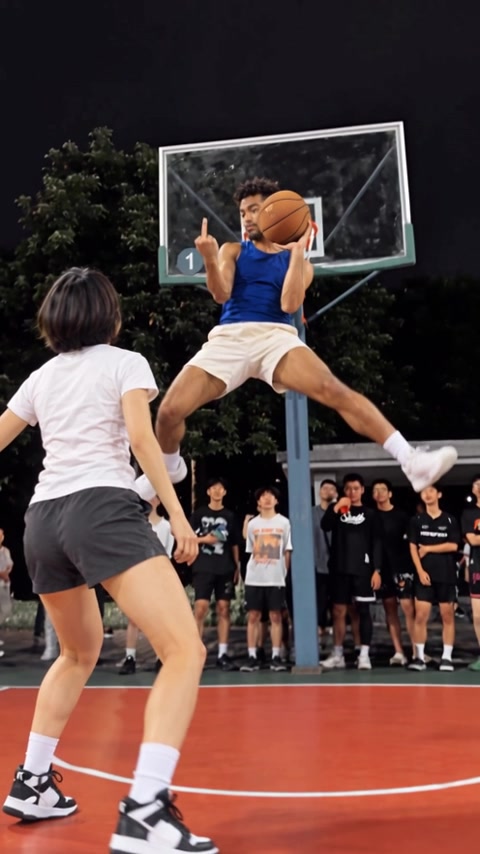
Nuzza AI